Best Laptops for Engineering School
The best laptops for engineering school offer the performance you need for demanding coursework, from CAD modelling to coding and data analysis. Look for a capable processor, ample RAM, and graphics suited to your program’s software requirements, along with battery life and portability for busy days on campus. Explore laptops ranked by user review ratings to find the right fit for your studies and budget.
What to look for in laptops for engineering school
1. Processor and Memory
2. Graphics and Software Compatibility
3. Storage and Connectivity
4. Portability and Battery Life
-
1

LENOVO Thinkpad E16 Gen 2 Business Laptop 16" Ips - Intel Core Ultra 7 155U - 16GB - 512GB SSD - Graphite In Black
About this product
A powerful Lenovo laptop with a 16" IPS display, Intel processor, 16GB RAM, and 512GB SSD.
What customers like
(264)$1,445.00Your price for this item is $1445SAVE $354 -
2
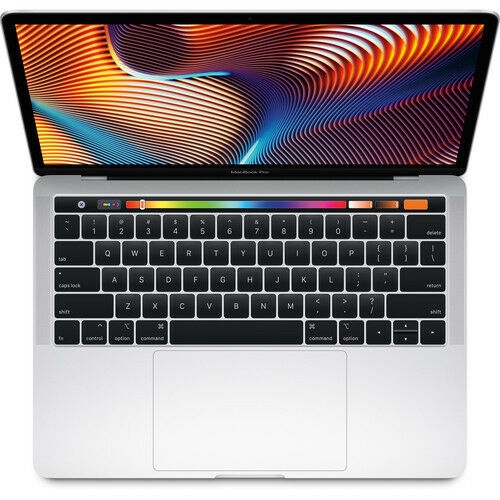
APPLE - Macbook Pro - 13" Display With Touch Bar (2018) - Intel Core I5 - 8GB Memory - 512GB SSD - "open Box" In Silver
About this product
A sleek silver laptop featuring a Retina display, Touch Bar, Intel Core i5, and 512GB SSD.
What customers like
(105)$1,499.99Your price for this item is $1499.99SAVE $1299 -
3
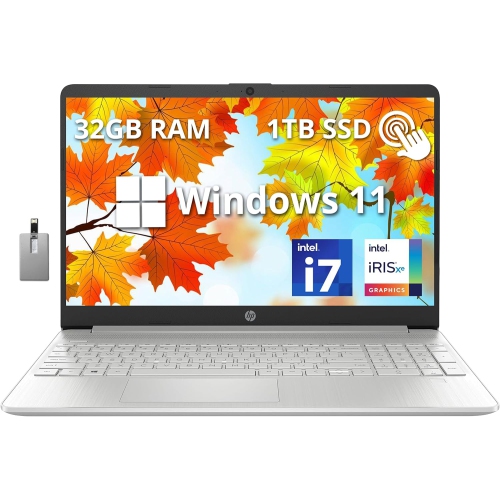
HP 15.6" Fhd Touchscreen Laptop - Intel Core I7-1255U - 32GB Ddr4 - 1Tb SSD - Intel Iris Xe - Windows 11 - - 32GB Hotface USB Card In Silver
About this product
A powerful natural silver touchscreen laptop featuring Intel Core i7, 32GB RAM, 1TB SSD, and Windows 11.
What customers like
(0)$1,849.00Your price for this item is $1849SAVE $800 -
4

LENOVO 100E 2Nd Gen 11.6" Chromebook Student - Mediatek Mt8173C 2.1Ghz - 4GB Lpddr3 - 32GB SSD - Chrome Os - In Black
About this product
A durable black Chromebook with 11.6" display, 4GB RAM, and Chrome OS for classroom use.
What customers like
(1,284)$499.99Your price for this item is $499.99SAVE $200 -
5
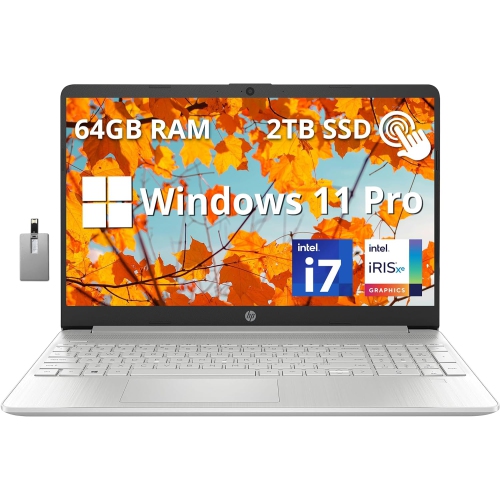
HP 15 15.6" Fhd Touchscreen Laptop - Intel Core I7-1255U - 64GB Ddr4 - 2Tb PCie SSD - Intel Iris Xe - Windows 11 Pro - - 32GB Hotface USB Card
About this product
A sleek silver touchscreen laptop featuring Intel Core i7, 64GB RAM, 2TB SSD, and Windows 11 Pro.
(1)$2,749.00Your price for this item is $2749SAVE $1180 -
6
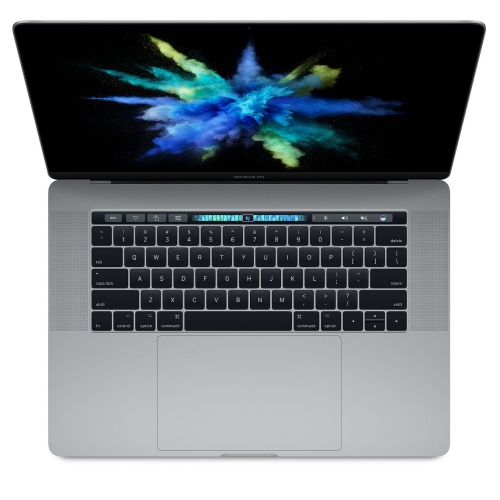
APPLE Refurbished (Good) - Macbook Pro 15.4" With Touch Bar - Intel Core I7 3.1Ghz / Radeon Pro 555 / 16GB Ram / 256GB SSD - 2017
About this product
A refurbished laptop featuring a 15.4" Touch Bar, Intel Core i7, Radeon Pro 555, and 16GB RAM.
What customers like
(1,143)$649.77Your price for this item is $649.77SAVE $349 -
7

APPLE Refurbished (Good) - Macbook Air 13.3" - Space (Intel Core I5 1.6Ghz / 128GB SSD / 8GB Ram) - En (2019 Model) In Grey
About this product
A refurbished grey laptop featuring an Intel Core i5 processor, 128GB SSD, and 8GB RAM.
What customers like
(2,093)$599.77Your price for this item is $599.77SAVE $900 -
8

APPLE Refurbished (Good) - Macbook Pro W/ Touch Bar 16" - Space (Intel Core I7 2.6Ghz/512GB SSD/16GB Ram) - En (2019 Model) In Grey
About this product
A refurbished grey laptop featuring an Intel Core i7 processor, 512GB SSD, 16GB RAM, and Touch Bar.
What customers like
(2,591)$783.85 Your price for this item is $783.85 -
9
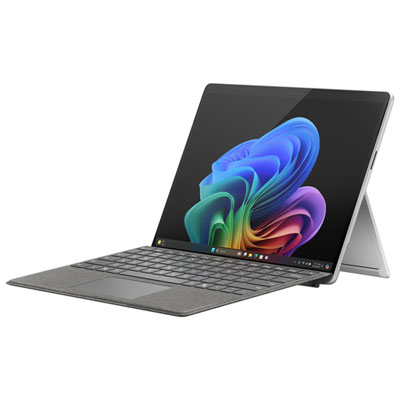
Microsoft Surface Pro (OLED) Copilot+ PC 13" 512GB Tablet with Snapdragon X Elite/16GB RAM (2024) - Platinum - Device Only
About this product
A platinum ultra-portable 13" OLED tablet featuring Snapdragon X Elite, 16GB RAM, and 512GB storage.
(18)$2,599.99 Your price for this item is $2599.99 -
10
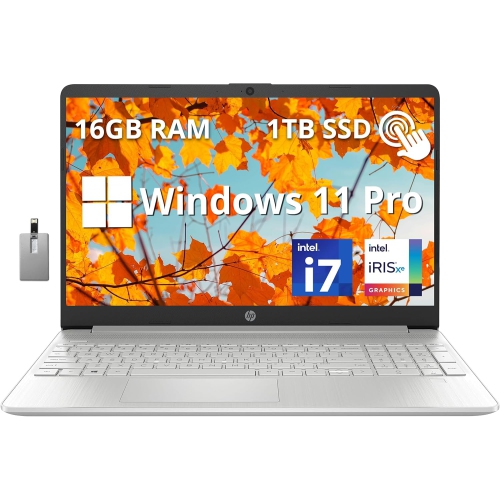
HP 15.6" Fhd Touchscreen Laptop - Intel Core I7-1255U - 16GB Ddr4 - 1Tb PCie SSD - Intel Iris Xe - Windows 11 Pro - - 32GB Hotface USB Card
About this product
A sleek silver laptop with FHD touchscreen, Intel i7, 16GB RAM, 1TB SSD, and numeric keyboard.
What customers like
(0)$1,569.00Your price for this item is $1569SAVE $680
FAQ
Start with your engineering department’s hardware and software requirements. Key features to consider include a multi-core processor, RAM for multitasking, SSD storage, a comfortable keyboard and ports for your course equipment. Some programs also call for a dedicated graphics card.
Windows is commonly required for engineering applications, particularly certain CAD and analysis tools. macOS supports some engineering workflows, while Linux may be used in programming and research courses. Check the requirements for your required applications before choosing, including whether they support ARM-based processors.
Integrated graphics are built into the processor and share system memory, while dedicated graphics use a separate graphics processor with its own memory. Engineering software for 3D modelling, rendering or visualization may specify dedicated graphics. Check the software publisher’s graphics requirements and any driver certification requirements.
RAM holds data that open applications are actively using, while an SSD stores your operating system, applications and files. They serve different purposes, so review both specifications against your course software requirements. Upgrade options vary by laptop, and some models have memory soldered in place.
USB-A and USB-C ports can connect peripherals, development boards and lab equipment, while HDMI or compatible USB-C ports can connect an external display. USB-C capabilities vary, so check whether a port supports charging, video output or Thunderbolt. Wi-Fi and Bluetooth are also useful for campus connectivity and wireless accessories.
Top selling and popular products
Discover more categories related to Best Laptops for Engineering School

Some products may be subject to Environmental Handling Fees (EHF) depending on your province. Learn more about EHFs.