Best Laptops for Engineering Students
The best laptops for engineering students offer the processing power, memory, and graphics performance needed for demanding coursework, from coding to CAD projects. Explore laptops ranked by user review ratings, and compare performance, portability, and battery life to find the right fit for your studies. Check your program’s software requirements to help ensure your choice can handle the tools you’ll use in class and beyond.
What to look for in laptops for engineering students
1. Processor and Software Compatibility
2. Graphics Performance
3. Memory and Storage
4. Portability and Battery Life
-
1
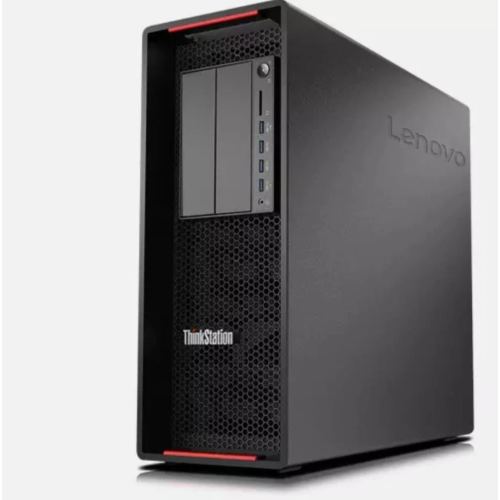
LENOVO Refurbished (Good) - Thinkstation P520 Tower Workstation - Intel Xeon W-2235, 64GB Memory, 1Tb SSD, Win 11 Pro + Nvidia Quadro P620, Bluetooth
About this product
A high-performance workstation with Intel Xeon processor, 64GB RAM, 1TB SSD, and NVIDIA Quadro graphics.
(1)$1,299.00Your price for this item is $1299SAVE $1700 -
2
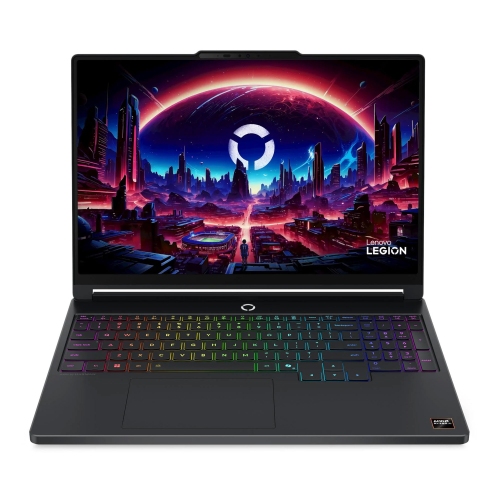
LENOVO Legion 5A Gen 11 15.3" Gaming Laptop - Amd Ryzen Ai 9 465 - 16GB - 1Tb SSD - Nvidia Rtx 5060 8GB Gddr7 - Eclipse In Black
About this product
A powerful blue laptop featuring a Ryzen AI 9 processor, RTX 5060 GPU, 16GB RAM, and 1TB SSD.
(5)$3,364.99 Your price for this item is $3364.99 -
3
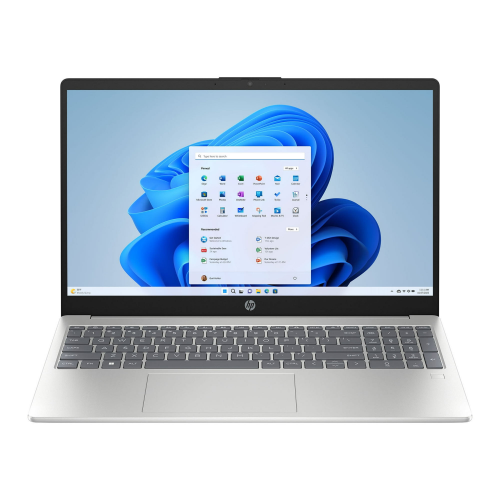
HP Laptop 15.6" Fhd Ips Touchscreen - Intel Core I7-1355U - 32GB Ddr4 - 1Tb SSD - Intel Iris Xe - Windows 10 Pro - Natural In Silver
About this product
A powerful touchscreen laptop with a 10-core i7 processor, 32GB RAM, 1TB SSD, and Wi-Fi 6.
$1,549.20Your price for this item is $1549.20SAVE $260 -
4
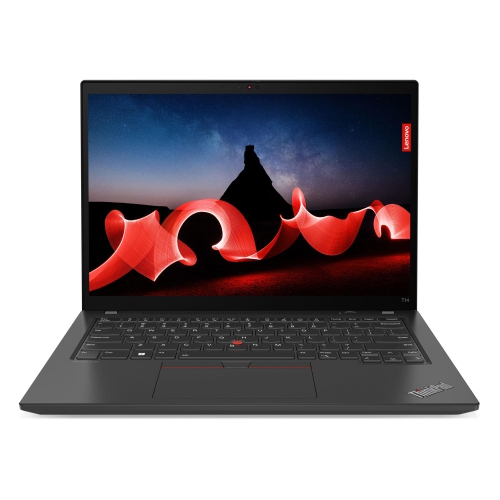
LENOVO Thinkpad T14 Gen 3 Business Laptop - Intel Core I7-1260P - 24GB Ddr4 - 1Tb SSD - Intel Iris Xe - Windows 11 Pro - In Grey
About this product
A powerful laptop featuring a 12-core Intel i7, 14" 2.2K IPS display, and 1TB SSD.
$1,929.26Your price for this item is $1929.26SAVE $330 -
5
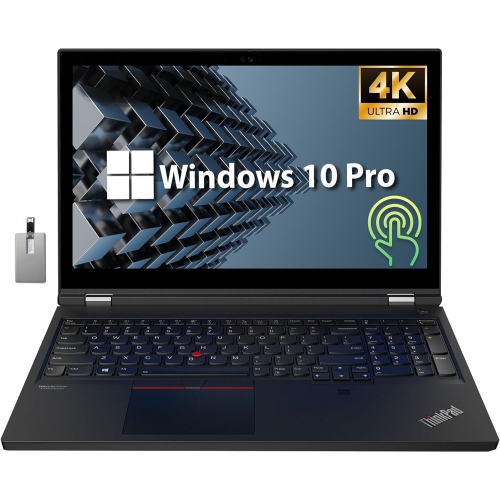
LENOVO Thinkpad T15G Gen 1 15.6" 4K Touchscreen Laptop - Intel Xeon W-10855M - 64GB Ram - 4Tb SSD - Geforce Rtx 2080 - Windows 10 Pro - - Bonus
About this product
A high-performance black laptop featuring a 4K touchscreen, Intel Xeon processor, 64GB RAM, and RTX2080 graphics.
$3,299.00Your price for this item is $3299SAVE $990 -
6
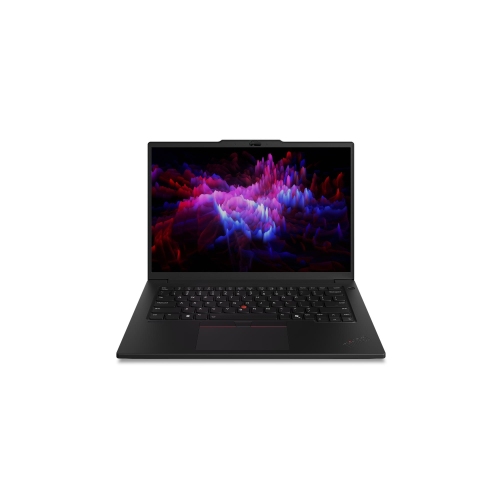
LENOVO Thinkpad 14.5" Touchscreen Laptop - (Intel Core Ultra 5 235H/16 GB Ram/512 GB SSD/windows 11 Pro) - - (21Qt0068Us) In Black
About this product
A powerful black touchscreen laptop with Intel Core Ultra 5, 16GB RAM, 512GB SSD, and Windows 11 Pro.
$3,579.99Your price for this item is $3579.99SAVE $624 -
7
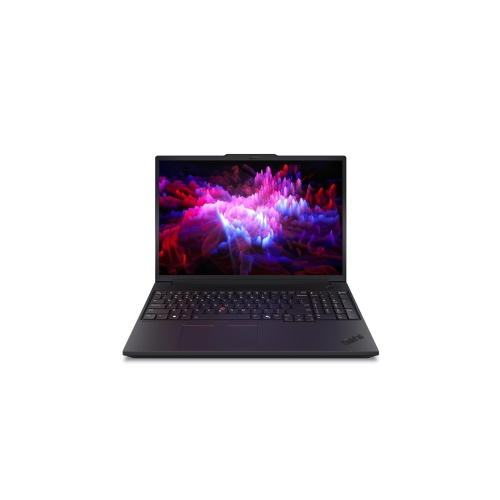
LENOVO Thinkpad 16" Laptop - (Intel Core Ultra 7 255H/16 GB Ram/512 GB SSD/windows 11 Pro) - - (21Rs0029Us) In Black
About this product
A powerful black laptop featuring Intel Core Ultra 7, 16GB RAM, 512GB SSD, and Windows 11 Pro.
$3,951.79 Your price for this item is $3951.79 -
8
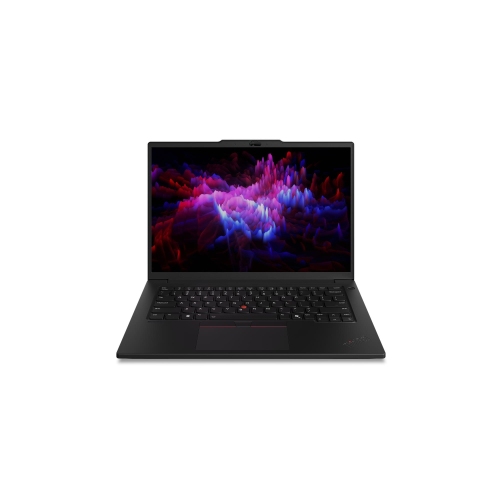
LENOVO Thinkpad 14.5" Laptop - (Intel Core Ultra 5 235H/32 GB Ram/1 Tb SSD/windows 11 Pro) - - (21Qt0066Us) In Black
About this product
A powerful black laptop featuring Intel Core Ultra 5, 32GB RAM, 1TB SSD, and Windows 11 Pro.
$4,626.99Your price for this item is $4626.99SAVE $807 -
9
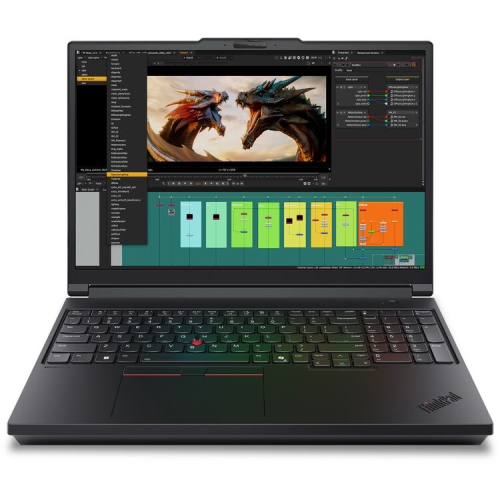
LENOVO Thinkpad 16" Laptop - (Intel Core Ultra 9 285Hx/32 GB Ram/1 Tb SSD/windows 11 Pro) - - (21Rq000Yus) In Black
About this product
A powerful black laptop featuring Intel Core Ultra 9, 32GB RAM, 1TB SSD, and Windows 11 Pro.
$6,052.99Your price for this item is $6052.99SAVE $1055 -
10
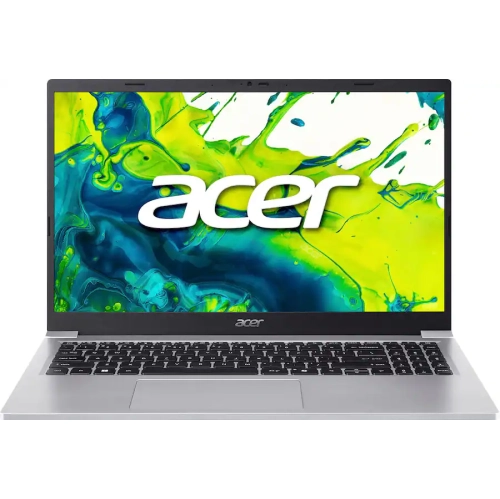
ACER Aspire Lite 15 15.6" Fhd Student Laptop - Intel Core 3 N350 - 16GB Ddr4 - 1Tb SSD - Windows 11 Home In S Mode - In Silver
About this product
A lightweight silver laptop featuring Intel Core 3, 16GB RAM, 1TB SSD, and Windows 11 S Mode.
$839.99Your price for this item is $839.99SAVE $480
FAQ
Start with your program’s required software and published hardware requirements. Compare processor compatibility, memory, SSD storage and graphics requirements. A comfortable keyboard, a suitable selection of ports and support for external monitors are also useful considerations for coursework.
The choice depends on your department’s software requirements. Some engineering applications are Windows-only, while others support both Windows and macOS. Check your faculty’s requirements before choosing, including whether required applications support your laptop’s processor architecture. Do not assume that virtualization will support every application or licensing arrangement.
Integrated graphics are built into the processor and typically share system memory, while dedicated graphics use a separate graphics processor, usually with its own memory. Some CAD, 3D modelling and visualization applications specify particular graphics hardware or certified drivers. Your course software’s requirements can help determine which type to choose.
USB-A and USB-C can connect peripherals and compatible lab equipment, while HDMI or DisplayPort connections support external displays. Ethernet may be useful where wired networking is required. USB-C capabilities vary, so check whether a port supports charging, video output or Thunderbolt before choosing a dock or adapter.
A 2-in-1 laptop has a convertible hinge or detachable keyboard that allows tablet-style use. Models with active pen support offer another way to write equations, sketch diagrams and annotate course materials. A traditional laptop uses a fixed notebook design. For either format, verify compatibility with your required engineering software and check whether a compatible pen is included or sold separately.
Top selling and popular products
Discover more categories related to Best Laptops for Engineering Students



Some products may be subject to Environmental Handling Fees (EHF) depending on your province. Learn more about EHFs.