Best Multi Device Mice
Switch smoothly between your laptop, desktop, and tablet with the best multi-device mice, ranked by user review ratings. Whether you’re managing work across multiple screens or simplifying your home setup, explore options with convenient device switching, comfortable designs, and flexible connectivity to find the right fit for your routine.
What to look for in multi-device mice
1. Device Switching
2. Connectivity and Compatibility
3. Comfort and Control
4. Battery Life and Charging
-
1
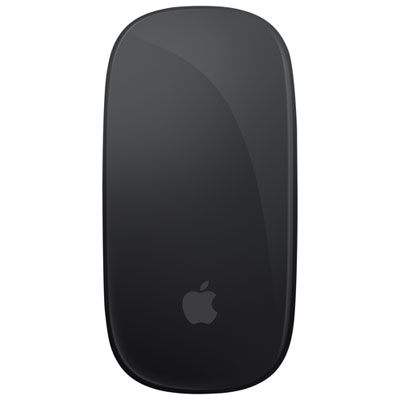
Apple Magic Multi-Touch Mouse - Black
About this product
A sleek black wireless mouse featuring a rechargeable battery and Multi-Touch surface for intuitive gesture controls.
What customers like
(520)$119.00 Your price for this item is $119 -
2
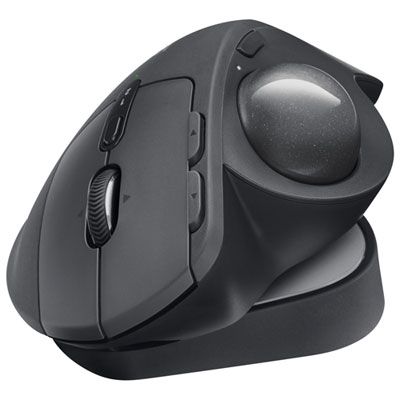
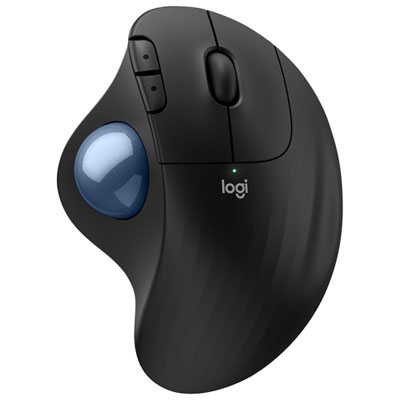
Logitech MX Ergo S Plus Advanced Ergonomic 2048 DPI Wireless Trackball Mouse - Graphite
About this product
An ergonomic graphite wireless trackball mouse with customizable buttons, dual-device connectivity, and up to 120-day battery life.
What customers like
(283)$149.99 Your price for this item is $149.99 -
3
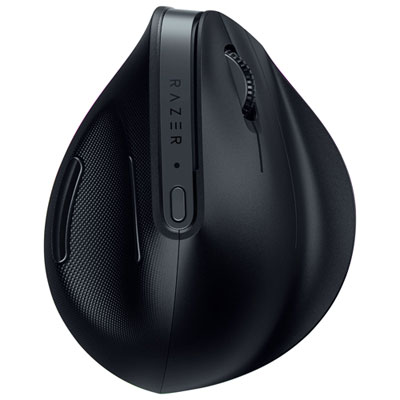
Razer Pro Click V2 Ergonomic Wireless Gaming Mouse (RZ01-05250100-R3U1)
About this product
An ergonomic wireless mouse featuring a high-performance sensor, customizable RGB lighting, and multi-device connectivity.
(9)$174.99 Your price for this item is $174.99 -
4
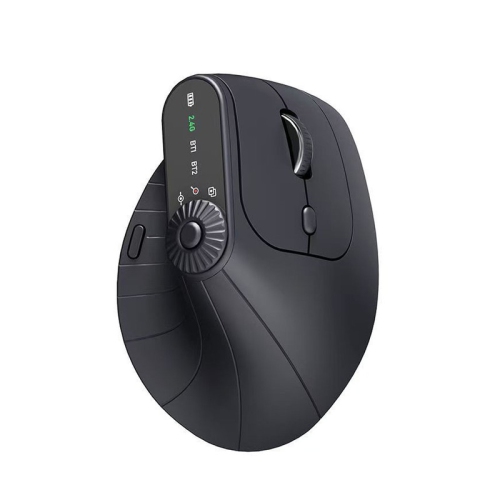
RISOKEYS Ergonomic Vertical Wireless Mouse, Bluetooth & 2.4G Dual Mode, Connect Up to 3 Devices, Adjustable Dpi, 8 Programmable Buttons
About this product
An ergonomic black vertical mouse with dual Bluetooth and 2.4GHz connectivity, adjustable DPI, and eight buttons.
$63.99Your price for this item is $63.99SAVE $50 -
5

RISOKEYS Ergonomic Vertical Mouse, Wireless Optical Bluetooth Mouse - Dual Mode Connectivity Bt5.0+Bt5.0+2.4Ghz Up to 3 Devices, Adjustable Dpi & 8
About this product
An ergonomic purple vertical mouse with dual Bluetooth and 2.4GHz connectivity, adjustable DPI, and eight buttons.
$63.99Your price for this item is $63.99SAVE $50 -
6
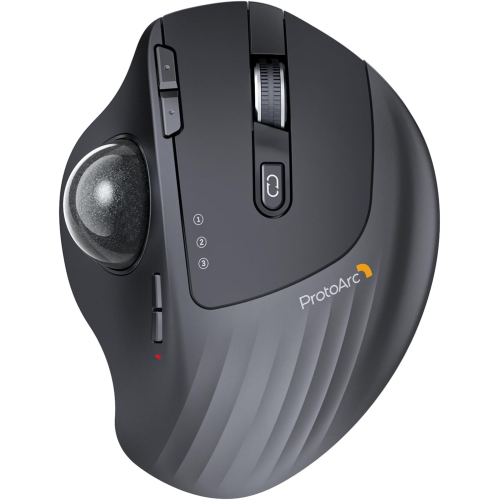
PROTOARC Wireless Trackball Mouse, Em01 Nl Ergonomic Bluetooth Rollerball Thumb Mouse Rechargeable Mouse, Adjustable Angle & 3 Device Connection
About this product
An ergonomic Bluetooth trackball mouse with adjustable angle and multi-device connectivity for efficient navigation.
$100.00 Your price for this item is $100 -
7
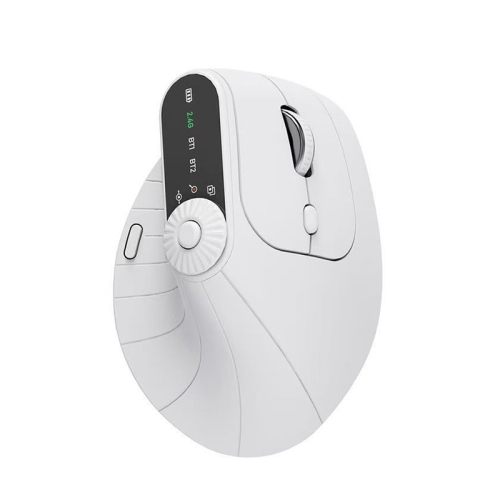
RISOKEYS Ergonomic Vertical Mouse, Wireless Optical Bluetooth Mouse - Dual Mode Connectivity Bt5.0+Bt5.0+2.4Ghz Up to 3 Devices, Adjustable Dpi & 8
About this product
An ergonomic white vertical mouse with dual Bluetooth and 2.4GHz connectivity, adjustable DPI, and eight buttons.
$63.99Your price for this item is $63.99SAVE $50 -
8
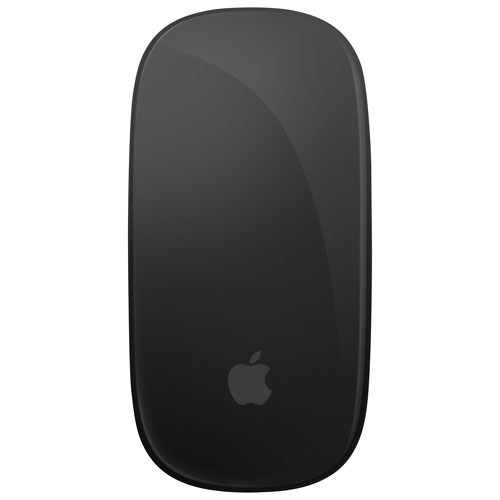
APPLE Refurbished (Excellent) - Magic Multi-Touch Mouse - In Black
About this product
A refurbished wireless Magic Mouse in black with a Multi-Touch surface and rechargeable battery.
$89.00Your price for this item is $89SAVE $30 -
9
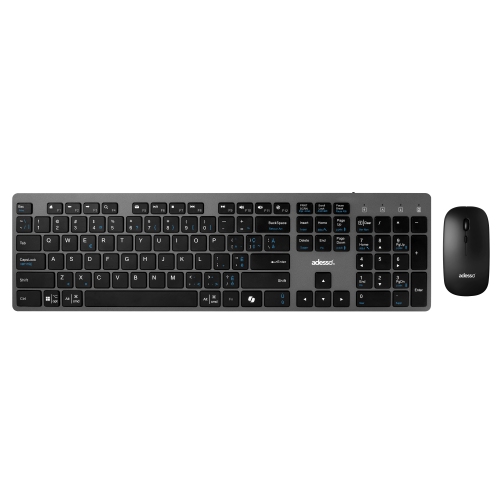
ADESSO French Canadian Multi Os Wireless Scissor Switch Desktop Keyboard And Mouse
About this product
A wireless French Canadian keyboard and mouse combo with quiet scissor switch keys and multi-OS compatibility.
$67.99Your price for this item is $67.99SAVE $11
FAQ
A multi-device mouse can pair with more than one computer, tablet or other compatible device and lets you switch between them without pairing again each time. Most models control one device at a time, using a button or selector to change the active connection.
Multi-device mice typically connect through Bluetooth, a USB wireless receiver or a combination of both. Some let you pair several devices over Bluetooth, while others offer separate connection slots for Bluetooth and a receiver. Check the supported connection types and number of paired devices when comparing models.
Many multi-device mice support both Windows and macOS, so you can switch between computers running different operating systems. Basic pointer controls may work on both, but custom buttons, gestures and companion software can have different compatibility requirements.
Look for an accessible device-switching button, clear connection indicators and enough pairing slots for your setup. Programmable buttons, adjustable pointer sensitivity and different scrolling modes can also suit different workflows. If you plan to customize controls, check that the companion software supports your operating system.
Some multi-device mice support companion software that lets the pointer move between compatible computers and may enable copying text or files between them. These features often require software on each computer and a shared network. Standard device switching alone does not include cross-computer copying or file transfer.
Top selling and popular products
Discover more categories related to Best Multi Device Mice

Some products may be subject to Environmental Handling Fees (EHF) depending on your province. Learn more about EHFs.