Best Paid Antivirus Software

Find the best paid antivirus software for your needs with options ranked by user review ratings. Whether you’re protecting a personal laptop or several family devices, compare features such as real-time threat detection, phishing protection, and parental controls to help choose the right level of security for your digital life.

Read More

What to look for in paid antivirus software

1. Threat Protection

Look for real-time scanning and protection against malware, ransomware and phishing attempts. Independent security test results can help you compare how effectively each option detects threats and avoids false alarms.

2. Device Compatibility and Coverage

Check that the subscription supports your operating systems and covers the number of devices you use. Features can differ across Windows, macOS, Android and iOS, so confirm what is included for each device.

3. Performance and Ease of Use

Choose software that offers clear security alerts, automatic updates and convenient scan scheduling. Review performance tests to see how much it may affect everyday tasks, gaming or video calls.

4. Subscription Value

Compare the introductory price with the renewal cost, and check the subscription term and automatic renewal settings. Extras such as a VPN, password manager or parental controls may add value, but confirm any usage limits and whether you need those features.
  1. 1

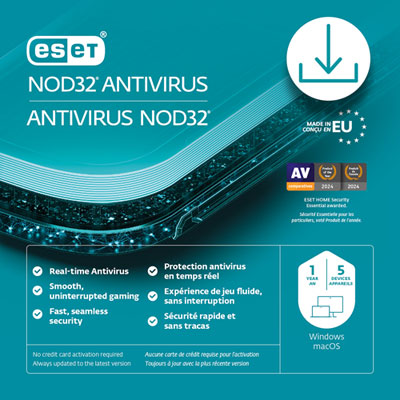
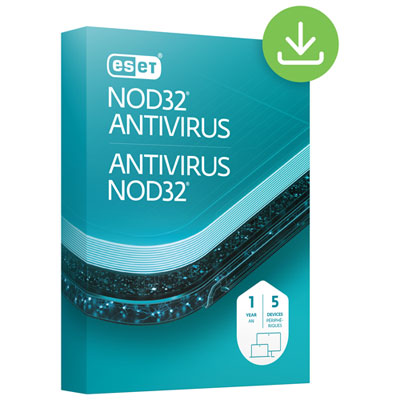
    ESET NOD32 Antivirus (PC/Mac) - 5 Devices - 1 Year - Digital Download

    About this product

    A reliable antivirus solution that protects up to five devices from malware and digital threats for one year.

    (1)
    $59.99 Your price for this item is $59.99
  2. 2

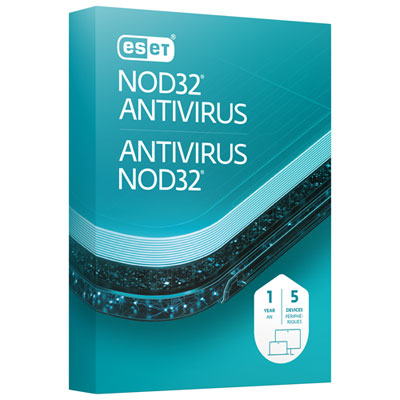
    ESET NOD32 Antivirus (PC/Mac) - 5 Device - 1 Year

    About this product

    A comprehensive antivirus solution offering real-time protection against malware and ransomware for up to five devices.

    $59.95 Your price for this item is $59.95
  3. 3

    McAfee AntiVirus (Windows PC) - 1 Device - 1 Year

    About this product

    A comprehensive security solution offering real-time threat detection, phishing protection, and advanced firewall for your PC.

    What customers like

    • User-friendly and simple to use
    • Does not slow down computer performance
    • Easy and smooth installation
    • Reliable virus and malware protection
    • Trusted brand with good customer support
    (76)
    $23.99
    SAVE $1
    Your price for this item is $23.99
  4. 4

    ESET NOD32 Antivirus (PC/Mac) - 5 Devices - 1 Year - Digital Download

    About this product

    An essential antivirus and antispyware software with gamer mode and monthly security reports for five devices.

    (2)
    $59.99 Your price for this item is $59.99
  5. 5

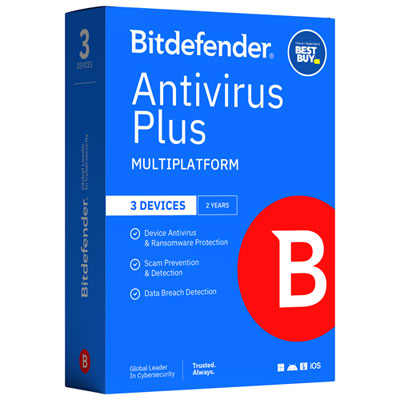
    Bitdefender Antivirus Plus Bonus Edition (PC/Mac/iOS/Android) - 3 Device - 1 User - 2 Year - Only at Best Buy

    About this product

    A comprehensive security solution offering multi-layer ransomware defence, scam detection, VPN, and data breach alerts.

    (8)
    $69.99 Your price for this item is $69.99
  6. 6

    Bitdefender Total Security (PC/Mac/iOS/Android) - 10 User - 1 Year - Digital Download

    About this product

    A comprehensive security solution offering antivirus, ransomware protection, and parental controls across multiple platforms for ten users.

    What customers like

    • Effective antivirus and security features
    • Comprehensive protection across devices
    • Excellent value for multi-user coverage
    • Lightweight with no performance slowdown
    • Easy to use and install
    (104)
    $49.99
    SAVE $50
    Your price for this item is $49.99
  7. 7

    Malwarebytes (PC/Mac) - 5 Devices - 1 Year

    About this product

    An advanced security software that protects up to five devices from current and emerging threats across multiple platforms.

    (3)
    $79.95 Your price for this item is $79.95
  8. 8

    McAfee AntiVirus (Windows PC) - 1 Device - 1 Year - Digital Download

    About this product

    A comprehensive antivirus solution that detects threats, blocks risky sites, and protects your privacy on Windows PCs.

    What customers like

    • Trusted and reputable brand
    • Easy installation and setup
    • User-friendly interface and navigation
    • Low impact on computer performance
    • Effective virus and web protection
    (78)
    $23.99
    SAVE $26
    Your price for this item is $23.99
  9. 9

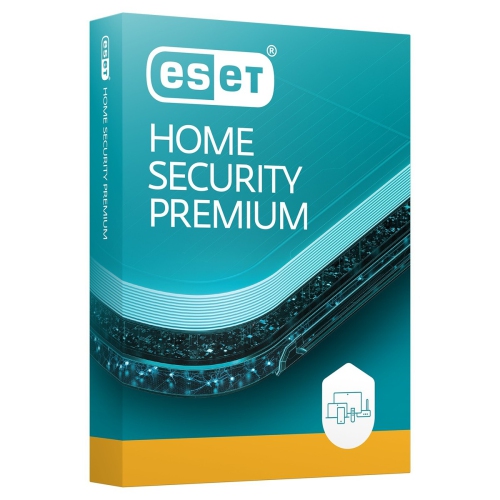
    ESET Home Security Premium | Antivirus | 2025 Edition | 3 Devices | 1 Year| Password Manager| Privacy Protection| Ransomware| Anti-Theft| Standard

    About this product

    A comprehensive security suite offering antivirus, password management, privacy protection, ransomware defence, and anti-theft features.

    $55.99 Your price for this item is $55.99
  10. 10

    ESET Home Security Premium | Antivirus | 2025 Edition | 1 Device | 1 Year| Password Manager| Privacy Protection| Ransomware| Anti-Theft| Standard

    About this product

    A comprehensive security solution offering antivirus, password manager, privacy protection, ransomware defence, and anti-theft features.

    $79.99 Your price for this item is $79.99

Antivirus protection goes beyond a strong detection score

The best paid antivirus software combines effective malware protection, a light impact on device performance, and security features that suit the way a household uses its computers and mobile devices. Paid antivirus is typically licensed software that helps detect, block, and remove threats such as viruses, spyware, and other malicious programs. Many subscriptions extend beyond basic scanning to include protection against fraudulent websites, suspicious downloads, and attempts to steal personal information. That broader coverage can be useful when a laptop handles everything from online banking and school assignments to family photos and work documents. Real-time protection checks activity as it happens, while on-demand and scheduled scans examine files for signs of infection. Behaviour-based detection looks for suspicious actions rather than relying only on a list of known threats, adding another layer against unfamiliar malware. Some packages also include ransomware defences designed to limit unauthorized changes to important folders, although these features do not replace separate backups. A convincing delivery notification, an unexpected attachment, or a download disguised as a helpful utility can create risks during otherwise ordinary browsing. Antivirus software may interrupt those threats before they cause harm, but no security package can guarantee complete protection or make every link safe to open. Strong passwords, multifactor authentication, and regular software updates remain important alongside it. For shoppers comparing paid antivirus software, useful indicators include results from independent protection tests, the frequency of false alarms, and how much everyday tasks slow down while protection is running. Detection scores are most meaningful when considered alongside usability: a package that repeatedly flags harmless files or produces confusing alerts can be difficult to live with. Clear warnings, sensible default settings, and straightforward access to support help make protection practical for people who want dependable security without managing complicated controls. The strongest fit is not necessarily the package with the longest feature list, but the one that provides appropriate protection across the devices and activities that matter most.

Device compatibility and licence coverage shape how well an antivirus subscription fits into daily life. A single-device licence may suit someone protecting a personal laptop, while multi-device coverage can make sense for a household with several computers, phones, and tablets. The number of supported devices is only part of that fit, since features can differ substantially between desktop and mobile platforms. Full file scanning, firewall controls, browser protection, and parental controls are not necessarily included on every supported device. Some mobile operating systems restrict how security apps inspect other apps and files, so mobile protection may focus more on unsafe websites, scam messages, and account security than traditional antivirus scanning. Supported operating system versions, hardware requirements, and browser compatibility are important details, particularly for an older computer that still handles email and paperwork. Lightweight antivirus software is especially relevant for laptops with limited memory or machines used for video calls, gaming, and creative projects. Background scans can use processing power and storage activity, while scheduled scanning and quiet modes may help reduce interruptions during a presentation or a film. Quiet modes generally suppress notifications rather than turning a computer into a risk-free space, and their behaviour varies by package. Practical setup features also make a difference: a clear installation process, an easy-to-read security dashboard, and a central account for managing several devices can simplify ongoing use. Subscription duration, activation requirements, and the process for transferring protection to a replacement computer are worth understanding before committing to a licence. Running more than one full real-time antivirus program can create conflicts, so compatibility with existing security tools matters as well. For a shared family computer, useful controls might include separate settings for children and adults; for someone working independently, the priority may be minimal interruption and clear alerts. Home-use licences may also have restrictions on business use. These differences make intended use more helpful than a broad claim that one type of antivirus is best for everyone.

Additional security tools can make paid antivirus software more convenient when they address a genuine need. A password manager can help create and store distinct passwords, reducing the temptation to reuse the same login for email, shopping, and financial accounts. A virtual private network, or VPN, encrypts traffic between a device and the VPN service, which can be useful on shared Wi-Fi, but it does not prevent every scam or make browsing anonymous. Included VPN access may have device, location, or data limits, so the scope of that feature matters. Parental controls may support website filtering, screen-time schedules, or activity reporting, with capabilities depending on the child's device and operating system. These tools can support household boundaries, but they work best alongside conversations about suspicious messages, personal information, and online behaviour. Identity monitoring may alert someone when certain personal details appear in monitored data sources; it cannot prevent every breach or ensure stolen information is removed. Backup features, where included, deserve similar attention to detail because storage limits, supported file types, and recovery options vary. A student protecting coursework, a parent managing shared devices, and an adult helping a relative stay safer online may each benefit from a different combination of these extras. Clear support channels and accessible account recovery can be particularly helpful when the person setting up protection is not its everyday user. Browsing Top Rated Antivirus Software provides another way to explore options, with ratings offering insight into setup, usability, and support rather than serving as proof of malware detection quality. Over time, reliable protection depends on keeping the software active, allowing security updates, and checking that every covered device remains connected to the subscription. Occasional attention to alerts, quarantine notices, and scan results helps keep that protection useful without making security a daily project. Paid antivirus works best as a well-maintained layer of protection: effective enough to handle common threats quietly, clear enough to explain when action is needed, and suited to the people and devices it protects.
Read More

FAQ

Some products may be subject to Environmental Handling Fees (EHF) depending on your province. Learn more about EHFs.