Best Quality External Hard Drives
Keep your files organized and close at hand with some of the best quality external hard drives, ranked by customer review ratings. Whether you’re backing up important documents, storing photos and videos, or making room for more games, explore customer favourites and compare storage capacity, transfer speeds, and portability to find the right fit for your setup.
What to look for in quality external hard drives
1. Storage Capacity
2. Transfer Performance
3. Device Compatibility
4. Build Quality and Backup Features
-
1
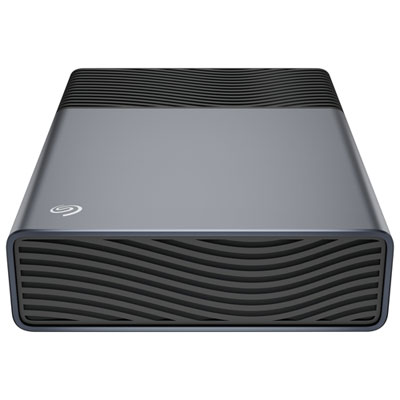
Seagate One Touch 8TB USB-C External Hard Drive (STNB8000400)
About this product
A space grey portable hard drive offering 8TB storage and easy USB-C plug-and-play connectivity.
(9)$409.99 Your price for this item is $409.99 -
2
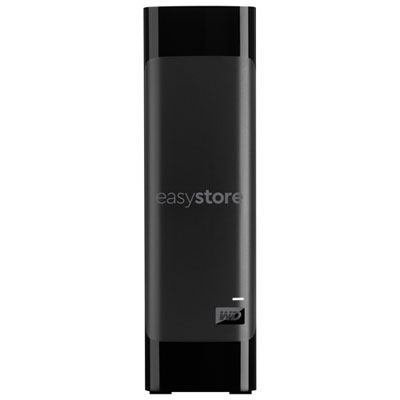
WD easystore 8TB USB 3.0 Desktop External Hard Drive (WDBAMA0080HBK-NESE) - Black - Only at Best Buy
About this product
A black desktop external hard drive offering 8TB storage and fast USB 3.0 transfer speeds.
What customers like
(7,031)$584.99 Your price for this item is $584.99 -
3
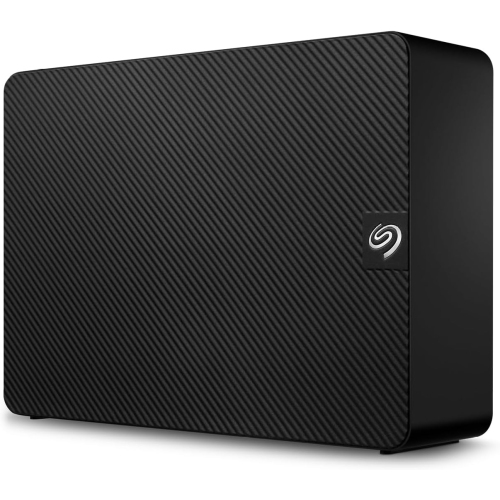
SEAGATE Expansion 16Tb External Hard Drive HDD - USB 3.0, With Rescue Data Recovery Services (Stkp16000400)
About this product
An external desktop hard drive with USB 3.0, drag-and-drop backup, and Windows and Mac compatibility.
(115)$769.99Your price for this item is $769.99SAVE $10 -
4
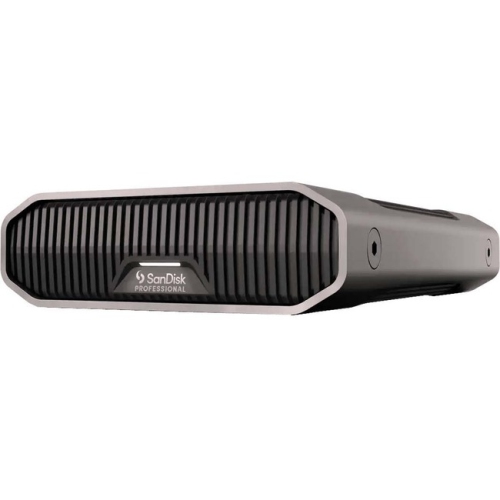
WD Sdphf1A-022T-Nbaad G-Drive Desktop Hard Drive (Sdphf1A-022T-Nbaad)
About this product
A high-capacity external hard drive with USB 3.2 connectivity and fast 7200rpm performance for desktops.
(17)$1,654.42Your price for this item is $1654.42SAVE $165
FAQ
External hard drives commonly use USB connections, with USB-A or USB-C connectors on the computer end of the cable. Some models use Thunderbolt. Check the drive’s connection standard and included cable against the ports on your device, as USB-C describes the connector rather than the supported protocol.
Yes, provided its file system is supported by both operating systems. exFAT is commonly used for sharing files between Windows and macOS. Some drives arrive formatted for one operating system and may need reformatting before use with the other.
An external hard drive stores data on spinning magnetic platters and uses a mechanical read/write head. An external SSD stores data in flash memory and has no moving parts. Both connect externally, but they use different storage technologies.
Some external hard drives draw power through their USB cable, while others require an adapter connected to an electrical outlet. Check the model’s power requirements to understand which connections it needs.
Most external hard drives can be used through Windows File Explorer or macOS Finder without additional software once they are connected and formatted appropriately. Optional manufacturer software may provide drive settings, diagnostic tools or automatic file-copying features.
Top selling and popular products
Discover more categories related to Best Quality External Hard Drives
Some products may be subject to Environmental Handling Fees (EHF) depending on your province. Learn more about EHFs.