Large Capacity External Hard Drives
If you're looking for a large-capacity external hard drive, you've come to the right place. An external hard drive is a great way to back up your computer. It's also a convenient way to store and transfer large files. Here are some of the best large-capacity external hard drives available today.
Sort
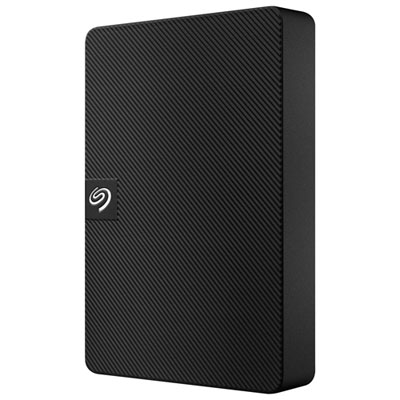
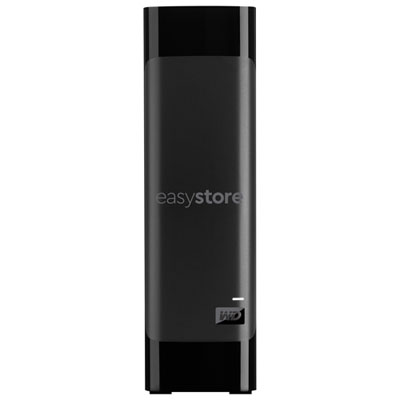
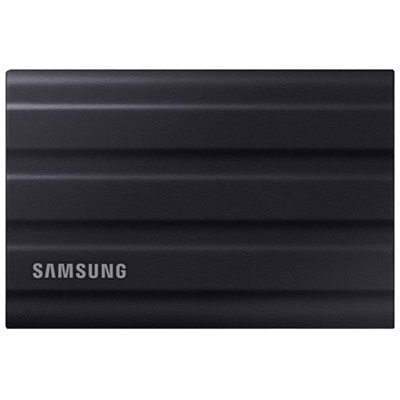
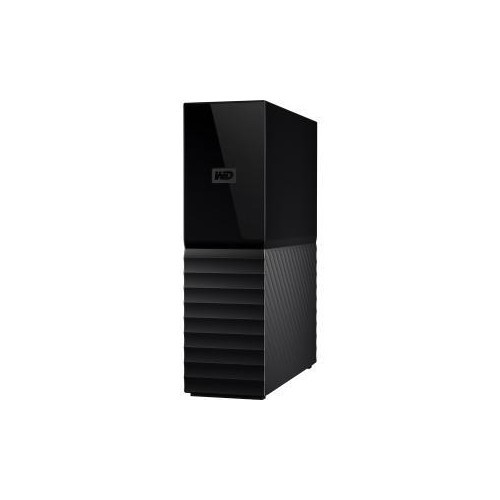
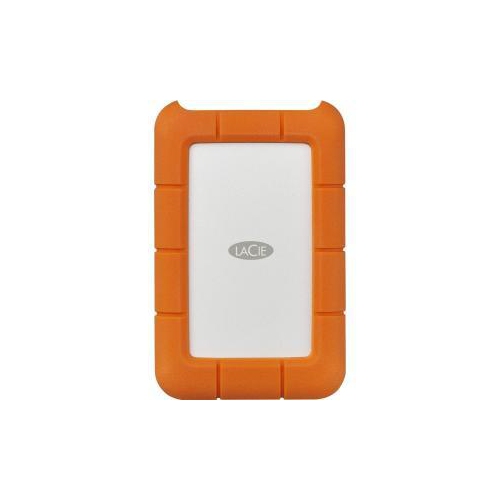
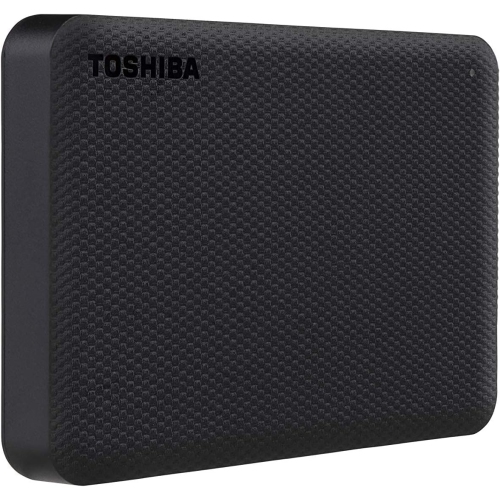
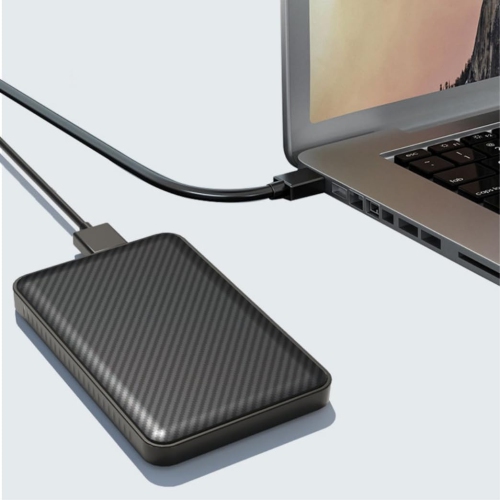

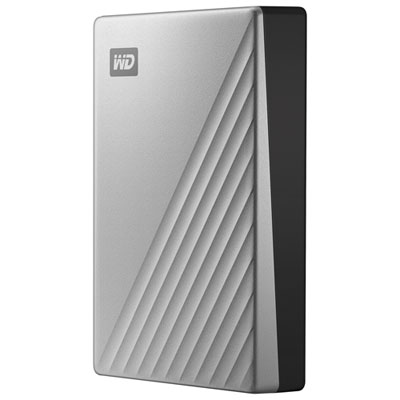

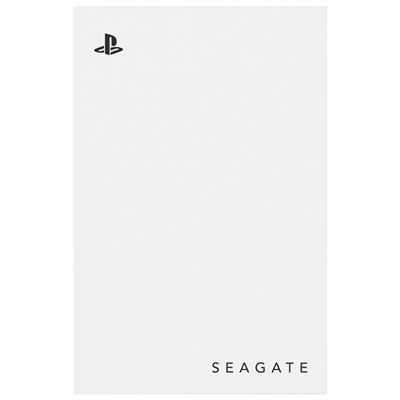
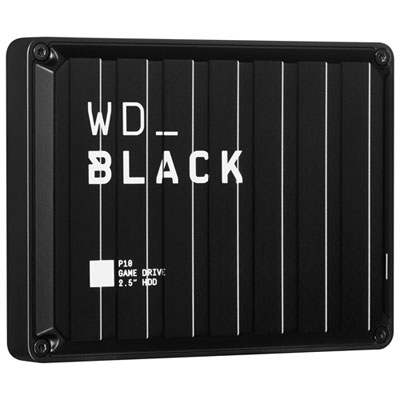
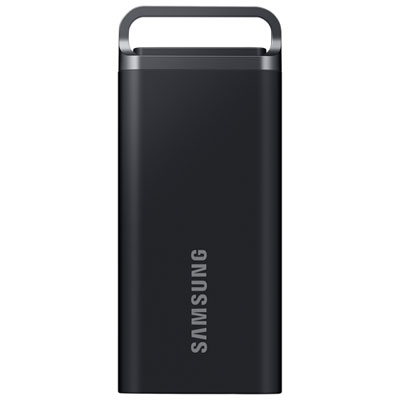
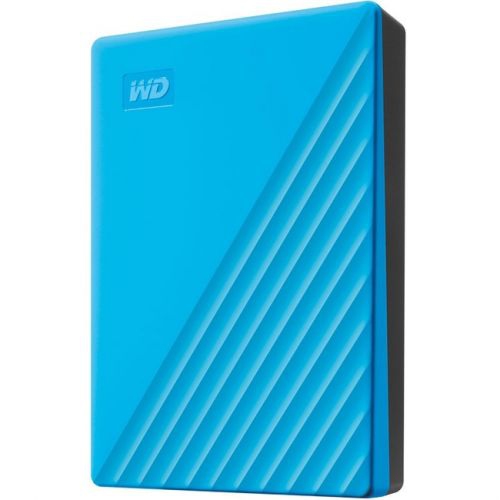
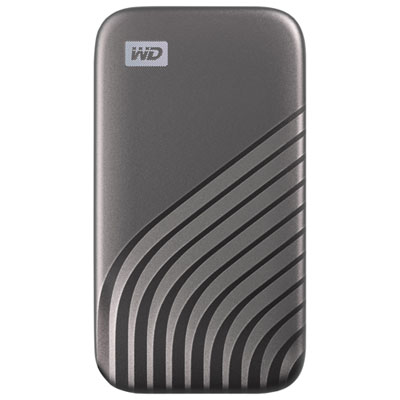
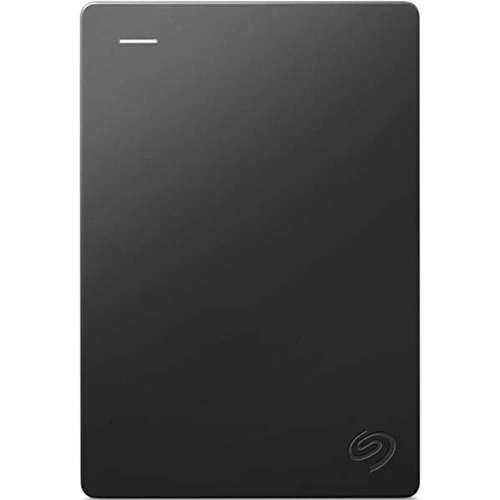
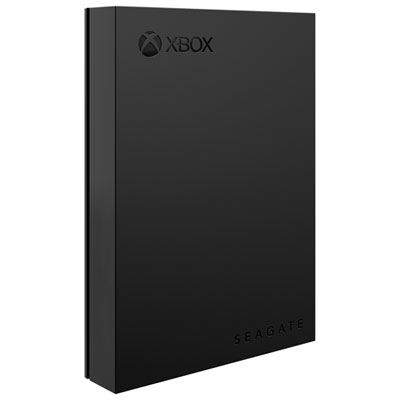
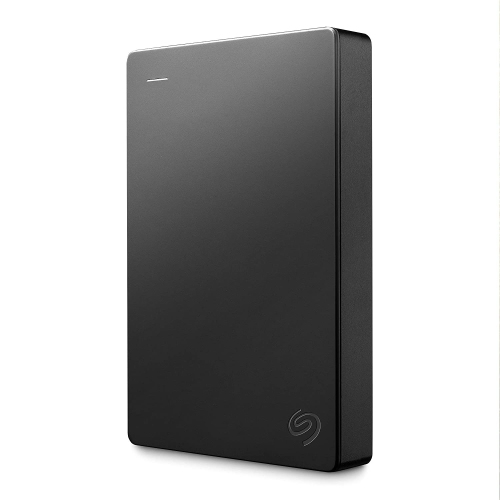
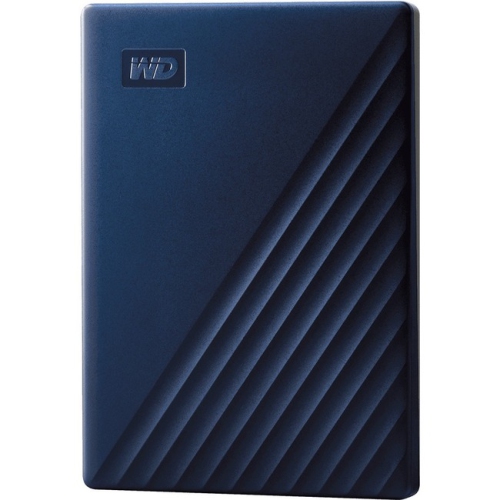
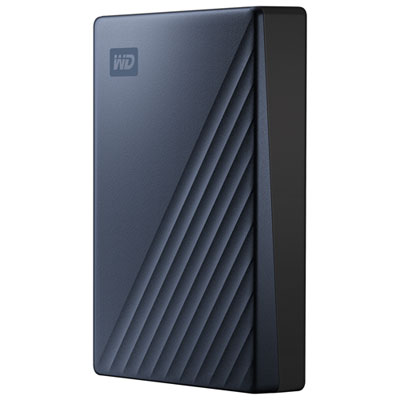
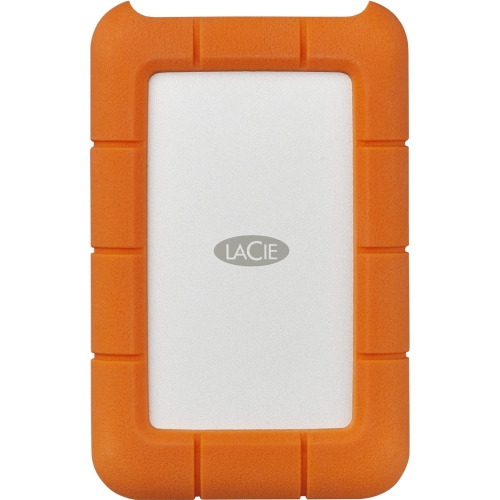
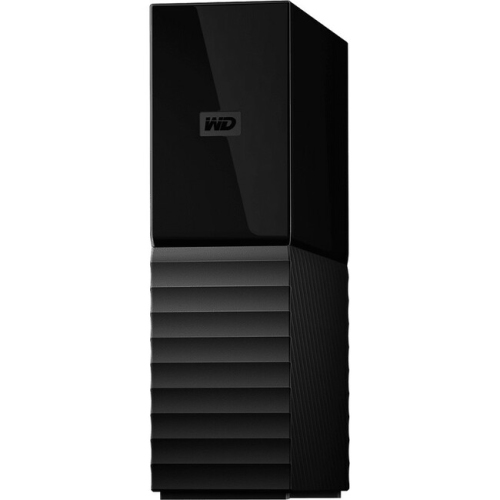
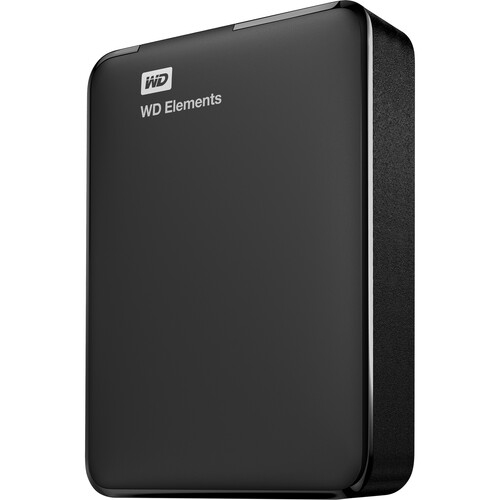
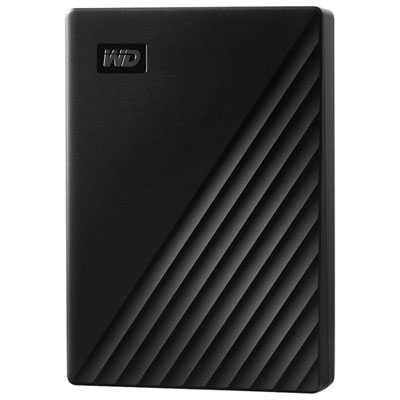
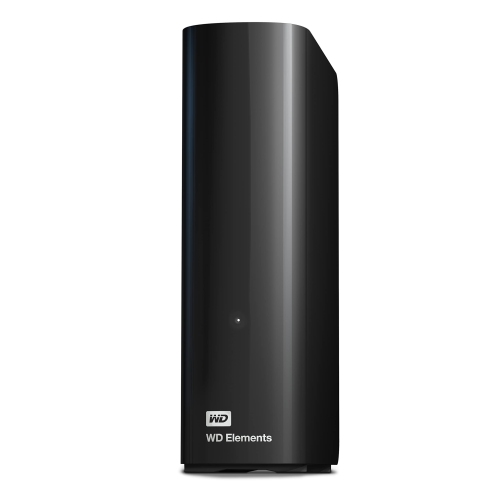
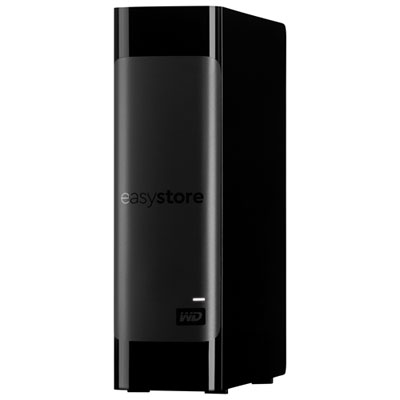
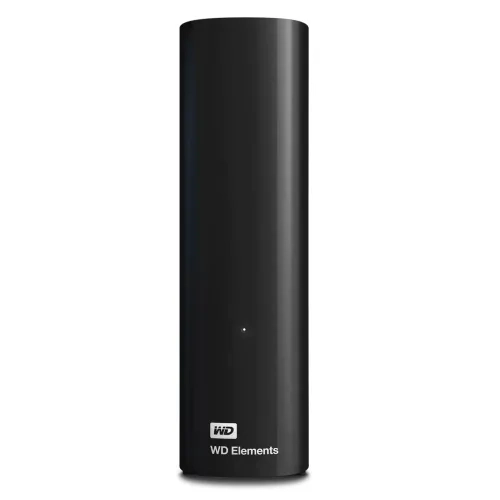
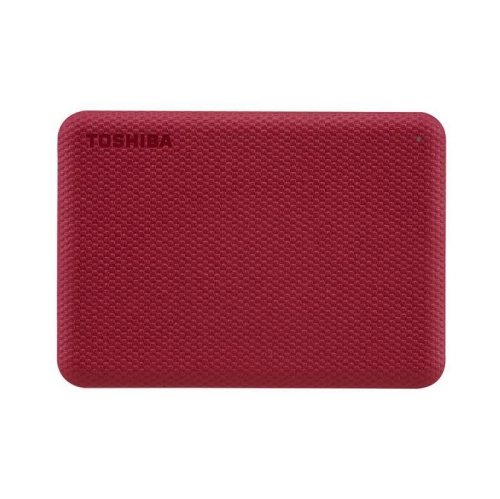
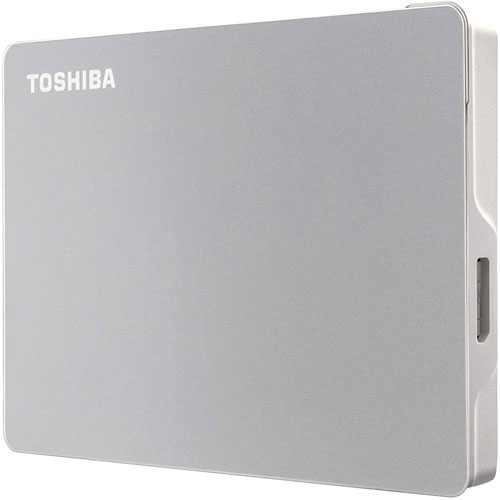
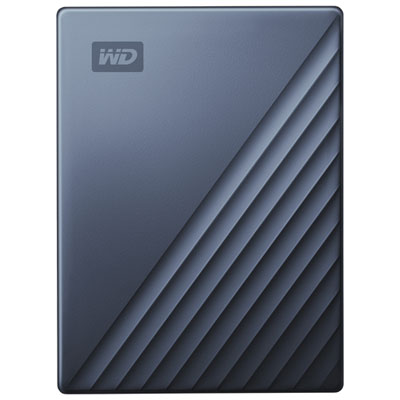
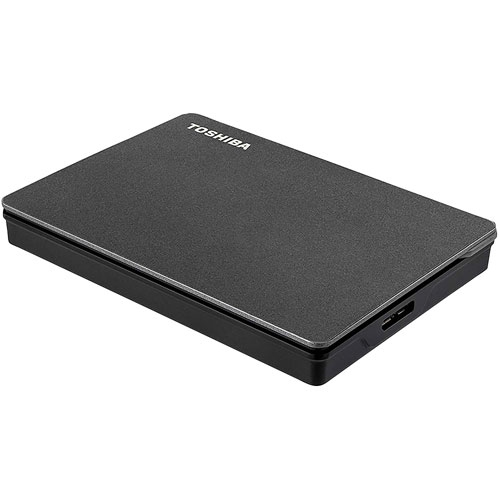

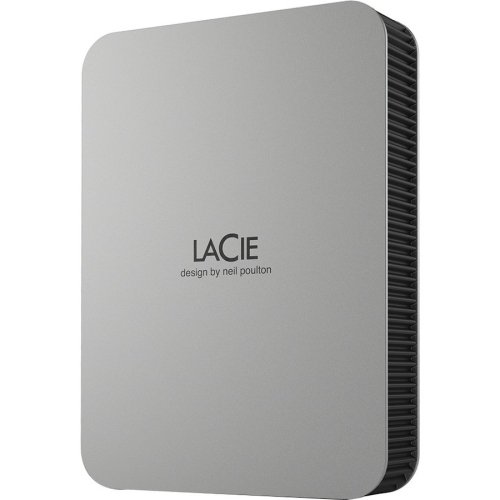
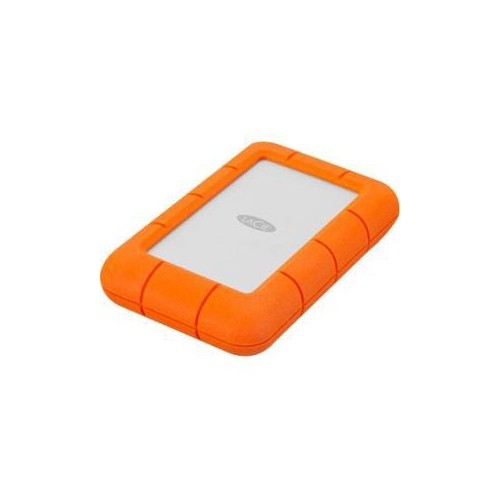
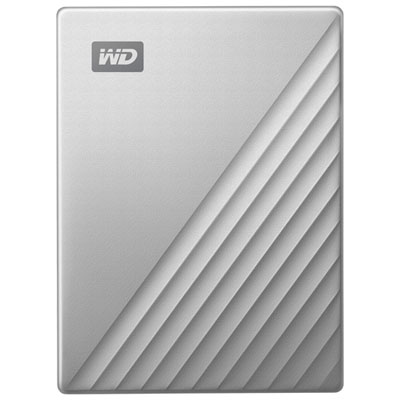

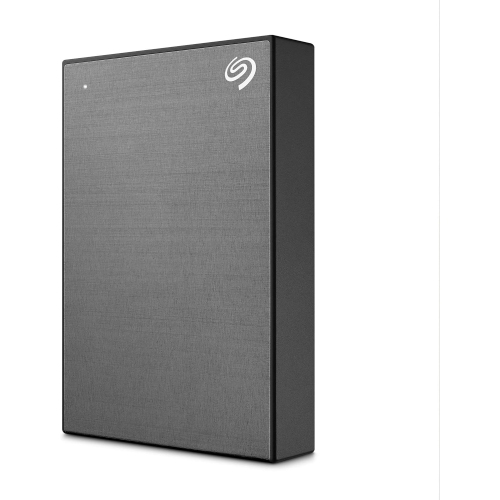
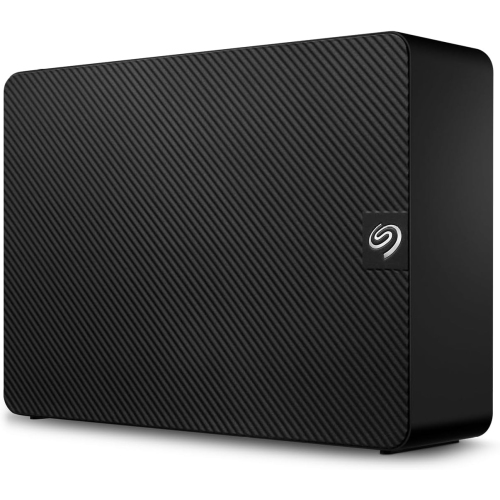
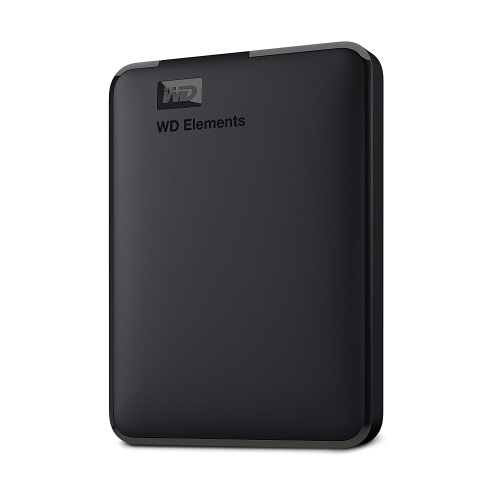
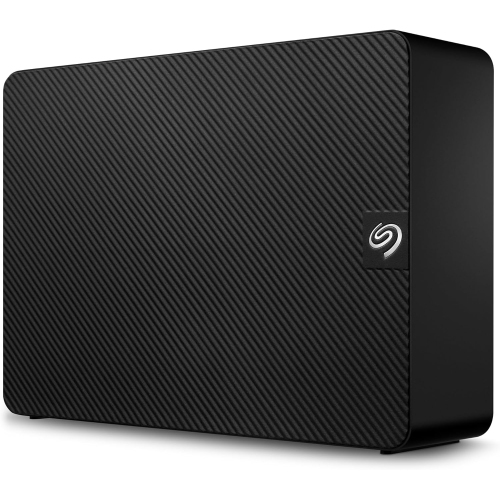

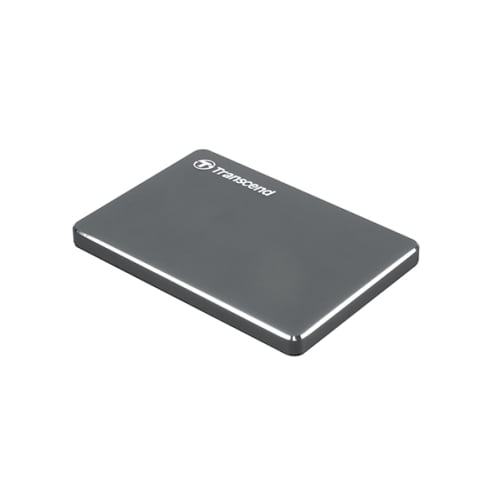

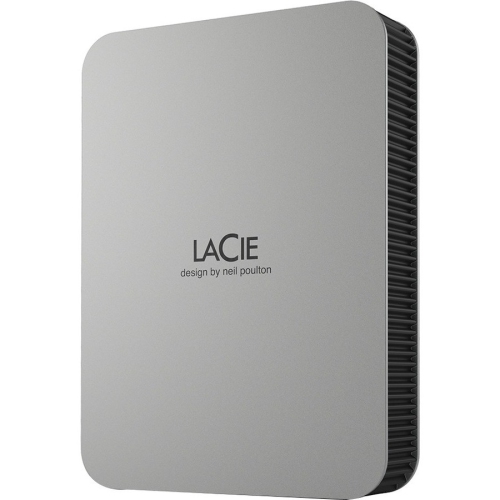
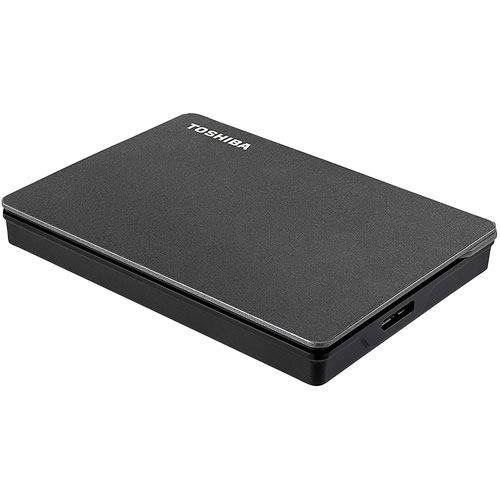
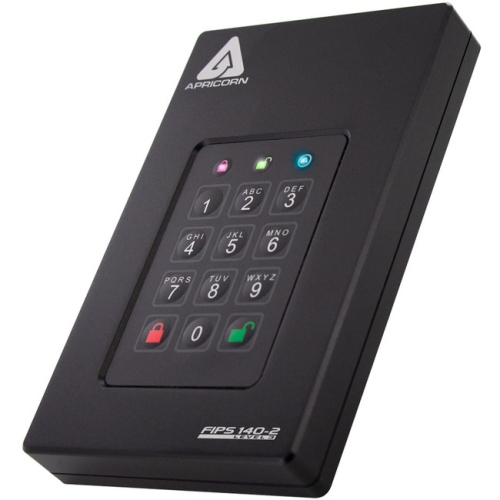
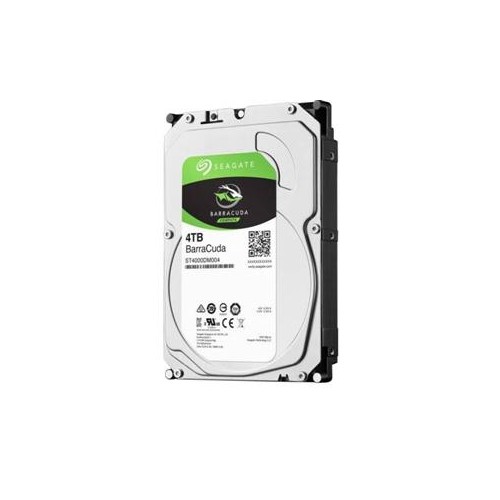

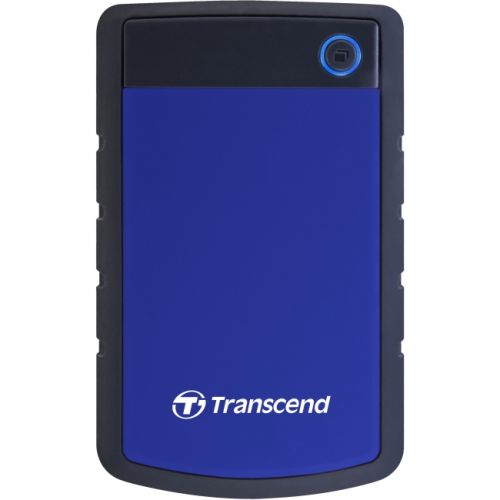
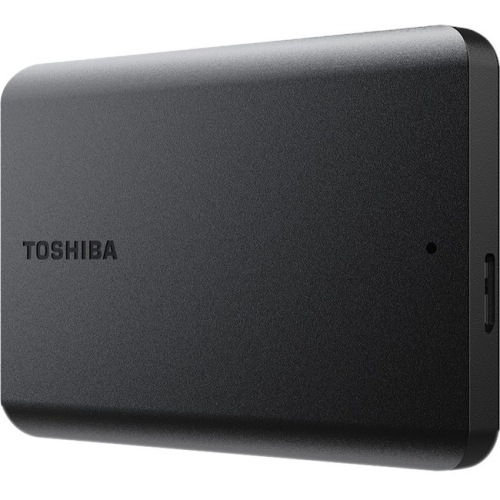
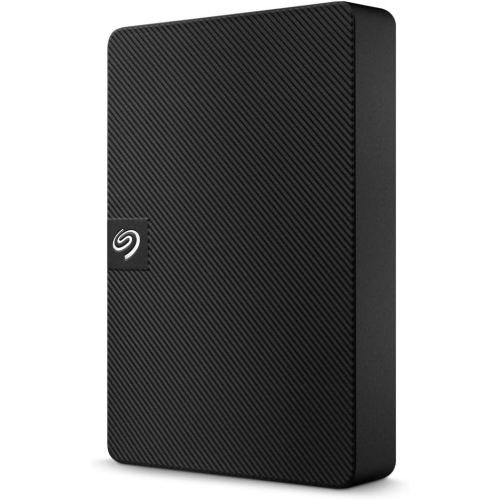
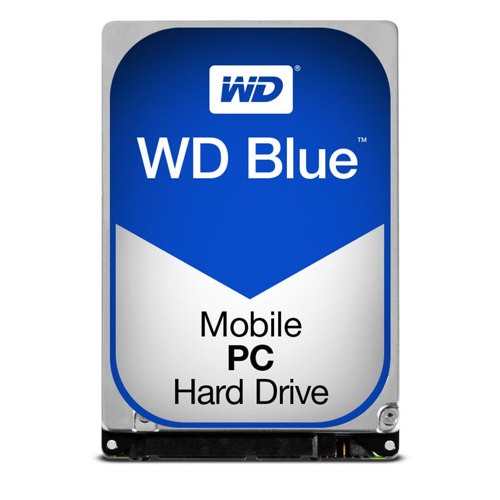
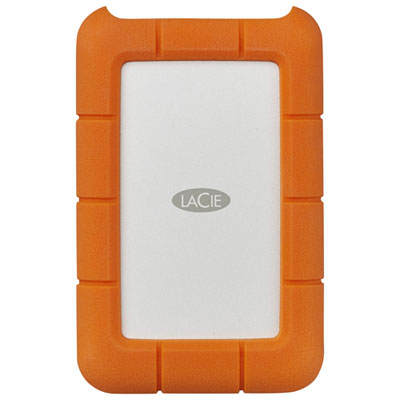
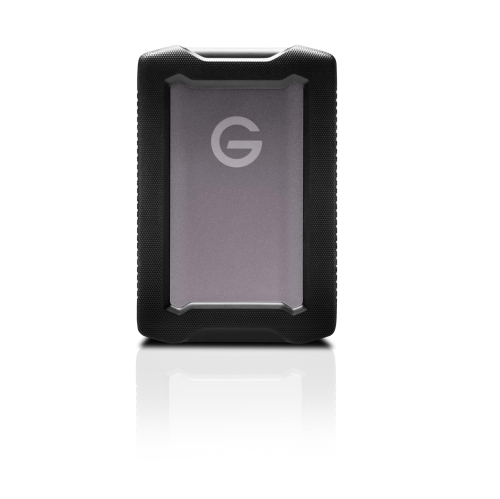
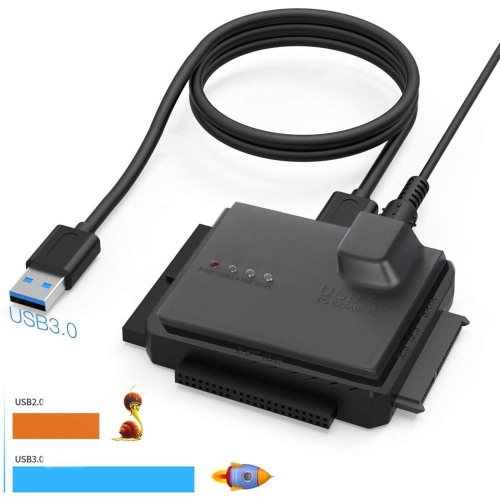

More room for growing libraries without an internal upgrade
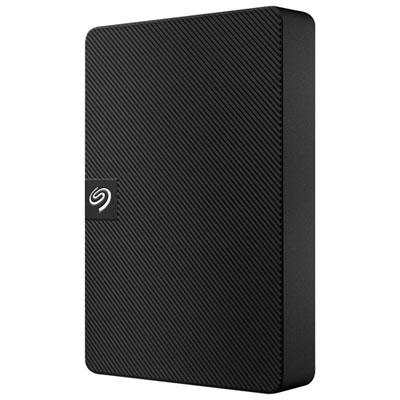
Large capacity external hard drives provide dedicated space for extensive photo collections, high-resolution video, music libraries, project files, and computer backups without requiring an internal storage upgrade. Desktop external hard drives commonly offer capacities from 8TB to 24TB and beyond, although the capacity range varies by drive type and design. That room is especially useful when a household’s files span several computers or a creative project produces hundreds of gigabytes of footage. A photographer can keep years of original image files together, while a video enthusiast can store family recordings alongside finished edits and exported copies. For students, home offices, and small businesses, an external drive can hold completed assignments, client documents, scanned paperwork, and backup copies of working folders. Capacity is usually expressed in terabytes, or TB, with one terabyte representing one trillion bytes in the manufacturer’s specification. The space displayed by a computer may appear lower because of how its operating system reports capacity, while formatting and included software can also affect usable space. File counts are only rough estimates: a folder of compressed photos takes far less room than the same number of uncompressed images, and video storage needs vary considerably with resolution, frame rate, and compression. Leaving room beyond an existing collection gives growing libraries and automatic backups space to expand. Backup software that retains multiple versions of a document may need substantially more capacity than the original files alone. An 8TB collection, for example, will not fit comfortably on an 8TB drive once backup history and other storage needs are included. Large capacity external storage suits people who want to keep substantial collections close at hand and accessible without an internet connection. It also offers a practical place for less frequently opened files, freeing internal computer storage for applications and active work while keeping older material within reach. Files moved off a computer, however, still need a separate backup if the external drive becomes their only home.
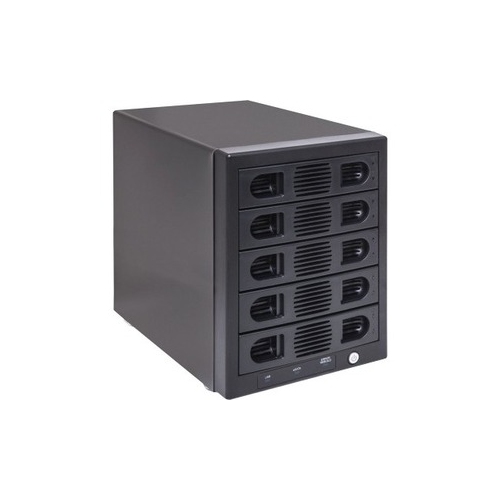
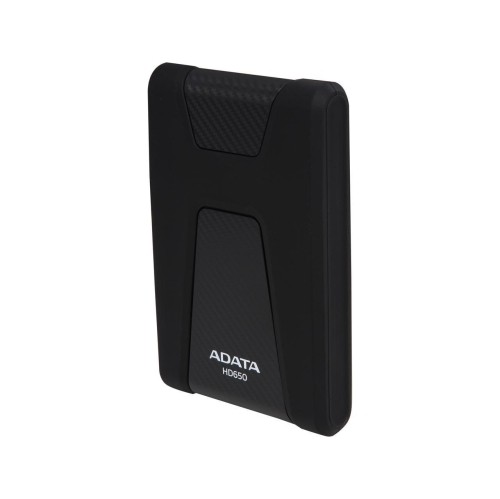
The main physical distinction is between desktop and portable external hard drives. Desktop models typically contain larger mechanical drives, use a separate power adapter, and suit a steady position beside a computer or beneath a desk. Portable models are generally smaller and often draw power through their USB connection, making them easier to carry between home, school, and work, though mechanical portable drives usually offer less capacity than the largest desktop options. Fit involves more than the dimensions of the enclosure: a desktop drive needs access to an electrical outlet, clearance for its cables, and airflow around any ventilation openings. A shelf crowded with paperwork or a soft surface that blocks vents is less suitable than a firm, open section of desk. Enclosures may use plastic, metal, or a combination of materials. Metal can help distribute heat, while plastic may keep weight down; neither material alone establishes how well a drive will tolerate a fall. Mechanical hard drives contain moving parts and deserve careful handling, particularly while they are reading or writing data. Some vibration and operating noise are normal, which can matter when the drive sits near a microphone or in a quiet bedroom workspace. Connection compatibility is another important detail. USB-A and USB-C describe connector shapes, not guaranteed transfer speeds, and a USB-C connection does not automatically mean a drive is faster. Actual performance depends on the drive mechanism, supported interface, cable, computer port, and the files being transferred. A large video file may copy more smoothly than thousands of tiny documents, and a faster port cannot remove the limits of the mechanical drive inside. Large backups can take hours, so a stable connection and uninterrupted power matter more than a connector’s appearance. For shoppers whose priority is quicker access to active projects or storage without moving mechanical parts, Large Capacity SSD External Hard Drives offer a different storage format worth considering alongside desktop and portable hard drives.
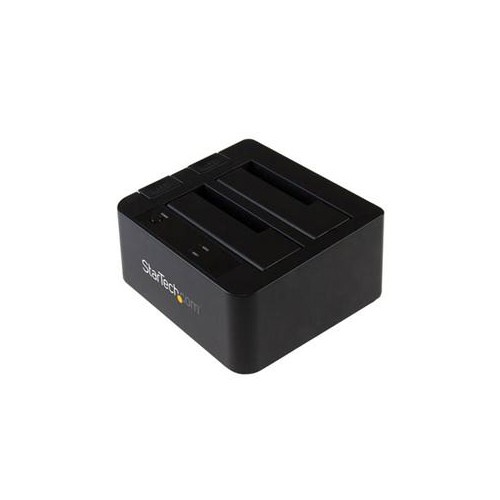
Day-to-day usefulness also depends on how an external hard drive fits into the devices and routines around it. Some drives arrive formatted for a particular operating system, while others use a file system that works across several platforms. Reformatting may improve suitability for a specific task, but it erases existing contents, so any files already on the drive need to be copied elsewhere first. A drive used with a television, game console, or media player may face additional capacity, formatting, or connection requirements. Console storage rules can also distinguish between keeping game files on an external drive and running games directly from it. For computer use, backup software compatibility, scheduling options, and access to older file versions can be just as valuable as raw capacity. A home office might run a backup at the end of each working day, while a photographer might copy a memory card to both a computer and an external drive before clearing it for another shoot. Keeping a second copy on a separate device, plus another copy off-site or with a suitable cloud service, provides protection that a single large drive cannot. Dual-drive enclosures may support RAID arrangements that combine capacity or mirror data, depending on their configuration. Mirroring can help maintain access after one drive fails, but it reduces usable capacity and does not replace an independent backup against accidental deletion, theft, or damage. Password protection and encryption, where supported, can help protect private documents, though access credentials need to be kept securely. Routine care is straightforward: keep the enclosure dry, leave its vents clear, avoid pulling on cables, and use the computer’s eject function before disconnecting it. A padded carrying case helps limit knocks during transport, but careful handling remains important. Clear folder names, dated backups, and occasional checks that saved files open properly make a large archive easier to trust and navigate. With an appropriate capacity, compatible connection, and sensible backup routine, an external hard drive can become a dependable part of everyday file storage.
The main physical distinction is between desktop and portable external hard drives. Desktop models typically contain larger mechanical drives, use a separate power adapter, and suit a steady position beside a computer or beneath a desk. Portable models are generally smaller and often draw power through their USB connection, making them easier to carry between home, school, and work, though mechanical portable drives usually offer less capacity than the largest desktop options. Fit involves more than the dimensions of the enclosure: a desktop drive needs access to an electrical outlet, clearance for its cables, and airflow around any ventilation openings. A shelf crowded with paperwork or a soft surface that blocks vents is less suitable than a firm, open section of desk. Enclosures may use plastic, metal, or a combination of materials. Metal can help distribute heat, while plastic may keep weight down; neither material alone establishes how well a drive will tolerate a fall. Mechanical hard drives contain moving parts and deserve careful handling, particularly while they are reading or writing data. Some vibration and operating noise are normal, which can matter when the drive sits near a microphone or in a quiet bedroom workspace. Connection compatibility is another important detail. USB-A and USB-C describe connector shapes, not guaranteed transfer speeds, and a USB-C connection does not automatically mean a drive is faster. Actual performance depends on the drive mechanism, supported interface, cable, computer port, and the files being transferred. A large video file may copy more smoothly than thousands of tiny documents, and a faster port cannot remove the limits of the mechanical drive inside. Large backups can take hours, so a stable connection and uninterrupted power matter more than a connector’s appearance. For shoppers whose priority is quicker access to active projects or storage without moving mechanical parts, Large Capacity SSD External Hard Drives offer a different storage format worth considering alongside desktop and portable hard drives.
Day-to-day usefulness also depends on how an external hard drive fits into the devices and routines around it. Some drives arrive formatted for a particular operating system, while others use a file system that works across several platforms. Reformatting may improve suitability for a specific task, but it erases existing contents, so any files already on the drive need to be copied elsewhere first. A drive used with a television, game console, or media player may face additional capacity, formatting, or connection requirements. Console storage rules can also distinguish between keeping game files on an external drive and running games directly from it. For computer use, backup software compatibility, scheduling options, and access to older file versions can be just as valuable as raw capacity. A home office might run a backup at the end of each working day, while a photographer might copy a memory card to both a computer and an external drive before clearing it for another shoot. Keeping a second copy on a separate device, plus another copy off-site or with a suitable cloud service, provides protection that a single large drive cannot. Dual-drive enclosures may support RAID arrangements that combine capacity or mirror data, depending on their configuration. Mirroring can help maintain access after one drive fails, but it reduces usable capacity and does not replace an independent backup against accidental deletion, theft, or damage. Password protection and encryption, where supported, can help protect private documents, though access credentials need to be kept securely. Routine care is straightforward: keep the enclosure dry, leave its vents clear, avoid pulling on cables, and use the computer’s eject function before disconnecting it. A padded carrying case helps limit knocks during transport, but careful handling remains important. Clear folder names, dated backups, and occasional checks that saved files open properly make a large archive easier to trust and navigate. With an appropriate capacity, compatible connection, and sensible backup routine, an external hard drive can become a dependable part of everyday file storage.
Top selling and popular products
-
 Your price for this item is $234.99
 -
 Your price for this item is $389.99
 -
 Your price for this item is $179.99
 -
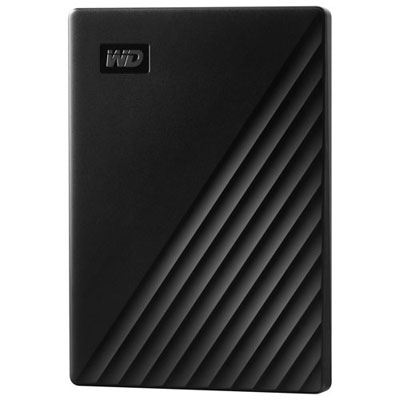 Your price for this item is $239.99
 -
 Your price for this item is $270.68
 -
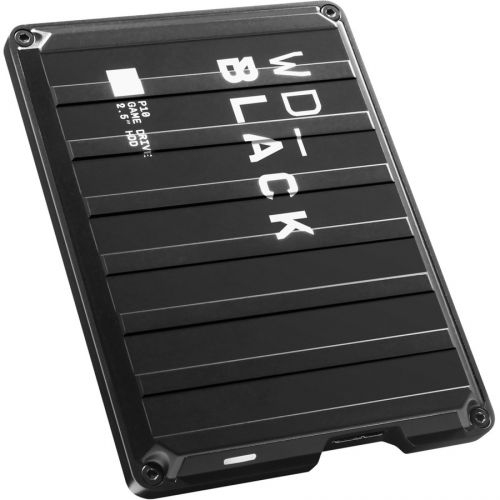 Your price for this item is $329.99
 -
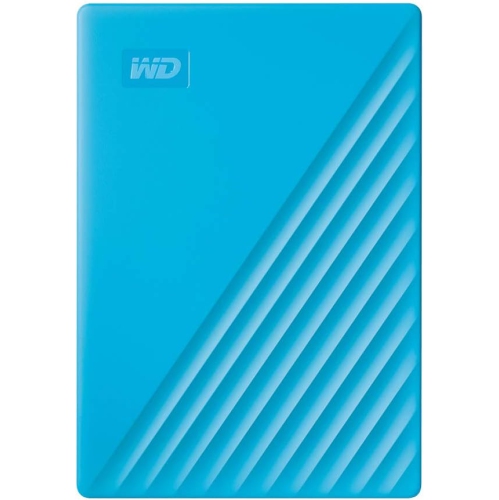 Your price for this item is $282.68
 -
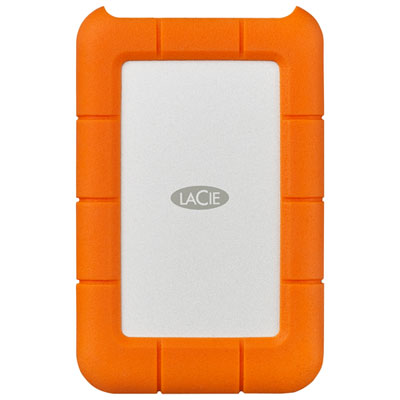 Your price for this item is $209.99
Discover more categories related to Large Capacity External Hard Drives
Top Collections:
Pokemon Centers, Kindle Devices, Best Budget Office Chairs, Apple iPhones 16, Best Laptops for Writers, iPhone 15 Apple, Canon G7X Cameras, Refurbished Apple Laptops, Alarm Clock, Motorola Razr Phones
Some products may be subject to Environmental Handling Fees
(EHF) depending on your province.
Learn more about EHFs.