Best Sound Systems for PCs
Upgrade your desktop audio with the best sound systems for PCs, ranked by user review ratings. Whether you’re gaming, streaming movies, or listening to music, explore options that bring clear dialogue, rich detail, and powerful bass to your setup. Compare sound quality, connectivity, and desk space requirements to find the right fit for your PC.
What to look for in sound systems for PCs
1. Audio Quality
2. PC Connectivity
3. Speaker Configuration
4. Size and Controls
-
1
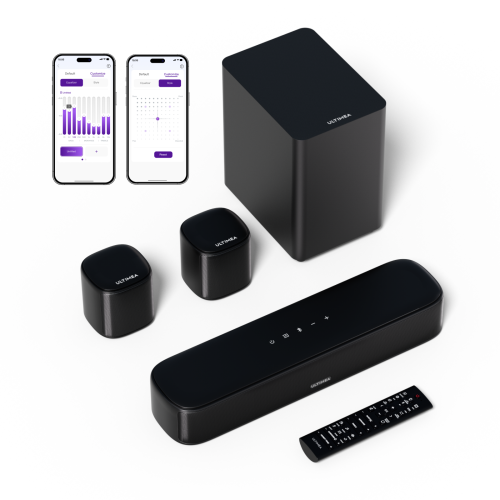
ULTIMEA Refurbished(Good) - Aura A30 5.1Ch Sound Bar for Smart Tv, Virtual Surround Sound System, App Control, Home Theater Soundbar w Subwoofer
About this product
A 5.1 channel home theater system with virtual surround sound, app control, subwoofer, and two surrounds.
(3)$109.99Your price for this item is $109.99SAVE $160 -
2
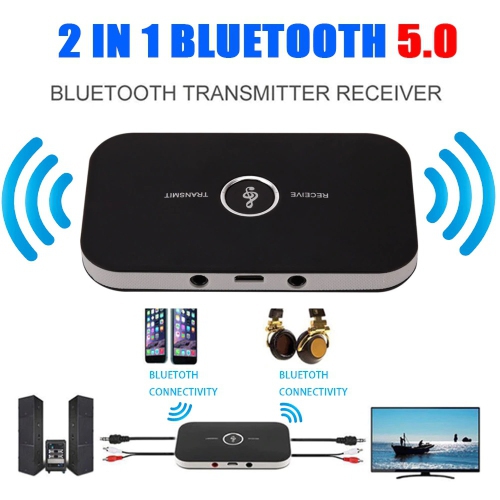
TEDLIN 2 In 1 Bluetooth Aux Adapter Bluetooth 5.0 Wireless 3.5MM Stereo Adapter Aux Jack Receiver Transmitter for Tv, Computer, Headphone, Home Stereo
About this product
A versatile Bluetooth 5.0 adapter that functions as both a transmitter and receiver via 3.5mm aux jack.
(2)$26.90Your price for this item is $26.90SAVE $18 -
3
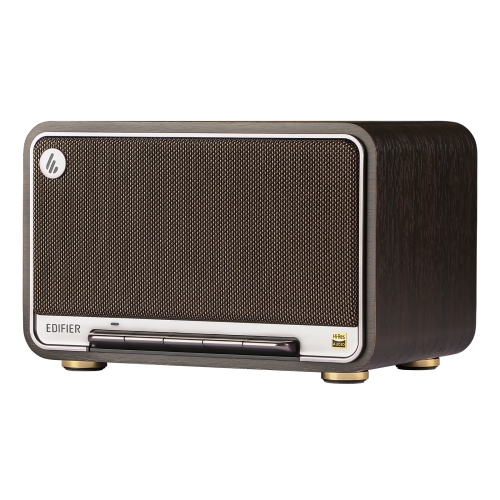
EDIFIER D32 Tabletop Wireless Bluetooth Speaker, 60W Rms Wi-Fi And Bluetooth Sound System Compatible With Airplay2
About this product
A powerful 60W wireless speaker offering Hi-Res audio, Bluetooth 5.3, Wi-Fi, and AirPlay2 compatibility.
(1)$299.99 Your price for this item is $299.99 -
4
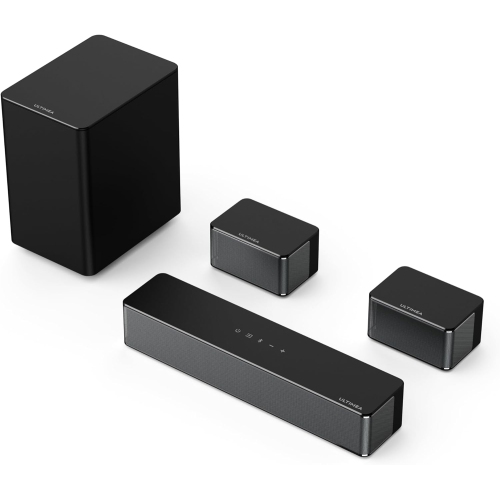
ULTIMEA Refurbished(Good) - 5.1Ch Dolby Atmos Sound Bar, 410W Peak Power, Surround Sound System for Tv w Subwoofer, Adjustable Surround & Bass
About this product
A powerful 320W 5.1 sound system with subwoofer and rear speakers for immersive 3D surround audio.
(1)$149.99Your price for this item is $149.99SAVE $150 -
5
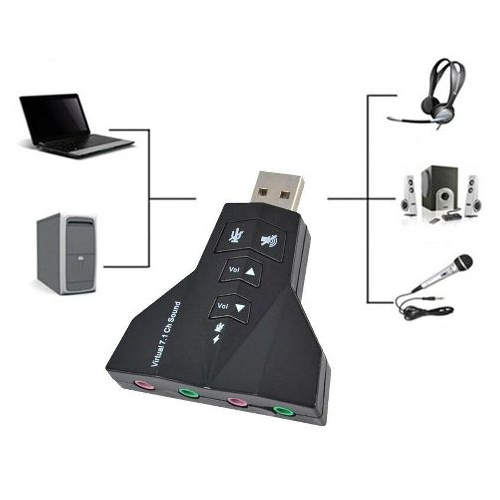
CONTEX USB Sound Card 7.1 Channel Virtual Ch 3D Audio Adapter Amplifier for PC Co Rgg
About this product
A USB sound card delivering 7.1 channel virtual 3D audio and amplification for enhanced PC sound.
(1)$14.25Your price for this item is $14.25SAVE $3 -
6
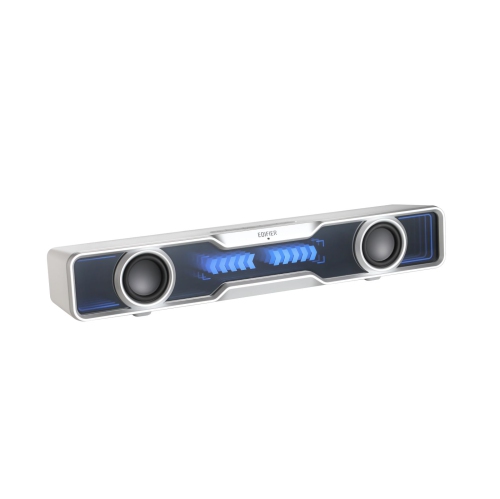
EDIFIER Qs30 Computer Speakers Mini Soundbar USB Speakers Subwoofer Bluetooth 5.4 With Microphone RGB Lighting for PC Laptop
About this product
A compact mini soundbar with Bluetooth 5.4, RGB lighting, built-in microphone, and enhanced bass channels.
(1)$89.99 Your price for this item is $89.99 -
7
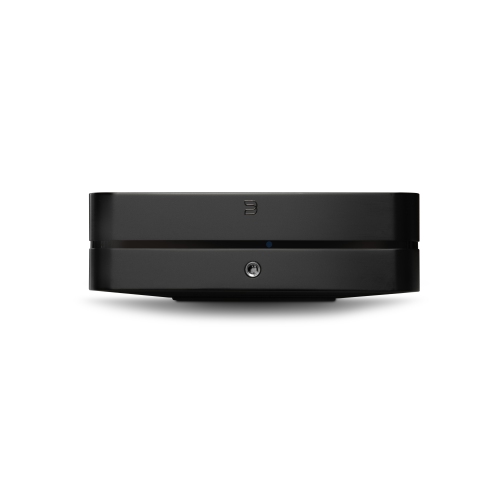
BLUESOUND Powernode Wireless Multi-Room Hi-Res Music Streaming Amplifier (2025) - In Black
About this product
A wireless hi-res music streaming amplifier in black offering audiophile-grade sound and multi-room functionality.
(1)$1,599.00 Your price for this item is $1599 -
8
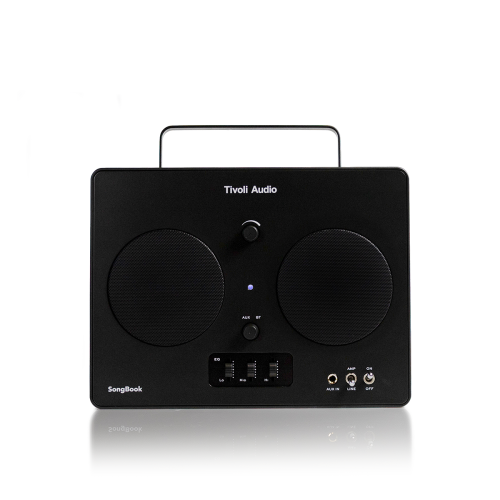
TIVOLI AUDIO Songbook, Premium Bluetooth Sound System With 1/4" Auxiliary Input And Built-In Preamp
About this product
A portable Bluetooth sound system featuring a built-in preamp, 1/4" auxiliary input, and vintage-inspired design.
(6)$599.00 Your price for this item is $599 -
9
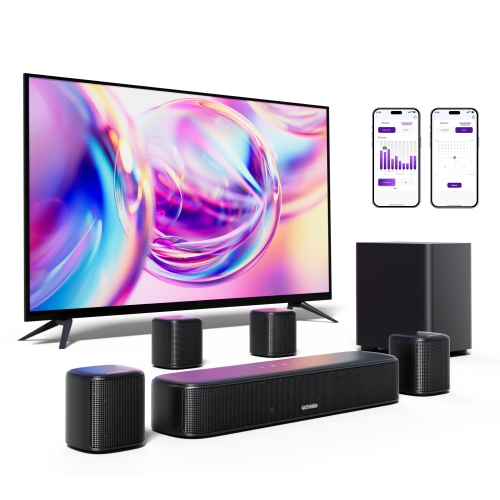
ULTIMEA 7.1Ch Virtual Surround Sound Bar, Sound Bar for Smart Tv w 4 Surround Speakers, Peak Power 330W, Surround Sound System for Tv, App Control
About this product
A powerful 7.1-channel virtual surround sound system with four speakers, 330W peak power, and app control.
(14)$199.99Your price for this item is $199.99SAVE $130 -
10
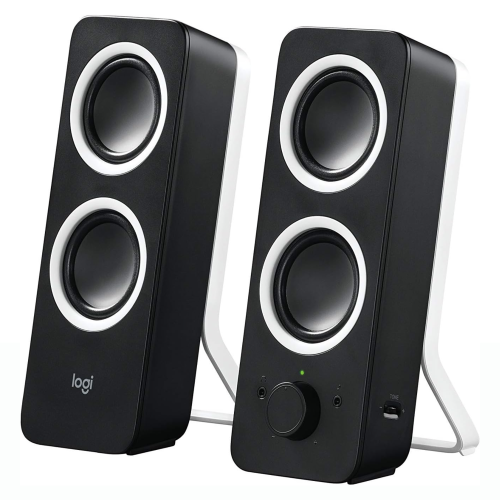
LOGITECH Z200 2.0 PC Speakers, Stereo Sound, 10 Watts Peak Power, 2 X 3.5MM Inputs, Adjustable Bass, PC/tv/smartphone/tablet - Midnight
About this product
A pair of black stereo speakers with adjustable bass, dual 3.5mm inputs, and front-mounted controls.
(1)$74.99Your price for this item is $74.99SAVE $35
FAQ
These numbers describe the audio channel configuration. A 2.0 system has two speakers, while a 2.1 system adds a subwoofer. A 5.1 system includes front left, centre, front right, and two surround channels, plus a subwoofer. Multichannel playback also depends on your PC’s audio connection, settings, and content.
Common connections include a 3.5 mm audio cable, USB, and Bluetooth. Some systems also accept optical or HDMI audio, which requires a compatible output on your computer. Check whether a USB connection carries audio or supplies power only, as some speakers still need a separate audio cable.
Powered speakers have built-in amplification and connect to a power source as well as your computer. Passive speakers need a separate amplifier or receiver between the PC’s audio output and the speakers. Check the connection requirements of each component when putting together a passive speaker setup.
Depending on the system, controls may include volume, mute, input selection, bass, treble, and subwoofer level. They may be located on a speaker, a desktop control pod, or a remote. Some systems also offer software for adjusting equalizer settings and audio profiles.
Yes. You can usually select speakers or headphones through your computer’s audio output settings. Some PC sound systems include a headphone jack on a speaker or control pod. Whether plugging in headphones automatically mutes the speakers depends on the system.
Top selling and popular products
Discover more categories related to Best Sound Systems for PCs
Some products may be subject to Environmental Handling Fees (EHF) depending on your province. Learn more about EHFs.