Best SSDs for Storage

The best SSDs for storage offer fast file transfers, reliable performance, and space for everything from everyday documents to large game libraries. Ranked by user review ratings, this selection makes it easy to explore highly rated solid-state drives for your storage needs. Compare capacities, connection types, and device compatibility to find the right fit for your setup.

Read More

What to look for in SSDs for storage

1. Storage Capacity

Choose enough space for your current files and future additions. A 500GB SSD can suit documents and everyday applications, while 1TB or larger models offer more room for game libraries, photos and videos.

2. Drive Type and Compatibility

Internal SSDs need to match your device’s supported interface and form factor, such as 2.5-inch SATA or M.2 NVMe. For portable storage, choose an external SSD and check that its connection works with your device’s ports.

3. Read and Write Speeds

Faster read and write speeds can reduce file transfer times and help applications load more quickly. NVMe SSDs generally offer higher speeds than SATA models, but actual performance depends on your device, connection and workload.

4. Endurance and Data Protection

Compare warranty coverage and, where listed, terabytes written (TBW) ratings to assess a drive’s suitability for frequent writes. Keep a separate backup of important files, and consider encryption features if you plan to store sensitive information.
Citrus catapult arrow
  1. 1

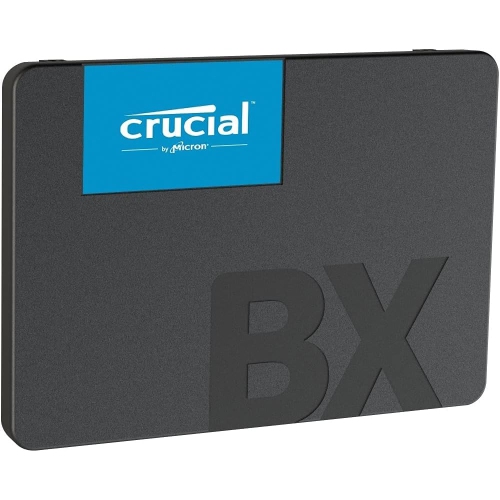
    CRUCIAL Ct500Bx500SSD1 Internal Solid State Drive 2.5" 500 GB Serial Ata Iii 3D Nand

    About this product

    A reliable 2.5" SSD offering 500GB storage with Serial ATA III interface and 3D NAND technology.

    (1)
    $203.45
    SAVE $136
    Your price for this item is $203.45
  2. 2

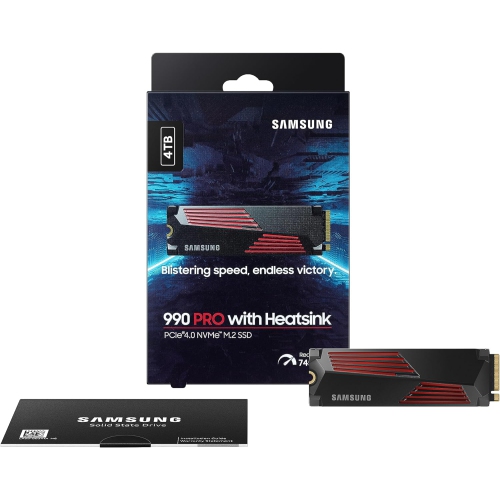
    SAMSUNG 990 Pro W/heatsink SSD 4Tb PCie 4.0 M.2 Internal Solid State Hard Drive, Fastest Speed for Gaming, Heat Control, Storage And Memory

    About this product

    A high-speed 4TB PCIe 4.0 M.2 SSD with heatsink for gaming, heat control, and PS5 compatibility.

    What customers like

    • Reliable and durable performance
    • Easy installation and PS5 compatibility
    • Excellent heat control with integrated heatsink
    • Blazing fast read and write speeds
    • Large 4TB storage capacity
    (1,330)
    $1,554.97
    SAVE $445
    Your price for this item is $1554.97
  3. 3

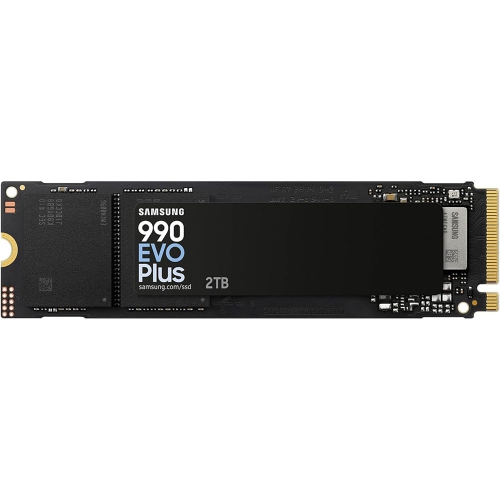
    SAMSUNG 990 Evo Plus - 2Tb PCie Gen4. X4 / Gen5. X2 Nvme 2.0 - M.2 Internal SSD, Speed Up to 7, 250Mb/s, Upgrade Storage for PC/laptops

    About this product

    A high-speed M.2 internal SSD offering up to 7,250MB/s transfer rates for PC and laptop upgrades.

    What customers like

    • Large storage capacity
    • Reliable and stable performance
    • Easy and straightforward installation
    • Excellent value for the price
    • Blazing-fast read and write speeds
    (1,298)
    $789.99 Your price for this item is $789.99
  4. 4

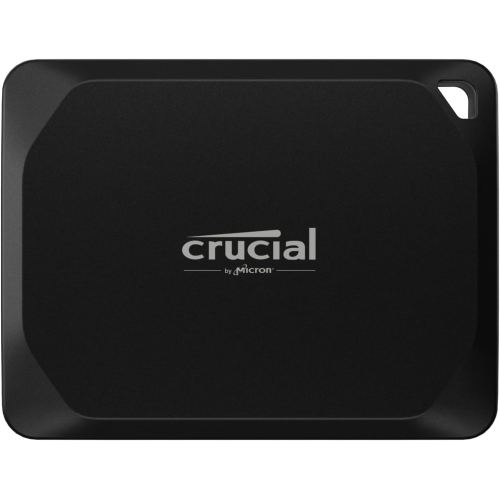
    CRUCIAL X10 Pro 2Tb Portable SSD Ct2000X10Prossd9 [Video Game]

    About this product

    A high-speed 2TB portable SSD offering reliable storage for gaming, backups, and file transfers.

    What customers like

    • Compact and portable design
    • Large storage capacity
    • Easy plug-and-play setup
    • Durable, water and dust resistant build
    • Fast transfer and read/write speeds
    (220)
    $734.68
    SAVE $10
    Your price for this item is $734.68
  5. 5

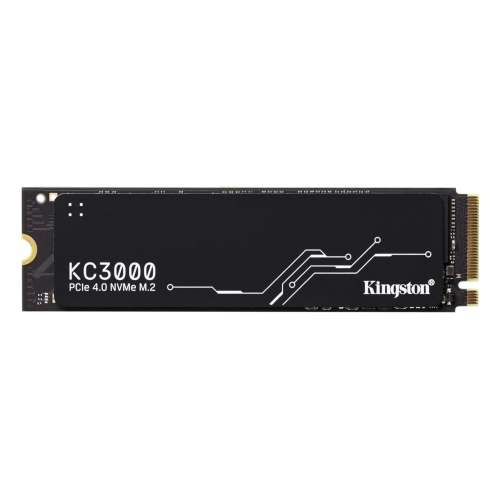
    KINGSTON Kc3000 4Tb PCie 4.0 Nvme M.2 SSD 2-Pack, Up to 7000Mb/s High-Performance Storage for Desktop And Laptop PCs

    About this product

    A high-performance internal SSD delivering fast PCIe 4.0 NVMe speeds for desktops and laptops.

    What customers like

    • Large storage capacity
    • Reliable and consistent performance
    • Blazing fast read and write speeds
    • Excellent value for the price
    • Easy installation process
    (45)
    $1,799.99
    SAVE $200
    Your price for this item is $1799.99
  6. 6

    CRUCIAL X10 Pro 1Tb Portable SSD

    About this product

    A portable SSD offering 1TB of fast, reliable storage for computers and tablets.

    (18)
    $554.68
    SAVE $10
    Your price for this item is $554.68
  7. 7

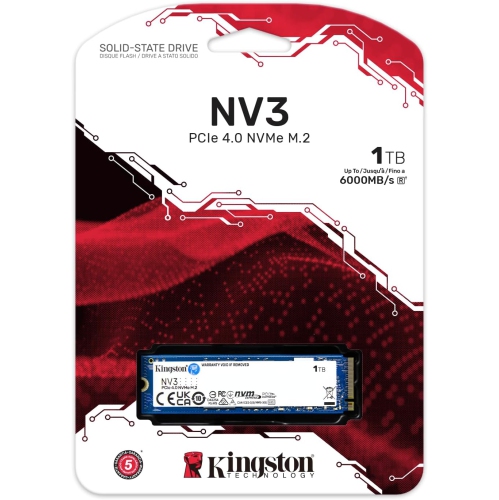
    KINGSTON - Nv3 1Tb M.2 2280 Nvme SSD | PCie 4.0 Gen 4X4 | Up to 6000 Mb/s | Snv3S/1000G

    About this product

    A high-speed M.2 NVMe SSD with PCIe 4.0 interface, offering up to 6000MB/s read speeds.

    (11)
    $217.99
    SAVE $82
    Your price for this item is $217.99
  8. 8

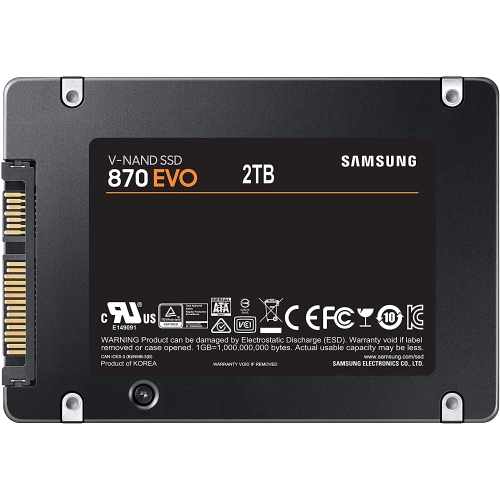
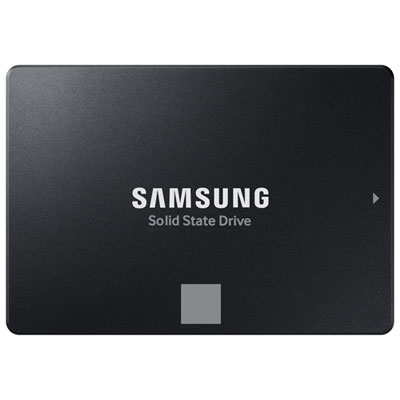
    SAMSUNG SSD 870 Evo SATA 2.5 (2Tb, Mz-77E2T0Bw) - Brand New

    About this product

    A high-performance 2TB internal SSD with SATA 3.1 interface, compatible with Windows and Mac systems.

    (4)
    $649.99
    SAVE $250
    Your price for this item is $649.99
  9. 9

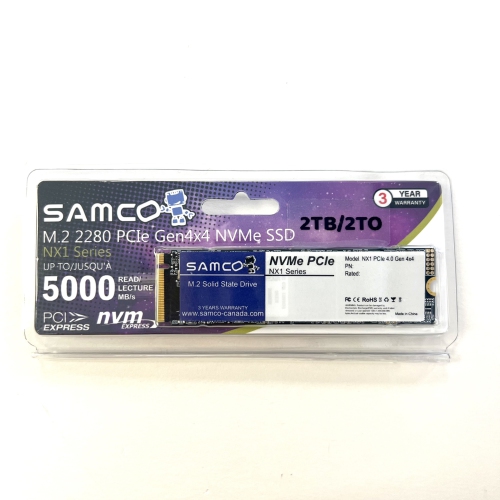
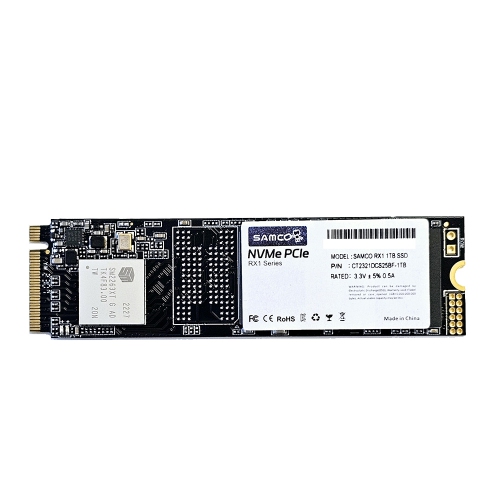
    SAMCO Nx1 2Tb M2 2280 Nvme PCie Gen4X4 SSD

    About this product

    A high-speed NVMe PCIe Gen4x4 SSD offering 2TB storage with 5000MB/s read and 4500MB/s write speeds.

    (2)
    $350.00 Your price for this item is $350
  10. 10

    SAMCO 1Tb Rx1 M.2 Nvme PCie 3 SSD (R:2200Mb/s; W:1500Mb/s)

    About this product

    A high-speed NVMe PCIe Gen3x4 SSD offering 1TB storage for enhanced computer performance.

    (1)
    $190.00 Your price for this item is $190

Why SSD capacity matters as much as speed

The best SSDs for storage combine the capacity needed for everyday files with the right connection, physical fit, and performance for the device they serve. A solid-state drive stores data in flash memory rather than on spinning platters, so it has no moving mechanical parts during operation. That design supports quiet use, quick access to files, and better resistance to everyday bumps than a mechanical hard drive, although any storage device still needs careful handling. Internal SSDs sit inside a compatible computer or console, while external SSDs connect through a port and make it easier to carry files between locations. Both can hold documents, photos, videos, applications, and game libraries, but their roles differ. An internal drive can provide the main storage for an operating system and installed software; a portable drive is especially useful for moving a video project from a home workstation to a studio or keeping a separate copy of family photos. Capacity matters as much as speed when storage is the main purpose. A 500 GB drive can suit lighter document use and a modest selection of applications, while 1 TB or 2 TB offers more room for mixed personal files, larger software installations, and games. Capacities of 4 TB and above can suit extensive media collections or working folders filled with high-resolution footage. Actual usable space is lower than the labelled capacity because of how capacity is reported, formatting, and system requirements. Room for future files also matters: a drive that comfortably holds a photo library today may feel cramped after several years of camera imports. Keeping some free space helps accommodate updates, temporary files, and the drive’s internal storage management. For students, home office users, photographers, and gamers, a suitable SSD is less about chasing the highest speed figure and more about having enough dependable working space without constantly rearranging files. Fast storage is useful, but capacity and compatibility determine whether it fits naturally into a daily routine.

Internal SSDs come in different shapes and use different interfaces, and those details determine where they can be installed. A 2.5-inch SATA SSD commonly suits a compatible laptop drive bay or desktop storage mount, though bay thickness, mounting hardware, and power and data connections need to match the system. The Best SATA SSDs collection focuses on this established interface, which remains relevant for many older computers and for adding storage to systems with spare SATA connections. M.2 drives are smaller, board-shaped devices that mount directly into a compatible slot. M.2 describes the physical format, not the communication interface: an M.2 drive may use SATA or NVMe, and a slot does not necessarily support both. NVMe SSDs communicate over PCIe and can deliver substantially higher transfer speeds than SATA models when paired with suitable hardware. Drive length, slot support, PCIe generation, and available clearance all affect fit. A faster-generation drive may work at a lower speed in a compatible older slot, but system specifications remain the deciding reference. Sequential read and write figures describe movement of large, continuous files, such as transferring a folder of video footage. Random access performance is more relevant to opening applications and handling many small files. Neither figure alone tells the whole story: real transfers also depend on the source drive, file sizes, connection, and workload. Large write jobs may slow once a drive’s fast temporary cache is filled, making sustained performance particularly relevant to video editors and anyone regularly moving hundreds of gigabytes. Heat management matters during demanding work, too. Some internal SSDs use a heat spreader or heatsink, while some computers provide their own cooling hardware. Extra cooling must fit the available space, especially in thin laptops or consoles with defined installation requirements. Console storage also needs platform-specific compatibility; a drive that stores game files externally may not support playing every game directly from that drive. The right internal SSD balances those requirements with the storage task rather than relying on a headline speed alone.

Portable SSDs bring similar flash storage benefits to a compact enclosure, making them useful for shared projects, travel, and files that need to move between a desktop and a laptop. Enclosures may use aluminium, plastic, rubberized edging, or a combination of materials. Metal can help distribute heat, while textured surfaces and protective bumpers can make a drive easier to grip and cushion minor knocks. Materials alone do not establish toughness: a stated drop rating or water and dust resistance rating applies only under its specified conditions. A portable drive still belongs in a protected pocket or case, away from loose keys, spilled drinks, and pressure on its connector. Connection details are just as important as the enclosure. USB-C describes the connector shape, not a guaranteed transfer speed, and a drive needs a compatible port and cable to reach its supported performance. Hubs, adapters, and slower ports can limit that speed. For someone editing footage away from home, a short, well-fitting cable and a secure place beside the laptop can be more useful than an especially small enclosure that dangles from the port. Moving files between operating systems may require a suitable file format, with trade-offs in compatibility, security features, and maximum file size. Encryption can help protect sensitive documents, provided passwords or access keys are stored safely elsewhere. Durability also includes how the flash memory handles repeated writing. Endurance specifications, often expressed as terabytes written, describe a rated amount of data written over the drive’s service life; they are not a promise that files can never be lost. Warranty terms and supported drive-health tools add useful context. Gentle handling, unobstructed cooling, manufacturer-supported firmware updates, and safe disconnection after transfers all support reliable day-to-day use. An SSD can also be a practical gift for a student managing coursework or a family member organising years of photos, as long as its connections match their devices. Whatever its role, it should not hold the only copy of irreplaceable files. A separate backup, with occasional checks that files open correctly, remains essential for long-term storage.
Read More

FAQ

Some products may be subject to Environmental Handling Fees (EHF) depending on your province. Learn more about EHFs.