Best SATA SSDs
Give your computer a speed boost with the best SATA SSDs, ranked by user review ratings. Compared with traditional hard drives, SATA solid-state drives offer faster boot times, quicker file access, and quieter operation. Explore top-rated options to find the storage capacity and value that suit your needs, and check your computer’s connection and form factor requirements for compatibility.
What to look for in SATA SSDs
1. Compatibility and Form Factor
2. Storage Capacity
3. Read and Write Performance
4. Endurance and Warranty
-
1
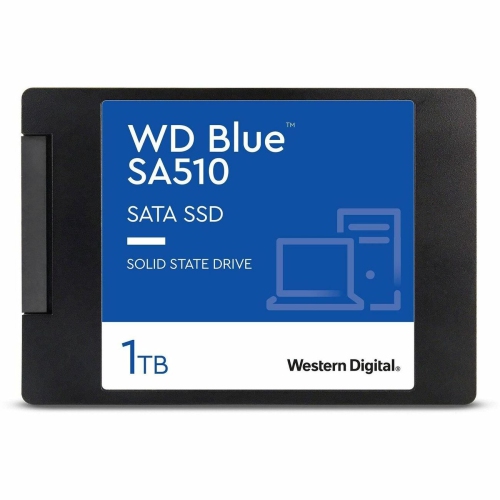
WD 1Tb SATA Internal Solid State Drive - (S100T3B0A) In Blue
About this product
A blue SATA internal solid state drive offering 1TB storage, ideal for professionals and content creators.
(18)$269.99Your price for this item is $269.99SAVE $130 -
2
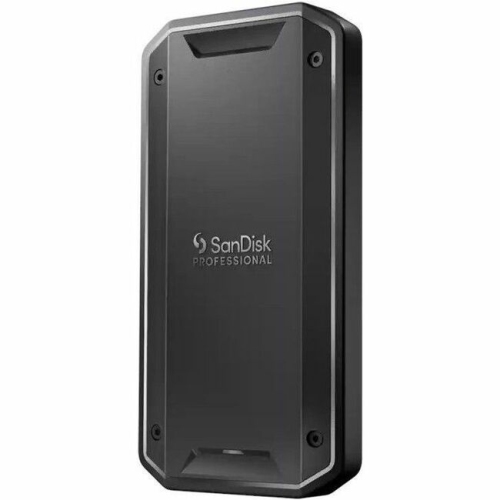
SANDISK PROFESSIONAL Sdps31H-004T-GBcnd Pro-G40 SSD (Sdps31H004Tgbcnd)
About this product
A rugged 4TB portable SSD with PCIe NVMe, Thunderbolt 3, USB-C, and 3000MB/s read speeds.
(5)$1,144.99 Your price for this item is $1144.99 -
3
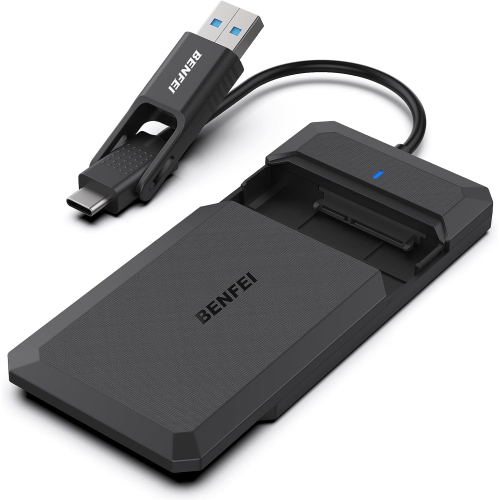
BENFEI 2.5" SATA to USB Enclosure, Tool-Free, for SSD/hdd, Support Uasp, SATA Iii
About this product
A tool-free external hard drive enclosure optimized for 2.5-inch SSDs with USB Type-C and Type-A compatibility.
(3)$11.89Your price for this item is $11.89SAVE $2 -
4
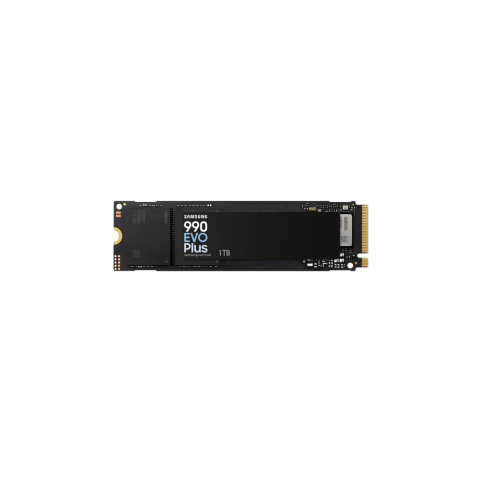
SAMSUNG Refurbished (Good) 990 Evo Plus 1Tb PCi-E Internal Solid State Drive (Mz-V9S1T0B/am)
About this product
A refurbished 1TB PCI-e internal solid state drive for enhanced computer storage performance.
(2)$349.00Your price for this item is $349SAVE $50 -
5
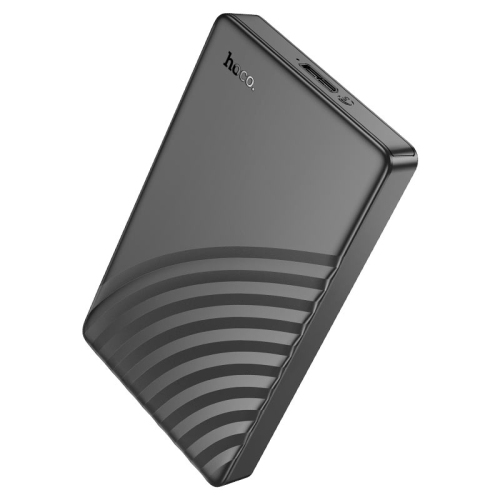
HOCO Hard Drive Enclosure “Hb46” 2.5 Inches SATA USB-A3.0 Hard Drive Case SATA HDD SSD Enclosure External Hard Drive Disk Box for PC Laptop
About this product
A durable 2.5-inch SATA enclosure with USB-A 3.0 connectivity for HDD or SSD storage expansion.
$18.99Your price for this item is $18.99SAVE $6 -
6
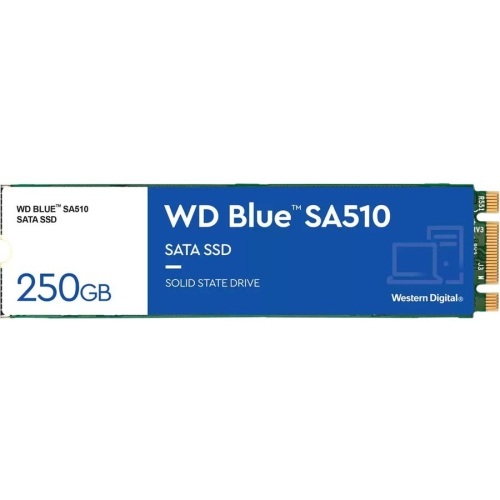
WD 250GB SATA Internal Solid State Drive - (S250G3B0B) In Blue
About this product
A blue SATA internal solid state drive offering 250GB storage, ideal for professionals and content creators.
(6)$169.99Your price for this item is $169.99SAVE $20 -
7
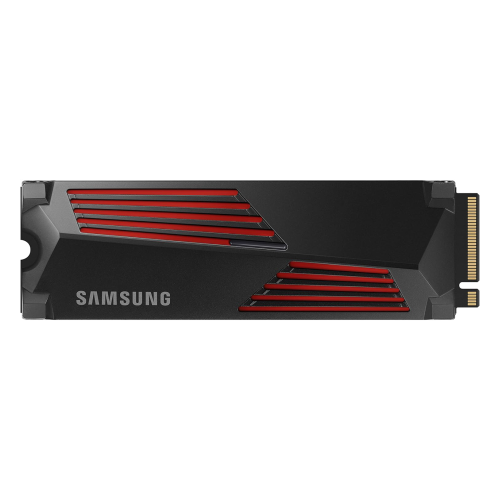
SAMSUNG Refurbished (Good) 990 Pro W/heatsink SSD 2Tb PCie Gen4 Nvme M.2 Internal Solid State Hard Drive
About this product
A refurbished 2TB SSD with heatsink offering fast speeds and heat control for gaming and PS5.
$909.87 Your price for this item is $909.87 -
8
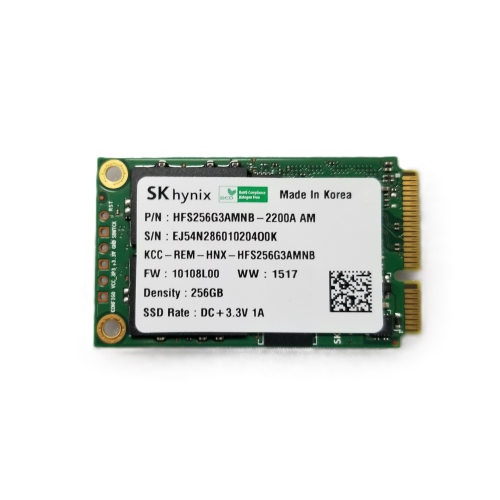
GENERIC Refurbished (Good) 256GB Msata Internal SSD, SATA Iii Byc-Msata256
About this product
A refurbished 256GB mSATA internal SSD offering fast SATA III performance for reliable data storage.
$49.99Your price for this item is $49.99SAVE $6 -
9
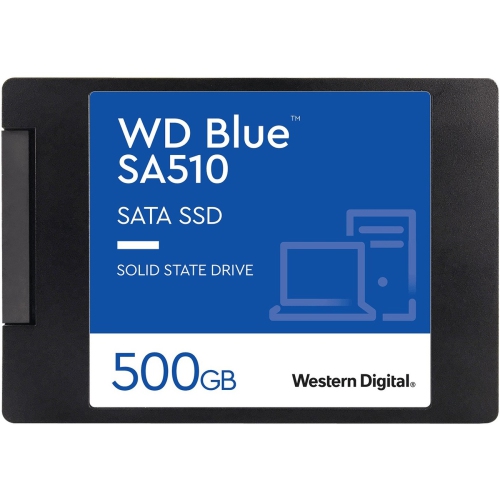
WD Sa510 500GB SATA Internal Solid State Drive - (S500G3B0A) In Blue
About this product
A blue SATA internal SSD offering 500GB storage, ideal for professionals and content creators.
$210.00Your price for this item is $210SAVE $40 -
10
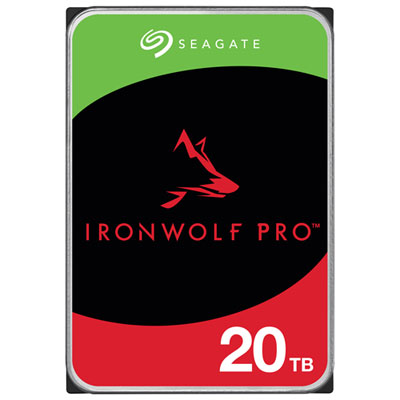
Seagate IronWolf Pro 20TB 3.5" 7200RPM SATA Desktop Internal Hard Drive (ST20000NTZ01)
About this product
A high-performance 20TB SATA hard drive with 7200RPM speed, CMR technology, and AgileArray firmware.
What customers like
(31)$994.99 Your price for this item is $994.99
FAQ
A SATA SSD is a solid-state drive that uses the Serial ATA interface to connect to a computer. It stores your operating system, applications and files on flash memory rather than the spinning magnetic platters used in a traditional hard drive.
SATA SSDs communicate through the SATA interface, while NVMe SSDs use the NVMe protocol over a PCIe connection. They require compatible connections in your computer. An M.2 slot does not automatically support both types, so check which protocols your computer or motherboard accepts.
Check your computer’s service manual or motherboard specifications for SATA drive support and connection requirements. Desktop installations typically require a SATA data connection and a SATA power connector. Laptops may use a dedicated connector or adapter, and some do not support replacement storage drives.
Yes. A SATA SSD can connect through a USB enclosure or adapter designed for its connector type. Check that the enclosure supports SATA drives rather than NVMe-only drives, and follow its power requirements. You may also need to format the drive with a file system supported by the devices you plan to use.
Not necessarily. You can clone an existing system drive to a SATA SSD using compatible migration software, or perform a fresh operating system installation. Cloning must include the required boot partitions, and you may need to select the new drive in your computer’s boot settings. Back up important files before starting.
Top selling and popular products
Discover more categories related to Best SATA SSDs

Some products may be subject to Environmental Handling Fees (EHF) depending on your province. Learn more about EHFs.