Best Value Inkjet Printers for Small Businesses
Finding the right inkjet printer for your small business means balancing upfront cost, everyday performance, and ongoing ink expenses. Explore the best value inkjet printers, ranked by user review ratings, to compare options for your budget and workload. From sharp documents to colourful marketing materials, find a printer that helps keep your business moving.
What to look for in best value inkjet printers for small businesses
1. Total Cost of Ownership
2. Print Speed and Volume
3. Print Quality and Paper Handling
4. Connectivity and Office Features
-
1

Canon PIXMA TR4720 Wireless All-In-One Inkjet Printer - White
About this product
A versatile white wireless inkjet printer offering fast, high-quality printing and easy operation for any task.
What customers like
(127)$79.99 Your price for this item is $79.99 -
2
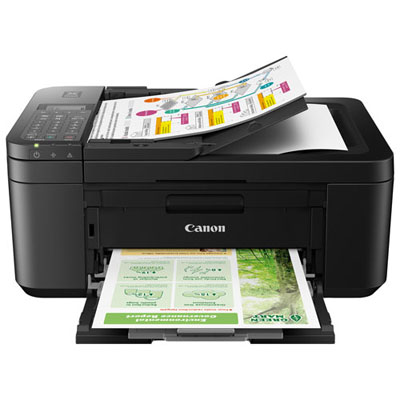
Open Box - Canon PIXMA TR4720 Wireless All-In-One Inkjet Printer
About this product
A versatile black wireless inkjet printer offering high-quality prints and easy setup via mobile app.
$63.99Your price for this item is $63.99SAVE $56 -
3
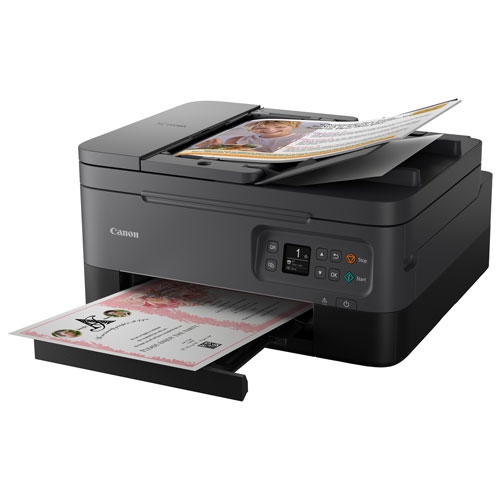
CANON Refurbished (Good) - Pixma Tr7020A Wireless All-In-One Inkjet Printer - In Black
About this product
A wireless all-in-one inkjet printer in black with 4800 x 1200 DPI resolution and OLED display.
$94.97Your price for this item is $94.97SAVE $35 -
4
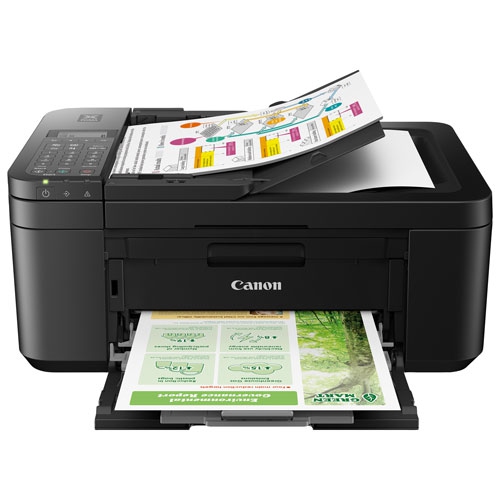
CANON Refurbished (Fair) - Pixma Tr4720 Wireless All-In-One Inkjet Printer
About this product
A compact and versatile wireless all-in-one inkjet printer with high-quality black and color prints.
$44.99Your price for this item is $44.99SAVE $35 -
5
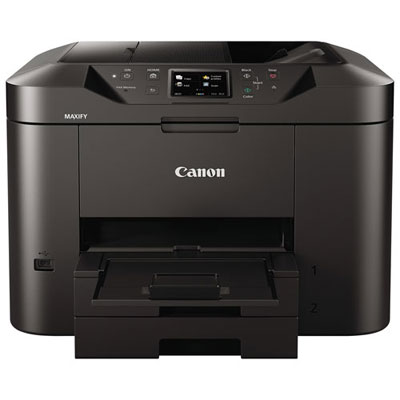
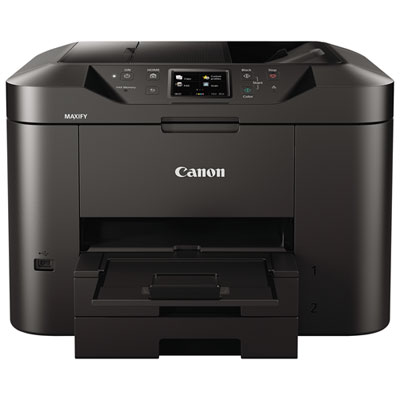
Open Box - Canon MAXIFY MB2720 Office and Business Wireless All-In-One Inkjet Printer
About this product
An efficient wireless all-in-one inkjet printer with fast print speeds, large 500-sheet capacity, and Wi-Fi connectivity.
$79.99Your price for this item is $79.99SAVE $60
FAQ
Consider whether your business needs printing only or an all-in-one model with scanning and copying. Other features to compare include automatic two-sided printing, an automatic document feeder, Ethernet, Wi-Fi and mobile printing support. Match these options to everyday tasks such as printing invoices, scanning receipts and copying forms.
Cartridge-based inkjet printers use replaceable ink cartridges, while ink tank models have built-in reservoirs filled from compatible ink bottles. Some cartridge models use separate cartridges for each colour; others combine multiple colours in one cartridge. Check the ink format and replacement procedure when comparing models.
Network-capable inkjet printers can connect through Wi-Fi, Ethernet or both, depending on the model. Employees can then add the printer on compatible devices connected to the same network. Mobile printing options may include Apple AirPrint, Mopria or a manufacturer’s app, while USB typically provides a direct connection to one computer.
Automatic duplex printing prints on both sides of a sheet without manual flipping. An automatic document feeder feeds multiple original pages into the scanner for scanning or copying. These are separate features: a printer with duplex printing does not necessarily support automatic two-sided scanning.
Depending on the model and included software, scanning options may include saving documents as PDFs, creating JPEG image files and combining multiple scanned pages into one file. Some models also support scanning to email, network folders or cloud services. Optical character recognition, when included, can turn scanned text into searchable or editable content.
Top selling and popular products
Discover more categories related to Best Value Inkjet Printers for Small Businesses

Some products may be subject to Environmental Handling Fees (EHF) depending on your province. Learn more about EHFs.