Best Multifunction Inkjet Printers for Small Businesses

Keep your office running smoothly with the best multifunction inkjet printers for small businesses, ranked by customer review ratings. Combining printing, scanning, and copying in one compact device, these versatile printers help you tackle everyday tasks without crowding your workspace. Compare options with features such as Wi-Fi connectivity, automatic two-sided printing, and document feeders to find the right fit for your team’s workload and budget.

Read More

What to look for in multifunction inkjet printers for small businesses

1. Print Quality and Speed

Look for sharp text and clear colour graphics for reports, proposals and marketing materials. Compare black-and-white and colour print speeds, and check the recommended monthly print volume to find a model suited to your workload.

2. Ink Costs and Capacity

Consider the cost and page yield of replacement ink, not just the printer’s purchase price. Refillable ink tanks or high-yield cartridges may offer lower costs per page, particularly if your team prints frequently.

3. Scanning and Paper Handling

An automatic document feeder can make scanning and copying multipage documents easier, while automatic two-sided printing helps reduce paper use. Check whether the printer supports two-sided scanning, the paper sizes you need and enough tray capacity for busy days.

4. Connectivity and Security

Look for Wi-Fi, Ethernet or USB connections that suit your office setup, along with mobile printing support for your team’s devices. If you handle sensitive documents, compare features such as user access controls, secure print release and available firmware updates.
Citrus catapult arrow
  1. 1

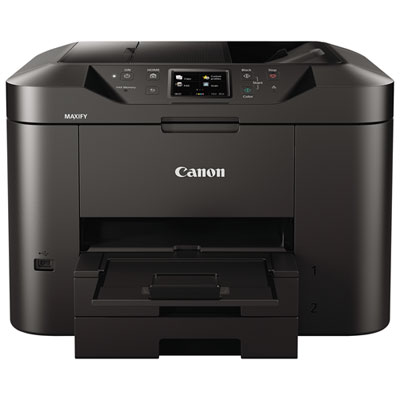
    Canon MAXIFY MB2720 Office and Business Wireless All-In-One Inkjet Printer

    About this product

    An all-in-one wireless inkjet printer offering fast print speeds, large capacity, and built-in Wi-Fi connectivity.

    What customers like

    • Fast print speeds
    • Excellent print quality
    • Large paper capacity with dual trays
    • Easy wireless setup and connectivity
    • Efficient ink usage and low cost per page
    (605)
    $99.99
    SAVE $50
    Your price for this item is $99.99
  2. 2

    EPSON Workforce St-C4100 Supertank All-In-One Color Inkjet Printer - (C11Cj60203)

    About this product

    A wireless inkjet printer with multifunction capabilities and color printing from EPSON.

    $591.91 Your price for this item is $591.91
  3. 3

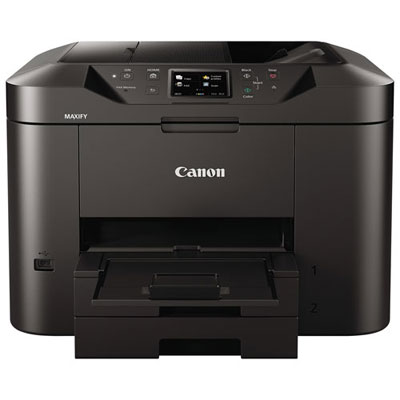
    Open Box - Canon MAXIFY MB2720 Office and Business Wireless All-In-One Inkjet Printer

    About this product

    An efficient wireless all-in-one inkjet printer with fast print speeds, large 500-sheet capacity, and Wi-Fi connectivity.

    $79.99
    SAVE $60
    Your price for this item is $79.99
  4. 4

    CANON Pixma Tr7120 Wireless All-In-One Inkjet Printer, Print Scan Copy, Auto Duplex Printing, 35-Sheet Adf, 1.42-Inch Oled Display, Home And Small

    About this product

    A wireless all-in-one inkjet printer with auto duplex printing, 35-sheet ADF, and OLED display.

    (12)
    $139.99
    SAVE $90
    Your price for this item is $139.99
  5. 5

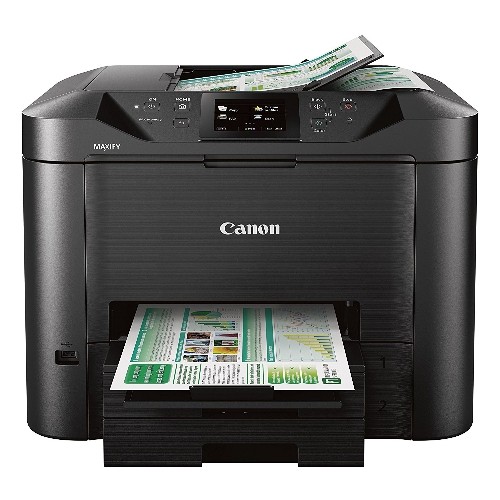
    CANON Office And Business Mb5420 Wireless All-In-One Printer, Scanner, Copier And Fax, With Mobile And Duplex Printing

    About this product

    An all-in-one wireless printer offering duplex printing, scanning, copying, fax, and mobile connectivity for businesses.

    $429.99
    SAVE $110
    Your price for this item is $429.99
  6. 6

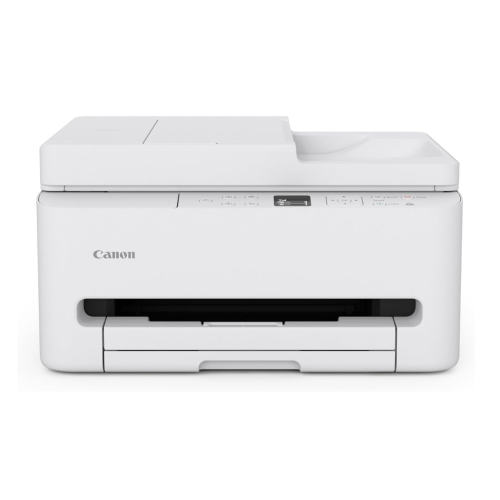
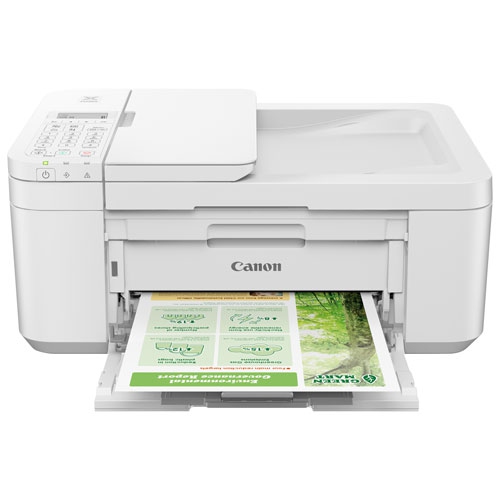
    CANON - Pixma Tr4720 Wireless All-In-One Inkjet Printer - In White

    About this product

    A versatile white wireless inkjet printer offering quick print speeds, sharp resolution, and easy all-in-one functionality.

    $191.99 Your price for this item is $191.99
  7. 7

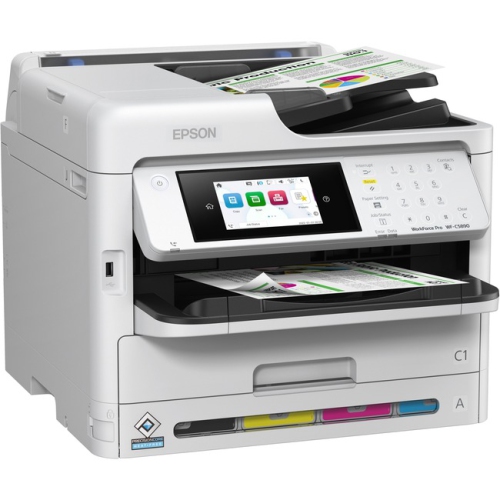
    EPSON Wf-C5890 Workforce Pro Wf-C5890 Multifunction Business Printer (C11Ck23201)

    About this product

    A multifunction business printer by Epson with model number C11Ck23201, currently on sale.

    $620.48 Your price for this item is $620.48
  8. 8

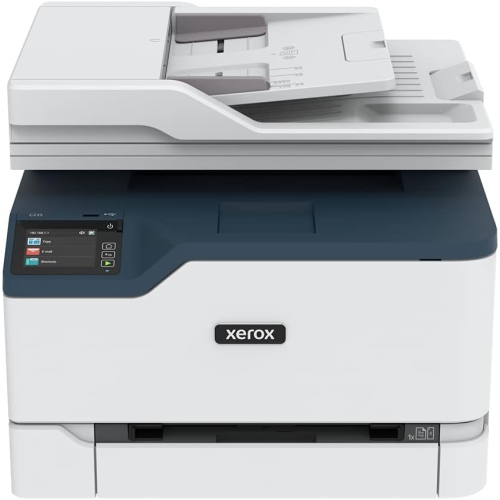
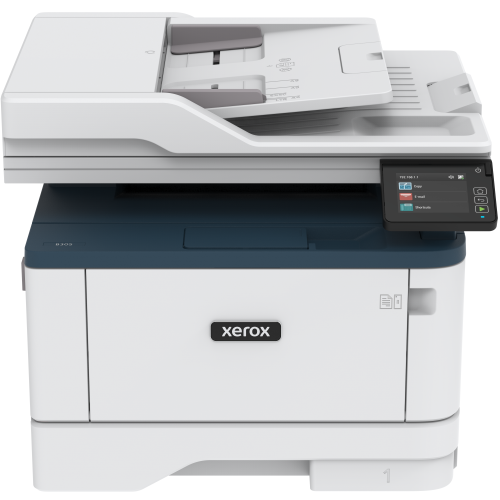
    XEROX C235/dni Color Multifunction Printer (Print/copy/scan/fax)

    About this product

    A versatile color multifunction printer offering print, copy, scan, and fax features for efficient productivity.

    $535.99 Your price for this item is $535.99
  9. 9

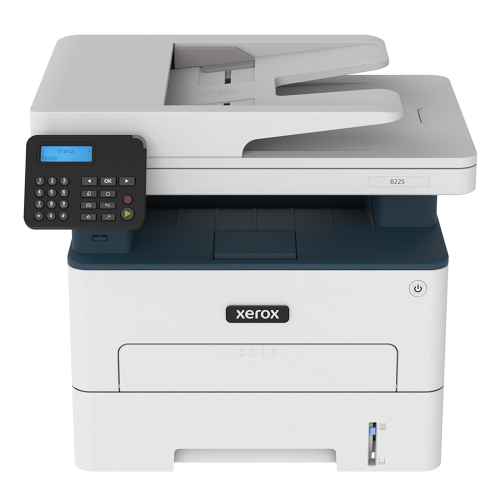
    XEROX B225 Multifunction Printer

    About this product

    A versatile all-in-one device offering printing, scanning, copying, and faxing for efficient office productivity.

    $370.78 Your price for this item is $370.78
  10. 10

    XEROX B305/dni Monochrome Multifunction Printer (Print/scan/copy)

    About this product

    A versatile monochrome multifunction printer offering print, scan, and copy features for efficient office tasks.

    $449.99
    SAVE $135
    Your price for this item is $449.99

One device for everyday paperwork and colour presentations

Multifunction inkjet printers for small businesses bring printing, scanning and copying into one device, with faxing included on some models. For a home-based consultant, a small retail team or a busy professional office, that combination supports everyday paperwork without requiring separate machines for each task. A signed agreement can be scanned into a client folder, a delivery receipt copied for bookkeeping and a colour presentation printed before a meeting. The best multifunction inkjet printers for small businesses are those whose paper handling, ink capacity, connectivity and document features match the work they will actually do. A few invoices and occasional colour charts call for different capabilities than regular batches of training materials, property brochures or customer forms. Inkjet technology is particularly useful when an office needs both clear text and colour output, although results depend on the printer, ink, paper and selected print settings. Black text benefits from sharp letter edges and consistent coverage, while charts and photographs need accurate colour and smooth transitions. Some printers use pigment-based black ink for documents, while colour ink formulations vary; resistance to smudging or highlighting should be checked against the manufacturer’s specifications rather than assumed. Standard letter-size printing suits much of a Canadian office’s daily correspondence, while legal-size support can matter for longer forms and contracts. Wide-format capability serves a different purpose, such as printing larger spreadsheets, layouts or presentation materials, and is not included on every business inkjet. A multifunction design also needs to fit the available workspace. The closed dimensions tell only part of the story: an extended output tray, raised scanner lid or open rear paper feed can require considerably more clearance. On a shared desk, access to the touchscreen, ink compartments and paper trays matters as much as the printer’s overall size. Within the broader range of printers for small businesses, multifunction inkjets suit teams that want flexible document handling and colour printing from a single workstation.

Paper handling often makes the biggest difference between a printer that meets a specification and one that fits a working day. An automatic document feeder, commonly called an ADF, accepts a stack of loose pages for scanning or copying, leaving staff free to continue with another task. It is useful for a multipage supplier agreement or a bundle of signed service forms, whereas a flatbed scanner is better suited to delicate originals, bound pages and documents that should not pass through rollers. Automatic two-sided printing and automatic two-sided scanning are separate features. A printer may produce double-sided documents without being able to scan both sides of an original automatically. Single-pass duplex scanning captures both sides in one trip through the feeder, which can help a team that regularly digitizes double-sided paperwork. Feeder capacity, supported paper sizes and the ability to handle different original types deserve attention alongside the headline scan resolution. For text-heavy files, legibility, straight pages and manageable file sizes are often more useful than the highest possible resolution. Optical character recognition, when supported by the included or compatible software, can turn scanned text into searchable or editable content. Printing performance also depends on more than a maximum pages-per-minute figure. Black and colour speeds can differ, and draft, standard and high-quality settings may produce noticeably different results and completion times. First-page output matters for someone printing one shipping document at a time; sustained speed matters more when several colleagues send longer jobs. Paper capacity should reflect that rhythm. A larger input tray means fewer interruptions during a batch, while a separate feed can make it easier to switch to envelopes or headed stationery. Supported media weight and finish are important for cards, labels and presentation paper, since not every inkjet accepts thick or coated materials. Inkjet-compatible labels and paper help support reliable feeding and appropriate drying. For regular workloads, a manufacturer’s suggested monthly print volume is a more useful reference than the maximum duty cycle, which is not a target for routine use.

Ink systems, connection options and everyday care shape how comfortably a multifunction inkjet printer settles into a small business. Cartridge-based designs and refillable ink-tank designs both serve office needs, but their maintenance routines differ. Individual colour cartridges allow a depleted colour to be replaced separately, while refillable tanks hold ink that is replenished from compatible bottles. Higher-capacity ink supplies can reduce how often a busy team needs to replace or refill them, though stated page yields are estimates based on defined test conditions. Dense graphics, full-page colour and cleaning cycles affect actual ink use. Refilling is easiest when there is clear access to the tanks, a stable surface and time to follow the manufacturer’s handling directions. Connectivity should suit the devices and network already in use. Wi-Fi offers placement flexibility, Ethernet provides a wired network connection where supported, and USB can serve a directly connected computer. Mobile printing, compatible operating systems and access from multiple computers should be confirmed for the intended workflow. Scan-to-email, network-folder scanning and cloud connections may simplify filing, but their requirements vary, and some depend on particular software, accounts or network settings. For offices handling personal or client information, useful considerations include supported security settings, administrator controls and keeping printer software and firmware up to date. Physical construction matters too: trays should support the intended paper load, hinges need enough clearance for careful opening, and controls should remain accessible without reaching across a crowded counter. Durability depends on using the printer within its intended workload and treating moving parts properly, not simply on the weight of its housing. Store paper flat and dry, keep dust away from feed areas and follow the specified cleaning procedures for the scanner glass and document feeder. Regular use and the manufacturer’s maintenance routine can help keep inkjet nozzles working consistently, particularly in offices where printing is intermittent. A well-matched multifunction inkjet supports the ordinary details of business: readable invoices, neatly copied forms, clear colour handouts and digital files that are easy to find when a customer calls.
Read More

FAQ

Some products may be subject to Environmental Handling Fees (EHF) depending on your province. Learn more about EHFs.