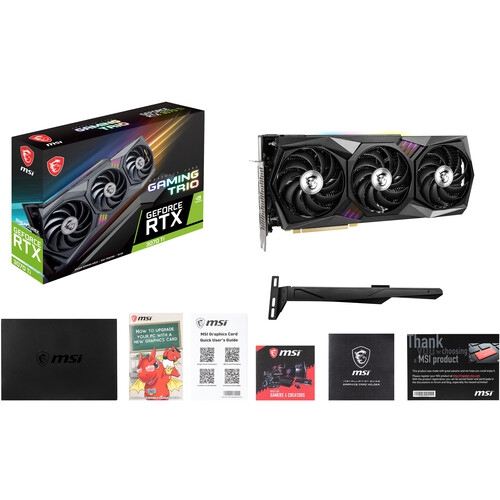
Best Video Cards for Gaming Pc

Upgrade your gaming PC with the best video cards for sharp visuals, smooth frame rates, and immersive gameplay. Ranked by user review ratings, this selection highlights top-rated options to help you compare graphics performance, video memory, and compatibility with your setup. Whether you play competitive favourites or explore detailed open worlds, find a video card that fits your gaming goals and budget.

Read More

What to look for in gaming PC video cards

1. Gaming Performance

Look for benchmarks in the games you play at your monitor’s resolution, whether that’s 1080p, 1440p, or 4K. A card that delivers consistent frame rates at your preferred graphics settings can help you get the most from your monitor’s refresh rate.

2. Video Memory

Video memory, or VRAM, holds textures and other graphics data while you play. Higher resolutions, detailed textures, and graphics mods can require more VRAM, so check the requirements of your favourite games rather than judging performance by memory capacity alone.

3. PC Compatibility

Check that the card fits your case, including its length, thickness, and clearance for power cables. Confirm that your power supply meets the card manufacturer’s wattage and connector requirements, and that the display outputs support your monitor.

4. Graphics Features and Cooling

Compare support for ray tracing, upscaling, and frame generation in the games you plan to play. Review cooling performance and fan noise, since the cooler design and your case’s airflow affect operating temperatures and sound levels.
Citrus catapult arrow
  1. 1

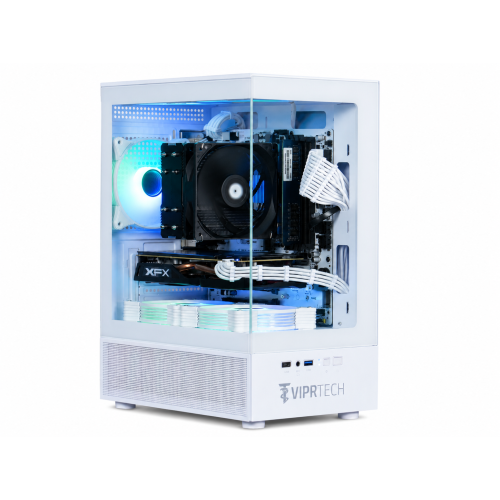
    VIPRTECH Stryker 1.0 Gaming PC - Rx 580 8GB, Amd Ryzen 7, 16GB Memory, 500GB SSD, Win 11 Pro, Arctic In White

    About this product

    A powerful white desktop featuring Ryzen 7, RX 580 8GB, 32GB RAM, 1TB NVMe SSD, and RGB lighting.

    (14)
    $1,199.99 Your price for this item is $1199.99
  2. 2

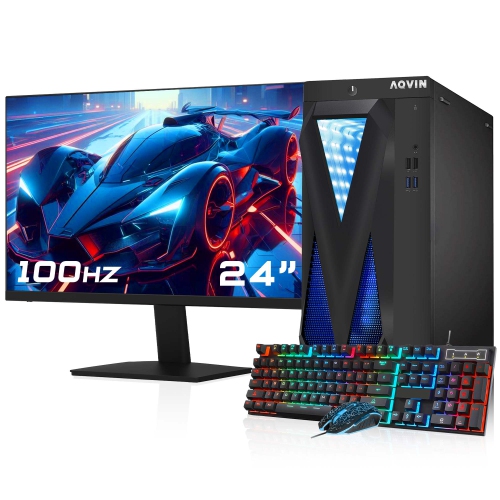
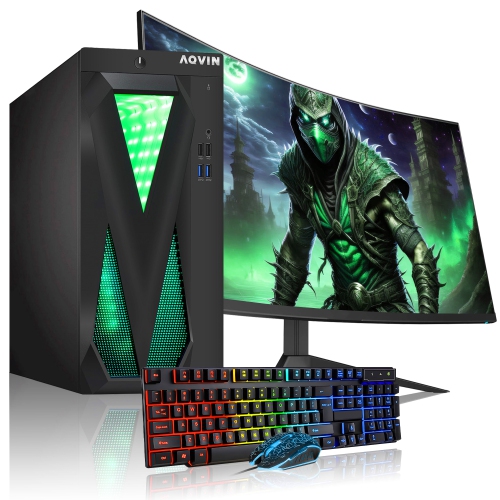
    AQVIN Refurbished (Excellent) - Gaming PC - Gtx 1650 4GB, Intel Core I7, 32GB Memory, 1Tb SSD, Win 10 Pro, RGB + 24" Monitor

    About this product

    An RGB gaming PC combo with Intel Core i7, GTX 1650 4GB, 1TB SSD, and 24" FHD monitor.

    $1,059.99 Your price for this item is $1059.99
  3. 3

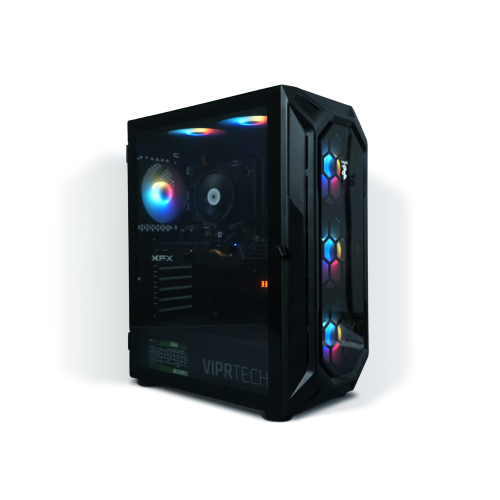
    VIPRTECH Rebel 4.0 Gaming PC - Rtx 4060 8GB, Amd Ryzen 7, 16GB Memory, 1Tb SSD, Win 11, Onyx Black, RGB, Vr-Ready

    About this product

    A powerful black desktop featuring Ryzen 7, RTX 4060, 32GB RAM, 1TB NVMe SSD, and vibrant RGB lighting.

    (3)
    $1,569.99 Your price for this item is $1569.99
  4. 4

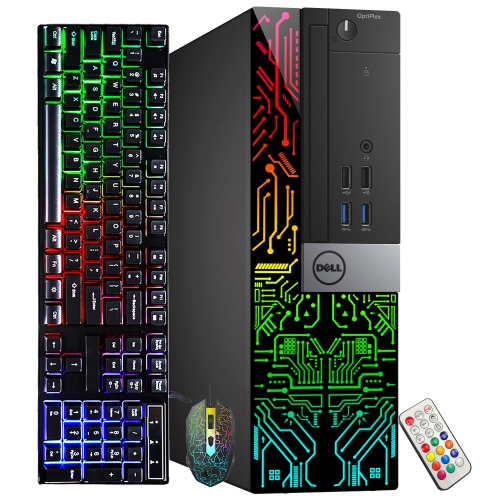
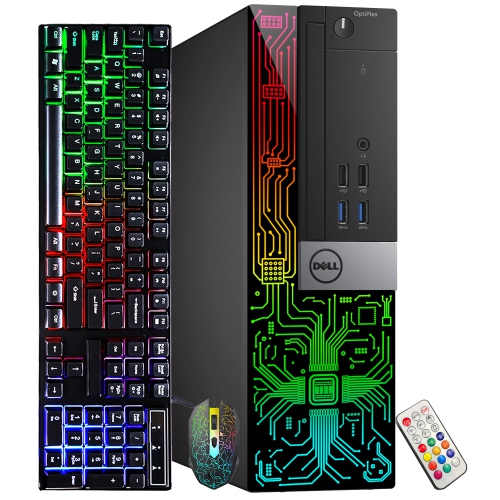
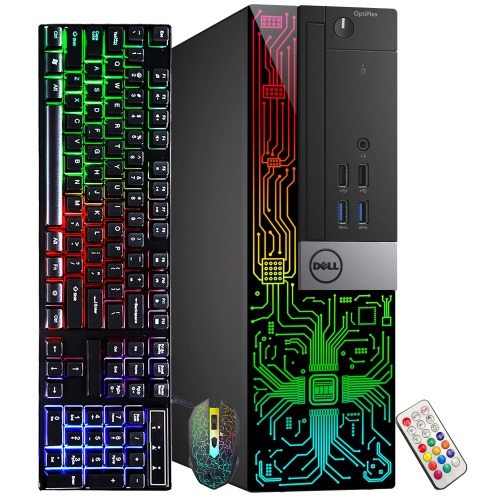
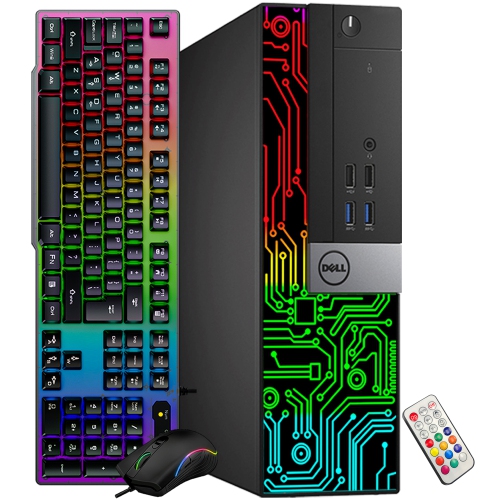
    DELL Refurbished (Good) - Optiplex Gaming PC Small Form Factor - Rx 550 4GB, Intel Core I5-9500, 16GB Memory, 512GB SSD, Win 11 Pro, RGB

    About this product

    A refurbished desktop featuring an Intel i5-9500, Radeon RX 550 4GB, 16GB RAM, and RGB lighting.

    (1)
    $584.99
    SAVE $85
    Your price for this item is $584.99
  5. 5

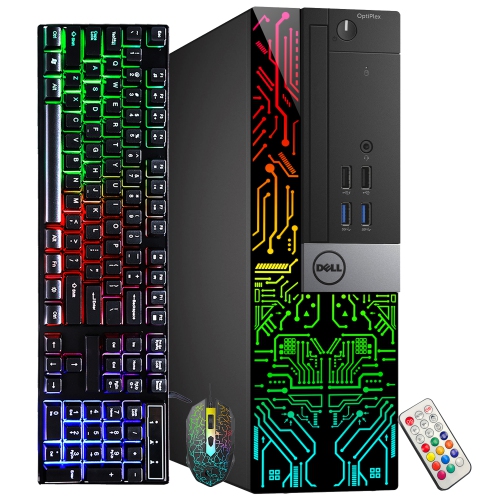
    DELL Refurbished (Good) - Optiplex Gaming PC Small Form Factor - Gt 730 2GB, Intel Core I5-9500, 16GB Memory, 1Tb SSD, Win 11 Pro, RGB

    About this product

    A refurbished desktop featuring an Intel i5-9500, GeForce GT 730, 16GB RAM, and 1TB SSD.

    $569.99
    SAVE $120
    Your price for this item is $569.99
  6. 6

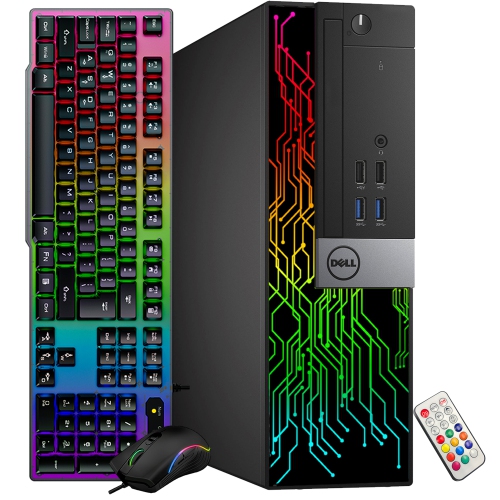
    DELL Refurbished (Good) - Optiplex Gaming PC Small Form Factor - Rx 550 4GB, Intel Core I5-9500, 16GB Memory, 1Tb SSD, Win 11 Pro, RGB

    About this product

    A refurbished desktop featuring an Intel i5-9500, Radeon RX 550 4GB, 16GB RAM, and 1TB SSD.

    $659.99
    SAVE $130
    Your price for this item is $659.99
  7. 7

    DELL Refurbished (Good) - Optiplex Gaming PC Small Form Factor - Gt 730 2GB, Intel Core I5-9500, 16GB Memory, 512GB SSD, Win 11 Pro, RGB

    About this product

    A refurbished desktop featuring an Intel i5-9500 processor, GeForce GT 730 graphics, 16GB RAM, and RGB lighting.

    $484.99
    SAVE $95
    Your price for this item is $484.99
  8. 8

    DELL Refurbished (Good) - Optiplex Gaming PC Small Form Factor - Gt 1030 2GB, Intel Core I5-9500, 16GB Memory, 512GB SSD, Win 11 Pro, RGB

    About this product

    A refurbished desktop featuring an Intel i5-9500 processor, GeForce GT 1030 graphics, and RGB lighting.

    $564.99
    SAVE $105
    Your price for this item is $564.99
  9. 9

    DELL Refurbished (Good) - Optiplex Gaming PC Small Form Factor - Gt 1030 2GB, Intel Core I5-9500, 16GB Memory, 1Tb SSD, Win 11 Pro, RGB

    About this product

    A refurbished desktop featuring an Intel i5-9500 processor, GeForce GT 1030 graphics, 16GB RAM, and RGB lighting.

    $639.99
    SAVE $150
    Your price for this item is $639.99
  10. 10

    AQVIN Refurbished (Excellent) - Infinitylite Gaming PC - Rx 550 4GB, Intel Core I7, 16GB Memory, 512GB SSD + 500GB HDD, Win 11, RGB + 24" Curved

    About this product

    An RGB tower gaming PC featuring an Intel Core i7, Radeon RX 550, 32GB RAM, and 1TB SSD.

    (3)
    $1,199.99 Your price for this item is $1199.99

Why smoother gaming takes more than a powerful GPU

The best video cards for gaming PCs are the ones that suit the games being played, the monitor’s resolution, and the capabilities of the rest of the computer. A graphics card, also called a video card, uses its graphics processing unit, or GPU, to render the scenes, lighting, textures, and effects that appear on screen. For a desktop used mainly for competitive games at 1080p, consistently high frame rates and responsive movement often matter more than elaborate visual effects. A player tracking an opponent through a fast-moving arena benefits from smooth frame delivery, especially when paired with a high-refresh-rate monitor. At 1440p, the workload increases, making stronger graphics performance useful for keeping fine details sharp without sacrificing fluid motion. Gaming at 4K places greater demands on the card again, particularly in expansive worlds with dense foliage, detailed buildings, and complex reflections. Resolution alone does not determine the right match: a visually demanding single-player game and a lightweight competitive title can perform very differently on the same hardware. Graphics settings also change the workload substantially. Higher shadow quality, longer draw distances, and advanced lighting can affect frame rates even when the display resolution stays the same. Average frame rates offer one useful measure of performance, but consistent frame times help explain whether movement feels steady or interrupted by brief stutters. Performance figures are most meaningful when they reflect the same game, resolution, and settings a player intends to use. A capable processor matters too, since a graphics upgrade cannot fully overcome a processor limitation, particularly when chasing very high frame rates. For shoppers comparing Powerful Graphics Cards for Gaming, the practical goal is a balanced desktop that delivers the desired detail and responsiveness rather than simply the highest specification in one category. That balance supports everything from relaxed simulation sessions to demanding multiplayer matches, without treating every gaming setup as though it has identical needs.

Graphics memory, rendering features, and software support help distinguish gaming video cards beyond their headline GPU specifications. Dedicated video memory, or VRAM, holds resources such as textures and rendering data close to the graphics processor. Higher resolutions, detailed texture packs, and some game modifications can increase memory requirements. When a game exceeds the available VRAM, the result may include uneven performance, delayed texture loading, or a need to reduce texture settings. More memory does not automatically make one card faster than another, however; GPU architecture, memory bandwidth, and the game’s own design also influence the experience. Ray tracing is another important distinction for players who enjoy realistic reflections, shadows, and lighting. It can give glass, water, and polished surfaces a more convincing appearance, but it adds a substantial processing workload, and support varies between cards and games. Upscaling techniques can improve performance by rendering at a lower internal resolution and reconstructing the image for the display. The visual result depends on the technology, its quality setting, the output resolution, and how well it is implemented in a particular game. Frame generation can increase displayed frame rates in supported titles, though those extra frames do not provide the same responsiveness as an equivalent increase in fully rendered frames. A strong underlying frame rate remains valuable, especially for timing-sensitive play. Display connections deserve similar attention: the card’s outputs, the monitor’s inputs, and the cable must support the intended resolution and refresh rate together. Variable refresh rate support can help reduce visible tearing when the display and graphics hardware are compatible. For players who also livestream, capture gameplay, or edit videos, a supported hardware encoder can handle much of the video encoding work without placing the entire load on the processor. These capabilities make a gaming graphics card useful beyond play, although support for particular applications and video formats should be verified rather than assumed.

Physical compatibility and cooling design are just as important as gaming performance when adding a video card to a desktop. Cards vary in length, height, thickness, and weight, so an open expansion slot does not guarantee that a card will fit. Front-mounted radiators, drive cages, neighbouring expansion cards, and the space between the card and side panel can all limit clearance. Power cables need room as well, including any connector-specific clearance required to avoid tight bends near the plug. Most desktop gaming graphics cards use a PCI Express connection, but the motherboard layout, system firmware, and case design can affect installation, especially in compact or proprietary desktops. The power supply must provide sufficient capacity for the complete system and have the correct connectors for the card. Modular power supply cables are not universally interchangeable, even when their plugs look similar. Cooling assemblies commonly combine metal heatsinks, often using aluminium fins and copper heat pipes or a vapour chamber, with one or more fans. Their size and design influence how effectively heat moves away from the GPU and how noticeable fan noise becomes during a long gaming session. A larger cooler may provide quieter operation under some conditions, but it also occupies more space and still depends on clear case airflow. Backplates can add rigidity, while particularly heavy cards may benefit from a compatible support bracket to limit sag. For ongoing care, dust removal from case filters and accessible cooling surfaces helps maintain airflow; cleaning should follow the equipment manufacturer’s directions with the computer shut down and disconnected from power. Keeping cables clear of fans and using appropriate graphics drivers also supports dependable operation. A video card can be a thoughtful gift for a PC gamer, a student who plays and creates digital content, or someone upgrading an older desktop, but it is not a universal drop-in accessory. Knowing the recipient’s case dimensions, power supply, monitor, and favourite games makes the gift far more likely to suit their setup. The most satisfying upgrade is one that fits securely, runs reliably, and improves the experience in the games that matter to its owner.
Read More

FAQ

Some products may be subject to Environmental Handling Fees (EHF) depending on your province. Learn more about EHFs.