Best Graphics Cards for Custom PC Builds
Find the best graphics cards for custom PC builds, ranked by user review ratings to help you compare top-rated options. Whether you’re building a gaming rig, editing video, or upgrading your current setup, explore cards that suit your performance needs and budget. Consider video memory, power requirements, and case compatibility to find the right fit for your build.
What to look for in graphics cards for custom PC builds
1. Performance and Resolution
2. Video Memory
3. Size and Cooling
4. Power and Compatibility
-
1
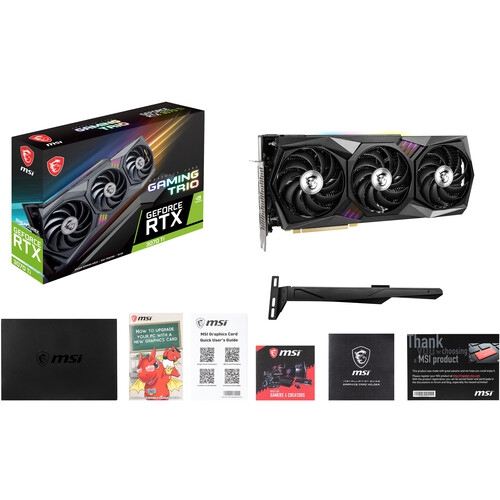
MSI Geforce Rtx 3070 Gaming X Trio 8GB Gddr6 Graphics Card
About this product
A high-performance graphics card with 8GB GDDR6 memory, triple fans, and customizable RGB lighting.
What customers like
(21)$2,799.99Your price for this item is $2799.99SAVE $100 -
2
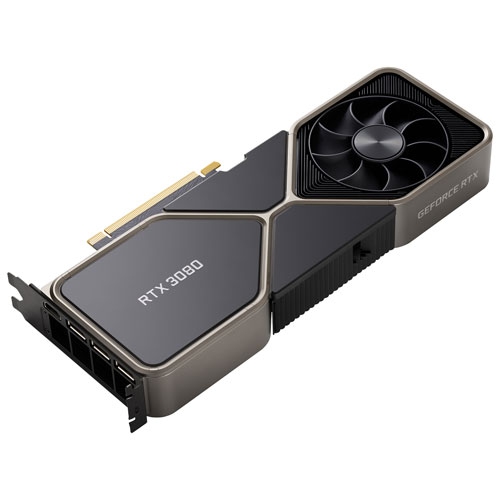
NVIDIA - Geforce Rtx 3080 10GB Gddr6X Video Card
About this product
A powerful NVIDIA video card with 10GB GDDR6X memory for high-performance gaming.
What customers like
(2,173)$1,399.99Your price for this item is $1399.99SAVE $300 -
3
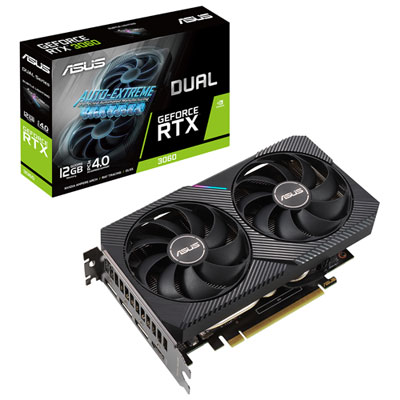
ASUS Dual NVIDIA GeForce RTX 3060 V2 12GB GDDR6 Video Card
About this product
A powerful video card with advanced cooling and superior performance for an immersive gaming experience.
What customers like
(302)$699.99 Your price for this item is $699.99 -
4
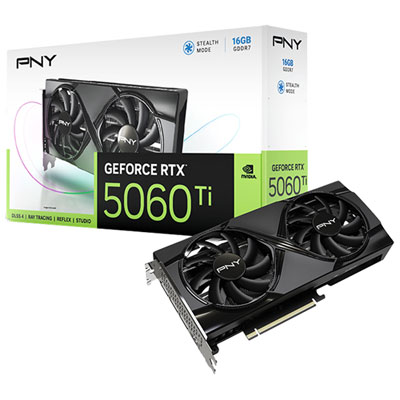
PNY GeForce RTX5060 Ti OC Dual-Fan16GB GDDR7 Video Card
About this product
A dual-fan graphics card with 16GB GDDR7 memory, delivering ultra-responsive gameplay and stunning 8K visuals.
What customers like
(274)$1,129.99 Your price for this item is $1129.99 -
5
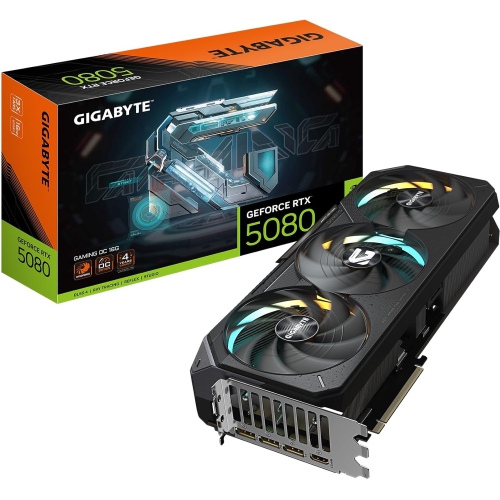
NVIDIA Gigabyte Gv-N5080Gaming Oc-16Gd
About this product
A powerful graphics card delivering advanced AI acceleration, enhanced RT and Tensor Cores, and 16GB GDDR7 memory.
What customers like
(184)$4,299.99Your price for this item is $4299.99SAVE $700 -
6
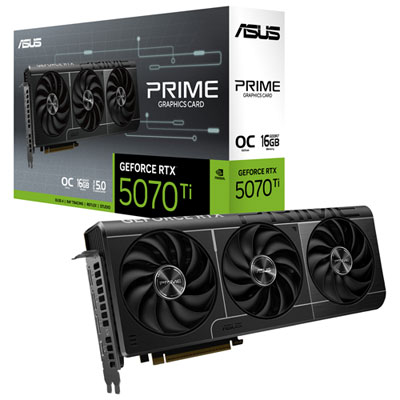
ASUS Prime RTX 5070 Ti OC 16GB GDDR7 Video Card
About this product
A high-performance GDDR7 video card with NVIDIA Blackwell architecture, DLSS 4, and advanced cooling technology.
What customers like
(93)$1,709.99 Your price for this item is $1709.99 -
7
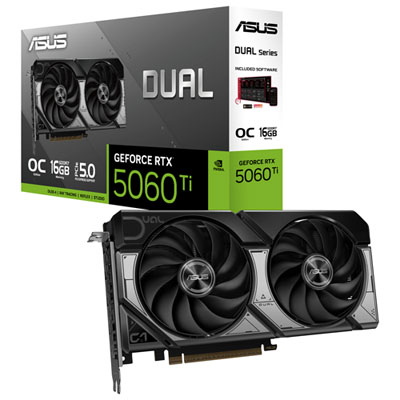
ASUS Dual GeForce RTX 5060 Ti OC 16GB GDDR7 Video Card
About this product
A powerful graphics card with 16GB GDDR7 memory, advanced AI features, and enhanced cooling for smooth gaming.
What customers like
(82)$1,119.99 Your price for this item is $1119.99 -
8
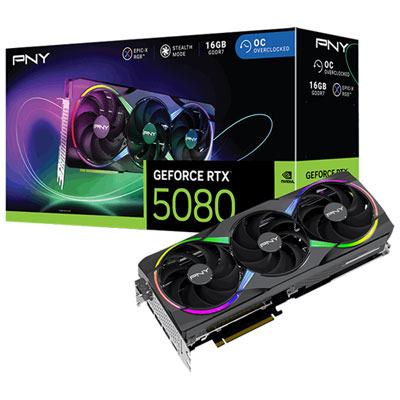
PNY NVIDIA GeForce RTX 5080 ARGB 16GB GDDR7 Video Card
About this product
A high-performance video card with 16GB GDDR7 memory and AI-powered DLSS 4 for stunning graphics.
What customers like
(48)$2,499.98 Your price for this item is $2499.98 -
9
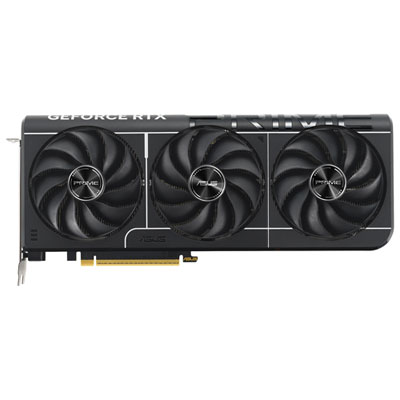
ASUS Prime GeForce RTX 5080 16GB GDDR7 Video Card
About this product
A high-performance video card with 16GB GDDR7 memory, advanced cooling, and near-silent 0dB technology.
What customers like
(42)$2,369.99 Your price for this item is $2369.99 -
10
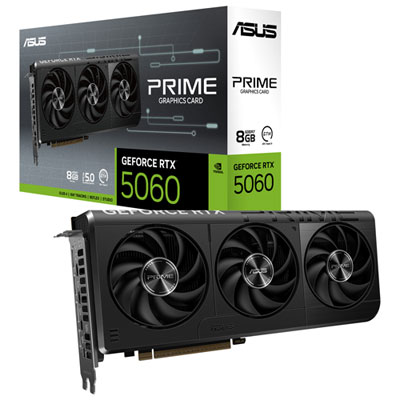
ASUS Prime GeForce RTX 5060 8GB GDDR7 Video Card
About this product
An advanced video card featuring 8GB GDDR7 memory, AI acceleration, and efficient cooling with axial-tech fans.
What customers like
(34)$689.99 Your price for this item is $689.99
FAQ
A GPU is the processor that handles graphics-related calculations. A graphics card is the complete component installed in a custom PC, containing the GPU, dedicated video memory, cooling hardware and display connections.
Most desktop graphics cards connect through a PCIe x16 slot on the motherboard. PCIe generations are generally backward compatible, so the card and motherboard do not always need to use the same generation. Check the specifications of both components when planning your build.
VRAM is dedicated video memory that stores graphics data, such as textures, frame buffers and other visual assets. It is separate from your PC’s system RAM. When choosing a graphics card, check the VRAM requirements listed for the games and creative applications you plan to use.
HDMI and DisplayPort are common connections on desktop graphics cards, while USB-C display output is available on some models. Match the card’s outputs to your monitors’ inputs, and check the supported connection standards and number of simultaneous displays. For a multi-monitor build, confirm that the card supports your planned display setup.
Your operating system may install a basic display driver automatically, but the graphics card typically needs a compatible manufacturer driver to access its full settings and supported features. Download the driver for your GPU and operating system from the manufacturer’s official website, then follow the installation prompts.
Top selling and popular products
Discover more categories related to Best Graphics Cards for Custom PC Builds
Some products may be subject to Environmental Handling Fees (EHF) depending on your province. Learn more about EHFs.