Best Wireless Keyboard And Mouse Combos for Gaming
Upgrade your gaming setup with the best wireless keyboard and mouse combos for gaming, ranked by user review ratings. Explore options that pair cable-free convenience with the comfort and control you need for long gaming sessions. Compare feedback from fellow shoppers to find a combo that suits your play style, desk space, and budget.
What to look for in wireless keyboard and mouse combos for gaming
1. Wireless Performance
2. Gaming Controls and Precision
3. Comfort and Layout
4. Battery Life and Charging
-
1
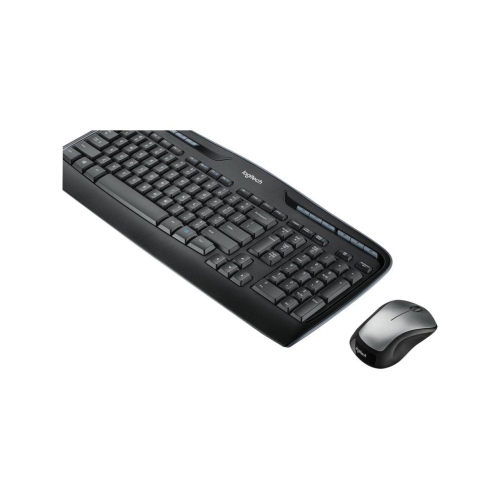
LOGITECH Mk335 Wireless Desktop Keyboard And Mouse
About this product
A full-size wireless keyboard and mouse combo with comfortable typing, spill-resistant design, and easy-access media keys.
What customers like
(526)$105.00Your price for this item is $105SAVE $45 -
2

LENOVO 300 USB Combo Keyboard & Mouse - Us English
About this product
A convenient USB keyboard and mouse combo from Lenovo, with US English layout.
What customers like
(135)$31.00Your price for this item is $31SAVE $19 -
3
![REYTID [] 2.4Ghz Wireless Smart Ikeyboard With Touchpad for Gaming, Smartphones, Tv Android](https://multimedia.bbycastatic.ca/multimedia/products/500x500/129/12906/12906757.jpg)
REYTID [] 2.4Ghz Wireless Smart Ikeyboard With Touchpad for Gaming, Smartphones, Tv Android
About this product
A compact wireless keyboard with integrated touchpad, ideal for gaming, smartphones, TVs, and Android devices.
(1)$19.99 Your price for this item is $19.99 -
4
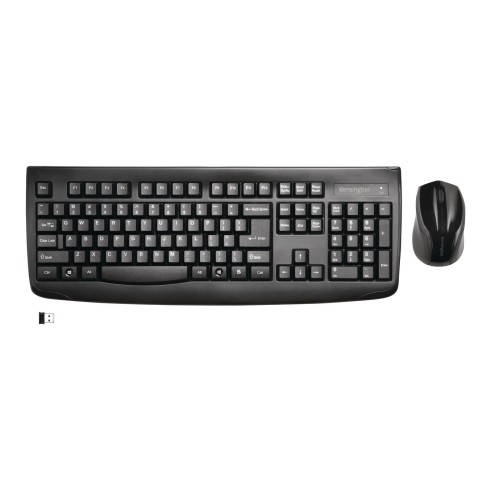
KENSINGTON Pro Fit Wireless Laser Keyboard & Mouse Combo - (72324)
About this product
A wireless keyboard and mouse combo featuring a spill-resistant membrane and full-size layout with numeric keypad.
$49.99 Your price for this item is $49.99 -
5

LOGITECH Mk345 Wireless Combo Mk345 (920-006481)
About this product
A black wireless keyboard and optical mouse combo featuring 2.4 GHz connectivity and 1000 dpi precision.
$39.99Your price for this item is $39.99SAVE $20 -
6
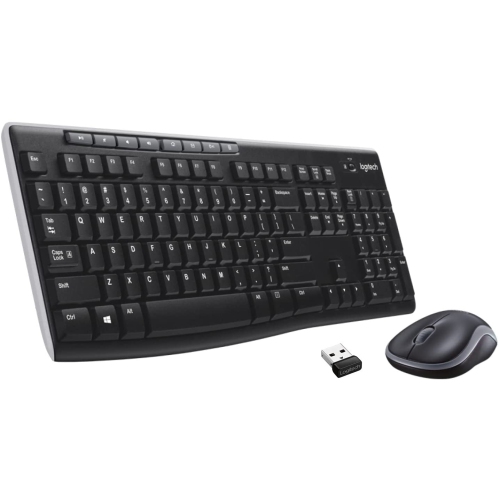
LOGITECH Mk270 Wireless Keyboard And Mouse Combo USB Rf Wireless In Black
About this product
A black wireless keyboard and mouse combo featuring 8 function keys and long battery life.
$35.00 Your price for this item is $35 -
7
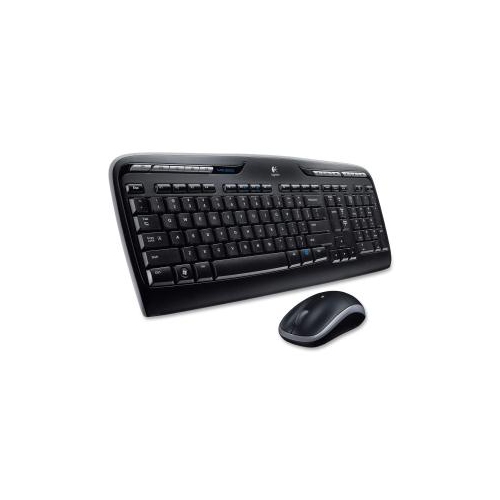
LOGITECH Na Mk320 Wireless Desktop Keyboard And Mouse Combo Entertainment Keyboard And Mouse, 2.4Ghz Encrypted Wireless
About this product
A wireless keyboard and mouse combo featuring 2.4GHz encrypted connection and long battery life.
$60.68Your price for this item is $60.68SAVE $10 -
8
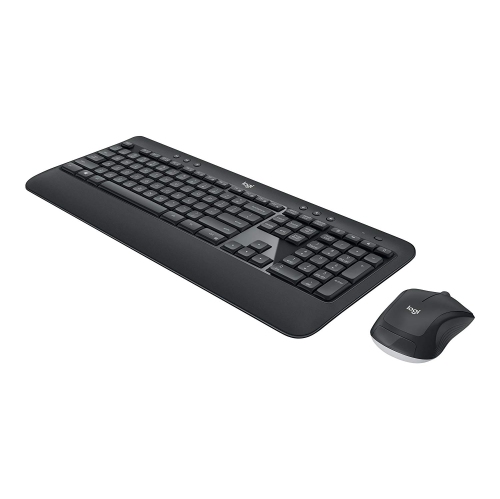
LOGITECH Refurbished (Good) Mk540 Wireless Keyboard & Mouse Combo
About this product
A refurbished wireless keyboard and mouse combo offering reliable performance for everyday computer tasks.
(2)$59.99Your price for this item is $59.99SAVE $40 -
9

LOGITECH 920-008219 Mk850 Performance Wireless Keyboard And Mouse Combo
About this product
A wireless keyboard and mouse combo featuring concave keys, cushioned palm rest, and dual connectivity.
$124.68Your price for this item is $124.68SAVE $10 -
10
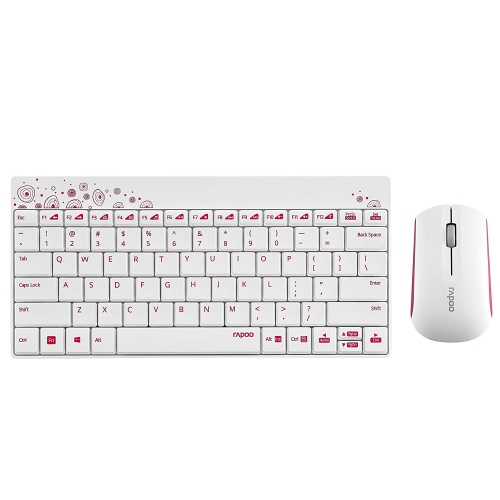
RAPOO 8000-W 2.4G Wireless Multimedia Mini Keyboard & Mouse Combo - In White
About this product
A white wireless keyboard and mouse combo featuring 2.4GHz connectivity and a high-precision 1000 DPI mouse.
$24.99Your price for this item is $24.99SAVE $5
FAQ
Wireless gaming combos commonly use a 2.4 GHz USB receiver, Bluetooth, or both. Some sets connect both devices through one receiver, while others use separate receivers. Dual-mode models let you choose between connection types to suit your setup.
Mechanical keyboards use an individual switch beneath each key, with options such as linear, tactile, and clicky switches. Membrane keyboards use a pressure-sensitive membrane layer to register key presses. The choice depends on your preferred typing feel and sound.
Depending on the combo, customization may include remappable keys, programmable mouse buttons, adjustable mouse sensitivity, and RGB lighting. Some models use companion software to create profiles for different games, while others offer onboard controls or memory for saving settings.
Wireless gaming combos may use replaceable batteries, built-in rechargeable batteries, or a mix of the two. Rechargeable models commonly charge through a USB cable, and some mice support charging docks. Check whether each device supports use while charging and whether it has a battery-level indicator.
Check the supported operating systems, available USB ports, and Bluetooth requirements for both devices. Companion software may require a particular operating system, even when basic keyboard and mouse functions work elsewhere. For console gaming, confirm that both the console and the games you play support keyboard and mouse input.
Top selling and popular products
Discover more categories related to Best Wireless Keyboard And Mouse Combos for Gaming

Some products may be subject to Environmental Handling Fees (EHF) depending on your province. Learn more about EHFs.