Best Wireless Mice for Gaming
Find the best wireless mice for gaming, ranked by user review ratings to help you compare top-rated options. Whether you’re lining up precise shots or navigating expansive worlds, look for responsive tracking, a comfortable grip, and reliable wireless connectivity to suit your play style. Compare features such as customizable buttons, adjustable sensitivity, and battery life to find the right fit for your gaming setup.
What to look for in wireless mice for gaming
1. Wireless Performance
2. Sensor Accuracy
3. Shape, Weight, and Controls
4. Battery Life and Charging
-
1
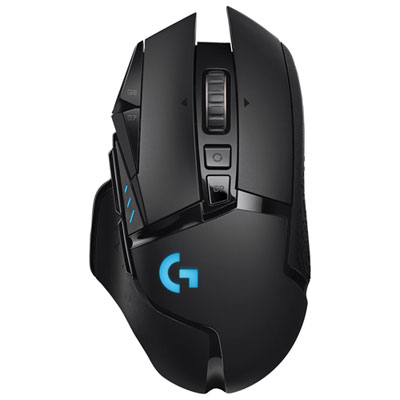
Logitech G502 LIGHTSPEED 25600 DPI Wireless Optical Gaming Mouse - Black
About this product
A wireless optical gaming mouse in black featuring 11 programmable buttons, adjustable weights, and 60-hour battery life.
What customers like
(3,370)$149.99 Your price for this item is $149.99 -
2
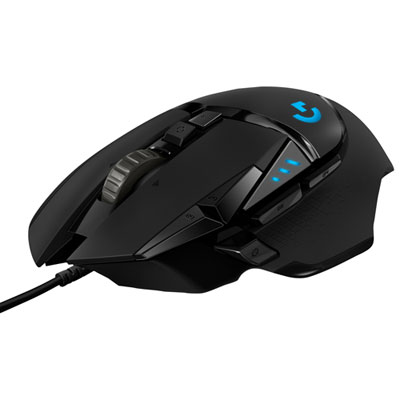
Logitech G502 Hero 25600 DPI Optical Gaming Mouse - Black
About this product
A high-precision black gaming mouse with 25,600 DPI sensor and 11 programmable buttons for versatility.
What customers like
(6,123)$59.99Your price for this item is $59.99SAVE $15 -
3

LOGITECH G309 Lightspeed Wireless Gaming Mouse - (910-007197) In Black
About this product
A black wireless gaming mouse with a HERO 25K sensor delivering precise, zero-smoothing tracking.
What customers like
(92)$79.99 Your price for this item is $79.99 -
4
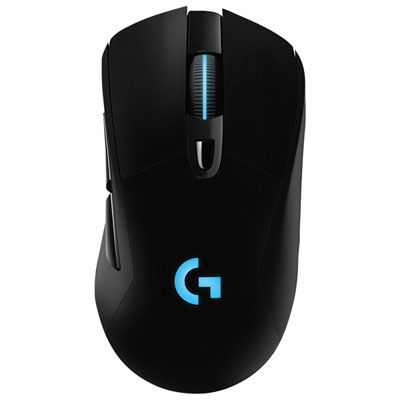
Logitech G703 HERO 25600 DPI Wireless Optical Gaming Mouse - Black
About this product
A wireless optical gaming mouse in black featuring a 25,600 DPI sensor, programmable buttons, and RGB lighting.
What customers like
(1,639)$119.99 Your price for this item is $119.99 -
5

LOGITECH G309 Lightspeed Wireless Gaming Mouse - (910-007205) In White
About this product
A lightweight white wireless gaming mouse offering precise HERO 25K sensor tracking and dual connectivity options.
What customers like
(32)$117.69 Your price for this item is $117.69 -
6
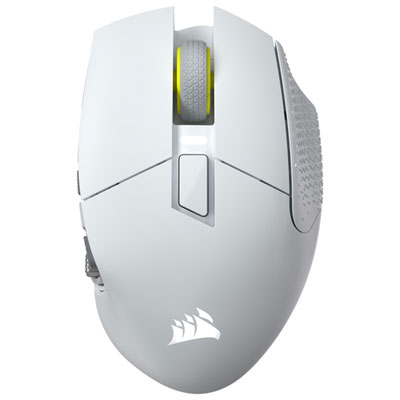
Corsair Scimitar Elite SE MMO 33000 DPI Bluetooth Gaming Mouse - White - Only at Best Buy
About this product
A white wireless gaming mouse with 33,000 DPI, 16 programmable buttons, and smooth PTFE feet.
What customers like
(45)$199.99 Your price for this item is $199.99 -
7

Corsair M55 24000 DPI Wireless Optical Gaming Mouse - Black - Only at Best Buy
About this product
A black wireless gaming mouse with 24,000 DPI optical sensor and six programmable buttons for customization.
What customers like
(96)$84.99 Your price for this item is $84.99 -
8
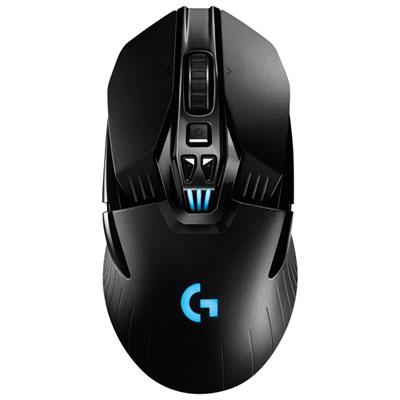
Logitech G903 HERO 25600 DPI Wireless Optical Gaming Mouse - Black
About this product
A high-performance wireless gaming mouse with 25,600 DPI optical sensor, programmable buttons, and customizable RGB lighting.
What customers like
(742)$179.95 Your price for this item is $179.95 -
9
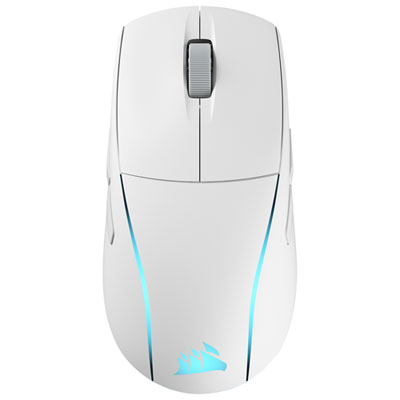
Corsair M75 WIRELESS 26000 DPI Bluetooth Optical Gaming Mouse - White
About this product
A wireless optical gaming mouse in white featuring 26,000 DPI, ambidextrous design, and RGB lighting.
(13)$184.95 Your price for this item is $184.95 -
10

LENOVO Legion M500 RGB Gaming Mouse, for Gaming
About this product
A gaming mouse featuring RGB lighting for an immersive desktop setup.
What customers like
(33)$125.68Your price for this item is $125.68SAVE $10
FAQ
Wireless gaming mice commonly use a dedicated 2.4 GHz USB receiver, Bluetooth, or both. A USB receiver connects through a compatible port on your computer, while Bluetooth pairs through the computer’s Bluetooth settings. Some models also support a wired USB connection.
DPI stands for dots per inch and describes the mouse’s sensitivity setting. A higher DPI setting moves the pointer farther for the same physical movement, while a lower setting moves it less. Many gaming mice let you switch between DPI presets using a button or adjust settings through companion software.
Programmable buttons let you assign commands such as keyboard shortcuts, in-game actions, or media controls through compatible software. Some mice also support macros, which combine multiple inputs into a sequence. Available assignments depend on the mouse, its software, and the game’s rules.
Wireless gaming mice use either built-in rechargeable batteries or replaceable batteries. Rechargeable models may charge through a USB cable, a compatible dock, or a supported charging surface. Some allow continued use while connected by cable, though charging accessories and wired operation vary by model.
Onboard memory stores supported settings directly on the mouse, such as DPI presets, button assignments, and lighting preferences. This lets you retain saved settings when connecting to another compatible computer. The number of profiles and the settings that can be stored vary by model; some functions still require companion software.
Top selling and popular products
Discover more categories related to Best Wireless Mice for Gaming
Some products may be subject to Environmental Handling Fees (EHF) depending on your province. Learn more about EHFs.