Best Cameras For Vlogging And YouTube Beginners
Capture your first videos with confidence using the best cameras for vlogging and YouTube beginners. Ranked by user review ratings, this selection can help you compare options for sharing everyday moments, filming tutorials, or starting your own channel. Explore cameras with beginner-friendly controls, clear video quality, and features that suit your filming style and budget.

Read More

What to look for in cameras for vlogging and YouTube beginners

1. Video Quality and Autofocus

Full HD is a good starting point, while 4K gives you more detail and flexibility to crop footage during editing. Look for reliable face or eye autofocus to help keep you sharp as you move.

2. Screen and Ease of Use

A screen that flips forward lets you check your framing while filming yourself. Clear menus, simple controls, and automatic shooting modes can make it easier to get started while leaving room to learn manual settings.

3. Audio Options

Clear sound helps viewers follow your videos, so check the built-in microphone quality and whether the camera supports an external microphone. A headphone jack is useful for monitoring audio while recording.

4. Portability and Recording Needs

For handheld vlogs, look for a lightweight camera with effective image stabilization and a lens wide enough to frame you at arm’s length. Check battery life, recording limits, and tripod compatibility to make sure the camera suits your filming sessions.
Citrus catapult arrow
  1. 1

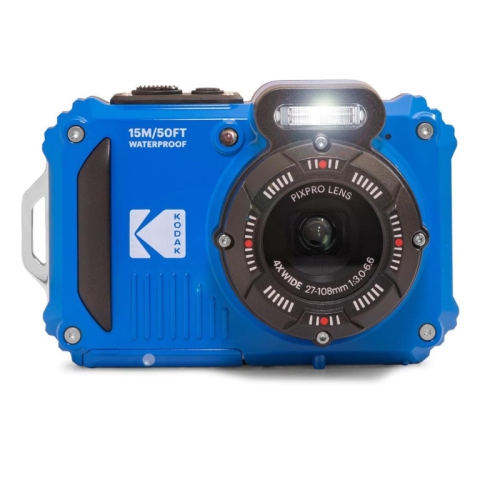
    KODAK PIXPRO WPZ2 Rugged Waterproof Shockproof Dustproof WiFi Digital Camera (Blue) 16MP 4X Optical Zoom 1080P Full HD.

    About this product

    A rugged blue digital camera offering waterproof, shockproof, and dustproof protection with 16MP, WiFi, and 1080P video.

    What customers like

    • Waterproof and rugged design
    • Affordable and budget-friendly
    • Good picture and video quality
    • Compact and portable
    • Easy to use and set up
    (76)
    $315.00 Your price for this item is $315
  2. 2

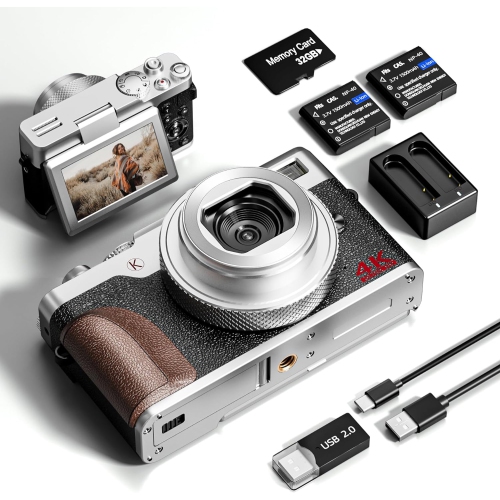
    NBD Digital Camera, 64Mp Cameras for Photography, 5K Vlogging Camera For, 180°Flip Screen Digital Point And Shoot Camera w 18X Zoom, Compact

    About this product

    A compact 64MP digital camera featuring 5K video, 18X zoom, and a 180° flip screen for vlogging.

    (5)
    $149.99
    SAVE $20
    Your price for this item is $149.99
  3. 3

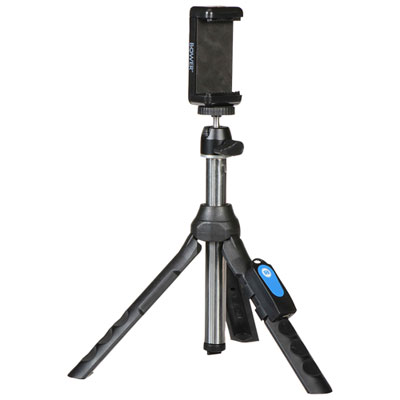
    Bowers Smart Photography 6-in-1 Multipod

    About this product

    A versatile black multipod offering six configurations, including selfie stick and tripod, with 360-degree camera angles.

    What customers like

    • Easy to set up and use
    • Versatile multi-use design
    • Works well with phones and cameras
    • Affordable price
    • Sturdy and stable construction
    (2,148)
    $29.49 Your price for this item is $29.49
  4. 4

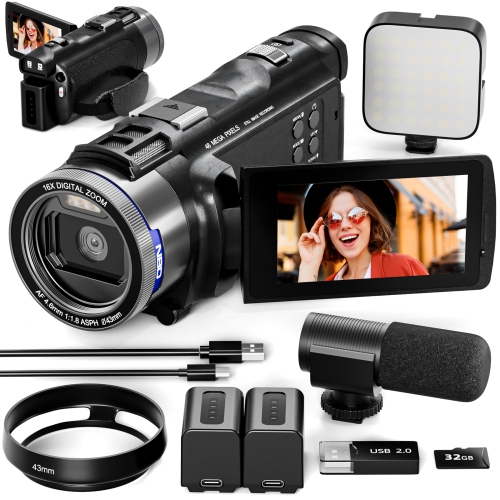
    NBD 5K Video Camera Camcorder, 48Mp Vlogging Camera for 16X Digital Zoom, Camcorder w Flip Screen. Wifi & Remote Camera w Ultra-Long Battery

    About this product

    A versatile 4K camcorder with 48MP resolution, 16X digital zoom, flip screen, WiFi, and remote control.

    $269.97 Your price for this item is $269.97
  5. 5

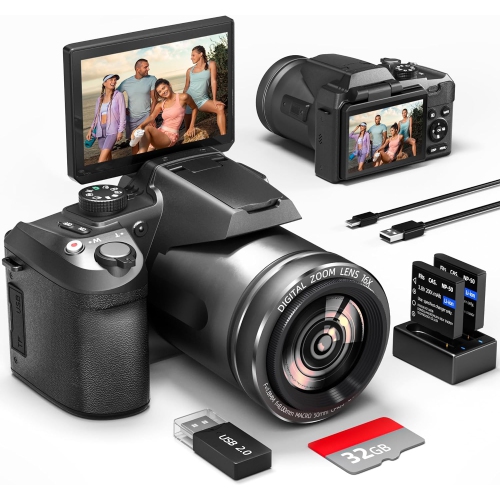
    NBD Digital Camera for Photography And Video, 48Mp 4K Vlogging Camera w 180° Flip Screen,16X Digital Zoom, Autofocus Compact Camera 32GB Tf&2

    About this product

    A compact 48MP 4K camera with 180° flip screen, 16X digital zoom, autofocus, and included 32GB card.

    $179.99
    SAVE $30
    Your price for this item is $179.99
  6. 6

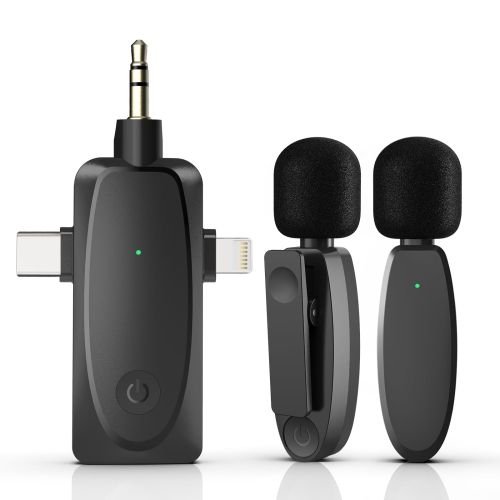
    HLD 4 In 1 Wireless Lavalier Microphone for Iphone Android Phone, Camera, Computer, Laptop Professional Dual Lapel Mic w USB-C 3.5MM USB Plug For

    About this product

    A compact wireless lavalier mic set with 2.4G connectivity and noise reduction for versatile video recording.

    $49.95
    SAVE $20
    Your price for this item is $49.95
  7. 7

    NBD 64Mp Digital Camera for Photography And Video, 5K Vlogging Camera for w 3’’ Flip Screen, 16X Digital Zoom, Wifi& Autofocus, 2 Batteries, 32GB

    About this product

    A versatile 64MP 5K camera with 3" flip screen, 16X digital zoom, Wi-Fi, and autofocus.

    $239.99
    SAVE $20
    Your price for this item is $239.99
  8. 8

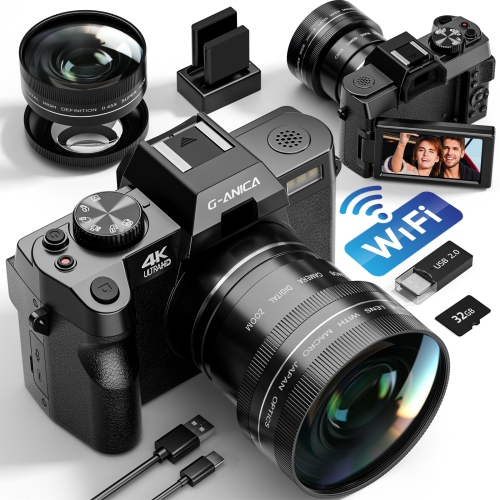
    NBD 4K Digital Cameras for Photography - 48Mp/60Fps Video Camera for Vlogging, Wifi & App Control, Vlogging Camera w 32GB Tf Card. Wide-Angle &

    About this product

    A versatile 4K camera with 48MP resolution, 60fps video, flip screen, Wi-Fi, and included 32GB card.

    $179.99
    SAVE $20
    Your price for this item is $179.99
  9. 9

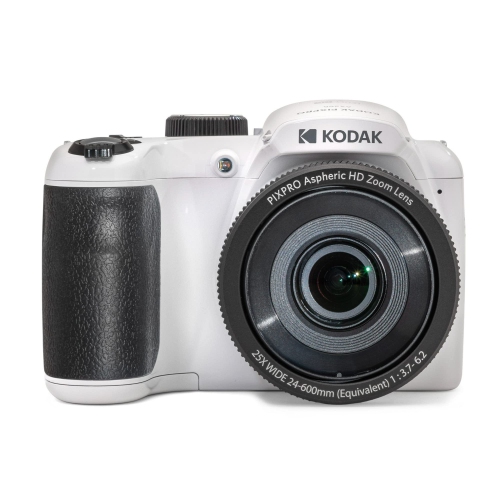
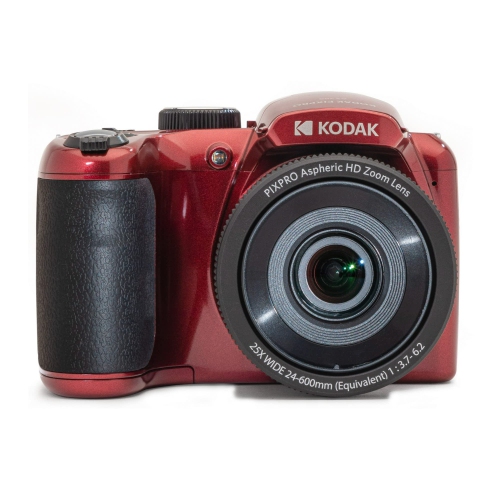
    KODAK PIXPRO AZ255-WH 16MP Digital Camera 25X Optical Zoom 24mm Wide Angle Lens Optical Image Stabilization 1080P Full

    About this product

    A versatile white digital camera featuring 16MP, 25x optical zoom, wide-angle lens, and 1080p Full HD video.

    $999.99 Your price for this item is $999.99
  10. 10

    KODAK PIXPRO AZ255-RD 16MP Digital Camera 25X Optical Zoom 24mm Wide Angle Lens Optical Image Stabilization 1080P Full

    About this product

    A versatile red digital camera featuring 16MP, 25x optical zoom, wide-angle lens, and 1080p Full HD video.

    $999.99 Your price for this item is $999.99

The right camera depends on how you film

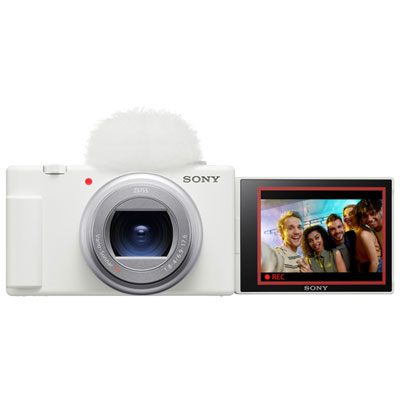
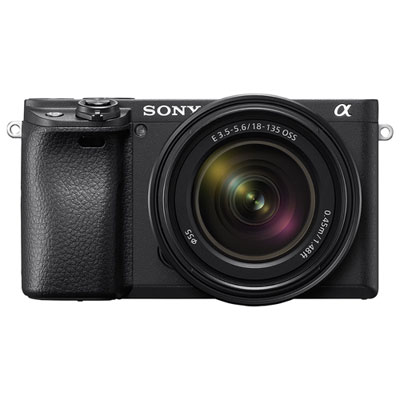
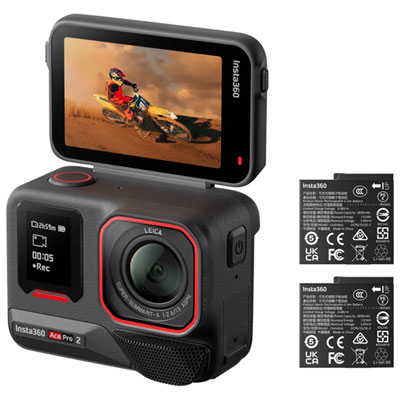
The best cameras for vlogging and YouTube beginners combine dependable autofocus, clear video, straightforward controls, and a design that suits the way a creator films. For someone recording conversations at a desk, a front-facing screen and reliable face detection can matter more than a long zoom range. For a creator carrying a camera through a museum or filming a day out, a lightweight body and effective stabilization make a noticeable difference. Beginner-friendly vlogging cameras generally fall into several categories: compact cameras with built-in lenses, mirrorless cameras with interchangeable lenses, pocket cameras with integrated gimbals, and action cameras designed for movement. Compact cameras keep the setup simple, while mirrorless cameras offer room to experiment with different lenses as a channel develops. Pocket gimbal cameras use a motorized mechanism to help smooth movement, making them useful for walk-and-talk footage. Action cameras typically emphasize portability, wide views, and flexible mounting, although their close-up performance and indoor image quality vary. No single category is best for every beginner; the strongest match depends on whether the camera will spend most of its time on a tripod, at arm’s length, or attached to a mount. A comfortable grip, accessible record button, and screen that remains visible while filming yourself help make everyday use less fiddly. Weight is worth considering with the lens, microphone, and handheld grip attached, rather than judging the camera body alone. A small setup that is comfortable to carry may get more use than a larger one that needs its own bag and several accessories. The range of Vlogging Cameras for Beginners reflects these different recording styles, from simple personal updates to more carefully arranged tutorials. For students, hobbyists, aspiring reviewers, and small-business owners, an approachable camera can support everything from a first channel introduction to demonstrations that clearly show a process or finished project. As a gift, a vlogging camera is especially personal when its size, controls, and intended use fit the recipient’s interests and comfort with technology.

Video quality involves more than the resolution printed on a camera’s specifications. Recording in 4K captures additional detail and can leave room to crop when editing a video for a lower-resolution output, but Full HD remains practical for many straightforward videos and creates smaller files. Frame rate also affects the result: 24 or 30 frames per second suits many talking-head recordings, while 60 frames per second can provide smoother-looking movement or footage for modest slow-motion playback in a compatible editing timeline. Higher recording settings may demand faster memory cards, more storage, and a more capable computer. Sensor size and lens aperture influence image quality in dimly lit rooms and the ability to soften a background, although lighting, focus, and camera placement still have a major effect. For a creator filming across a kitchen counter, a lens needs to show enough of the workspace without requiring the camera to sit in the next room. For handheld self-recording, a wide field of view helps fit both the person and their surroundings into the frame. Some electronic stabilization modes crop the image, so the resulting view may be tighter than expected. Optical, in-body, electronic, and gimbal stabilization work differently, and none guarantees perfectly steady footage during every kind of movement. Autofocus is equally important when a beginner needs to concentrate on speaking rather than adjusting settings. Face and eye detection can help keep a presenter sharp, while close-focusing ability and responsive subject changes are useful when bringing a craft detail or small object towards the lens. A flip-out or tilting screen that faces forward makes framing easier, though its movement should suit the planned tripod and microphone setup. Straightforward menus, clear exposure indicators, and pleasing colour straight from the camera can reduce the amount of adjustment needed after recording. More advanced colour profiles offer editing flexibility, but they usually involve extra processing and are not essential for a first channel. For beginners, consistent results across several clips often matter more than having every advanced recording option.

Sound, battery life, and file handling shape the experience just as much as the picture. Built-in microphones are convenient for spontaneous clips, but they can pick up handling noise, room echo, and sounds behind the camera. A compatible external microphone can bring speech closer and make dialogue easier to follow, whether the creator is explaining a recipe or presenting a school project. Microphone inputs, accessory mounts, and wireless audio support differ between camera types; headphone monitoring, where supported, makes it easier to catch unwanted noise before an entire session is finished. For longer desk recordings, battery endurance, supported external power options, and recording-duration limits deserve attention. Some cameras may pause recording because of heat buildup or other operating limits, so a model suited to short clips is not automatically ideal for an uninterrupted interview. USB connections and Wi-Fi transfer can simplify moving files, but supported resolutions, transfer speeds, and webcam functions vary. Compatibility with the creator’s phone, computer, and editing software helps keep the path from filming to uploading manageable. Durable construction matters too, particularly when a camera travels frequently between a backpack, a handheld grip, and a desk mount. Bodies may use engineered plastics, metal components, or a combination of materials; solid hinges, secure port covers, and a comfortable textured grip are practical details beyond appearance. Compact gimbal mechanisms and extending lenses benefit from protective cases that prevent pressure on moving parts. Lens caps, a padded bag, and careful handling help protect glass and screens from scratches. Routine care is usually simple: a blower removes loose dust, and a clean lens cloth suited to optical surfaces handles fingerprints without abrasive wiping. Interchangeable-lens cameras need additional care during lens changes to limit dust entering the body. Secure straps, correctly fitted mounts, and memory cards that meet the camera’s recording requirements round out a dependable setup. Together, these details make a beginner’s camera easier to live with, helping turn an idea into a finished video without unnecessary interruptions.
Read More

FAQ

Some products may be subject to Environmental Handling Fees (EHF) depending on your province. Learn more about EHFs.