Best 256GB iPads
Find the best 256GB tablets for your everyday needs, ranked by user review ratings. With plenty of storage for apps, photos, videos, and files, these picks give you room for work and play. Compare customer feedback to find the right fit for streaming, studying, creating, and staying connected.
What to look for in the best 256GB iPads
1. Performance
2. Display Size and Quality
3. Storage and Connectivity
4. Accessory Compatibility
-
1
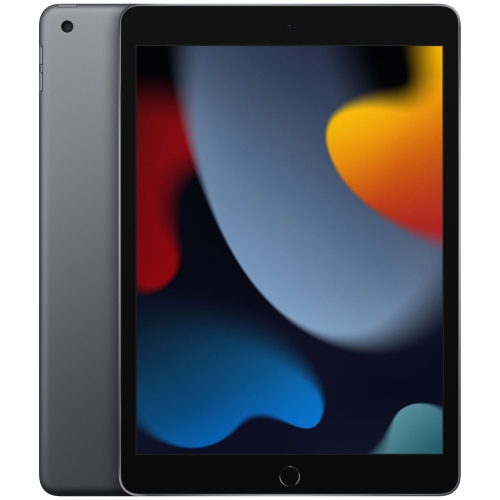
APPLE Refurbished (Excellent) - Ipad 10.2" 256GB With Wi-Fi (9Th Generation) - Space In Gray
About this product
A refurbished tablet in space gray featuring a 10.2" Retina display, 256GB storage, and Wi-Fi connectivity.
(14)$419.00Your price for this item is $419SAVE $81 -
2

APPLE - Ipad Pro M5 11" 256GB With Wi-Fi (6Th Generation) - Space In Black
About this product
A powerful tablet featuring 256GB storage, Wi-Fi connectivity, and a sleek Space Black finish.
(7)$1,399.99Your price for this item is $1399.99SAVE $300 -
3

Apple iPad mini 8.3" 256GB with Wi-Fi (7th Generation) - Space Grey
About this product
A compact tablet in space grey featuring 256GB storage, Wi-Fi connectivity, and a recycled aluminum enclosure.
(6)$999.99 Your price for this item is $999.99 -
4

APPLE Refurbished (Good) - Ipad Pro M5 11" 256GB With Wi-Fi (6Th Generation) - Space In Black
About this product
A powerful tablet in space black with 256GB storage and Wi-Fi connectivity for seamless multitasking.
(1)$1,299.99Your price for this item is $1299.99SAVE $400 -
5

APPLE Refurbished (Good) - Ipad 10.2" 256GB With Wi-Fi & Cellular (9Th Generation) - Space In Gray
About this product
A versatile gray tablet featuring a 10.2" Retina display, 256GB storage, Wi-Fi, and cellular connectivity.
(1)$499.99Your price for this item is $499.99SAVE $199 -
6

APPLE - Ipad Pro M5 13" 256GB With Wi-Fi (8Th Generation) - Space In Black
About this product
A tablet powered by M5 with 256GB storage, Wi-Fi, 8th-generation performance, and a Space Black finish.
(5)$1,699.99Your price for this item is $1699.99SAVE $100 -
7
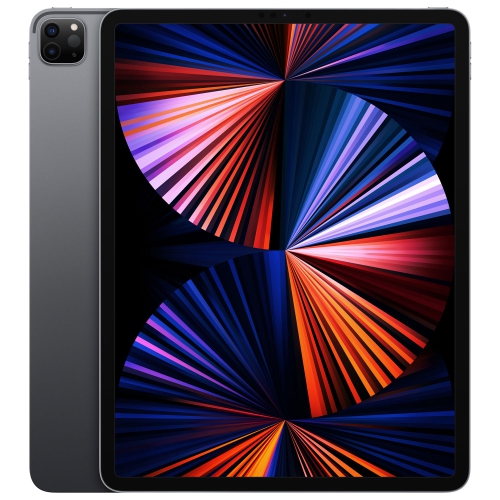
APPLE - Ipad Pro 12.9" 256GB With Wi-Fi (5Th Generation) - Space In Gray
About this product
A powerful tablet featuring the M1 chip, 256GB storage, Wi-Fi, and a stunning Liquid Retina XDR display in gray.
(1)$1,134.99Your price for this item is $1134.99SAVE $264 -
8

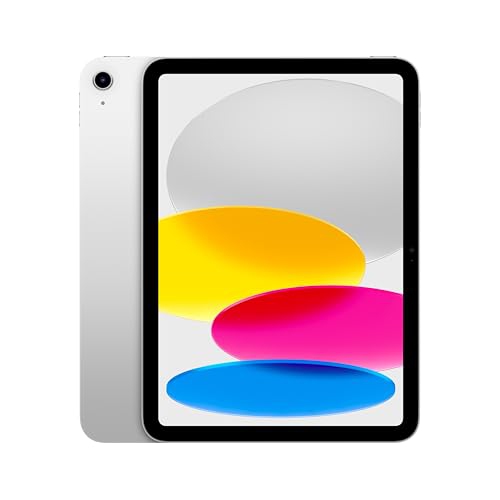
APPLE Refurbished (Good) - Ipad A16 10.9" 256GB With Wi-Fi 6 (11Th Generation) - In Silver
About this product
A refurbished tablet in silver featuring a 10.9" display, 256GB storage, and Wi-Fi 6 connectivity.
(1)$599.99Your price for this item is $599.99SAVE $200 -
9
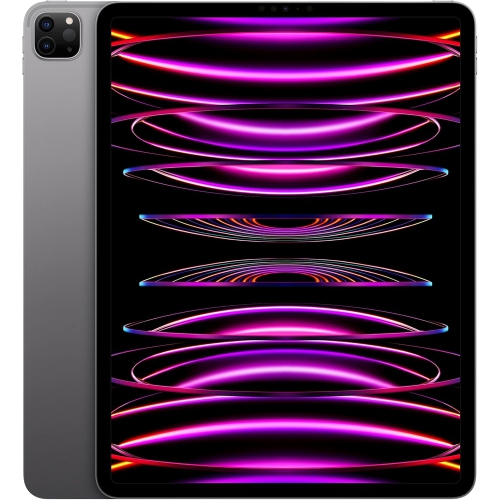
APPLE 2022 Ipad Pro, 12.9-Inch, 256GB - Space (Certified Refurbished) In Gray
About this product
A Wi-Fi tablet with 256GB storage and a sleek Space Gray finish for work and entertainment.
(1)$1,029.99Your price for this item is $1029.99SAVE $770 -
10

APPLE - Ipad Pro M5 13" 256GB With Wi-Fi (8Th Generation) - In Silver
About this product
A powerful tablet in sleek silver with 256GB storage and Wi-Fi connectivity for seamless performance.
(1)$1,699.99Your price for this item is $1699.99SAVE $99
FAQ
Wi-Fi iPads connect to the internet through wireless networks. Wi-Fi + Cellular iPads can also use mobile data with a compatible carrier plan, making them an option for connecting when Wi-Fi is unavailable. Cellular service requires a separate plan, and carrier compatibility varies by model.
Apple Pencil compatibility depends on the iPad model and generation, not its storage capacity. Different iPads support different Apple Pencil versions, so check compatibility before choosing one for handwritten notes, drawing or marking up documents.
iPads support compatible Bluetooth keyboards, mice and trackpads. Certain models also work with keyboard cases that connect through the Smart Connector. Keyboard case compatibility depends on the exact iPad model and generation.
You can transfer files using iCloud Drive, compatible cloud storage apps or a USB connection. AirDrop lets you share files wirelessly with a nearby Mac. The Files app also supports compatible external drives, although an adapter may be required depending on the iPad’s connector.
You can back up an iPad to iCloud or to a Mac or Windows computer. iCloud Backup can run automatically when the iPad is locked, connected to power and connected to Wi-Fi. Computer backups are managed through Finder on a Mac or the Apple Devices app on a compatible Windows PC.
Top selling and popular products
Discover more categories related to Best 256GB iPads
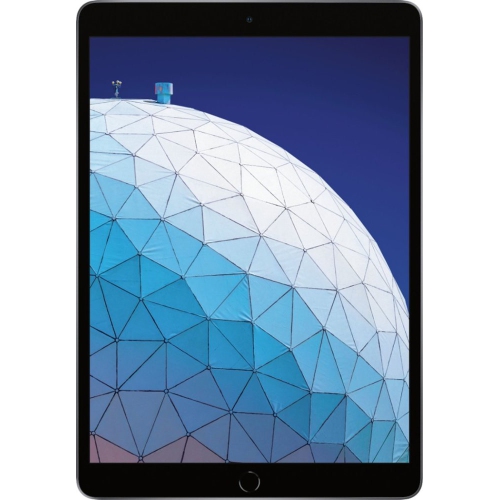

Some products may be subject to Environmental Handling Fees (EHF) depending on your province. Learn more about EHFs.