Best Budget Monitors For Students Under $300 Canada
Find the best budget monitors for students under $300 in Canada, ranked by user review ratings to help you compare shopper favourites. Whether you’re writing essays, attending online classes or juggling research tabs, a monitor can give you more room to work without stretching your student budget. Explore options for your study setup and compare screen sizes, resolutions and connectivity to find the right fit.
What to look for in budget monitors for students under $300 in Canada
1. Screen Size and Resolution
2. Laptop Compatibility
3. Panel Quality and Refresh Rate
4. Comfort and Total Cost
-
1
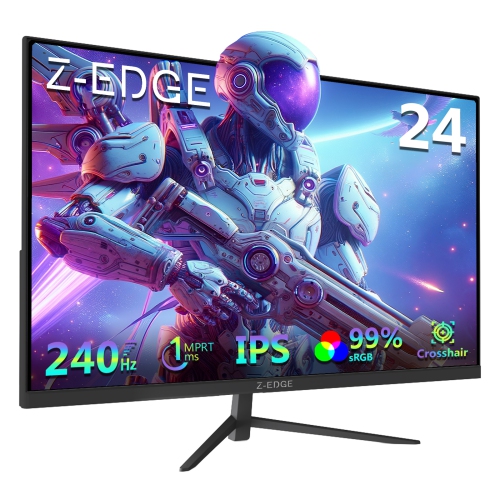
Z-EDGE 24" 1080P HD Ips Led Gaming Monitor (Ug24Pj) - Freesync - 240Hz - HDr10
About this product
A black IPS gaming monitor offering 240Hz refresh rate, 1ms response time, FreeSync, and HDR10 support.
$179.99Your price for this item is $179.99SAVE $20 -
2

LENOVO Thinkvision E24Q-30 23.8" Wqhd 100Hz 6Ms Gtg Ips Led Monitor - Raven - (63Ecgar2Us) In Black
About this product
A sleek black IPS LED monitor offering QHD resolution, 100Hz refresh rate, and vibrant 99% sRGB colour.
(3)$270.99Your price for this item is $270.99SAVE $47 -
3
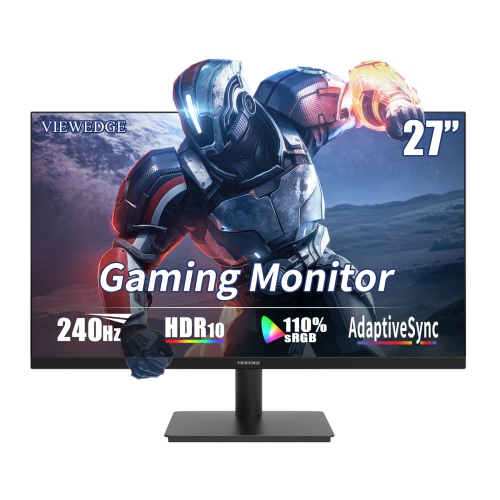
VIEWEDGE 27" 1080P HD Ips Lcd Gaming Monitor - Freesync - 1Ms Gtg - 240Hz - HDr10
About this product
A high-speed black gaming monitor with 240Hz refresh rate, 1ms response, HDR10, and built-in speakers.
(1)$199.99Your price for this item is $199.99SAVE $50 -
4
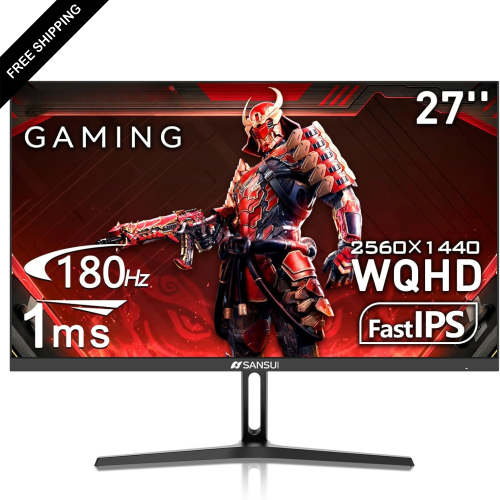
LDAS ELECTRONICS Koorui 27" 1440P Qhd Ips Led Gaming Monitor (27E3Q) - 1Ms Gtg - 180Hz - HDr400
About this product
A black fast IPS gaming monitor with 200Hz refresh rate, HDR400, adaptive sync, and wide colour gamut.
(1)$229.99Your price for this item is $229.99SAVE $130 -
5
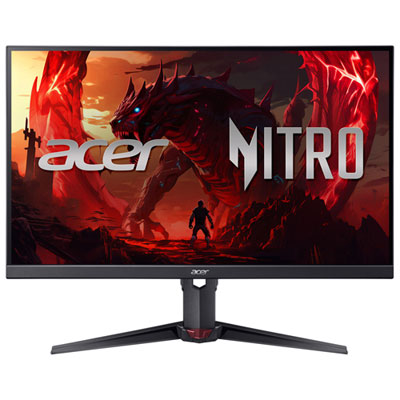
Acer Nitro 27" 1080p HD IPS LED Gaming Monitor (XV270) - FreeSync Premium - 0.5ms GTG - 200Hz
About this product
A black IPS LED gaming monitor offering 200Hz refresh rate, 0.5ms response time, and eye protection features.
What customers like
(319)$279.99 Your price for this item is $279.99 -
6

ACER Qg 27" 1080P HD Va Led Lcd Monitor (Qg271) - 75Hz - Freesync
About this product
A sleek black monitor featuring Full HD resolution, VA panel, FreeSync, and a 75 Hz refresh rate.
What customers like
(79)$199.00Your price for this item is $199SAVE $80 -
7
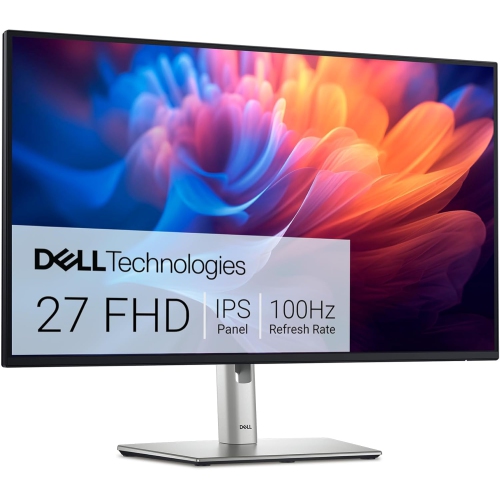
DELL P 27" 1080P Full HD Ips Monitor (P2725H) - 100Hz - 99% Srgb - Height Adjustable
About this product
A Full HD IPS monitor with 100Hz refresh rate, 99% sRGB colour, and versatile ergonomic adjustments.
$288.90Your price for this item is $288.90SAVE $101 -
8
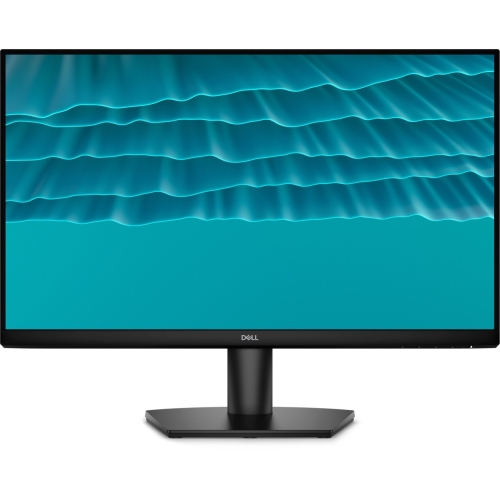
DELL Se 24" 1080P HD Ips Lcd Gaming Monitor (Se2426H) - Freesync - 1Ms Gtg - 144Hz
About this product
A high-refresh IPS monitor with FHD resolution, 144Hz refresh rate, and TUV 3-Star Eye Comfort technology.
$119.99Your price for this item is $119.99SAVE $20 -
9
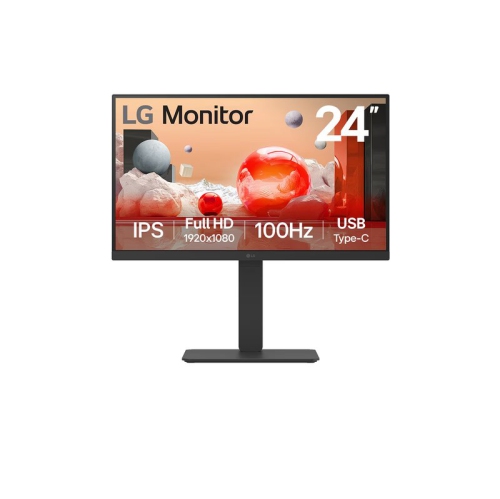
LG - 24" 1080P HD Ips Led Monitor (24Ba650-B) - Flicker-Free - 100Hz
About this product
An IPS LED monitor with 1080p resolution, 100Hz refresh rate, USB Type-C, and fully adjustable stand.
$215.99Your price for this item is $215.99SAVE $84 -
10
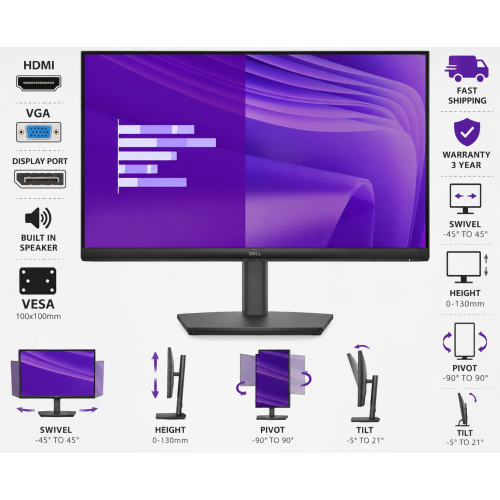
DELL Pro 24" 1080P HD Ips Led Monitor (E2425Hsm) - 100Hz - Built-In Speakers
About this product
A versatile Full HD IPS monitor with built-in speakers, multiple ports, and adjustable swivel, height, pivot, and tilt.
$218.89Your price for this item is $218.89SAVE $37
FAQ
Match the monitor’s inputs to your laptop’s video outputs. HDMI and DisplayPort are common options. USB-C can carry video on compatible devices, but not every USB-C port supports it. Check whether your laptop supports video output through USB-C and whether an adapter is needed.
Common panel types include IPS, VA and TN. IPS panels typically offer wide viewing angles and consistent colours. VA panels generally have higher contrast ratios, while TN panels often emphasize fast response times. The right choice depends on whether your coursework involves mostly text, visual projects or mixed media.
Depending on the model, a monitor stand may support tilt, height adjustment, swivel or pivot. Pivot lets you rotate the display into portrait orientation for documents or coding. If you plan to use a separate monitor arm, check the display’s VESA mounting compatibility.
These features vary by model. Some monitors have built-in speakers, but microphones and webcams are separate features and should not be assumed to be included. For online classes, you can also use your laptop’s camera and microphone alongside an external monitor.
A monitor with compatible inputs can connect to both devices. You can usually switch between them through the monitor’s input menu. Check the available HDMI and DisplayPort connections, supported resolutions and refresh rates, plus whether sound plays through built-in speakers or requires a separate audio setup.
Top selling and popular products
Discover more categories related to Best Budget Monitors For Students Under $300 Canada
Some products may be subject to Environmental Handling Fees (EHF) depending on your province. Learn more about EHFs.