Best External Displays for Students' Laptops
Give your study setup more room with the best external displays for students’ laptops, ranked by user review ratings. Whether you’re comparing research sources, writing essays, or joining online classes, an external display can help you keep coursework in view without constantly switching between windows. Explore options with screen sizes, resolutions, and connectivity features that suit your laptop, desk space, and budget.
What to look for in external displays for students’ laptops
1. Screen Size and Resolution
2. Laptop Connectivity
3. Comfort and Adjustability
4. Study Needs and Value
-
1
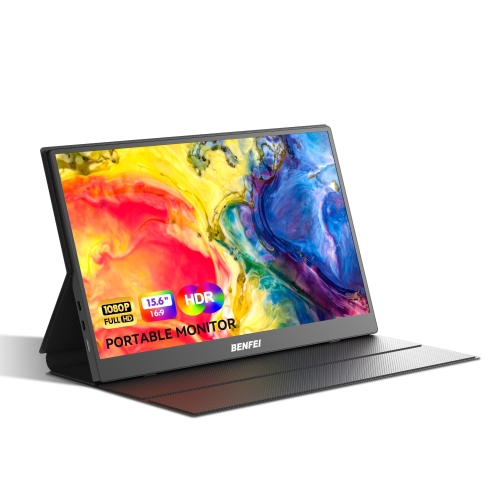
BENFEI 15.6" Touchscreen 1080p HD IPS LCD Portable Monitor - USB-C/HDMI - HDR
About this product
An ultra-slim portable monitor with FHD 1080P IPS HDR screen, HDMI and USB-C connectivity, plus speakers.
(1)$84.99 Your price for this item is $84.99 -
2
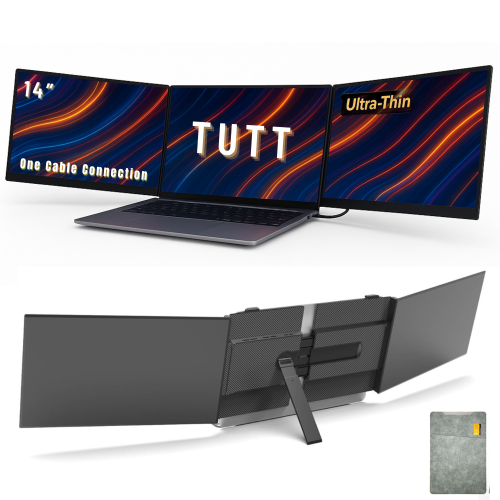
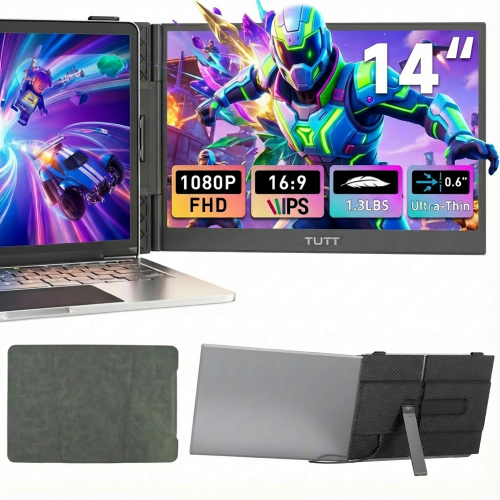
TUTT S8Ultra Dual 14" 1080P HD Ips Lcd Portable Monitor - USB-C
About this product
An ultra-slim, lightweight dual 14" FHD IPS display with single USB-C cable connection and aerospace-grade aluminium frame.
(10)$449.90Your price for this item is $449.90SAVE $230 -
3
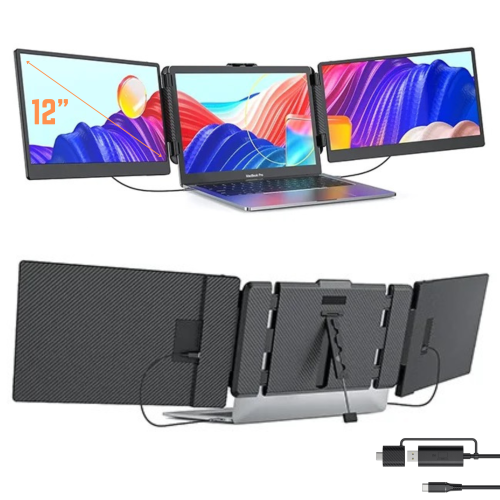
TUTT S8 Dual 14" 1080P HD Ips Led Portable Laptop Screen Extender Monitor - USB-C - HDMI
About this product
A portable triple screen extender with built-in stand and speakers, compatible with all devices.
(12)$269.90Your price for this item is $269.90SAVE $70 -
4
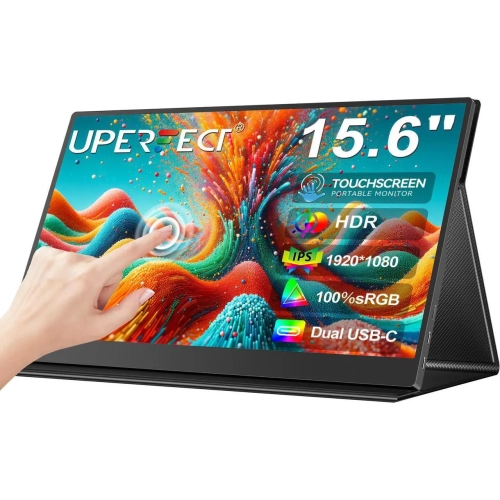
UPERFECT 15.6" Touchscreen 1080P HD Ips Lcd Portable Monitor - USB-C - HDr - Speakers
About this product
A portable 15.6" touchscreen monitor with FHD 1080p IPS display, HDMI, and dual USB-C connectivity.
$179.99Your price for this item is $179.99SAVE $220 -
5
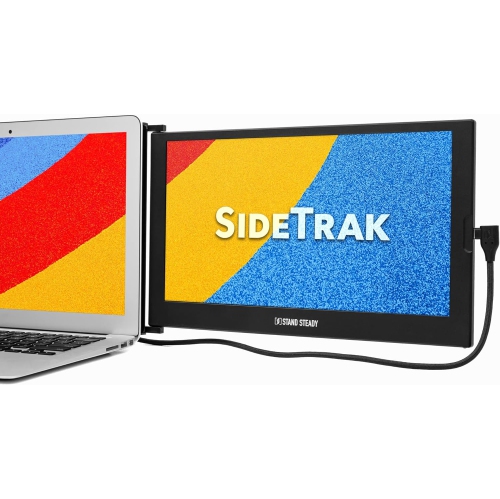
SIDETRAK Slide 12.5" 1080P Fhd Ips Lcd Portable Monitor - Attachable Second Laptop Screen
About this product
An attachable 12.5" FHD 1080p IPS portable monitor offering 270° rotation for versatile multitasking.
$499.75 Your price for this item is $499.75 -
6
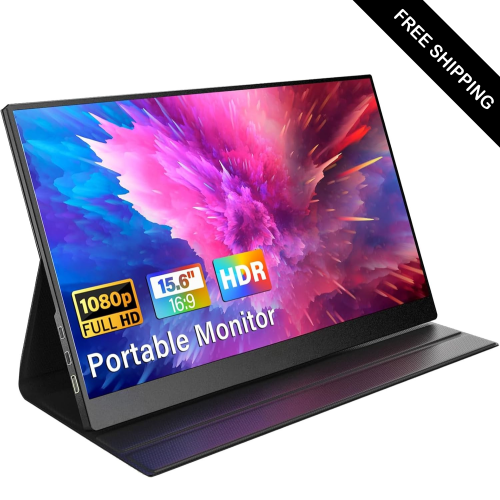
LDAS ELECTRONICS Innoview 15.6" Touchscreen 1080P HD Ips Lcd Portable Monitor - USB-C - HDr - Smart Cover
About this product
A portable 15.6" FHD 1080p monitor with USB-C and HDMI connectivity for versatile device compatibility.
$159.99Your price for this item is $159.99SAVE $40 -
7
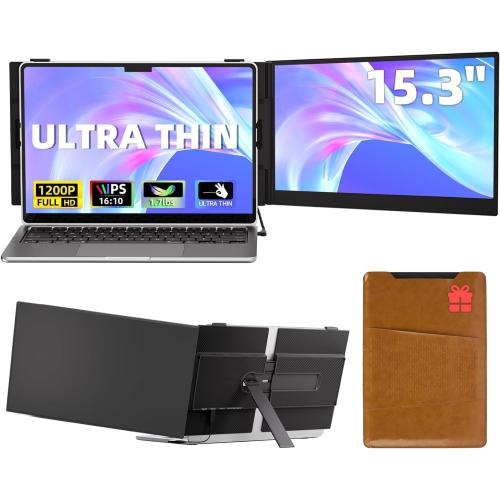
LARKSMILE Laptop Screen Extender 15.3" 16:10 Fhd Ips Portable Monitor
About this product
A portable 15.3" FHD monitor that extends your laptop display with a 16:10 aspect ratio.
$319.99Your price for this item is $319.99SAVE $1180
FAQ
Check the video connections on both your laptop and the display. Common options include HDMI, DisplayPort, and USB-C with video support. If the connections differ, you may need a compatible adapter or cable. Not every USB-C port supports video, so check your laptop’s specifications.
Mirroring shows the same content on your laptop and external display. Extending creates separate desktop areas, so you can keep lecture notes on one screen and an assignment on the other. You can choose either mode in your laptop’s display settings.
Some external displays support USB Power Delivery, which can supply power while carrying video through a compatible USB-C cable. Your laptop must support USB-C charging, and the display’s power output should meet your laptop’s charging requirements. Otherwise, keep your laptop’s charger connected.
An external display with a built-in USB hub can connect compatible peripherals, such as a keyboard and mouse, to your laptop. The hub needs a USB data connection to the laptop, either through a supported USB-C connection or a separate upstream USB cable. An HDMI connection alone does not carry this USB data.
After connecting the display, open Display settings in Windows or Displays in macOS System Settings. From there, you can arrange your screens, choose your main display, and select mirroring or an extended desktop. Available settings depend on your laptop and display.
Top selling and popular products
Discover more categories related to Best External Displays for Students' Laptops

Some products may be subject to Environmental Handling Fees (EHF) depending on your province. Learn more about EHFs.