Best External Monitors for Laptops
Give your laptop more screen space with the best external monitors for laptops, ranked by customer review ratings. Whether you’re working across multiple apps, studying, or enjoying your favourite games, an external monitor can make everyday tasks more comfortable and immersive. Explore top-rated options and compare screen size, resolution, and connectivity to find the right fit for your laptop and workspace.
What to look for in external monitors for laptops
1. Laptop Connectivity
2. Screen Size and Resolution
3. Display Performance
4. Ergonomics and Workspace Fit
-
1
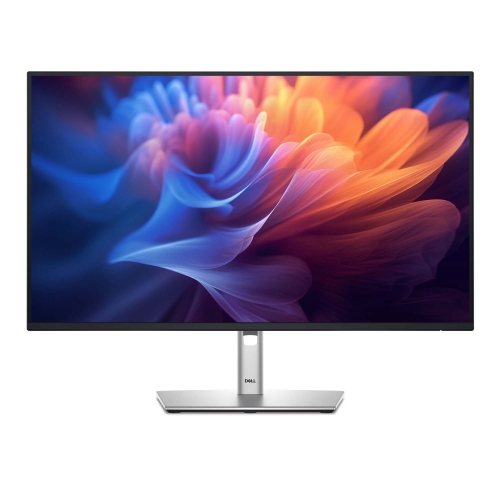
DELL P 27" 1080P HD Ips Led Monitor (P2725H)
About this product
A versatile monitor offering crisp visuals and reliable performance for work or entertainment setups.
(3)$418.68 Your price for this item is $418.68 -
2
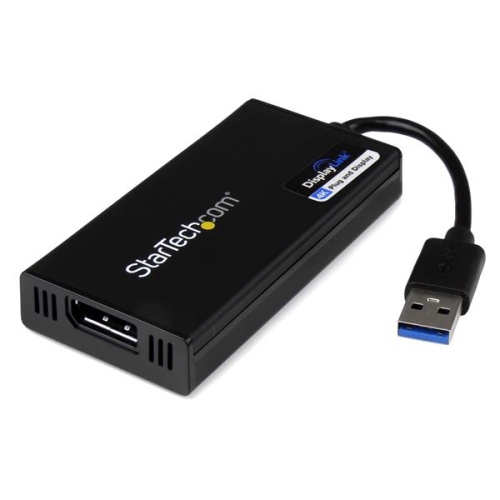
STARTECH USB 3.0 to 4K Displayport External Monitor Video Graphics Adapter (USB32Dp4K)
About this product
A USB 3.0 adapter that enables 4K Ultra HD video output to an external DisplayPort monitor.
(3)$119.99Your price for this item is $119.99SAVE $8 -
3
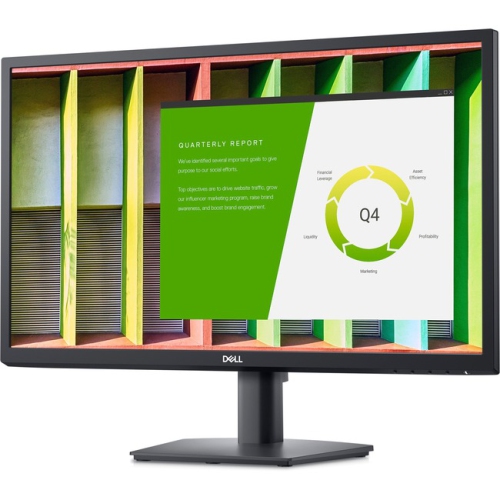
DELL E2422H 24" 1080P HD Ips Lcd Led Monitor (-E2422H)
About this product
A 23.8" Dell LED LCD monitor with IPS technology, 1920 x 1080 resolution, and VGA/DisplayPort connectivity.
(2)$299.99 Your price for this item is $299.99 -
4
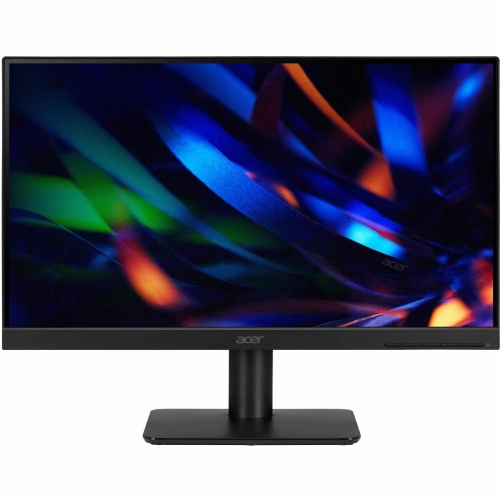
ACER V6 V226Hql H 21.5" 1080P HD Va Lcd Monitor (Um.wv6Aa.h01) - 100Hz
About this product
A sleek black LCD monitor featuring Full HD resolution, 100Hz refresh rate, and 4ms response time.
(1)$110.99Your price for this item is $110.99SAVE $19 -
5
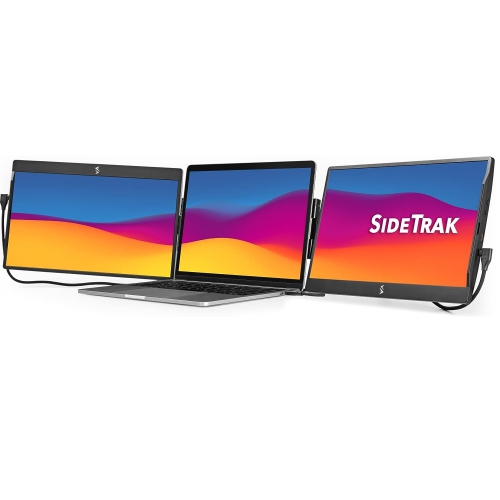
SIDETRAK Swivel 14" 1080P HD Ips Portable Monitor - USB-C/mini HDMI
About this product
A pair of attachable black 14" FHD IPS monitors offering triple-screen productivity via USB-C or Mini HDMI.
(1)$949.99 Your price for this item is $949.99 -
6
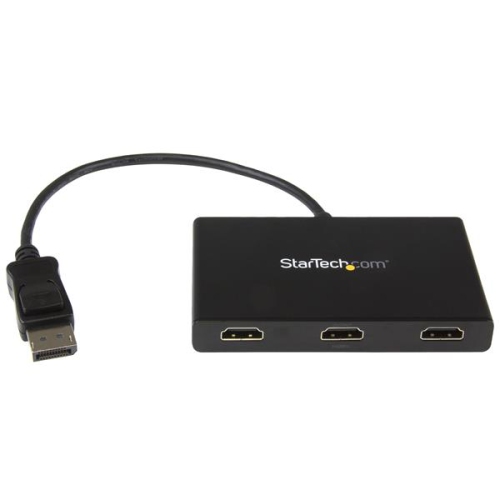
STARTECH 3-Port Displayport to HDMI Multi-Monitor Splitter (Mstdp123HD)
About this product
A versatile splitter that connects up to three HDMI displays to your computer via a single DisplayPort.
(1)$244.68 Your price for this item is $244.68 -
7
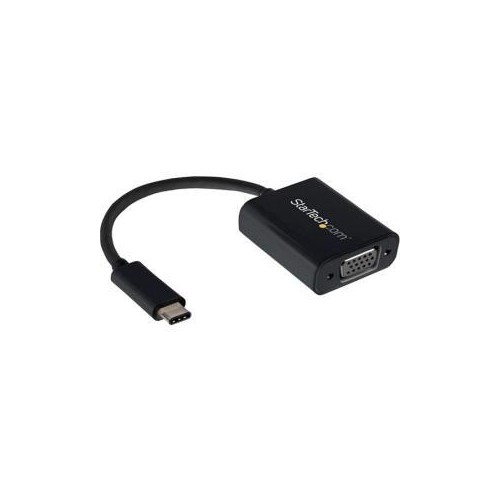
STARTECH Connect Your Macbook Chromebook Or Laptop With USB-C to A VGA Monitor Or Projector USB-C to VGA USB Type-C to V
About this product
A versatile USB-C to VGA adapter for connecting laptops to VGA monitors, projectors, or televisions.
(1)$55.68 Your price for this item is $55.68 -
8
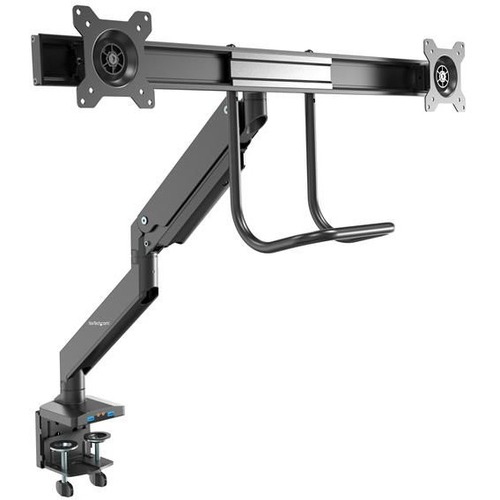
STARTECH Desk Mount Dual Monitor Arm w USB & Audio - Slim Full Motion Adjustable Dual Monitor Vesa Mount for Up to 32" Displays - Ergonomic
About this product
A slim, ergonomic dual monitor arm with USB and audio ports, offering full motion adjustment for up to 32" displays.
(1)$259.68 Your price for this item is $259.68 -
9
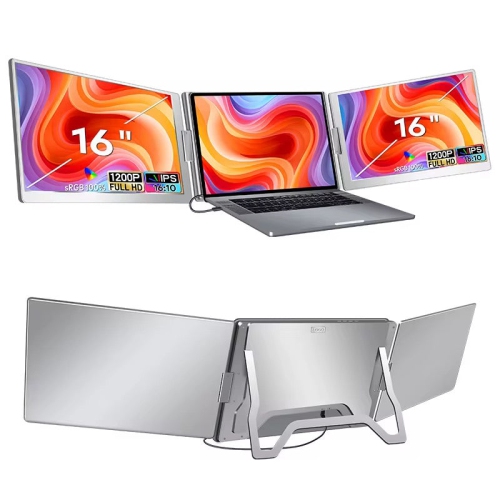
TUTT S900 16.1" 1080P HD Ips Lcd Dual Portable Monitor - USB-C - HDr
About this product
A 16" dual portable laptop monitor with FHD 1080P resolution and single cable setup for triple screen extension.
(12)$549.90Your price for this item is $549.90SAVE $130 -
10
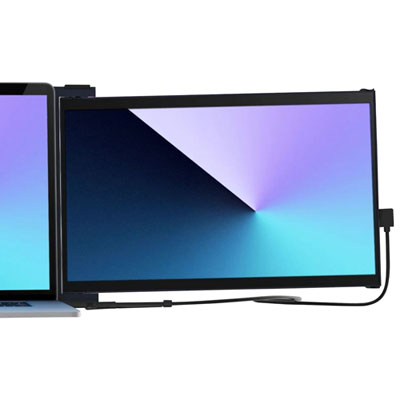
Mobile Pixels Duex Max 14.1" 1080p HD IPS LCD Monitor (MP-101-1007P06)
About this product
A lightweight black IPS LCD monitor offering 14.1" FHD 1080p resolution and energy-efficient performance.
What customers like
(88)$299.99 Your price for this item is $299.99
FAQ
Match your laptop’s video output with an input on the monitor, such as HDMI, DisplayPort or USB-C with video support. If the connections differ, you may need a compatible adapter or docking station. Not every USB-C port supports video, so check your laptop’s specifications before choosing a connection.
Yes, some USB-C monitors support both video and laptop charging through one cable. Look for USB Power Delivery and check that the monitor’s power output meets your laptop’s charging requirements. Your laptop’s USB-C port and cable must also support the required video and charging features.
Mirroring shows the same content on your laptop and external monitor. Extending creates a desktop across both displays, letting you place different windows on each. You can choose either mode in your operating system’s display settings.
Many laptops support multiple external monitors, but the number depends on the laptop’s graphics hardware, ports and operating system. A compatible docking station may provide additional display connections, though it does not necessarily change the laptop’s display limits. Check the supported display configurations for both your laptop and dock.
Some external monitors include speakers, a webcam and a microphone, while others provide only a display. Check which features are built in rather than assuming they are included. Integrated webcams and USB accessories typically need a USB data connection to your laptop, even when HDMI or DisplayPort carries the video.
Top selling and popular products
Discover more categories related to Best External Monitors for Laptops
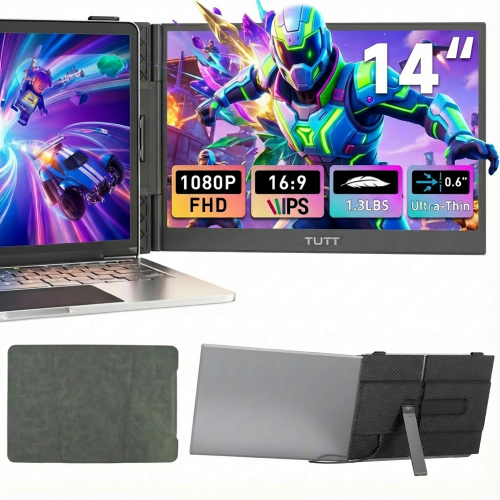

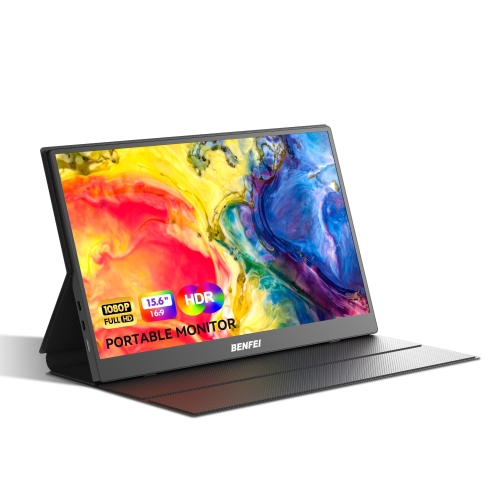
Some products may be subject to Environmental Handling Fees (EHF) depending on your province. Learn more about EHFs.