Best Laptops for Note Taking and Digital Writing
The best laptops for note taking and digital writing can help you capture ideas, organize class notes, and mark up documents with ease. Whether you’re studying, working, or writing on the go, look for a comfortable keyboard, a responsive display, and battery life that fits your routine. If you prefer handwritten notes, check for touchscreen functionality and stylus compatibility. Explore the laptops below, ranked by user review ratings, to find an option that suits your writing style.
What to look for in laptops for note taking and digital writing
1. Touchscreen and Pen Support
2. Keyboard and Display Comfort
3. Portability and Battery Life
4. Performance and App Compatibility
-
1
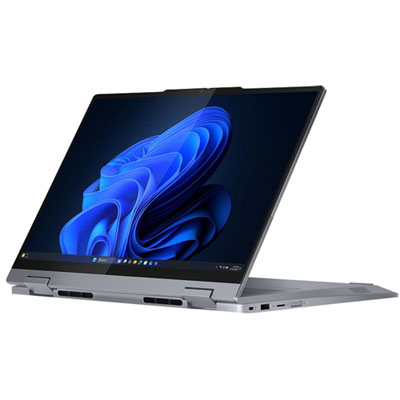
Lenovo ThinkBook 14 14" Touchscreen 2-in-1 Laptop - Intel Ultra 5-225U - 16GB DDR5 - 256GB SSD - Windows 11 Pro - Luna Grey - En
About this product
A versatile Luna Grey 2-in-1 laptop featuring a 14" touchscreen, Intel Ultra 5 processor, and 16GB RAM.
(2)$1,599.99Your price for this item is $1599.99SAVE $100 -
2
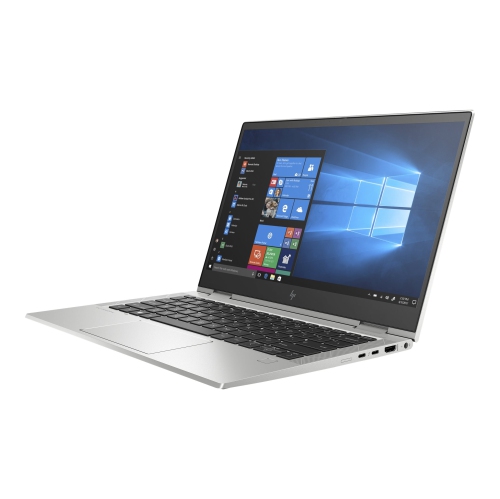
HP Refurbished (Good) - Elitebook X360 830 G7 2-In-1 Touchscreen Laptop - Core I5-10310U - 16GB Ddr4 - 512GB SSD - Windows 11 Pro - In Silver
About this product
A versatile 2-in-1 laptop with a Core i5 processor, 16GB RAM, 512GB SSD, and FHD touchscreen.
$499.00Your price for this item is $499SAVE $700 -
3
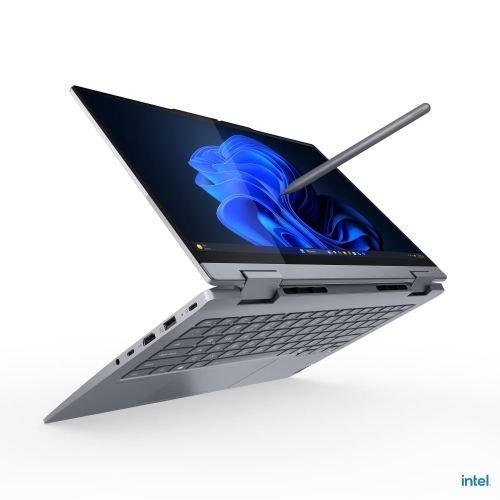
LENOVO Thinkbook 14 2-In-1 Gen 5 Business Laptop, Intel® Core Ultra 7 255U, 14" Wuxga Touch, 24GB Ddr5, 1Tb SSD, Windows 11 Pro, Yoga Pen Included
About this product
A versatile 2-in-1 business laptop with a 14" WUXGA touchscreen, 24GB RAM, and Yoga Pen included.
$2,498.23Your price for this item is $2498.23SAVE $940 -
4
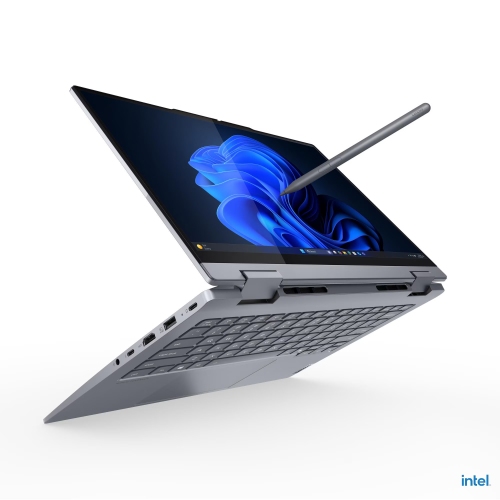
LENOVO Thinkbook 14 2-In-1 Gen 5 Business Laptop, Intel® Core Ultra 7 255U, 14" Wuxga Touch, 24GB Ddr5, 1.5Tb SSD, Windows 11 Pro, Yoga Pen Included
About this product
A versatile 2-in-1 business laptop with a 14" WUXGA touchscreen, 24GB DDR5, and Yoga Pen.
$2,648.24Your price for this item is $2648.24SAVE $948 -
5
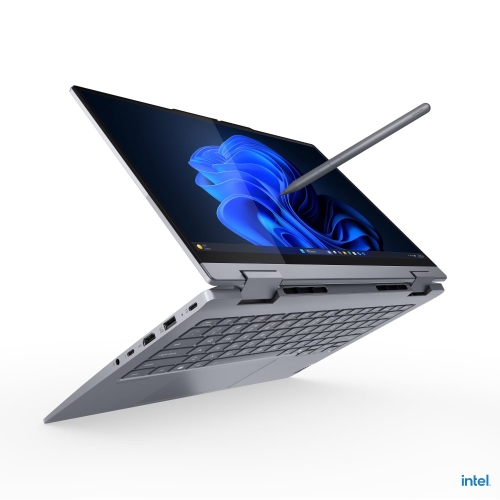
LENOVO Thinkbook 14 2-In-1 Gen 5 Business Laptop, Intel® Core Ultra 7 255U, 14" Wuxga Touch, 24GB Ddr5, 512GB SSD, Windows 11 Pro, Yoga Pen Included
About this product
A versatile 2-in-1 business laptop with a 14" WUXGA touchscreen, Intel Core Ultra 7, and Yoga Pen.
$2,398.02Your price for this item is $2398.02SAVE $930 -
6
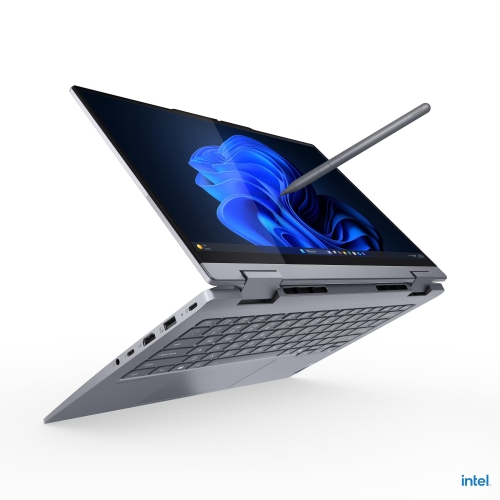
LENOVO Thinkbook 14 2-In-1 Gen 5 Business Laptop, Intel® Core Ultra 7 255U, 14" Wuxga Touch, 16GB Ddr5, 1.5Tb SSD, Windows 11 Pro, Yoga Pen Included
About this product
A versatile 2-in-1 business laptop with a 14" WUXGA touchscreen, 16GB DDR5, and Yoga Pen included.
$2,298.22Your price for this item is $2298.22SAVE $930 -
7
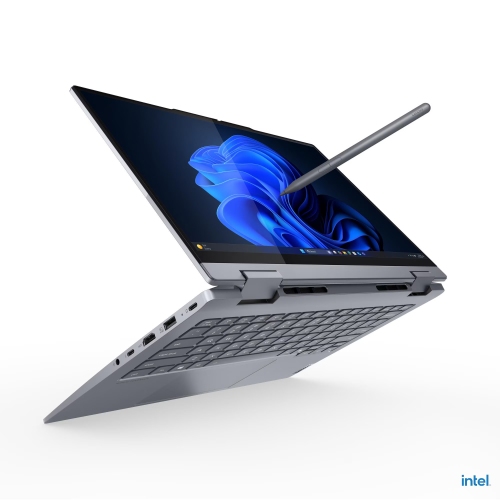
LENOVO Thinkbook 14 2-In-1 Gen 5 Business Laptop, Intel® Core Ultra 7 255U, 14" Wuxga Touch, 16GB Ddr5, 1Tb SSD, Windows 11 Pro, Yoga Pen Included
About this product
A versatile 2-in-1 business laptop with a 14" WUXGA touchscreen, Intel Ultra 7, and Yoga Pen.
$2,096.21Your price for this item is $2096.21SAVE $862 -
8
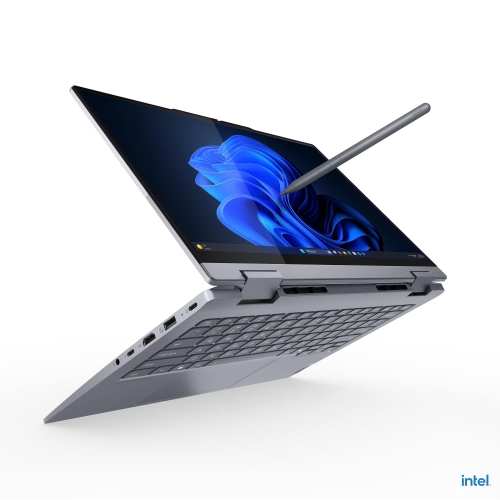
LENOVO Thinkbook 14 2-In-1 Gen 5 Business Laptop, Intel® Core Ultra 7 255U, 14" Wuxga Touch, 32GB Ddr5, 2Tb SSD, Windows 11 Pro, Yoga Pen Included
About this product
A versatile 2-in-1 business laptop with a 14" WUXGA touchscreen, 32GB RAM, 2TB SSD, and Yoga Pen.
$3,178.12Your price for this item is $3178.12SAVE $900 -
9
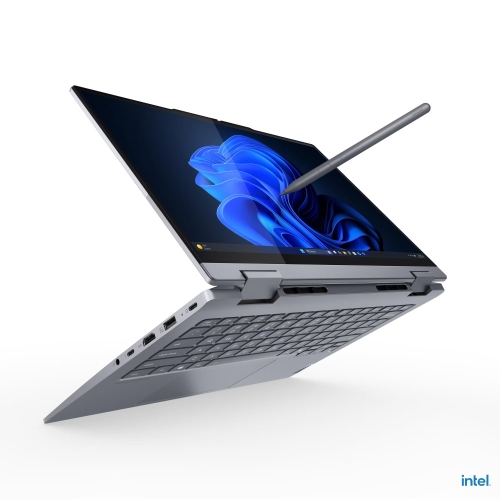
LENOVO Thinkbook 14 2-In-1 Gen 5 Business Laptop, Intel® Core Ultra 7 255U, 14" Wuxga Touch, 32GB Ddr5, 1Tb SSD, Windows 11 Pro, Yoga Pen Included
About this product
A versatile 2-in-1 business laptop with a 14" WUXGA touchscreen, 32GB RAM, and Yoga Pen included.
$3,096.23Your price for this item is $3096.23SAVE $713 -
10
LENOVO 12.2" Touchscreen 2-In-1 Laptop - Intel N200 - 8GB Ram - 128GB SSD - Windows 11 Pro - Slate In Gray
About this product
A versatile 2-in-1 laptop with Intel N200, 8GB RAM, 128GB SSD, touchscreen, and Windows 11 Pro.
$1,134.28Your price for this item is $1134.28SAVE $340
FAQ
Look for a comfortable keyboard, a responsive touchscreen, and active pen support if you prefer handwritten notes. A convertible hinge lets you switch between typing and writing on the screen. Battery life, portability, and compatibility with your preferred note-taking apps are also useful considerations.
A touchscreen laptop accepts finger input, but it may not support an active pen. Pen-enabled laptops work with compatible digital pens and may offer features such as pressure sensitivity, palm rejection, and customizable pen buttons. Check the laptop’s pen compatibility rather than assuming any stylus will work.
A 2-in-1 laptop combines a laptop keyboard with a screen that folds back or detaches for tablet-style use. On models with active pen support, you can type longer passages, switch to handwriting, sketch diagrams, and annotate documents on the same device.
Useful features include notebooks or folders, tags, handwriting search, PDF annotation, and support for combining typed text with drawings. Some apps also offer handwriting-to-text conversion and audio recording. Feature availability varies by app, operating system, and subscription.
Many desktop note-taking apps let you create and edit locally stored notes offline. Cloud syncing, shared editing, and access to files that have not been downloaded typically require an internet connection. Check your app’s offline options and download any documents you need in advance.
Top selling and popular products
Discover more categories related to Best Laptops for Note Taking and Digital Writing


Some products may be subject to Environmental Handling Fees (EHF) depending on your province. Learn more about EHFs.