Best Tablets For Digital Note Taking in Class
Keep your class notes organized with the best tablets for digital note-taking in class, ranked by user review ratings. Whether you’re jotting down lecture highlights, annotating readings, or sketching diagrams, explore options that suit your study routine. Consider features such as stylus compatibility, battery life, and a comfortable screen size to find the right fit for your school day.
What to look for in tablets for digital note taking in class
1. Stylus Support
2. Screen Size and Portability
3. Note-Taking Apps and Compatibility
4. Battery Life and Storage
-
1
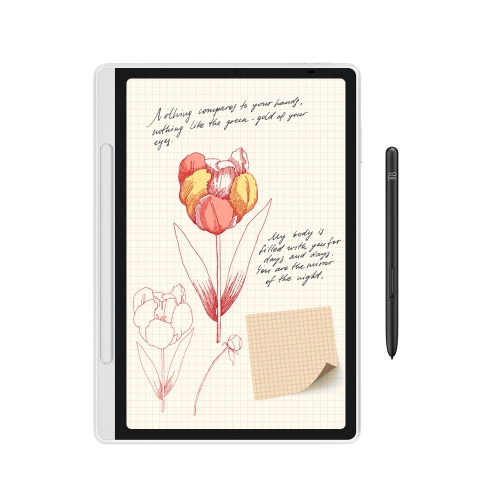
XPPEN Magic Note Pad - 3 In 1 Color Digital Notebook 10.95" Ebook Reader Paper Note Taking Tablet w 16384 Pressure Levels Pencil 2 Magnetic Folio
About this product
A versatile digital notebook with a color display, 16K pressure-level pen, and magnetic folio for seamless note-taking.
(3)$459.99Your price for this item is $459.99SAVE $180 -
2
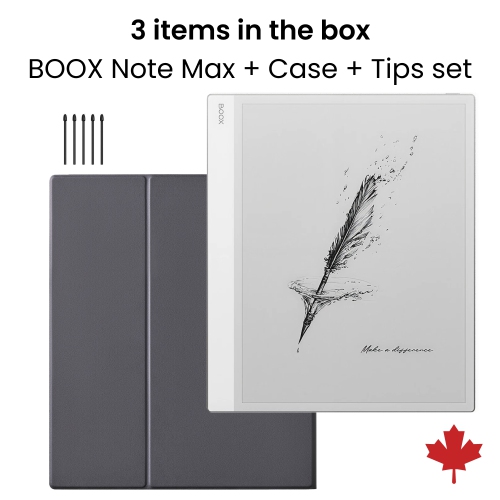
BOOX Note Max 13.3-Inch Monochrome E-Ink Tablet + Original Cover Case + Pen Tips
About this product
A black and white E-Ink tablet bundle with a magnetic case and extra stylus tips.
(1)$909.56Your price for this item is $909.56SAVE $29 -
3

IFLYTEK Ainote Air 2 8.2" 32GB Digital Notebook With Stylus, 293Ppi HD Glass E Ink Screen & 88.5% Screen-To-Body Display - In Black
About this product
An advanced E Ink tablet with stylus, adjustable light, multi-language support, and ChatGPT-powered features.
(1)$539.99Your price for this item is $539.99SAVE $160 -
4

Samsung Galaxy Tab S10 Lite 10.9-inch 128GB, Exynos 1380 with S Pen - Red
About this product
A slim red tablet featuring a 10.9" display, Exynos 1380 processor, and included S Pen.
What customers like
(631)$579.99 Your price for this item is $579.99 -
5
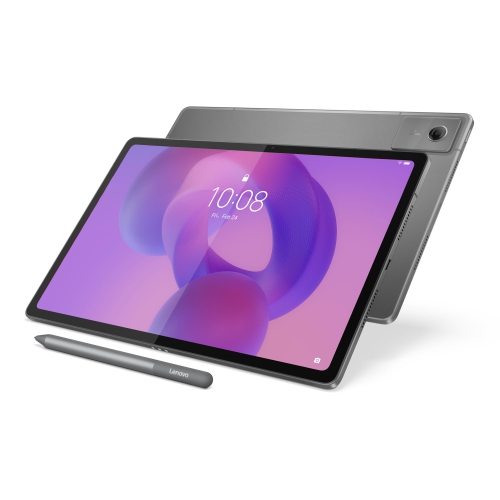
LENOVO Idea Tab Plus 12.1-Inch 128GB, 8GB Ram, Dimensity 6400
About this product
A versatile tablet featuring a 12.1" IPS 90Hz display, 8GB RAM, and 128GB storage.
What customers like
(44)$418.00Your price for this item is $418SAVE $81 -
6

Wacom Intuos 6.0" x 3.7" Graphic Tablet with Stylus (CTL4100WLK0) - Black
About this product
A black Bluetooth-enabled graphic tablet with a precise stylus and 4,096 pressure sensitivity levels.
What customers like
(1,002)$116.98 Your price for this item is $116.98 -
7
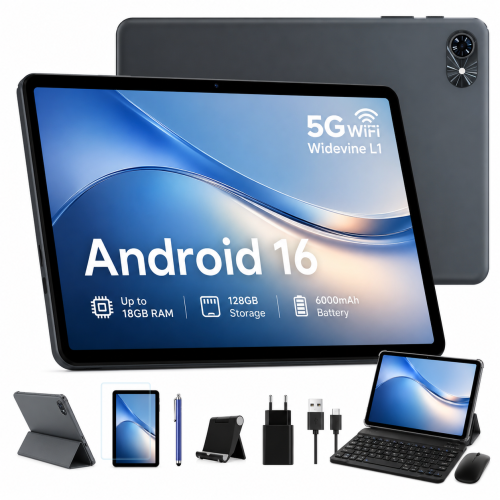
BLACKVIEW 10" Tablets, Android 16 Tablet, 2026 Android Tablets w Keyboard 18GB+128GB, 10 Inch Tablet w Stylus, 6000Mah, 1080P, 5G Wifi
About this product
A versatile Android 15 tablet featuring 18GB RAM, 128GB storage, keyboard, stylus, and 5G Wi-Fi.
What customers like
(31)$155.99 Your price for this item is $155.99 -
8
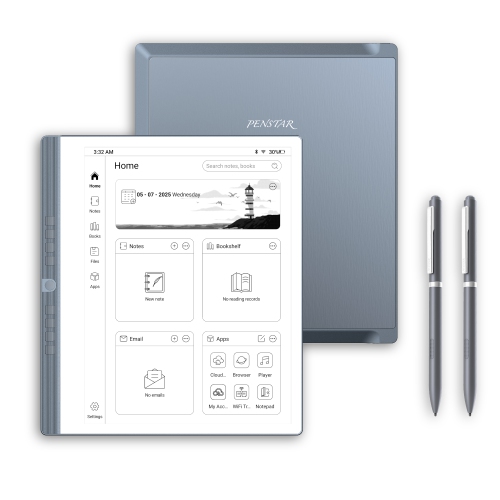
PENSTAR Enote 2 10.3" Digital Notebook 4GB Ram 128GB With Folio Cover And 2 Pens for Voice-To-Text
About this product
A digital notepad with a 10.3" E Ink display, 4GB RAM, 128GB storage, and folio included.
$639.00 Your price for this item is $639 -
9
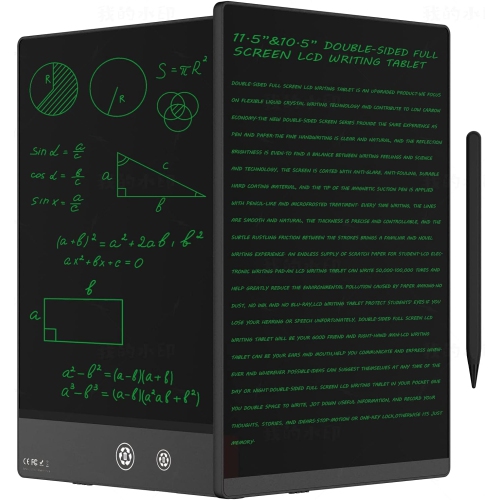
SYMLIS Lcd Writing Tablet for Adults 10.5″ Lcd Writing Tablet, Double-Sided Full Screen, Digital Notepad for School, Office, Home, Erasable, Reusable
About this product
A double-sided 10.5″ LCD writing tablet offering erasable, reusable note-taking for school, office, or home.
$30.28Your price for this item is $30.28SAVE $9 -
10
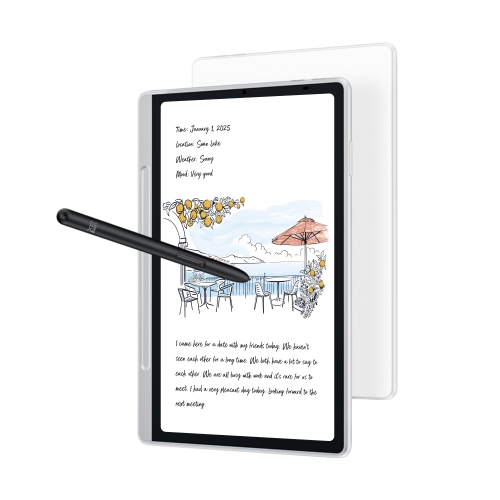
XPPEN Magic Note Pad 10.95-Inch 128GB Digital Notebook With Stylus - In Blue
About this product
A blue digital notepad with stylus, paper-like display, and AI-powered note-taking and calculation features.
$459.99Your price for this item is $459.99SAVE $180
FAQ
Look for active stylus support, palm rejection, multitasking options and compatibility with your preferred note-taking apps. Battery life, storage and access to your school’s learning platform are also useful considerations when choosing a tablet for coursework.
Stylus compatibility varies by tablet. Basic capacitive styluses generally work like a fingertip, while compatible active styluses can offer features such as pressure sensitivity, palm rejection and shortcut buttons. Check the tablet’s supported stylus models and whether a stylus is included or sold separately.
Common features include handwritten and typed notes, PDF annotation, searchable notebooks and folders for different courses. Some apps also support handwriting-to-text conversion and cloud syncing. Available features can vary by operating system and subscription plan.
Many note-taking apps let you create and edit locally stored notes without Wi-Fi. Download course materials and confirm that your chosen app supports offline access before class. Cloud syncing, shared notebooks and online resources generally require an internet connection.
Many tablets support both a compatible keyboard and a stylus, and some note-taking apps let you mix text, handwriting and diagrams on the same page. Keyboard connections may use Bluetooth, USB or a dedicated connector, depending on the tablet.
Top selling and popular products
Discover more categories related to Best Tablets For Digital Note Taking in Class
Some products may be subject to Environmental Handling Fees (EHF) depending on your province. Learn more about EHFs.