Best Mac Studio Setups For Design And Architecture Students
Build a workspace that supports your design and architecture studies, from detailed drafting and 3D modelling to rendering and portfolio prep. Explore highly rated options for a desktop setup that helps you balance performance, screen space, and comfort during long project sessions. Ranked by user review ratings, this selection makes it easier to compare options and find the right fit for your coursework, workspace, and budget.
What to look for in Mac Studio setups for design and architecture students
1. Software Compatibility
2. Processing Power and Memory
3. Display and Desk Accessories
4. Storage and Connectivity
-
1
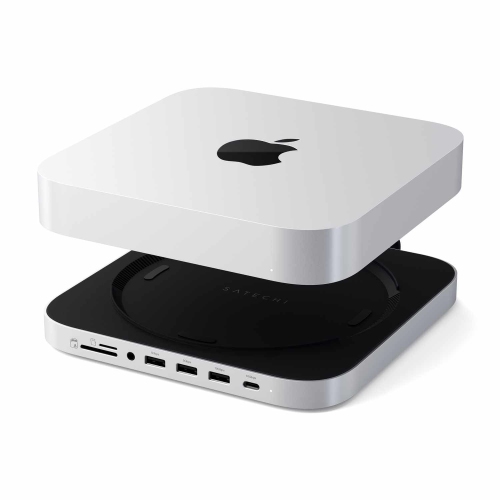
SATECHI Stand & Hub for Mac Mini/studio With Nvme SSD Enclosure | In Silver
About this product
A silver Mac Mini hub and stand with SSD enclosure for expanding storage and 6-in-1 expansion ports.
What customers like
(227)$149.99 Your price for this item is $149.99 -
2
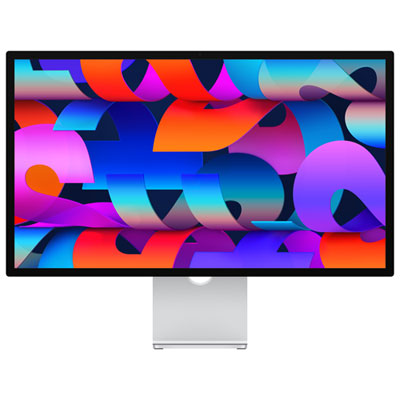
Apple Studio Display 27" 5K Retina Standard Glass Tilt-Adjustable Monitor (MFEX4CL/A)
About this product
A 27-inch 5K Retina monitor featuring a 12MP camera, advanced audio, and Thunderbolt 5 connectivity.
(1)$2,099.99 Your price for this item is $2099.99 -
3
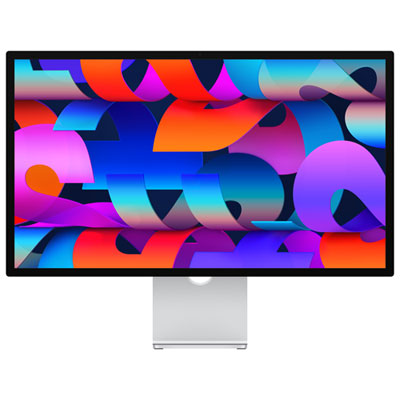
Apple Studio Display 27" 5K Retina Nano Glass Tilt-Adjustable Monitor (MFF14CL/A)
About this product
A 5K Retina monitor with Nano Glass, advanced camera, premium audio, and Thunderbolt 5 connectivity.
$2,499.99 Your price for this item is $2499.99 -
4
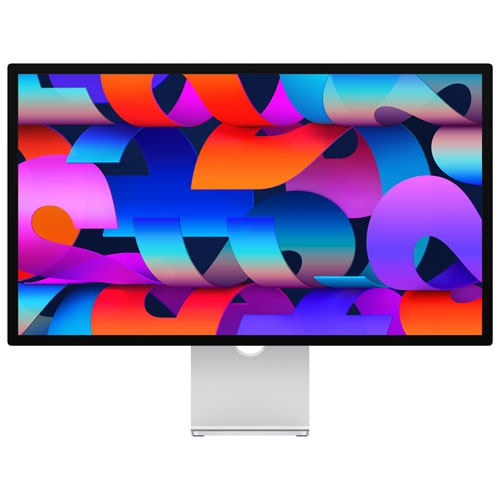
APPLE Refurbished (Excellent) - Studio Display 27" 5K Retina Standard Glass Tilt-Adjustable Monitor (Mk0U3Vc/a) - In Silver
About this product
A 27-inch 5K Retina display with a 12MP ultra wide camera and studio-quality mics.
$1,534.96Your price for this item is $1534.96SAVE $465 -
5
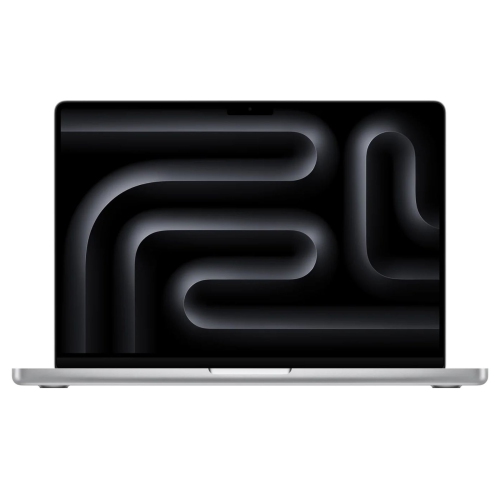
APPLE (Refurbished Good) Macbook Pro 14-Inch 2023 (M3 8-Core Cpu - 16GB - 1Tb - 10-Core Gpu) In Silver
About this product
A powerful silver laptop with an M3 chip, 16GB memory, 1TB SSD, and Liquid Retina XDR display.
$2,189.99Your price for this item is $2189.99SAVE $609
FAQ
A Mac Studio setup typically includes an external monitor, keyboard and mouse or trackpad, as these are separate from the computer. Depending on your coursework, you may also want a drawing tablet, external storage and headphones. A webcam and microphone are useful additions for online classes and project presentations.
Look for display resolution, colour accuracy, colour gamut coverage and connection options that match your coursework. For illustration and graphic design, consider a monitor with calibration controls. For architecture projects, an adjustable stand and multiple display inputs can be useful. Check that the monitor’s connection is compatible with your Mac Studio or an appropriate adapter.
Compatibility depends on the application, version and plug-ins your program requires. Many design applications support macOS and Apple silicon, while some CAD and BIM applications require Windows. Check your school’s software list before choosing a setup. Mac Studio does not support Boot Camp, and virtual machines may not support every application or feature.
Mac Studio supports wired accessories through its available USB and Thunderbolt ports, along with compatible Bluetooth accessories. Port types and placement vary by model, so check the connections needed for your drawing tablet, keyboard, external drives and other devices. Some accessories also require macOS-compatible drivers or an adapter.
Keep a consistent folder structure for each course and project, with separate folders for source files, linked assets and final exports. External storage can hold project archives, while a separate drive can be used for Time Machine backups. When sharing work, include linked images, textures and other required assets so classmates and instructors can open the project as intended.
Top selling and popular products
Discover more categories related to Best Mac Studio Setups For Design And Architecture Students

Some products may be subject to Environmental Handling Fees (EHF) depending on your province. Learn more about EHFs.