Back To School Tech For Design Students
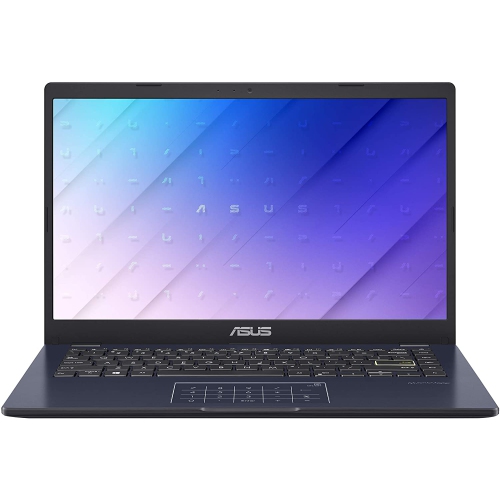
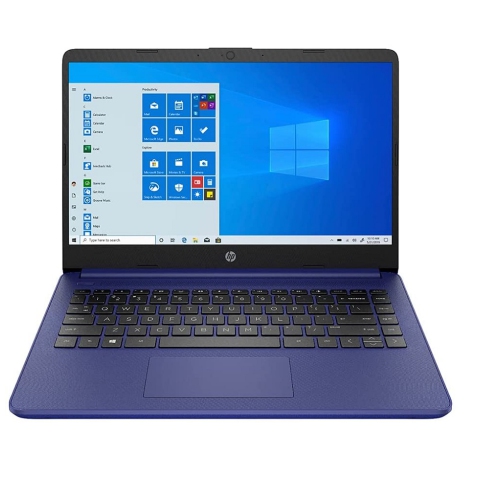
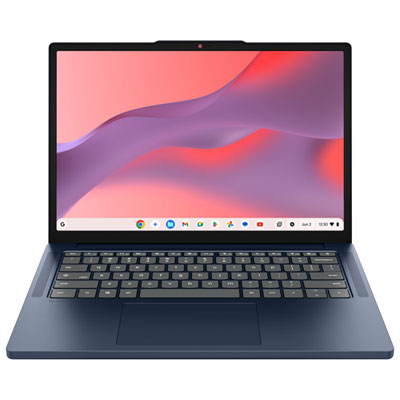
Find back-to-school tech for design students, from laptops and monitors to drawing tablets and accessories for creative coursework. Compare options based on the software your program requires, screen size and resolution for detailed visual work, and portability for moving between classes and studio sessions.











FAQ
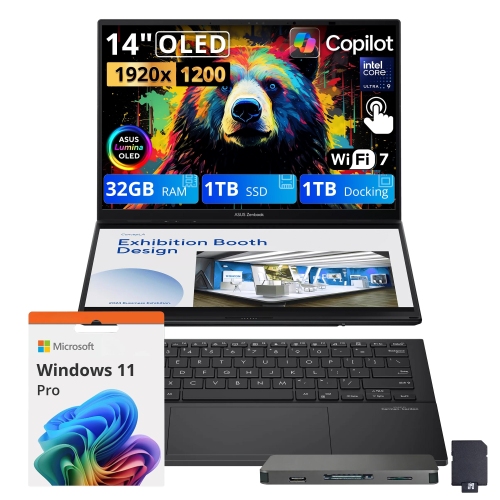
Start with a laptop or desktop that meets your program’s software requirements. Depending on your courses, you may also need a drawing tablet, a monitor, headphones, and an external storage drive. Check your department’s equipment list before choosing accessories.
Review the supported operating systems and hardware requirements for the applications your program uses, such as illustration, photo editing, page layout, and 3D modelling software. Also check whether your school requires particular software versions, plug-ins, or file formats.
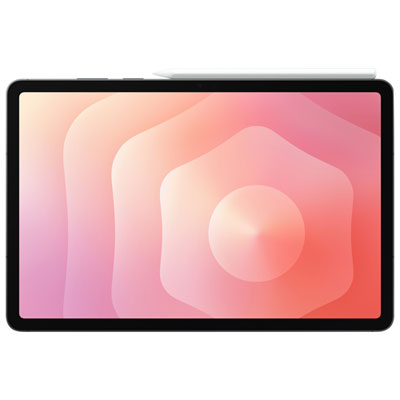
A drawing tablet captures pen input while you view your work on a separate computer screen. A pen display lets you draw directly on its built-in screen and typically connects to a computer. Standalone tablets are another option, but their available apps may differ from desktop software.
Check the connections needed for your monitor, drawing tablet, storage drives, and other accessories. HDMI and DisplayPort carry video, while USB connections support many peripherals. USB-C capabilities vary, so confirm whether each port supports data, video output, or charging before choosing a hub or dock.
Create a folder for each course and project, with separate folders for source files, linked assets, and final exports. Use consistent filenames and version numbers, and keep backup copies on an external drive or through a cloud storage service. Check your school’s file submission requirements before exporting assignments.
Top selling and popular products
Discover more categories related to Back To School Tech For Design Students


Some products may be subject to Environmental Handling Fees (EHF) depending on your province. Learn more about EHFs.