Best RGB Computer Cases

Light up your setup with the best RGB computer cases, ranked by user review ratings. Whether you’re building a gaming PC or refreshing your desktop, explore cases that pair colourful lighting with practical features. Compare airflow, component compatibility, and cable management options to find the right fit for your build and style.

Read More

What to look for in RGB computer cases

1. Component Compatibility

Match the case to your motherboard’s form factor, such as ATX, Micro-ATX or Mini-ITX. Check clearance for your graphics card, CPU cooler and power supply, along with space for storage drives and any planned upgrades.

2. RGB Lighting and Controls

Check whether RGB fans, light strips and a lighting controller are included or sold separately. Confirm compatibility with your motherboard’s lighting software and headers, as 5V three-pin addressable RGB and 12V four-pin RGB connections are not interchangeable.

3. Airflow and Cooling Support

Look for ventilated panels, accessible dust filters and fan mounts that support airflow through the case. If you plan to use liquid cooling, verify radiator size support and clearance with your other components installed.

4. Build Access and Display

Tempered-glass panels can showcase your RGB lighting, while cable-routing channels and space behind the motherboard tray help keep your build tidy. Removable panels, tool-free drive mounts and conveniently placed front USB ports can make assembly and everyday use easier.
Citrus catapult arrow
  1. 1

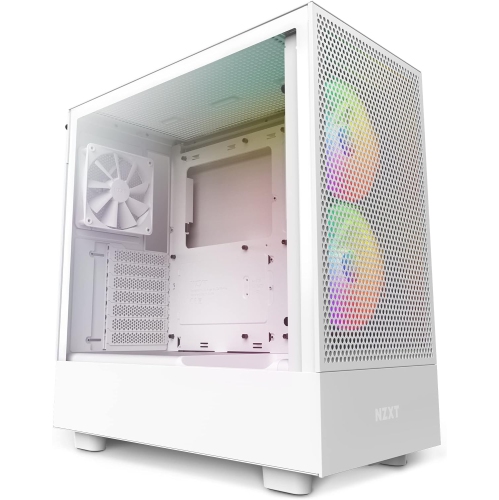
    NZXT H5 Flow RGB - In White

    About this product

    A sleek white mid-tower gaming case with RGB lighting, stainless steel build, and water cooling support.

    (7)
    $261.68 Your price for this item is $261.68
  2. 2

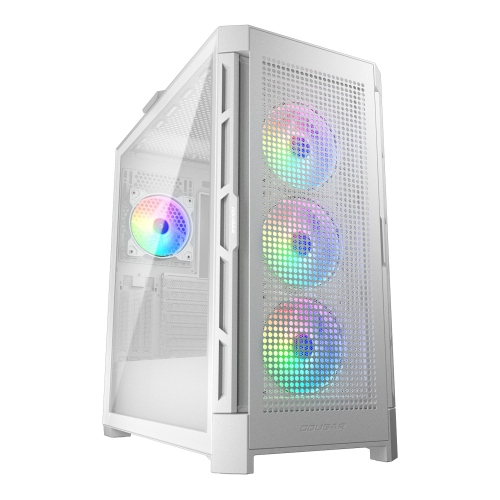
    COUGAR Duoface Pro RGB Mid Tower Atx Computer Case, Tempered Glass Side Panel, 4X 120MM Argb Fans Pre-Installed In White

    About this product

    A white mid tower case featuring dual front panels, ARGB lighting, and support for multiple motherboard sizes.

    (1)
    $169.99 Your price for this item is $169.99
  3. 3

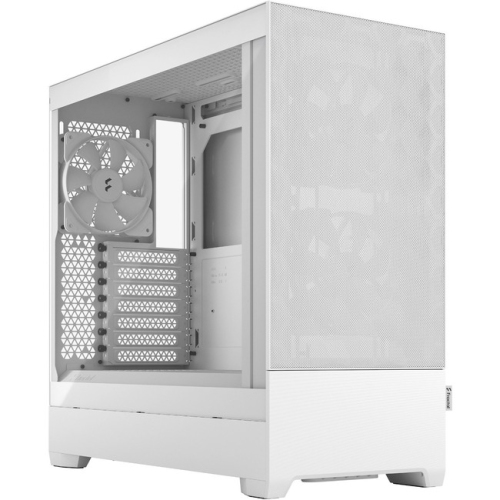
    FRACTAL DESIGN Pop Air RGB Computer Case (Fd-C-Por1A-01)

    About this product

    A stylish RGB computer case featuring enhanced airflow and customizable lighting for high-performance builds.

    (1)
    $159.49
    SAVE $10
    Your price for this item is $159.49
  4. 4

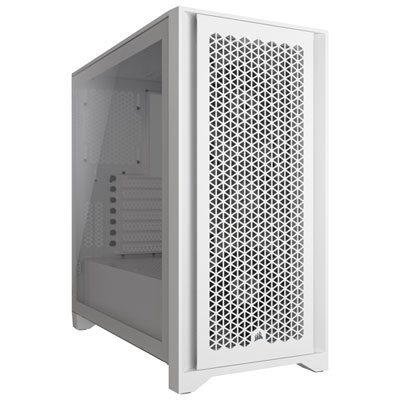
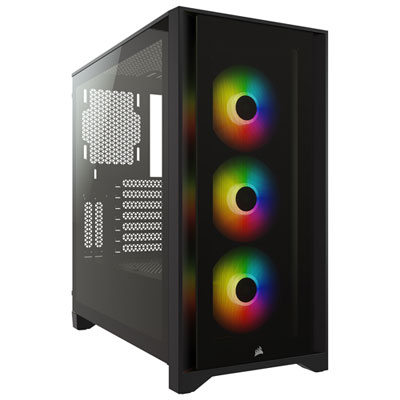
    Corsair 4000D RGB Airflow Mid-Tower ATX Computer Case - White

    About this product

    A white mid-tower ATX case featuring tempered glass, steel front panel, and vibrant RGB lighting effects.

    What customers like

    • High build quality and sturdy construction
    • Great cable management features
    • Attractive RGB lighting and stylish design
    • Spacious and easy to build in
    • Excellent airflow and ventilation
    (83)
    $169.95 Your price for this item is $169.95
  5. 5

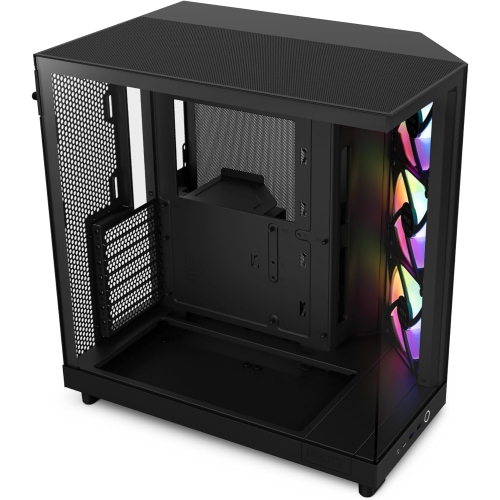
    NZXT H6 Flow RGB Compact Dual-Chamber Mid-Tower Airflow Case With RGB Fans (Cch61Fbr1)

    About this product

    A compact dual-chamber mid-tower PC case featuring enhanced airflow and vibrant RGB fans.

    What customers like

    • High build quality and sturdy construction
    • Attractive design with glass panels and RGB lighting
    • Easy to build in with good cable management
    • Excellent airflow and cooling efficiency
    • Spacious dual-chamber layout
    (93)
    $185.99
    SAVE $64
    Your price for this item is $185.99
  6. 6

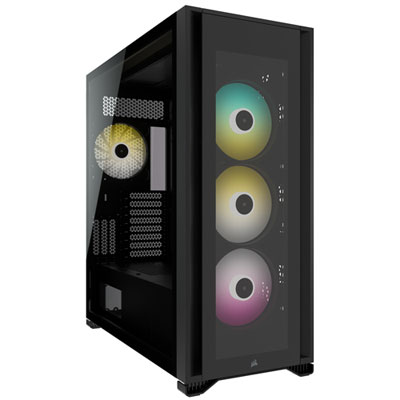
    Corsair iCUE 7000X RGB Full-Tower ATX Computer Case - Black

    About this product

    A black full-tower case featuring tempered glass panels, RGB lighting, and ample airflow for high-performance builds.

    What customers like

    • Attractive and clean design
    • Spacious interior for high-end builds
    • Customizable RGB lighting and fan control
    • Excellent cable management options
    • Strong airflow and cooling performance
    (52)
    $474.99 Your price for this item is $474.99
  7. 7

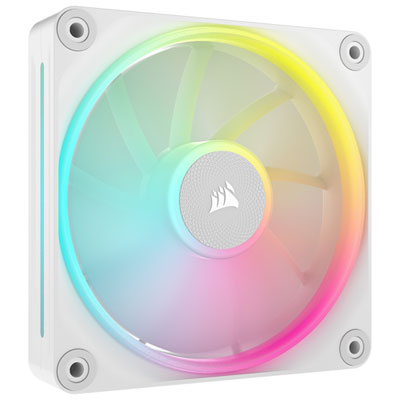
    Corsair iCUE Link LX120 RGB 120mm Case Fan - White

    About this product

    A white RGB case fan with 69.9CFM airflow and AirGuide technology for efficient, visually striking cooling.

    (14)
    $54.99 Your price for this item is $54.99
  8. 8

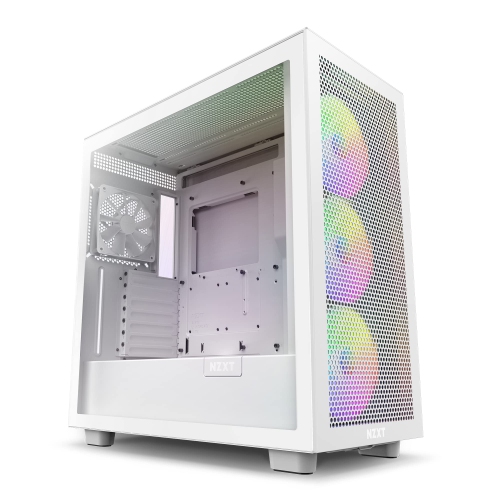
    NZXT H7 Flow RGB Cm-H71Fw-R1 - Compact Atx Mid-Tower PC Gaming Case – High Airflow Perforated Front Panel

    About this product

    A Compact ATX mid-tower gaming case with high airflow, vivid RGB lighting, and dedicated GPU fan.

    (3)
    $215.99
    SAVE $60
    Your price for this item is $215.99
  9. 9

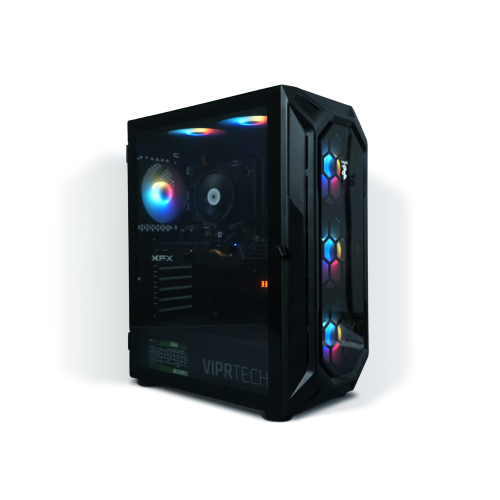
    VIPRTECH Rebel 4.0 Gaming PC - Rtx 4060 8GB, Amd Ryzen 7, 16GB Memory, 1Tb SSD, Win 11, Onyx Black, RGB, Vr-Ready

    About this product

    A powerful black desktop featuring Ryzen 7, RTX 4060, 32GB RAM, 1TB NVMe SSD, and vibrant RGB lighting.

    (3)
    $1,569.99 Your price for this item is $1569.99
  10. 10

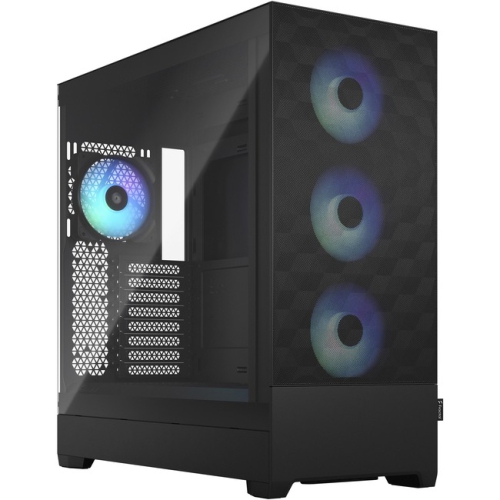
    FRACTAL DESIGN Pop Xl Air RGB Computer Case (Fd-C-Por1X-06)

    About this product

    A spacious RGB computer case featuring enhanced airflow and customizable lighting for high-performance builds.

    (7)
    $170.49
    SAVE $35
    Your price for this item is $170.49

Striking RGB lighting still needs room to breathe

The best RGB computer cases combine customizable lighting with practical airflow, component clearance, and a layout that makes a desktop easy to build and maintain. RGB lighting can turn a computer into a visual centrepiece, whether the preferred look is a soft, single-colour glow behind tinted glass or a coordinated pattern across fans, memory, and internal light strips. The case still has an important structural job: it supports the hardware, protects internal components, and provides paths for cooling air and cables. Mesh-front designs let illuminated intake fans remain visible while giving them a relatively open path to draw in air. Glass-front and panoramic designs place more emphasis on the view inside, often using side or bottom intakes instead. Neither appearance alone nor the number of lights determines cooling performance; ventilation placement, fan configuration, filters, and the components inside all matter. A gaming desktop with a powerful graphics card has different cooling demands from a lightly used home computer, even when both share the same colourful styling. For a desk-mounted system, a clear side panel can frame the graphics card and lighting at eye level, while a case placed beneath a desk may benefit more from visible front lighting and easily reached controls. Mid-tower cases offer a familiar balance of internal space and footprint, compact cases suit tighter setups, and full-tower designs provide room for larger builds when their specifications support them. Streamers, PC gaming enthusiasts, and people who enjoy personalizing their workspace may appreciate the ability to match lighting to a keyboard, mouse, or room accent colour. A restrained lighting profile can also suit a desktop used for both work and gaming, particularly when brightness can be reduced or the lights switched off independently. Shoppers interested in fan-led lighting layouts can also explore gaming PC cases with an RGB fan, where the combination of illumination and cooling hardware is central to the design.

Fit starts with the motherboard format, but a compatible motherboard designation is only part of the picture. An RGB computer case also needs sufficient graphics card length and thickness clearance, CPU cooler height clearance, and space for the intended power supply. A long graphics card may fit comfortably until a front-mounted radiator and its fans occupy some of that same space. Similarly, a top radiator can sit close to tall memory modules or motherboard heatsinks, so radiator support is about both mounting locations and surrounding clearance. Rear-connector motherboards require a case specifically designed with suitable tray openings; standard motherboard size support does not automatically provide that compatibility. Storage needs deserve attention as well, especially when an existing desktop has several drives that will move into a new chassis. Removable drive cages can make a build more flexible, although repositioning or removing them may change power supply clearance or storage capacity. Dual-chamber layouts separate much of the power supply and cable routing from the main display area, creating a cleaner view through the glass, but they can be wider than a conventional tower. Room behind the motherboard tray, reusable cable straps, rubber-edged routing openings, and accessible fan connections all make a difference during assembly and later upgrades. Pre-installed RGB fans can simplify the initial setup, though fan quantity alone does not establish how quiet or effective the finished system will be. PWM fan control allows compatible fans to vary their speed, while lighting control uses a separate connection or controller. Standard 12 V four-pin RGB and 5 V three-pin addressable RGB connections are not interchangeable; addressable RGB allows compatible LEDs to display different colours within a single effect. Included hubs and controllers vary in their connections, power requirements, and control options, so compatibility with the motherboard and lighting accessories matters. Front-panel USB ports, audio connections, and lighting buttons add everyday convenience, with supported internal motherboard headers needed to enable the corresponding ports.

Materials and construction influence how an RGB case feels to use long after the first build is finished. Steel chassis are common for their rigidity, while some designs use aluminium panels for a different finish and lower panel weight. Tempered-glass windows offer a clear view of lighting and hardware but require careful handling, particularly around their edges and corners. Acrylic windows are lighter but can scratch more easily, making gentle cleaning important. Panel fit, secure mounting points, sturdy feet, and smooth internal edges contribute to a solid enclosure that is easier to work inside. Hinged or tool-free panels can make routine access simpler, although the fastening method should still hold panels securely when the computer is moved. Removable filters help keep dust from accumulating on fans and heatsinks, provided they can be reached without dismantling the setup. A front filter that slides out easily is particularly useful when a tower sits in a desk recess, while bottom filters need enough surrounding space for removal. For routine care, the computer should be shut down and unplugged before panels are opened, and cleaning should follow the case maker’s directions. A soft microfibre cloth helps lift fingerprints from a window without abrasive scrubbing; cleaning liquid should never be sprayed directly into the enclosure. Glass panels are best set on a soft, stable surface rather than tile or another hard surface that could damage an edge. Placement also affects day-to-day use: a firm surface helps keep bottom vents clear, and space beside intake and exhaust panels lets air move without an obstruction immediately against the case. For someone building a first gaming desktop, accessible cable routing and clearly separated connections may be more useful than an elaborate lighting effect. For an experienced builder, flexible fan mounts, replaceable panels, and generous clearance can leave room for future changes. An RGB case can also be a thoughtful gift for a PC enthusiast when the recipient’s component sizes and preferred layout are known. The most satisfying choice brings together the desired visual style, a workable internal arrangement, and straightforward upkeep, so the finished computer looks intentional without making everyday use more complicated.
Read More

FAQ

Some products may be subject to Environmental Handling Fees (EHF) depending on your province. Learn more about EHFs.