Best Tablets for Work and Play

Find the best tablets for work and play, whether you’re tackling daily tasks, joining video calls, or streaming your favourite shows. Ranked by user review ratings, this selection highlights tablets that help you switch from productivity to downtime. Compare screen sizes, performance, and battery life to find the right fit for your routine.

Read More

What to look for in tablets for work and play

1. Performance and App Compatibility

Choose a tablet with enough processing power and memory for multitasking, video calls, and your favourite games. Check that its operating system supports the work apps you need, as tablet versions may have fewer features than desktop software.

2. Display and Sound

A larger display gives you more room for documents and split-screen apps, while a smaller tablet is easier to carry. Look for sharp resolution, comfortable brightness, and quality speakers for streaming, gaming, and video calls.

3. Battery Life and Portability

Compare battery life alongside weight and size to find a tablet that suits your commute, workday, and downtime. Actual battery life varies with use, and gaming or video calls can drain the battery faster than reading or browsing.

4. Accessories and Connectivity

Check compatibility with keyboards, mice, and styluses if you plan to type, sketch, or take handwritten notes, and confirm whether accessories are sold separately. Consider ports for peripherals, Wi-Fi for everyday access, and cellular connectivity if you need internet access away from Wi-Fi and have a compatible data plan.
Citrus catapult arrow
  1. 1

    About this product

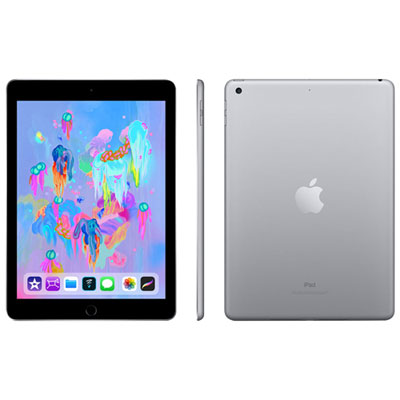
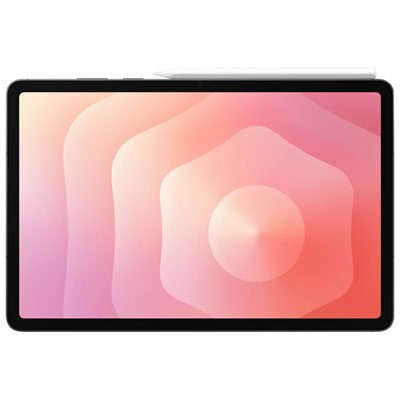
    A versatile tablet with a 9.7" Retina display, 32GB storage, Wi-Fi, 4G LTE, and Apple Pencil support.

  2. 2

    About this product

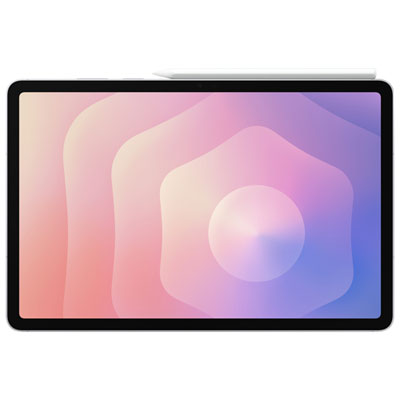
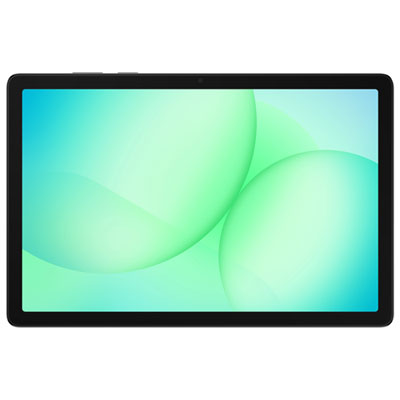
    A sleek silver tablet featuring a powerful processor, crystal-clear display, and IP68 water and dust resistance.

    What customers like

    • Perfect for work tasks
    • Fast performance
    • Improved pen experience
    • Crystal-clear screen
    • Comfortable grip and style
    (87)
    $1,399.99 Your price for this item is $1399.99
  3. 3

    About this product

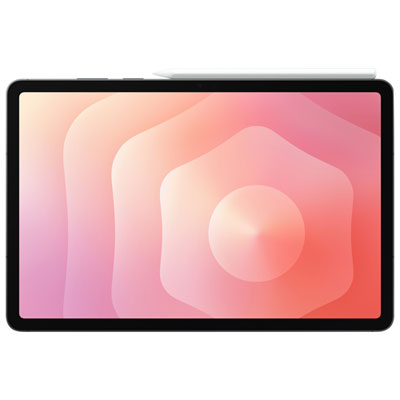
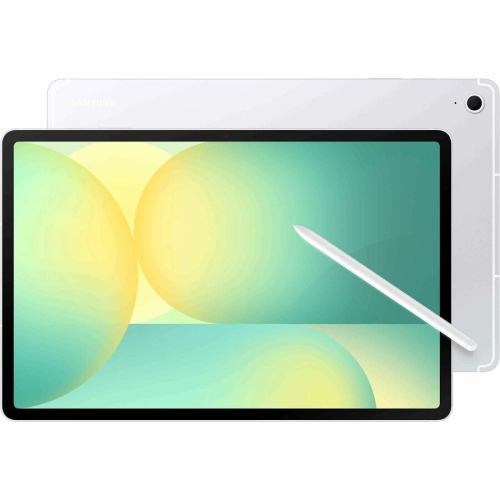
    A refurbished platinum tablet featuring an 8th Gen Intel Core i5, 128GB storage, and Windows 10.

    What customers like

    • Versatile 2-in-1 functionality
    • Lightweight and highly portable
    • Strong performance and speed
    • High-quality display and touch response
    • Excellent battery life
    (1,268)
    $699.00 Your price for this item is $699
  4. 4

    About this product

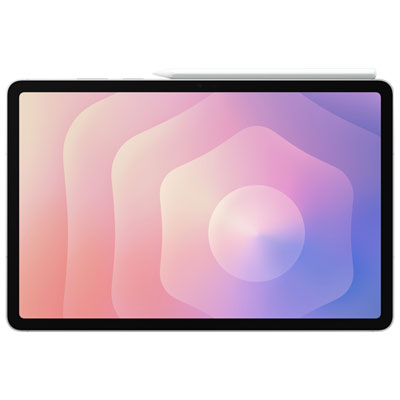
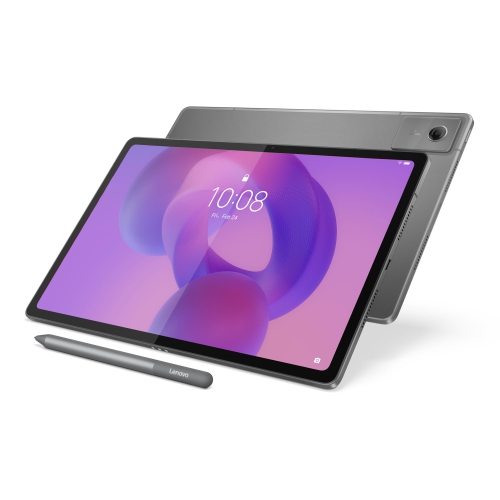
    A powerful grey tablet featuring a crystal-clear display, advanced processor, AI capabilities, and IP68 durability.

    What customers like

    • Stunning, vibrant display
    • Powerful and fast performance
    • Lightweight and portable design
    • Excellent S Pen functionality
    • Versatile multitasking features
    (432)
    $1,399.99 Your price for this item is $1399.99
  5. 5

    About this product

    A sleek silver tablet featuring a powerful processor, AI capabilities, and an IP68 water-resistant rating.

    What customers like

    • Stunning and vibrant display
    • Versatile multitasking and productivity features
    • Powerful and fast performance
    • Sleek, lightweight, and premium design
    • Excellent S Pen functionality
    (352)
    $1,699.99 Your price for this item is $1699.99
  6. 6

    About this product

    A sleek grey tablet featuring a powerful processor, crystal-clear display, and IP68 water and dust resistance.

    What customers like

    • Vibrant and bright display
    • Long-lasting battery life
    • Powerful and fast performance
    • Lightweight and portable design
    • Excellent S Pen functionality
    (417)
    $1,699.99 Your price for this item is $1699.99
  7. 7

    About this product

    A grey tablet featuring a vibrant 11" display, quad Dolby speakers, and fast MediaTek MT8775 performance.

    What customers like

    • Easy to set up and use
    • Loud and impressive sound quality
    • Great value for the price
    • Strong performance and battery life
    • Clear and vibrant screen
    (178)
    $429.99 Your price for this item is $429.99
  8. 8

    About this product

    A silver tablet featuring a 13.1" WQXGA+ IPS display, 8GB RAM, and 128GB storage.

    What customers like

    • Long battery life
    • Supports external SD card
    • Modern technology features
    • Includes stylus pen
    • Sharp and clear display
    (24)
    $1,078.69
    SAVE $107
    Your price for this item is $1078.69
  9. 9

    About this product

    A versatile tablet featuring a 12.1" IPS 90Hz display, 8GB RAM, and 128GB storage.

    What customers like

    • Affordable price and great value
    • Large and vivid screen
    • Good performance and memory
    • Stylus pen included
    • Lightweight and portable
    (42)
    $418.00
    SAVE $81
    Your price for this item is $418
  10. 10

    About this product

    A versatile tablet featuring a 10.1" IPS display, 4GB RAM, 64GB storage, and Android 15.

    (3)
    $119.00
    SAVE $20
    Your price for this item is $119

Best Tablets for Work and Play

The best tablets for work and play balance responsive performance, a clear display, comfortable portability, and battery life that suits a full day of mixed use. They make it easy to move from editing a document or joining a video call to reading, streaming, or playing a game without changing devices. That balance looks different for a commuter reviewing reports on the train, a student annotating lecture slides, and someone sketching at the kitchen table after work. For everyday email, browsing, and entertainment, smooth app navigation and reliable wireless connectivity can matter more than having the fastest processor. More demanding tasks, such as editing high-resolution photos, working with large files, or running graphically detailed games, benefit from stronger processing power and enough memory to keep apps responsive. Storage also deserves attention: downloaded films, creative projects, games, and offline documents can take up space quickly. Expandable storage is supported by some tablets, while others rely on built-in capacity or cloud services, so the right fit depends on how files will be kept and accessed. Screen size shapes the experience just as much as performance. A compact tablet is easier to hold while reading and slips neatly into a small bag, while a larger display gives spreadsheets, drawing tools, and side-by-side apps more room. Display resolution affects the clarity of text and images, brightness helps with visibility near a window, and an anti-reflective finish can make glare less distracting. A higher refresh rate can make scrolling and supported games look smoother, though it may also increase power use. Weight and balance matter during longer sessions, especially when holding a tablet rather than resting it on a desk. For a device that moves between a morning commute, an afternoon meeting, and an evening on the sofa, manageable dimensions and a comfortable grip can be just as useful as an impressive list of specifications.

A tablet’s usefulness for work depends on the software and accessories it supports, not simply its screen size. Familiar office apps may have different features on a tablet than on a desktop computer, and some specialised programs require a full computer operating system. Compatibility with essential apps, workplace sign-in requirements, file formats, and printers helps determine whether a tablet can serve as a main device or works better alongside a laptop. Multitasking features are particularly helpful when taking notes beside a presentation, checking figures while writing a report, or keeping reference material open during a call. Their flexibility varies by operating system and app, so support for the intended workflow matters more than a general promise of productivity. A compatible keyboard can make longer emails and assignments more comfortable, while a trackpad or mouse adds precision when selecting text or navigating detailed menus. A well-supported kickstand or case can hold the screen at a useful angle on a desk; typing on a lap may call for a steadier keyboard design. For handwritten notes, diagrams, and illustration, an active pen can offer palm rejection, pressure sensitivity, and precise input when supported by both the tablet and the app. Pen compatibility, charging, and storage arrangements vary, and accessories may be sold separately. Front-facing camera placement also makes a practical difference: a camera positioned for landscape use can provide more natural framing when the tablet is attached to a keyboard. Clear microphones, suitable lighting, and headphones help make video meetings easier to follow. Wi-Fi is well suited to home, school, and office connections, while cellular-capable tablets can offer access away from a hotspot with a compatible service plan. For routines centred on assignments, research, and office tasks, Tablets for School and Work brings that everyday productivity focus into view. Secure screen locks, supported software updates, and straightforward backup options also help protect the notes, documents, and personal information that travel with the device.

When the workday ends, many of those same qualities make a tablet enjoyable for downtime. A sharp display brings out fine details in films and illustrated books, while well-placed speakers can make dialogue easier to hear without headphones. Headphone connections vary, so compatibility matters for private listening during a commute or in a shared room. For gaming, processor capability, touch responsiveness, and support for a preferred controller all influence comfort and performance. Cloud gaming depends heavily on a steady, low-latency internet connection, while downloaded games need enough local storage. Readers may prefer a lighter device with adjustable text and brightness settings; frequent travellers may put more emphasis on offline downloads and easy charging. Battery claims are best understood in the context of use, since video calls, demanding games, high brightness, and cellular connections can drain power faster than light reading. Charging speed and charger compatibility are worth considering alongside battery capacity, particularly for a tablet that gets a brief top-up between activities. The physical build matters, too. Metal and plastic bodies offer different finishes and handling characteristics, but neither material alone establishes how well a device will withstand a fall. A snug protective case with raised edges can help guard against everyday bumps, and a compatible screen protector can reduce surface scratches. Cases need to match the tablet’s dimensions, buttons, cameras, and ports precisely; a loose or obstructive fit can make daily use frustrating. For cleaning, a soft, lint-free cloth and the manufacturer’s care directions help protect the screen coating, with moisture kept away from openings. A padded bag compartment also keeps keys and charging accessories from rubbing against the display. Tablets can make thoughtful gifts for students, creative hobbyists, frequent travellers, or relatives who enjoy reading and video calls, especially when the device works with apps and accessories they already use. During the cooler months, a tablet that handles shared recipes, indoor movie nights, personal projects, and everyday admin can earn its place well beyond the desk.
Read More

FAQ

Some products may be subject to Environmental Handling Fees (EHF) depending on your province. Learn more about EHFs.