Tablets for Remote Work
Tablets for remote work offer a flexible and efficient solution for staying productive wherever your day takes you. Whether setting up a home office or working on the go, these devices are designed to help you manage tasks, attend virtual meetings, and collaborate seamlessly. Explore a wide selection of tablets for remote work to find the ideal fit for your professional needs and enjoy enhanced convenience throughout your workday.
Sort

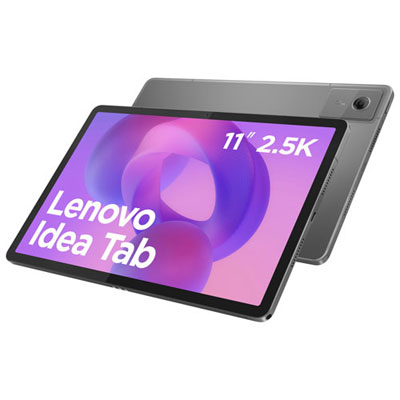
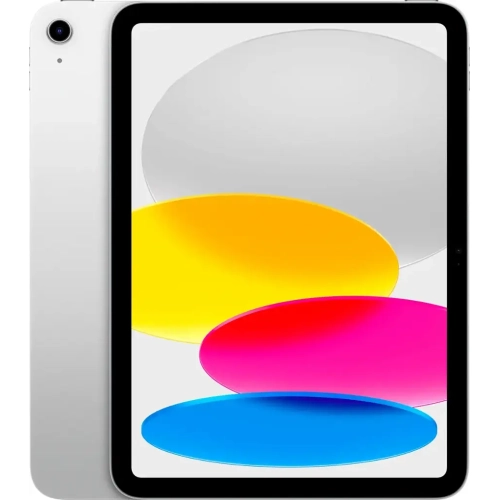
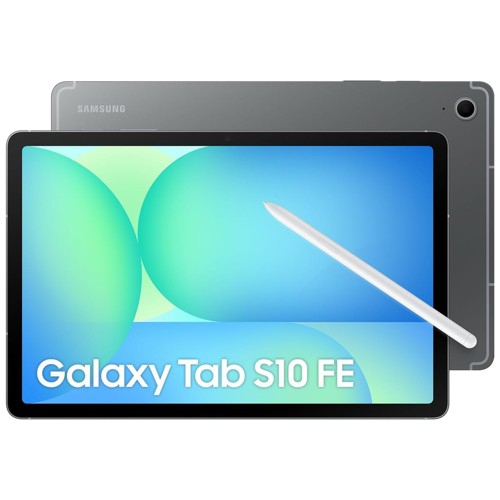
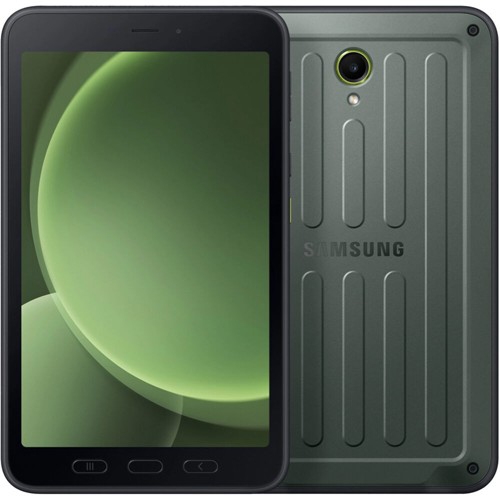
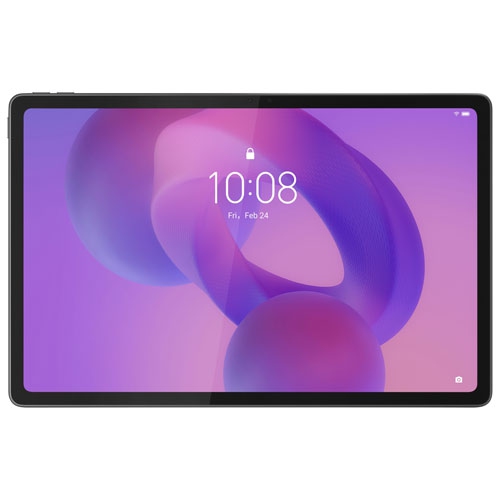

Why your workflow matters more than screen size
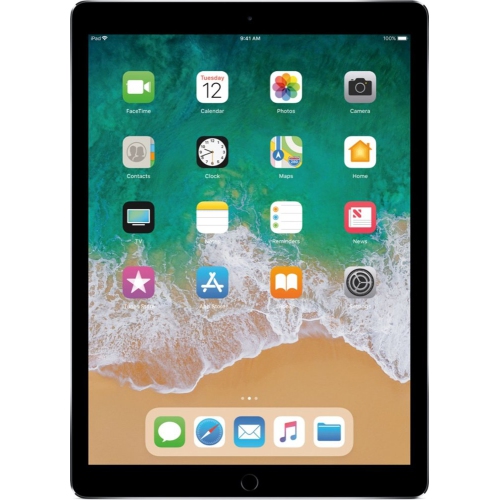
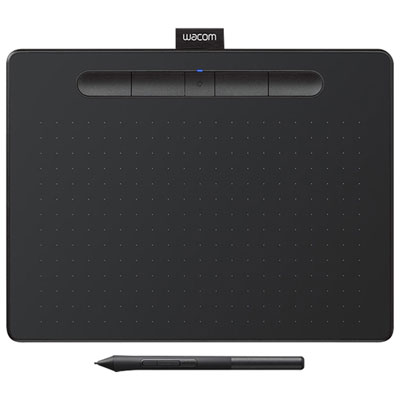
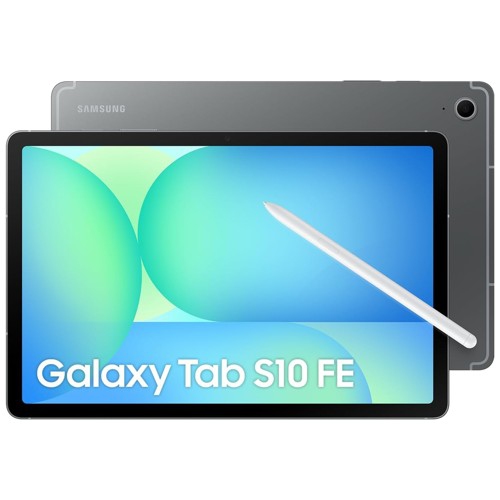
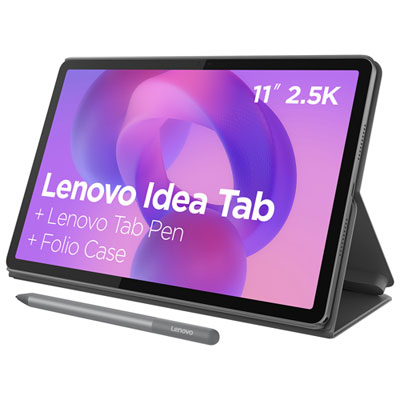
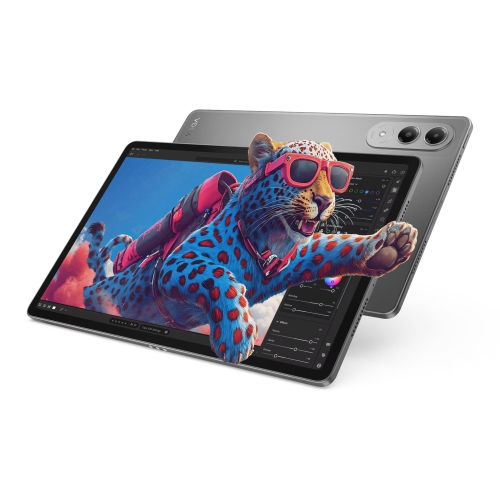
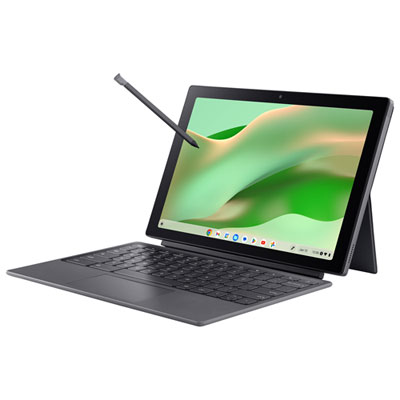
Tablets for remote work bring everyday office tasks to a portable touchscreen, making it possible to answer email, join video meetings, review documents, and manage shared projects without staying at a desk. Their usefulness depends on more than screen size: the operating system, supported software, keyboard options, and ability to handle several tasks at once all shape the experience. A mobile-first tablet can suit someone whose day revolves around messaging, browser-based tools, and reading, while a tablet with more advanced multitasking features may better support frequent document editing and side-by-side work. Models that run a desktop operating system can offer broader compatibility with traditional office software, although individual application requirements still matter. The distinction becomes clear in familiar situations. Reviewing a proposal on the sofa is different from updating a spreadsheet while keeping a video call and reference document open. For shoppers exploring Work-From-Home Tablets, matching those daily tasks to the device’s capabilities is more useful than judging performance by appearance alone. Consultants, administrative professionals, educators, freelancers, and small-business owners may use a tablet as their main work device or as a companion to a desktop computer. A touchscreen also offers a natural way to mark up a contract, sketch a layout, or capture handwritten notes during a conversation, provided the tablet and software support a compatible stylus. For more demanding work, such as complex data analysis, specialized design, or managing large files, full application support deserves particular attention. A mobile version of a familiar program may not include every feature found in its desktop counterpart. Browser-based services can help bridge that gap, but some functions still depend on the browser, subscription, or employer’s access rules. Offline access matters, too, especially when a workday includes travel or an unreliable connection. A tablet fits remote work best when its strengths match the actual workflow, whether that means focused reading between calls or moving comfortably between writing, meetings, and shared documents.
Screen comfort and workspace flexibility make a noticeable difference over a full day. A larger display gives documents, spreadsheets, and meeting controls more room, while a smaller tablet is easier to carry between a desk, a shared workspace, and a client appointment. Display resolution affects text clarity, and brightness and reflection control influence how comfortably a screen can be read beside a window or under overhead lighting. For anyone comparing artwork, photographs, or presentation layouts, colour accuracy may also matter. Multitasking features vary: some tablets support several resizable windows, while others offer more limited split-screen arrangements or app switching. Memory, processor performance, and the demands of the software all influence how smoothly those activities run together. Storage requirements depend on whether work stays mainly in shared online folders or includes downloaded presentations, media files, and offline documents. Video meetings add another set of practical considerations. A front-facing camera positioned for landscape use can make conversations feel more natural when the tablet sits on a keyboard stand. Microphone clarity, speaker quality, and support for a headset help with calls from a shared home office. A stable Wi-Fi connection supports meetings and file transfers, while cellular-capable models can provide another connection option with a compatible mobile plan and coverage. Battery life varies with screen brightness, calls, connected accessories, and workload, so advertised estimates may not reflect a meeting-heavy day. Charging connections also affect desk setup. A compatible hub may allow a keyboard, mouse, storage drive, or display to connect through one port, but charging passthrough and accessory support differ between devices. External display support deserves particular care: some tablets mirror the built-in screen, while others can extend the workspace. That difference matters when someone wants meeting participants on one screen and working notes on another. A dependable setup is one where the tablet, software, connections, and accessories support the same routine without frequent workarounds.
Physical comfort and durability are equally important when a tablet becomes an everyday work tool. A touchscreen is convenient for quick replies and navigation, but a well-spaced keyboard and comfortable trackpad or mouse can make longer writing sessions less tiring. Keyboard cases vary in key travel, palm support, and how steadily they sit on a lap, so a slim design does not always feel like a laptop in use. Adjustable stands help position the screen for calls and reading, while a separate keyboard allows more freedom to place the display at a comfortable height. The combined weight of the tablet, case, keyboard, and charger is more meaningful for travel than the tablet’s weight alone. Glass screens and metal or plastic housings also respond differently to daily handling; a rigid-feeling body is not a guarantee against damage from a fall. A protective case with secure corners, a raised screen edge, and a stable stand can help with everyday knocks, provided it fits the exact model and leaves cameras, speakers, and charging ports accessible. Stylus holders and secure keyboard attachments are useful for anyone who moves between rooms or carries work to appointments. Routine care is straightforward: a soft, lint-free cloth and the manufacturer’s cleaning directions help protect the display and finish, while a separate bag compartment keeps keys and other hard objects away from the screen. Work information needs protection as well. Device encryption, strong sign-in settings, software updates, and compatible employer management tools may be essential for handling confidential files. Shared household use makes separate accounts or supported work profiles particularly valuable, although those features differ by operating system. Regular backups and a clear separation between personal and work documents help keep daily tasks organized. Together, these details determine whether a tablet is simply convenient to carry or genuinely comfortable and dependable for the way remote work gets done.
Screen comfort and workspace flexibility make a noticeable difference over a full day. A larger display gives documents, spreadsheets, and meeting controls more room, while a smaller tablet is easier to carry between a desk, a shared workspace, and a client appointment. Display resolution affects text clarity, and brightness and reflection control influence how comfortably a screen can be read beside a window or under overhead lighting. For anyone comparing artwork, photographs, or presentation layouts, colour accuracy may also matter. Multitasking features vary: some tablets support several resizable windows, while others offer more limited split-screen arrangements or app switching. Memory, processor performance, and the demands of the software all influence how smoothly those activities run together. Storage requirements depend on whether work stays mainly in shared online folders or includes downloaded presentations, media files, and offline documents. Video meetings add another set of practical considerations. A front-facing camera positioned for landscape use can make conversations feel more natural when the tablet sits on a keyboard stand. Microphone clarity, speaker quality, and support for a headset help with calls from a shared home office. A stable Wi-Fi connection supports meetings and file transfers, while cellular-capable models can provide another connection option with a compatible mobile plan and coverage. Battery life varies with screen brightness, calls, connected accessories, and workload, so advertised estimates may not reflect a meeting-heavy day. Charging connections also affect desk setup. A compatible hub may allow a keyboard, mouse, storage drive, or display to connect through one port, but charging passthrough and accessory support differ between devices. External display support deserves particular care: some tablets mirror the built-in screen, while others can extend the workspace. That difference matters when someone wants meeting participants on one screen and working notes on another. A dependable setup is one where the tablet, software, connections, and accessories support the same routine without frequent workarounds.
Physical comfort and durability are equally important when a tablet becomes an everyday work tool. A touchscreen is convenient for quick replies and navigation, but a well-spaced keyboard and comfortable trackpad or mouse can make longer writing sessions less tiring. Keyboard cases vary in key travel, palm support, and how steadily they sit on a lap, so a slim design does not always feel like a laptop in use. Adjustable stands help position the screen for calls and reading, while a separate keyboard allows more freedom to place the display at a comfortable height. The combined weight of the tablet, case, keyboard, and charger is more meaningful for travel than the tablet’s weight alone. Glass screens and metal or plastic housings also respond differently to daily handling; a rigid-feeling body is not a guarantee against damage from a fall. A protective case with secure corners, a raised screen edge, and a stable stand can help with everyday knocks, provided it fits the exact model and leaves cameras, speakers, and charging ports accessible. Stylus holders and secure keyboard attachments are useful for anyone who moves between rooms or carries work to appointments. Routine care is straightforward: a soft, lint-free cloth and the manufacturer’s cleaning directions help protect the display and finish, while a separate bag compartment keeps keys and other hard objects away from the screen. Work information needs protection as well. Device encryption, strong sign-in settings, software updates, and compatible employer management tools may be essential for handling confidential files. Shared household use makes separate accounts or supported work profiles particularly valuable, although those features differ by operating system. Regular backups and a clear separation between personal and work documents help keep daily tasks organized. Together, these details determine whether a tablet is simply convenient to carry or genuinely comfortable and dependable for the way remote work gets done.
Top selling and popular products
-
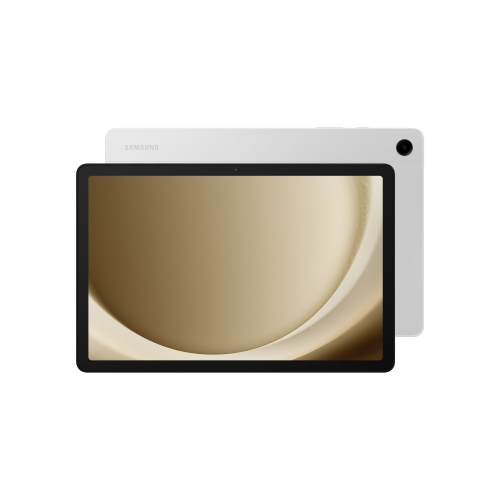 Your price for this item is $499.99
-
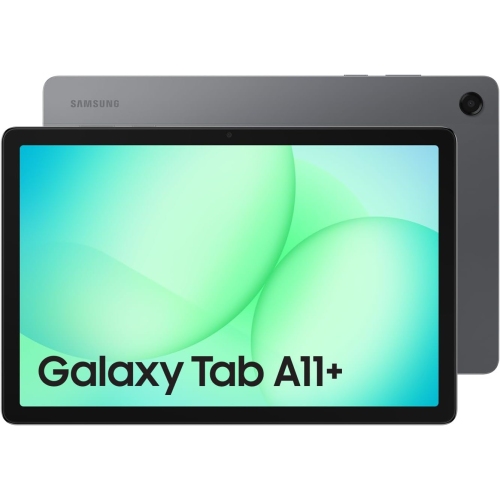 Your price for this item is $363.99
-
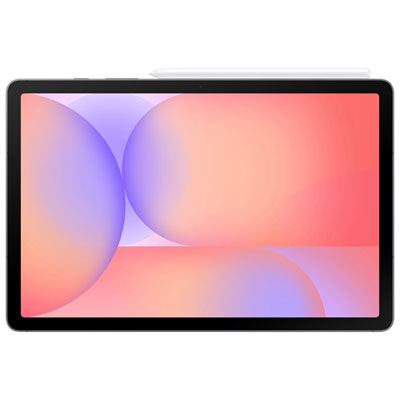 Your price for this item is $579.99
-
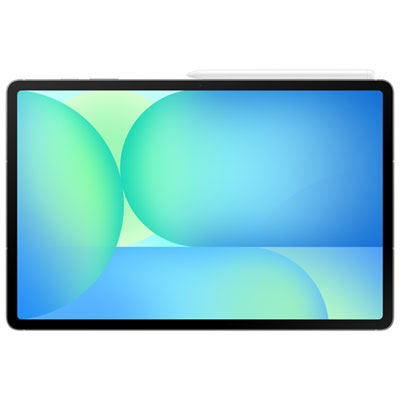 Your price for this item is $979.99
-
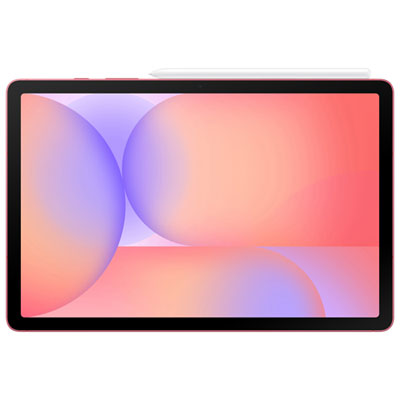 Your price for this item is $579.99
-
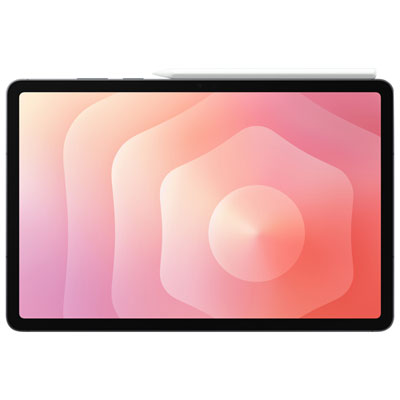 Your price for this item is $1399.99
-
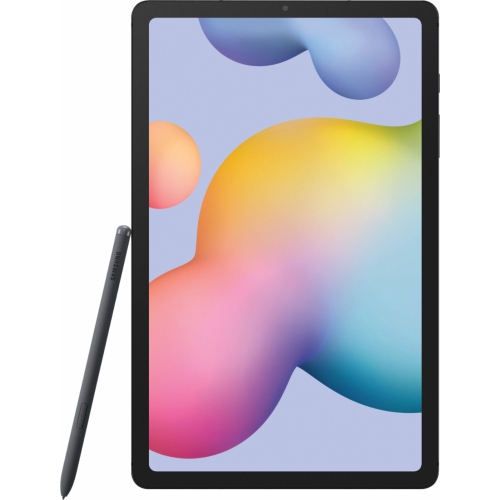 Your price for this item is $699.99
-
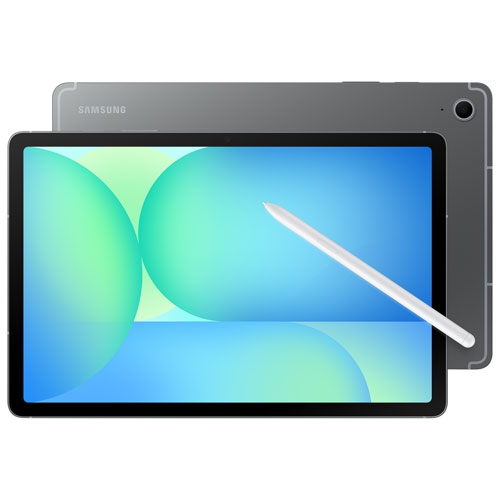 Your price for this item is $624.95
Discover more categories related to Tablets for Remote Work
Top Collections:
Pokemon Centers, Pokémon 30th Celebration Cards, Best Budget Office Chairs, Kindle Devices, Best Cameras for Sports Photography, Canon G7X Cameras, Best Black Friday Deals On Electronics, Best Laptops for Writers, iPhone 15 Apple, Jackery Power Stations
Some products may be subject to Environmental Handling Fees
(EHF) depending on your province.
Learn more about EHFs.