Best WiFi Routers For Student Apartments
The best Wi-Fi routers for student apartments help you stay connected for online classes, study sessions, and downtime. Whether you’re sharing a connection with roommates or setting up a compact space, look for reliable coverage, easy setup, and support for multiple devices. Explore options ranked by user review ratings to find a router that fits your space, needs, and budget.

Read More

What to look for in Wi-Fi routers for student apartments

1. Speed and Wi-Fi Standard

Look for a router with speeds suited to your internet plan and support for Wi-Fi 6 or newer to help manage multiple connected devices. Your actual speeds will also depend on your internet service, devices, and apartment layout.

2. Apartment Coverage

Consider your apartment’s size, layout, and wall materials when comparing coverage. A single router may suit a smaller space, while a mesh system can help extend coverage to distant rooms or another floor.

3. Shared Connections

If you share your apartment, look for a router designed to handle several devices at once. Quality of Service (QoS) settings can help prioritize video calls, while Ethernet ports offer wired connections for gaming consoles and study computers.

4. Security and Setup

Look for WPA3 security, automatic firmware updates, and a guest network to keep visitors’ devices separate from your main network. Simple app-based setup can make managing your connection easier; if your building provides internet, confirm that it allows personal routers before buying.
  1. 1

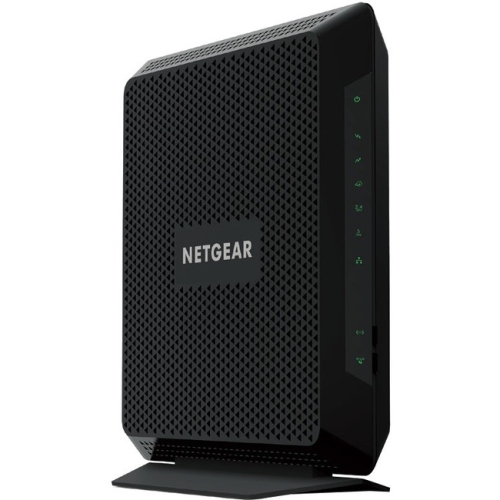
    NETGEAR Nighthawk C7000 Ieee 802.11Ac Cable Modem/wireless Router

    About this product

    A high-speed cable modem and wireless router offering dual-band Wi-Fi and four Gigabit Ethernet ports.

    What customers like

    • Easy and quick setup
    • Good value and cost savings
    • Strong Wi-Fi range and signal
    • All-in-one modem and router convenience
    • Reliable high-speed performance
    (25,785)
    $189.99
    SAVE $40
    Your price for this item is $189.99
  2. 2

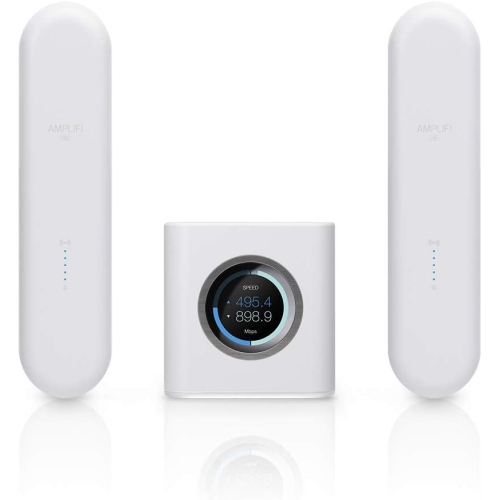
    AMPLIFI HD

    About this product

    A high-performance Wi-Fi system designed to deliver fast, reliable wireless connectivity throughout your home.

    What customers like

    • Easy setup and installation
    • Reliable and stable connection
    • User-friendly app with helpful features
    • Excellent Wi-Fi coverage and range
    • Improved internet speed and performance
    (438)
    $544.49 Your price for this item is $544.49
  3. 3

    NETGEAR Nighthawk X6 R8000 Ieee 802.11Ac Ethernet Wireless Router

    About this product

    A high-performance wireless router offering fast 802.11ac speeds and reliable Ethernet connectivity for your network.

    What customers like

    • Fast speeds and improved performance
    • Advanced features and customization options
    • Easy and user-friendly setup
    • Strong and reliable signal strength
    • Tri-band technology for multiple devices
    (11,118)
    $219.00 Your price for this item is $219
  4. 4

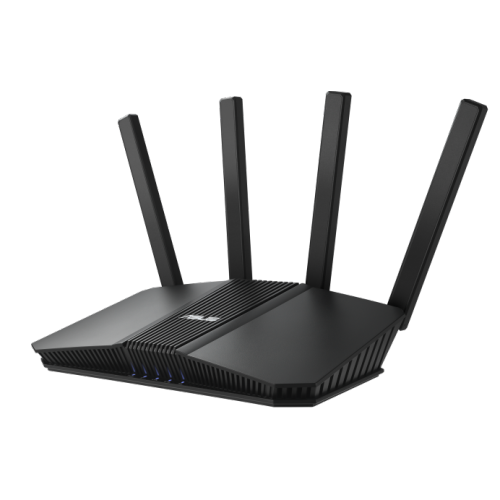
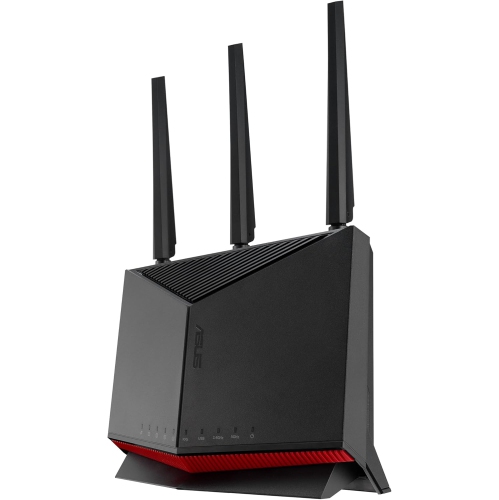
    ASUS Rt-Be82U Be6500 Dual Band Wireless Wi-Fi 7 Router, 4K-Qam, Mlo, Five 2.5GBe Ports

    About this product

    A dual band Wi-Fi 7 router with 4K-QAM, MLO, five 2.5GbE ports, and advanced security features.

    What customers like

    • Great for gaming
    • Fast and reliable speeds
    • Excellent coverage and range
    • Solves connectivity issues
    • Easy to set up
    (237)
    $249.99 Your price for this item is $249.99
  5. 5

    ASUS Rt-Be86U

    About this product

    A high-performance wireless router designed for fast, reliable internet connectivity in your home or office.

    What customers like

    • Easy and quick setup
    • User-friendly app and interface
    • Strong security and parental controls
    • Fast and consistent speeds
    • Wide and reliable coverage
    (75)
    $490.72
    SAVE $49
    Your price for this item is $490.72
  6. 6

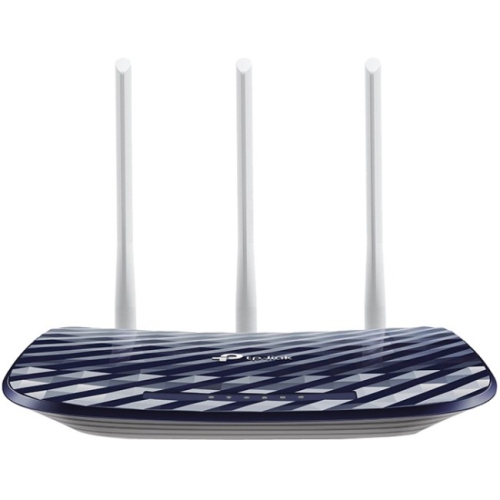
    TP LINK Tp-Link Archer C20 Ieee 802.11Ac Ethernet Wireless Router

    About this product

    A dual-band wireless router offering fast 802.11ac Wi-Fi and Ethernet connectivity for reliable home networking.

    What customers like

    • Easy setup and installation
    • Dual band Wi-Fi capability
    • Strong and reliable signal coverage
    • Excellent value for the price
    • Fast speeds and good performance
    (80)
    $79.00 Your price for this item is $79
  7. 7

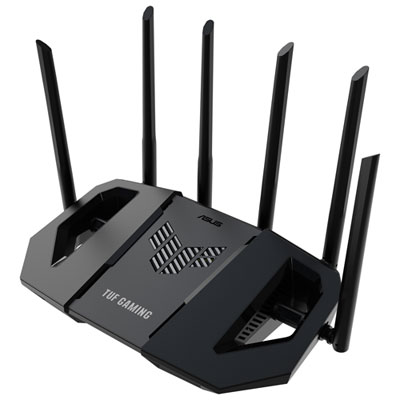
    ASUS TUF Wireless Dual-Band Wi-Fi 7 Gaming Router (TUF-BE6500) - Only at Best Buy

    About this product

    A dual-band Wi-Fi 7 router with six antennas and quad 2.5GbE ports for ultra-fast gaming.

    (19)
    $229.99
    SAVE $30
    Your price for this item is $229.99
  8. 8

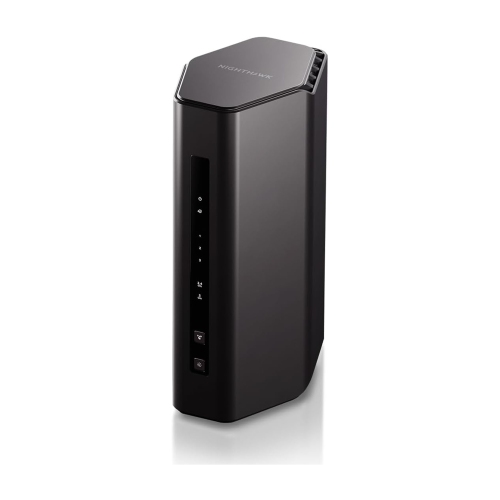
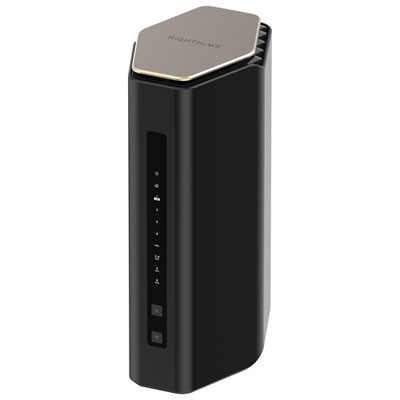
    NETGEAR Nighthawk Wifi 7 Dual-Band Router Rs150 With Up to 5GBps Wireless Speed, 2.5GB Internet Port And Coverage Up to 2, 250 Sq. Ft

    About this product

    A Wi-Fi 7 dual-band router with speeds up to 5Gbps, 2.5Gbps internet port, and advanced connectivity.

    What customers like

    • Sleek, space-saving design
    • Smooth streaming across multiple devices
    • Fast, stable speeds with low latency
    • Easy setup and user-friendly app
    • Strong coverage and range
    (233)
    $219.00 Your price for this item is $219
  9. 9

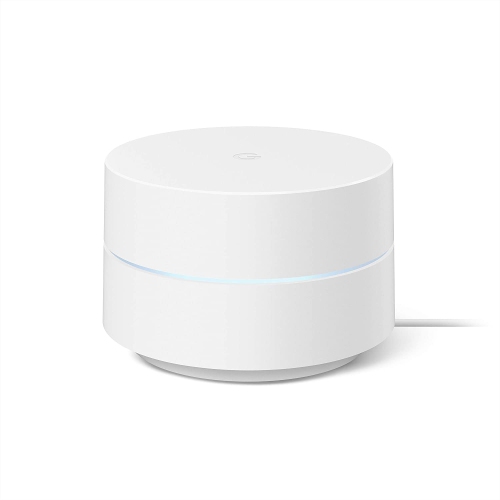
    GOOGLE Wifi - Ac1200 - Mesh Wifi System - Wifi Router - 1500 Sq Ft Coverage - 1 Pack

    About this product

    A single-pack mesh WiFi system providing 1500 sq ft coverage with AC1200 speed.

    What customers like

    • Strong mesh network performance
    • Reliable and consistent coverage
    • Compact and attractive design
    • Intuitive app with advanced features
    • Easy and fast setup
    (2,714)
    $149.99
    SAVE $39
    Your price for this item is $149.99

Shared Wi-Fi that balances coursework and roommate streaming

The best Wi-Fi routers for student apartments balance dependable coverage, support for shared connections, and straightforward everyday management. In a typical student home, the network might carry a video seminar from a bedroom desk, a large assignment upload from the kitchen table, and a roommate’s streaming session at the same time. A suitable router keeps those competing demands manageable without adding unnecessary complexity to a small living space. Wi-Fi 6 routers are a practical starting point for many apartments because they support efficient communication with multiple compatible devices, including laptops, phones, and tablets. Dual-band designs provide both 2.4 GHz and 5 GHz connections: the former generally reaches farther, while the latter often offers higher speeds at shorter distances. Actual performance depends on the building, nearby networks, connected devices, and internet service. Wi-Fi 6E adds access to the 6 GHz band for compatible devices, and some Wi-Fi 7 routers offer additional capabilities that can benefit newer laptops and heavier shared use. Not every student apartment needs the newest wireless standard, however. A reliable connection at the desk where coursework happens matters more than a headline speed that everyday devices cannot use. The speed printed on a router’s packaging often represents combined theoretical wireless rates across its bands, rather than the speed a single laptop will receive. Internet plan limits still apply, and a router cannot turn a slower service into a faster one. For students sharing an apartment, useful features often include enough Ethernet ports for wired equipment, accessible security settings, and controls that help manage busy periods. Those interested in options suited to demanding shared connections can explore Fast Wireless Routers for Student Apartments. Whether the apartment belongs to one student or several roommates, the strongest fit is a router that matches the floor plan, the devices in use, and the way the household studies and unwinds.

Apartment layout can influence wireless performance as much as the router’s specifications. A compact studio with an open living area has different coverage needs from a long apartment with bedrooms beyond a narrow hallway. Concrete walls, metal fixtures, and the distance between the router and a study space can weaken signals, while neighbouring networks may compete for wireless airtime. A centrally positioned router on an open shelf usually has a better chance of reaching the rooms that matter than one tucked behind a television or placed inside a closed cabinet. A single router is often sufficient for a smaller apartment with a straightforward layout. Mesh systems can be useful where separated rooms or awkward placement leave weak spots, although adding more units does not automatically improve a small space. Their performance depends partly on how well the units connect to one another; a mesh unit needs a usable connection to the rest of the system, not simply a position inside the area with no signal. Where supported and practical, wired connections between mesh units can reduce reliance on wireless links. Ethernet is also valuable for a desktop computer, gaming console, or compatible laptop dock that stays in one place. A wired connection can reduce exposure to wireless interference during an online exam or group presentation, though it cannot eliminate interruptions elsewhere in the internet connection. For a household juggling downloads and live calls, quality of service controls may help prioritize selected traffic when the connection is busy. Their usefulness varies with the router and its settings, so they are best viewed as a way to manage capacity rather than create more of it. Physical fit matters, too: the footprint, antenna clearance, power adapter, and cable routing all affect whether a router sits comfortably beside textbooks and a monitor. Lightweight plastic housings are common, but sturdy feet, accessible ports, and unobstructed ventilation are more meaningful everyday considerations than casing material alone. A stable spot away from drinks, crowded power bars, and frequently moved furniture helps protect the router and its connections through a busy term.

Security and simple administration are especially valuable when several people share the same connection. WPA3 security is worth looking for, along with compatibility settings that accommodate older devices when necessary. A strong Wi-Fi password and a separate administrator password help protect access, while a guest network can let visiting classmates get online without sharing the main network credentials. Depending on the router’s settings, guest isolation may also restrict access to other connected devices. That separation can be useful during a study session, although wireless printers and casting devices may need to remain on the same network as the phones or laptops using them. Clear browser-based controls or an accessible companion app make routine tasks easier, from changing the network name after a move to checking which devices are connected. Automatic firmware updates, where supported, can simplify maintenance, and continued software support is an important part of a router’s useful life. Setup also depends on what the apartment already provides. A standalone router usually works alongside a modem or another service handoff; it does not necessarily replace the equipment required by the internet provider. When an existing gateway already handles routing, an access point mode or an appropriately configured bridge mode may help avoid complications from overlapping router functions. Students in managed housing should confirm that personal routers are permitted, particularly where access relies on a shared building network or a web-based sign-in page. Support for those connections varies, so a compact travel router is not automatically suitable for every residence. For ongoing care, keeping vents clear, wiping the exterior with a dry cloth, and following the manufacturer’s cleaning instructions are generally more useful than frequent handling or adjustment. During the cooler months, when coursework and downtime can keep several roommates online for longer stretches, dependable coverage becomes part of the apartment’s daily routine. A router can also be a practical gift for a student setting up a first apartment, provided it suits the internet service and living arrangement. The lasting value lies in a connection that supports ordinary moments smoothly, from submitting an assignment to calling family after a long day.
Read More

FAQ

Some products may be subject to Environmental Handling Fees (EHF) depending on your province. Learn more about EHFs.