Best TI Graphing Calculators For Exams and Classes
Tackle equations, plot functions, and build confidence in maths with graphing calculators for exams and classes. Ranked by user review ratings, these options make it easier to compare tools for coursework, homework, and test preparation. Look for features that suit your course requirements, and check your school’s or exam board’s approved calculator list before choosing one for test day.
What to look for in TI graphing calculators for exams and classes
1. Exam Eligibility
2. Course Requirements
3. Display and Ease of Use
4. Power and Battery Life
-
1
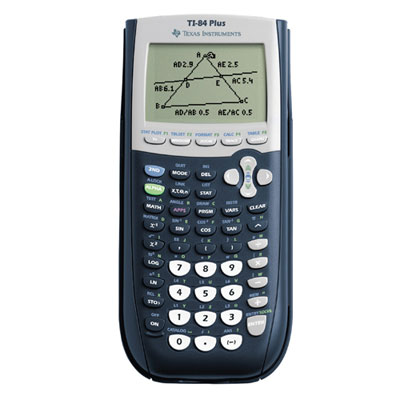
Texas Instruments TI-84 Plus Graphing Calculator
About this product
A versatile graphing calculator with expanded memory, USB connectivity, and preloaded interactive geometry software.
What customers like
(2,753)$158.99 Your price for this item is $158.99 -
2
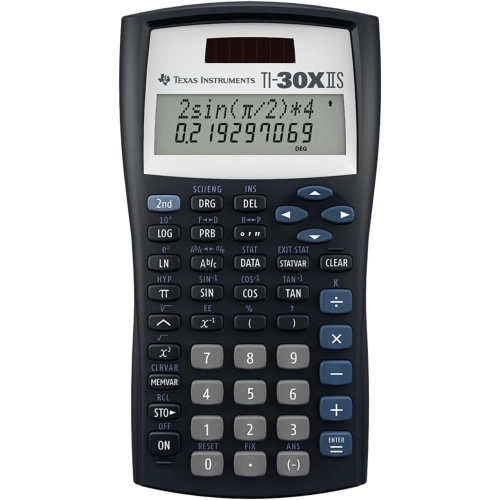
TEXAS INSTRUMENT S Ti-30X Iis 2-Line Scientific Calculator – Black With Accents – Solar & Battery Powered In Blue
About this product
A scientific calculator with a 2-line display, black and blue accents, and dual solar-battery power.
$39.99Your price for this item is $39.99SAVE $10 -
3
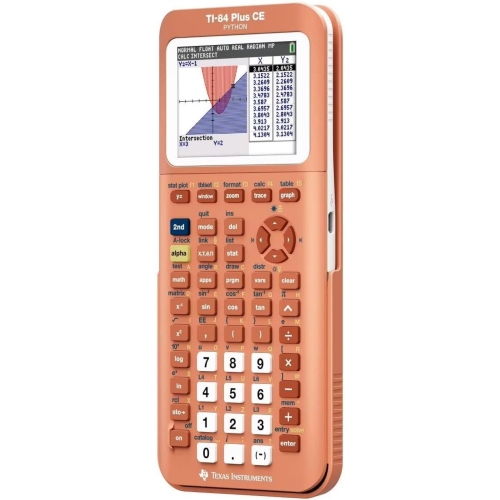
TEXAS INSTRUMENTS Ti-84 Plus Ce Color Graphing Calculator, Metallic With Backlit Display In Coral
About this product
A metallic coral graphing calculator featuring a high-resolution colour backlit display and rechargeable battery.
$184.30Your price for this item is $184.30SAVE $9
FAQ
Start with your course requirements and the calculator rules for your exams. Useful features include graphing functions, equation solvers, statistical analysis and a clear display. Check whether your class requires or restricts a computer algebra system (CAS), which can manipulate algebraic expressions symbolically.
Calculator permissions vary by exam board, province, school and course. Some exams allow certain TI graphing calculators but prohibit models with a computer algebra system (CAS). Others require stored information to be cleared or an approved exam mode to be enabled. Confirm the exact model requirements with your instructor and the current official exam policy.
A TI graphing calculator with a computer algebra system (CAS) can work with symbolic expressions, such as factoring polynomials or solving some equations in terms of variables. A non-CAS graphing calculator focuses on numerical calculations and graphing rather than general symbolic algebra. Both types can support maths coursework, but your course and exam rules determine which is appropriate.
TI graphing calculators are commonly used in secondary and post-secondary courses covering algebra, functions, trigonometry, calculus and statistics. They may also be used for calculations and data analysis in physics, engineering and business courses. Required functions vary, so check your course outline before choosing a calculator.
Many TI graphing calculators can connect to a computer using a compatible cable and software. Depending on the model, this may let you transfer files, back up classwork, capture screens or update the calculator's operating system. Check compatibility with your computer and follow your instructor's rules for stored files and programs.
Top selling and popular products
Discover more categories related to Best TI Graphing Calculators For Exams and Classes
Some products may be subject to Environmental Handling Fees (EHF) depending on your province. Learn more about EHFs.