Best Cheap Headphones for PS5
Find the best cheap headphones for PS5 to enjoy clear game audio without stretching your budget. Ranked by user review ratings, this selection highlights affordable options for everything from multiplayer matches to solo adventures. Compare sound quality, comfort, microphone features, and PS5 compatibility to find the right fit for your setup.
What to look for in budget headphones for PS5
1. PS5 Compatibility
2. Audio and Value
3. Microphone and Controls
4. Comfort and Durability
-
1
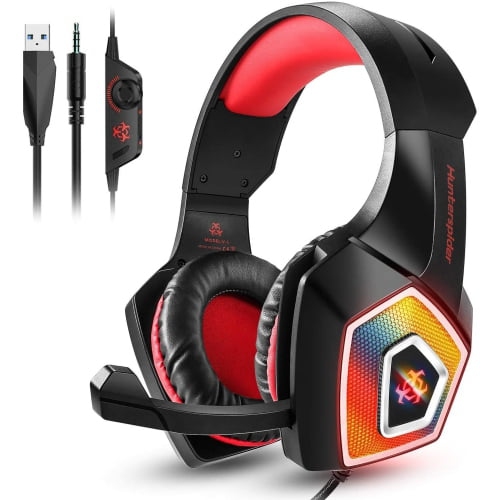
WINGOMART Gaming Headset W/mic for Xbox, Playstation, Ps5, Ps4, PC, Nintendo Switch - Stereo Bass Headphones 3.5MM - Over Ear Headphones w Led
About this product
A lightweight over-ear gaming headset with stereo bass, LED lighting, noise isolation, and adjustable microphone.
(3)$19.99Your price for this item is $19.99SAVE $70 -
2
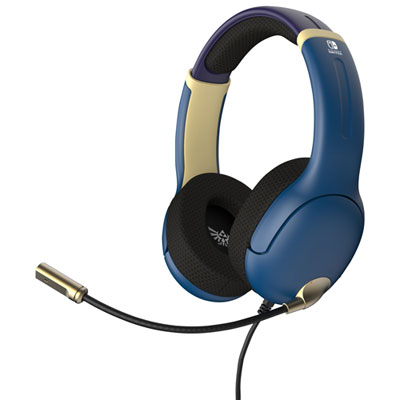
PDP Airlite Gaming Headset for Xbox Series X|S / Xbox One / PC / PS4 / PS5 / Nintendo Switch - Brave Blue
About this product
A brave blue gaming headset with 40mm drivers and noise-cancelling mic for Nintendo Switch.
What customers like
(21)$39.99 Your price for this item is $39.99 -
3
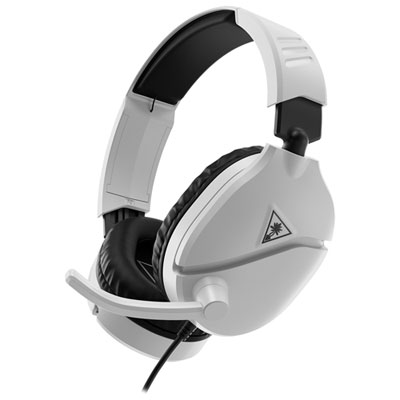
Turtle Beach Recon 70 Gaming Headset for Xbox Series X|S / Xbox One / PC / PS4 / PS5 / Nintendo Switch - White
About this product
A lightweight white headset with plush padding, flip-to-mute mic, and multi-platform 3.5mm connectivity.
What customers like
(57)$49.99 Your price for this item is $49.99 -
4
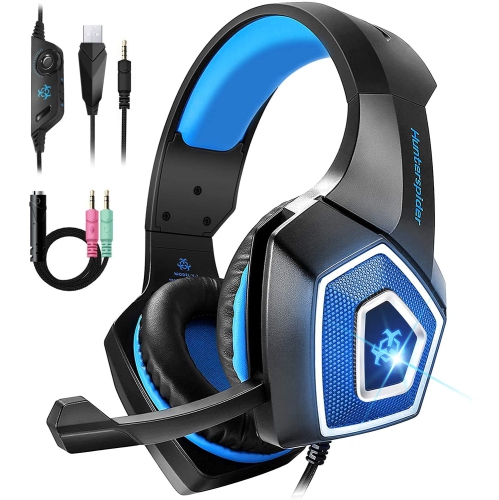
WINGOMART Gaming Headset W/mic for Xbox One, Ps5, Ps4, PC, Nintendo Switch Playstation 5 - Stereo Bass Headphones - 3.5MM - Lightweight Over Ear
About this product
A lightweight over-ear headset with stereo bass, noise isolation, LED light, and adjustable mic for gaming.
(2)$15.99Your price for this item is $15.99SAVE $64 -
5
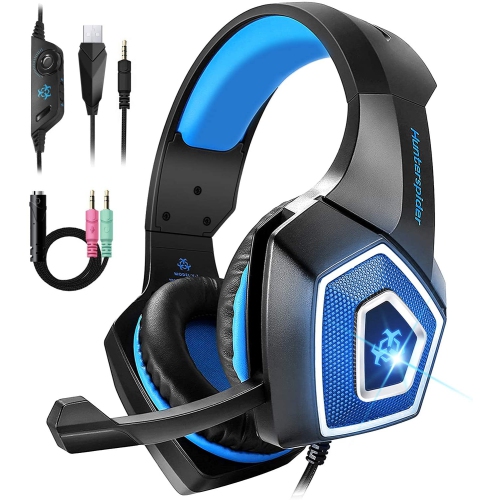
WINGOACCESSORIES Gaming Headset W/mic for Xbox One, Ps5, Ps4, PC, Nintendo Switch Playstation 5 - Stereo Bass Headphones - 3.5MM - Lightweight Over
About this product
A lightweight over-ear headset with stereo bass, LED light, noise isolation, and adjustable mic for gaming.
(1)$15.99Your price for this item is $15.99SAVE $64 -
6
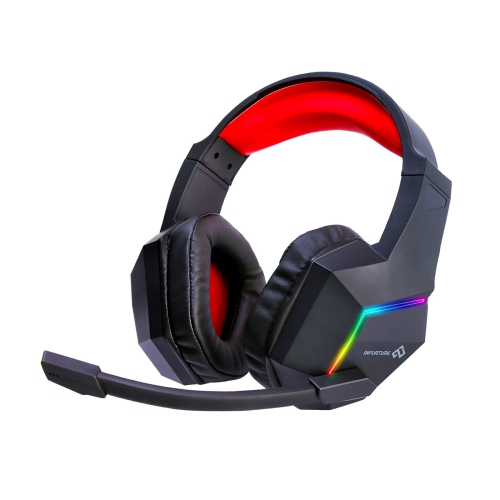
HLD Gaming Headset for Ps5 Ps4 PC Xbox One Noise Cancelling Over Ear Headphones With Mic RGB Light, Bass Surroundfor Xbox Series X/s, for Mac for Phone
About this product
A noise-cancelling over-ear gaming headset with 7.1 surround sound, RGB lighting, and flexible mic.
$49.99 Your price for this item is $49.99 -
7
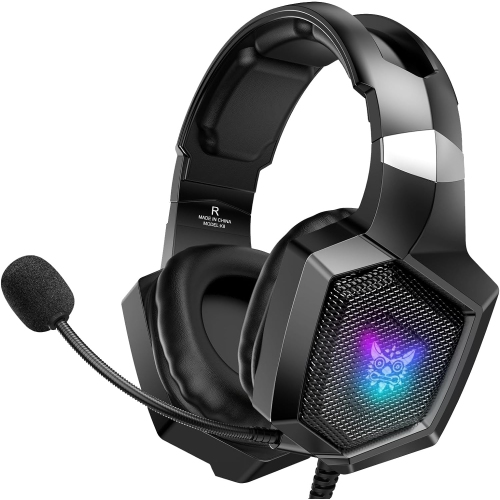
NANDDI Gaming With Rophone, Gaming Headphones for Ps4 Ps5 PC With RGB Lights, Playstation With Noise
About this product
A black over-ear wired gaming headset featuring RGB lights, noise reduction, and 7.1 surround sound.
$32.99 Your price for this item is $32.99 -
8
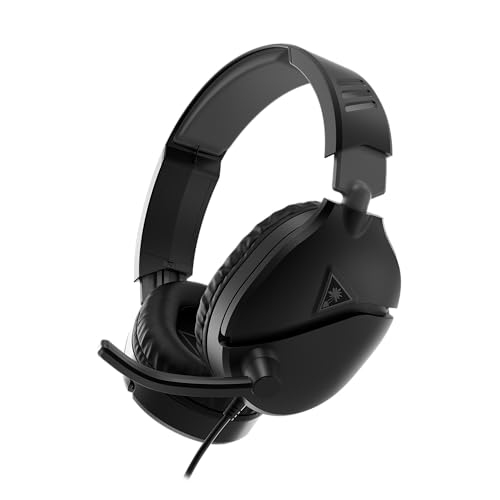
TURTLE BEACH Recon 70 Multiplatform Gaming Headset for Ps5, Ps4, Xbox Series X|S, Xbox One, Nintendo Switch, PC & Mobile W/3.5MM Wired Connection -
About this product
A versatile gaming headset with 40mm speakers and flip-to-mute mic for multiple platforms.
$39.99Your price for this item is $39.99SAVE $20 -
9

TURTLE BEACH Recon 50P Gaming Headset for Playstation 5, Ps4 Pro & Ps4
About this product
A wired gaming headset with a comfortable design and clear audio, compatible with PlayStation 5 and PS4.
$26.98Your price for this item is $26.98SAVE $5 -
10
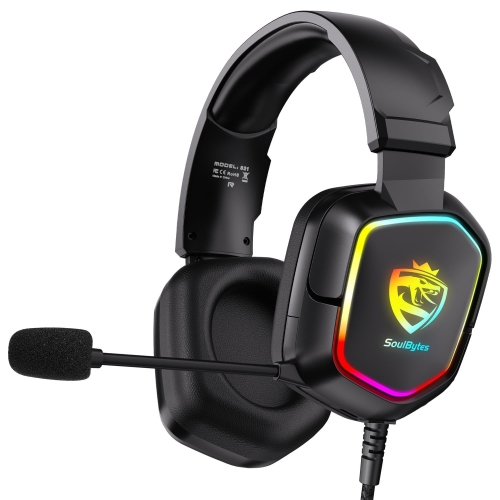
CESTLAVE Gaming Headset Wired for Ps5 Ps4 Xbox One Controller, Over Ear Headphones w Bass Stereo Sound, Noise Cancelling Microphone, RGB Lights For
About this product
A wired gaming headset featuring bass stereo sound, noise-cancelling microphone, and vibrant RGB lights.
$39.99 Your price for this item is $39.99
FAQ
Yes. Headphones with a compatible 3.5 mm plug can connect directly to the headphone jack on the DualSense controller. To send game audio and chat through them, go to Settings > Sound > Audio Output and set Output to Headphones to All Audio.
PS5 does not support direct pairing with standard Bluetooth headphones for game audio. Wireless headphones generally need a PS5-compatible USB transmitter. Check that the headphones and transmitter support PS5, including microphone support if you plan to use voice chat.
A gaming headset includes a microphone for voice chat, often on an adjustable boom. Headphones may have an inline microphone or no microphone at all. If your headphones do not include a compatible microphone, you can select the DualSense controller’s built-in microphone as your chat input.
Some USB headphones work with PS5, but compatibility varies. Look for explicit PS5 support rather than assuming a USB connection alone means they will work. Features that require computer software, such as custom equalizer profiles or microphone controls, may not be available on the console.
Yes. PS5 lets you choose your audio output and microphone input separately. Go to Settings > Sound > Audio Output to select your headphones, then Settings > Sound > Microphone > Input Device to choose an available microphone.
Top selling and popular products
Discover more categories related to Best Cheap Headphones for PS5
Some products may be subject to Environmental Handling Fees (EHF) depending on your province. Learn more about EHFs.