Best Headsets for PS5 3D Audio
Experience immersive sound with the best headsets for PS5 3D audio, ranked by user review ratings. Whether you’re tracking footsteps in a competitive match or exploring a vast open world, the right headset can help you hear directional cues and feel closer to the action. Compare options for sound quality, comfort, and microphone clarity to find a headset that suits your play style.
What to look for in headsets for PS5 3D audio
1. PS5 Compatibility
2. Sound Quality
3. Comfort and Fit
4. Microphone and Controls
-
1
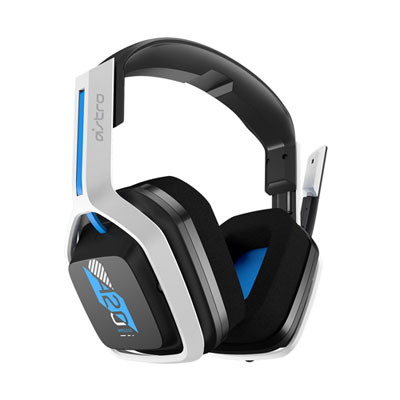
ASTRO Gaming A20 Gen 2 Wireless Gaming Headset with Microphone for PC / PS4 / PS5 - White/Blue
About this product
A wireless headset in white and blue featuring 40mm drivers, customizable EQ presets, and a built-in microphone.
What customers like
(886)$129.99 Your price for this item is $129.99 -
2
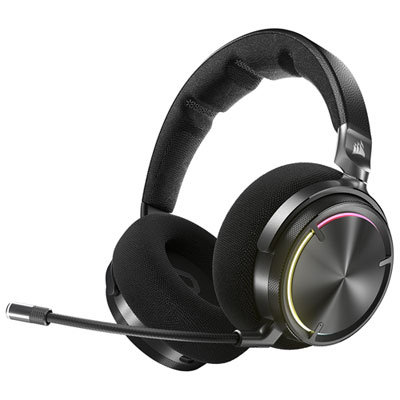
Corsair VIRTUOSO MAX Over-Ear Noise Cancelling Gaming Headphones for PC / PS4 / PS5 / Nintendo Switch - Carbon
About this product
An over-ear carbon headset with 50mm graphene drivers, active noise cancellation, and wireless connectivity.
What customers like
(373)$419.99 Your price for this item is $419.99 -
3
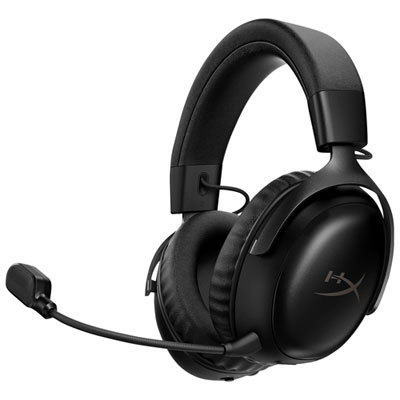
Hyperx Cloud III S Wireless Gaming Headset with Microphone for Multi-Platform for Xbox Series X|S / Xbox One / PC / PS4 / PS5 / Nintendo Switch - Black
About this product
A wireless black headset offering immersive DTS audio, 53mm drivers, and a clear 10mm microphone for gaming.
What customers like
(59)$157.98Your price for this item is $157.98SAVE $22 -
4
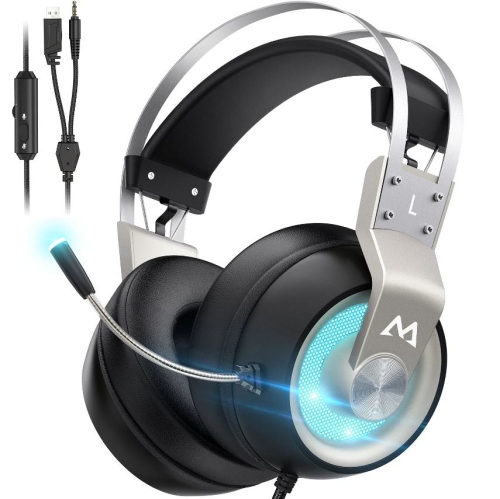
MPOW Eg3 Pro Gaming Headset, 3D Bass Surround Sound for Ps5 Ps4 Xbox Computer Headset With Noise Cancelling Mic
About this product
A gaming headset with 3D bass surround sound and noise-cancelling mic, suitable for multiple platforms.
(1)$52.74Your price for this item is $52.74SAVE $7 -
5
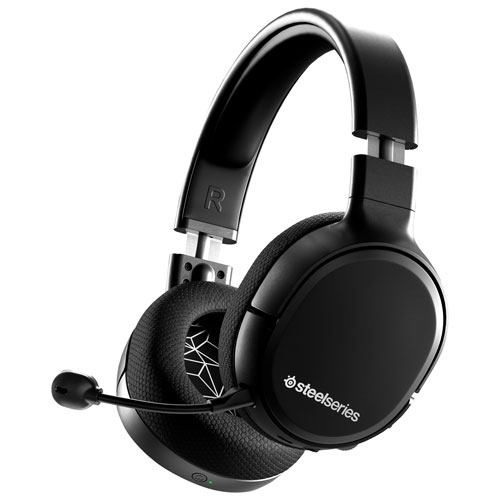
STEELSERIES - Arctis 1 Wireless Gaming Headset
About this product
A wireless gaming headset by SteelSeries, perfect for immersive gaming experiences.
$99.00Your price for this item is $99SAVE $100 -
6
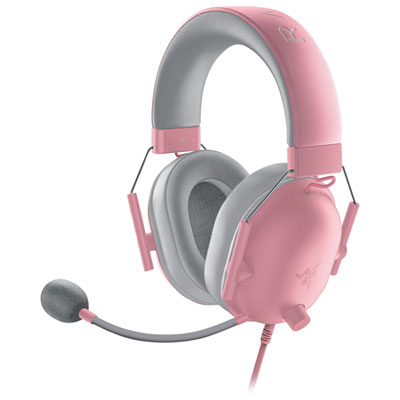
Razer BlackShark V2 X Gaming Headset for PS5 - Quartz
About this product
A quartz-coloured gaming headset with TriForce 50mm drivers, HyperClear mic, and memory foam ear cushions.
$69.98 Your price for this item is $69.98 -
7
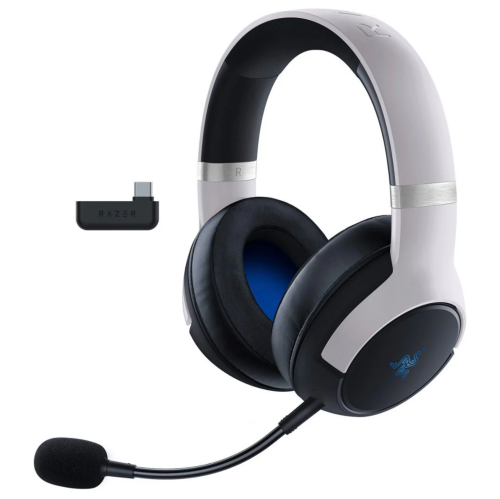
RAZER - Kaira Pro Dual Wireless Gaming Headset for Ps5, Ps4, PC, And Switch - In White
About this product
A white dual wireless gaming headset featuring haptic feedback and advanced connectivity for multiple platforms.
$199.99Your price for this item is $199.99SAVE $100 -
8
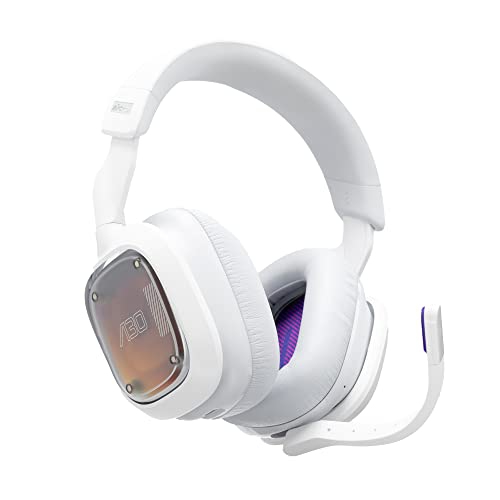
ASTRO GAMING Logitech G Astro A30 Lightspeed Wireless Gaming Headset - Bluetooth, Dolby Atmos/3D Audio Compatible, Detachable Boom, for Ps5, Ps4
About this product
A wireless gaming headset with Bluetooth, Dolby Atmos compatibility, detachable boom mic, and 27-hour battery life.
$219.55Your price for this item is $219.55SAVE $25 -
9
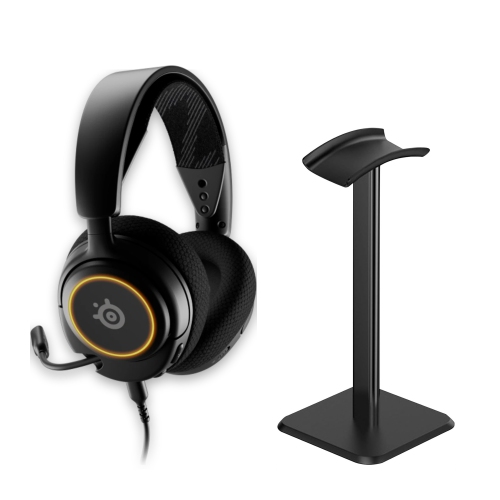
STEELSERIES Arctis Nova 3 Multi-Platform Wired RGB Gaming Headset (PC/ps5/ps4/switch/mobile) - + Aluminum Headset Stand In Black
About this product
A black wired gaming headset with 40mm drivers, 360° Spatial Audio, RGB lighting, and aluminum stand.
$169.99 Your price for this item is $169.99 -
10
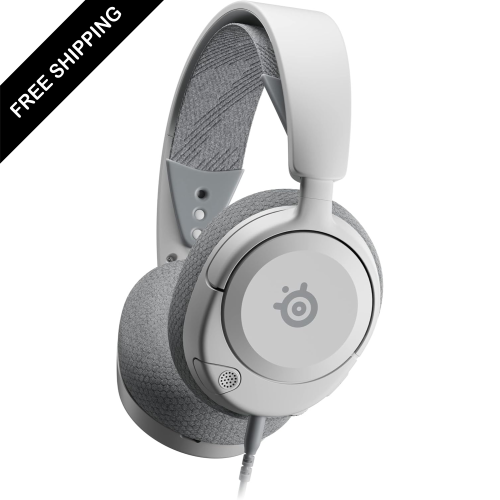
LDAS ELECTRONICS Multi-System Gaming Headset — Hi-Fi Drivers — 360° Spatial Audio — Comfort Design — Durable — Ultra Lightweight —
About this product
A white ultra-lightweight headset delivering immersive 360° spatial audio and hi-fi sound for gaming advantage.
$109.99Your price for this item is $109.99SAVE $30
FAQ
No. PS5 processes 3D audio through its Tempest 3D AudioTech, so a dedicated PlayStation headset is not required. Compatible stereo headphones and headsets can use the feature through supported USB connections or the DualSense controller’s 3.5 mm headset jack.
Yes. Wired headsets can connect through the DualSense controller’s 3.5 mm jack or a compatible USB connection. Wireless headsets generally need a PS5-compatible USB transmitter. Check that the headset supports PS5 audio through your preferred connection method.
PS5 does not support standard Bluetooth headset audio directly. Many wireless gaming headsets use a dedicated USB transmitter instead of Bluetooth for their PS5 connection. A headset with Bluetooth alone should not be assumed to support PS5 game audio or voice chat.
Connect your compatible headset, open Settings, then select Sound and 3D Audio (Headphones). Enable the feature and follow the available profile setup options. Also check that your headset is selected as the audio output device.
No. A microphone is not required for 3D audio, so compatible headphones without a microphone can also be used. For voice chat, you can use a compatible headset microphone or the DualSense controller’s built-in microphone, with the input selected in the PS5 microphone settings.
Top selling and popular products
Discover more categories related to Best Headsets for PS5 3D Audio
Some products may be subject to Environmental Handling Fees (EHF) depending on your province. Learn more about EHFs.