Best Headphones for PS5 3D Audio
Hear more of every game with the best headphones for PS5 3D audio, ranked by user review ratings. From subtle footsteps to sweeping soundtracks, the right headphones can help bring your games to life. Explore top-rated options and compare comfort, sound quality, and connectivity to find a pair that suits your play style.
What to look for in headphones for PS5 3D audio
1. PS5 Compatibility
2. Sound and Positional Detail
3. Comfort and Fit
4. Microphone and Controls
-
1
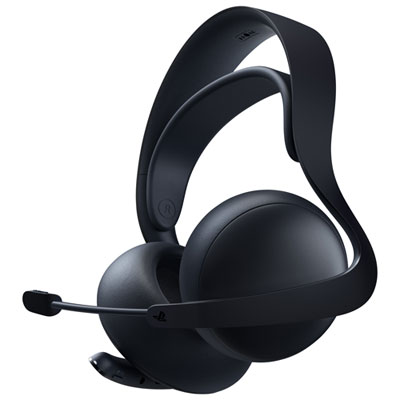
PULSE Elite Wireless Gaming Headset for PS4 / PS5 - Midnight Black
About this product
A wireless gaming headset in midnight black with ultra-low latency, AI noise rejection, and retractable microphone.
(12)$199.99 Your price for this item is $199.99 -
2
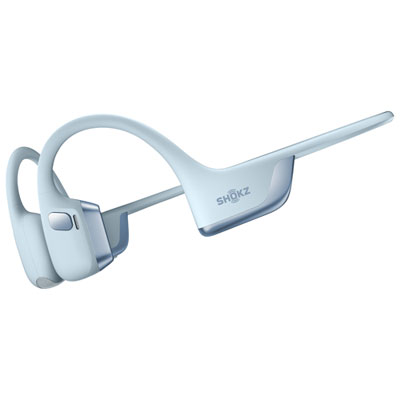
Shokz OpenRun Pro 2 USB-C Open-Ear Bluetooth Headphones Headphones - Blue
About this product
An open-ear Bluetooth headset in blue with bone and air conduction for clear, dynamic sound during workouts.
(2)$249.99 Your price for this item is $249.99 -
3
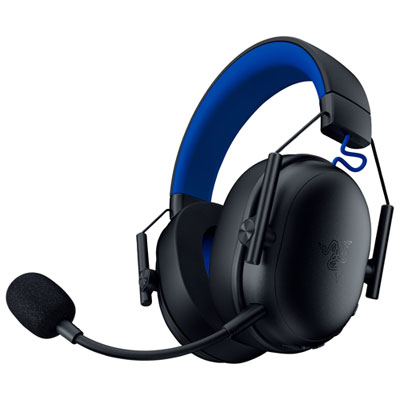
Razer BlackShark V3 X Wireless Gaming Headset for PC / PS4 / PS5 - Black
About this product
A wireless black headset with TriForce 50mm drivers and cardioid microphone for immersive PlayStation gaming.
What customers like
(28)$139.99 Your price for this item is $139.99 -
4
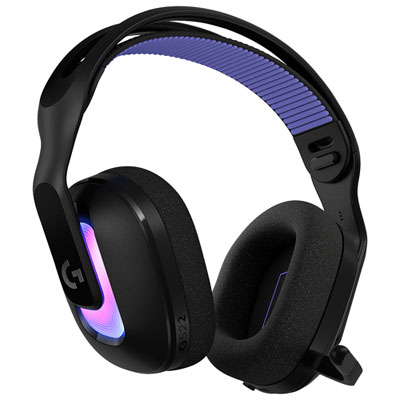
Logitech G522 LIGHTSPEED Wireless Gaming Headset for PC / PS4 / PS5 - Black
About this product
A black wireless gaming headset offering immersive sound, customizable RGB lighting, and multiple connectivity options.
What customers like
(318)$189.99Your price for this item is $189.99SAVE $40 -
5
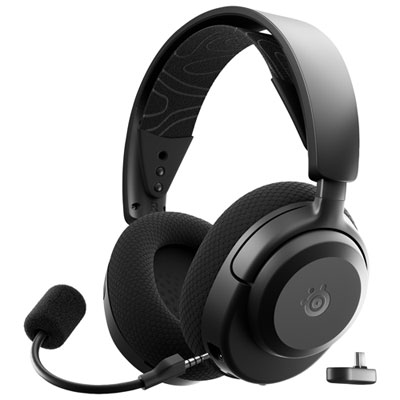
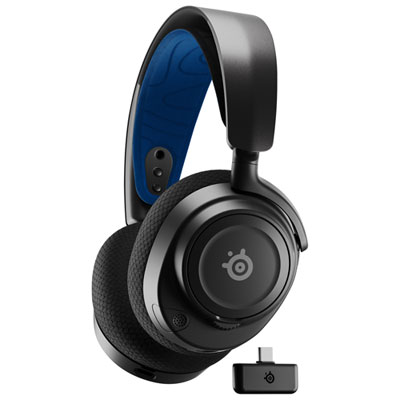
Steelseries Arctis Nova 3P Wireless Gaming Headset for PC / PS4 / PS5 / Nintendo Switch - Black
About this product
A black wireless gaming headset offering fast 2.4GHz connectivity and high-clarity neodymium magnetic drivers.
What customers like
(50)$149.99 Your price for this item is $149.99 -
6
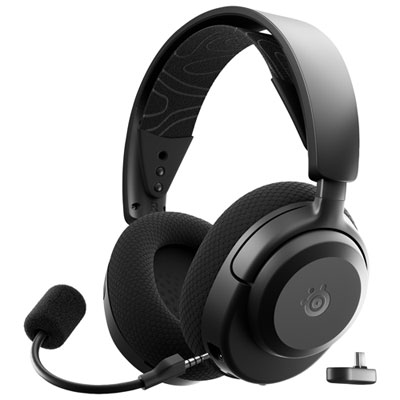
Steelseries Arctis Nova 3X Wireless Gaming Headset for Xbox Series X|S / Xbox One / PC / PS4 / PS5 / Nintendo Switch - Black
About this product
A black wireless gaming headset offering 2.4GHz USB-C connectivity, Bluetooth switching, and neodymium drivers.
What customers like
(44)$149.99 Your price for this item is $149.99 -
7
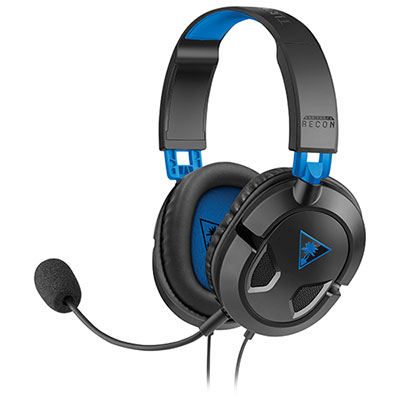
Turtle Beach EAR FORCE Recon 50P PlayStation 4 Headset for Xbox Series X|S / Xbox One / PC / PS4 / PS5 / Nintendo Switch - Black
About this product
A lightweight black over-ear gaming headset delivering immersive sound with 40mm neodymium speakers and soft cushions.
What customers like
(3,117)$39.99 Your price for this item is $39.99 -
8
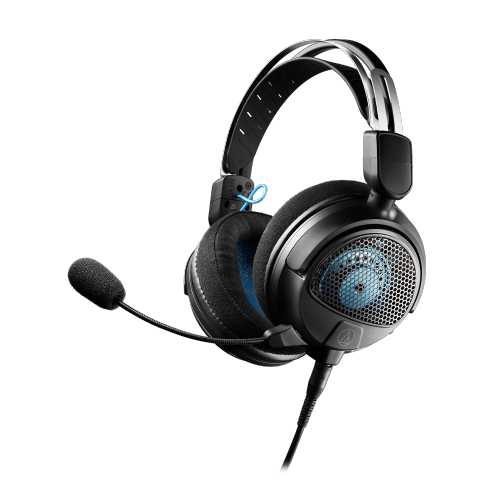
AUDIO-TECHNICA Refurbished (Excellent) Ath-Gdl3Bk Gaming Headset - In Black
About this product
An ultra-lightweight black open-back gaming headset with immersive sound, detachable boom mic, and convenient controls.
$99.00Your price for this item is $99SAVE $100 -
9
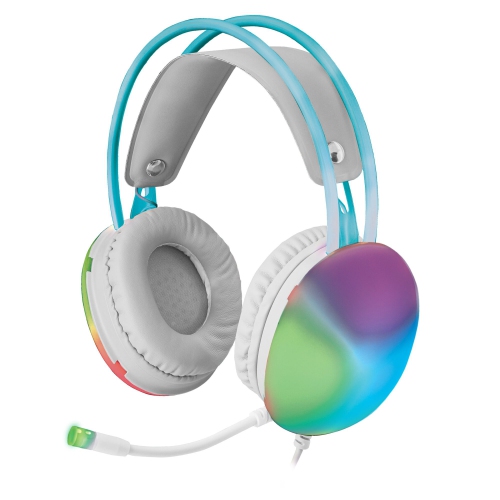
XTREME Wired Rainbow Multicolor Gaming Headset W/ Microphone: Stereo Surround, Bluetooth, 50MM Drivers, Lightweight (Ps4/ps5/mac/xbox/pc)
About this product
A lightweight gaming headset featuring 50mm drivers, virtual surround sound, RGB lighting, and universal compatibility.
$39.99 Your price for this item is $39.99 -
10
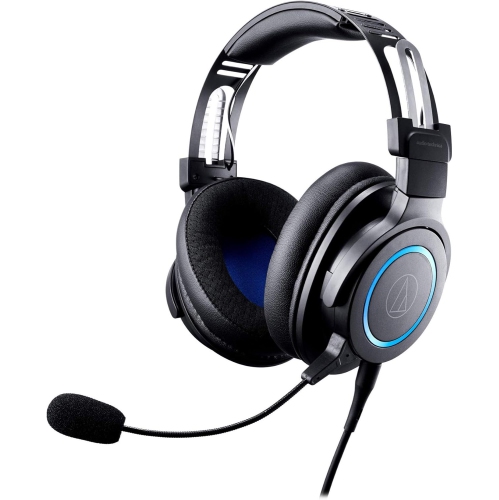
AUDIO-TECHNICA Ath-G1 Premium Gaming Headset – Wired Over-Ear With Detachable Boom Mic –
About this product
A wired over-ear headset with 45mm drivers and a detachable boom mic for immersive gaming audio.
$119.99Your price for this item is $119.99SAVE $115
FAQ
PS5 3D audio is a spatial audio feature powered by Tempest 3D AudioTech. It processes game audio to represent sounds coming from different directions, including above and below. Audio implementation varies by game.
No. PS5 3D audio works with compatible stereo headphones, including wired models connected to the DualSense controller’s 3.5 mm jack and compatible USB headsets. Headphones do not need multiple drivers or built-in surround sound processing, since the console handles the 3D audio processing.
Compatible wireless gaming headphones generally connect through a USB transmitter or dongle. PS5 does not natively support standard Bluetooth headphone audio, so Bluetooth connectivity alone does not establish compatibility. Check that the headphones explicitly support PS5 audio.
With compatible headphones connected, open Settings, select Sound, then select 3D Audio for Headphones. From there, enable the feature and follow the available audio profile setup options. Menu wording and available options may vary with system software updates.
No. A microphone is not required to listen to PS5 3D audio. Headphones provide audio playback, while a gaming headset also includes a microphone for voice chat. If your headphones lack a microphone, you can use the DualSense controller’s built-in microphone or another compatible microphone for chat.
Top selling and popular products
Discover more categories related to Best Headphones for PS5 3D Audio
Some products may be subject to Environmental Handling Fees (EHF) depending on your province. Learn more about EHFs.