Best Wireless PS5 Headsets Under $100
Find the best wireless PS5 headsets under $100 to stay immersed in your favourite games without stretching your budget. Ranked by user review ratings, this list makes it easy to compare affordable options for your setup. Explore features such as clear voice chat, comfortable ear cushions, and battery life to find a headset that suits your play style.
What to look for in wireless PS5 headsets under $100
1. PS5 Wireless Compatibility
2. Sound and Microphone Quality
3. Comfort and Fit
4. Battery Life and Charging
-
1
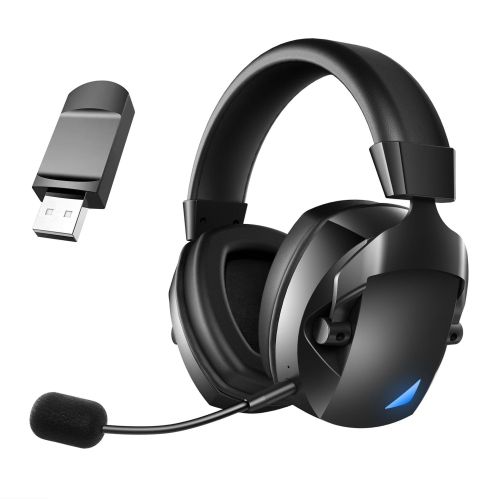
MYACUC Wireless Gaming Headset With Detachable Noise Canceling Mic Wireless Headset for PC Ps4 Ps5 Mac Switch Tablet
About this product
A wireless gaming headset with detachable noise-canceling mic and versatile connectivity for multiple devices.
(1)$82.99 Your price for this item is $82.99 -
2
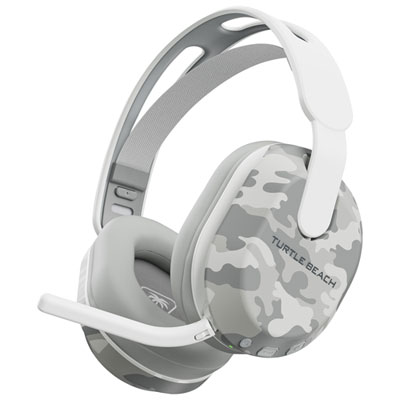
Turtle Beach Stealth 500 Wireless Gaming Headset for PC / PS4 / PS5 - Arctic Camo
About this product
An arctic camo wireless gaming headset featuring 40mm drivers, flip-to-mute mic, and 40-hour battery life.
What customers like
(79)$99.99 Your price for this item is $99.99 -
3
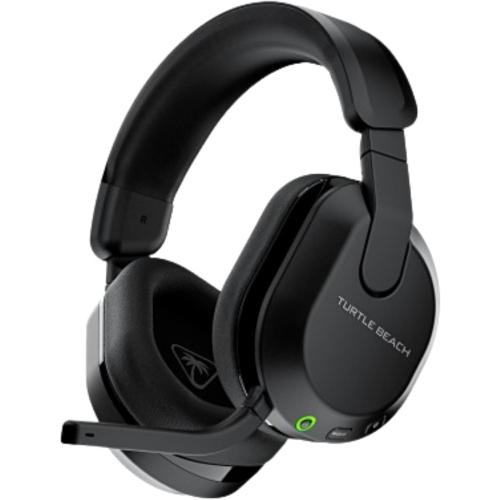
TURTLE BEACH Stealth 600 Wireless Gaming Headset (Ps5/pc/switch) – - In Black
About this product
A black wireless gaming headset with 80-hour battery life, 50mm spatial audio, Bluetooth, 2.4GHz wireless, and flip-to-mute microphone.
What customers like
(378)$93.99Your price for this item is $93.99SAVE $36 -
4
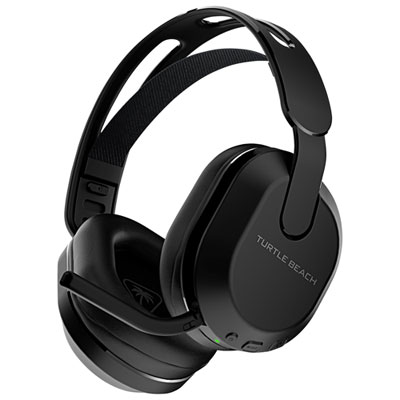
Turtle Beach Stealth 500 Wireless Gaming Headset for PC / PS4 / PS5 / Nintendo Switch - Black
About this product
A wireless gaming headset in black with 40mm drivers, memory foam ear cushions, and Bluetooth 5.2 connectivity.
What customers like
(168)$89.98 Your price for this item is $89.98 -
5
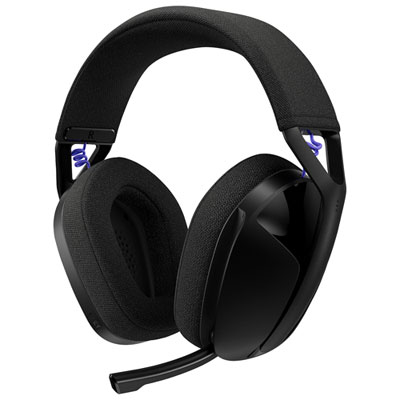
Logitech G321 LIGHTSPEED Wireless Gaming Headset for PC / PS4 / PS5 / Nintendo Switch - Black
About this product
A wireless gaming headset in black offering rich audio, easy controls, and both LIGHTSPEED and Bluetooth connectivity.
What customers like
(229)$89.99 Your price for this item is $89.99 -
6
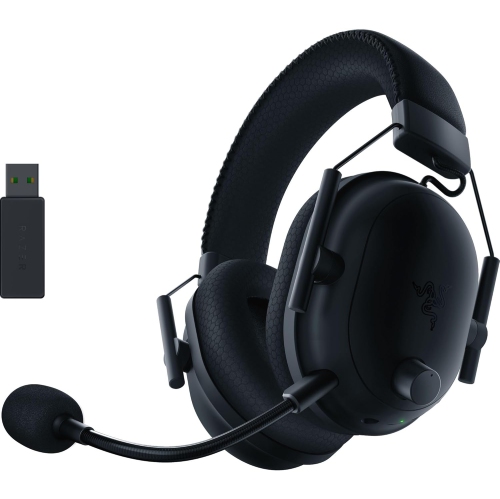
RAZER Refurbished (Good) - Shark V2 Pro Wireless Gaming Headset for PC, Ps5, Ps4, Switch - In Black
About this product
A wireless gaming headset in black featuring titanium-coated drivers, pro-grade mic, and sound isolation.
(5)$59.99Your price for this item is $59.99SAVE $140 -
7
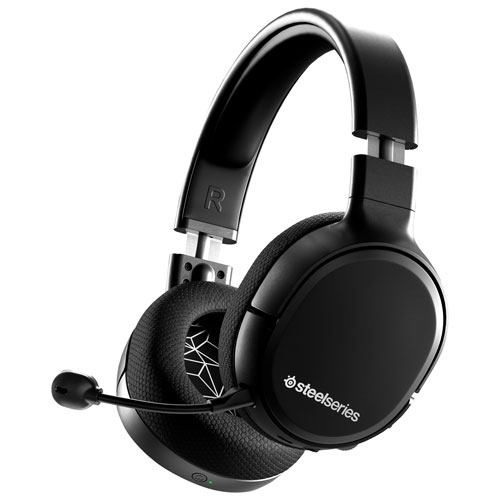
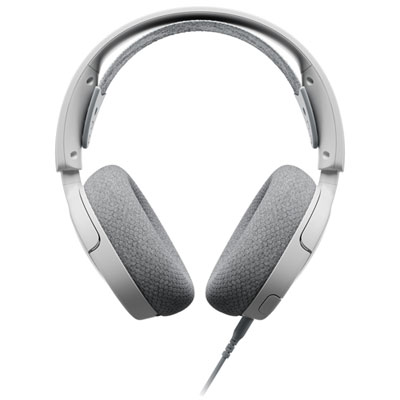
STEELSERIES - Arctis 1 Wireless Gaming Headset
About this product
A wireless gaming headset by SteelSeries, perfect for immersive gaming experiences.
$99.00Your price for this item is $99SAVE $100 -
8
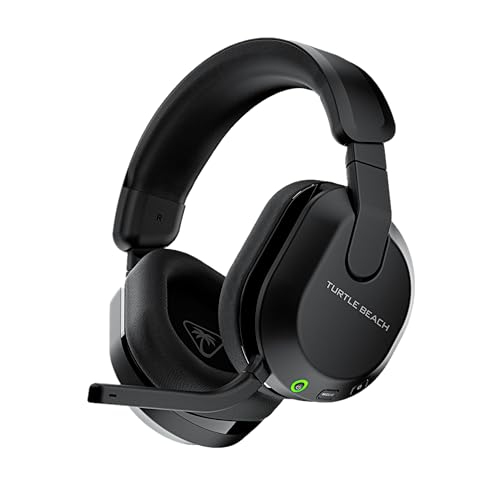
TURTLE BEACH Stealth 600 Gen 3 Wireless Gaming Headset for Ps5, Ps4, PC, Mobile - Bluetooth, 80-Hr Battery, Ai Noise-Cancelling Flip-To-Mute Mic
About this product
A wireless gaming headset with Bluetooth, 80-hour battery, and AI noise-cancelling flip-to-mute mic.
$99.00Your price for this item is $99SAVE $30 -
9
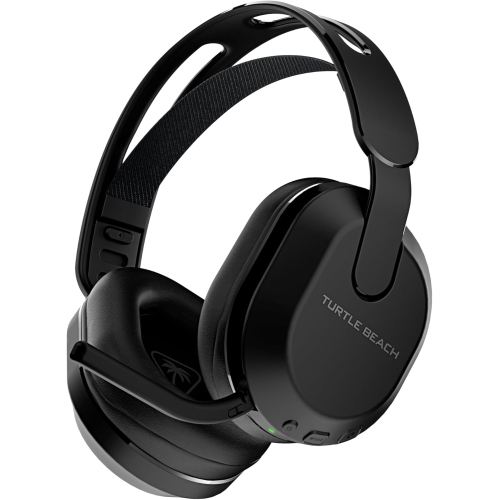
TURTLE BEACH Stealth 500 Wireless Amplified Gaming Headset
About this product
A wireless amplified gaming headset offering immersive sound and reliable performance for intense gaming sessions.
$79.00Your price for this item is $79SAVE $20 -
10
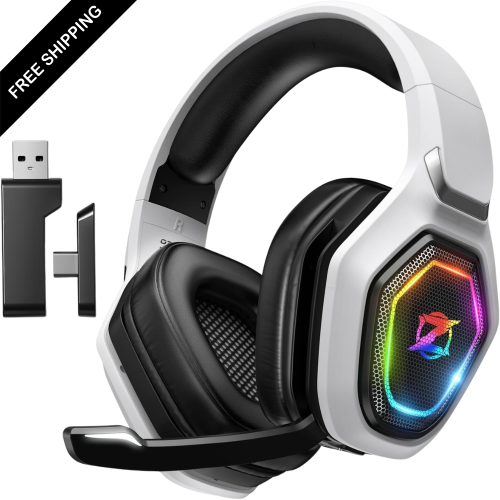
LDAS ELECTRONICS Wireless Gaming Headset for Ps5, Ps4, Switch, Ultra Stable 2.4Ghz USB & Type-C, Bluetooth 5.3 Gaming Headphones w Flip Mic, 40+Hr
About this product
A wireless gaming headset with 50mm drivers, Bluetooth 5.3, flip mic, and 40+ hour battery life.
$77.99Your price for this item is $77.99SAVE $72
FAQ
Most PS5-compatible wireless headsets connect through a USB wireless transmitter plugged into the console. Once connected, go to Settings > Sound > Audio Output and select the headset as the output device. Check that the headset explicitly supports wireless audio on PS5.
PS5 does not natively support standard Bluetooth headsets for game audio. Most compatible wireless gaming headsets use a dedicated USB transmitter instead. Bluetooth support alone does not mean a headset will work wirelessly with PS5.
Compatible wireless stereo headsets can use the PS5’s built-in 3D audio for headphones; a headset does not need its own surround sound processing. You can enable and adjust this feature in the console’s sound settings. How 3D audio is presented depends on the game and its audio support.
Go to Settings > Sound > Microphone and choose the headset as the input device, then adjust the microphone level. Check the headset’s mute control and the console’s microphone status before joining a party. The headset must support microphone input on PS5, not just audio playback.
Some wireless PS5 headsets also support computers through their USB transmitter. Phone connections may require Bluetooth or a supported USB connection. Compatibility varies, and having both Bluetooth and USB wireless support does not necessarily mean the headset can play audio from two devices at once.
Top selling and popular products
Discover more categories related to Best Wireless PS5 Headsets Under $100

Some products may be subject to Environmental Handling Fees (EHF) depending on your province. Learn more about EHFs.