Black Friday Deals Coming Soon

Our Black Friday Sale returns in November 2026. In the meantime, shop our current top deals below.

Best Black Friday Deals On Desktops

Find the best Black Friday deals on desktops for work, school, gaming, and everyday use. Explore desktop computers ranked by customer review ratings to compare top-rated options and narrow down your favourites. Whether you’re upgrading your home office or adding power to your setup, shop for features that fit your needs at a price that fits your budget. Remember, our Low Price Guarantee means you can shop confidently knowing that you'll find the best price at Best Buy, all year round. We encourage you to check our website frequently for the most up-to-date information on our latest offers and savings opportunities.

Read More

What to look for in Black Friday desktop deals

1. Processor and Memory

Choose a processor and RAM capacity that suit your daily tasks, whether you’re browsing, working, or gaming. For multitasking and more demanding applications, 16GB of RAM or more can help keep things running smoothly.

2. Graphics and Storage

Integrated graphics can handle everyday tasks, while a dedicated graphics card is worth considering for gaming, video editing, and 3D design. Look for an SSD for faster startup and loading times, with enough capacity for your files and applications.

3. Desktop Design and Expandability

A tower often offers more room for upgrades, a mini PC saves desk space, and an all-in-one combines the computer and display. Check the available ports, Wi-Fi capabilities, and upgrade options before choosing a model.

4. Sale Value and Included Extras

Compare the sale price with the desktop’s specifications and similar models rather than judging a deal by the discount alone. Check whether a monitor, keyboard, and mouse are included, and review the warranty and return terms.
Citrus catapult arrow
  1. 1

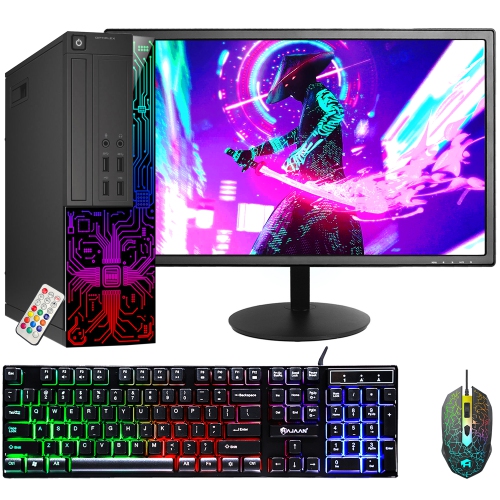
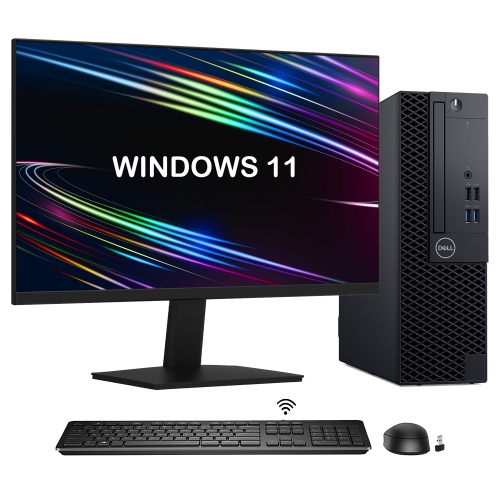
    DELL Refurbished (Good) - Optiplex Small Form Factor Desktop - Intel Core I5, 8GB Memory, 1Tb SSD, Win 11 Pro + 22" Monitor

    About this product

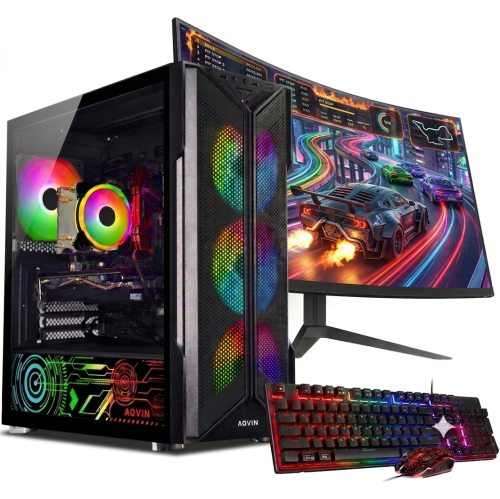
    A refurbished desktop PC with Intel i5, 8GB RAM, 1TB SSD, 22" monitor, and RGB accessories.

    (3)
    $474.99
    SAVE $115
    Your price for this item is $474.99
  2. 2

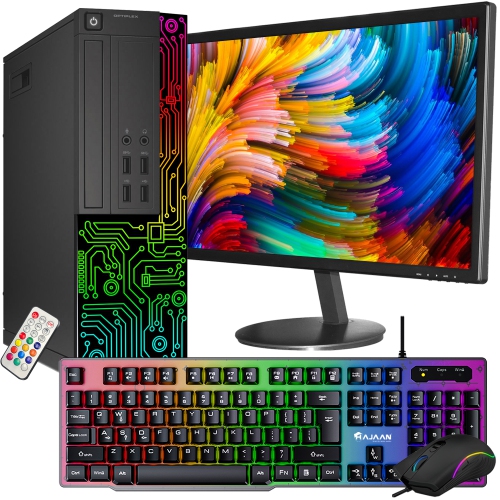
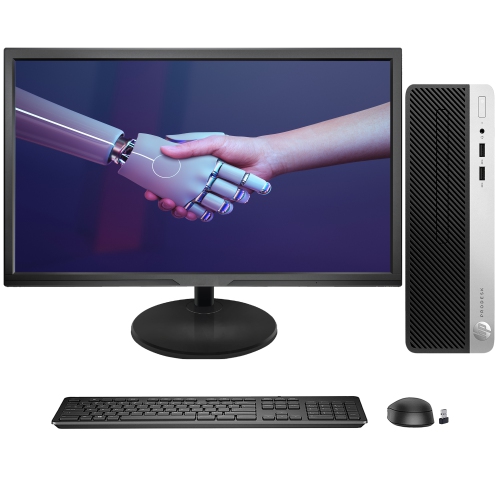
    DELL Refurbished (Good) - Optiplex Desktop - Intel Core I7, 16GB Memory, 256GB SSD, Win 10 Pro + 24" Monitor, Keyboard & Mouse Included

    About this product

    A refurbished desktop PC with Intel Core i7, 16GB RAM, 256GB SSD, 24" monitor, and RGB keyboard.

    (1)
    $459.99
    SAVE $70
    Your price for this item is $459.99
  3. 3

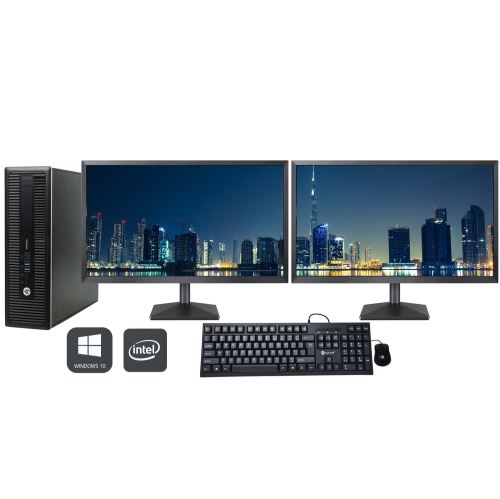
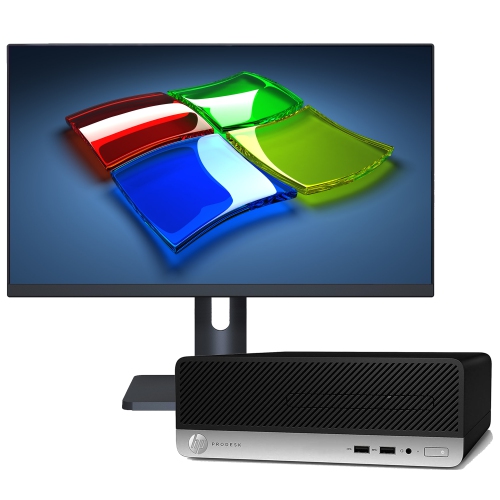
    HP Refurbished (Excellent) - Elitedesk 800 G4 Sff Desktop Computer | Intel Core I5 Up to 4.10Ghz | 16GB Ddr4 Ram | 512GB SSD | 24" Full HD Monitor

    About this product

    A refurbished desktop bundle featuring an Intel Core i7, 32GB RAM, 1TB SSD, and dual 24" HDMI monitors.

    What customers like

    • Quick and reliable shipping
    • Dual 24-inch monitors included
    • Product arrived in great condition
    • Excellent value for the price
    • Powerful performance and large RAM
    (29)
    $479.99
    SAVE $520
    Your price for this item is $479.99
  4. 4

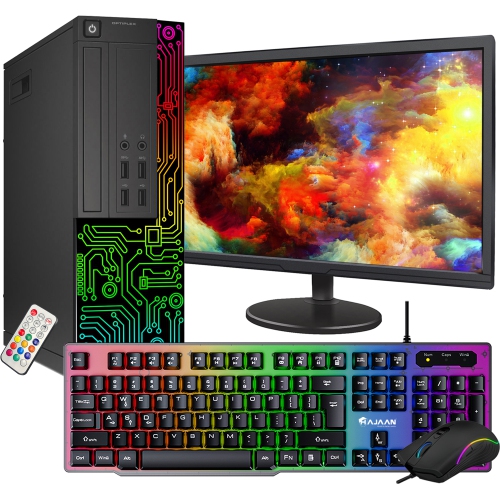
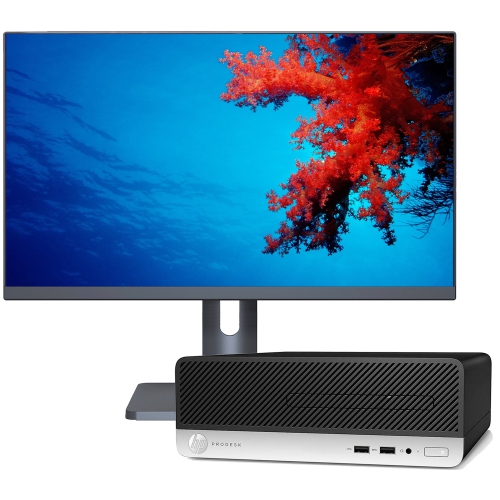
    DELL Refurbished (Good) - Optiplex Desktop - Intel Core I5, 8GB Memory, 256GB SSD, Win 11 Pro + 22" Monitor, Keyboard & Mouse Included

    About this product

    A refurbished desktop with Intel i5, 8GB RAM, 256GB SSD, 22" monitor, and customizable RGB lighting.

    (5)
    $364.99
    SAVE $75
    Your price for this item is $364.99
  5. 5

    DELL Refurbished (Good) - Tower Desktop - Intel Core I5, 8GB Memory, 512GB SSD, Win 11 Pro, RGB + 22" Monitor

    About this product

    A refurbished desktop PC with Intel i5, 8GB RAM, 512GB SSD, 22" monitor, and RGB accessories.

    (6)
    $384.99
    SAVE $95
    Your price for this item is $384.99
  6. 6

    DELL Refurbished (Good) - Optiplex 3060 Small Form Factor Desktop - Intel Core I5, 16GB Memory, 2Tb SSD, Win 11 Pro + 24" Monitor

    About this product

    A powerful Dell desktop PC bundle with a 24-inch monitor, featuring an i5 processor and lightning-fast NVMe SSD.

    $749.99
    SAVE $280
    Your price for this item is $749.99
  7. 7

    HP Refurbished (Good) - Prodesk 400 G4 Small Form Factor Business Desktop - Intel Core I3 (6Th Gen), 8GB Memory, 1Tb SSD, Win 10 Pro + 22" Monitor

    About this product

    A refurbished desktop PC with Intel Core i3, 1TB SSD, 8GB RAM, and a 22" FHD monitor.

    $479.99
    SAVE $150
    Your price for this item is $479.99
  8. 8

    HP Refurbished (Good) - Prodesk 400 G4 Small Form Factor Business Desktop - Intel Core I3-6100, 16GB Memory, 512GB SSD, Win 10 Pro + 22" Monitor

    About this product

    A refurbished desktop PC with Core i3-6100, 16GB RAM, 512GB SSD, and a new 22" FHD monitor.

    $359.99
    SAVE $150
    Your price for this item is $359.99
  9. 9

    HP Refurbished (Good) - Prodesk 400 G4 Small Form Factor Business Desktop - Intel Core I5-7500, 16GB Memory, 512GB SSD, Win 10 Pro + 27" Monitor

    About this product

    A refurbished desktop PC with Core i5-7500, 16GB RAM, 512GB SSD, and a 27" FHD monitor.

    $449.99
    SAVE $170
    Your price for this item is $449.99
  10. 10

    HP Refurbished (Good) - Prodesk 400 G4 Small Form Factor Business Desktop - Intel Core I5 (7Th Gen), 8GB Memory, 1Tb SSD, Win 10 Pro + 27" Monitor

    About this product

    A refurbished desktop PC with Intel Core i5, 1TB SSD, 8GB RAM, and a 27" FHD monitor.

    $589.99
    SAVE $250
    Your price for this item is $589.99

The right desktop fits your workload and workspace

Desktop computers bring a dedicated place for work, learning, gaming, and creative projects into the home. For shoppers browsing Black Friday desktops, the most useful distinctions are the computer’s design, processing capability, memory, storage, and graphics performance. A traditional tower keeps the computer separate from the display, making it possible to pair the system with a screen that suits the desk and the tasks at hand. An all-in-one desktop integrates the main computer components into the monitor housing, reducing the number of separate pieces on a shared desk or kitchen work surface. A mini desktop takes up less room and can suit a compact workstation, though its connections and expansion options deserve attention. Each format serves a different kind of routine. A family computer might handle school assignments, video calls, household paperwork, and photo storage, while a home office desktop may spend the day running spreadsheets, browser tabs, and business software across two displays. Gaming desktops and creative workstations place greater emphasis on graphics capability, cooling, and the ability to maintain performance during demanding sessions. The best fit is not necessarily the largest tower or the system with the longest specification list; it is a computer whose capabilities match the way it will be used. Someone writing reports and attending online meetings has different needs from someone editing high-resolution footage or playing graphically demanding games. During the cooler months, a permanent desktop setup can also provide a comfortable base for indoor hobbies, from digital illustration to recording music. For households comparing desktops with other computer formats, the broader selection of Best Black Friday Deals on PCs offers another way to explore systems suited to different routines. Within the desktop category, the distinction between everyday computing and demanding creative or gaming workloads remains central, because a tidy homework station and a multi-display editing desk ask very different things of the hardware.

The components inside a desktop determine how comfortably it handles those routines. A processor carries out the instructions behind applications, and its generation, design, and core configuration matter alongside its advertised speed. More demanding workloads, such as exporting video or compiling software, can benefit from stronger processing capability, but results depend on the applications involved. Memory provides working space for active programs: 16 GB is a practical starting point for many multitasking setups, while 32 GB or more can be useful for larger creative projects, demanding games, or several substantial applications running together. Storage serves a different purpose, holding the operating system, software, documents, and media. A solid-state drive generally helps the computer start up and open applications promptly, while capacity determines how much can remain stored locally. A household keeping years of photos or a gamer maintaining a large game library may need more space than someone whose files are mostly documents. Integrated graphics can suit everyday browsing, office tasks, and video playback; a dedicated graphics card may be important for demanding games, three-dimensional design, and supported editing workloads. Performance also depends on display resolution and software settings, so a graphics specification makes the most sense when considered alongside the intended screen and applications. A higher-resolution display shows more detail but requires more graphics processing power in games. For an all-in-one desktop, screen size, resolution, brightness, and finish are part of the computer choice itself. A matte finish can soften distracting reflections near a window, while a larger screen can make side-by-side documents easier to view. With a tower or mini desktop, monitor compatibility depends on the available video outputs and supported display specifications. Keyboard, mouse, webcam, speakers, and monitor inclusions vary by configuration, so the complete setup matters as much as the computer alone. A video call feels considerably smoother when the system, camera, microphone, and internet connection all suit the task.

Physical fit and everyday usability are just as important as internal specifications. A tower needs space for airflow around its vents, not simply enough room to squeeze beneath a desk. Closed cupboards and thick carpet can restrict ventilation, while a stable, open position helps keep air moving through the case. Metal chassis panels, plastic front sections, and glass side panels each have different handling needs: glass deserves care during moves, and ventilation openings need to remain clear regardless of the case material. Exterior materials alone do not establish durability; construction, cooling, component quality, and day-to-day treatment all contribute. Dust can accumulate around filters and fans over time, especially in homes with pets. Following the manufacturer’s cleaning instructions, switching off and unplugging the computer before appropriate maintenance, and keeping liquids away from the desk help protect the hardware. Connection placement also affects daily comfort. Front-facing ports make it easier to attach a portable drive or headset, while rear connections keep permanent keyboard, display, and network cables out of the way. A USB-C port’s shape does not establish every capability, so supported data speeds, display functions, and power features matter when connecting accessories. Wi-Fi is convenient where a network cable cannot easily reach, while Ethernet can provide a stable wired connection for large transfers and online play. Bluetooth support can simplify the use of compatible wireless peripherals. For long-term ownership, service access and upgrade compatibility deserve attention: some towers permit memory or storage changes, while compact and all-in-one designs may have more limited options. Manufacturer documentation clarifies what can be changed and which parts are compatible. Operating system support, accessibility features, backup arrangements, and compatibility with essential software also influence how useful a desktop remains over time. As a gift for a student, a family member working from home, or a creative hobbyist, a desktop is most thoughtful when it suits their existing desk, preferred applications, and peripherals. A well-matched system becomes a dependable part of the room, ready for an evening assignment, a shared photo project, or a focused stretch of work.
Read More

FAQ

Some products may be subject to Environmental Handling Fees (EHF) depending on your province. Learn more about EHFs.