Black Friday Deals Coming Soon

Our Black Friday Sale returns in November 2026. In the meantime, shop our current top deals below.

Best Black Friday Deals on iPads

Find the best Black Friday deals on tablets for work, study, streaming, and everyday browsing. Ranked by customer review ratings, this selection makes it easy to explore top-rated options and compare features, helping you choose the right fit for your needs and budget. Remember, our Low Price Guarantee means you can shop confidently knowing that you'll find the best price at Best Buy, all year round. We encourage you to check our website frequently for the most up-to-date information on our latest offers and savings opportunities.

Read More

What to look for in Black Friday iPad deals

1. Model and Performance

Choose an iPad with the performance you need for browsing, studying, gaming or creative work. Check the model generation and chip when comparing deals, as similar-looking iPads can offer different capabilities.

2. Screen Size and Portability

A smaller iPad is easier to carry, while a larger display gives you more room for multitasking, drawing and watching videos. Compare display features and device weight to find the right balance for everyday use.

3. Storage and Connectivity

Choose enough storage for your apps, photos, games and downloaded videos, since built-in storage cannot be expanded. Wi-Fi models suit use near wireless networks, while Wi-Fi + Cellular models offer mobile access with a compatible data plan sold separately.

4. Sale Value and Compatibility

Compare prices for the same model, storage capacity and condition to judge the value of a Black Friday offer. Check whether the iPad supports your preferred Apple Pencil or keyboard, and factor in the cost of any accessories sold separately.
  1. 1

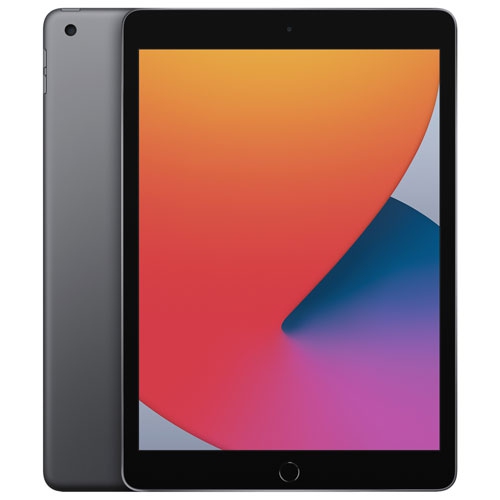
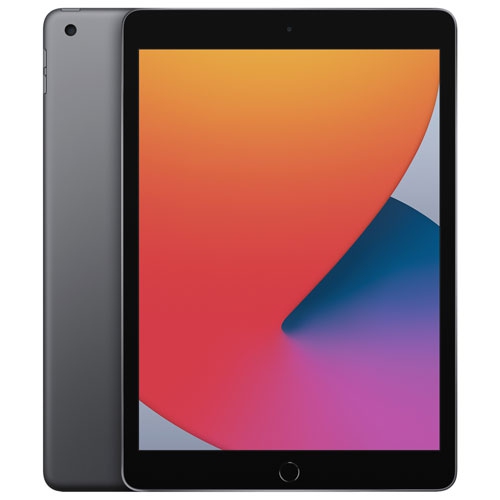
    APPLE Refurbished (Excellent) - Ipad 10.2" 32GB With Wi-Fi (8Th Generation) - Space In Gray

    About this product

    A refurbished tablet in space gray featuring a 10.2" Retina display, 32GB storage, and Wi-Fi connectivity.

    What customers like

    • Like-new condition with no scratches or marks
    • Works as expected and performs reliably
    • Responsive seller and good value
    • Accurate product description
    • Fast, careful and timely delivery
    (26)
    $194.99
    SAVE $105
    Your price for this item is $194.99
  2. 2

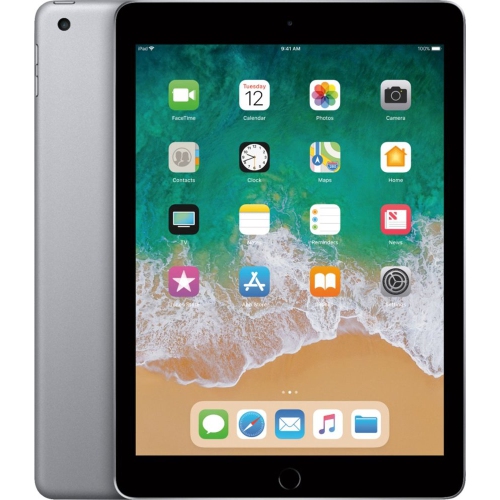
    APPLE Refurbished (Excellent) - Ipad (5Th Generation) 32GB - Wifi - Space - Certified Refurbished In Grey

    About this product

    A lightweight, durable grey tablet with 32GB storage, Wi-Fi connectivity, and certified refurbished quality.

    (10)
    $129.99
    SAVE $170
    Your price for this item is $129.99
  3. 3

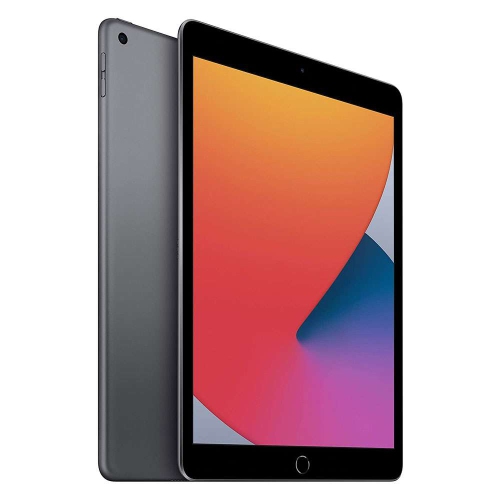
    APPLE Refurbished (Good) - Ipad 10.2" 32GB With Wi-Fi (8Th Generation) - Space In Gray

    About this product

    A refurbished tablet in space grey with 32GB storage and Wi-Fi connectivity for everyday use.

    (4)
    $168.99
    SAVE $231
    Your price for this item is $168.99
  4. 4

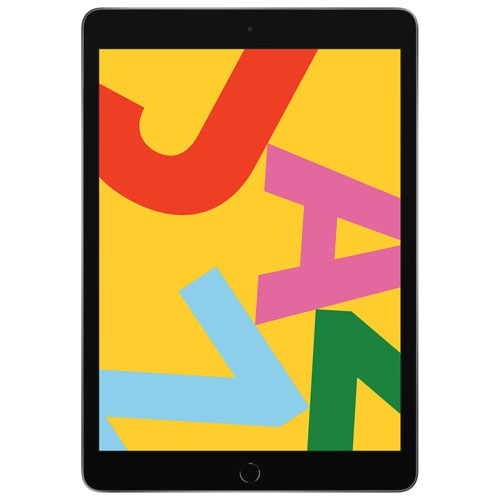
    APPLE Refurbished (Excellent) - Ipad 10.2" 32GB With Wi-Fi (7Th Generation) - Space In Gray

    About this product

    A Refurbished iPad 10.2" 32GB with Wi-Fi (7th Generation) in grey, excellent condition with 1-year warranty.

    (10)
    $139.95
    SAVE $260
    Your price for this item is $139.95
  5. 5

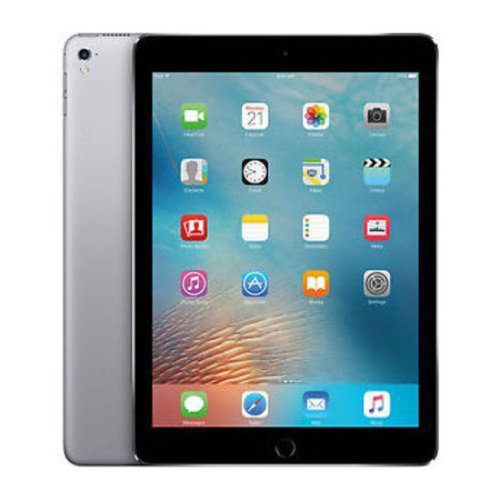
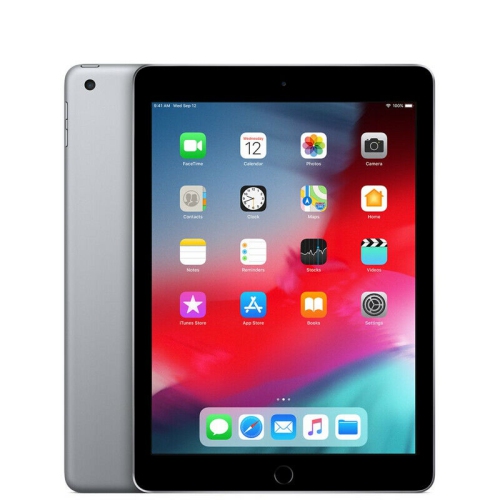
    APPLE Refurbished (Good) - Ipad 9.7" Screen 32GB - Wifi (6Th Gen. 2018 - A1893) Space In Gray

    About this product

    A refurbished tablet featuring a 9.7" display, 32GB storage, Wi-Fi connectivity, and a sleek space gray finish.

    (2)
    $139.99
    SAVE $160
    Your price for this item is $139.99
  6. 6

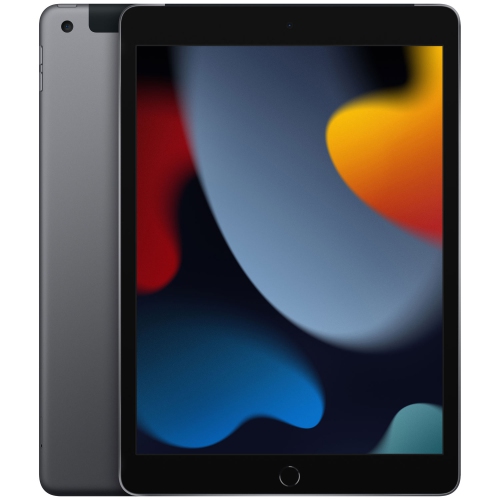
    APPLE Refurbished (Good) - Ipad 10.2" 64GB With Wi-Fi & Cellular (9Th Generation) - Space In Gray

    About this product

    A versatile gray tablet featuring a 10.2" Retina display, 64GB storage, Wi-Fi, and cellular connectivity.

    (3)
    $275.00
    SAVE $224
    Your price for this item is $275
  7. 7

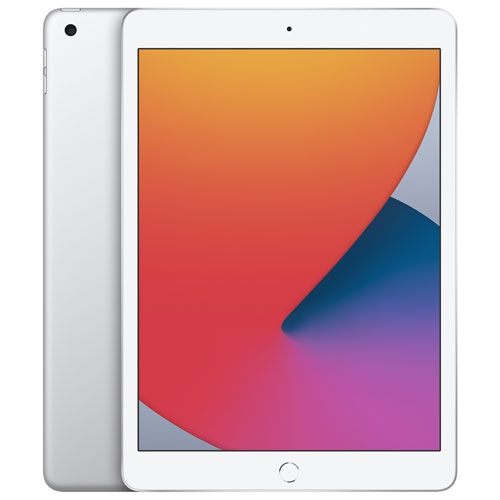
    APPLE Refurbished (Good) - Ipad 10.2" 32GB With Wi-Fi (8Th Generation) - In Silver

    About this product

    A powerful and versatile iPad with a silver finish, featuring the A12 Bionic chip and iPadOS 14.

    (1)
    $287.54
    SAVE $38
    Your price for this item is $287.54
  8. 8

    APPLE Refurbished (Good) - Ipad 5Th Generation 9.7In Wifi Only 32GB In Space In Gray

    About this product

    A refurbished tablet featuring a 9.7-inch display, 32GB storage, Wi-Fi connectivity, and sleek space gray finish.

    What customers like

    • Long battery life
    • High-quality display
    • Affordable price
    • Easy to use
    • Smooth performance
    (8,010)
    $109.99
    SAVE $290
    Your price for this item is $109.99
  9. 9

    APPLE Refurbished (Good) - Ipad 9.7" 32GB With Wi-Fi (5Th Generation) - Space In Gray

    About this product

    A refurbished tablet in space gray with 32GB storage and Wi-Fi connectivity for everyday use.

    (1)
    $119.99
    SAVE $130
    Your price for this item is $119.99
  10. 10

    APPLE Refurbished (Good) - Ipad 10.2" 128GB With Wi-Fi (8Th Generation) - Space In Gray

    About this product

    A refurbished tablet in space grey featuring 128GB storage and Wi-Fi connectivity for everyday use.

    (1)
    $309.00
    SAVE $240
    Your price for this item is $309

The right tablet fit starts with your daily routine

Black Friday is a familiar occasion for choosing a tablet for studying, creative projects, everyday entertainment, or a thoughtful gift. A tablet sits between a phone and a laptop in both size and purpose: its touchscreen gives photos, books, handwritten notes, and video calls more room, while its portable shape makes it easy to carry between a desk, a sofa, and a classroom. The most useful fit depends on the activities that fill an ordinary day. Reading novels on the bus calls for a different balance of screen size and weight than drawing detailed illustrations at a table. Smaller tablets are comfortable to hold for longer reading sessions and slip neatly into a compact bag, while larger screens give documents, sheet music, and split-screen tasks more breathing room. Display quality also affects the experience beyond the screen’s dimensions. Text clarity matters when reading lengthy articles, colour reproduction matters when editing photos, and brightness adjustment helps keep the screen comfortable across different indoor settings. For someone who mainly watches videos, browses websites, and keeps in touch with family, straightforward navigation and clear speakers can matter more than advanced creative capabilities. Students may place greater importance on annotating course readings, organizing lecture notes, and moving between a document and a research source. Artists and hobbyists may want responsive pen input and enough working space to sketch without repeatedly zooming in. A tablet used for recipes benefits from a stable stand and a screen that remains readable from a kitchen counter, positioned safely away from splashes and heat. These practical differences help explain why there is no single tablet size or configuration that suits everyone. Comfort is part of the fit as well: the combined weight of the tablet and its case, the position of the buttons, and the ease of holding it in portrait orientation all influence how naturally it becomes part of a daily routine.

Performance, storage, and connectivity shape what a tablet can comfortably handle over time. Opening several apps, working with layered artwork, editing video, and playing demanding games place different loads on a device than checking email or reading an ebook. A processor suited to the intended workload helps keep those activities responsive, while software compatibility determines whether the required tools can run at all. For school or work, access to the correct apps, supported file formats, and any required account services matters as much as the hardware. Storage needs vary just as widely. Downloaded films, large games, high-resolution photos, and creative project files can occupy substantial space, whereas someone who mainly streams media and keeps documents online may store less locally. Cloud storage can make files accessible across devices, but it does not remove the need for space for apps and offline content. Built-in storage is generally not something that can be expanded later, making room for future use an important part of the overall configuration. Wi-Fi supports familiar activities at home, on campus, and wherever a suitable network is accessible. Cellular-capable tablets can connect through a compatible mobile data service, with a separate plan and coverage requirements. That distinction can be useful for someone reviewing documents between appointments or accessing maps away from a trusted Wi-Fi connection. Battery life also varies with screen brightness, wireless connections, apps, and workload; streaming a film and rendering a video project do not draw power in the same way. Charging connections and compatible accessories affect everyday convenience, especially when a tablet travels alongside other devices. For typing longer assignments, a compatible keyboard can create a more comfortable setup than an onscreen keyboard alone. A supported digital pen can make handwritten annotations, diagrams, and drawing feel more direct, though pen support and features differ between devices. Cameras, microphones, and speaker placement deserve attention for frequent video calls, particularly when a case holds the tablet horizontally on a desk.

Materials and protective accessories contribute to how a tablet feels in the hand and how well it stands up to daily handling. Glass touchscreens and slim metal housings offer a smooth, structured feel, but neither makes a device immune to scratches, dents, or damage from a fall. A well-fitting case can add grip, protect corners, and support the screen at a useful angle for reading or typing. Fit depends on more than screen size: camera openings, button positions, charging ports, and attachment points must match the device. For a child carrying a tablet between rooms, a grippy case with reinforced edges may be more practical than a thin cover designed mainly for a desk. For commuting, a padded compartment helps keep the screen away from keys and other hard objects inside a bag. Screen protectors can help limit surface scratches, although their finish may change reflections or the feel of pen input. Routine care is simple but worthwhile. A soft, lint-free cloth is suitable for wiping the screen, with cleaning methods kept within the manufacturer’s directions and moisture kept away from openings. Tablets also benefit from being stored away from excessive heat and handled with clean, dry hands. Regular software updates, device locks, and backups support reliable use and help protect personal information. For a shared family device, privacy settings and age-appropriate controls can make the experience easier to manage, while accessibility features such as text enlargement, captions, and voice input can support different needs. As a Black Friday gift, a tablet can serve very different recipients: a grandparent making video calls, a student marking up readings, or a keen cook keeping favourite recipes close at hand. Familiarity with the recipient’s existing devices and apps helps make the gift easier to use from the start. For a broader view of related technology for work, entertainment, and gifting, Best Black Friday Deals on Apple Products brings together another part of the occasion’s shopping selection. A tablet that suits its recipient’s habits, feels comfortable to handle, and supports the tasks they enjoy has a clear place in everyday life long after Black Friday.
Read More

FAQ

Some products may be subject to Environmental Handling Fees (EHF) depending on your province. Learn more about EHFs.