Black Friday Deals Coming Soon
Our Black Friday Sale returns in November 2026. In the meantime, shop our current top deals below.

Black Friday Deals on microSD Cards
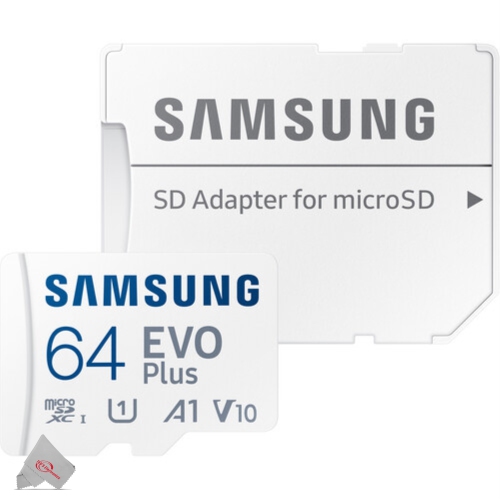
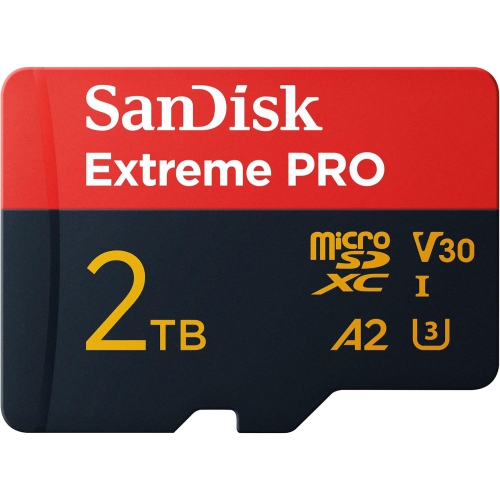
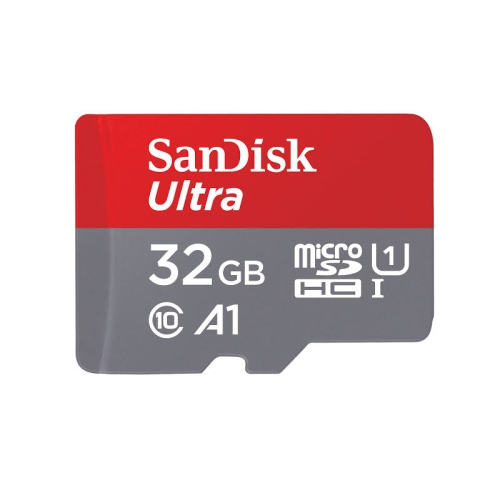
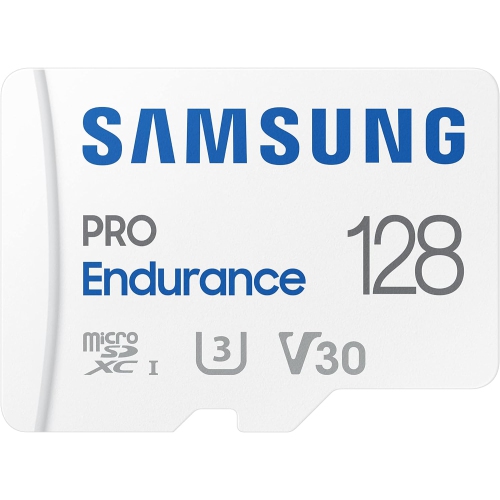
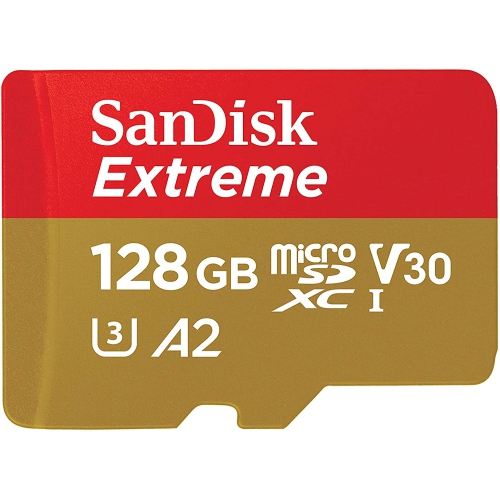
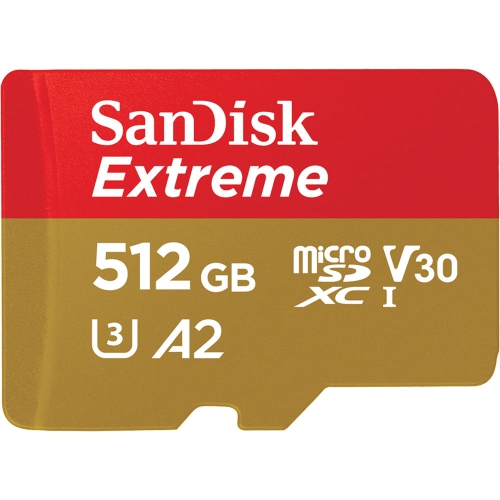
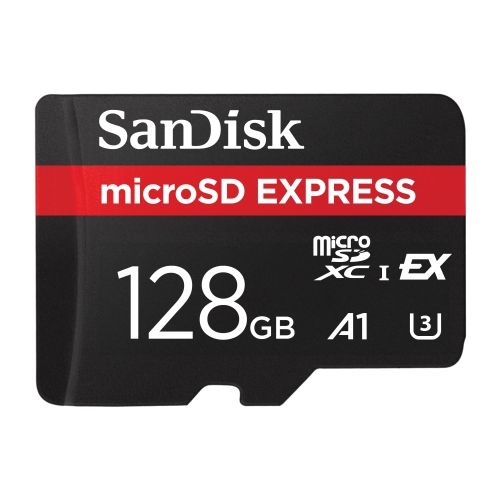
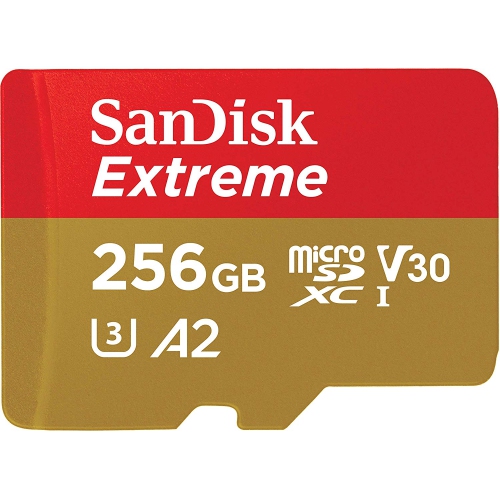
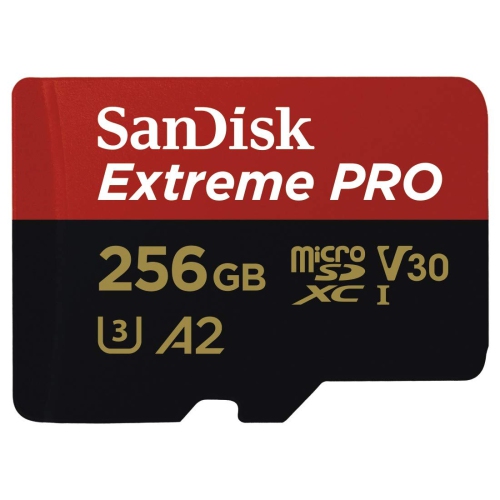
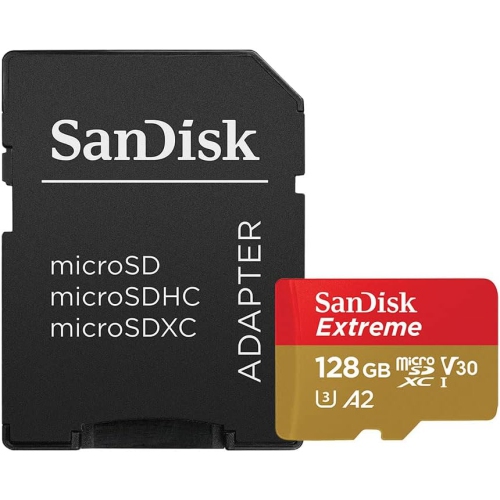
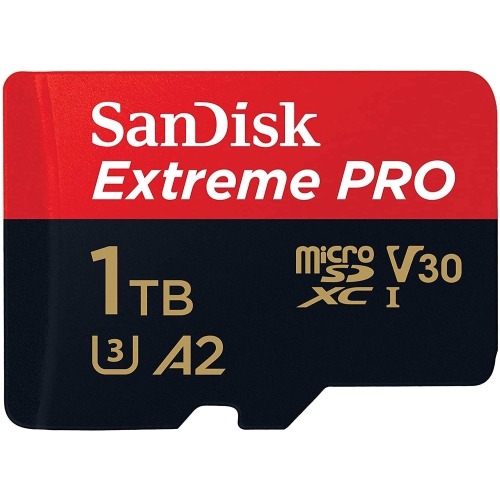
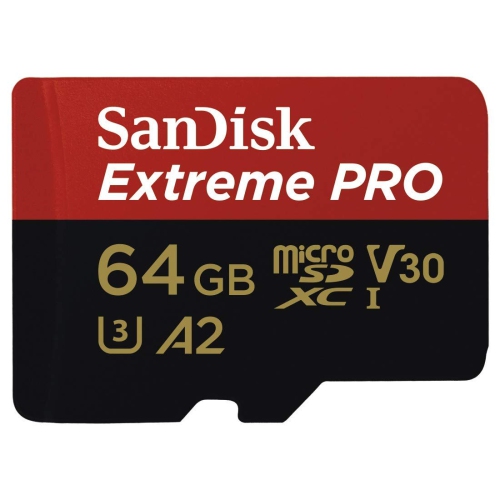
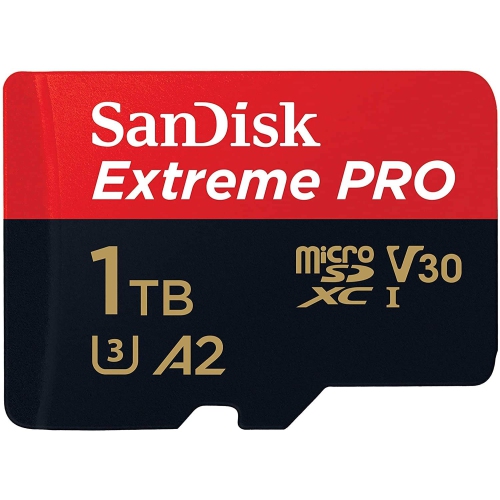
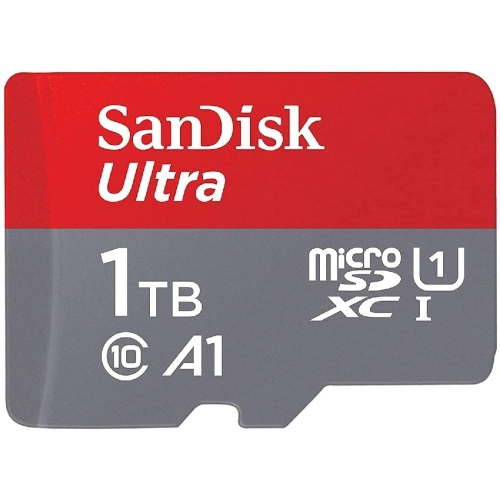
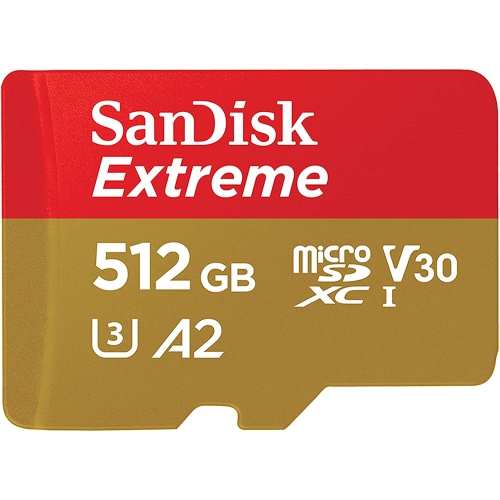
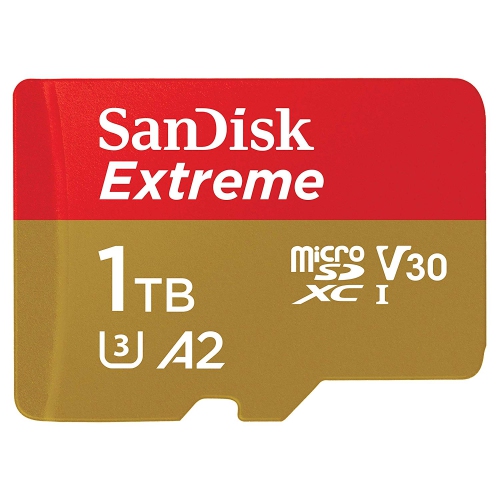
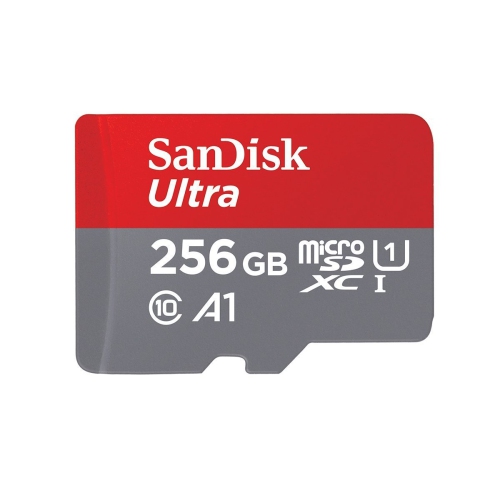
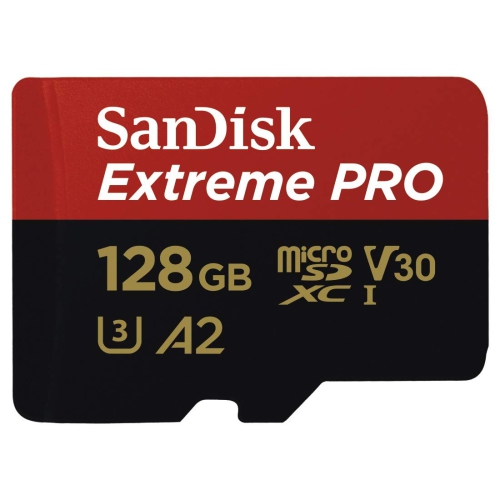
Browse Black Friday deals on microSD cards for extra storage for photos, videos, games, and files. Compare capacities and speed ratings, and check your device’s compatibility to find a memory card suited to your phone, camera, or handheld gaming system. Remember, our Low Price Guarantee means you can shop confidently knowing that you'll find the best price at Best Buy, all year round. We encourage you to check our website frequently for the most up-to-date information on our latest offers and savings opportunities.


FAQ
Check your device’s manual for supported card formats, such as microSDHC or microSDXC, and any required speed-class markings. Phones, cameras, drones and gaming devices can have different requirements, so a microSD slot alone does not confirm compatibility.
A microSD-to-SD adapter lets you insert a microSD card into a compatible SD card slot, such as one on a computer or camera. The adapter does not change the card’s underlying format or specifications.
Some devices ask you to format a microSD card during initial setup. Follow the device’s instructions and use its built-in formatting option when directed. Formatting erases existing files, so copy anything you want to keep to another location first.
Use a compatible card reader or an SD adapter if your computer has a suitable slot. Once the card appears in your file manager, you can copy files between it and your computer. Some devices also support file transfers through a USB connection.
For general file storage, use clearly named folders grouped by date, project or file type. If the card is used in a camera, console or another device that creates its own folders, keep that folder structure intact and manage files through the device’s supported tools.
Top selling and popular products
Discover more categories related to Black Friday Deals on microSD Cards
Some products may be subject to Environmental Handling Fees (EHF) depending on your province. Learn more about EHFs.