Black Friday Deals Coming Soon
Our Black Friday Sale returns in November 2026. In the meantime, shop our current top deals below.

Xbox Headset Black Friday Deals
Score unbeatable savings with Xbox headset Black Friday deals and upgrade your gaming experience for less. Whether you’re looking to enhance in-game communication or enjoy immersive sound, these limited-time offers make it easy to find the perfect headset at a fantastic price. Don’t miss your chance to grab top picks and elevate every session with the latest Xbox headset Black Friday deals before they’re gone. Remember, our Low Price Guarantee means you can shop confidently knowing that you'll find the best price at Best Buy, all year round. We encourage you to check our website frequently for the most up-to-date information on our latest offers and savings opportunities.

Why Xbox headset compatibility goes beyond game audio
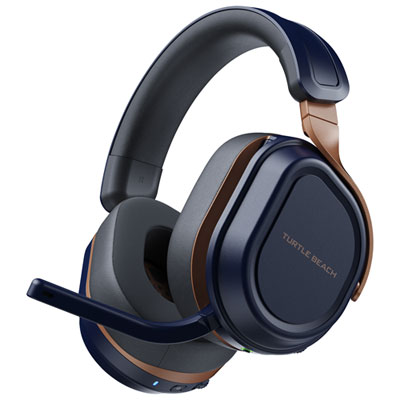
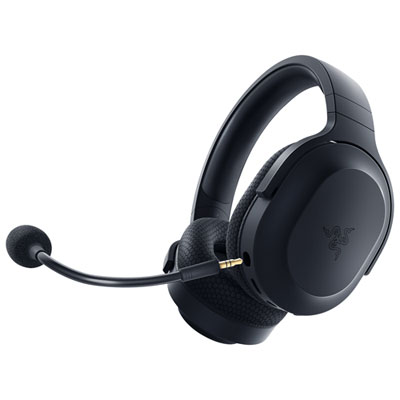
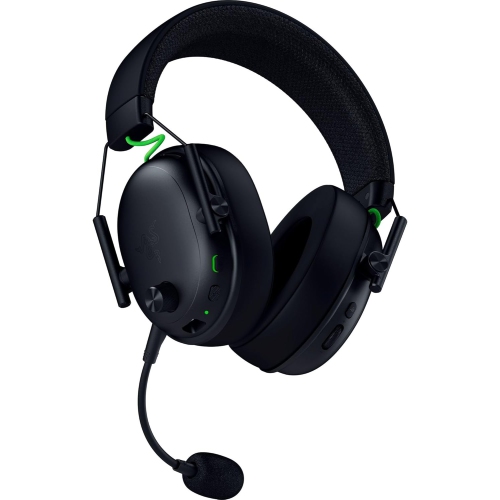
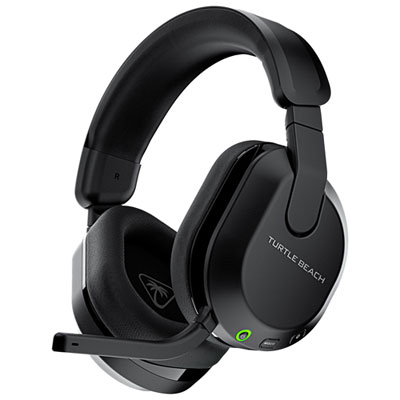
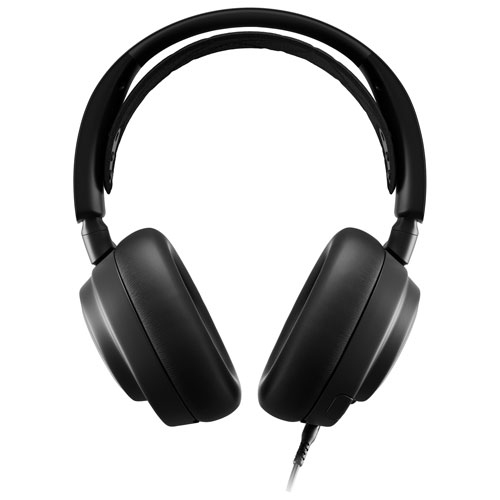
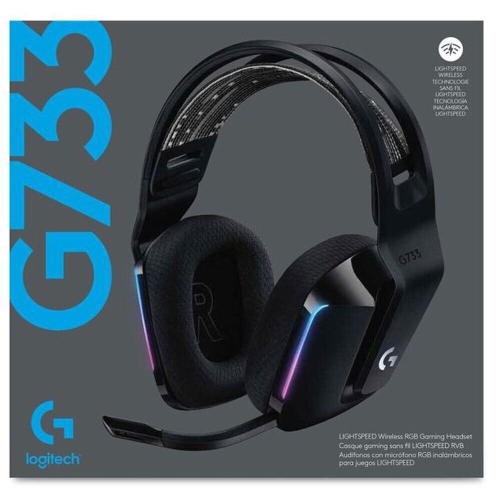
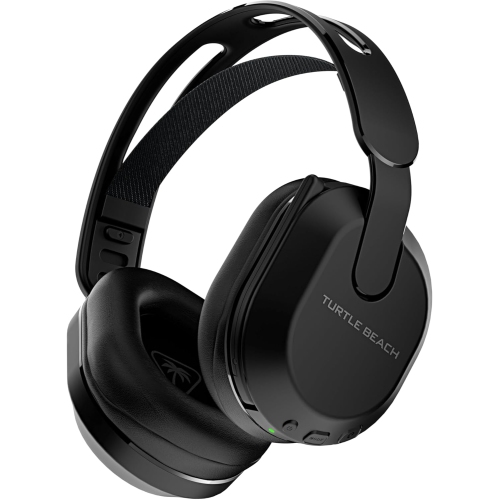
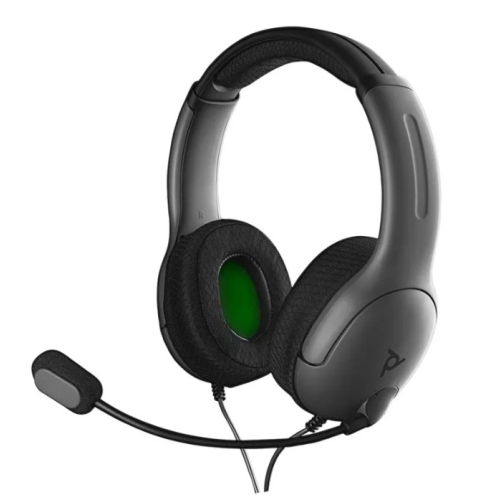
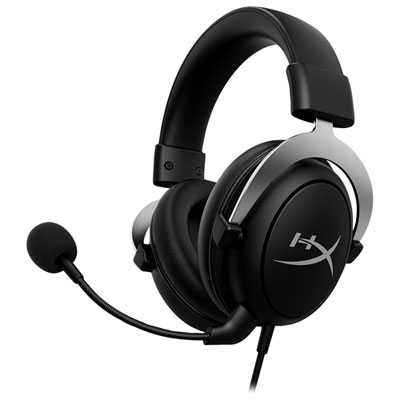
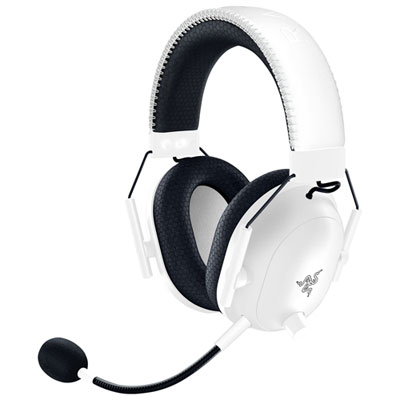
Comfort becomes especially noticeable during a long campaign chapter, an extended team session, or an evening shared between games and streaming video. Over-ear headsets typically surround the ears with padded cushions, although the space inside the earcups varies, and a larger outer shell does not always mean a roomier fit. Earcup depth, headband adjustment, and clamping pressure all influence how a headset feels after more than a few minutes. A secure fit should keep the earcups in place when the player turns their head without creating uncomfortable pressure around the jaw or temples. For someone who wears glasses, softer cushions may reduce pressure along the frames, though the frames can also affect the seal around the ears. Foam padding provides cushioning, while fabric, mesh, and leatherette coverings each have practical trade-offs. Fabric and mesh often feel more breathable; leatherette is generally easier to wipe clean but can retain more warmth during use. None of these materials guarantees comfort on its own, because weight distribution and the shape of the headband also matter. A well-padded or suspended headband can spread the load across the top of the head, and rotating earcups can help the cushions sit more evenly. Closed-back designs help contain game audio and reduce some surrounding noise through their physical seal, but that passive isolation is different from active noise cancellation. In a shared room, this can make dialogue easier to follow without filling the space with sound, although keeping listening levels moderate remains important. Younger players may need a smaller adjustment range rather than simply a lighter headset, and any volume-limiting feature should be verified rather than assumed. For gift giving, knowing the recipient’s console, controller connection, and usual play space provides a stronger starting point than choosing by colour alone. Someone who plays from a sofa may appreciate fewer cables, while a player who stays close to the screen may prefer the simplicity of a wired connection. Controls that can be found by touch also make daily use easier, especially when attention needs to stay on the game.
Microphone design shapes the social side of gaming, from coordinating a match to catching up with friends during a relaxed session. An adjustable boom helps position the microphone near the mouth, slightly off to the side to reduce breath noise, while a detachable or retractable design can keep it out of the way during solo play. A microphone described as noise-reducing may help limit background sounds in voice chat, but it should not be confused with noise cancellation for the listener, nor should it be expected to remove every keyboard tap or nearby conversation. An accessible mute button or flip-to-mute function is useful when someone enters the room, and a clear mute indicator helps avoid uncertainty about whether the microphone is live. Mic monitoring, sometimes called sidetone, feeds some of the player’s voice back into the earcups and can make it easier to speak at a natural volume. Separate game and chat balance controls can also help when teammates are too loud or dialogue is hard to hear, provided the headset and console support that function together. For wireless designs, battery life, charging time, and whether audio remains usable during charging affect how naturally the headset fits into a routine; stated battery figures can vary with volume and enabled features. Durability depends on everyday handling as well as construction. Flexible adjustment points, sound hinges, and strain relief where cables enter the headset are worth attention, particularly when several people share it. Replaceable cushions and detachable cables, where supported, can make routine wear easier to address. Care is usually simple: unplug or switch off the headset, follow its cleaning instructions, wipe suitable surfaces with a soft cloth, and avoid soaking cushions or allowing moisture into microphone openings and ports. Pulling a cable by its connector rather than its cord helps protect the connection. Keeping the headset on a stand or in a suitable case also protects it from being crushed beneath controllers or tangled cables, leaving it ready for the next session.
Top selling and popular products
-
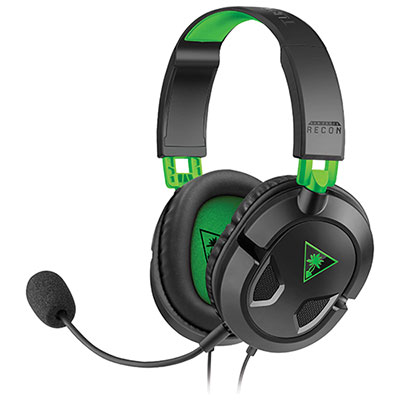 Your price for this item is $39.99
 -
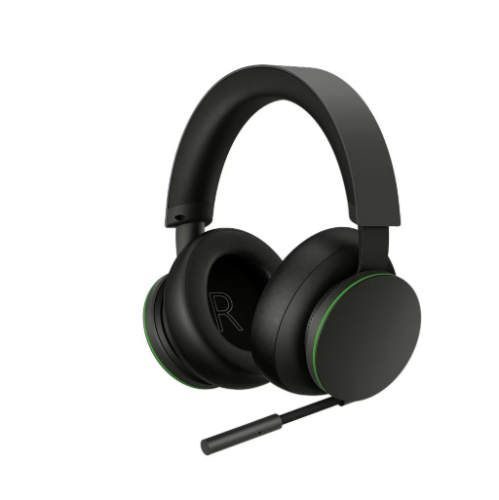 Your price for this item is $109.99
 -
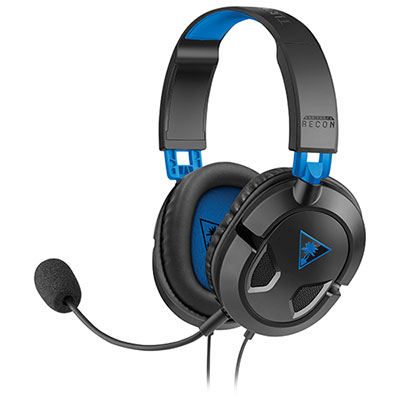 Your price for this item is $39.99
 -
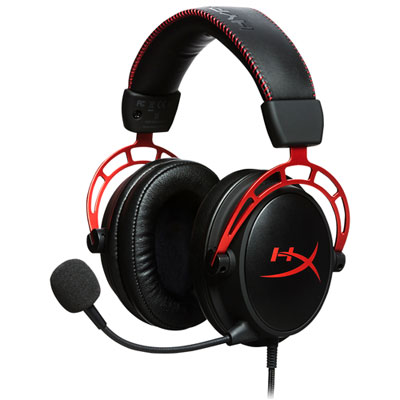 Your price for this item is $119.99
 -
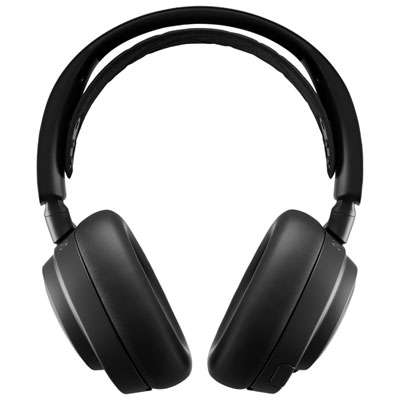 Your price for this item is $499.99
 -
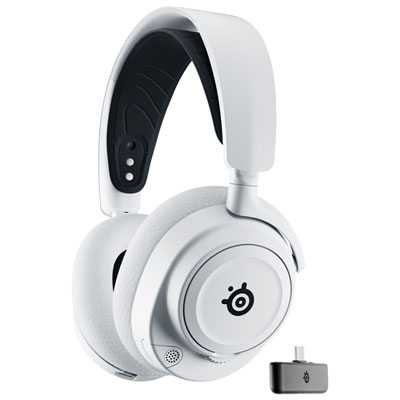 Your price for this item is $249.99
 -
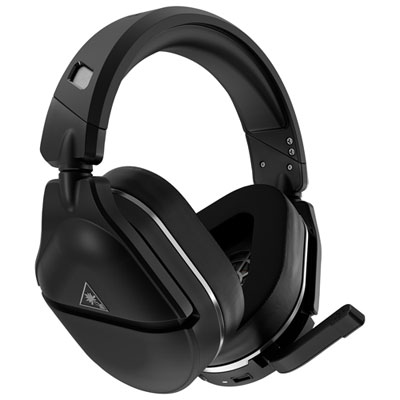 Your price for this item is $199.97
 -
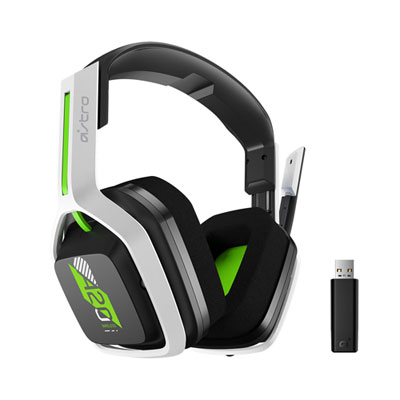 Your price for this item is $129.99