Boxing Day Deals Coming Soon
Our Boxing Day Sale returns in December 2026. In the meantime, shop our current top deals below.

SD Cards Boxing Day Sale
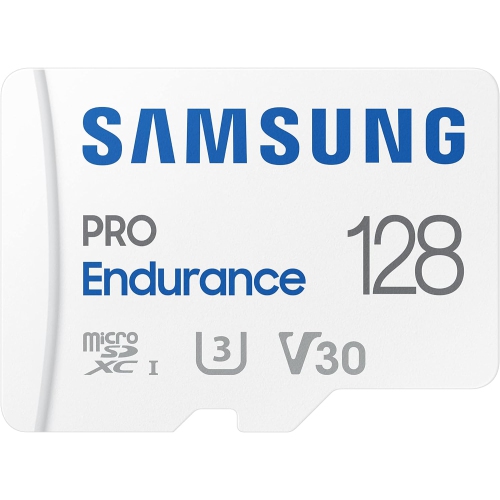
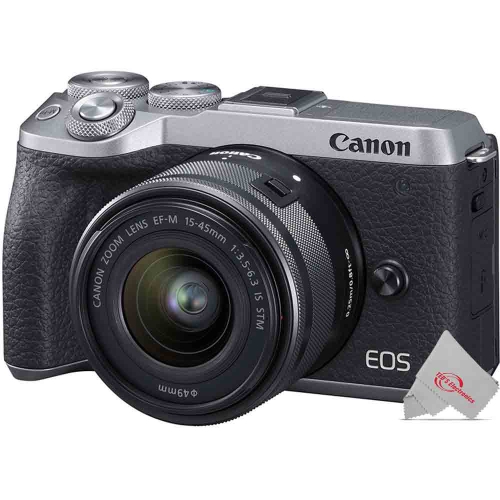
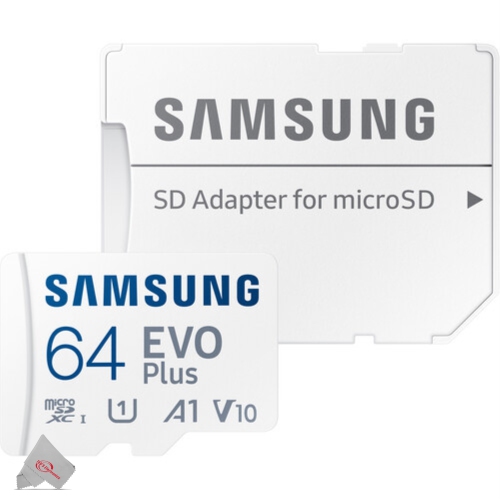
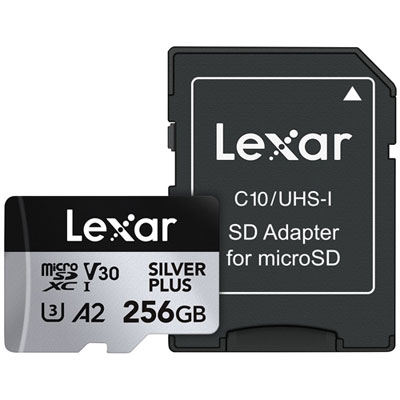
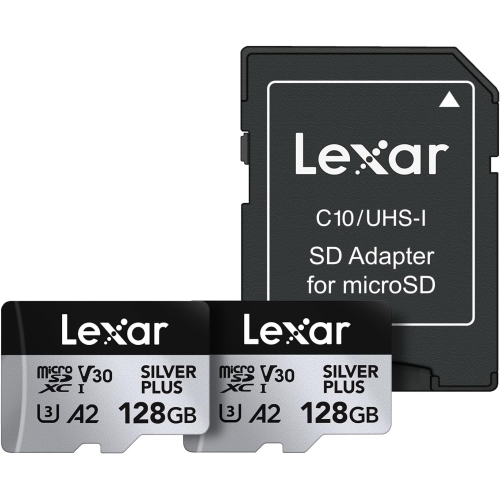
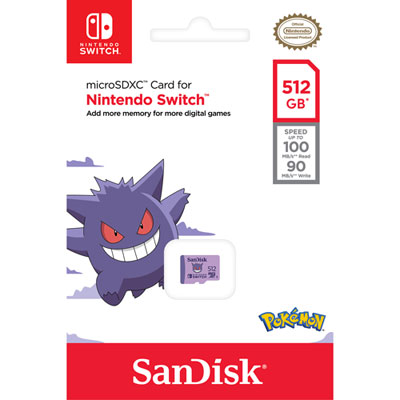
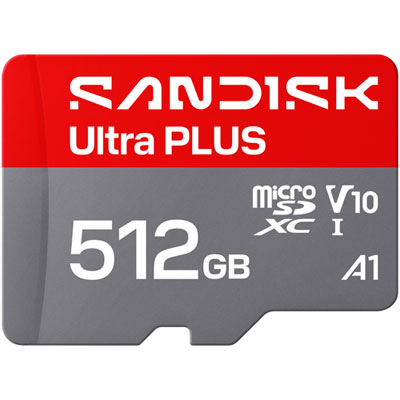
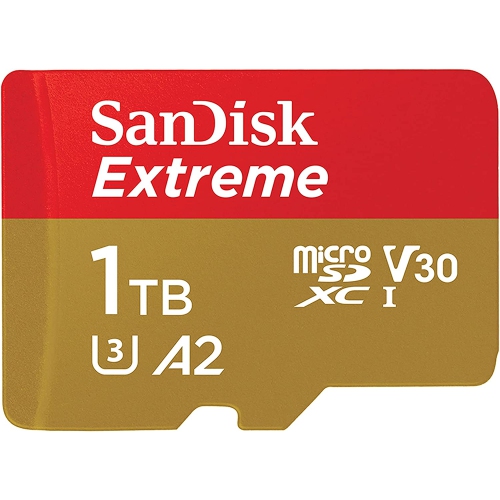
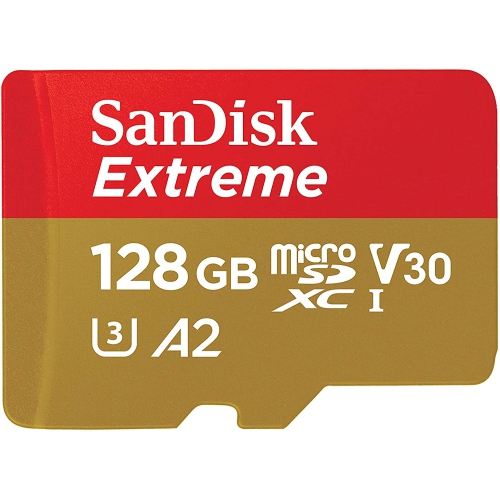
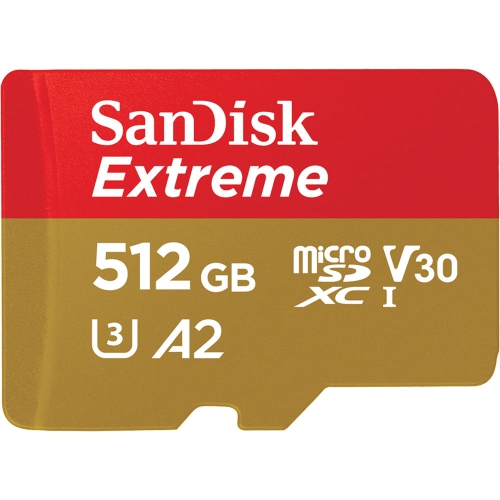
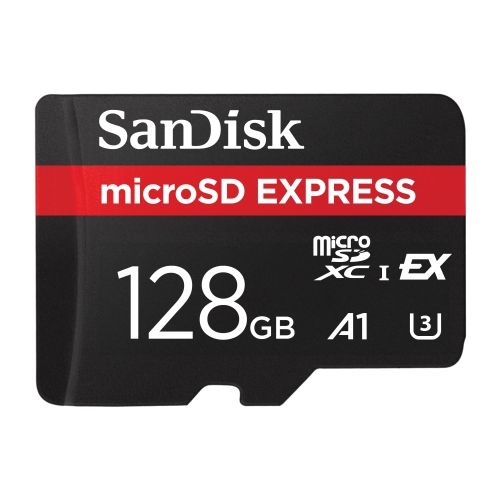
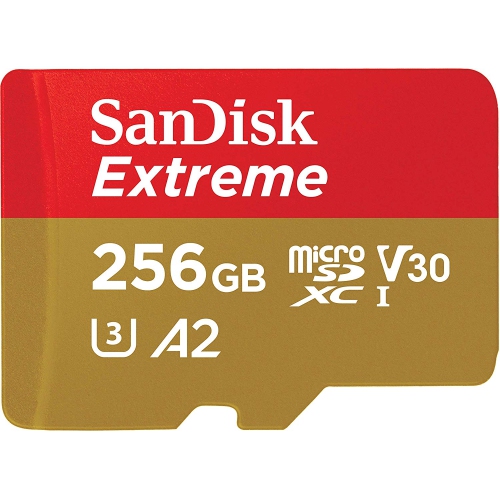
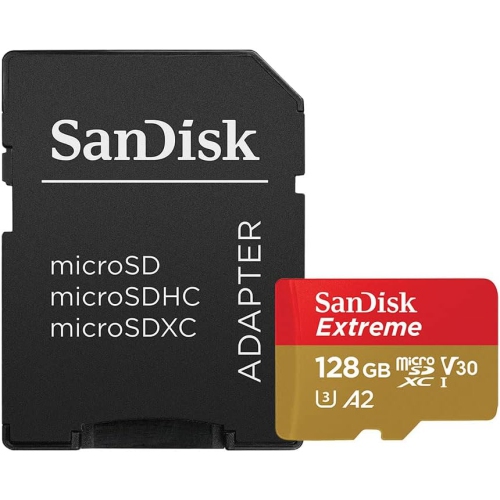
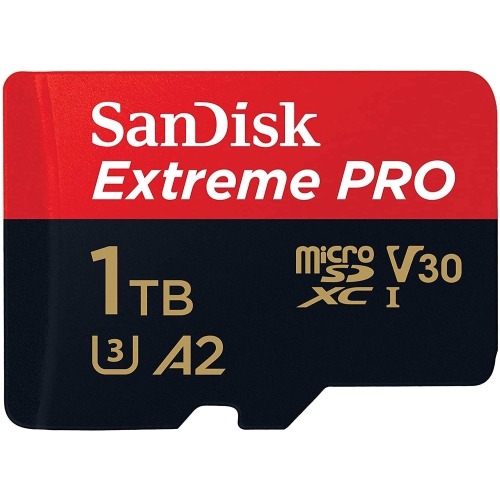
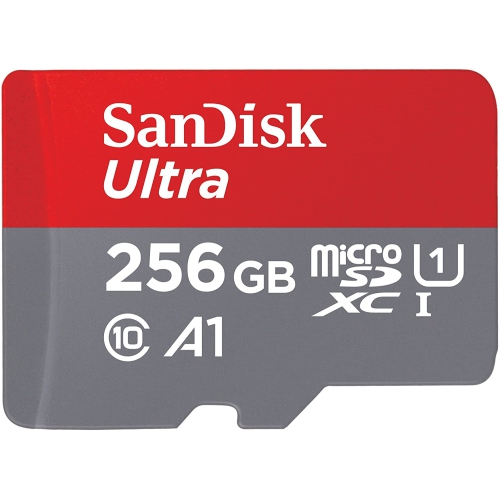
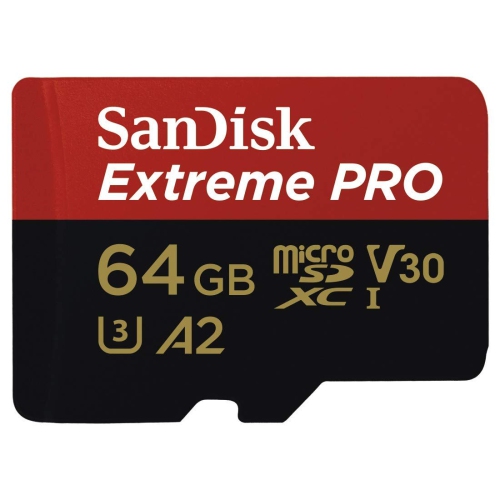
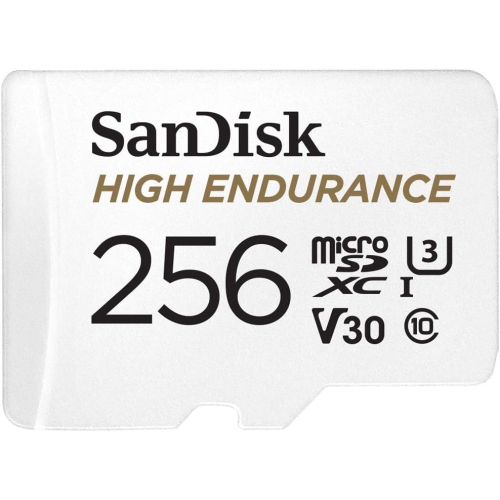
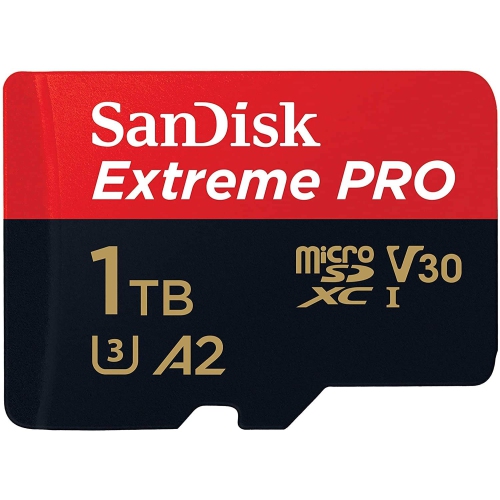
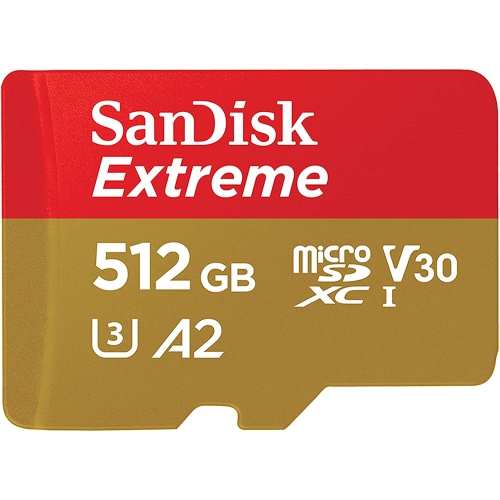
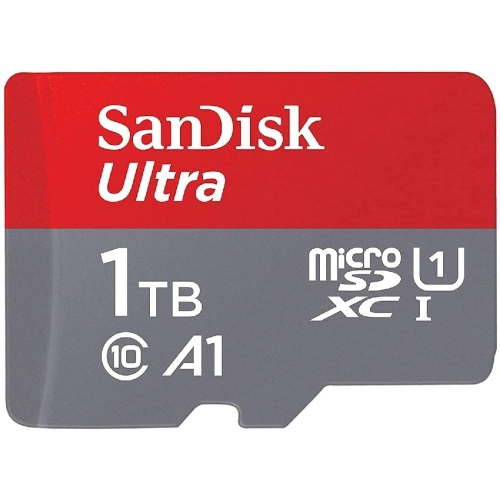
Shop the SD Cards Boxing Day Sale for memory cards to store photos, videos, and other files. Compare storage capacities and speed ratings to find an SD card that suits your camera or other compatible device, and check its card format and capacity limits before choosing. Remember, our Low Price Guarantee means you can shop confidently knowing that you'll find the best price at Best Buy, all year round. We encourage you to check our website frequently for the most up-to-date information on our latest offers and savings opportunities.


FAQ
Check your device’s supported card format, required speed class and intended use. Photography, video recording and file storage can have different requirements, so consult your device manual before choosing an SD card.
Symbols such as C10, U1, U3, V30 and V60 identify minimum sustained write speeds. For example, U3 and V30 both indicate a minimum sustained write speed of 30 MB/s. Match these markings to the requirements listed by your camera or other device.
Look in your device manual for supported SD standards, such as SDHC or SDXC, along with any speed class or UHS requirements. A matching card slot alone does not guarantee support for every SD card standard.
If your computer has a compatible SD card slot, you can insert the card directly. Otherwise, use a card reader that supports your card standard and connects to an available port, such as USB-A or USB-C. Some cameras also support direct file transfer through a USB connection.
Follow your device manufacturer’s setup instructions. Many cameras recommend formatting the card through the camera’s menu before first use so it uses the expected file system and folder structure. Formatting erases existing files, so copy anything you want to keep beforehand.
Top selling and popular products
Discover more categories related to SD Cards Boxing Day Sale
Some products may be subject to Environmental Handling Fees (EHF) depending on your province. Learn more about EHFs.