Buy Soundbars
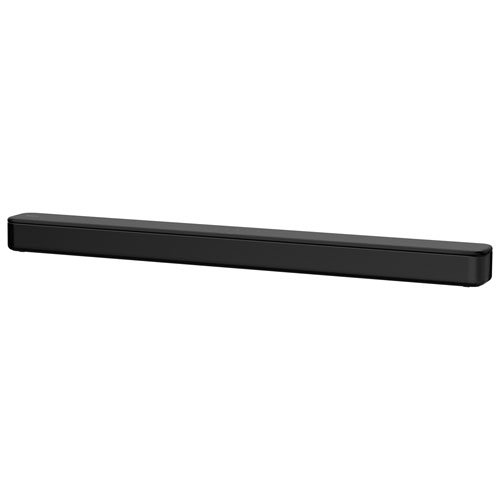
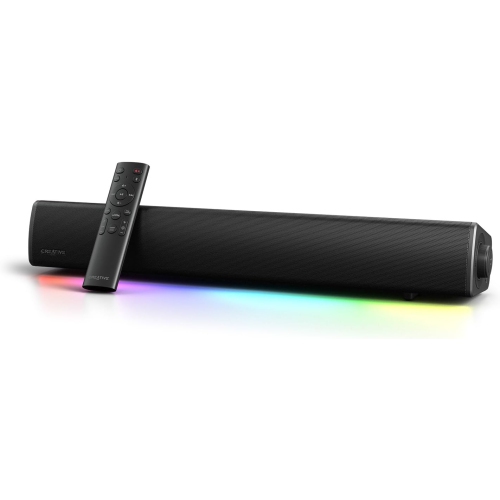
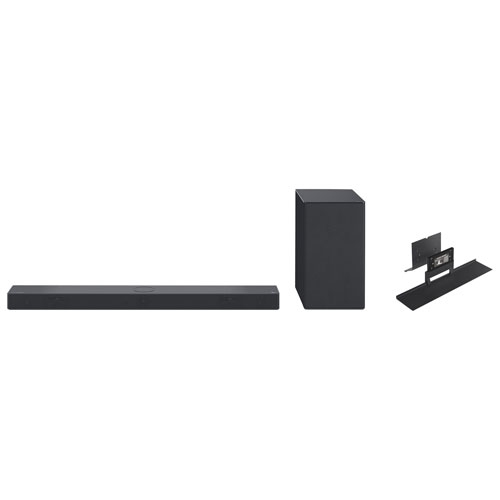
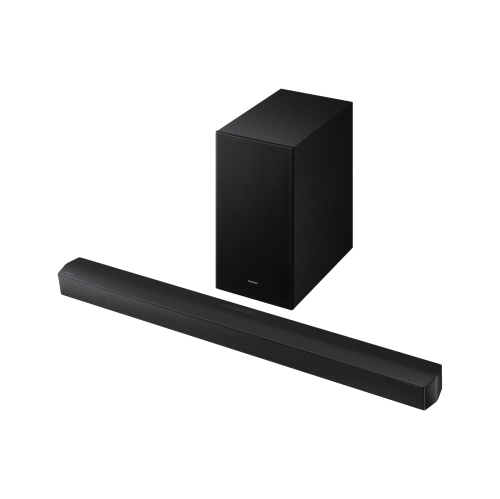
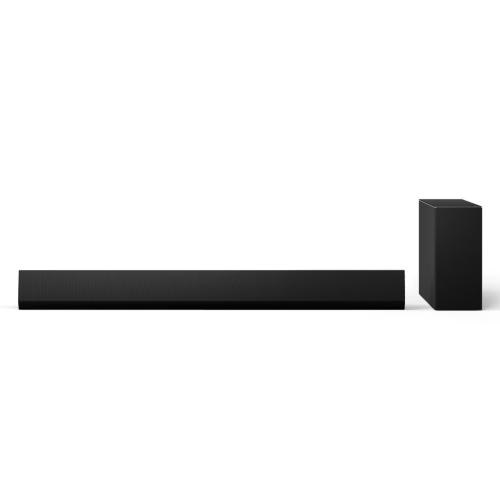
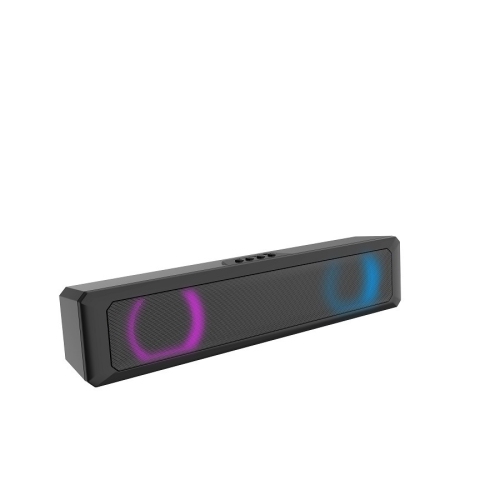
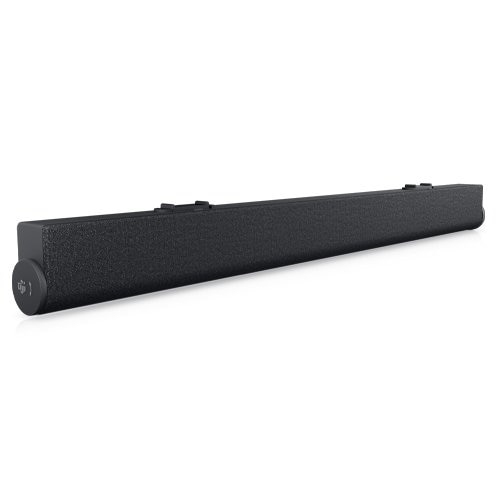
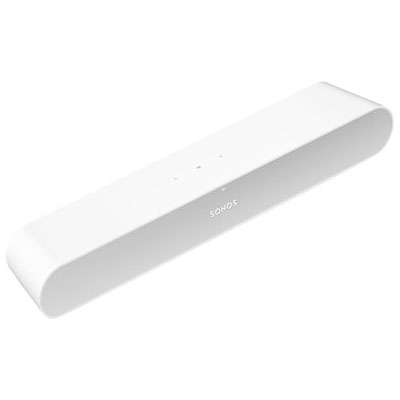
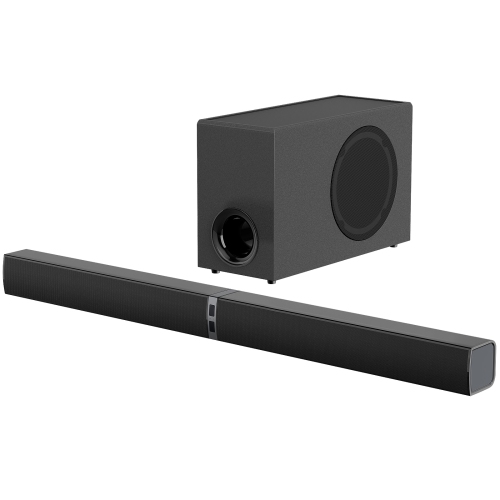
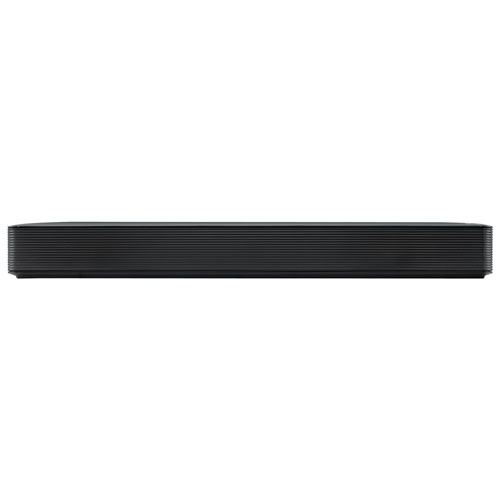
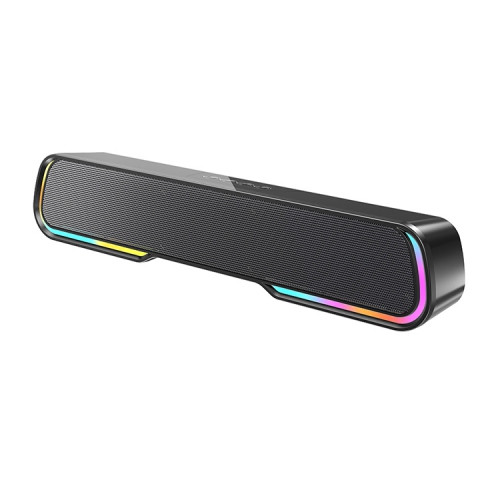
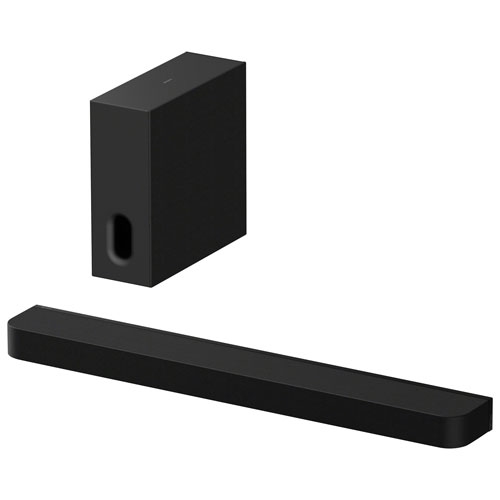
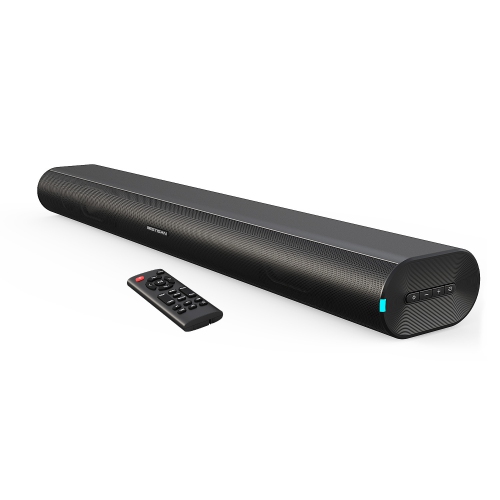
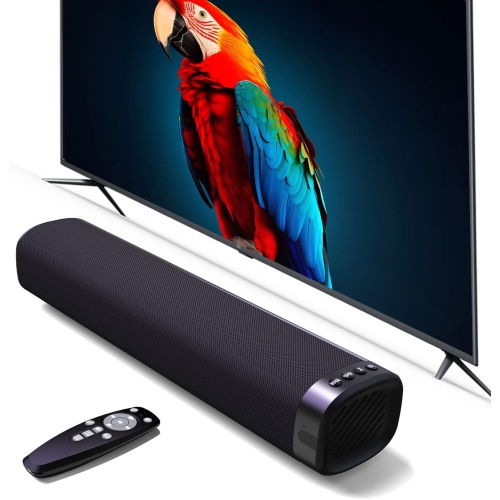
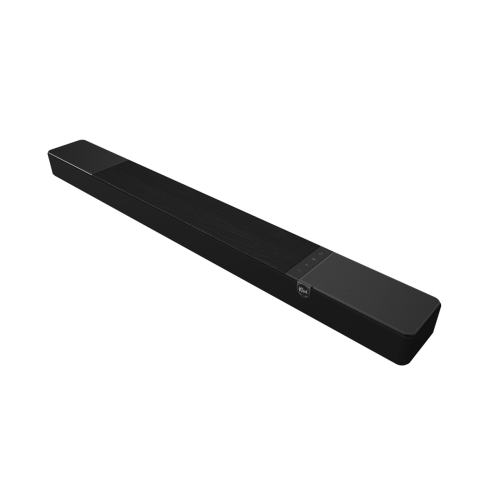
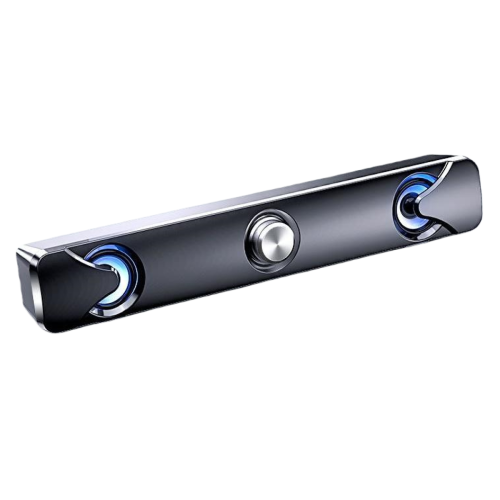
Shop soundbars for movies, TV shows, and music, with options for different spaces and audio setups. Compare dimensions, connection types, and speaker configurations to find a soundbar that fits your room and works with your TV.

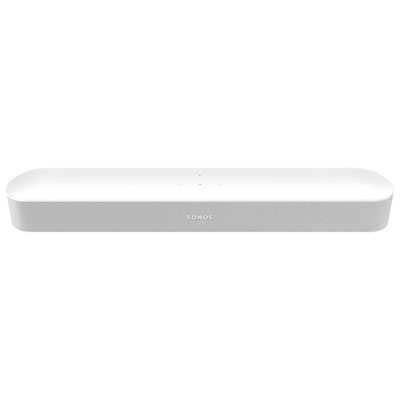
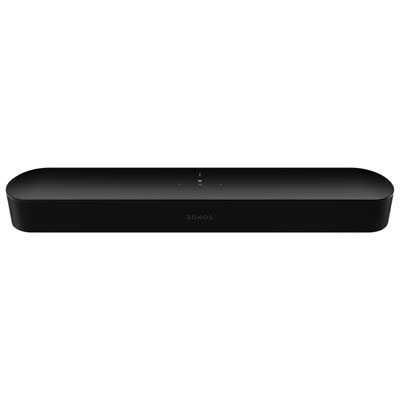
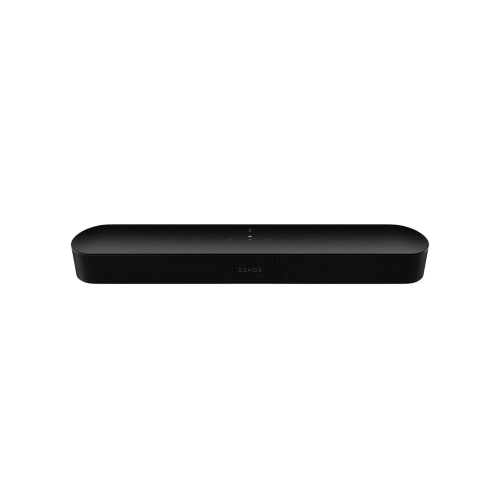
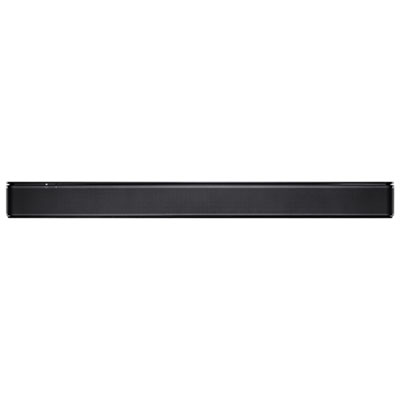
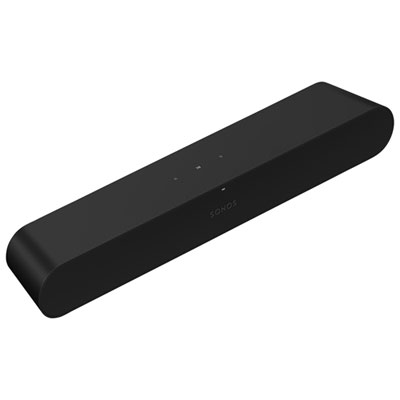
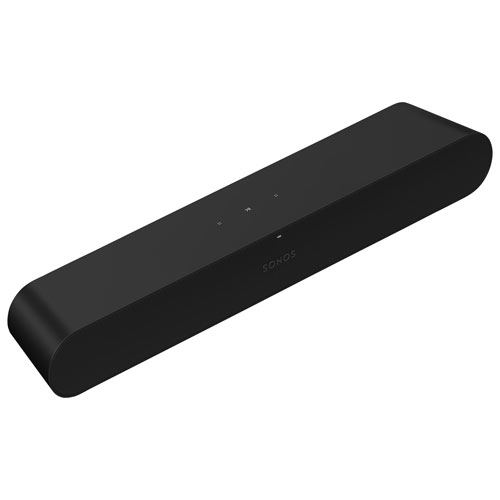
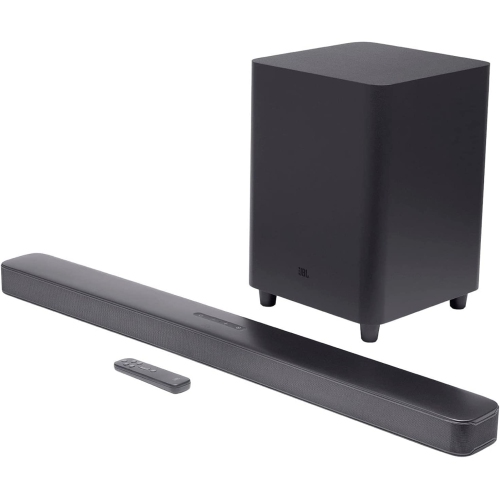
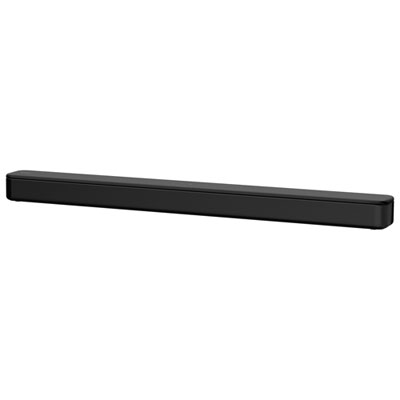
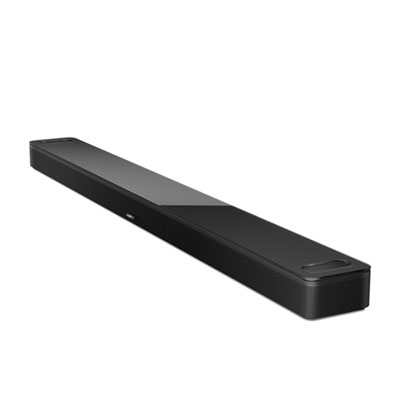
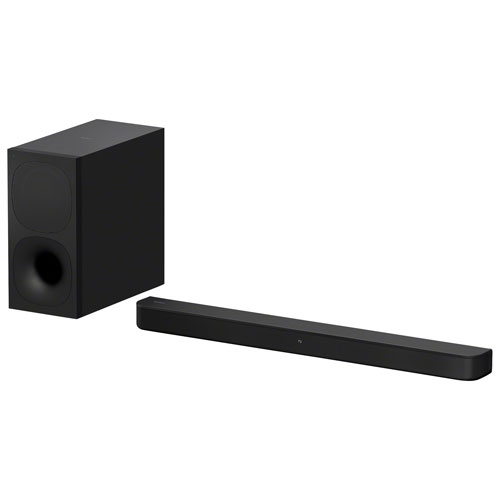
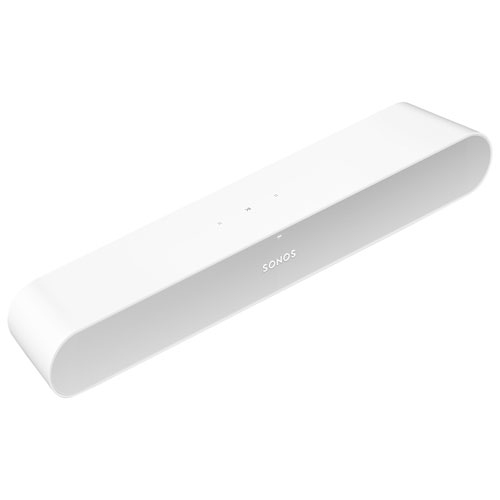
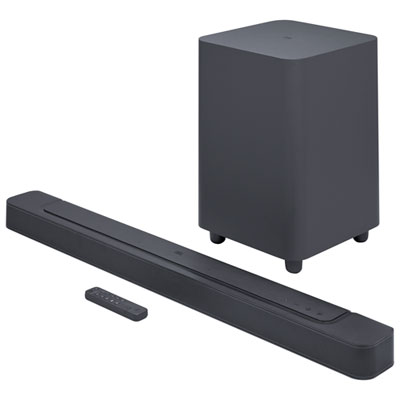
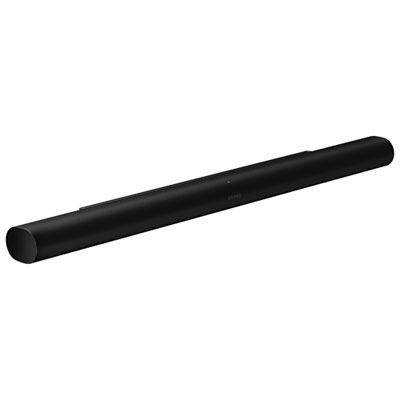
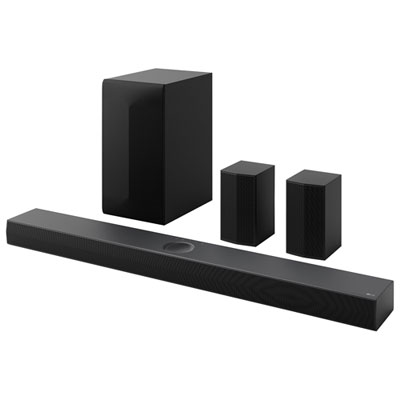

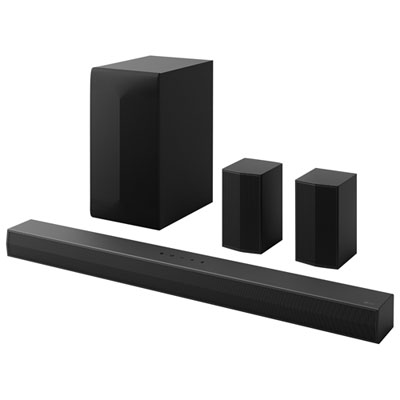
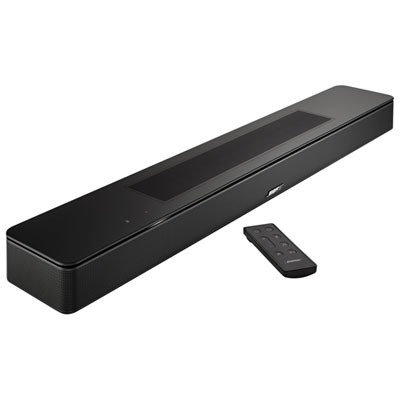
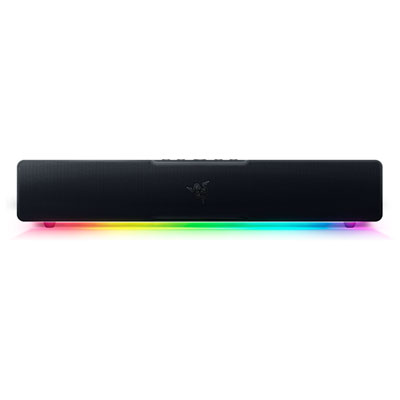
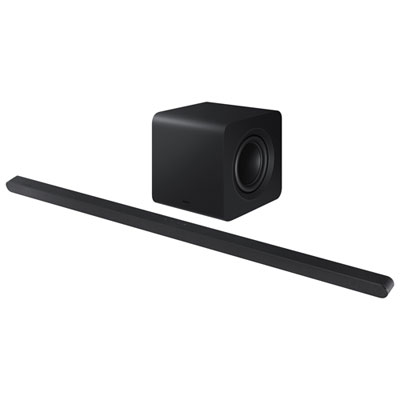
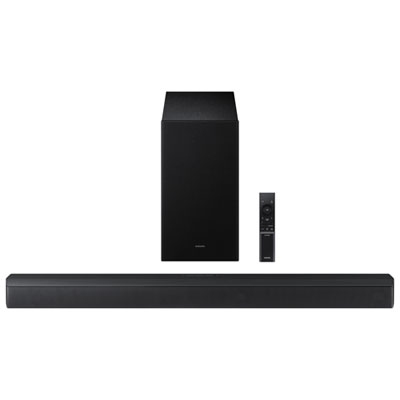


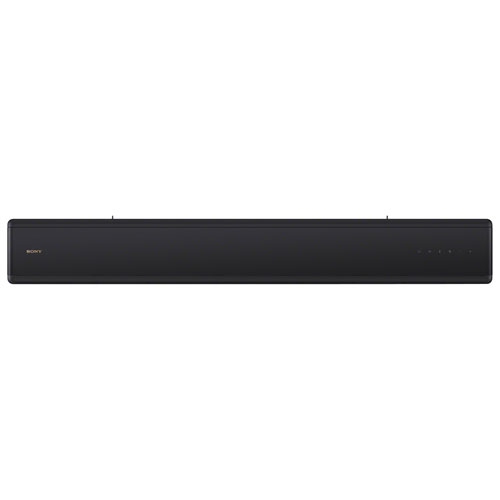
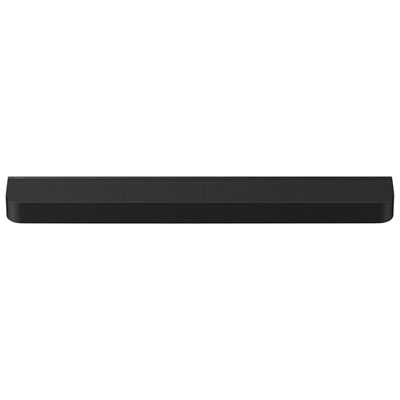
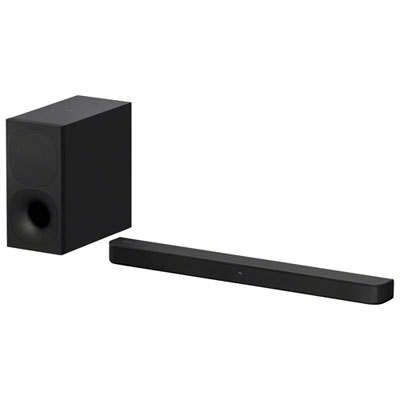
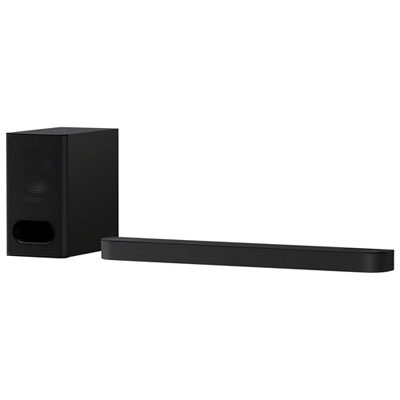
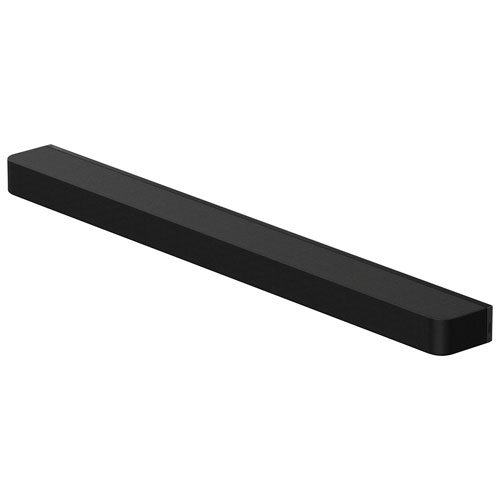
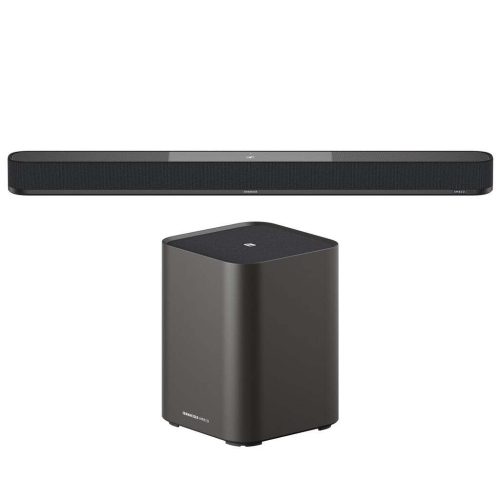
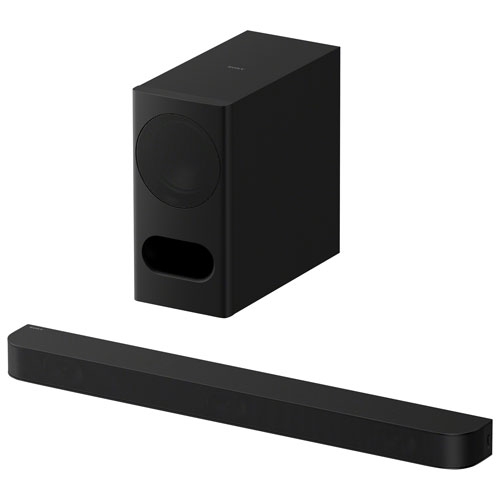
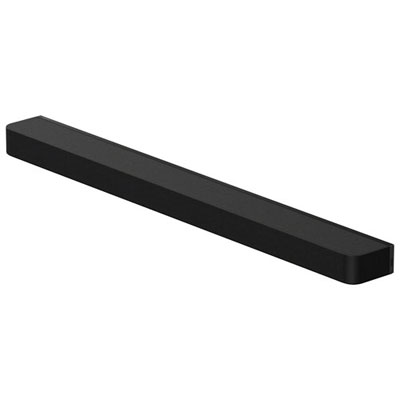
![Sony BRAVIA Theatre Bar 8 Sound Bar with 11 Total Speakers & Dolby Atmos/DTS:X [Employee of bestbuy] Best soundbar I have ever had](https://multimedia.bbycastatic.ca/multimedia/products/400x400/179/17909/17909719.jpg)
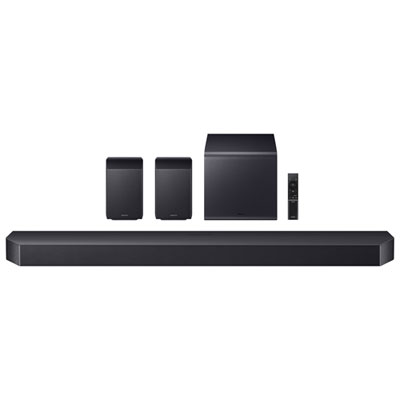
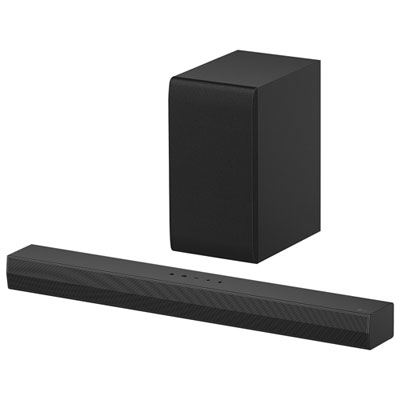
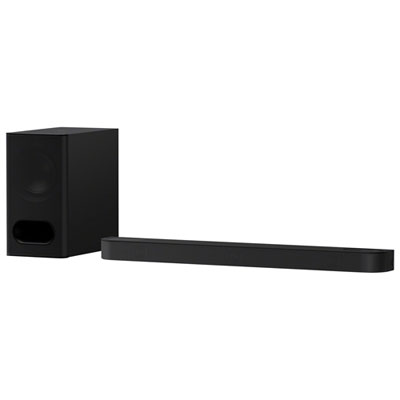
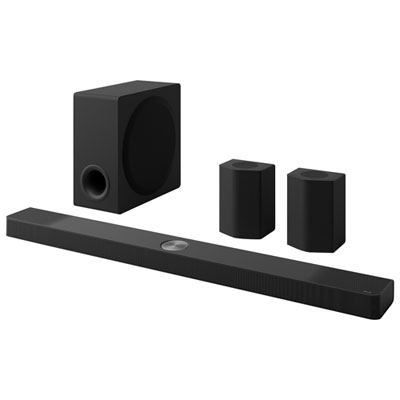


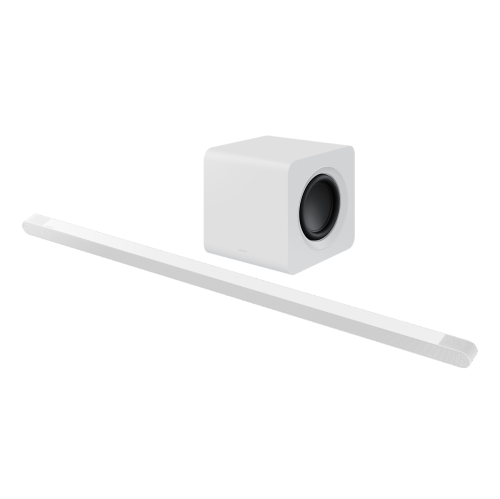
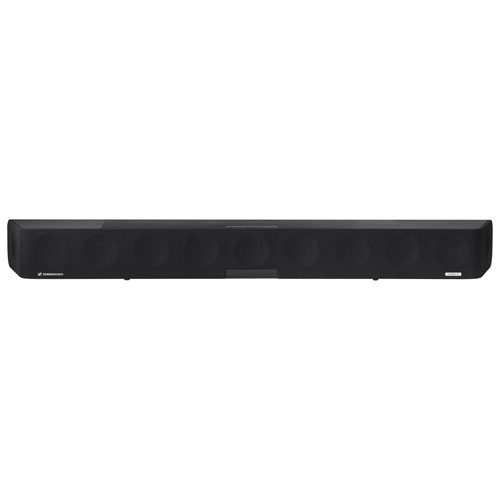
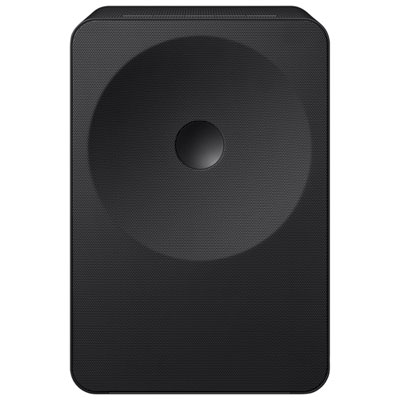
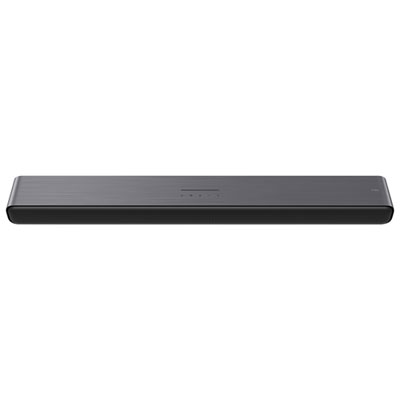
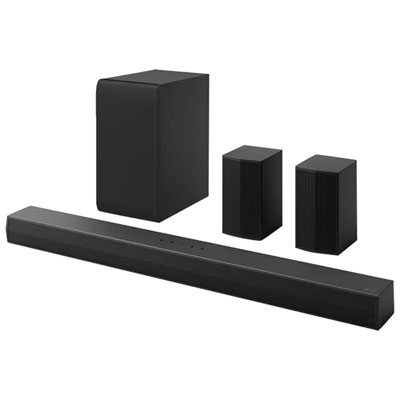
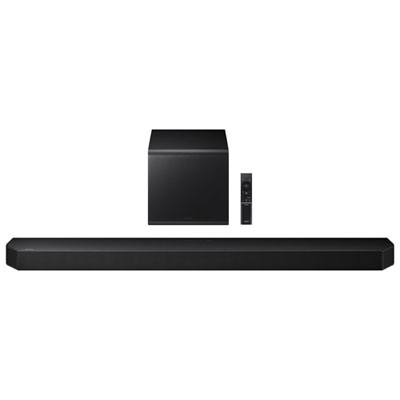
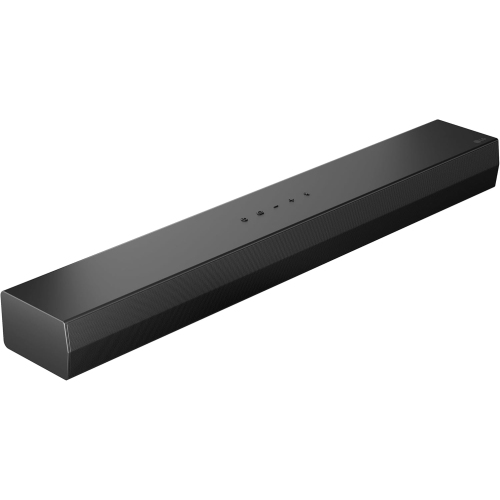
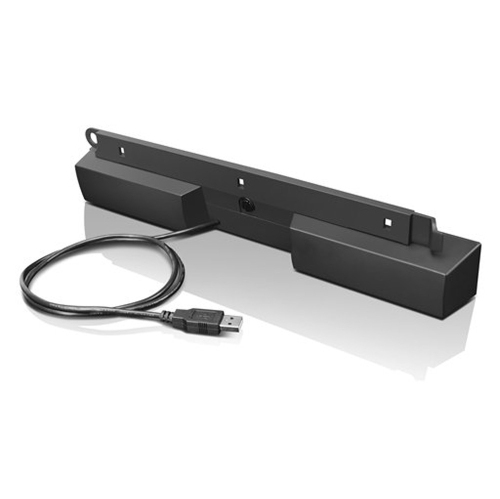

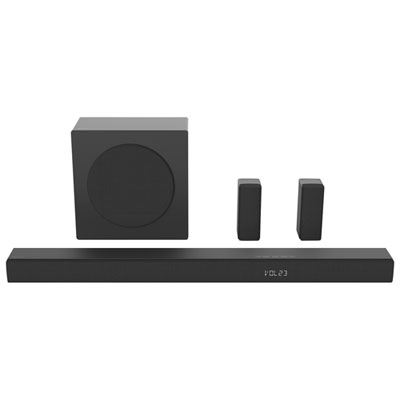
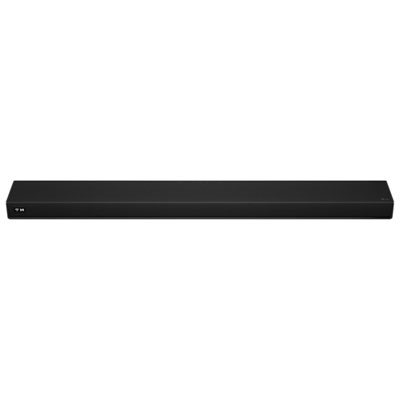
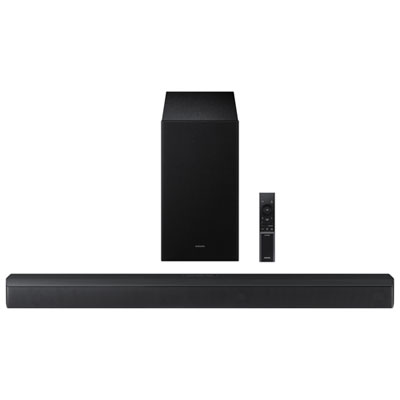
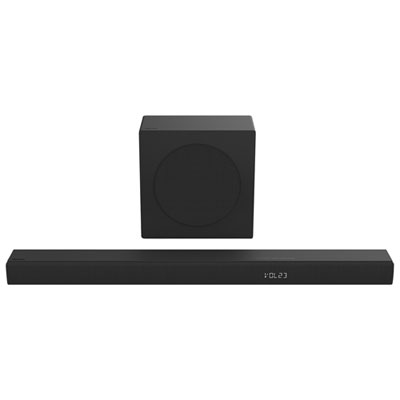
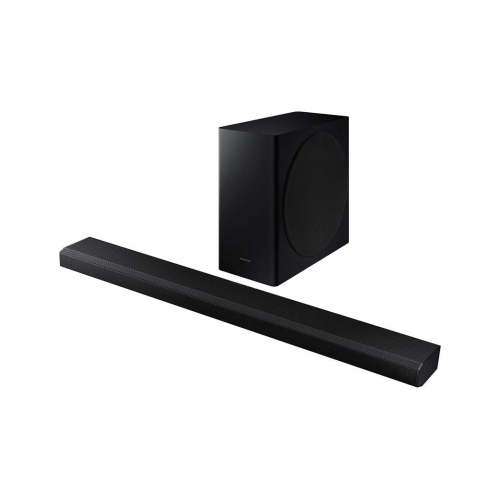

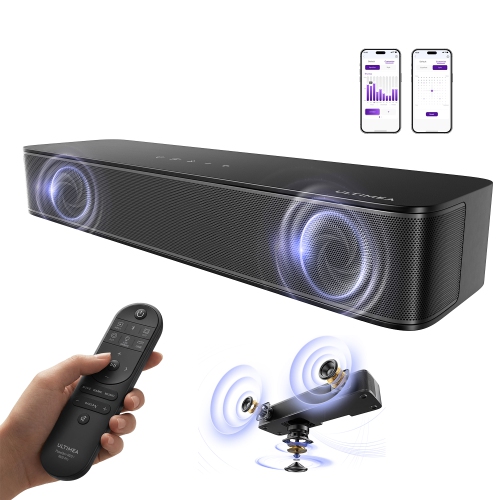
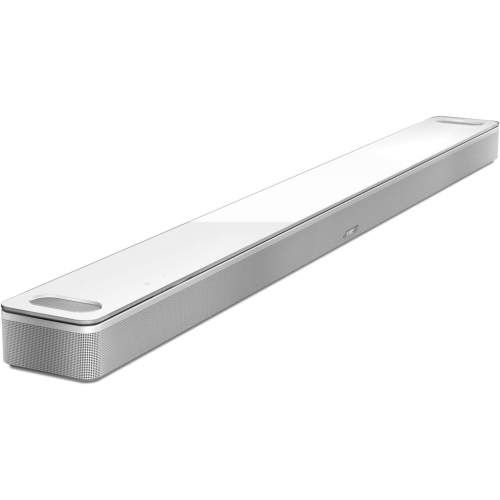
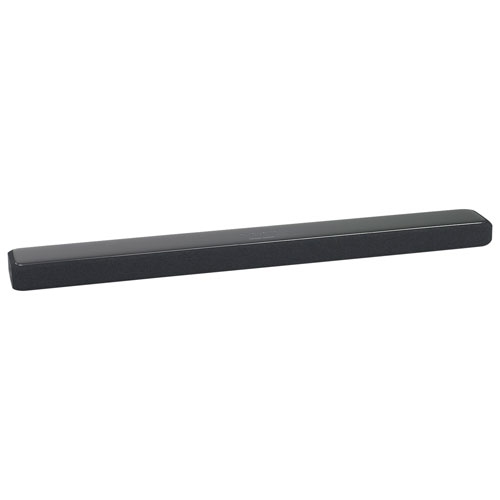
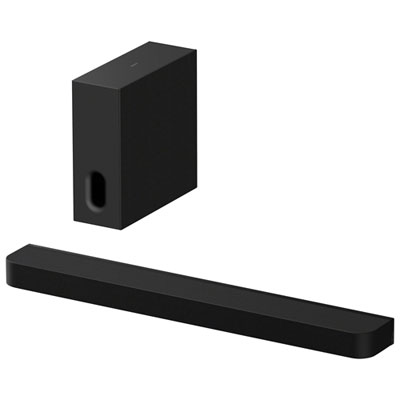
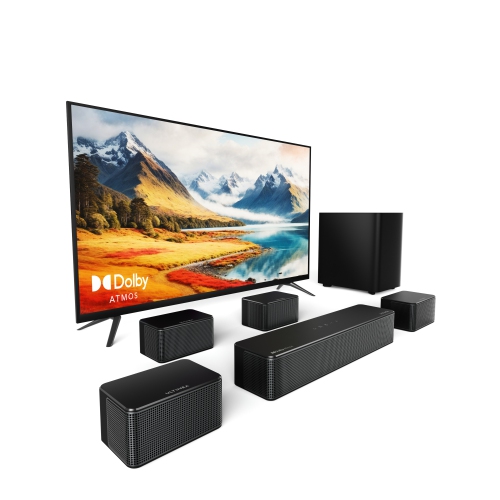
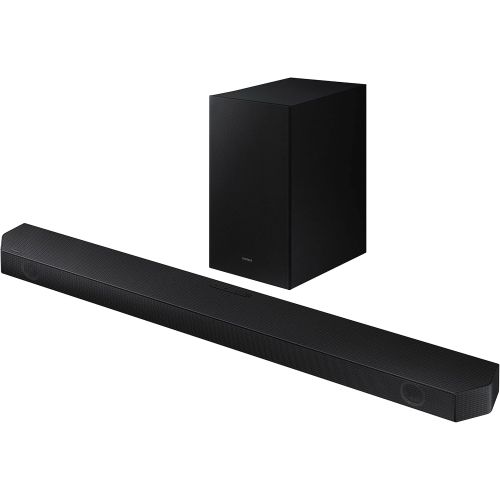
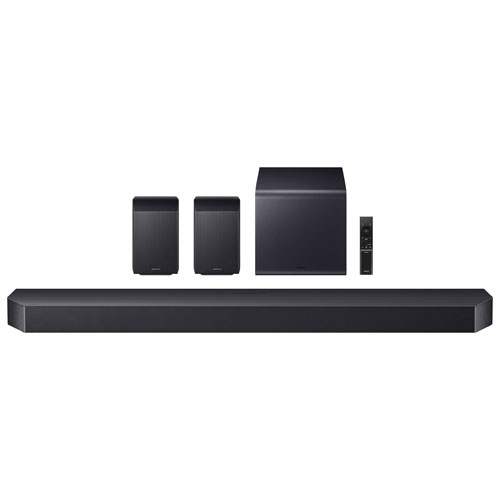
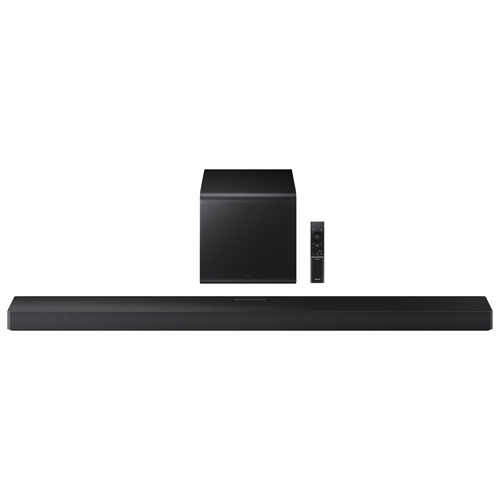
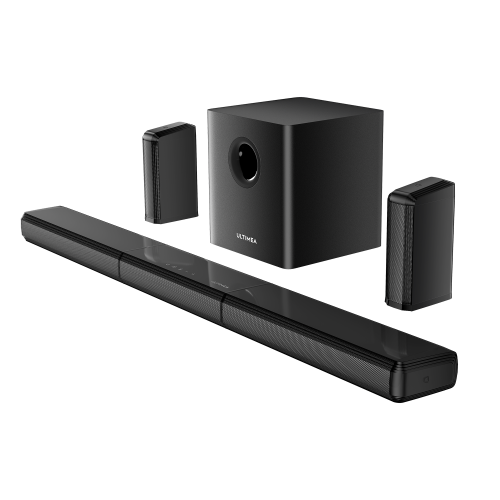
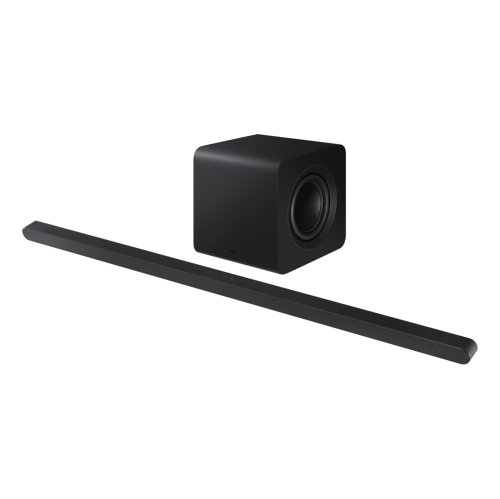
![SAMSUNG Hw-Q910D/zc Soundbar With Subwoofer & Surround Speakers [2024] Excellent quality surround sound soundbar!](https://multimedia.bbycastatic.ca/multimedia/products/500x500/181/18168/18168618.jpeg)
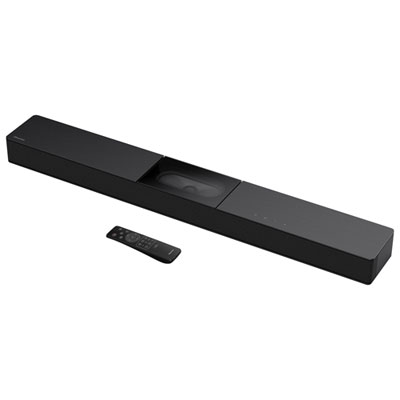
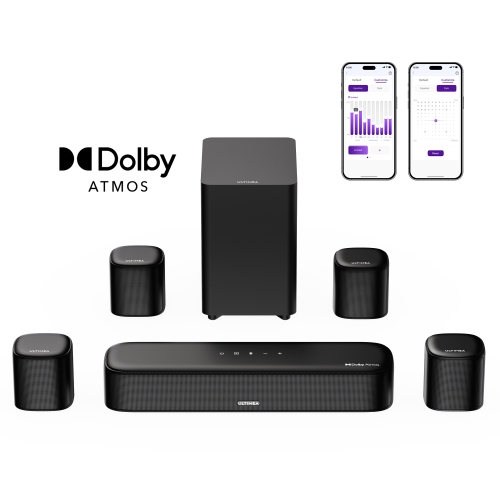

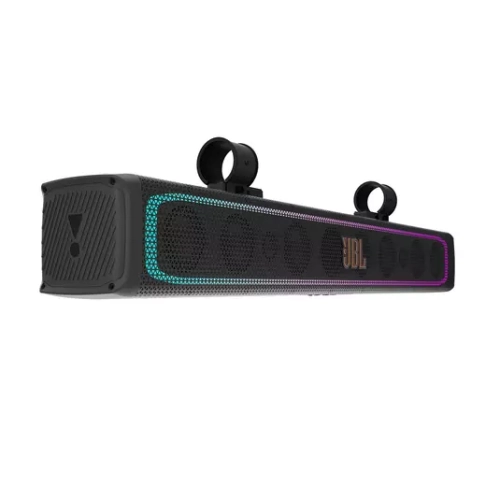


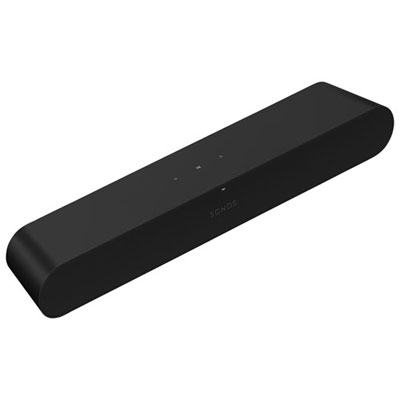

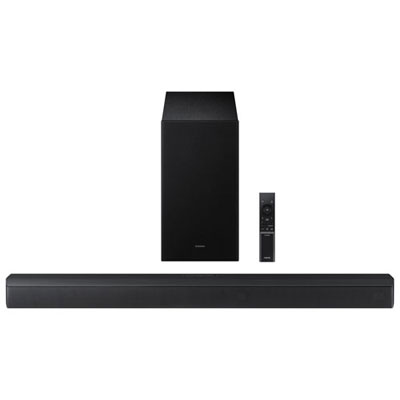
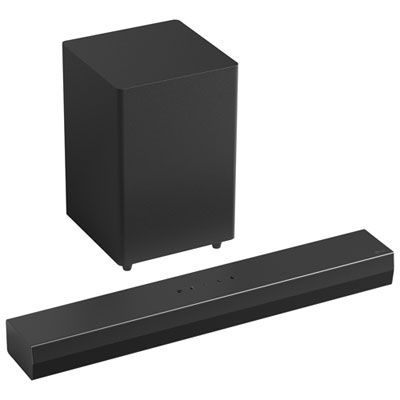
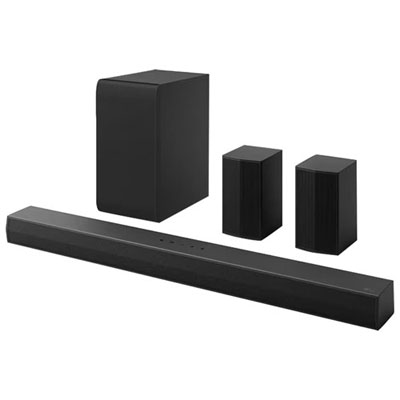

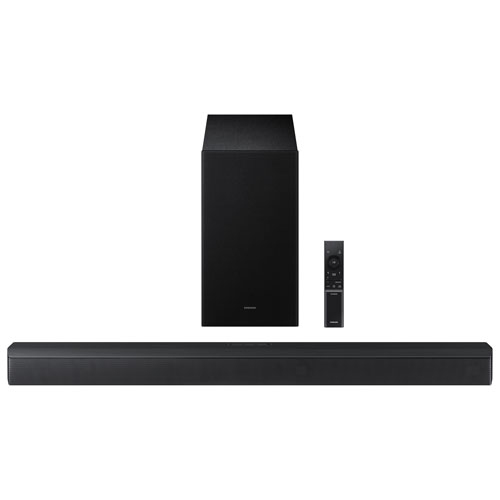
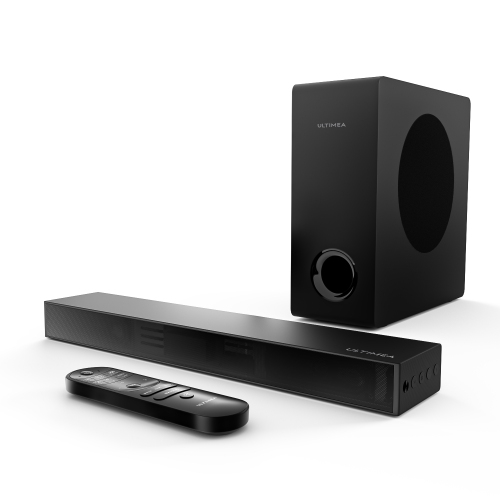
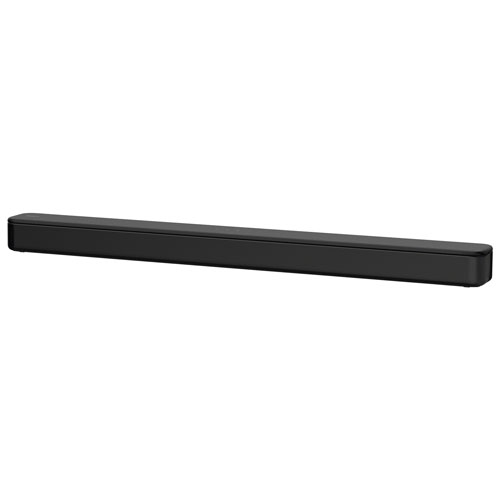
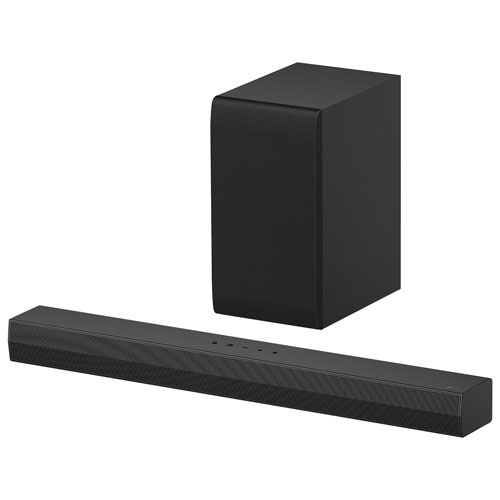
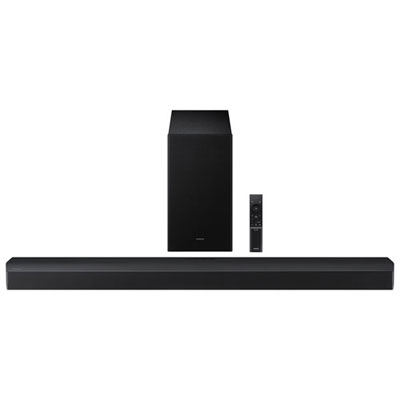
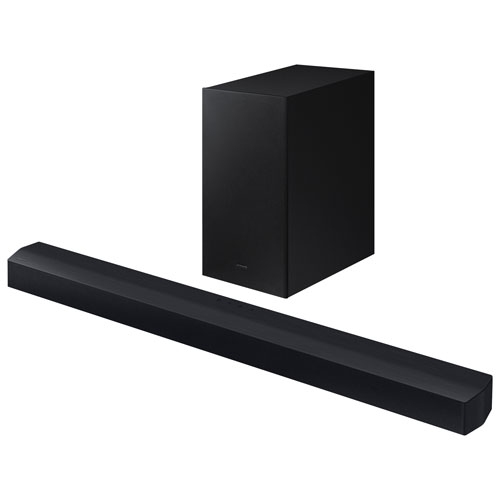
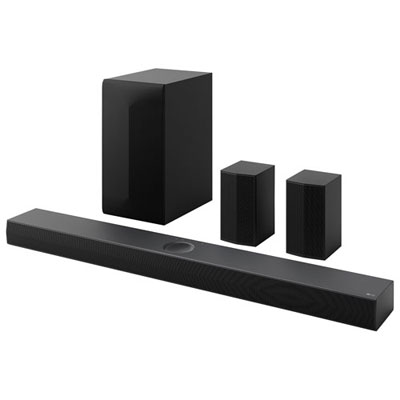
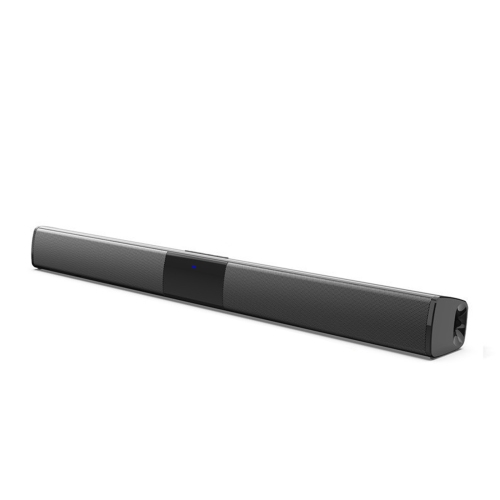





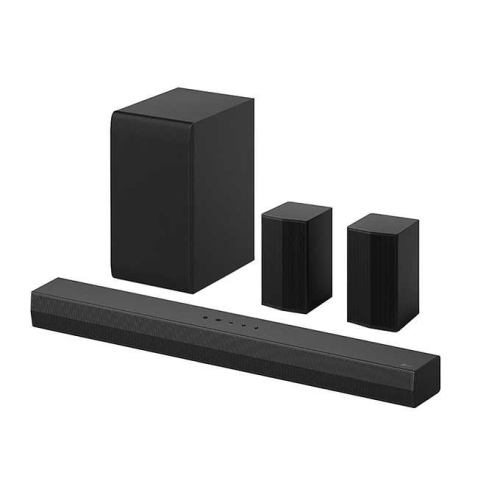
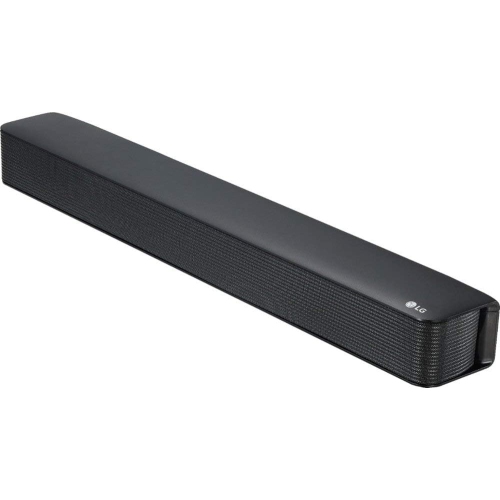
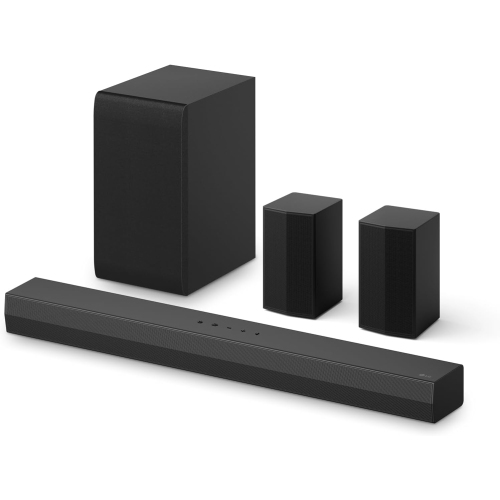


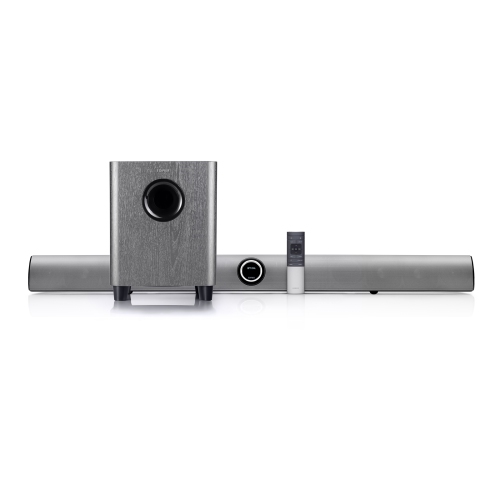
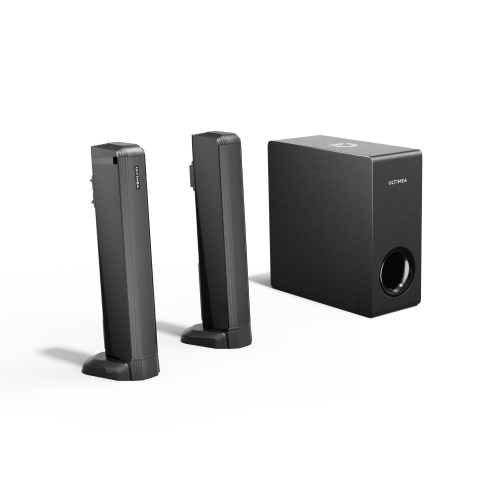
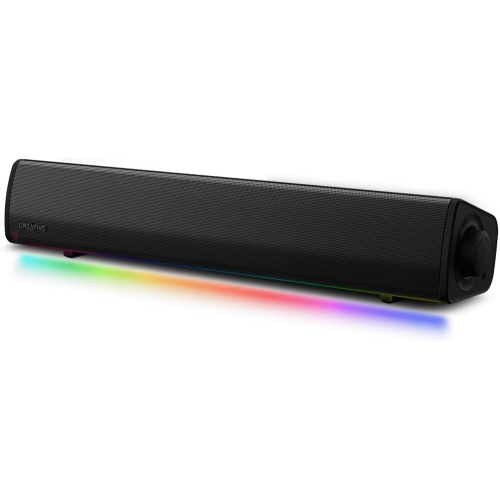

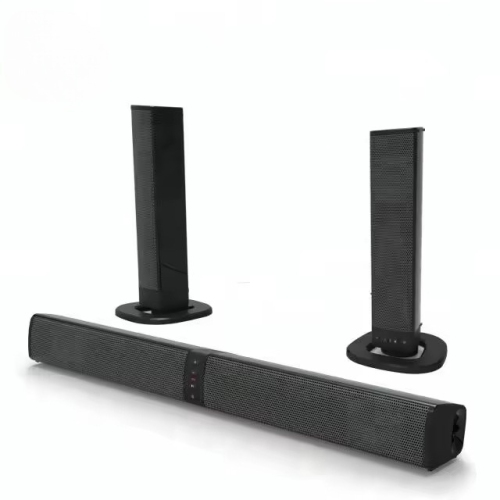
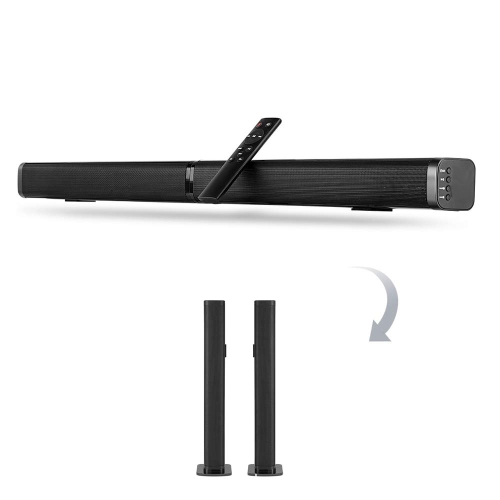
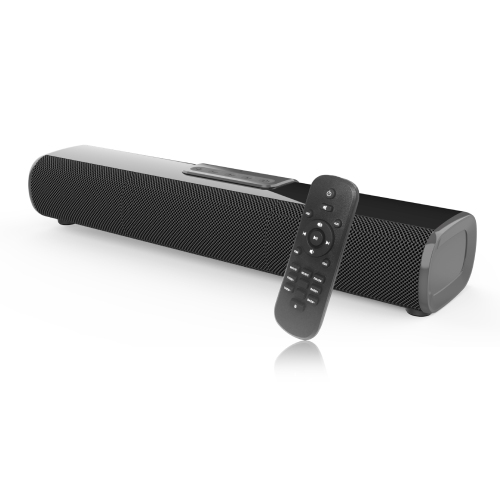
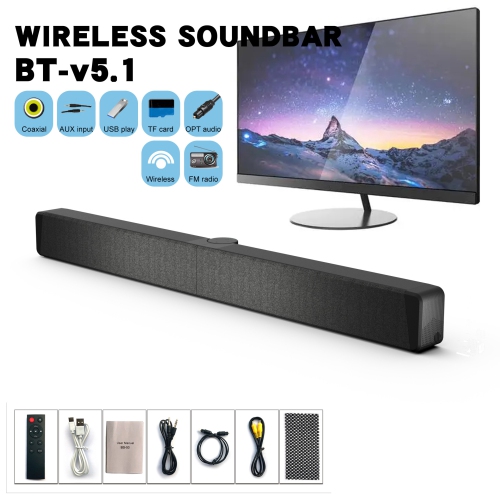
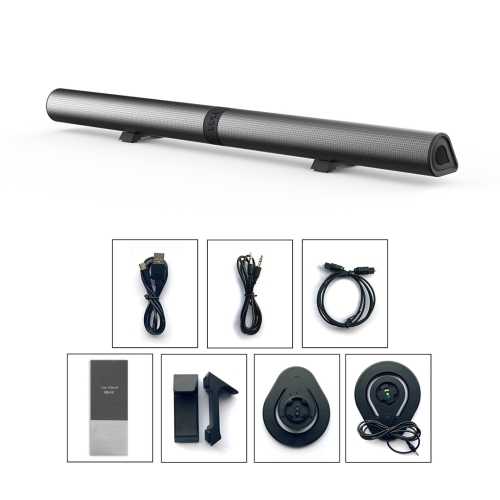
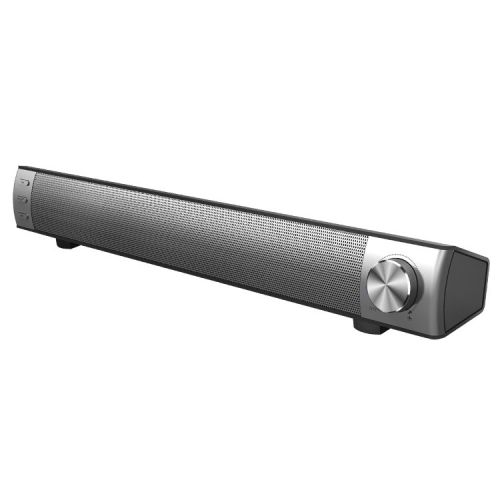

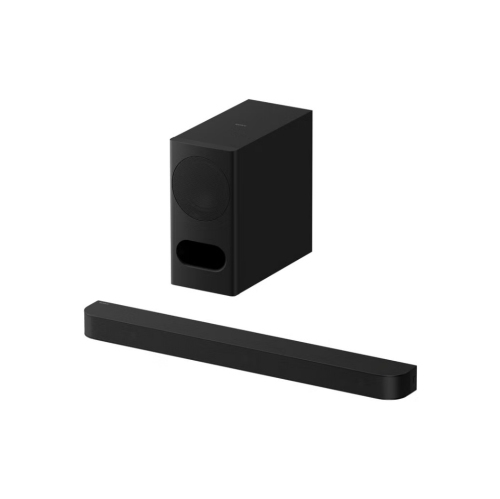
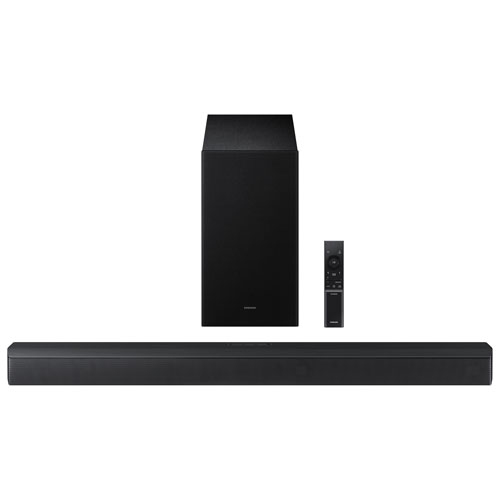
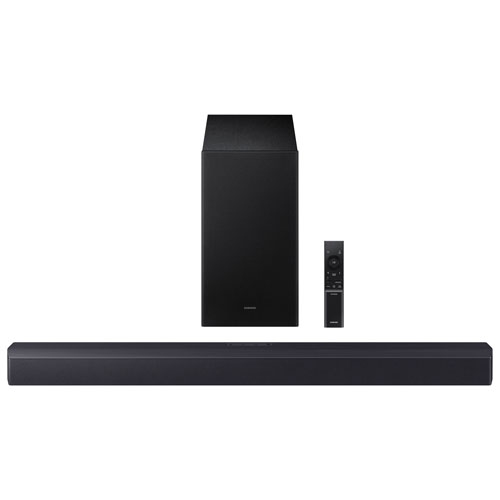
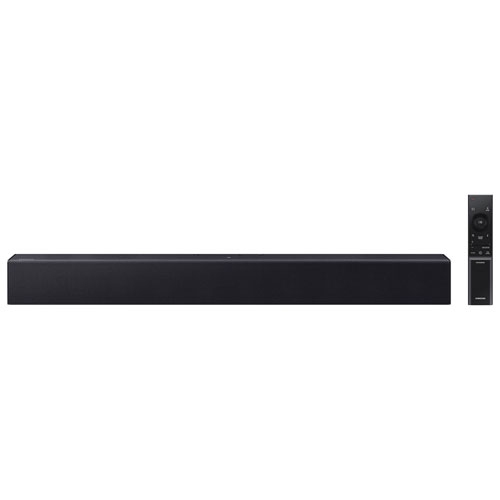


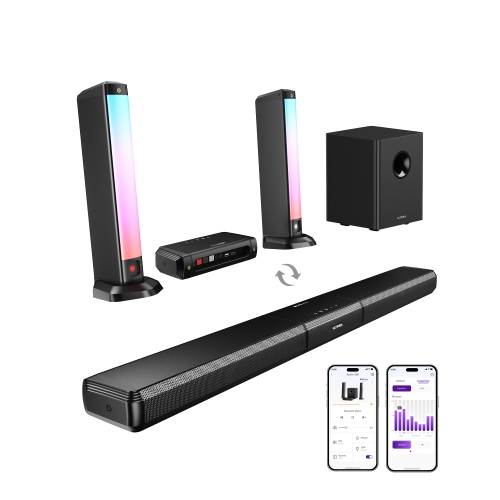
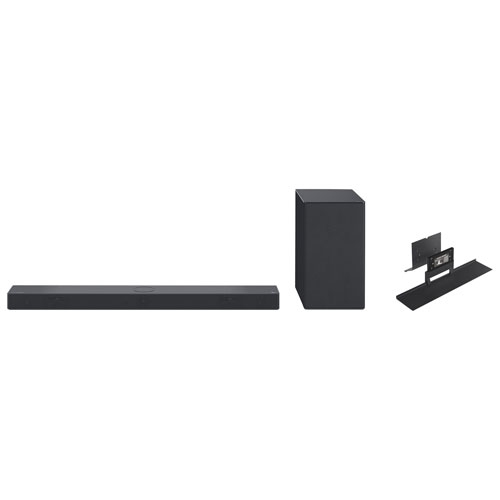
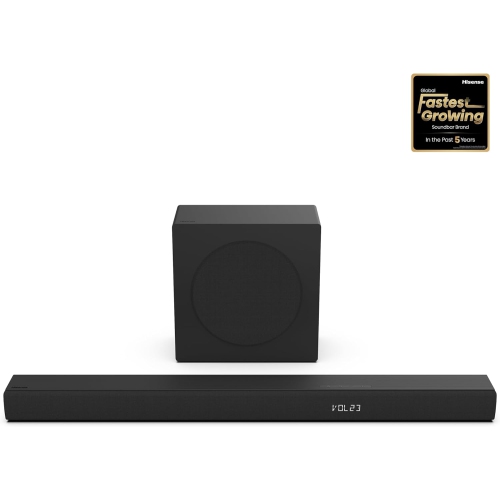
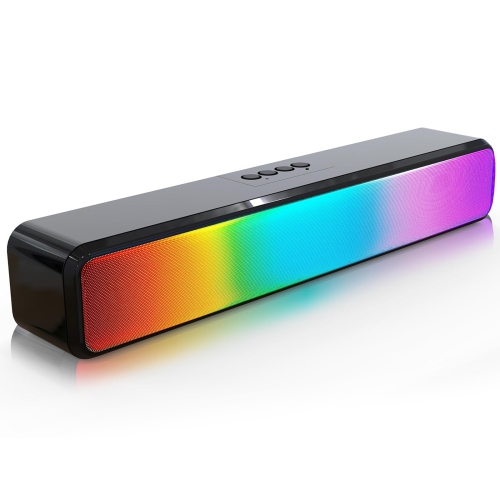




FAQ
Common connection options include HDMI ARC, HDMI eARC, and optical audio. Check the audio outputs on your TV and the inputs on the soundbar to find a compatible connection. HDMI ARC and eARC use a designated HDMI port to send audio from the TV to the soundbar.
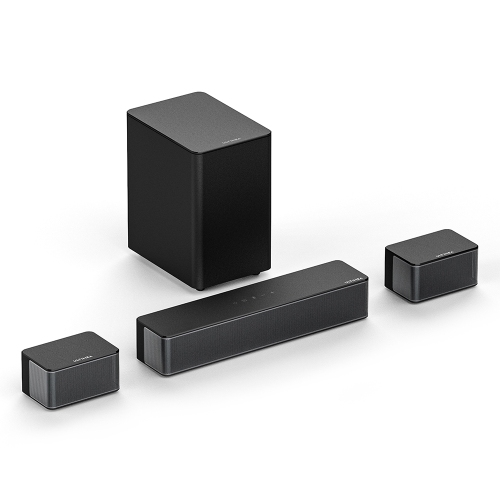
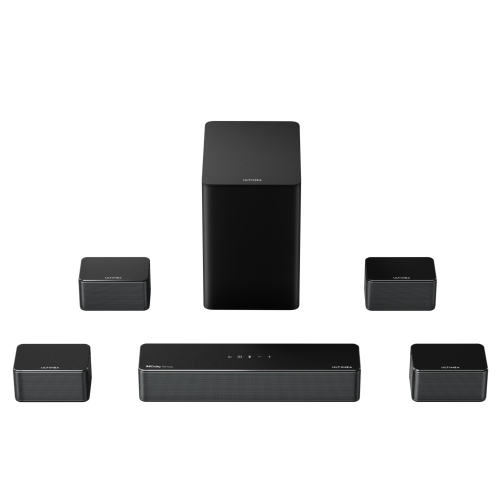
Channel labels describe the audio configuration. In a 3.1-channel setup, the first number represents the main audio channels, while the second indicates a dedicated bass channel. A third number, such as the final 2 in 5.1.2, indicates height channels. These channels may use physical speakers or virtual processing, depending on the soundbar.
Bluetooth typically connects a phone, tablet, or computer directly to the soundbar for audio playback. Wi-Fi connects the soundbar to your home network and may support streaming services, app controls, or multi-room audio. Available features depend on the soundbar and the services it supports.
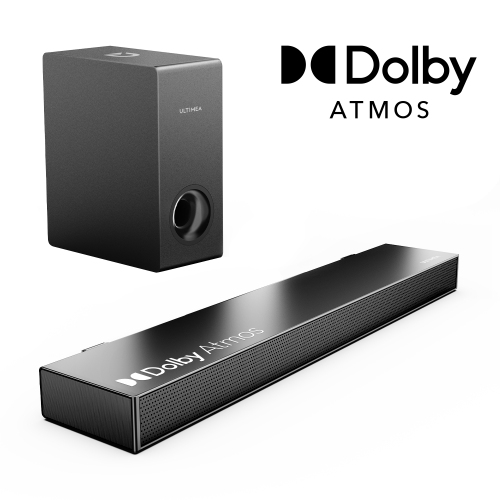
Dolby Atmos and DTS:X are audio formats that include information for placing sounds within a three-dimensional sound field. To use either format, you need compatible content, playback equipment, and a soundbar that supports it. Check the supported audio formats and connection requirements across your setup.
A compatible TV and soundbar connected through HDMI ARC or eARC may let you control volume and power with the TV remote when HDMI-CEC is enabled. Some soundbars also support infrared remote programming, mobile apps, or voice controls. Check compatibility and settings for both devices.
Top selling and popular products
Discover more categories related to Buy Soundbars
Some products may be subject to Environmental Handling Fees (EHF) depending on your province. Learn more about EHFs.