Memory Cards for Kindle Fire
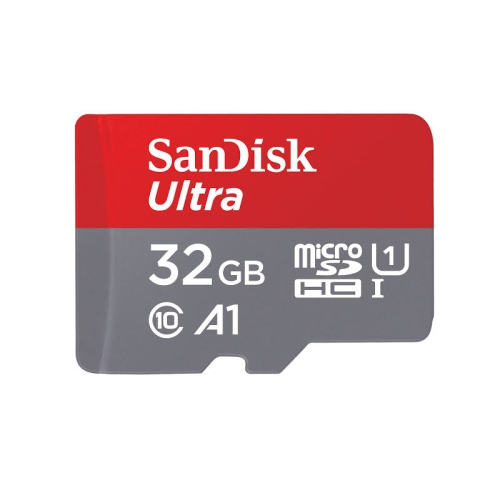
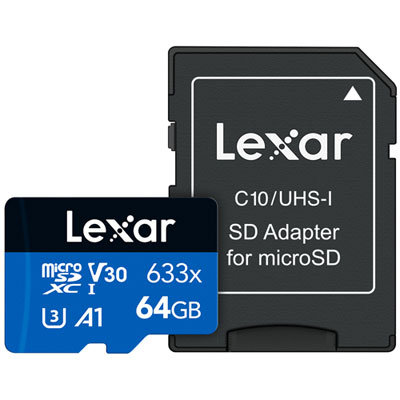
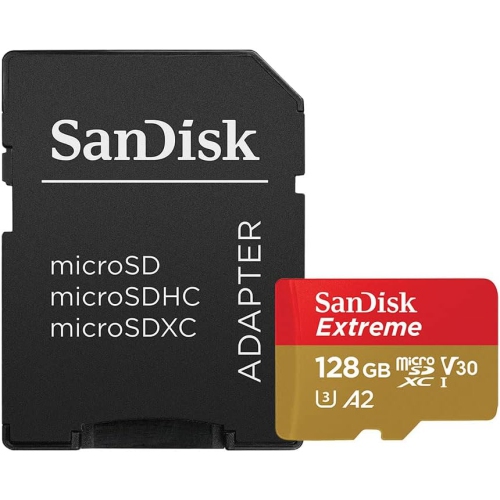
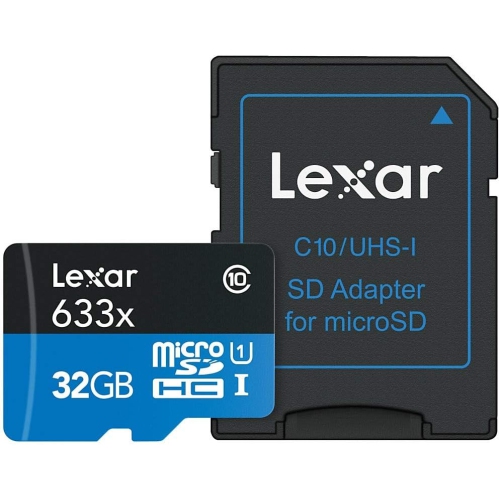
Enhance your Kindle Fire experience with the right memory card to expand your device’s storage capacity. Memory Cards for Kindle Fire make it easy to store more books, apps, photos, and videos without worrying about running out of space. Whether you’re looking to boost performance or simply need more room for your favorite content, finding the perfect memory card ensures smooth operation and added convenience. Explore a variety of reliable options designed to complement your Kindle Fire and keep you organized on the go.
Sort

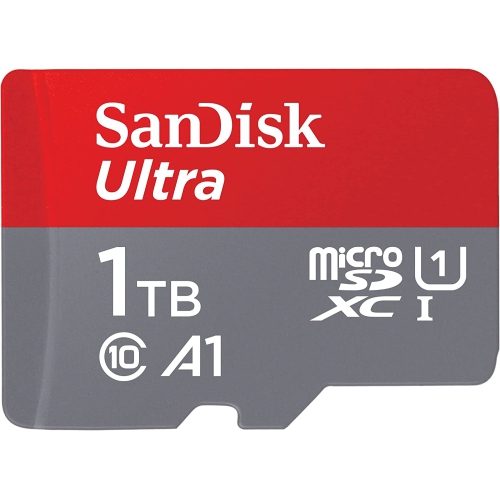
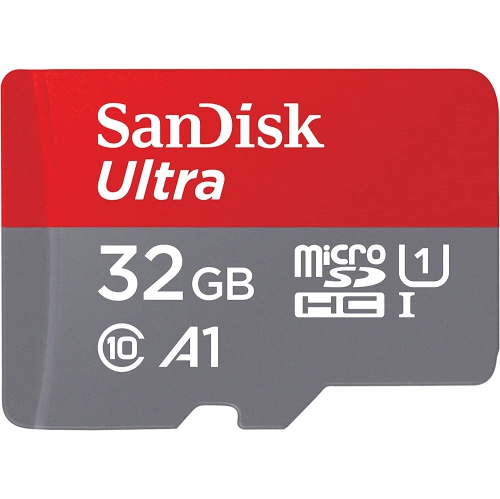
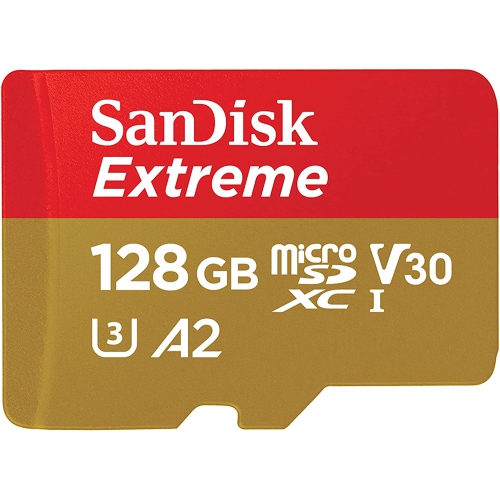

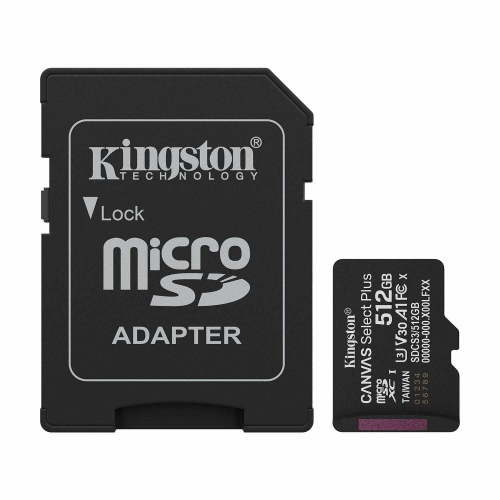


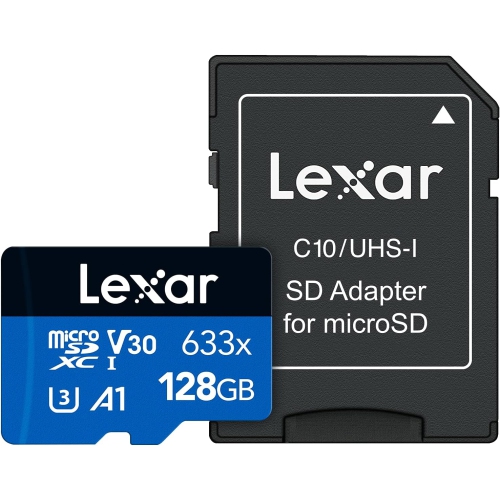
Memory Cards for Kindle Fire
Expanding the storage on your Kindle Fire tablet with a memory card is a practical way to make the most of your device, whether you use it for reading, streaming, gaming, or capturing memories through photos and videos. As digital collections grow and apps become more robust, having additional space becomes essential for a seamless experience. MicroSD cards are the go-to solution for Kindle Fire models, offering a simple way to increase capacity for everything from downloaded movies and offline playlists to family photos and essential apps. Many users find that upgrading storage is especially useful during the warmer months, when travel, outdoor activities, and family gatherings lead to more photos and videos being taken. A memory card lets you keep your favourite content handy for road trips, flights, or lazy afternoons at the cottage, without worrying about running out of space or deleting cherished files. For families, especially those with children using Fire Kids Edition tablets, memory cards make it easy to manage multiple user profiles, educational apps, and games, ensuring everyone has access to the content they love.
When choosing a memory card for your Kindle Fire, there are a few important factors to consider. Capacity is one of the biggest decisions—some users may need just enough space for a handful of books and photos, while others want room for high-definition movies, large app libraries, or extensive music collections. Kindle Fire tablets typically support microSD cards up to 1TB, allowing you to tailor your choice to your specific needs. Speed is another key consideration; cards rated as Class 10 or UHS-I deliver the performance needed for smooth video playback, quick app launches, and efficient file transfers. This is particularly important if you plan to use your tablet for streaming, gaming, or capturing high-resolution images and videos. Installation is straightforward—simply insert the microSD card into the slot beneath the tablet’s cover and follow the on-screen prompts to set it up as either portable storage (ideal for moving files between devices) or internal storage (for apps and games). Memory cards also make thoughtful, practical gifts for students, frequent travellers, and anyone who enjoys digital entertainment on the go. If you’re interested in exploring options for other devices, you can also find a wide selection of Memory Cards for Samsung Galaxy to ensure all your tech stays organized and ready for every adventure.
Whether you’re preparing for summer vacations, keeping kids entertained during long car rides, or simply looking to get more from your Kindle Fire year-round, a memory card is a versatile addition. With the right card, you can store thousands of eBooks for lazy afternoons on the patio, save entire seasons of your favourite shows for rainy days, or capture every moment from backyard barbecues and family reunions. The convenience of extra storage means you can download content ahead of time and enjoy it anywhere, even when Wi-Fi isn’t available. As you browse the selection, think about how you use your tablet most—whether it's for reading, streaming, photography, or a mix of everything. With a memory card, your Kindle Fire transforms into a more powerful companion, ready to keep up with your busy lifestyle and evolving digital needs throughout the changing seasons.
When choosing a memory card for your Kindle Fire, there are a few important factors to consider. Capacity is one of the biggest decisions—some users may need just enough space for a handful of books and photos, while others want room for high-definition movies, large app libraries, or extensive music collections. Kindle Fire tablets typically support microSD cards up to 1TB, allowing you to tailor your choice to your specific needs. Speed is another key consideration; cards rated as Class 10 or UHS-I deliver the performance needed for smooth video playback, quick app launches, and efficient file transfers. This is particularly important if you plan to use your tablet for streaming, gaming, or capturing high-resolution images and videos. Installation is straightforward—simply insert the microSD card into the slot beneath the tablet’s cover and follow the on-screen prompts to set it up as either portable storage (ideal for moving files between devices) or internal storage (for apps and games). Memory cards also make thoughtful, practical gifts for students, frequent travellers, and anyone who enjoys digital entertainment on the go. If you’re interested in exploring options for other devices, you can also find a wide selection of Memory Cards for Samsung Galaxy to ensure all your tech stays organized and ready for every adventure.
Whether you’re preparing for summer vacations, keeping kids entertained during long car rides, or simply looking to get more from your Kindle Fire year-round, a memory card is a versatile addition. With the right card, you can store thousands of eBooks for lazy afternoons on the patio, save entire seasons of your favourite shows for rainy days, or capture every moment from backyard barbecues and family reunions. The convenience of extra storage means you can download content ahead of time and enjoy it anywhere, even when Wi-Fi isn’t available. As you browse the selection, think about how you use your tablet most—whether it's for reading, streaming, photography, or a mix of everything. With a memory card, your Kindle Fire transforms into a more powerful companion, ready to keep up with your busy lifestyle and evolving digital needs throughout the changing seasons.
Top selling and popular products
-
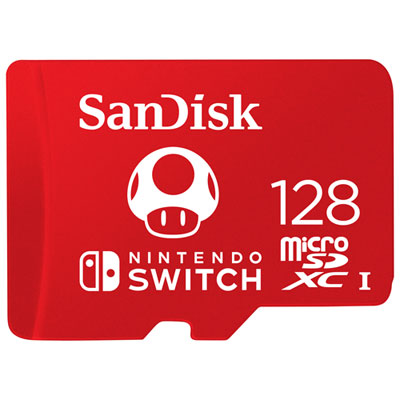 Your price for this item is $79.99
 -
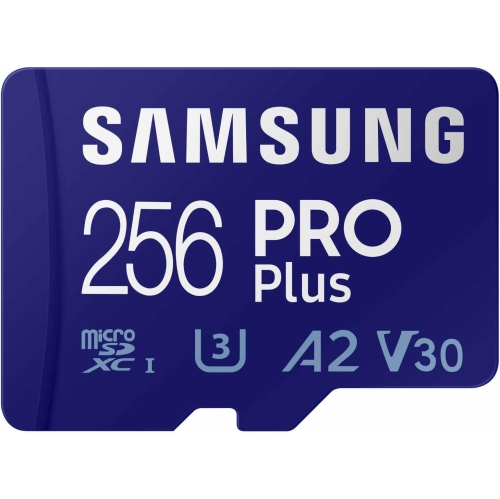 Your price for this item is $101.45
 -
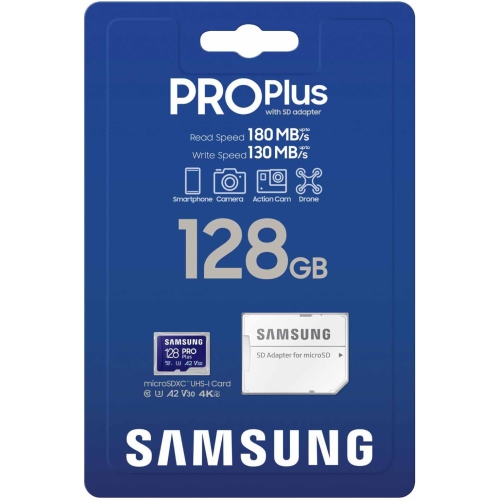 Your price for this item is $87.95
 -
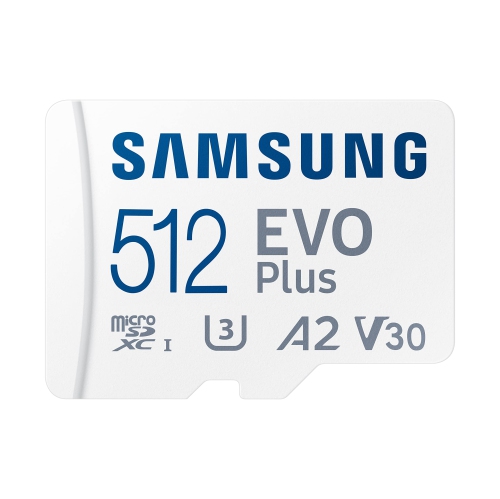 Your price for this item is $155.95
 -
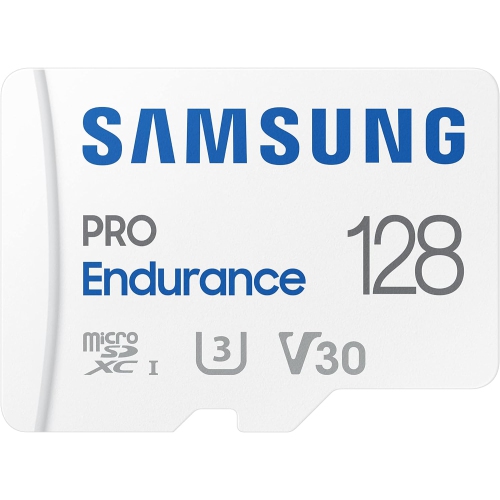 Your price for this item is $105.95
 -
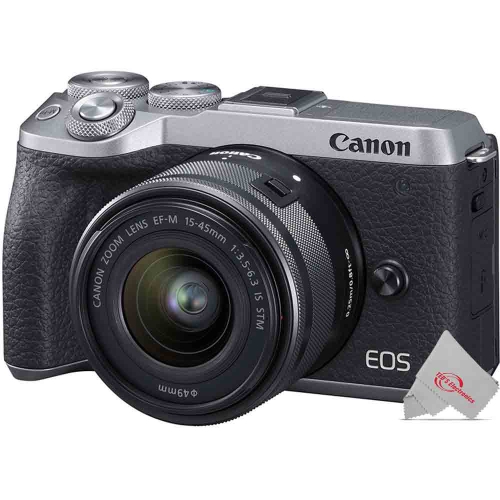 Your price for this item is $110.95
 -
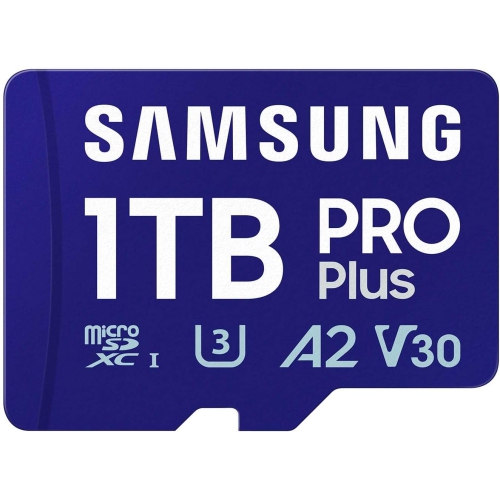 Your price for this item is $312.95
 -
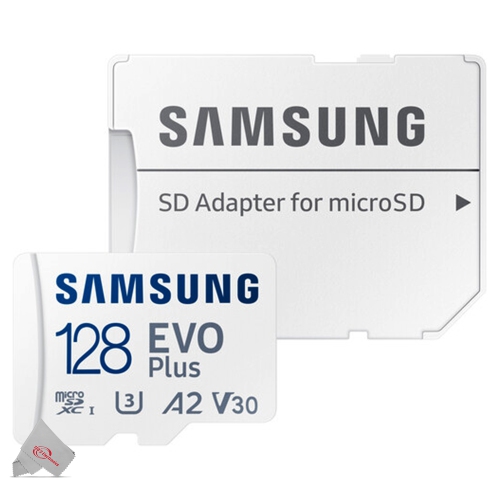 Your price for this item is $58.95
Discover more categories related to Memory Cards for Kindle Fire
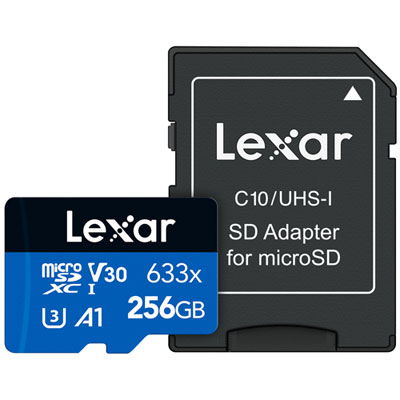
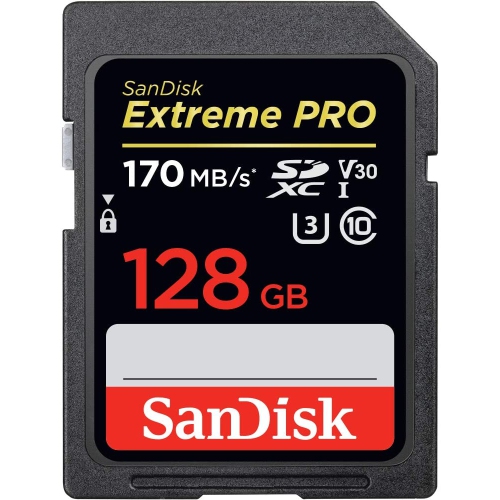
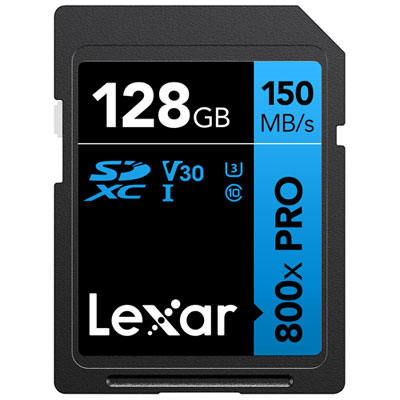
Top Collections:
RAM Upgrades for PC, Kindle Devices, Best Laptops for Home Use, Best Cell Phones Under $500, Best Laptops for Writers, Best Earbuds for Phone Calls, Best Wi-Fi Routers, Best Quality Dishwashers, Best Fridges, Apple iPhones 16
Some products may be subject to Environmental Handling Fees
(EHF) depending on your province.
Learn more about EHFs.