Samsung Evo
Discover the performance and reliability you need with Samsung Evo products, designed to enhance your digital experience. Whether you're looking to expand storage for your devices or boost data transfer speeds, Samsung Evo options deliver versatile solutions for work, play, and everything in between. Explore a range of choices to find the perfect fit for your needs and enjoy seamless integration with your favorite tech.
Sort
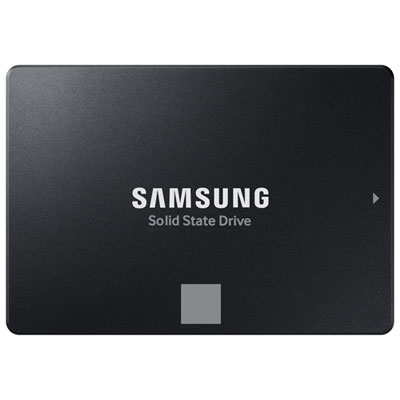

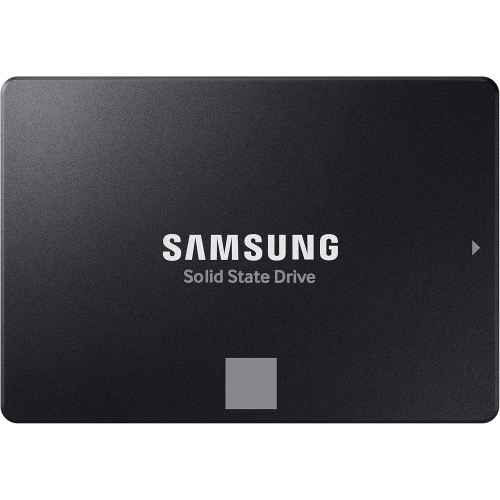
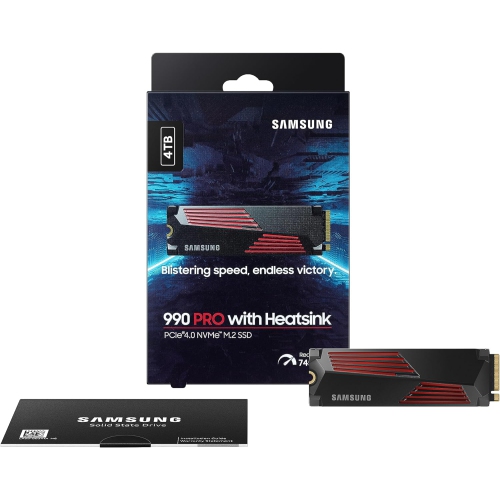
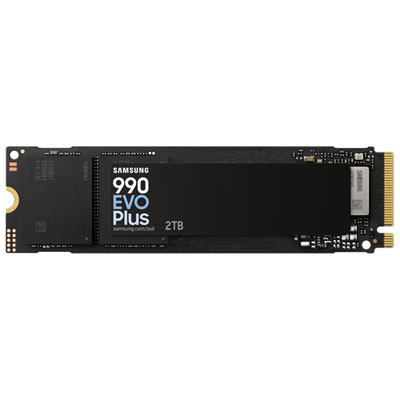
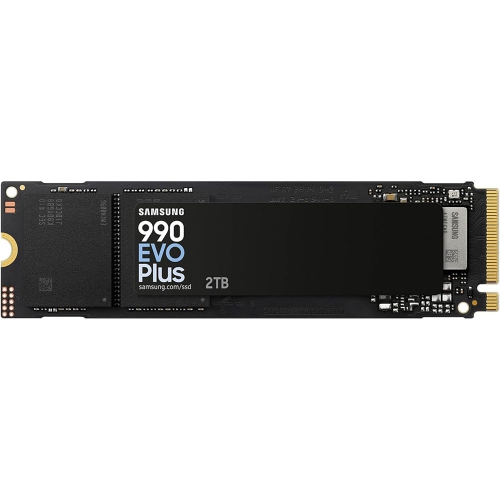
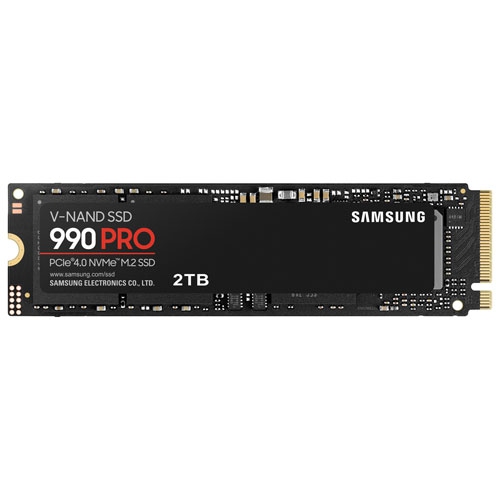
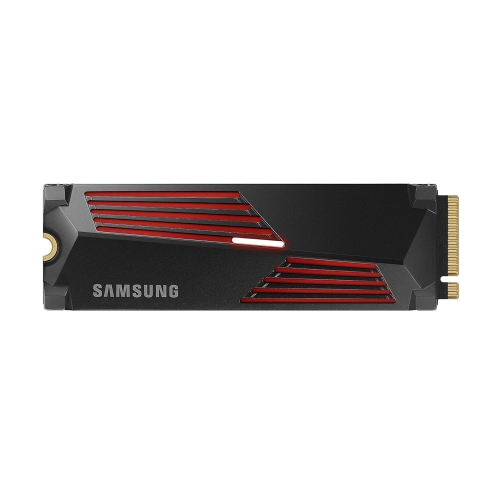
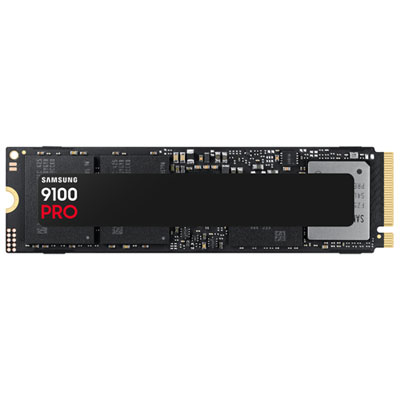
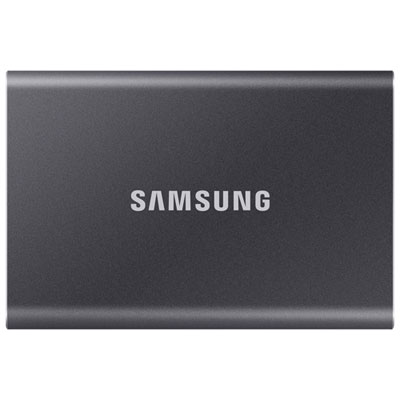
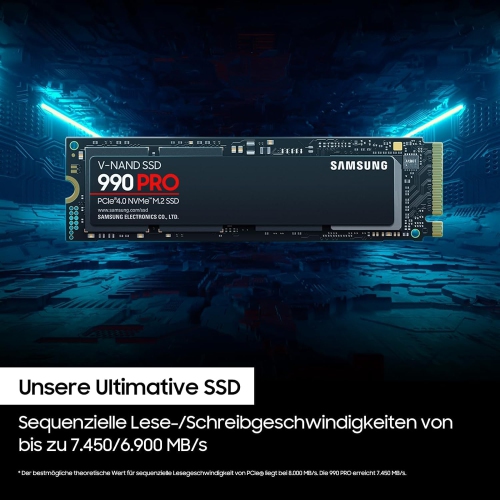
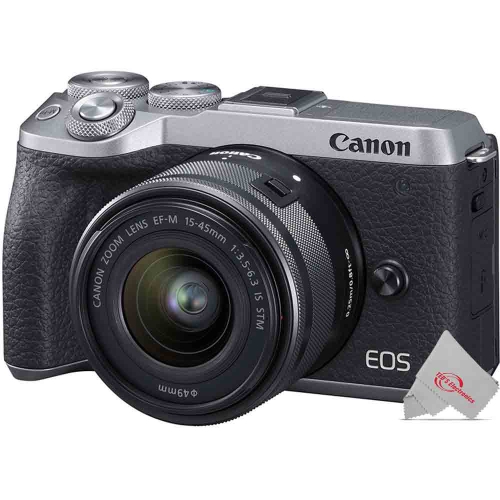
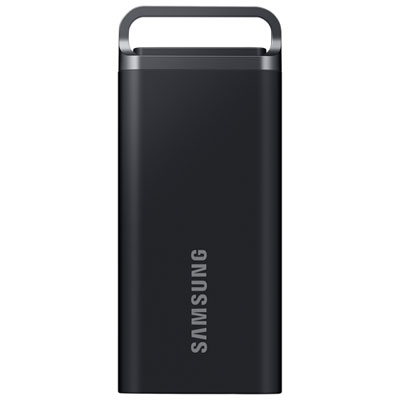
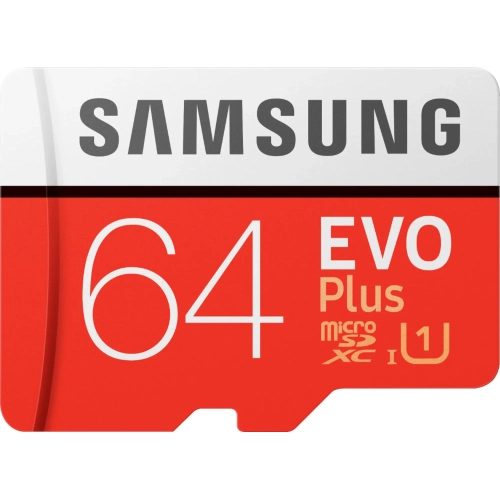
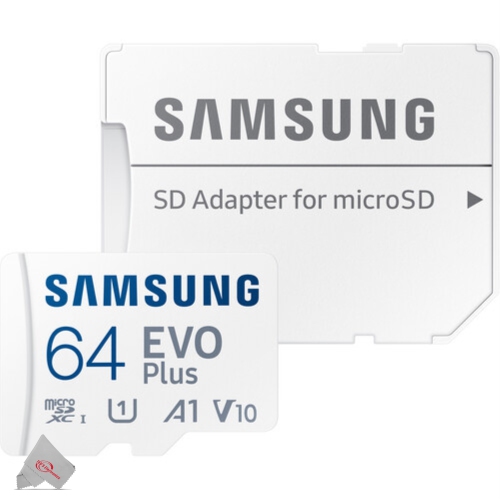
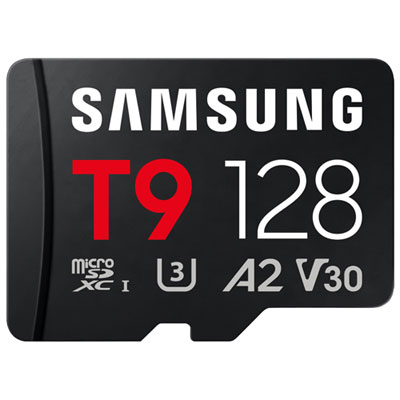
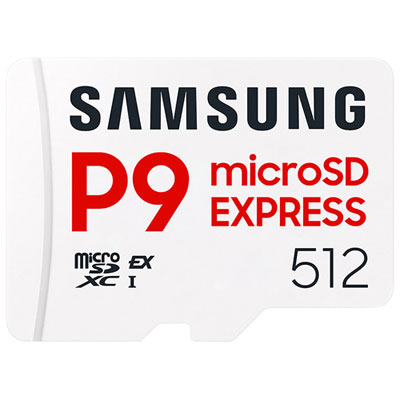
The right storage depends on more than capacity
Solid-state drives and microSD memory cards provide storage for everything from a computer’s operating system to the photos, games, and videos that travel with you. They serve different purposes, but both use flash memory to retain files without power. An internal solid-state drive, or SSD, can replace a compatible computer’s mechanical hard drive, helping applications open more quickly and making everyday tasks feel more responsive. It is the kind of upgrade you notice when a laptop gets through its morning startup without a long pause or a desktop loads a sprawling photo library with less waiting. A microSD card adds removable storage to supported devices, including certain phones, tablets, cameras, and handheld gaming systems. Its small size makes it useful for keeping a substantial media library close at hand, whether that means downloaded entertainment for a long journey or extra room for photos during a family visit. Portable solid-state storage serves another purpose: moving larger folders between compatible computers or keeping working files separate from a computer’s internal drive. Choosing among these formats starts with the device and the job, rather than capacity alone. A memory card cannot replace a computer’s internal SSD, and a fast internal drive is not automatically suitable for every laptop. The connection, physical dimensions, supported capacity, and intended workload all matter. For students, dependable storage can mean enough space for course materials and creative assignments. For photographers, it can mean room to keep shooting without interrupting a session to clear files. For someone refreshing an older home computer, a compatible SSD may extend its usefulness for browsing, household paperwork, and everyday productivity. During the cooler months, when shared photo collections, downloaded games, and home projects can take up more space, additional storage is a practical purchase with benefits that last well beyond a single season.
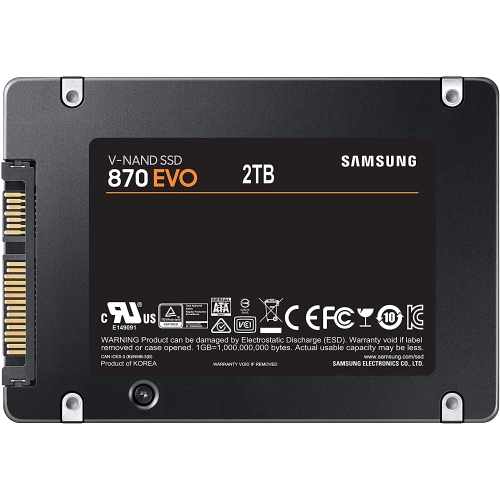
For an internal SSD, compatibility deserves as much attention as advertised speed. A 2.5-inch SATA drive is a common upgrade format for computers with the appropriate drive bay and SATA connection, while M.2 drives fit into a small slot on the motherboard. M.2 describes a physical format, not a guarantee of compatibility: a slot may support SATA, PCIe NVMe, or particular drive lengths, so the computer’s specifications are the place to confirm what fits. Thin laptops may also have soldered storage that cannot be replaced. Once the format is established, capacity depends on what needs to stay on the computer. Documents and everyday applications require less room than a large game library, high-resolution video footage, or years of uncompressed photographs. Leaving some free space gives the operating system and applications room for updates and temporary files, while also helping an SSD manage its workload. Performance figures need context, too. Sequential read and write speeds describe transfers involving large, contiguous files; they do not tell the whole story of launching software or switching between smaller files. The host connection also limits performance, so buying a drive with a higher headline speed will not remove the limits of an older interface. For frequent large transfers, sustained write performance can matter more than a brief peak result. Warranty coverage and endurance ratings are worth comparing, particularly for people who write substantial amounts of data each day. Installation brings its own practical details: transferring an existing system may require cloning software and a suitable adapter, while a fresh installation means setting up the operating system and applications again. Backing up important files before either approach avoids turning a straightforward upgrade into a stressful afternoon. As a gift, an internal drive makes the most sense when the recipient’s computer specifications are known; otherwise, confirming the format together is more useful than guessing at the largest capacity.
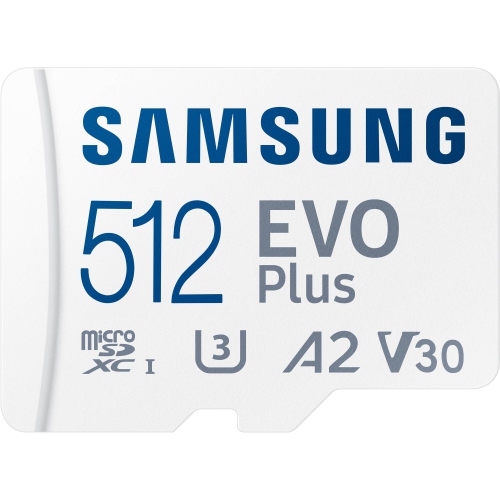
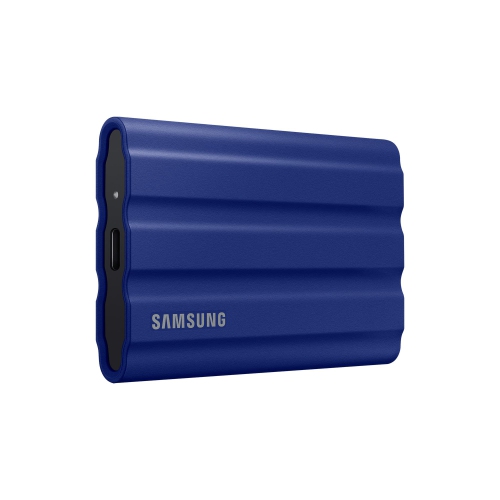
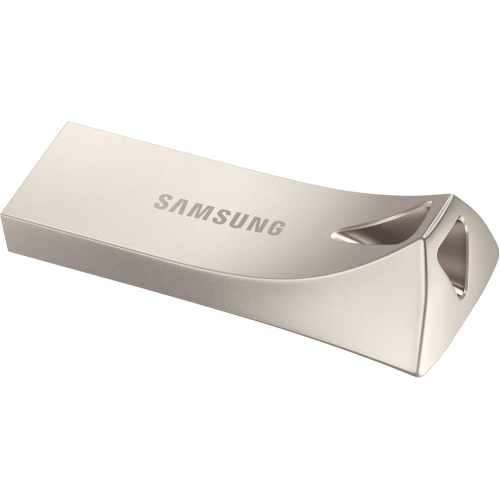
With microSD cards, the best fit comes from matching capacity and speed ratings to the device’s requirements. Check the maximum supported capacity and whether the device accepts the card’s format before buying. A card that works in one camera or tablet may not be supported by another, even when it fits the slot. For video capture, the device manufacturer’s recommended speed class is especially important because the card needs to maintain a suitable writing rate throughout the recording. A high advertised read speed can help with transferring files later, but it does not replace the sustained write performance needed while filming. Application performance ratings may be relevant when a supported device uses a card for apps, although the device itself must support the intended use. For shoppers comparing a particular capacity, the Samsung 256GB selection offers a way to narrow the search while checking each item’s format and compatibility. How much that capacity holds varies with file size, image resolution, video bitrate, and game downloads; the usable space shown by a device will also differ from the labelled capacity because of formatting and how storage is measured. An included full-size SD adapter can help a microSD card fit a compatible SD slot, but it does not increase speed or change the host device’s limits. A suitable card reader can make a noticeable difference when moving a camera’s worth of photos onto a computer after a weekend away. For portable drives, the same attention belongs on the USB connection and cable, since a connector’s shape alone does not establish its transfer speed. Small storage accessories make thoughtful gifts for keen photographers, students, and frequent travellers when their devices and habits are known. Keep protective cases in mind for loose cards, use safe removal before disconnecting storage, and keep another copy of irreplaceable files. Whether it holds family photos or a nearly finished assignment, a single drive or card should never be the only place something important lives.
For an internal SSD, compatibility deserves as much attention as advertised speed. A 2.5-inch SATA drive is a common upgrade format for computers with the appropriate drive bay and SATA connection, while M.2 drives fit into a small slot on the motherboard. M.2 describes a physical format, not a guarantee of compatibility: a slot may support SATA, PCIe NVMe, or particular drive lengths, so the computer’s specifications are the place to confirm what fits. Thin laptops may also have soldered storage that cannot be replaced. Once the format is established, capacity depends on what needs to stay on the computer. Documents and everyday applications require less room than a large game library, high-resolution video footage, or years of uncompressed photographs. Leaving some free space gives the operating system and applications room for updates and temporary files, while also helping an SSD manage its workload. Performance figures need context, too. Sequential read and write speeds describe transfers involving large, contiguous files; they do not tell the whole story of launching software or switching between smaller files. The host connection also limits performance, so buying a drive with a higher headline speed will not remove the limits of an older interface. For frequent large transfers, sustained write performance can matter more than a brief peak result. Warranty coverage and endurance ratings are worth comparing, particularly for people who write substantial amounts of data each day. Installation brings its own practical details: transferring an existing system may require cloning software and a suitable adapter, while a fresh installation means setting up the operating system and applications again. Backing up important files before either approach avoids turning a straightforward upgrade into a stressful afternoon. As a gift, an internal drive makes the most sense when the recipient’s computer specifications are known; otherwise, confirming the format together is more useful than guessing at the largest capacity.
With microSD cards, the best fit comes from matching capacity and speed ratings to the device’s requirements. Check the maximum supported capacity and whether the device accepts the card’s format before buying. A card that works in one camera or tablet may not be supported by another, even when it fits the slot. For video capture, the device manufacturer’s recommended speed class is especially important because the card needs to maintain a suitable writing rate throughout the recording. A high advertised read speed can help with transferring files later, but it does not replace the sustained write performance needed while filming. Application performance ratings may be relevant when a supported device uses a card for apps, although the device itself must support the intended use. For shoppers comparing a particular capacity, the Samsung 256GB selection offers a way to narrow the search while checking each item’s format and compatibility. How much that capacity holds varies with file size, image resolution, video bitrate, and game downloads; the usable space shown by a device will also differ from the labelled capacity because of formatting and how storage is measured. An included full-size SD adapter can help a microSD card fit a compatible SD slot, but it does not increase speed or change the host device’s limits. A suitable card reader can make a noticeable difference when moving a camera’s worth of photos onto a computer after a weekend away. For portable drives, the same attention belongs on the USB connection and cable, since a connector’s shape alone does not establish its transfer speed. Small storage accessories make thoughtful gifts for keen photographers, students, and frequent travellers when their devices and habits are known. Keep protective cases in mind for loose cards, use safe removal before disconnecting storage, and keep another copy of irreplaceable files. Whether it holds family photos or a nearly finished assignment, a single drive or card should never be the only place something important lives.
Top selling and popular products
-
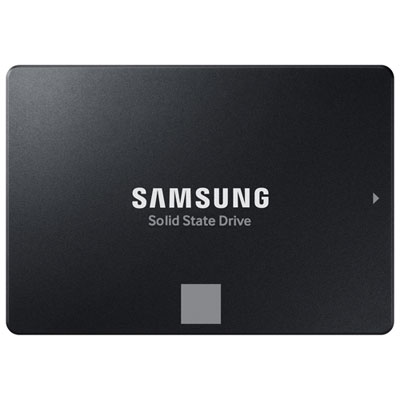 Your price for this item is $554.99
 -
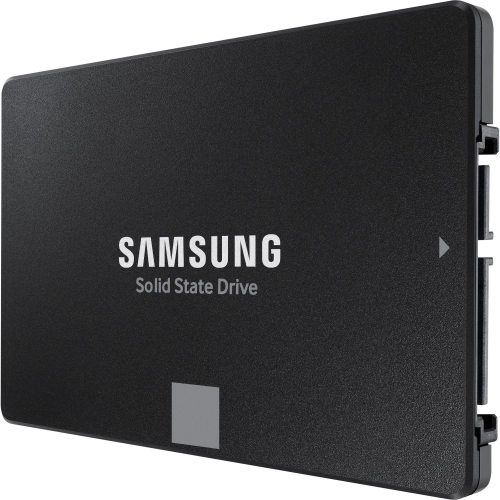 Your price for this item is $649.99
 -
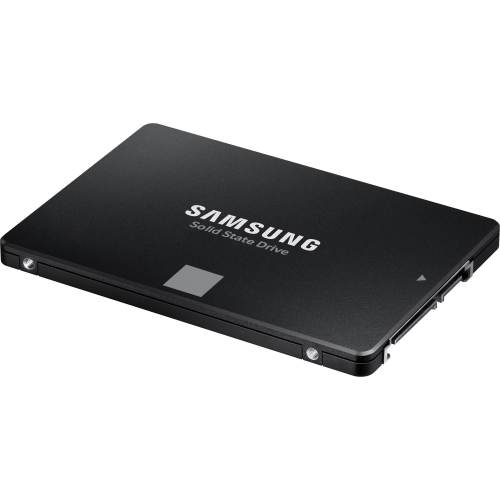 Your price for this item is $394.99
 -
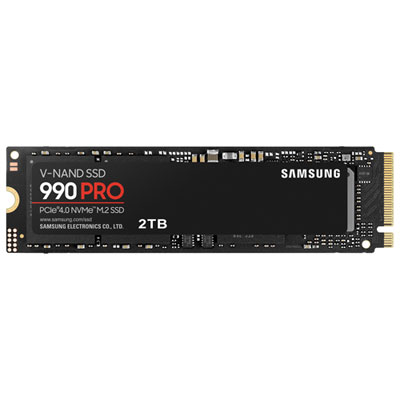 Your price for this item is $649.99
 -
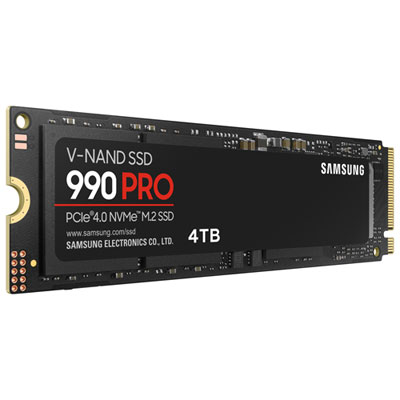 Your price for this item is $1199.97
 -
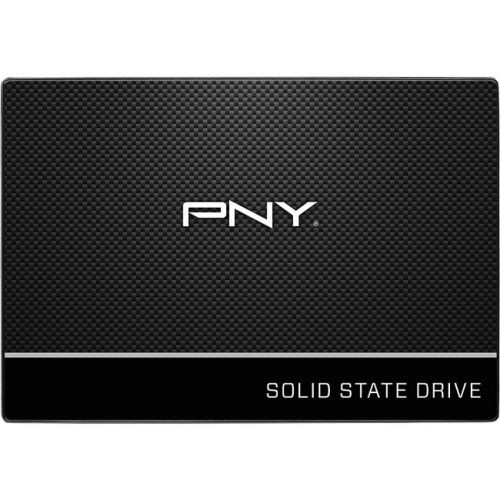 Your price for this item is $106.93
 -
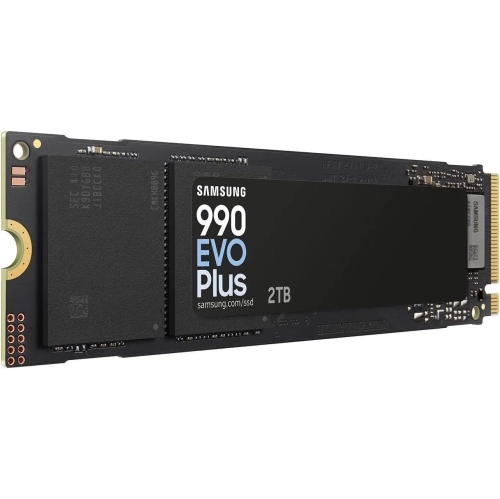 Your price for this item is $639.99
 -
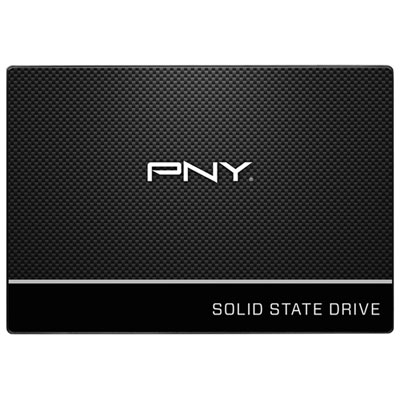 Your price for this item is $124.99
Discover more categories related to Samsung Evo

Top Collections:
Pokemon Centers, Kindle Devices, Best Budget Office Chairs, Apple iPhones 16, Best Laptops for Writers, iPhone 15 Apple, Canon G7X Cameras, Refurbished Apple Laptops, Alarm Clock, Motorola Razr Phones
Some products may be subject to Environmental Handling Fees
(EHF) depending on your province.
Learn more about EHFs.