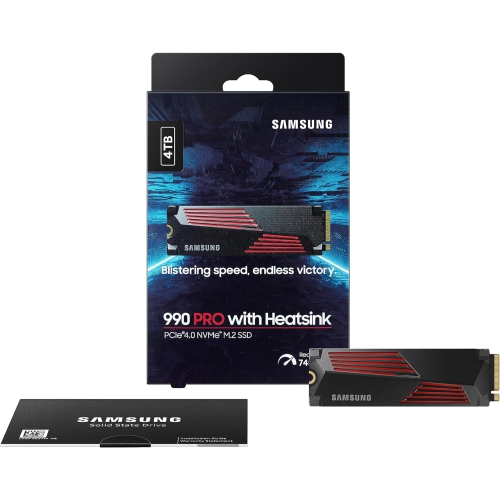
Samsung 990 Pro SSDs
Upgrade your storage experience with the Samsung 990 Pro SSD, designed to deliver reliable performance for a variety of computing needs. Whether you're looking to boost your gaming setup, enhance productivity, or streamline your workflow, the Samsung 990 Pro SSD offers a dependable solution. Explore a range of options to find the right fit for your system and enjoy smoother operation with advanced storage technology. Discover how the Samsung 990 Pro SSD can help you get the most out of your device.
Sort
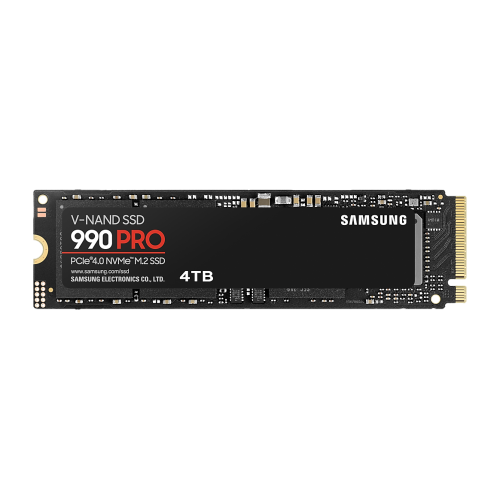
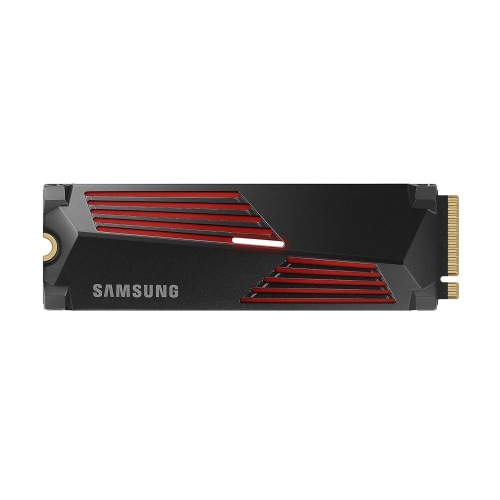
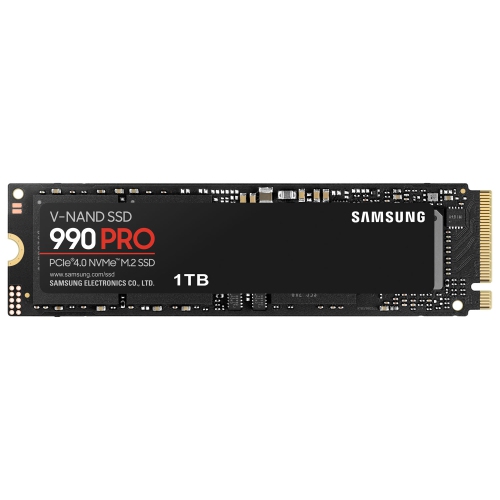
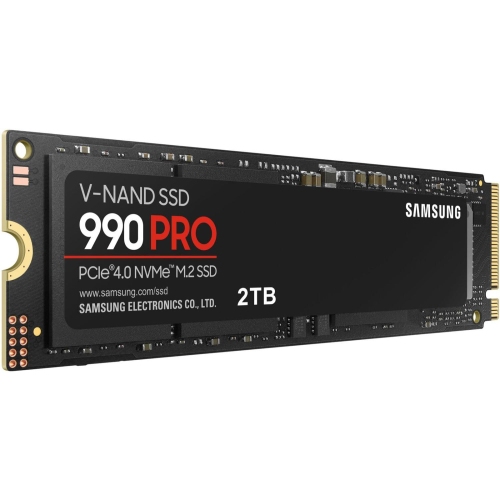
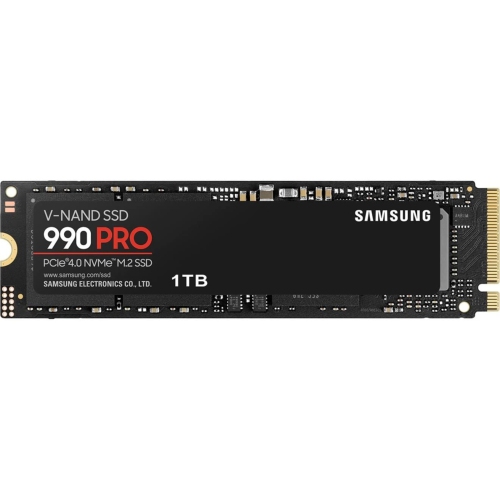
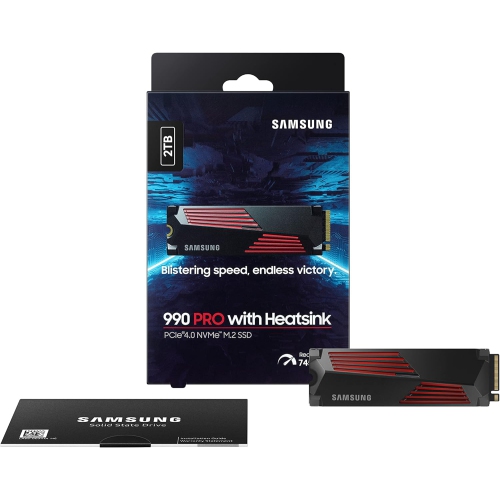
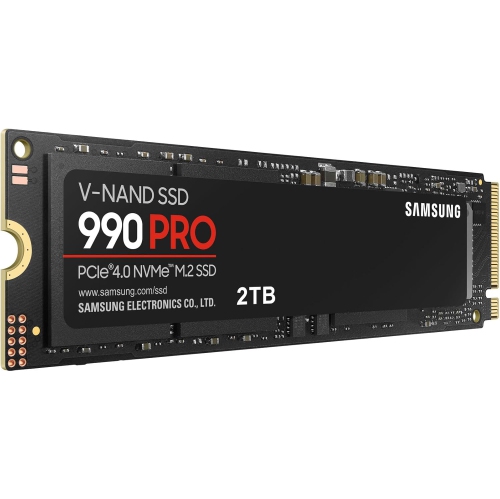
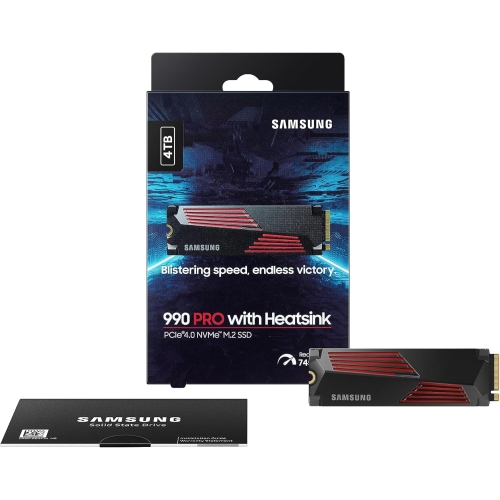
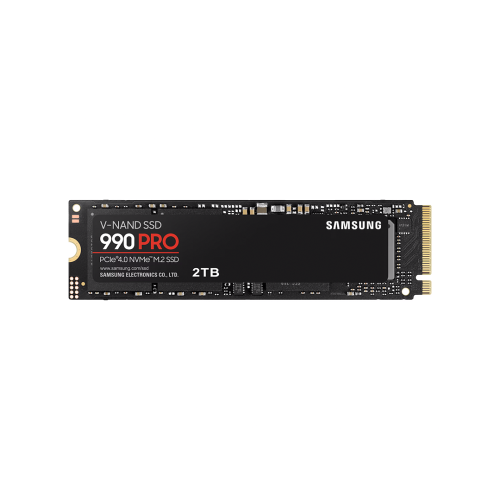
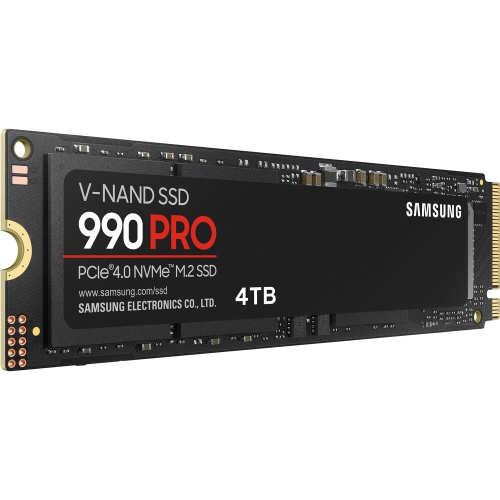
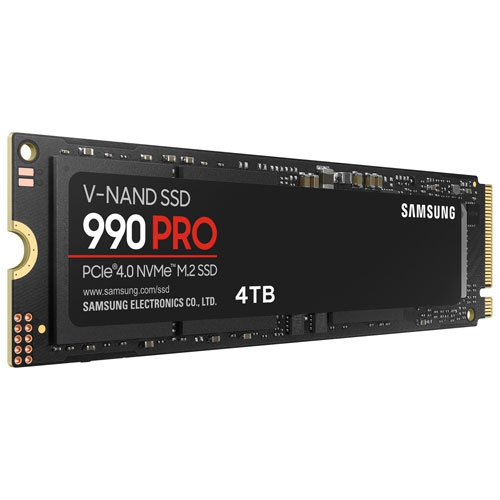
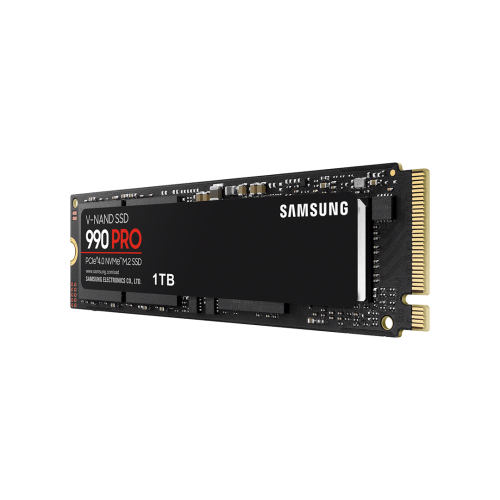

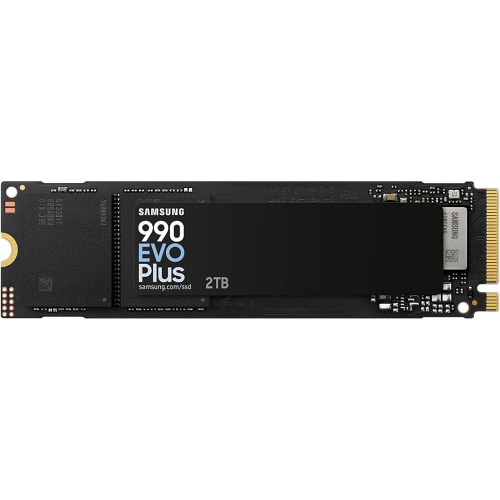
There’s more to fast storage than peak speeds
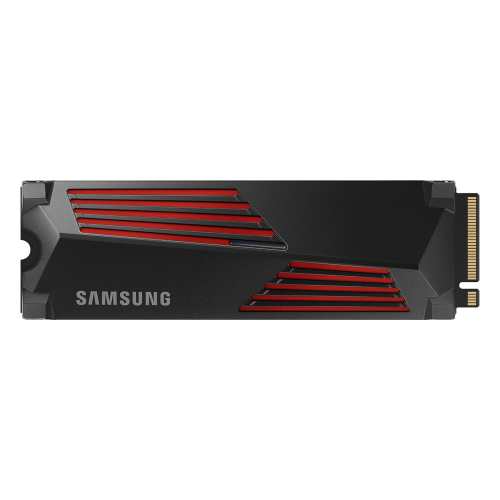
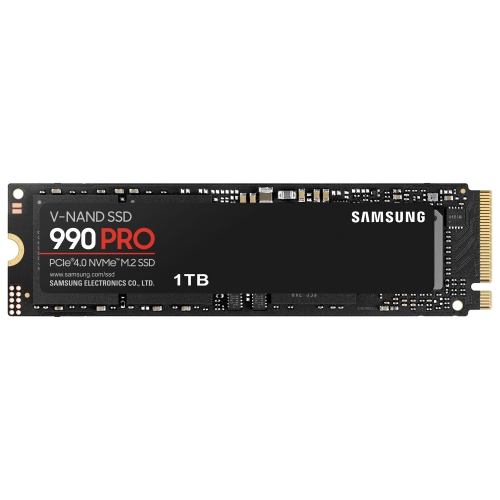
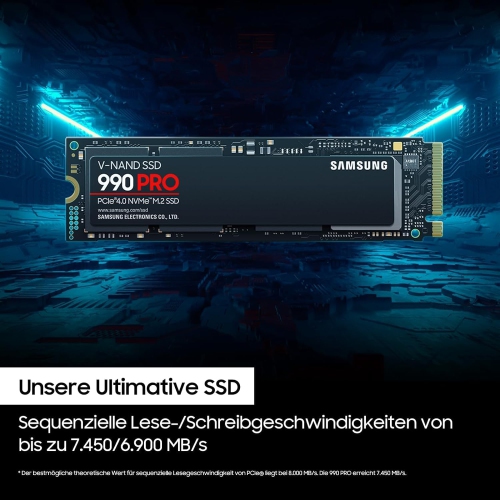
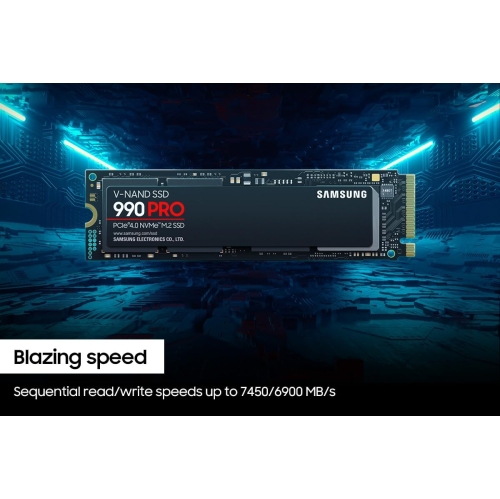
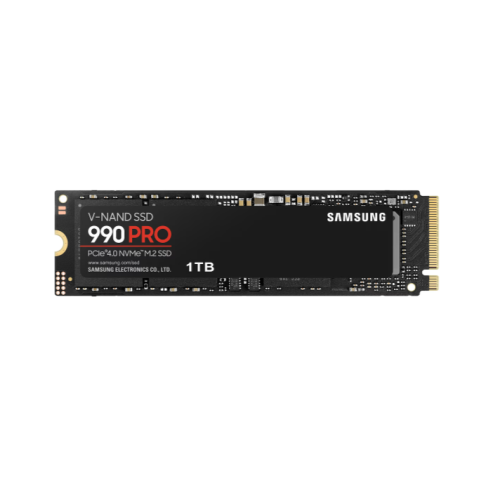
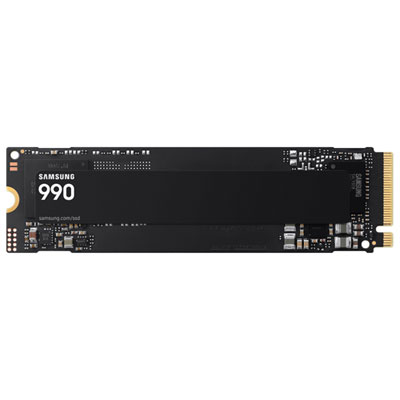
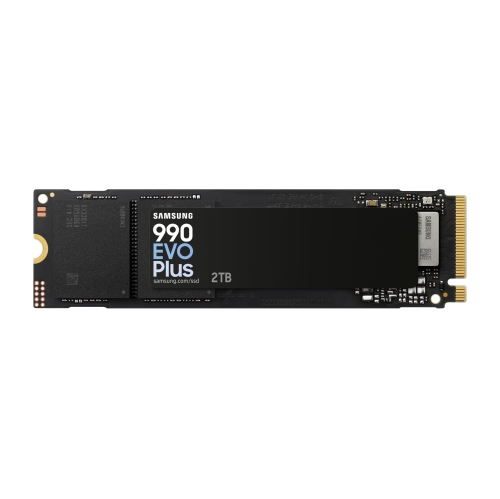
High-performance PCIe 4.0 NVMe solid-state drives are built for computers and compatible gaming systems that need fast internal storage for demanding software, large files, and substantial game libraries. Unlike a mechanical hard drive, an SSD stores data in flash memory without spinning platters or a moving read head. That design supports quick access to files, silent operation, and responsive everyday use, particularly when replacing an older hard drive or SATA SSD. At the upper end of this performance class, advertised sequential speeds reach up to 7,450 MB/s for reads and 6,900 MB/s for writes. These figures describe transfers under specified test conditions rather than the speed of every task; actual results depend on capacity, system configuration, software, and the workload. Moving a large video file is different from opening hundreds of small project files, where random-access performance and system responsiveness become more relevant. The connection matters, too: PCIe 4.0 x4 provides the interface bandwidth, while NVMe is the storage protocol used to communicate with the system. M.2 2280 describes the physical format, measuring 22 mm wide by 80 mm long. An M.2 slot alone does not establish compatibility, because some slots support SATA drives, different drive lengths, or fewer PCIe lanes. A compatible processor, motherboard, and slot configuration are needed to make full use of a drive’s capabilities. A drive may work in a supported older PCIe slot, but its transfer rates will be limited by that connection. These distinctions matter for a desktop used to edit high-resolution footage, a laptop holding design files, or a gaming system with large installations. Fast storage can shorten some loading and transfer times, but it does not replace sufficient memory, a capable processor, or suitable graphics hardware. The benefit is strongest when storage is the part of the system holding up the work.
Capacity determines how comfortably an internal SSD fits into daily use. Options such as 1TB, 2TB, and 4TB suit different combinations of applications, personal files, and working space. A smaller capacity can accommodate an operating system and a focused collection of software, while larger capacities leave more room for extensive game libraries, camera originals, virtual machines, and finished projects. A video editor may need space for source footage, preview files, and exports at the same time; a photographer may keep original images alongside edited copies and a growing catalogue. Usable space shown by the operating system will be lower than the labelled capacity because of differences in measurement and space used for formatting and system functions. Some free space also gives applications room for temporary files and helps avoid the disruption of a nearly full drive. Durability involves more than the absence of moving parts. Flash memory has a rated writing lifespan, commonly expressed as terabytes written, or TBW, and that rating can differ by capacity. A system that receives frequent large exports or repeated data transfers has a different write workload from one mainly used for browsing and playing installed games. Warranty terms may include both a time limit and a written-data limit, so both are relevant when comparing endurance. The circuit board, flash packages, and controller also need suitable cooling during sustained activity. Metal heat spreaders and heatsinks help move heat away from components, while built-in thermal management can reduce performance to keep operation within specified limits. A brief file transfer and a lengthy sequence of large writes may therefore produce different results. Peak speed, sustained performance, capacity, and endurance each describe a different aspect of how a drive will behave in regular use.
Physical fit deserves attention alongside performance, especially in compact computers and console expansion bays. An SSD supplied with a heatsink needs enough clearance above the M.2 slot, while a bare drive may be intended to sit beneath the computer’s own storage heatsink. Laptop designs can be particularly restrictive, with limited space for additional cooling hardware and model-specific requirements for drive thickness or board layout. Console storage expansion has its own interface, capacity, cooling, and dimensional requirements; an M.2 drive is not automatically suitable simply because it fits the connector. The device manufacturer’s specifications provide the reference for those details. For related formats and capacities, Samsung M 2 SSDs offers a broader category to compare, with the host device’s requirements remaining central to the choice. Once installed, an internal SSD needs little physical upkeep, but careful handling and sound data habits still matter. Contact with exposed connectors, static discharge, or unnecessary pressure on the board can damage delicate components. Correct mounting hardware and properly positioned thermal pads help support a secure installation without bending the drive. Manufacturer-supported firmware updates may address compatibility or reliability issues, and drive-health information can help reveal changes that deserve attention. Backups remain essential: a durable SSD cannot protect files from accidental deletion, theft, software errors, or every hardware failure. A separate backup copy is especially important for family photographs, school assignments, business records, and creative work that cannot easily be recreated. For a gamer, the appeal may be room to keep several large titles installed; for a developer, it may be faster access to project files and virtual machines. As a gift for someone building or upgrading a computer, an internal SSD is most useful when the recipient’s device specifications and capacity needs are known. The strongest match combines the right connection, enough space, suitable cooling, and performance that serves the tasks the system handles most often.
Top selling and popular products
-
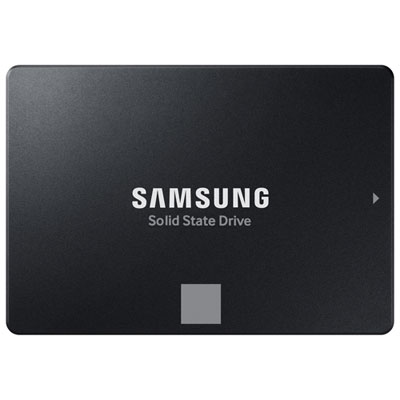 Your price for this item is $469.99
-
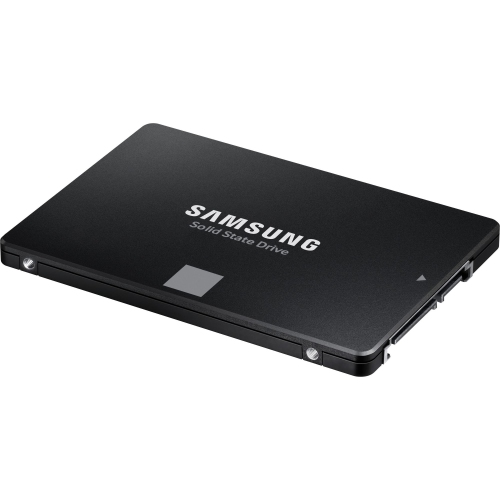 Your price for this item is $394.99
-
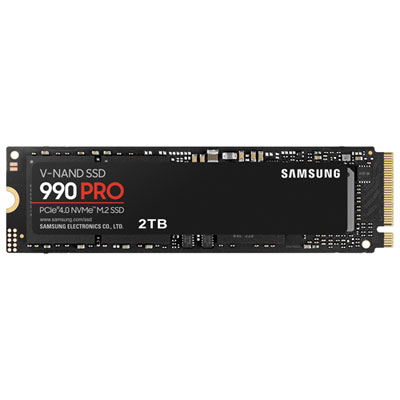 Your price for this item is $874.99
-
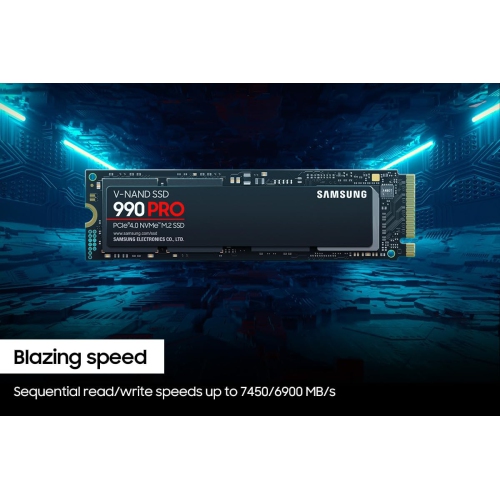 Your price for this item is $1471.99
-
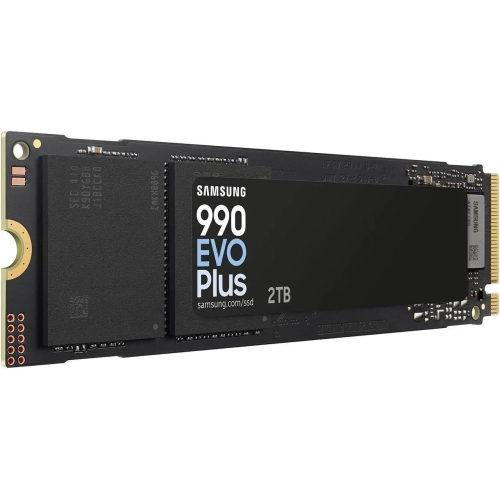 Your price for this item is $639.99
-
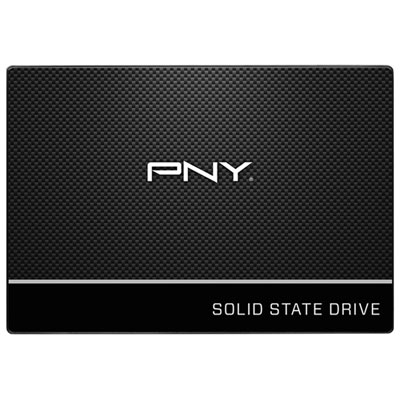 Your price for this item is $124.99
-
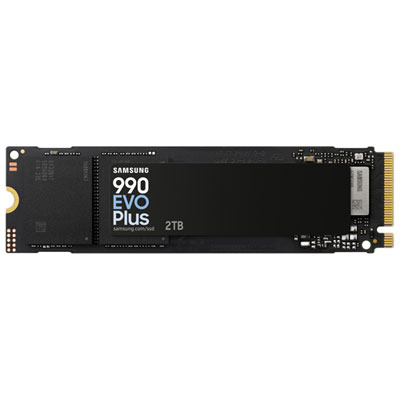 Your price for this item is $789.95
-
 Your price for this item is $1449.99
Discover more categories related to Samsung 990 Pro SSDs
Top Collections:
Best Black Friday Deals This Year, Best Black Friday Deals On Electronics, Kindle Devices, Pokemon Centers, Best Black Friday Deals On Apple Products, Best Cameras for Sports Photography, Dyson Airwrap, Pokémon 30th Celebration Cards, Apple iPhone 17 Pro, Canon G7X Cameras
Some products may be subject to Environmental Handling Fees
(EHF) depending on your province.
Learn more about EHFs.