Fastest Sd Card Readers
Looking to supercharge your data transfers? Look no further than our selection of the fastest SD card readers. These high-performance devices are designed to deliver lightning-fast read and write speeds, ensuring that you can quickly and effortlessly transfer large files, photos, videos, and more. Whether you're a professional photographer needing to offload images in a flash or a content creator looking for efficient file management, our collection of the fastest SD card readers has got you covered. Say goodbye to waiting around and hello to speedy data transfers with these cutting-edge devices.
Sort
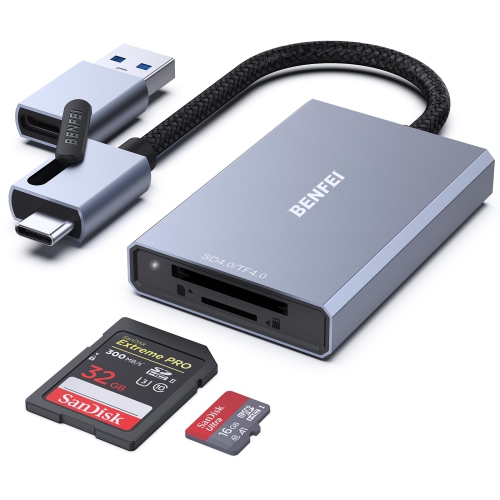
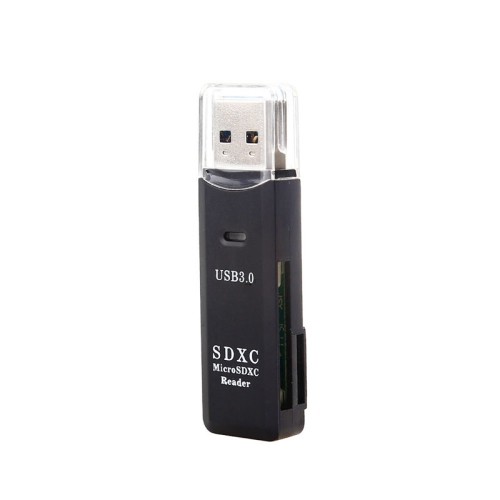
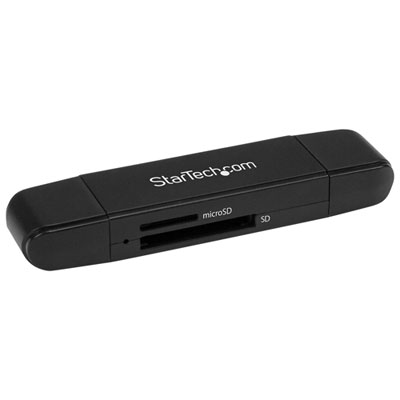
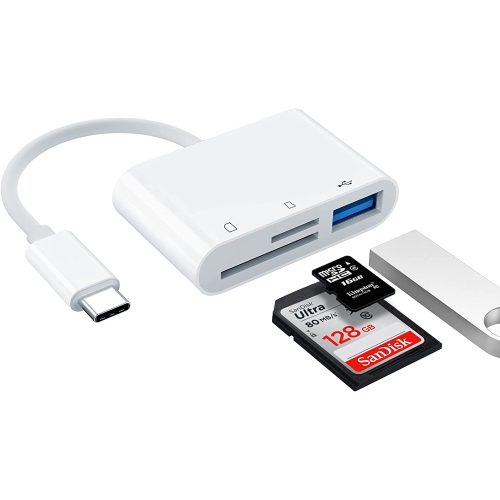

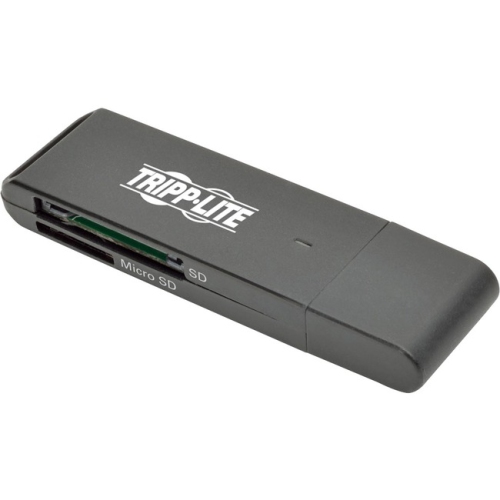

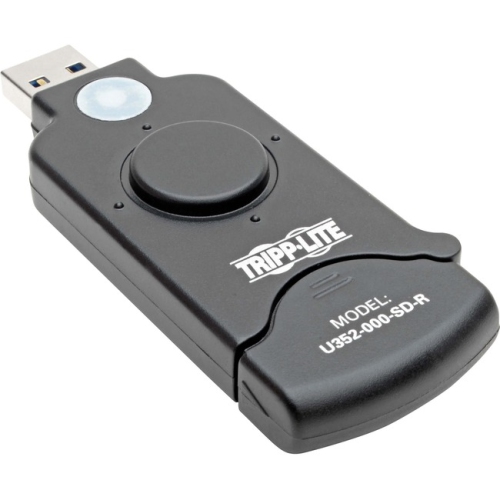

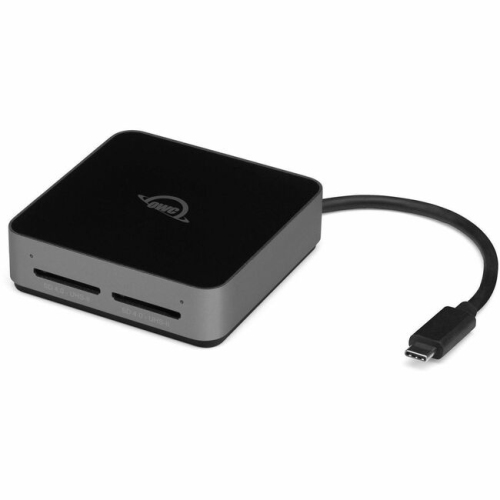
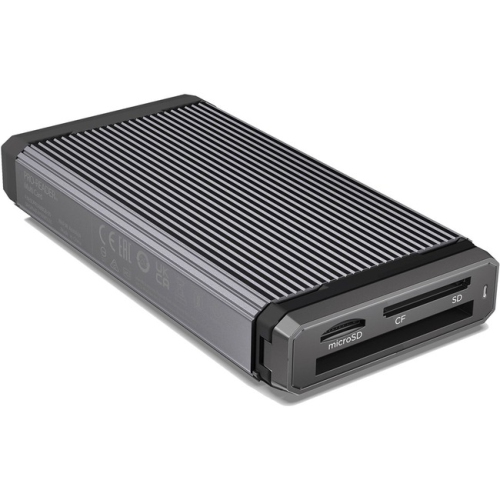

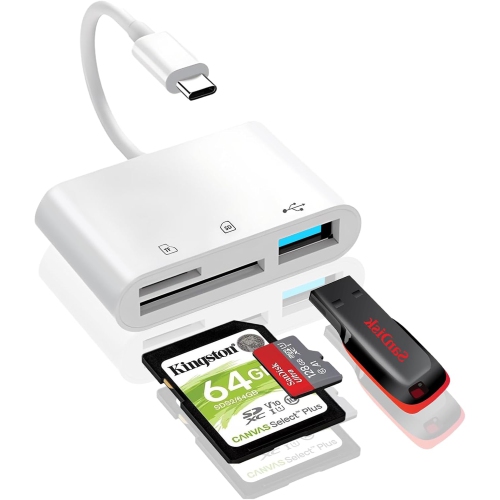


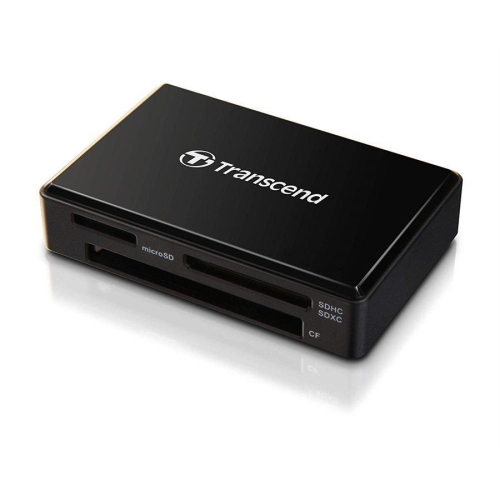
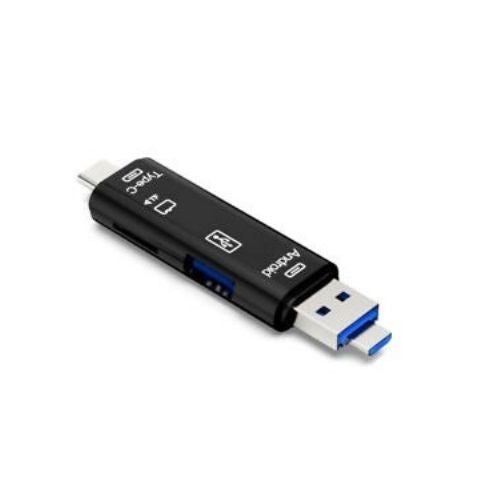
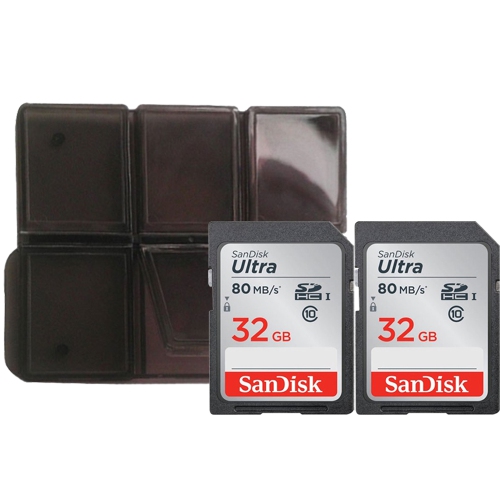

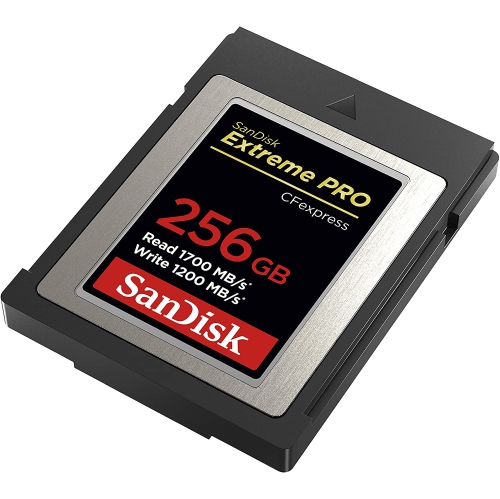
![NIERBO Sd Card Reader [USB2.0 / Type C/micro USB / 3-In-1] Card Reader Otg USB Sd USB Type C Memory Card Reader - Compatible w Micro Sd, Micro Sdhc](https://multimedia.bbycastatic.ca/multimedia/products/500x500/178/17853/17853328.jpeg)
Faster imports depend on more than your reader
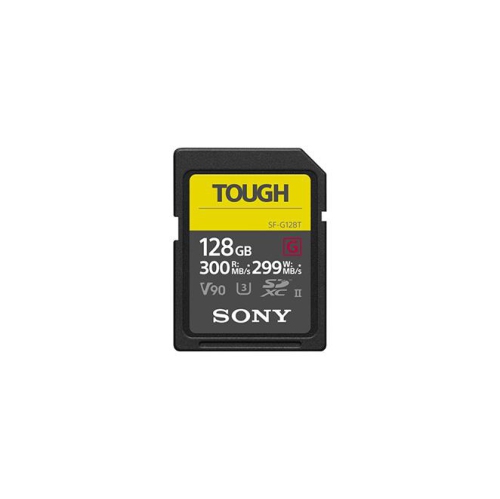
The fastest SD card readers combine a high-speed card interface with a connection that lets a computer receive files without creating a bottleneck. For photographers transferring hundreds of RAW images or video creators moving large 4K files, that combination can make a noticeable difference between finishing an import promptly and leaving a workstation occupied with a lengthy transfer. UHS-II SD card readers support a theoretical bus speed of up to 312 MB/s, with well-matched cards and readers often delivering large-file read speeds around 250–300 MB/s under favourable conditions. SD Express readers use PCIe and NVMe technology, with some implementations supporting a theoretical interface speed of up to 985 MB/s and newer generations supporting higher limits. Those figures describe interface capabilities rather than guaranteed file-transfer results: the card, reader, computer connection, destination drive, and files all influence actual performance. A reader described as SD Express needs a compatible SD Express card to deliver Express-level speeds, while a UHS-II reader needs a UHS-II card to take advantage of its additional contacts. Standard UHS-I cards generally remain limited by their own interface, whose standard maximum bus speed is 104 MB/s, even when inserted into a faster reader. Some paired card-and-reader systems exceed that figure through proprietary extensions, but those results depend on explicitly supported combinations. For a collection of ordinary SD cards, a higher-specification reader may offer useful flexibility without making every existing card faster. For a camera bag filled with UHS-II cards, matching the reader to that interface is much more immediately relevant. The best fit for a fast workflow is therefore not simply the reader with the largest advertised number, but one whose supported card standards and computer connection match the equipment already in use. This matters whether the task is delivering a portrait session, importing travel photographs, or clearing space on a card before another recording session.
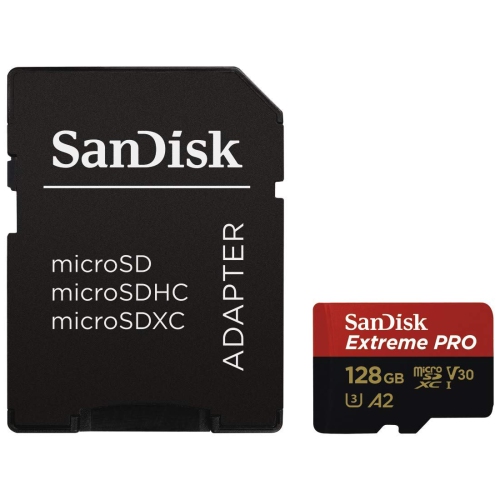
Computer connections are just as important as the card slot when comparing high-speed SD card readers. USB-C describes the connector shape, not the transfer speed; two readers with similar plugs can have very different capabilities. A USB connection rated at 5 Gbps generally provides enough bandwidth for a single UHS-II card, although overhead means usable throughput is lower than the connection’s headline figure. Faster SD Express transfers may call for a 10 Gbps or higher connection, depending on the reader’s specifications and the card’s capabilities. The host port and any intervening hub or cable also need to support the intended speed. Plugging a fast reader into an older USB port, or sharing a hub with other demanding devices, can reduce the benefit of its faster interface. A quick destination SSD helps keep large imports moving, whereas a slower destination drive can hold up the transfer even when the card and reader have capacity to spare. Large video clips often transfer more efficiently than folders containing thousands of small images and sidecar files, so a single benchmark does not capture every working situation. Card markings also need context: V60 and V90 indicate minimum sustained video write speeds of 60 MB/s and 90 MB/s under specified conditions, not the maximum read speed available when copying footage to a computer. Advertised read performance is more relevant to imports, while write performance matters when sending files back to a card. Full-size SD and microSD support should match the cards being used, whether they come from a camera, drone, action camera, or portable audio recorder. A microSD adapter changes the physical fit but does not upgrade the card’s interface. Multi-slot readers add convenience for mixed card collections, though simultaneous transfers and shared bandwidth vary by design. Compatibility with a laptop, desktop, tablet, or phone also depends on its operating system, port capabilities, power delivery, and support for the card’s file system.
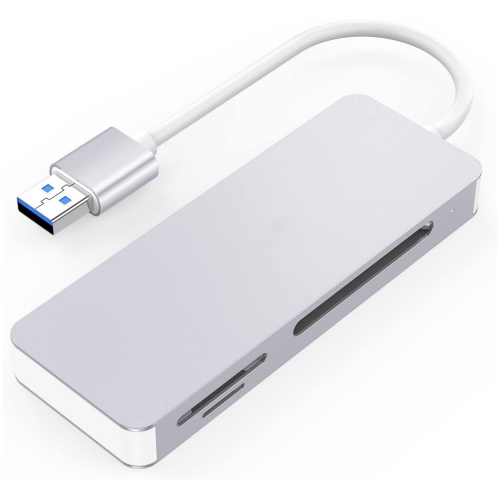
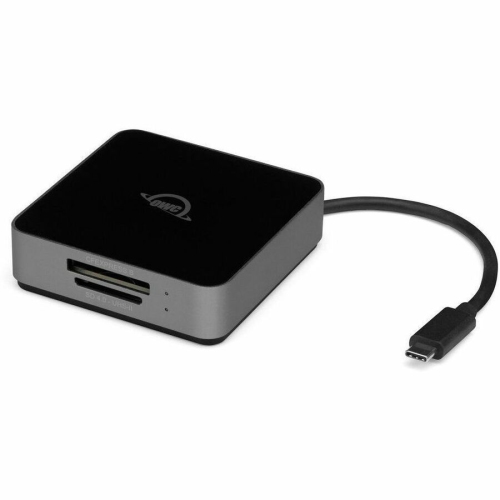
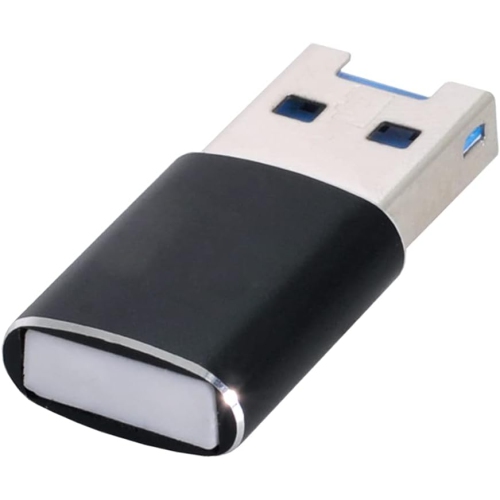
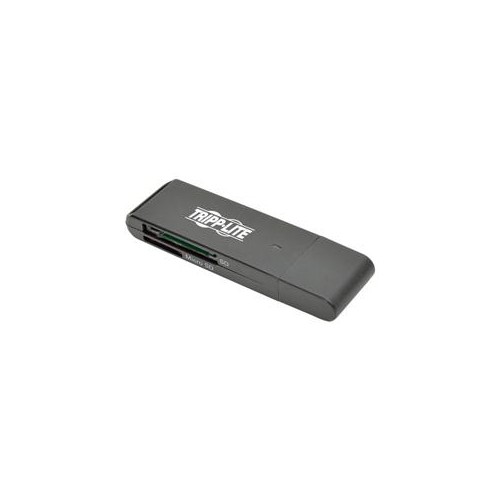
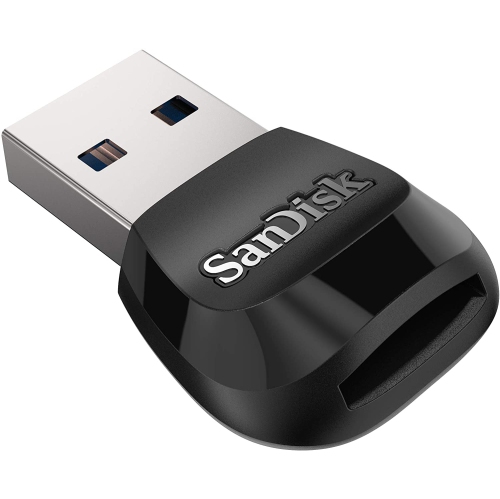
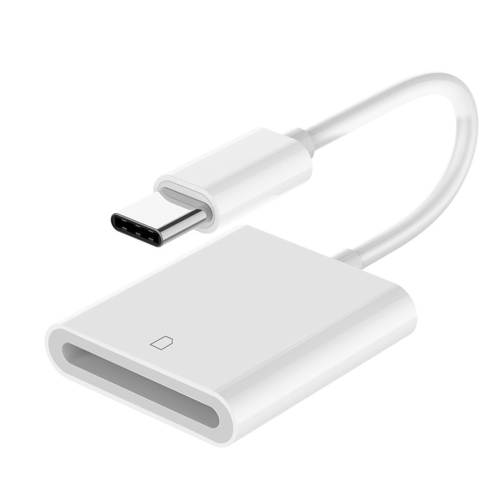
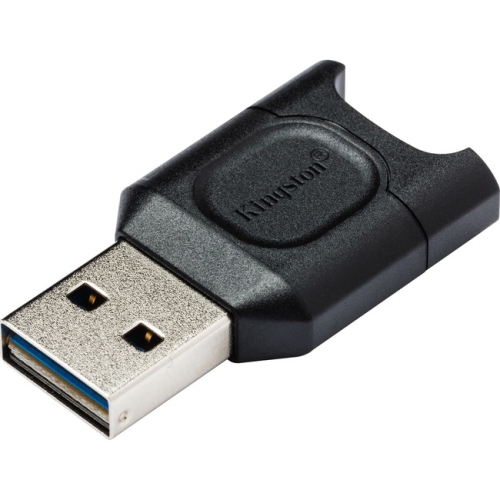
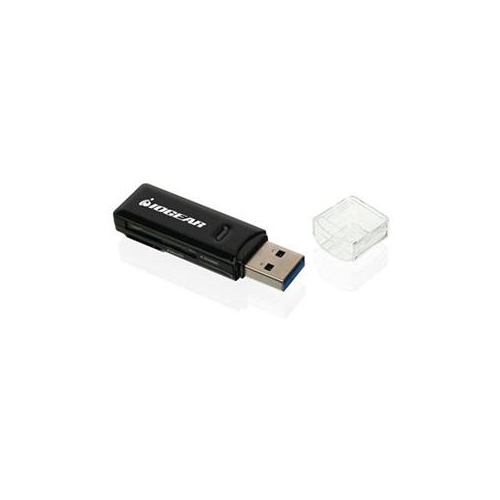
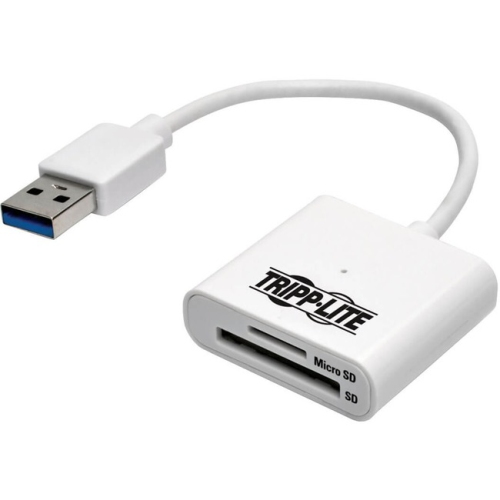
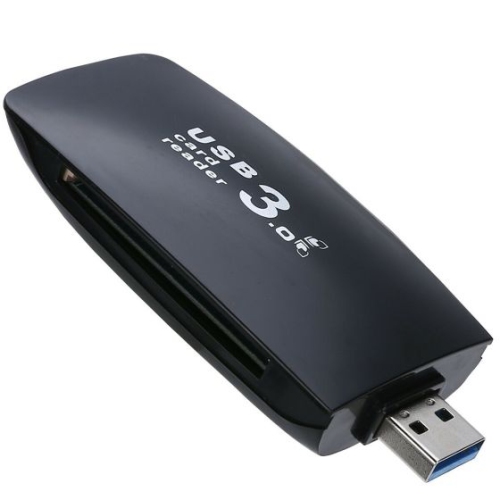
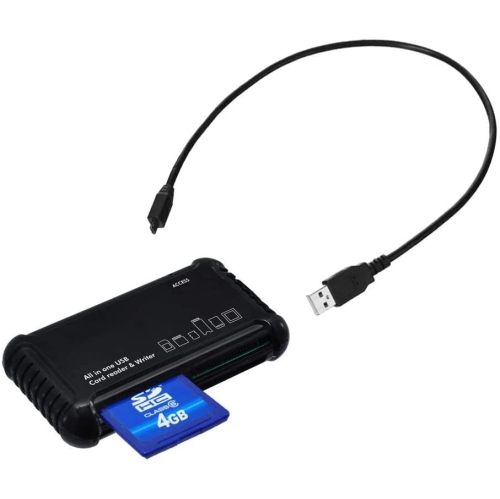
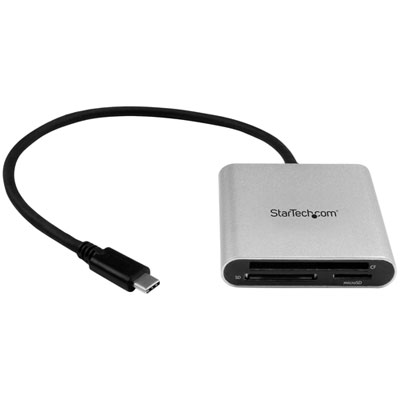
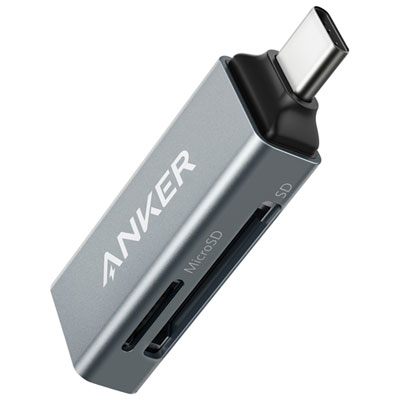
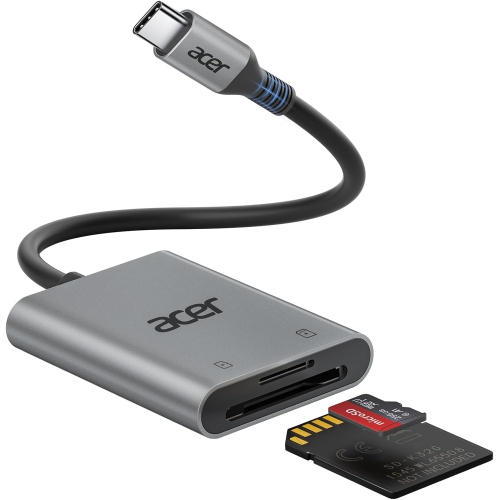
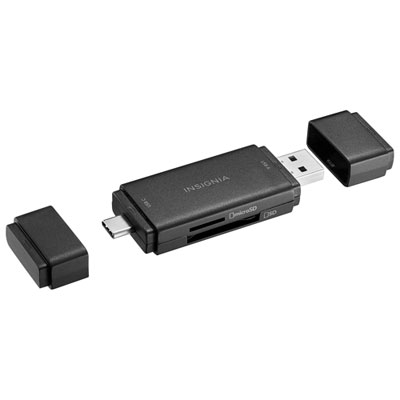
Physical design makes a fast SD card reader easier to live with, particularly when it moves between a desk and a camera bag. Compact readers with built-in plugs take up little room and eliminate a separate cable, but their bodies can obstruct neighbouring ports or place leverage on a connection if bumped. A short, flexible cable gives more freedom to position the reader beside a laptop and can keep an inserted card away from a busy workspace. Detachable cables are convenient to replace, provided the replacement supports the necessary data speed rather than charging alone. Metal housings can feel solid and resist everyday knocks, while well-built plastic housings keep weight down; neither material by itself establishes drop protection or resistance to liquids. Documented durability ratings are more meaningful than a rugged-looking shell. Firmly fitted connectors, reinforced cable exits, and a card slot that holds media securely are useful details for repeated use. At a desk, a reader that stays put makes swapping cards less awkward. On location, a protective pouch or capped connector can help keep lint and grit away from the contacts, although an uncovered card slot still needs care. Cards should slide in with the correct orientation rather than requiring force, and exposed contacts are best left untouched. Keeping the reader dry, removing loose dust gently, and avoiding tightly bent cables helps protect the connections that see the most handling. Waiting for transfers to finish and ejecting media through the device’s operating system before removal reduces the risk of interrupted writes or corrupted files. A card reader is particularly useful for photography students, event photographers, video editors, and households organizing years of digital pictures. It can also be a practical gift when the recipient’s card types and computer ports are known. For workflows involving several memory-card formats, Fast Memory Card Readers offer a broader category to explore alongside SD-focused designs. A well-matched reader brings together transfer performance, secure card fit, and straightforward connectivity, making repeated imports a smoother part of everyday creative work.
Computer connections are just as important as the card slot when comparing high-speed SD card readers. USB-C describes the connector shape, not the transfer speed; two readers with similar plugs can have very different capabilities. A USB connection rated at 5 Gbps generally provides enough bandwidth for a single UHS-II card, although overhead means usable throughput is lower than the connection’s headline figure. Faster SD Express transfers may call for a 10 Gbps or higher connection, depending on the reader’s specifications and the card’s capabilities. The host port and any intervening hub or cable also need to support the intended speed. Plugging a fast reader into an older USB port, or sharing a hub with other demanding devices, can reduce the benefit of its faster interface. A quick destination SSD helps keep large imports moving, whereas a slower destination drive can hold up the transfer even when the card and reader have capacity to spare. Large video clips often transfer more efficiently than folders containing thousands of small images and sidecar files, so a single benchmark does not capture every working situation. Card markings also need context: V60 and V90 indicate minimum sustained video write speeds of 60 MB/s and 90 MB/s under specified conditions, not the maximum read speed available when copying footage to a computer. Advertised read performance is more relevant to imports, while write performance matters when sending files back to a card. Full-size SD and microSD support should match the cards being used, whether they come from a camera, drone, action camera, or portable audio recorder. A microSD adapter changes the physical fit but does not upgrade the card’s interface. Multi-slot readers add convenience for mixed card collections, though simultaneous transfers and shared bandwidth vary by design. Compatibility with a laptop, desktop, tablet, or phone also depends on its operating system, port capabilities, power delivery, and support for the card’s file system.
Physical design makes a fast SD card reader easier to live with, particularly when it moves between a desk and a camera bag. Compact readers with built-in plugs take up little room and eliminate a separate cable, but their bodies can obstruct neighbouring ports or place leverage on a connection if bumped. A short, flexible cable gives more freedom to position the reader beside a laptop and can keep an inserted card away from a busy workspace. Detachable cables are convenient to replace, provided the replacement supports the necessary data speed rather than charging alone. Metal housings can feel solid and resist everyday knocks, while well-built plastic housings keep weight down; neither material by itself establishes drop protection or resistance to liquids. Documented durability ratings are more meaningful than a rugged-looking shell. Firmly fitted connectors, reinforced cable exits, and a card slot that holds media securely are useful details for repeated use. At a desk, a reader that stays put makes swapping cards less awkward. On location, a protective pouch or capped connector can help keep lint and grit away from the contacts, although an uncovered card slot still needs care. Cards should slide in with the correct orientation rather than requiring force, and exposed contacts are best left untouched. Keeping the reader dry, removing loose dust gently, and avoiding tightly bent cables helps protect the connections that see the most handling. Waiting for transfers to finish and ejecting media through the device’s operating system before removal reduces the risk of interrupted writes or corrupted files. A card reader is particularly useful for photography students, event photographers, video editors, and households organizing years of digital pictures. It can also be a practical gift when the recipient’s card types and computer ports are known. For workflows involving several memory-card formats, Fast Memory Card Readers offer a broader category to explore alongside SD-focused designs. A well-matched reader brings together transfer performance, secure card fit, and straightforward connectivity, making repeated imports a smoother part of everyday creative work.
Top selling and popular products
-
 Your price for this item is $49
 -
 Your price for this item is $179.99
 -
 Your price for this item is $51.68
 -
 Your price for this item is $57.99
 -
 Your price for this item is $19.99
 -
 Your price for this item is $13.99
 -
 Your price for this item is $15.99
 -
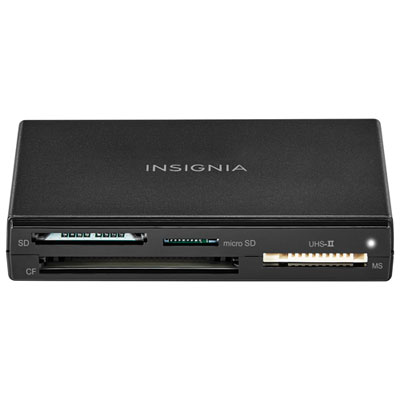 Your price for this item is $21.99
Discover more categories related to Fastest Sd Card Readers
Top Collections:
Pokemon Centers, Kindle Devices, Best Budget Office Chairs, Apple iPhones 16, Best Laptops for Writers, iPhone 15 Apple, Canon G7X Cameras, Refurbished Apple Laptops, Alarm Clock, Motorola Razr Phones
Some products may be subject to Environmental Handling Fees
(EHF) depending on your province.
Learn more about EHFs.