Garmin Truck GPS
Garmin Truck GPS devices are designed to help drivers navigate the open road with confidence. Whether you’re hauling freight across the country or making local deliveries, these GPS units offer reliable routing tailored to the unique needs of truckers. Find the ideal Garmin Truck GPS to support your daily routes, stay on track, and make every journey more efficient. Explore a range of options and discover navigation solutions that keep you moving forward.
Sort
Why the shortest route may not suit your truck
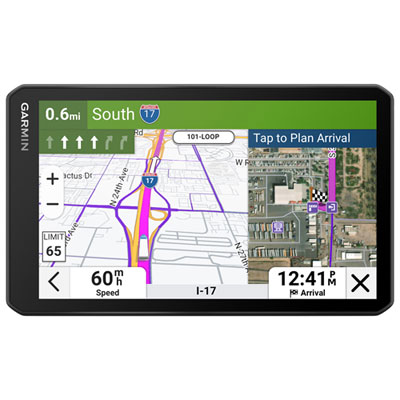
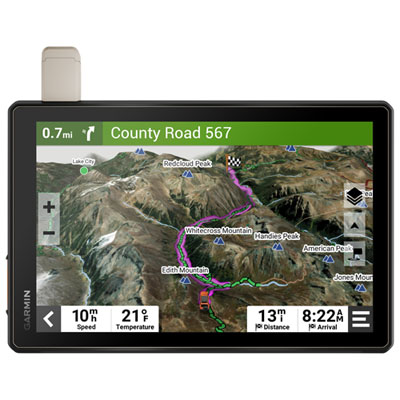
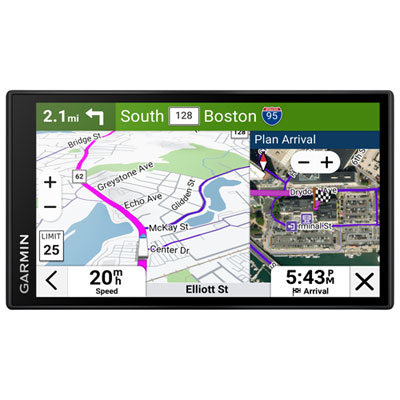
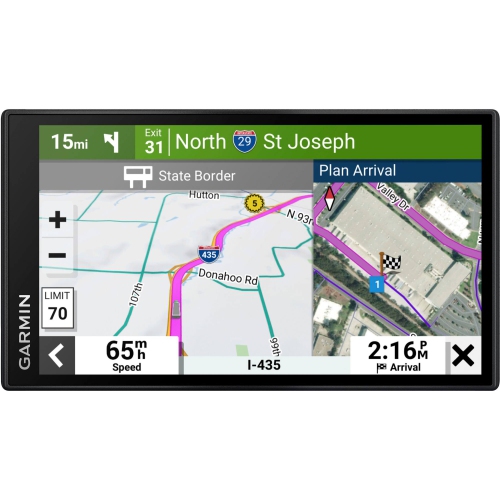
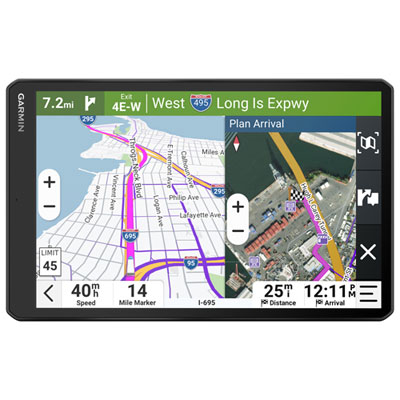
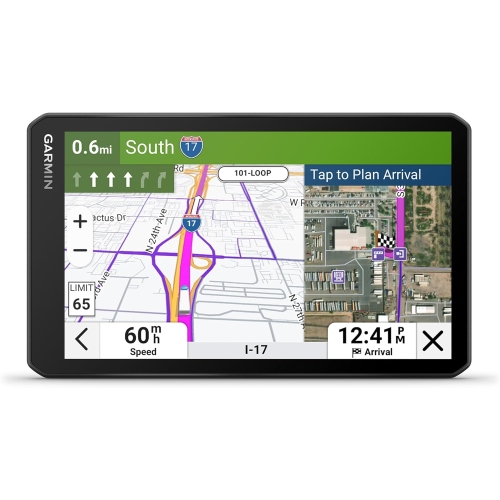
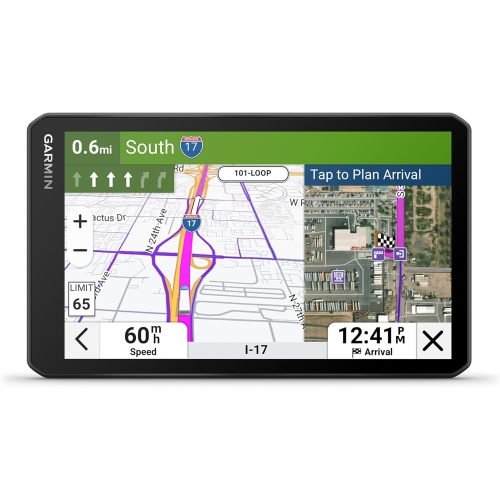
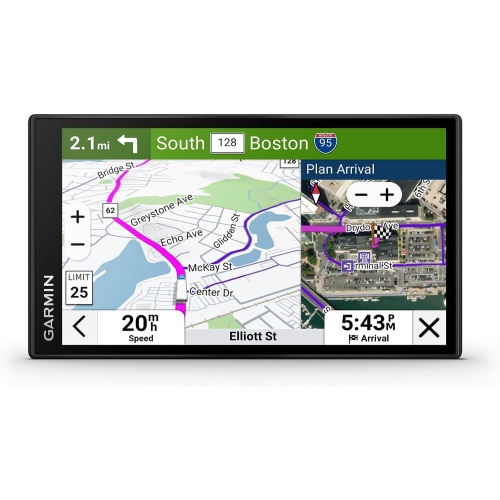
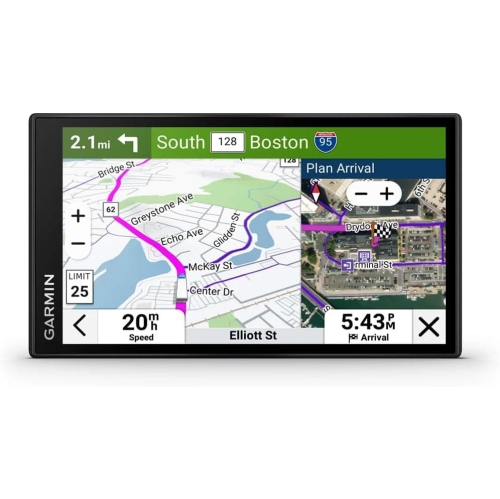
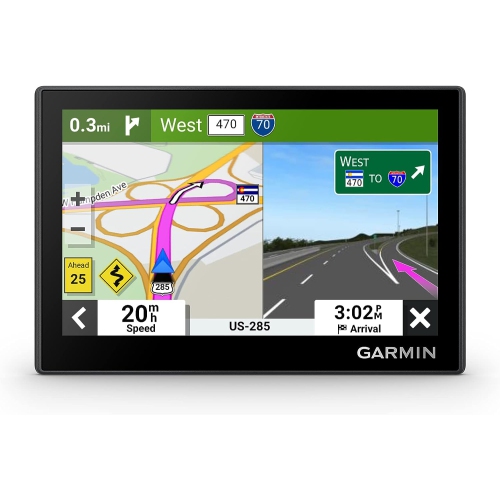
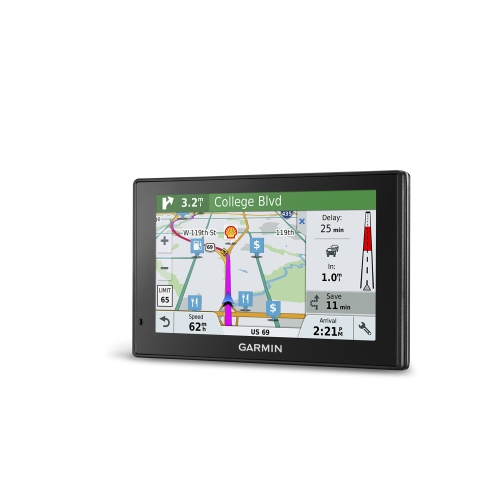
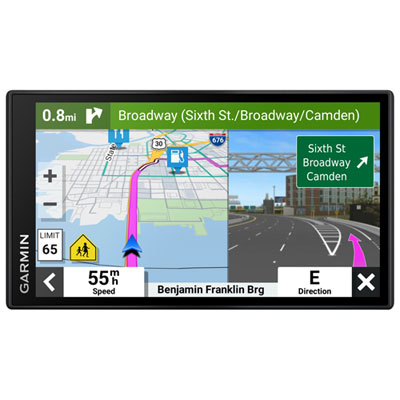
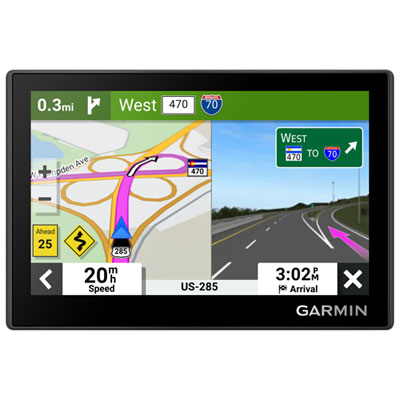
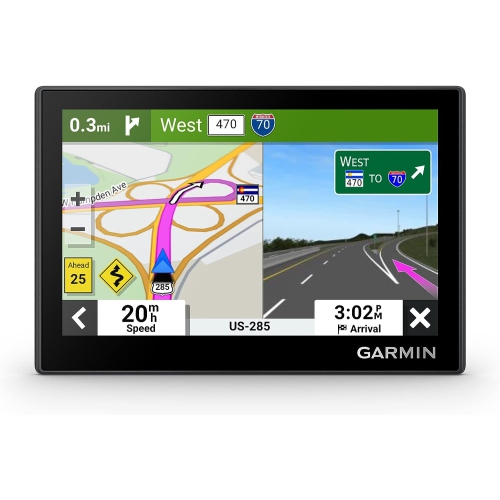
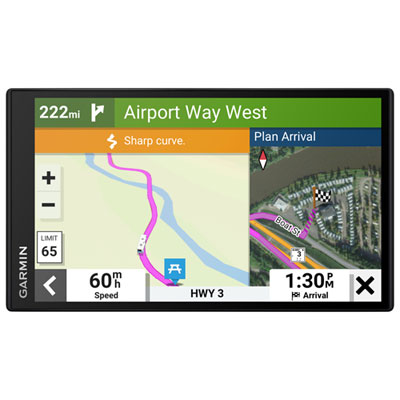
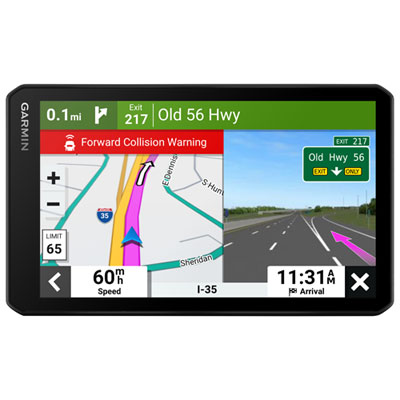
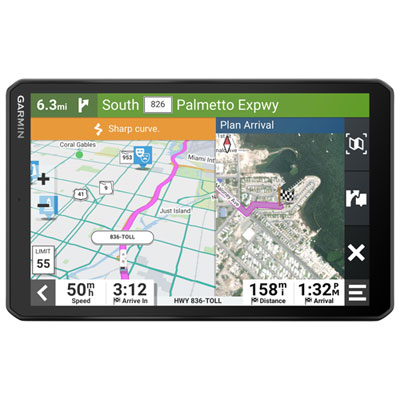
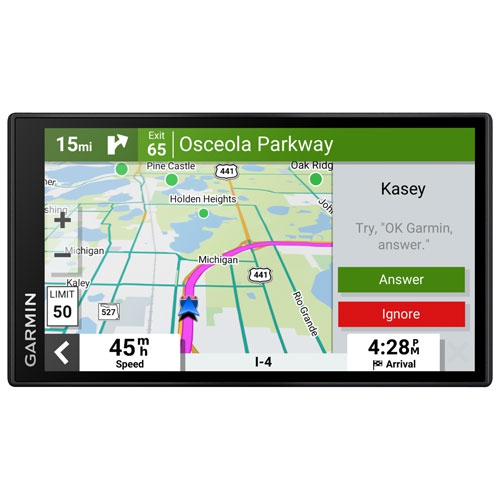
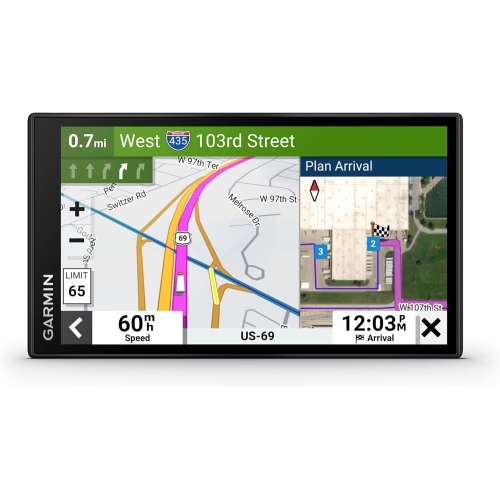
Truck GPS navigators are designed for commercial driving, where a suitable route depends on more than the distance between two addresses. A tractor-trailer approaching a distribution centre has different needs from a passenger car heading to the same street. Dedicated truck navigation can account for vehicle details such as height, weight, length, and width when calculating routes, helping drivers identify roads better suited to their vehicles. Depending on the device and its map coverage, routing features may also address restrictions associated with trailers or certain load types. These capabilities are useful for long-haul operators, regional delivery drivers, and owner-operators who regularly travel beyond familiar territory. Clear turn guidance, lane information, and an easy-to-read map can help make complex interchanges easier to interpret, particularly where several exits sit close together. Some navigators also provide alerts for upcoming sharp curves, steep grades, or changes in posted speed limits. Truck-specific routing remains a planning aid rather than a guarantee of clearance or road suitability: posted signs, actual road conditions, vehicle measurements, and commercial driving rules always take precedence. Accurate vehicle profiles matter, especially when a driver changes trailers or moves between vehicles with different dimensions. A route calculated for one configuration may not suit another. Destination detail is another important distinction. A warehouse’s mailing address may lead to its office entrance rather than its receiving gate, while a large industrial property may have separate access roads for different types of traffic. Devices with detailed arrival information, loading-area guidance, or supported satellite imagery can provide useful context before the final approach. These features vary by model and location, but the purpose is consistent: navigation that reflects the practical demands of moving a large commercial vehicle, from the highway interchange to the correct side of the building. Coverage across the provinces, territories, or cross-border corridors a driver uses is just as important as the routing features themselves, since included maps and supported truck information can differ between devices.
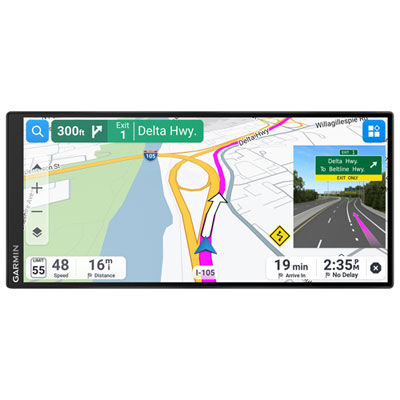
Screen size, mounting position, and everyday handling shape how a truck GPS fits into the cab. A larger display can make road names, junction diagrams, and upcoming manoeuvres easier to distinguish at a glance, but it also requires enough space for a secure installation that does not obstruct the windshield, mirrors, controls, or sightlines. A compact screen may suit a tighter dashboard, while a larger unit can work well where the driver sits farther from the mounting point. Resolution, brightness adjustment, and screen reflections influence readability as much as the screen’s dimensions. Touch controls should be easy to interpret when the vehicle is safely parked, and supported voice commands can offer another way to interact with certain functions. Mount design matters during daily use, too. A stable bracket helps keep the map in a consistent viewing position, while a compatible quick-release or magnetic connection can simplify removing the navigator when leaving the cab. Vehicle power compatibility, cable length, and the location of the power connection affect how neatly the setup fits around other equipment. Most importantly, the unit needs a dependable power arrangement for the intended trip; an internal battery, where included, should not be assumed to replace vehicle power throughout a full driving shift. Durability also involves the parts handled most often, including the screen, casing, charging connection, and mount. Housing materials, protective screen surfaces, and storage options differ, and a navigator designed for cab use should not automatically be treated as waterproof or resistant to drops. A soft, lint-free cloth and manufacturer-approved cleaning methods help keep the display clear without damaging its finish. Cables routed away from pedals, seat adjustments, and frequently opened compartments are less likely to snag or interfere with driving tasks. For drivers who move between trucks, the size of the complete setup, ease of removal, and compatibility with each vehicle can be as relevant as the navigator’s feature list. A well-fitted unit becomes a useful part of the workspace rather than another object competing for dashboard space.
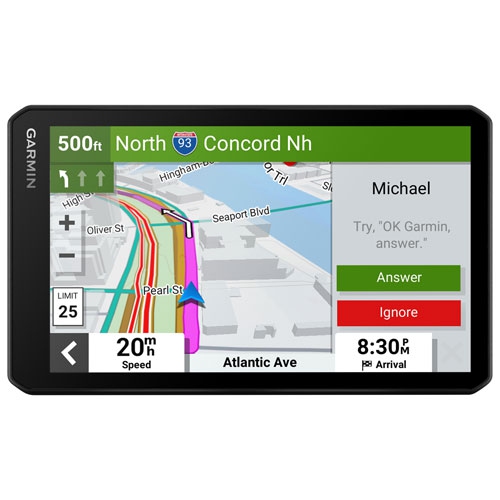
Navigation features extend beyond the route line on the screen. Searchable truck stops, rest areas, weigh stations, fuel locations, and repair services can help drivers identify practical stopping points along a journey, although the categories and details included vary. Truck parking information can be especially useful when planning where to finish a driving period, but a listed location does not guarantee an open space or permission to park. Some devices support driver-submitted information about entrances, parking areas, or loading docks, adding context that may not appear in a standard street map. Such details are most useful alongside current site instructions and direct communication with the destination. Connectivity also affects what a navigator can do. Dedicated GPS positioning and downloaded maps generally support core navigation without a continuous mobile data connection, while live traffic, notifications, and other connected services may require a compatible smartphone, companion app, or separate connection. Supported Wi-Fi connectivity can make map and software updates more convenient without connecting the navigator to a computer. Bluetooth features may include hands-free calling or connections to compatible accessories, depending on the device. Regular map updates help keep road information current, although no map can reflect every change immediately. Optional camera integration is another feature found on some navigators, allowing a compatible camera image to appear on the navigation display; the camera, installation requirements, and supported connections need to match the device. These differences make the complete specification more useful than a single headline feature. The broader selection of Truck GPS Navigators reflects a range of driving routines, from repeated regional runs to unfamiliar multi-stop journeys. For one driver, clear guidance and straightforward controls may be the priority; for another, detailed arrival views, multiple vehicle profiles, and connected traffic information may play a larger role. The most suitable setup brings together relevant map coverage, truck-routing capabilities, readable guidance, and a secure fit in the cab, supporting the driver’s preparation and judgement throughout the journey.
Top selling and popular products
Discover more categories related to Garmin Truck GPS
Top Collections:
Best Black Friday Deals This Year, Best Black Friday Deals On Electronics, Kindle Devices, Pokemon Centers, Best Black Friday Deals On Apple Products, Best Cameras for Sports Photography, Dyson Airwrap, Pokémon 30th Celebration Cards, Apple iPhone 17 Pro, Canon G7X Cameras
Some products may be subject to Environmental Handling Fees
(EHF) depending on your province.
Learn more about EHFs.