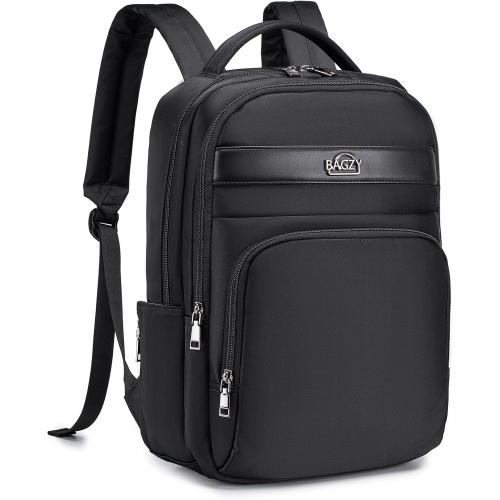
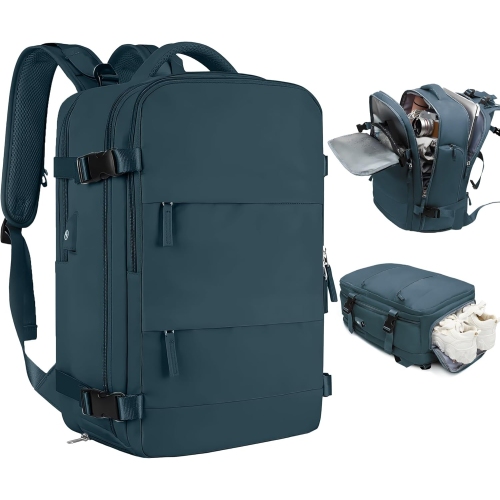
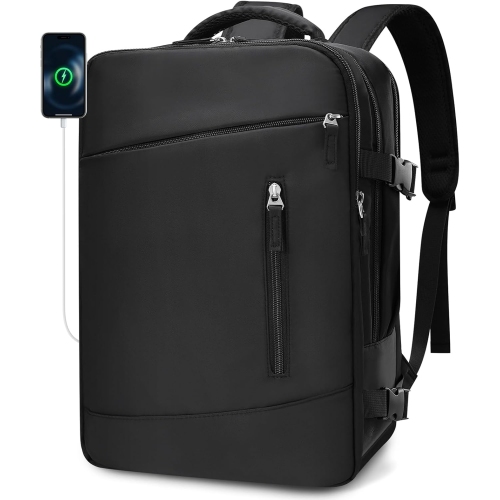
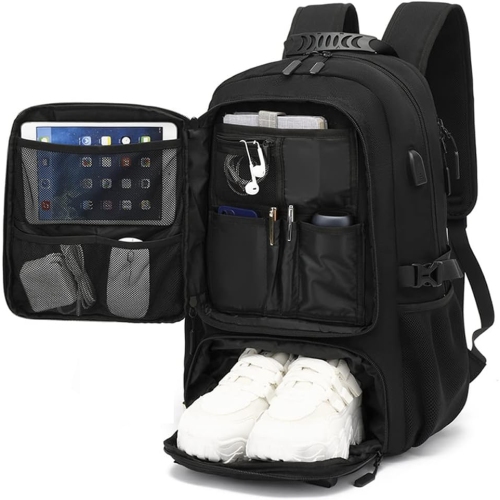
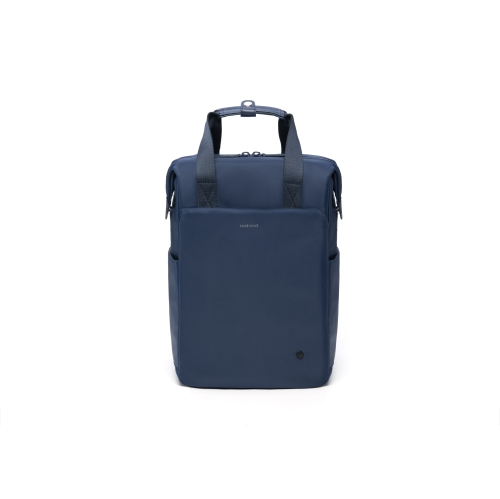
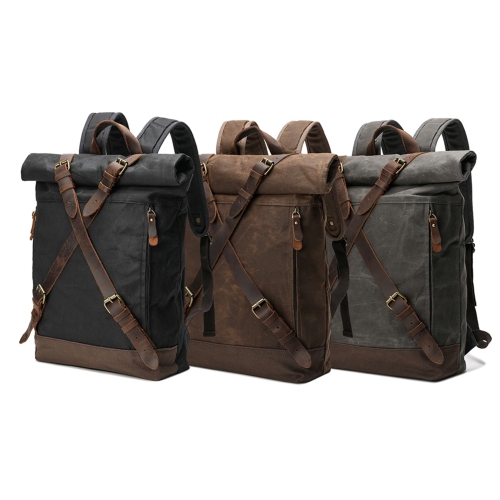
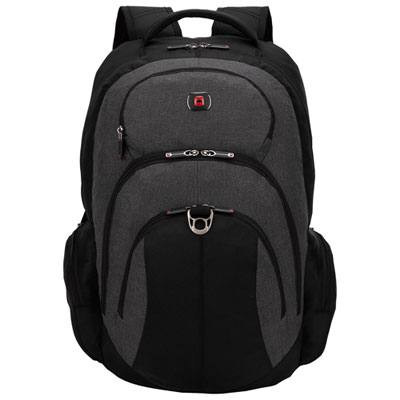
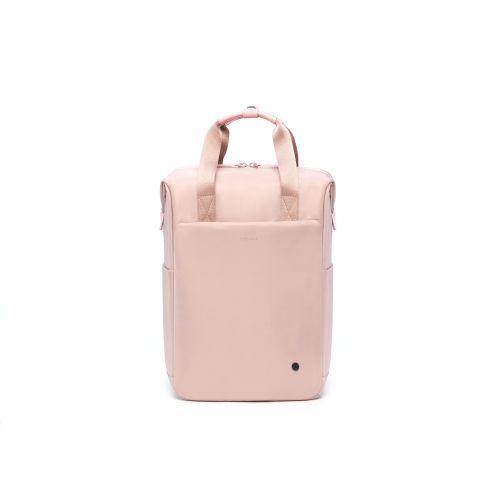
Carry-Ons with Laptop Compartments

Carry-ons with laptop compartments keep your computer separate from clothing and other travel essentials, making it easier to reach when you need it. Compare cabin luggage by laptop fit, compartment access, and overall dimensions to find an option that suits your packing needs and your airline’s carry-on size limits.
Read More

Sort

Laptop access matters as much as packing space

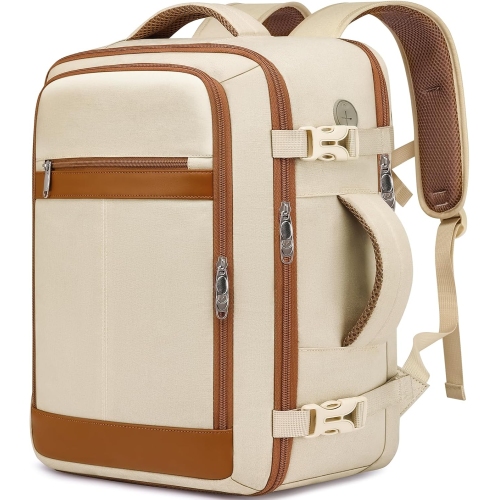
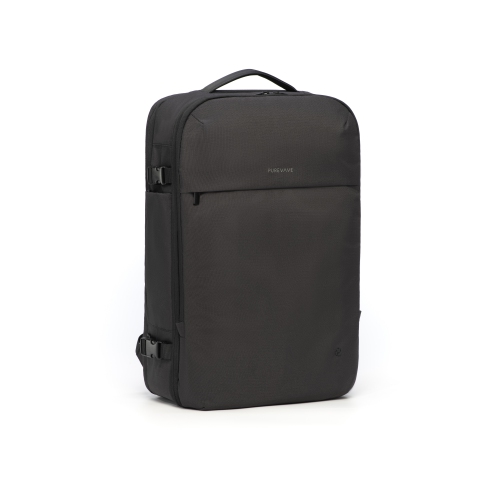
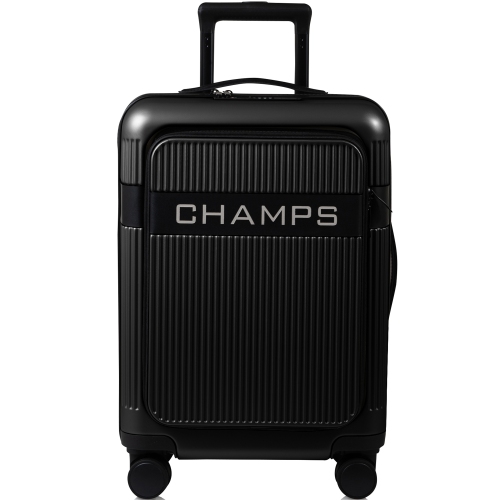
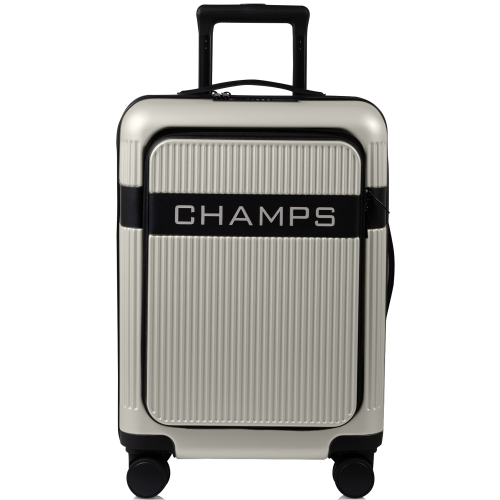
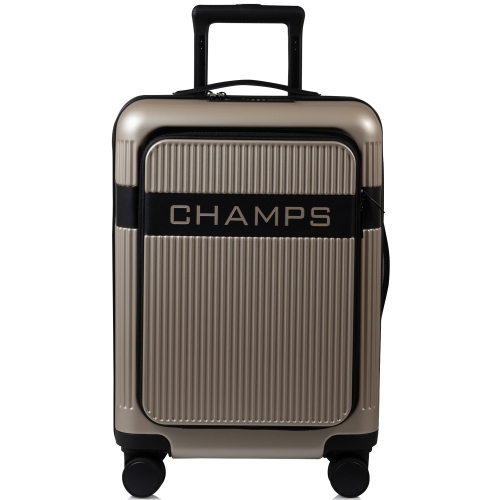
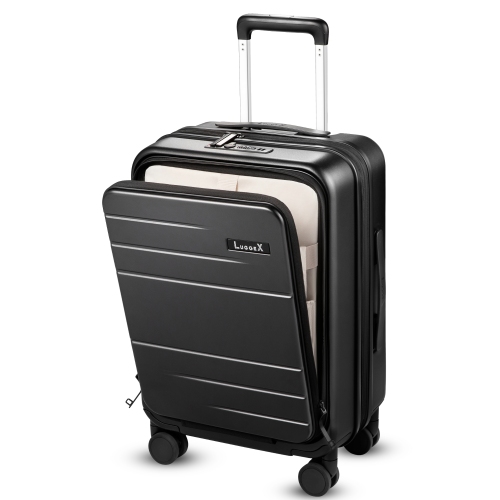
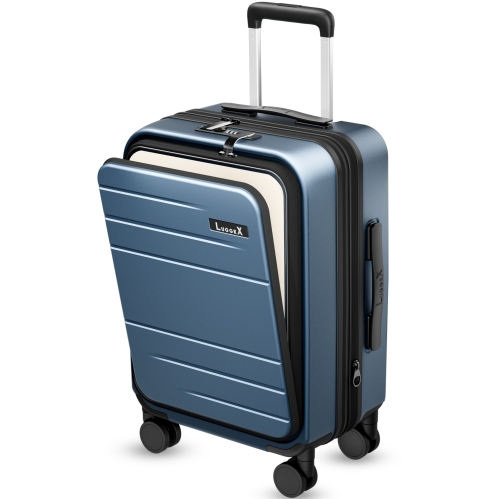
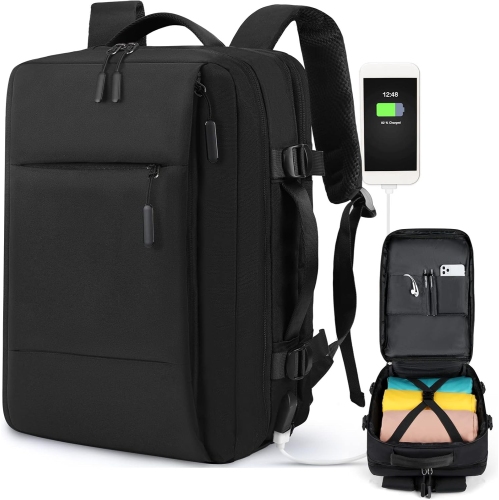
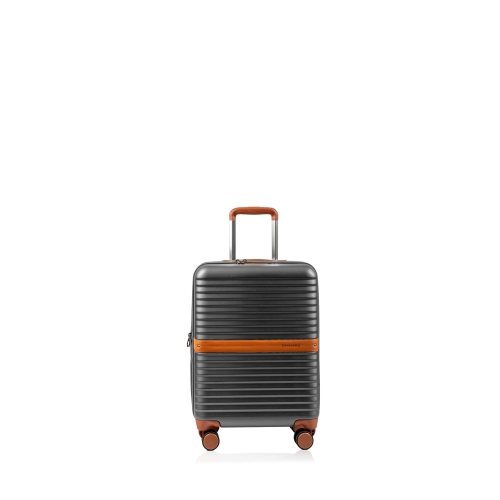
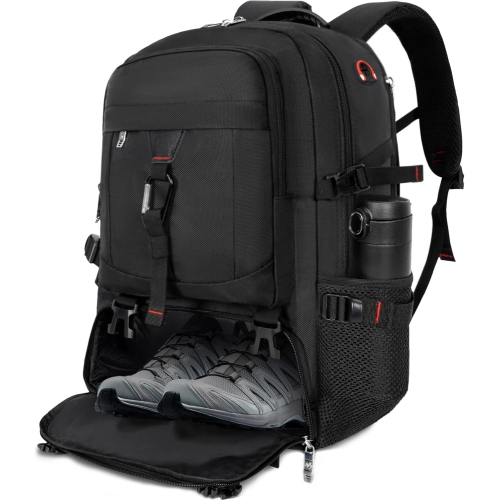
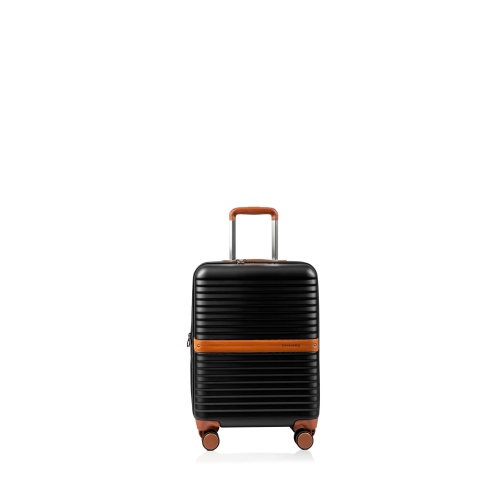
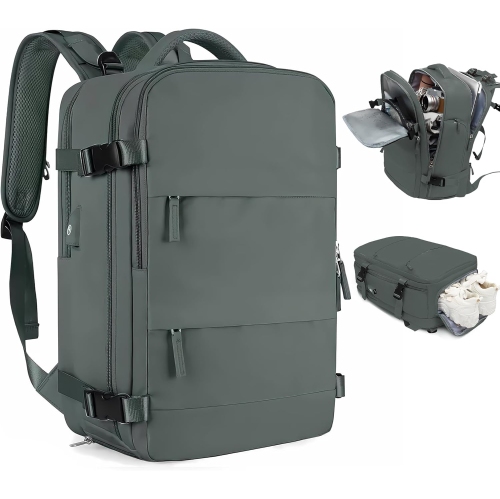
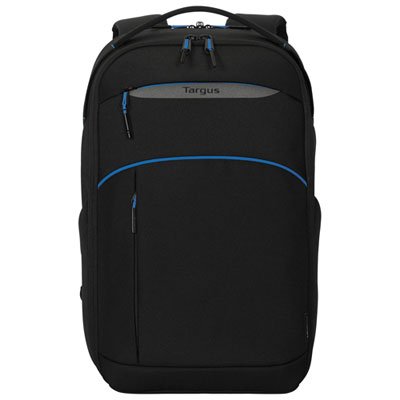
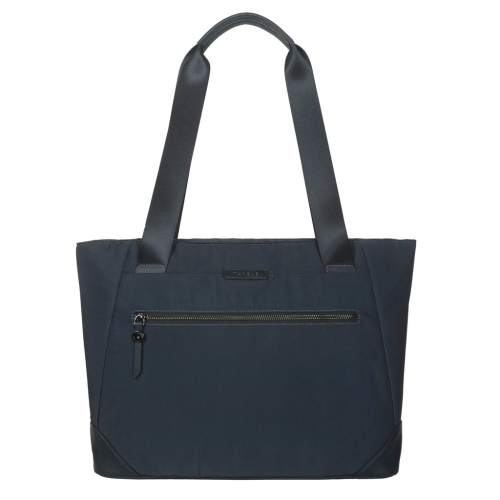
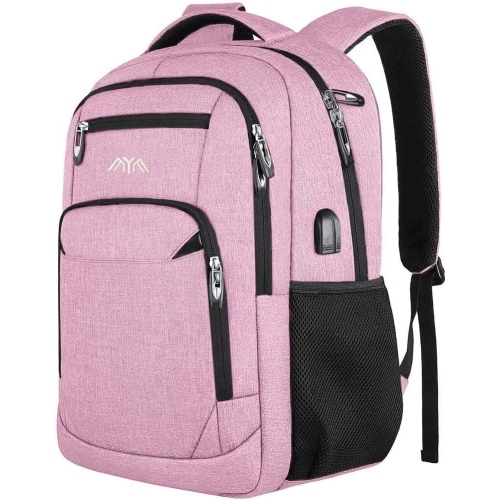
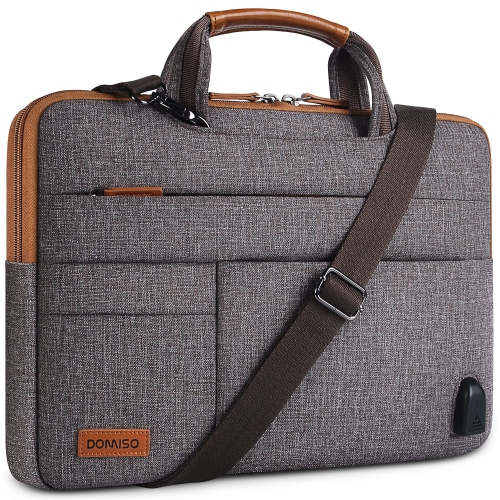
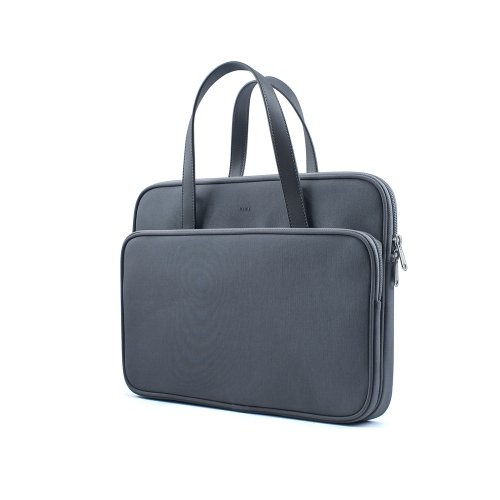
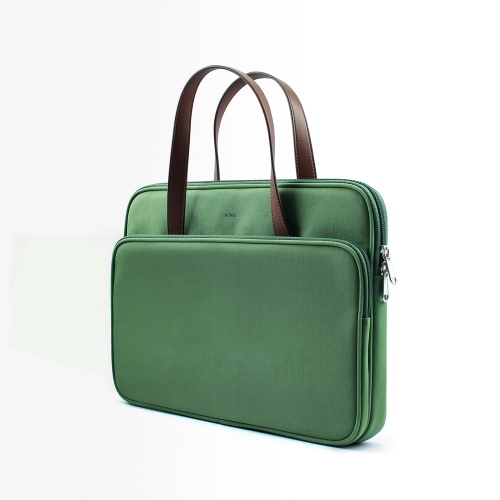
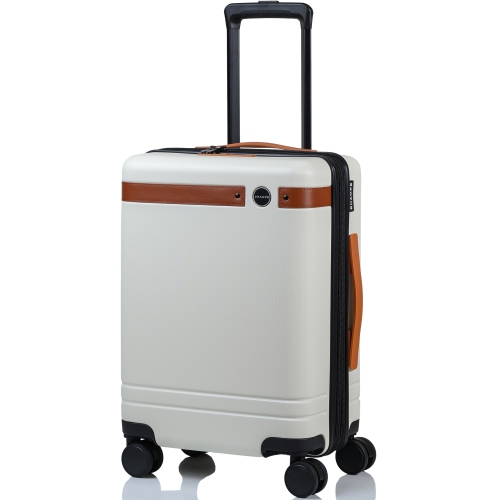
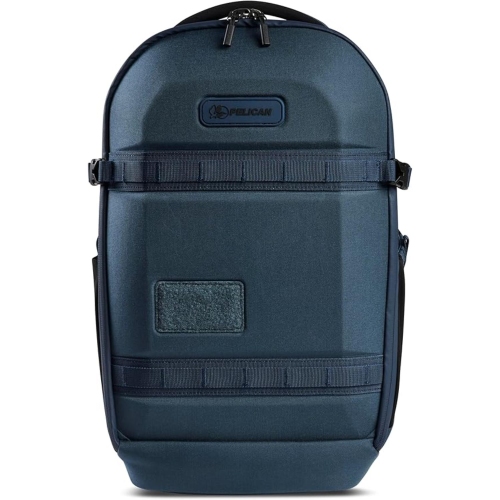
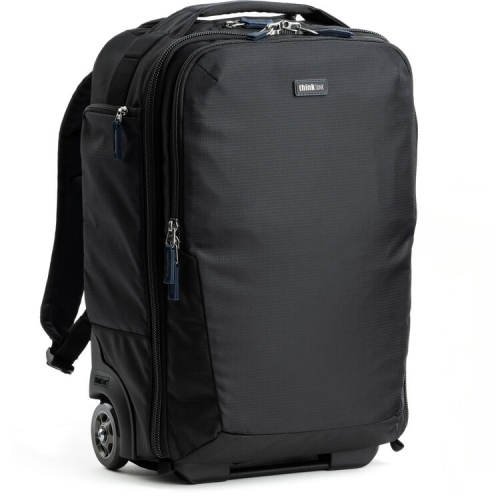
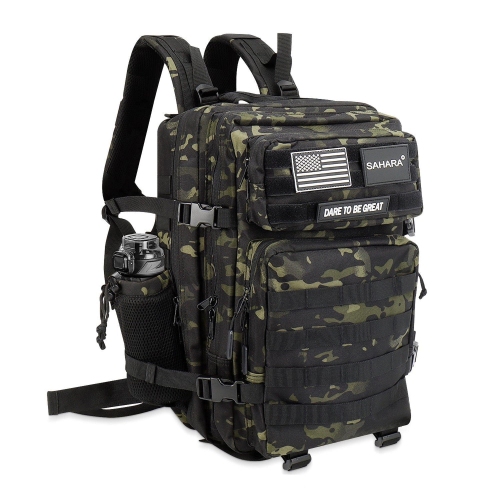
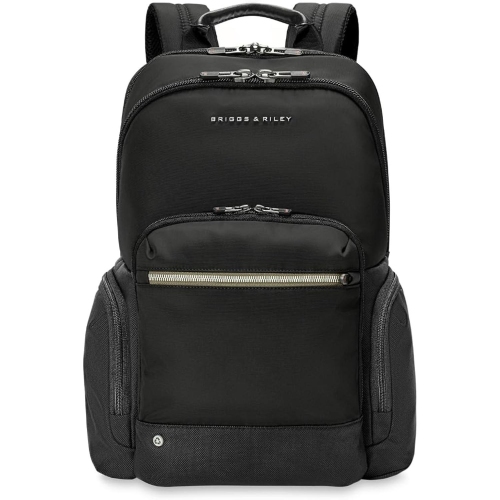
Carry-ons with laptop compartments bring clothing, work essentials, and a computer into one manageable piece of luggage, with a dedicated place for the device that would otherwise sit between folded shirts or loose accessories. That separation is particularly useful on a short business trip, a visit that includes a few hours of remote work, or a journey between home and campus. A laptop compartment near the front of the case can make it easier to reach a computer at a security checkpoint or settle into a workspace without opening the main packing section. Interior sleeves offer a different arrangement, keeping the device within the main case, though access may require laying the luggage flat. Neither layout is automatically better; the useful distinction is how often the laptop needs to come out during the journey. Fit deserves close attention because a laptop’s advertised screen size measures its display diagonally, not the full width, depth, or thickness of its body. Two computers with the same screen size can need different amounts of room, especially when one has a thicker chassis or travels inside a protective sleeve. Published compartment dimensions, where provided, offer a more practical comparison than screen size alone. Padding along the sides and base helps cushion ordinary bumps, while a retaining strap or snug sleeve can limit movement as the case rolls across uneven flooring. A compartment should hold the computer securely without forcing the zipper closed or pressing tightly against the screen. Storage layouts vary across the Suitcase With Laptop Compartment category, making the location and construction of the device pocket useful details to compare. For someone who opens a laptop several times between departure and arrival, a clear path to that pocket can matter just as much as the space available for an extra outfit.
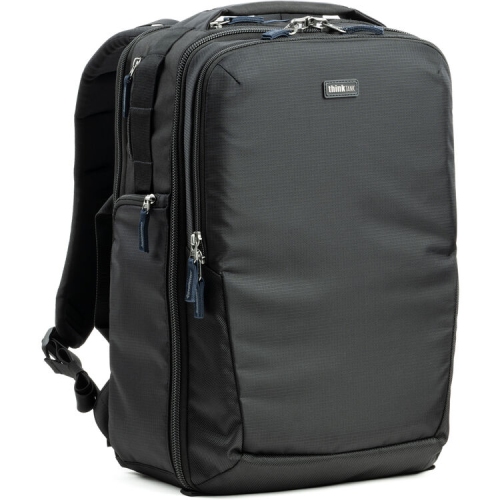
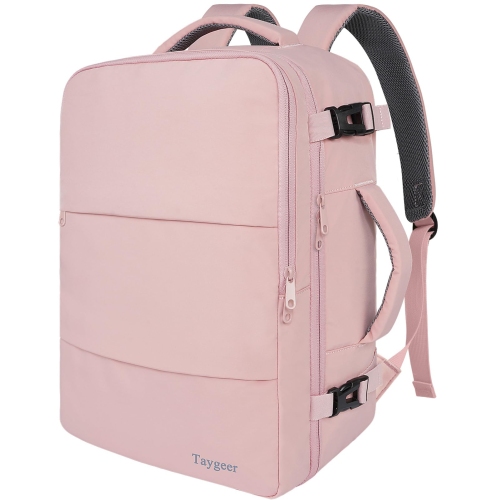
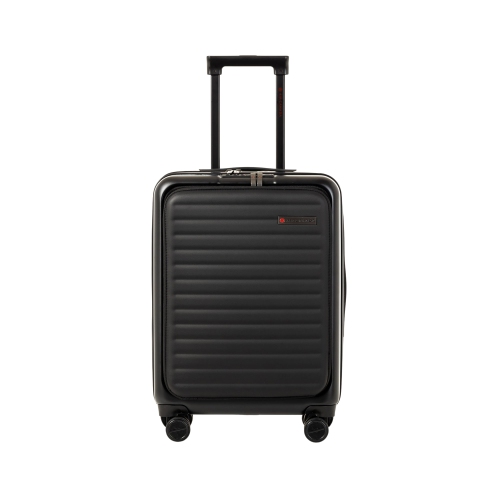
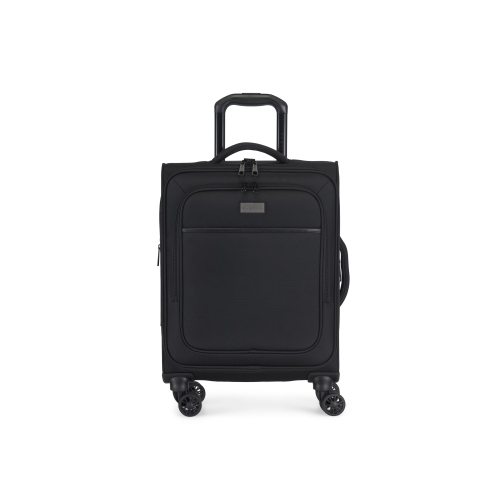
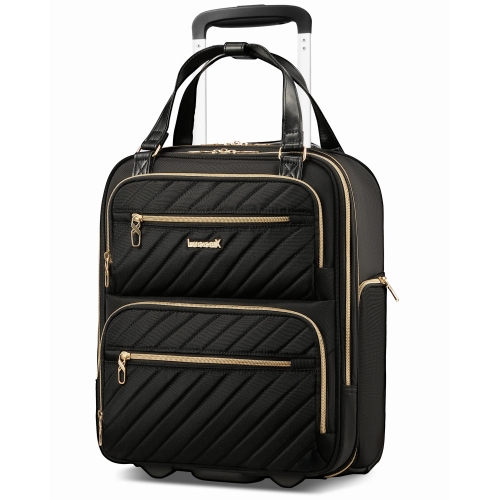
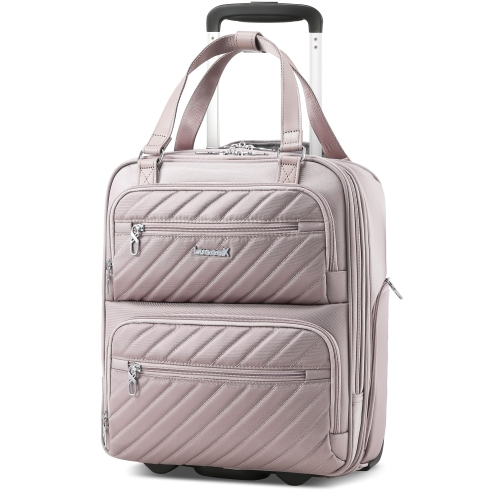
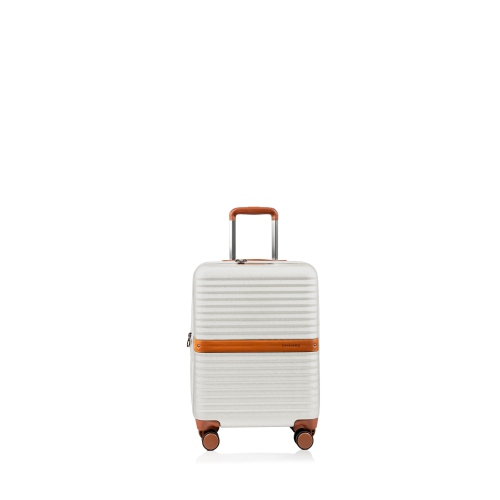
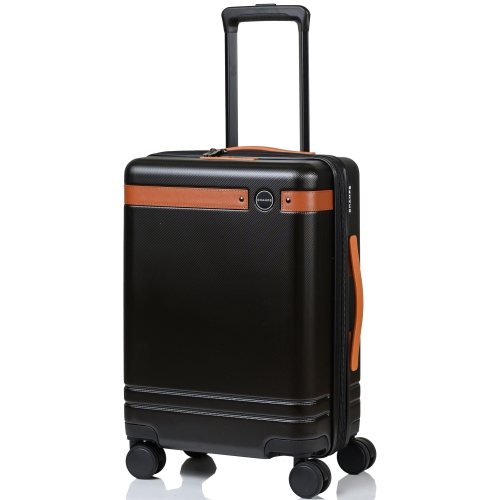
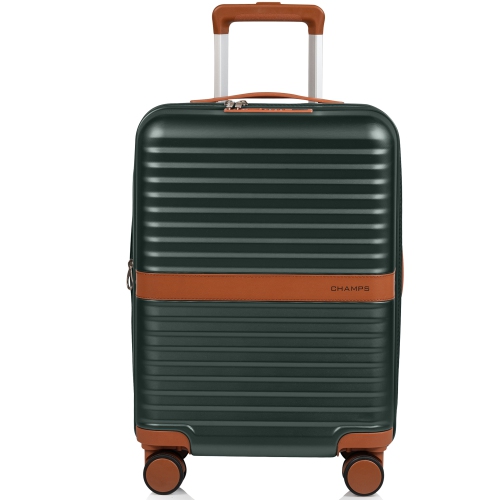
The outer construction shapes how a carry-on handles both packing and movement. Hard-shell cases commonly use moulded plastics that give the luggage a defined shape and help shield the contents from everyday knocks, although surface finishes can show scuffs over time. Soft-sided cases commonly use woven fabrics and may offer more flexible exterior pockets, which can be convenient for a charging cable, travel documents, or a notebook. Material names alone do not tell the whole story: reinforced corners, tidy stitching, securely attached handles, and smooth-running zippers all contribute to how a case stands up to repeated use. A front-opening laptop section also changes the packing layout, sometimes taking space from the main compartment or adding depth when filled. This matters when comparing overall measurements with an airline’s carry-on allowance. Wheels, fixed handles, and exterior pockets can count towards those measurements, and an expandable section can push an otherwise suitable case beyond the permitted size. Requirements differ between carriers and fares, so a carry-on label is not a guarantee of acceptance on every flight. Empty weight matters as well, particularly when a computer and power adapter already account for a noticeable part of the load. Four-wheel spinner designs can move beside the traveller through wide terminal corridors, while two-wheel designs are pulled behind and may have wheels that sit more closely within the case’s profile. Wheel quality, stability, and handle comfort are worth considering alongside the wheel count. A telescopic handle that extends to a comfortable height helps avoid an awkward pulling position, while top and side grab handles provide useful lifting points at stairs or overhead storage. Laptop storage works best as part of that overall balance: a heavily loaded front pocket can affect how a case stands, and a computer should not be treated as structural support for an overpacked bag. A little breathing room around the dedicated compartment helps preserve its intended shape.

Inside the case, thoughtful organization keeps the laptop area from becoming a catch-all for everything needed in transit. Separate pockets for a mouse, charging cable, and power adapter reduce loose clutter, while a zipped compartment can keep small accessories from slipping into the clothing section. Bulky plugs and adapters are better positioned where they will not press directly against the computer lid. Clothing straps or a dividing panel help hold the main load in place, making it less likely that shoes or folded garments will shift towards the laptop sleeve when the case is lifted. For an overnight work trip, that might mean a change of clothes in the main compartment and a computer within easy reach at the front; for a longer journey, the same carry-on may hold the essentials that stay with the traveller while a larger suitcase carries the rest. Access remains dependent on where the luggage is stored, however. A case placed overhead will not be as convenient to open as a smaller bag kept within reach, and airline instructions determine where luggage can be stowed. Care is generally straightforward but should follow the manufacturer’s directions for the particular materials. Loose grit can be brushed away from seams and wheels, suitable exterior surfaces can be wiped with a soft damp cloth, and the case should be allowed to dry fully before storage. Harsh cleaners can damage coatings or finishes, while forcing a zipper around an overfilled corner puts unnecessary strain on the closure. Periodic checks of wheel movement, handle attachment points, and pocket linings can help identify wear before another trip. These carry-ons can suit frequent work travellers, students travelling between cities, and people who prefer to keep their computer with their clothing rather than manage several bags. As a gift, the most useful match considers the recipient’s laptop dimensions, usual trip length, lifting comfort, and preferred way of packing—not simply the exterior colour or appearance.
Read More

FAQ

Some products may be subject to Environmental Handling Fees (EHF) depending on your province. Learn more about EHFs.