Inkjet Printable Vinyl
Inkjet printable vinyl offers a versatile solution for creative projects and professional needs alike, transforming ordinary designs into vibrant, durable prints. Ideal for crafting custom stickers, labels, and decals, this specialty vinyl is designed to work seamlessly with standard inkjet printers. Whether you're personalizing items for a special event or producing eye-catching business materials, inkjet printable vinyl provides the flexibility and quality needed to bring your ideas to life with ease. Explore options that cater to various applications and discover how this innovative material can enhance your printing capabilities.
Sort
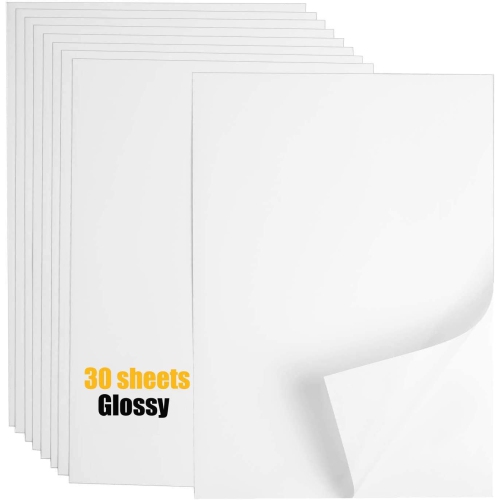
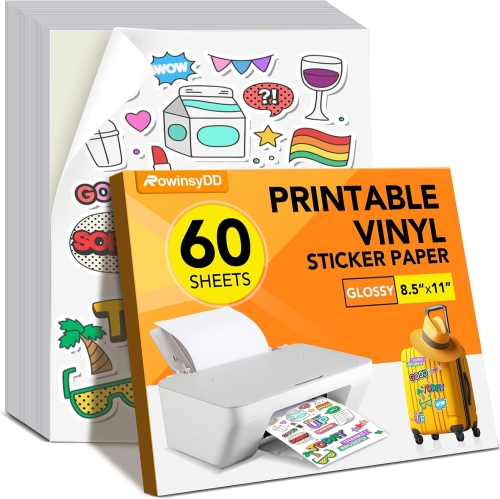
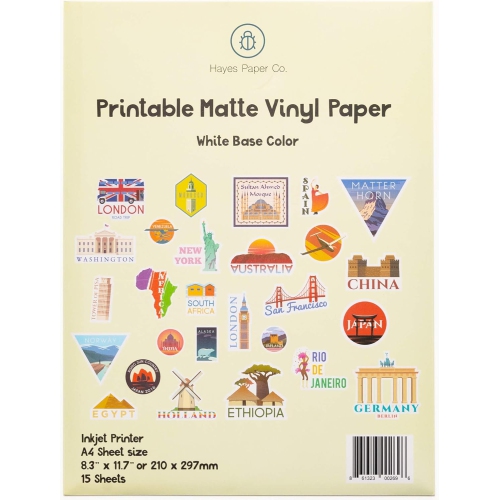


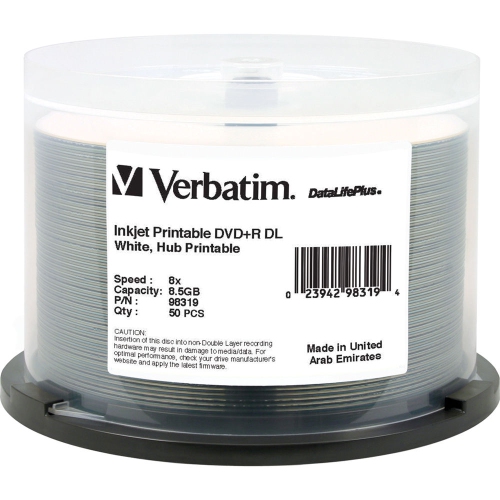
From digital artwork to custom labels and decals
Inkjet printable vinyl is adhesive-backed printable material designed for creating custom stickers, labels, decals, and decorative graphics with a compatible home inkjet printer. It combines the convenience of printable sticker paper with the flexible feel of vinyl, making it useful for personal projects, school activities, small business packaging, craft rooms, and everyday organisation. A typical project begins with a design created on a computer, tablet, or mobile device, followed by printing directly onto the printable side of the sheet. Once the ink has dried fully, the design can be trimmed with scissors or cut into detailed shapes with an electronic cutting machine. The finished piece is then peeled from its backing and applied to a clean, smooth, hard surface such as a notebook, storage bin, laptop, phone case, water bottle, planner, gift box, or craft project. Printable vinyl can bring a personal touch to ordinary items: a child’s name on a school supply box, neatly coordinated labels on pantry containers, or a bright set of icons for organising chargers and cables. It can also be a thoughtful gift for someone who enjoys scrapbooking, journalling, cardmaking, party decorating, model making, or creating custom stationery. For a household getting ready for celebrations during the cooler months, custom stickers can add finishing details to invitations, treat bags, place cards, handmade gifts, and seasonal decorations without requiring professional printing services. Explore related options in Inkjet Sticker Papers when comparing printable materials for different craft and labelling projects.
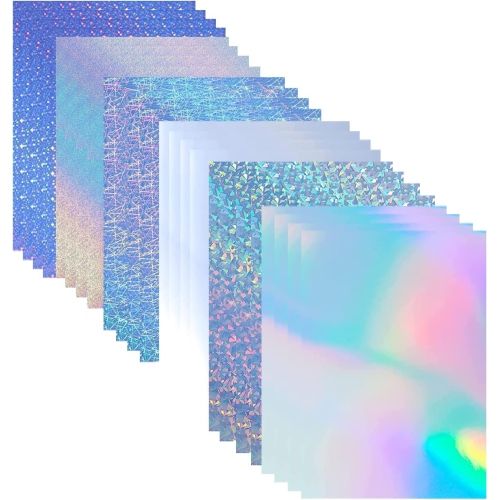
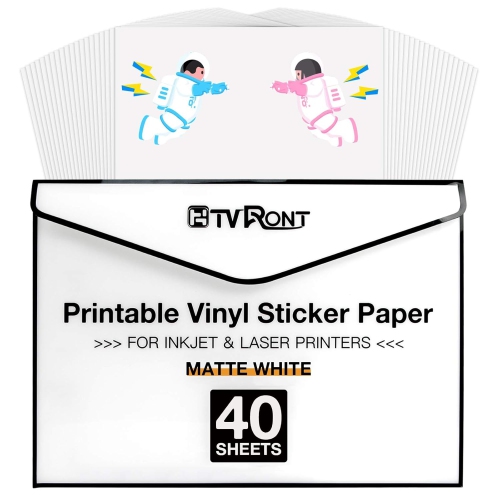
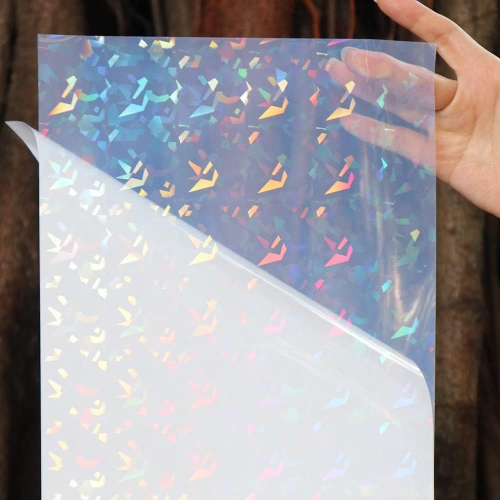
Choosing the right inkjet printable vinyl starts with checking printer compatibility. These sheets are intended for inkjet printers, not laser printers, so confirm the product specifications and printer type before loading a sheet. Look at the sheet size as well, particularly if you plan to print larger graphics or use a cutting machine with a standard cutting mat. Finish has a noticeable effect on the final appearance. Glossy white vinyl gives colours a bright, polished look and works well for bold illustrations, logos, cartoon artwork, and colourful labels. Matte white vinyl has a softer, low-reflection surface that is easier to read under overhead lighting and may suit handwriting, planner labels, classroom materials, or understated packaging. Clear vinyl allows the background surface to show through around the printed design, although colours may appear less vivid because inkjet printers generally do not print white ink. Clear designs often look best on pale or white surfaces, while darker surfaces may change the appearance of the printed colours. Specialty finishes, including shimmering or holographic effects, can add visual interest to small accents, party details, and decorative lettering. Consider the adhesive strength and intended surface before making a selection. Smooth, clean, dry surfaces usually provide the most reliable bond; textured walls, dusty containers, fabric, unfinished wood, and surfaces exposed to heat or moisture may not be suitable. If a decal may need to be removed later, test a small piece first, since adhesive performance and removability vary. Also consider how much detail your design contains. Fine lettering and intricate outlines are easier to weed and apply when the vinyl is cut cleanly and the artwork has adequate contrast, while larger shapes can often be trimmed by hand with a steady pair of scissors.
For the best print results, create or select artwork at a clear resolution and use the printer’s high-quality or photo-paper setting when appropriate. Feed one sheet at a time if your printer tends to pull multiple pages, and confirm that the printable side is facing the correct direction. A small test print on ordinary paper can help check sizing, margins, alignment, and colour before using vinyl. Inkjet ink is commonly water-based, so allow the printed sheet to dry completely before cutting, stacking, touching, or applying it; waiting approximately 5 to 10 minutes is a useful starting point, though drying time can vary with ink coverage, humidity, and the printer. Rushing this step can lead to smudged edges or fingerprints across a detailed design. For projects that may encounter splashes, handling, or occasional outdoor exposure, a compatible clear laminate or protective overlay can provide an additional barrier, but it does not automatically make every printable vinyl decal waterproof, dishwasher-safe, or permanently outdoor-rated. Read the care and application instructions, and test the completed decal on an inconspicuous area before committing to an important item. When applying, clean the surface with a suitable mild cleaner, let it dry, and smooth the vinyl from one edge to the other to reduce bubbles. A scraper, old gift card, or soft cloth can help press down broad designs, while smaller graphics may only need firm fingertip pressure. Keep finished sheets flat and protected from dust, heat, and moisture until they are ready to use. Whether you are making a tidy set of labels for a busy home, adding personality to a student’s supplies, or preparing handmade details for gatherings and gifts, inkjet printable vinyl offers an accessible way to turn digital artwork into custom pieces that feel made especially for the occasion.
Choosing the right inkjet printable vinyl starts with checking printer compatibility. These sheets are intended for inkjet printers, not laser printers, so confirm the product specifications and printer type before loading a sheet. Look at the sheet size as well, particularly if you plan to print larger graphics or use a cutting machine with a standard cutting mat. Finish has a noticeable effect on the final appearance. Glossy white vinyl gives colours a bright, polished look and works well for bold illustrations, logos, cartoon artwork, and colourful labels. Matte white vinyl has a softer, low-reflection surface that is easier to read under overhead lighting and may suit handwriting, planner labels, classroom materials, or understated packaging. Clear vinyl allows the background surface to show through around the printed design, although colours may appear less vivid because inkjet printers generally do not print white ink. Clear designs often look best on pale or white surfaces, while darker surfaces may change the appearance of the printed colours. Specialty finishes, including shimmering or holographic effects, can add visual interest to small accents, party details, and decorative lettering. Consider the adhesive strength and intended surface before making a selection. Smooth, clean, dry surfaces usually provide the most reliable bond; textured walls, dusty containers, fabric, unfinished wood, and surfaces exposed to heat or moisture may not be suitable. If a decal may need to be removed later, test a small piece first, since adhesive performance and removability vary. Also consider how much detail your design contains. Fine lettering and intricate outlines are easier to weed and apply when the vinyl is cut cleanly and the artwork has adequate contrast, while larger shapes can often be trimmed by hand with a steady pair of scissors.
For the best print results, create or select artwork at a clear resolution and use the printer’s high-quality or photo-paper setting when appropriate. Feed one sheet at a time if your printer tends to pull multiple pages, and confirm that the printable side is facing the correct direction. A small test print on ordinary paper can help check sizing, margins, alignment, and colour before using vinyl. Inkjet ink is commonly water-based, so allow the printed sheet to dry completely before cutting, stacking, touching, or applying it; waiting approximately 5 to 10 minutes is a useful starting point, though drying time can vary with ink coverage, humidity, and the printer. Rushing this step can lead to smudged edges or fingerprints across a detailed design. For projects that may encounter splashes, handling, or occasional outdoor exposure, a compatible clear laminate or protective overlay can provide an additional barrier, but it does not automatically make every printable vinyl decal waterproof, dishwasher-safe, or permanently outdoor-rated. Read the care and application instructions, and test the completed decal on an inconspicuous area before committing to an important item. When applying, clean the surface with a suitable mild cleaner, let it dry, and smooth the vinyl from one edge to the other to reduce bubbles. A scraper, old gift card, or soft cloth can help press down broad designs, while smaller graphics may only need firm fingertip pressure. Keep finished sheets flat and protected from dust, heat, and moisture until they are ready to use. Whether you are making a tidy set of labels for a busy home, adding personality to a student’s supplies, or preparing handmade details for gatherings and gifts, inkjet printable vinyl offers an accessible way to turn digital artwork into custom pieces that feel made especially for the occasion.
Top selling and popular products
-
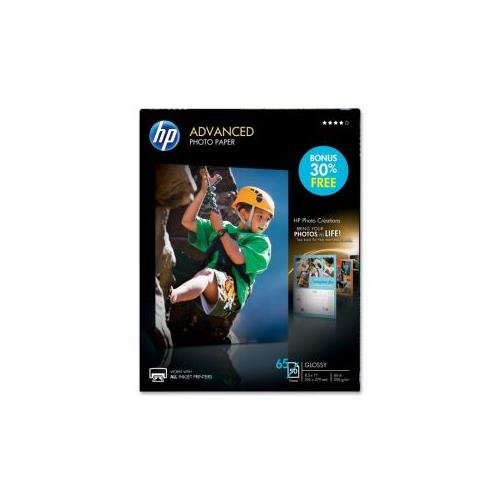 Your price for this item is $47.68
 -
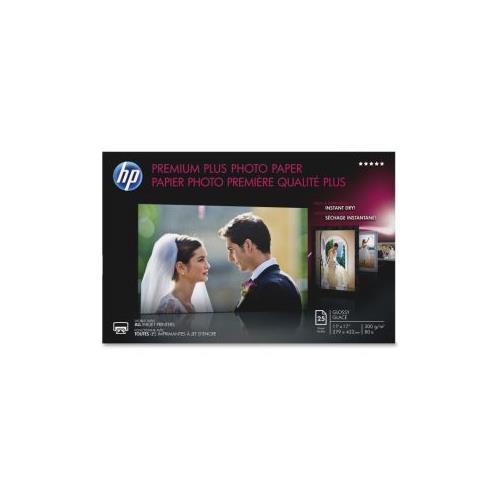 Your price for this item is $80.68
 -
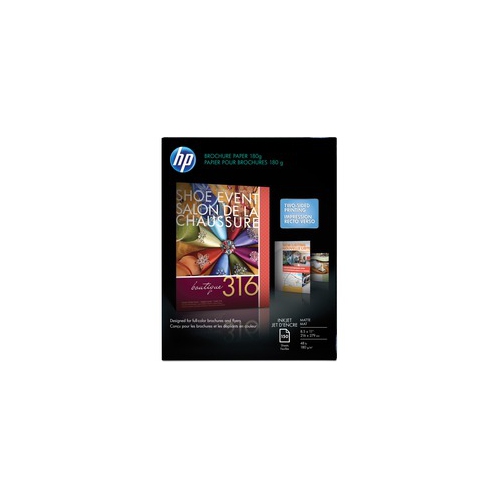 Your price for this item is $45.99
 -
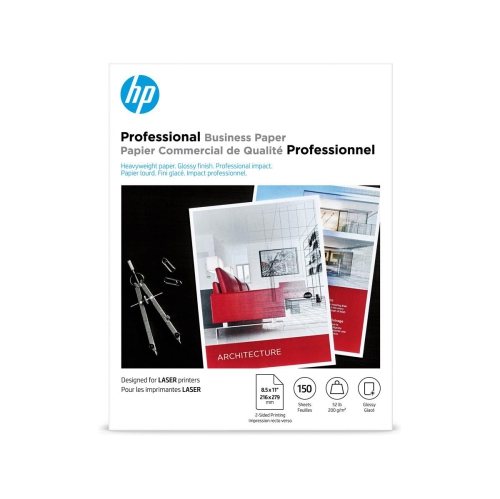 Your price for this item is $45.99
 -
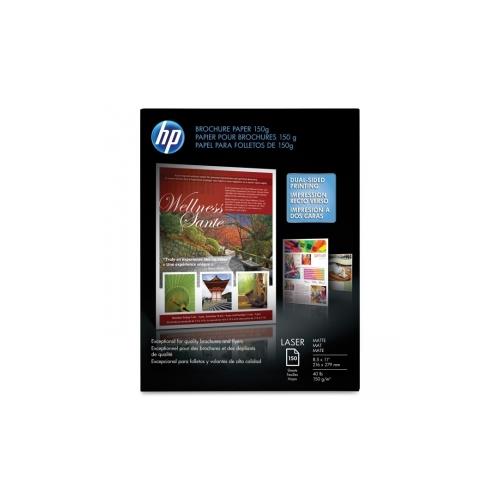 Your price for this item is $37.99
 -
 Your price for this item is $103.99
 -
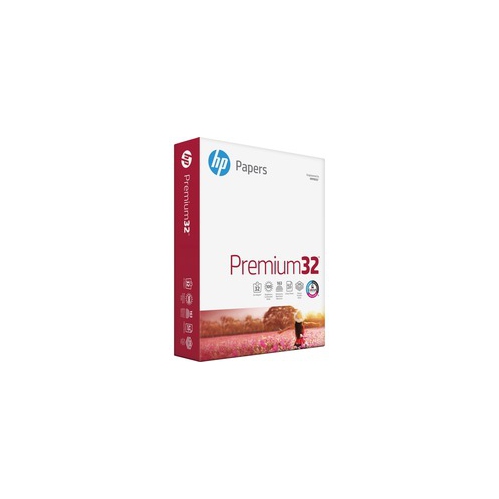 Your price for this item is $31.99
 -
 Your price for this item is $139.99
Discover more categories related to Inkjet Printable Vinyl
Top Collections:
Pokemon Centers, Budget 4K TVs, Best Budget Office Chairs, Kindle Devices, Canon G7X Cameras, Apple iPhones 16, iPhone 15 Apple, Laptops for Business Work, Xiaomi Phones, Flip Phones
Some products may be subject to Environmental Handling Fees
(EHF) depending on your province.
Learn more about EHFs.