iPad Air Charging Cables
Looking for reliable charging cables for your iPad Air? Look no further! Our selection of iPad Air charging cables is designed to provide you with the convenience and durability you need to keep your device powered up at all times. Whether you need a spare cable for travel or a replacement for your worn-out one, we have options that are compatible with your iPad Air model. With fast charging capabilities and high-quality materials, our charging cables ensure a seamless and efficient charging experience for your iPad Air. Say goodbye to low battery anxiety and browse our collection of iPad Air charging cables today!
Sort
![CSMART [10Ft / 3M] 20W USB C to Lightning Sync & Data Fast Charging Cable for Macbook Iphone 14 13 12 11 Pro Max Ipad Air Mini](https://multimedia.bbycastatic.ca/multimedia/products/500x500/173/17389/17389876.jpeg)
 Iphone Charging Charger Cord Lightning to USB Cable for Iphone Airpods Ipod Ipad In Black](https://multimedia.bbycastatic.ca/multimedia/products/500x500/152/15269/15269680.jpeg)
 Iphone Charging Charger Cord Lightning to USB Cable for Iphone Airpods Ipod Ipad In Black](https://multimedia.bbycastatic.ca/multimedia/products/500x500/152/15269/15269689.jpeg)
 Iphone Charging Charger Cord Lightning to USB Cable for Iphone Airpods Ipod Ipad In Black](https://multimedia.bbycastatic.ca/multimedia/products/500x500/152/15269/15269684.jpeg)
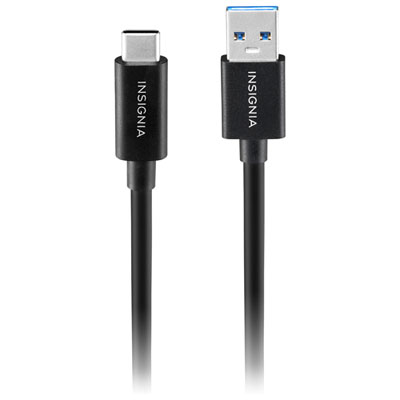
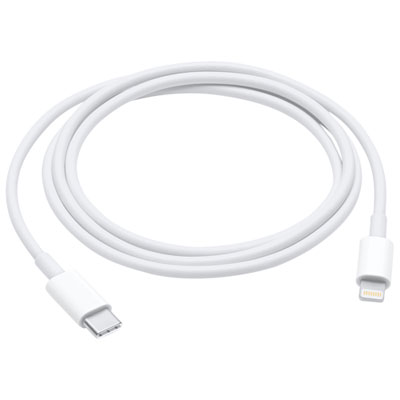
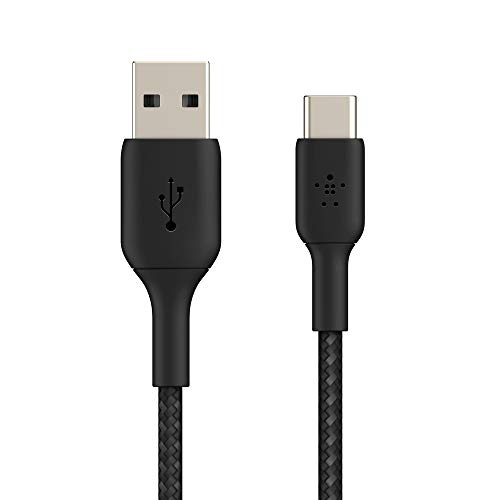
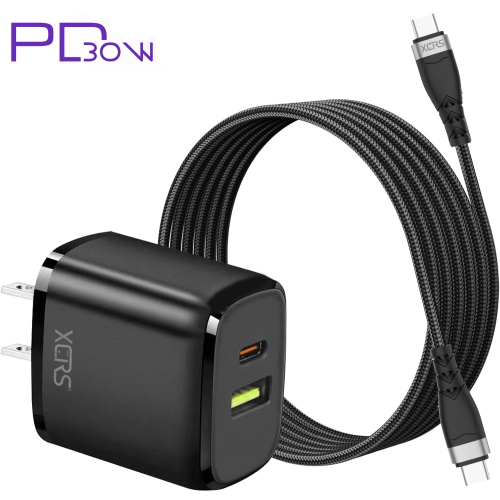
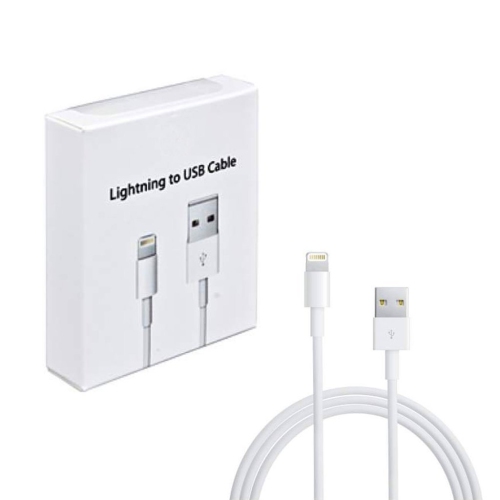
![CSMART [3 Pks] (6.6Ft / 2M) Iphone Ipad Charging Cable Charger Cord Lightning to USB Cable Compatible for Ipod Ipad Iphone](https://multimedia.bbycastatic.ca/multimedia/products/500x500/146/14678/14678735.jpeg)
![CSMART [3 Pks] (3.3Ft / 1M) Iphone Ipad Charging Cable Charger Cord Lightning to USB Cable Compatible for Ipod Ipad Iphone](https://multimedia.bbycastatic.ca/multimedia/products/500x500/146/14678/14678737.jpeg)

![WINGOMART (3 Pack) [Apple Mfi Certified] 2 Metre / 7Ft Iphone/ipad Charging/charger Cord Lightening to USB Cable Fast Charging And Syncing For](https://multimedia.bbycastatic.ca/multimedia/products/500x500/153/15344/15344891.jpg)
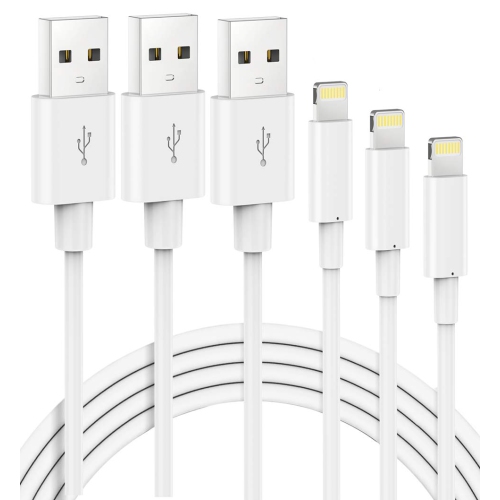
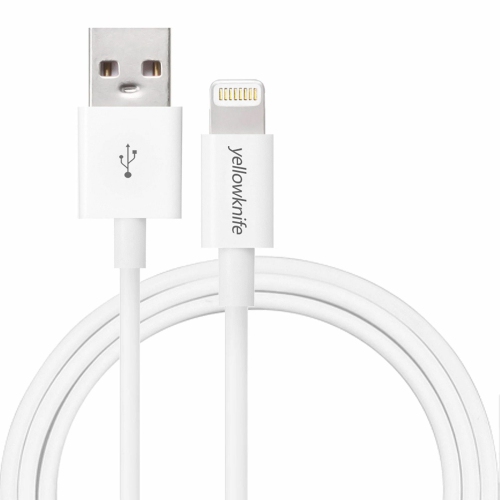
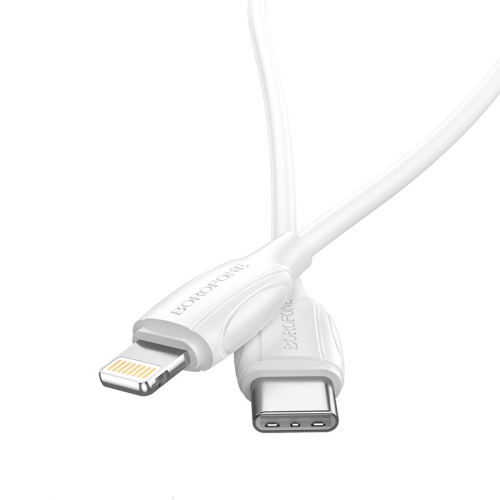
![DOLAER USB C to USB C Cable 10Ft, [2-Pack, 10 Feet] Extra Long USB-C Charge Cable for Iphone 16/15, Ipad Pro, Ipad Air 4/5, Mini, Macbook Air](https://multimedia.bbycastatic.ca/multimedia/products/500x500/196/19690/19690472.jpeg)
![CSMART [3 Packs] 1M/3.3Ft Heavy Duty Nylon Braid USB to Lightning Fast Charging Data Cable Cord for Iphone Ipad Ipod In Black](https://multimedia.bbycastatic.ca/multimedia/products/500x500/155/15569/15569884.jpeg)

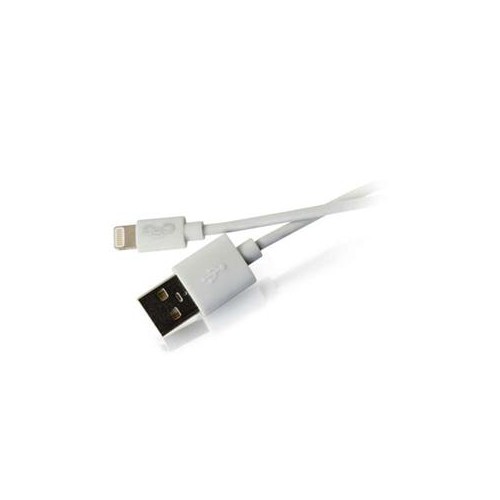
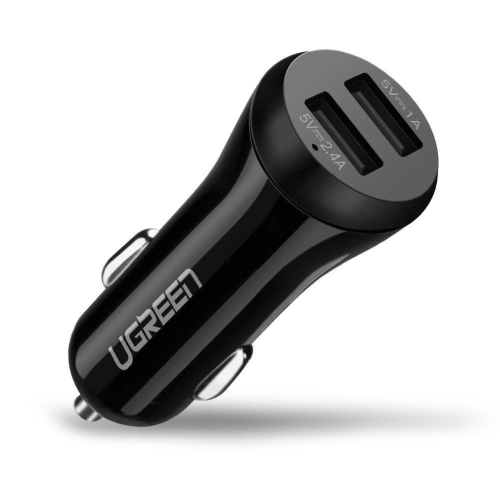
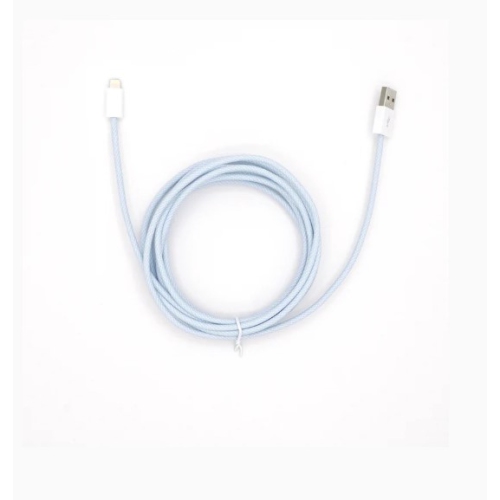
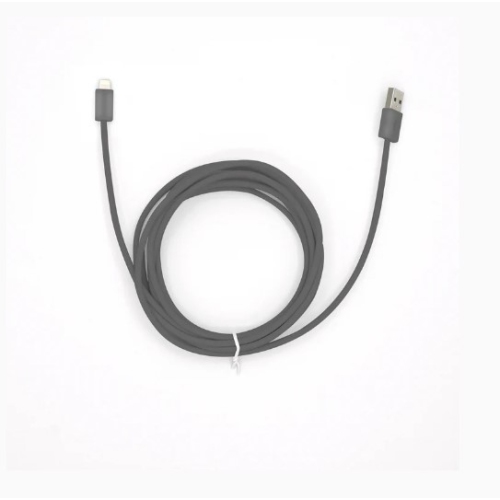
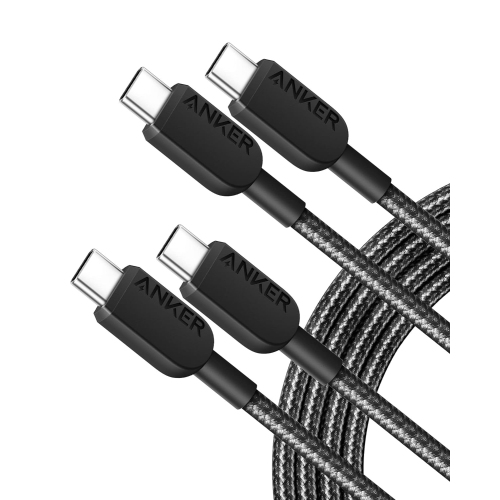
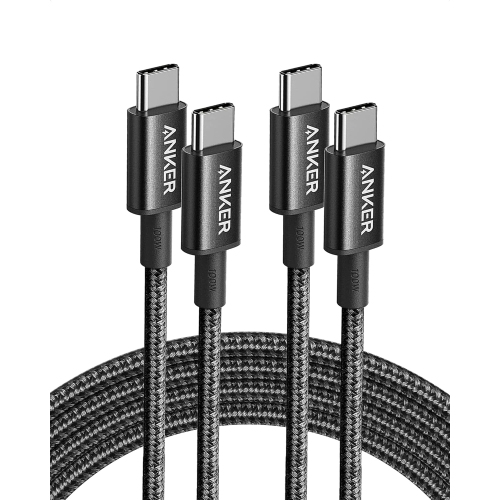
![UNKNOWN USB C to USB-A Cable for Ipad Air - Fast Charging, [2-Pack, 6 Ft] Type C to USB-A Charger Cable - Compatible](https://multimedia.bbycastatic.ca/multimedia/products/500x500/181/18143/18143547.jpeg)
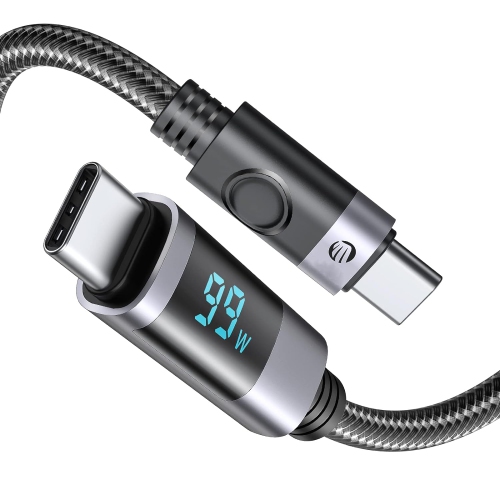
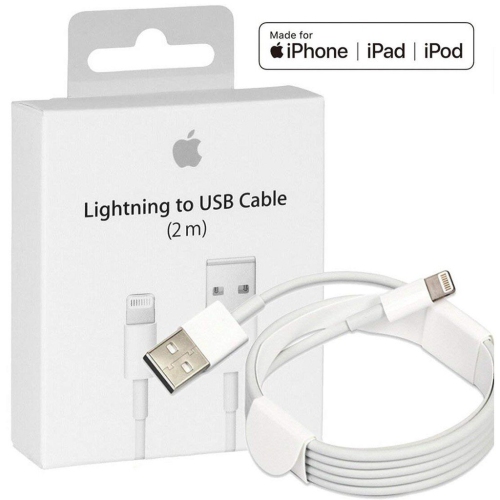

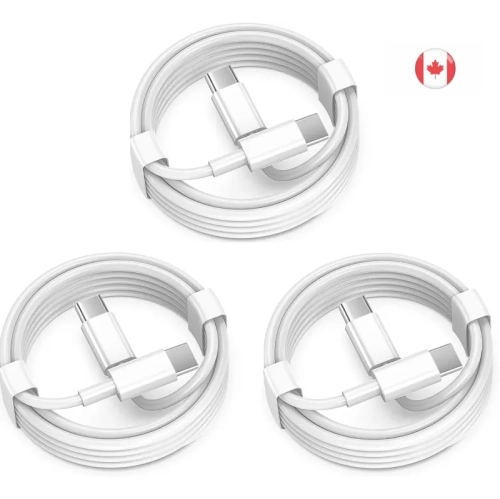
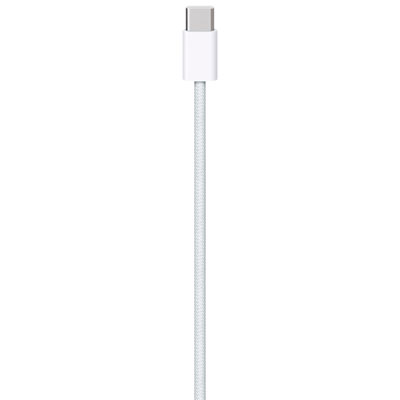
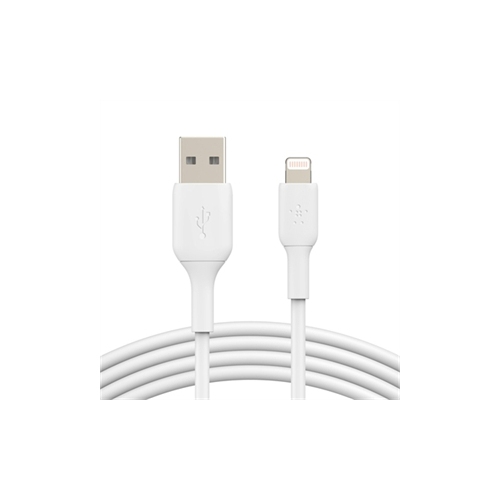
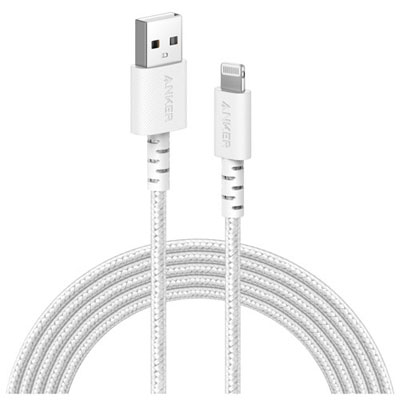
![FEEL2NICE Iphone Charger Apple Charger, [Apple Mfi Certified]2 Pack Apple Type C Wall Charger Block w 2 Pack [6Ft&10Ft] Long USB C to Lightning Cable](https://multimedia.bbycastatic.ca/multimedia/products/500x500/184/18486/18486082.jpeg)
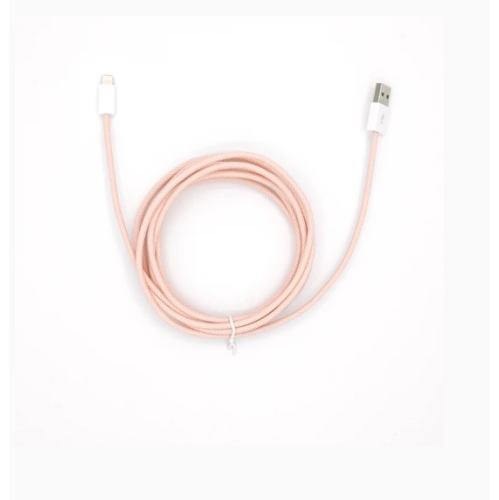
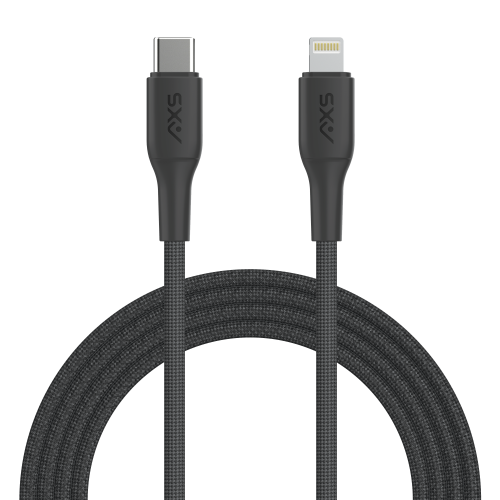
![CSMART [3 Pks] (3.3Ft / 1M) Fast Adaptive USB C to Lightning Sync & Data Cable for Iphone Ipad Pro Macbook](https://multimedia.bbycastatic.ca/multimedia/products/500x500/146/14678/14678736.jpeg)
![CSMART [2 Pks] (10Ft / 3M) Iphone Ipad Charging Cable Charger Cord Lightning to USB Cable Compatible for Ipod Ipad Iphone](https://multimedia.bbycastatic.ca/multimedia/products/500x500/147/14716/14716497.jpeg)
 Iphone Charging Charger Cord Lightning to USB Cable for Iphone Airpods Ipod Ipad In Black](https://multimedia.bbycastatic.ca/multimedia/products/500x500/152/15269/15269688.jpeg)
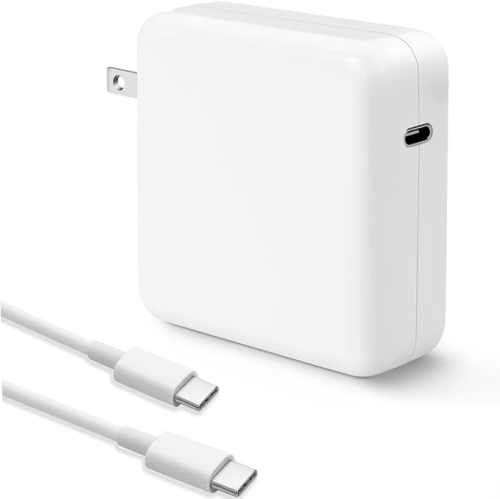
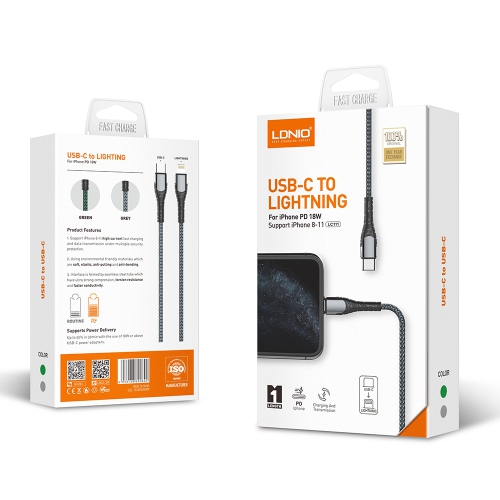
![WINGOMART (3Pack) - [Apple Mfi Certified] 3 Metre/ 10Ft Iphone/ipad Charging/charger Cord Lightening to USB Cable Fast Charging And Syncing for Ipads](https://multimedia.bbycastatic.ca/multimedia/products/500x500/153/15344/15344893.jpeg)
![DOLAER 10Ft USB C Cable [100W/5A], Type C Charger Cord Fast for Macbook Pro 16, 15, 14, 13 Inch, Macbook Air 2020/2019/2018, Ipad Pro 12.9/11, Ipad](https://multimedia.bbycastatic.ca/multimedia/products/500x500/165/16580/16580777.jpeg)
![CSMART [Cs] 35W Type USB C Fast Wall Charger Power Adapter + 3.3Ft USB-C to Lightning Cable for Iphone Ipad Air Mini Pro](https://multimedia.bbycastatic.ca/multimedia/products/500x500/143/14359/14359606.jpeg)
![UNKNOWN Lightning to USB-C Cable, Teleadpt [Mfi Certified] 3A/ 480 Mbps Extra Long Charging Cord Fast Charge Flexible](https://multimedia.bbycastatic.ca/multimedia/products/500x500/181/18144/18144469.jpeg)
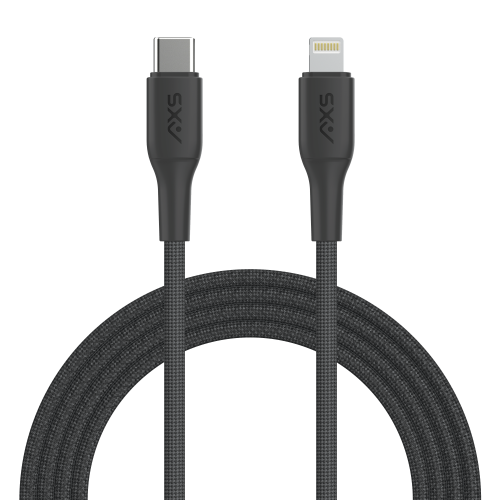
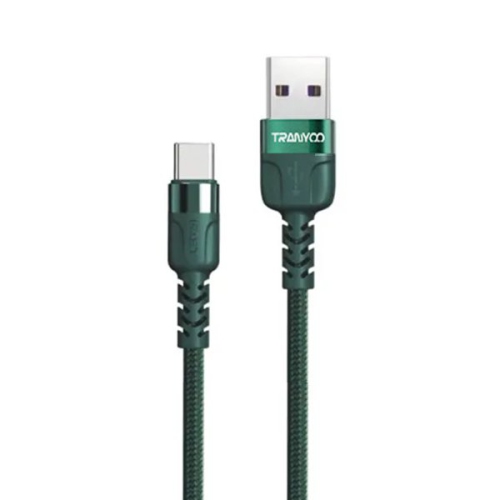
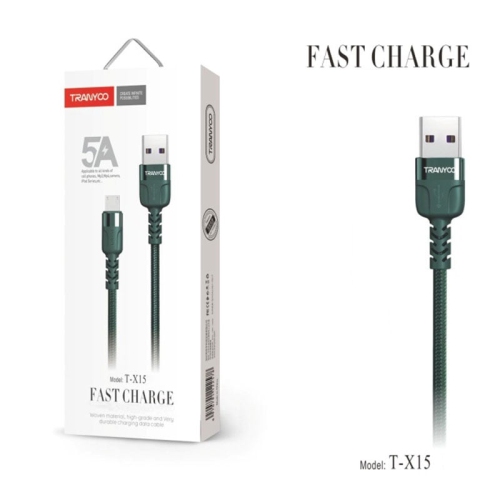
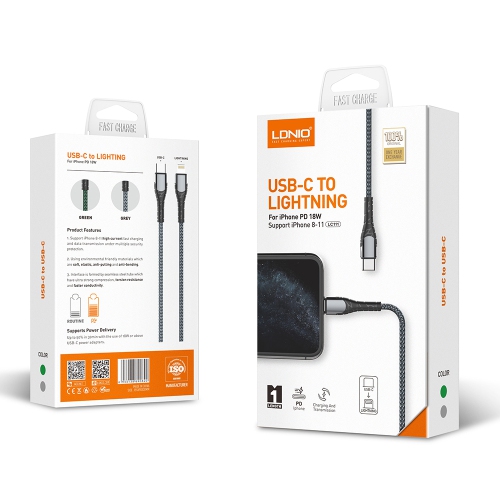
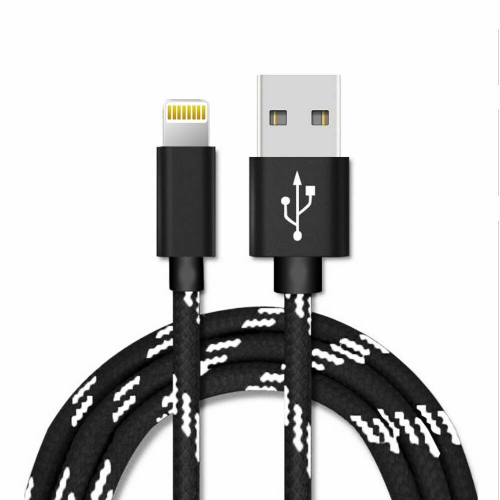
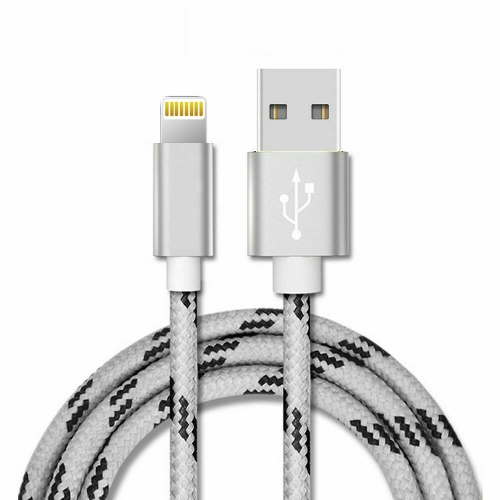
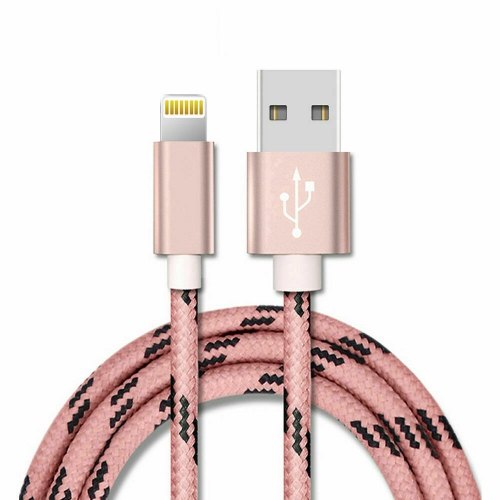
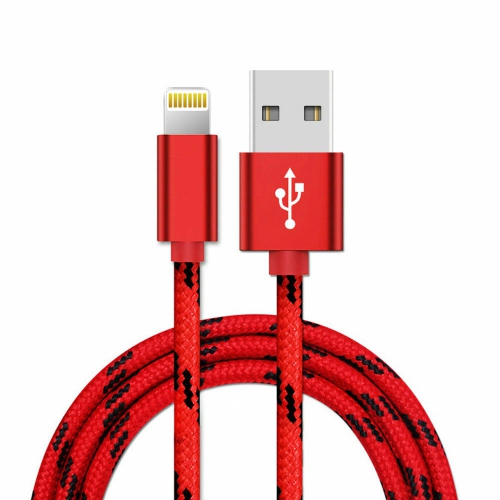
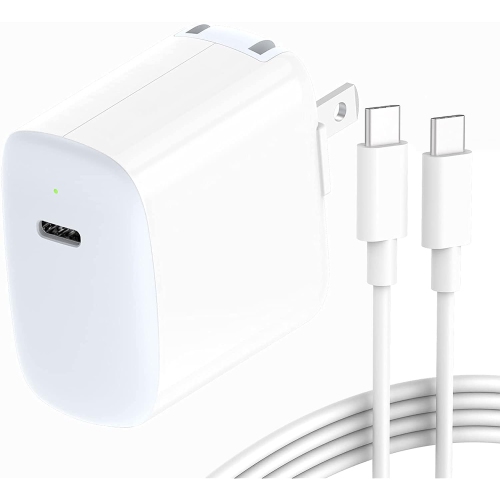
USB-C or Lightning: compatibility starts with generation
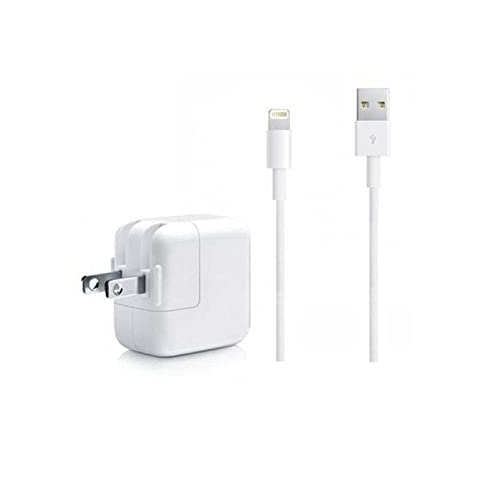
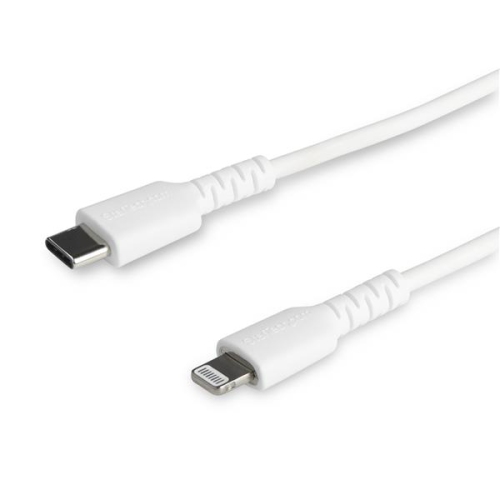
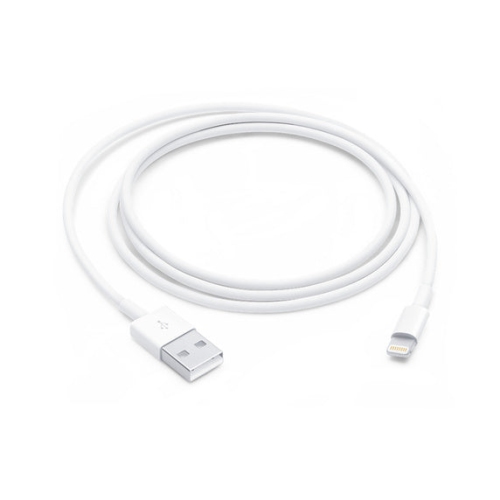
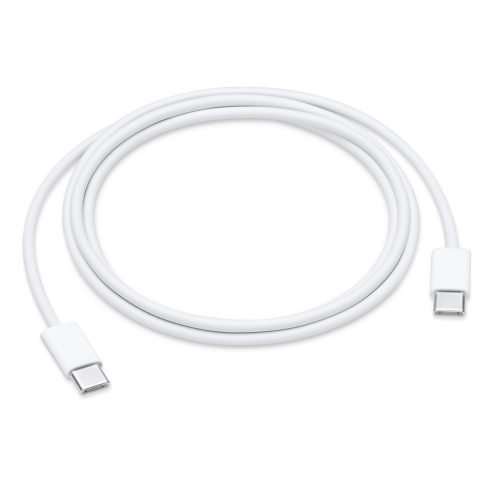
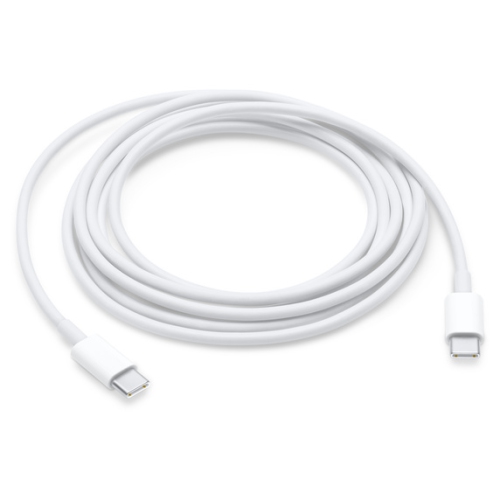
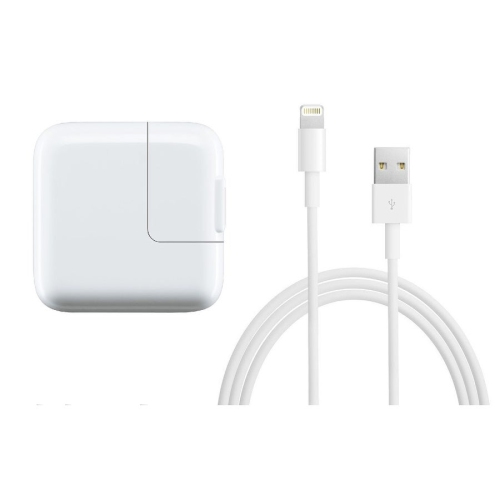
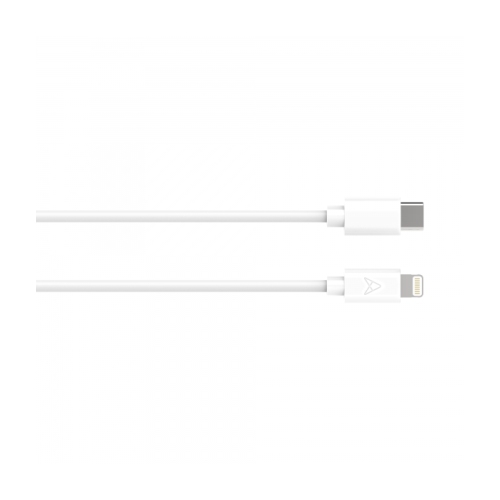
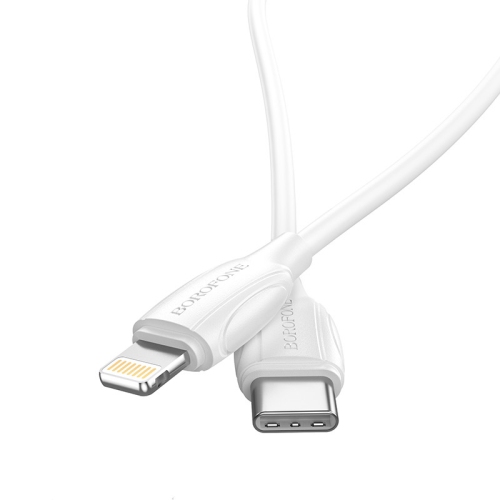
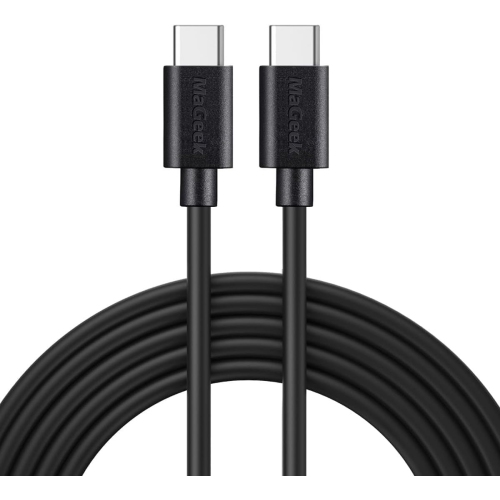
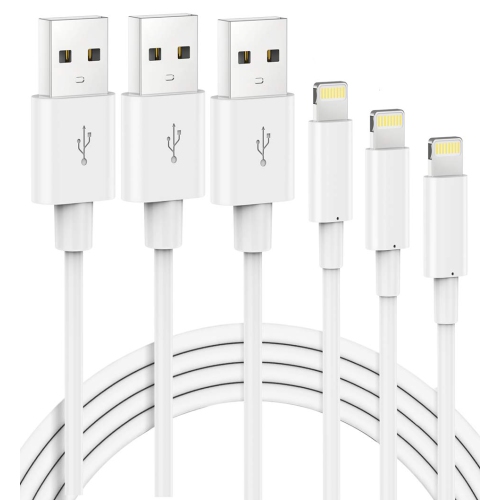
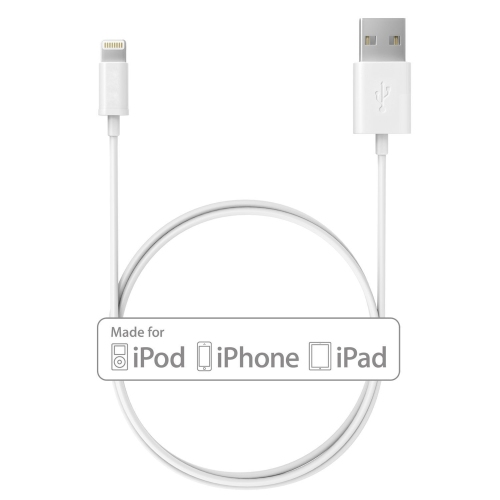
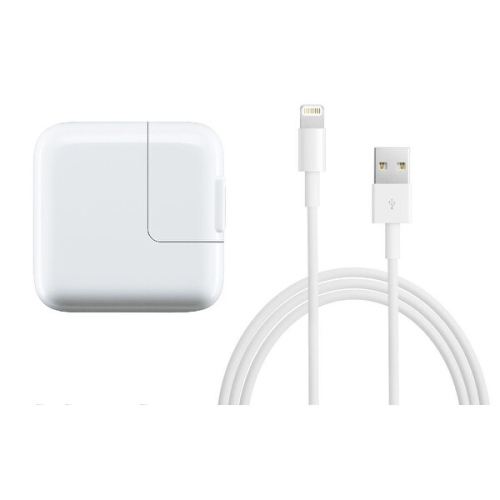
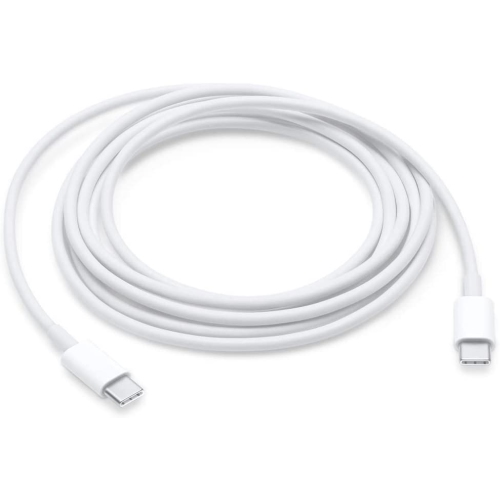
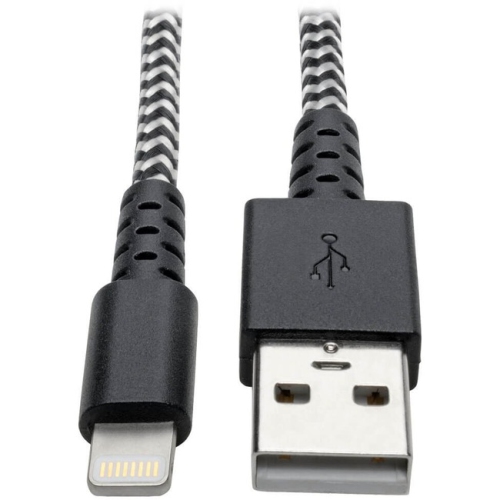
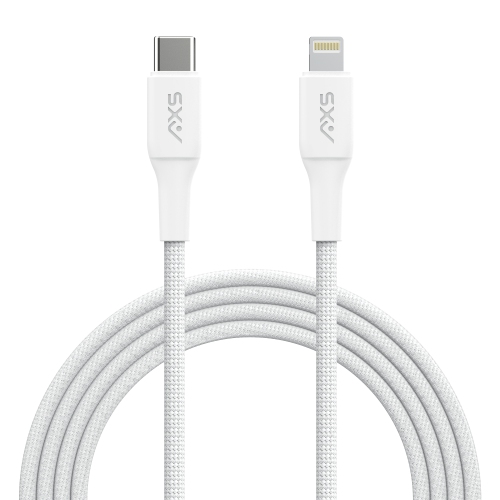
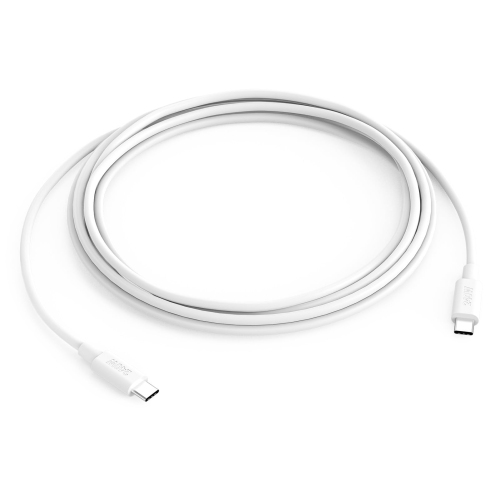
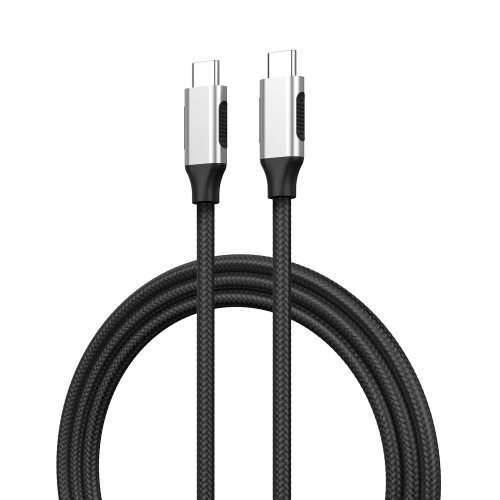
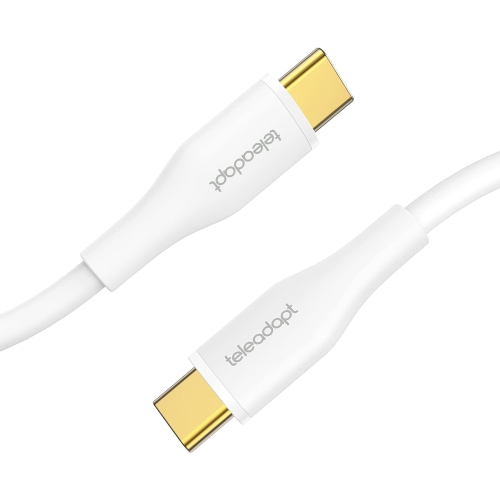
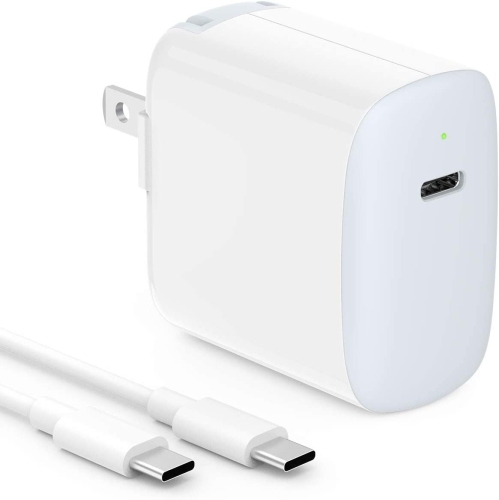
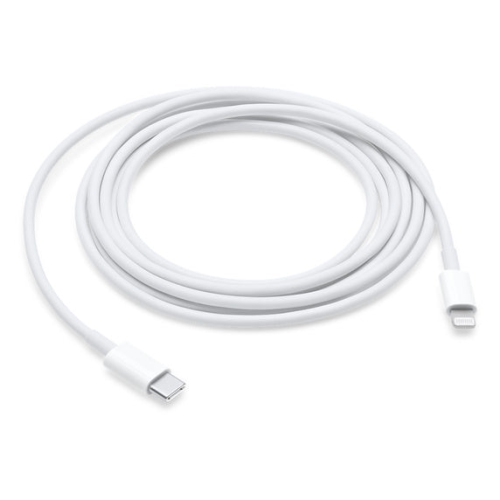
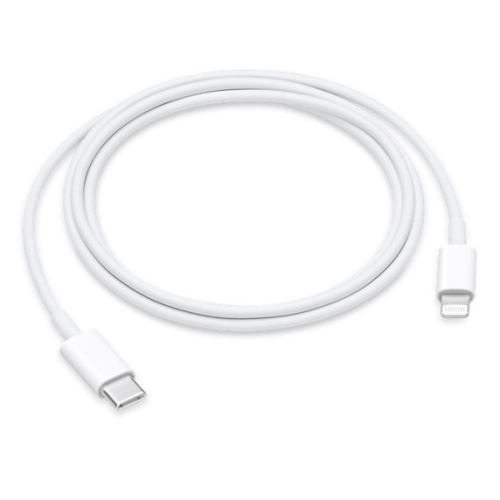
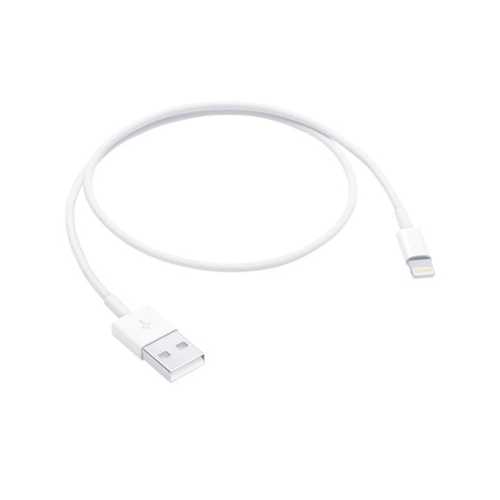
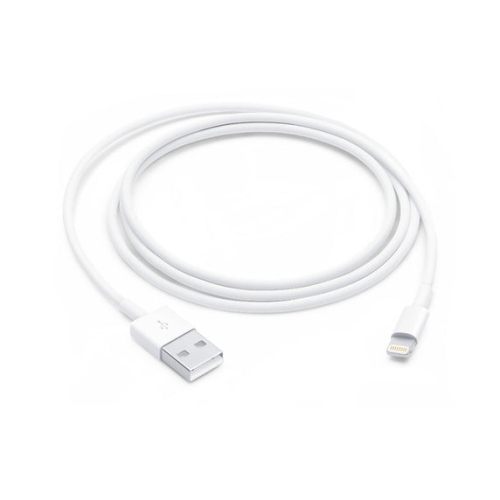
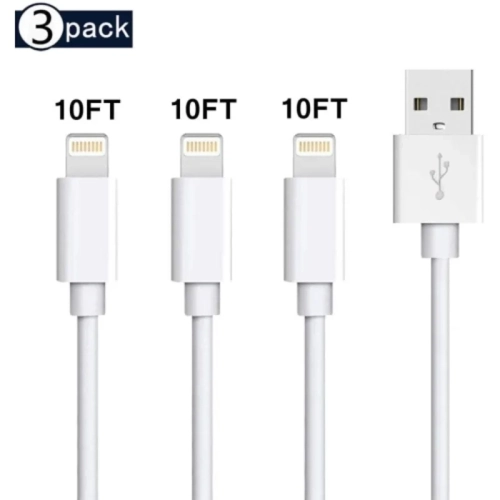
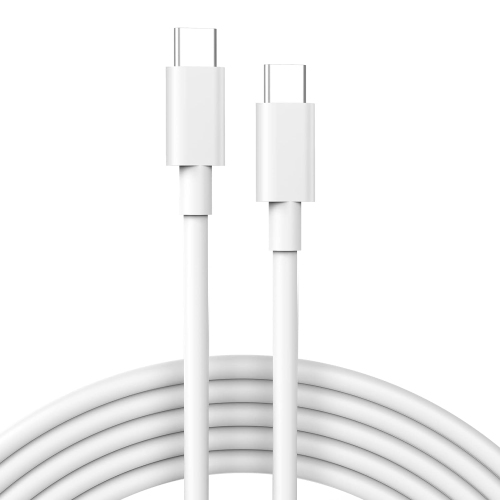
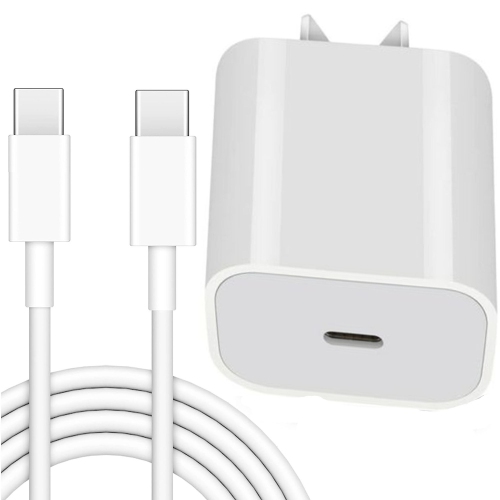
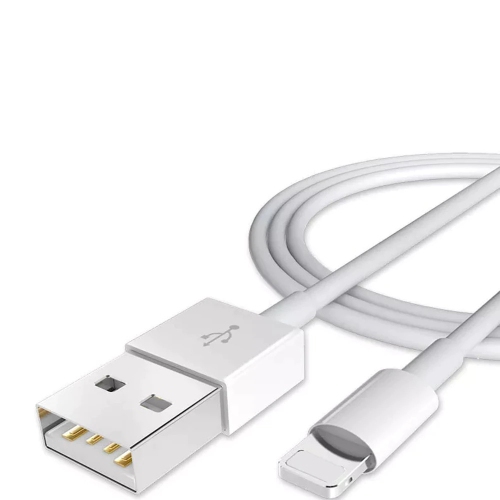
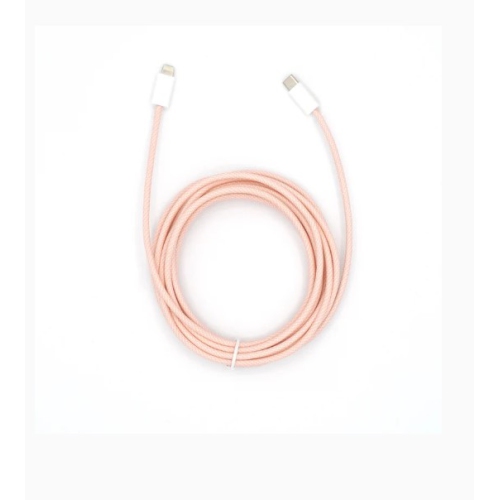
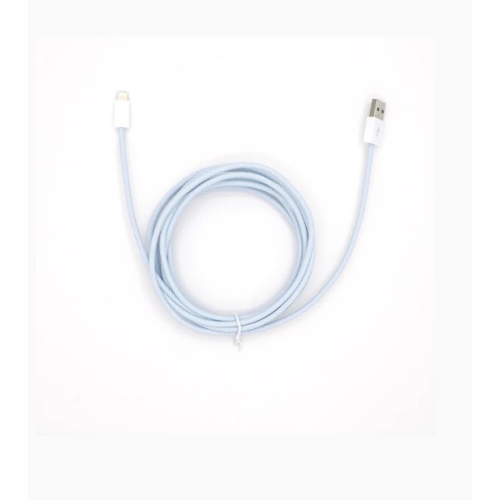
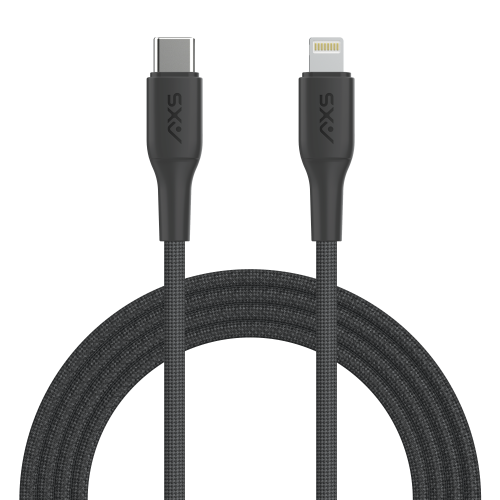
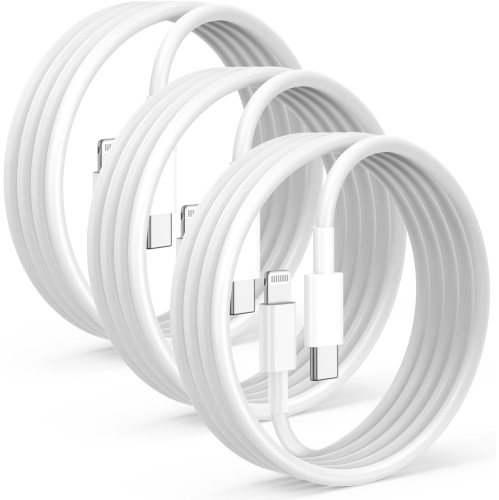
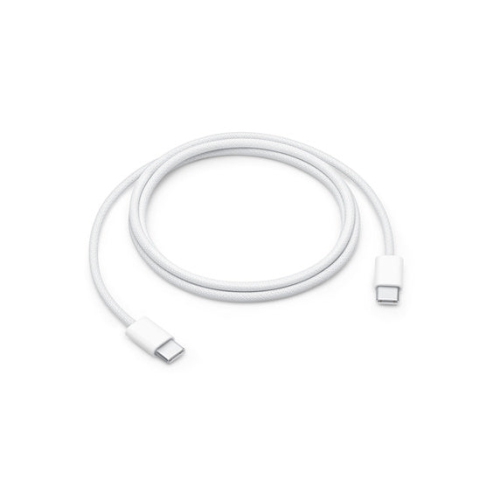
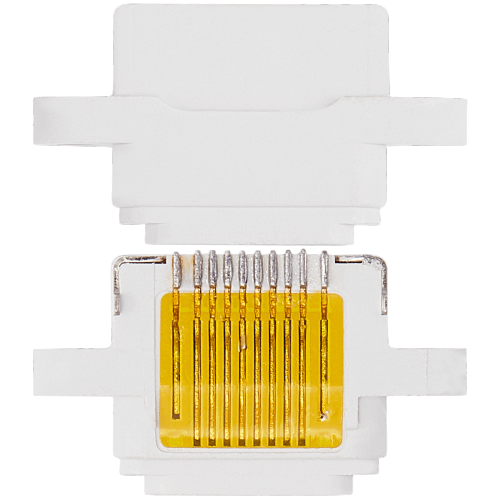
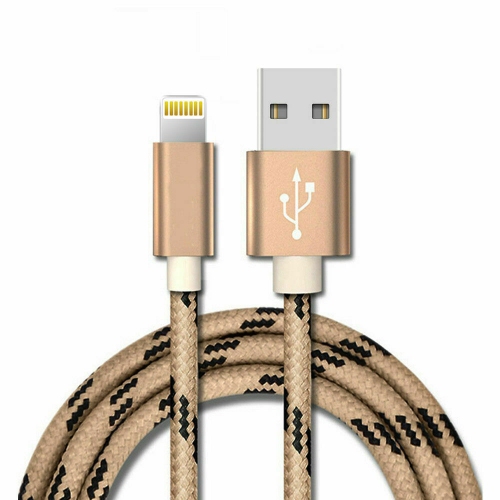
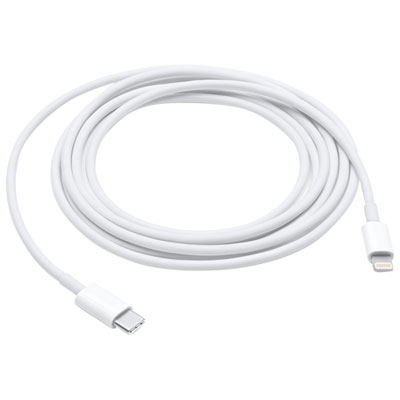
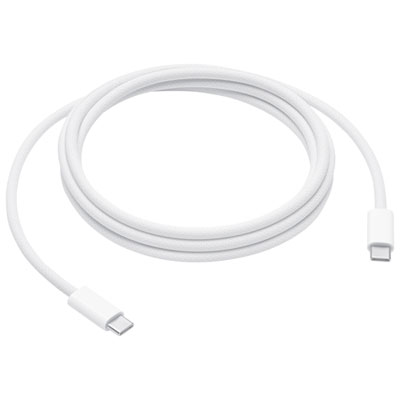
Choosing the right iPad Air charging cable starts with checking the generation of the tablet. iPad Air models from the 4th generation onward, including models with M2 and M3 chips, use a USB-C port and require a USB-C to USB-C cable for charging. These cables connect the iPad Air to a compatible USB-C power adapter, laptop, desktop computer, power bank, car charger, or other USB-C charging source. They can also support data transfer, making it possible to move photos, documents, videos, and other files between the iPad Air and another compatible device. Earlier iPad Air models from the 1st, 2nd, and 3rd generations use a Lightning port instead, so they need a USB-A to Lightning cable when connecting to a traditional USB-A power adapter or computer. A cable that fits physically is not always the right cable for every iPad Air, which is why checking the model generation before ordering is an important first step. If the tablet was purchased several years ago, or if the charging port looks different from the ports on newer devices, confirming whether it uses USB-C or Lightning can help prevent an inconvenient return or a cable that cannot be used. For shoppers comparing charging accessories for different Apple devices, our selection of iPhone XR Charging Cables may also be useful, although cable compatibility should always be confirmed by checking the port on the device.
A USB-C to USB-C cable is the standard choice for charging newer iPad Air models, while a USB-A to Lightning cable remains the correct option for older generations. The cable is only one part of the charging setup, however. To take advantage of faster charging on a modern iPad Air, pair a USB-C cable with a USB-C power adapter rated at 20W or higher. A lower-powered adapter may still charge the tablet, but charging can take longer, particularly while the iPad is being used for video calls, gaming, streaming, navigation, or creative work. A USB-C cable can also be helpful when the iPad Air is used at a desk with a monitor, docking station, or computer, provided the cable supports the intended charging or data function. Cable length is another practical consideration. A shorter cable can keep a bedside table or work surface tidy, while a longer cable offers more freedom when the nearest outlet is behind furniture or several steps away. For travel, a compact cable is easy to place in a laptop sleeve, backpack, or carry-on pocket. At home, a spare cable can stay beside the sofa, in a kitchen charging area, or near a family workstation so the main cable does not have to move from room to room. Look for sturdy connectors, flexible outer materials, and strain relief around each plug if the cable will be used every day. Repeated bending near the connector is a common reason charging cables stop working, especially when a tablet is used in bed or on the couch while plugged in. Keeping the cable straight when possible and removing it by the plug rather than pulling the cord can help it last longer.
iPad Air charging cables are useful for students, professionals, travellers, families, and anyone who relies on a tablet throughout the day. A student may use one at a campus desk to keep notes and research available during long study sessions, while a remote worker may need a dependable connection for video meetings, email, cloud documents, and presentations. Travellers can use a cable with a power bank or an airport charging station, and families may appreciate having an extra cable available for entertainment during a road trip or while waiting at a station. They can also make practical gifts for someone setting up a new tablet, replacing a misplaced cable, or preparing for the cooler months when more time is spent indoors reading, watching shows, or handling household tasks from a comfortable chair. When selecting a cable as a gift, confirm the recipient’s iPad Air generation if possible; the difference between USB-C and Lightning determines whether the cable will work. It is also helpful to consider the recipient’s existing charging equipment. Someone with several USB-C adapters will likely prefer a USB-C to USB-C cable, while an older computer or power adapter with rectangular USB-A ports may call for a USB-A to Lightning cable or a USB-A to USB-C cable paired with the appropriate device. Some charging cables are designed mainly for power, while others are rated for both charging and data transfer, so checking the intended use is worthwhile before making a choice. Whether the goal is to replace a worn cable, add a convenient second charging location, or keep a spare in a travel bag, matching the connector type, power adapter, cable length, and expected use can make everyday iPad Air charging simpler and more dependable.
A USB-C to USB-C cable is the standard choice for charging newer iPad Air models, while a USB-A to Lightning cable remains the correct option for older generations. The cable is only one part of the charging setup, however. To take advantage of faster charging on a modern iPad Air, pair a USB-C cable with a USB-C power adapter rated at 20W or higher. A lower-powered adapter may still charge the tablet, but charging can take longer, particularly while the iPad is being used for video calls, gaming, streaming, navigation, or creative work. A USB-C cable can also be helpful when the iPad Air is used at a desk with a monitor, docking station, or computer, provided the cable supports the intended charging or data function. Cable length is another practical consideration. A shorter cable can keep a bedside table or work surface tidy, while a longer cable offers more freedom when the nearest outlet is behind furniture or several steps away. For travel, a compact cable is easy to place in a laptop sleeve, backpack, or carry-on pocket. At home, a spare cable can stay beside the sofa, in a kitchen charging area, or near a family workstation so the main cable does not have to move from room to room. Look for sturdy connectors, flexible outer materials, and strain relief around each plug if the cable will be used every day. Repeated bending near the connector is a common reason charging cables stop working, especially when a tablet is used in bed or on the couch while plugged in. Keeping the cable straight when possible and removing it by the plug rather than pulling the cord can help it last longer.
iPad Air charging cables are useful for students, professionals, travellers, families, and anyone who relies on a tablet throughout the day. A student may use one at a campus desk to keep notes and research available during long study sessions, while a remote worker may need a dependable connection for video meetings, email, cloud documents, and presentations. Travellers can use a cable with a power bank or an airport charging station, and families may appreciate having an extra cable available for entertainment during a road trip or while waiting at a station. They can also make practical gifts for someone setting up a new tablet, replacing a misplaced cable, or preparing for the cooler months when more time is spent indoors reading, watching shows, or handling household tasks from a comfortable chair. When selecting a cable as a gift, confirm the recipient’s iPad Air generation if possible; the difference between USB-C and Lightning determines whether the cable will work. It is also helpful to consider the recipient’s existing charging equipment. Someone with several USB-C adapters will likely prefer a USB-C to USB-C cable, while an older computer or power adapter with rectangular USB-A ports may call for a USB-A to Lightning cable or a USB-A to USB-C cable paired with the appropriate device. Some charging cables are designed mainly for power, while others are rated for both charging and data transfer, so checking the intended use is worthwhile before making a choice. Whether the goal is to replace a worn cable, add a convenient second charging location, or keep a spare in a travel bag, matching the connector type, power adapter, cable length, and expected use can make everyday iPad Air charging simpler and more dependable.
Top selling and popular products
-
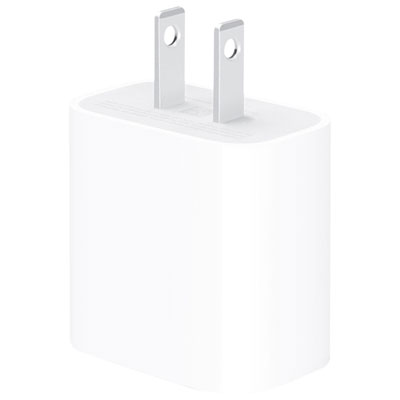 Your price for this item is $24.99
 -
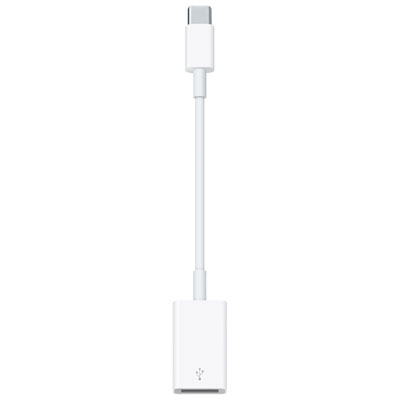 Your price for this item is $25
 -
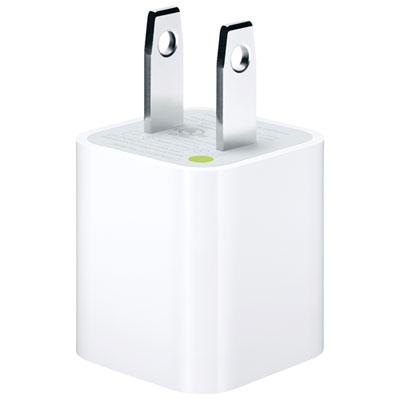 Your price for this item is $9.97
 -
 Your price for this item is $38.99
 -
 Your price for this item is $34.99
 -
 Your price for this item is $39.95
 -
 Your price for this item is $85
 -
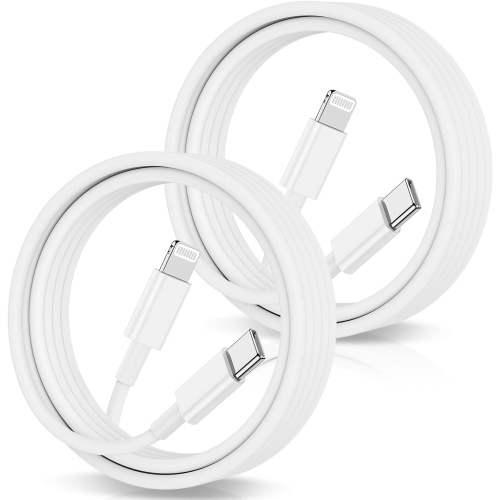 Your price for this item is $24.99
Discover more categories related to iPad Air Charging Cables

Top Collections:
Pokemon Centers, Budget 4K TVs, Best Budget Office Chairs, Kindle Devices, Canon G7X Cameras, Apple iPhones 16, iPhone 15 Apple, Laptops for Business Work, Xiaomi Phones, Flip Phones
Some products may be subject to Environmental Handling Fees
(EHF) depending on your province.
Learn more about EHFs.