Remote Work Tools
Upgrade your remote work setup with the latest and greatest tools designed to boost productivity and enhance your work-from-home experience. From ergonomic office chairs and noise-canceling headphones to high-speed routers and portable monitors, we have everything you need to create a comfortable and efficient workspace. Whether you're attending virtual meetings, collaborating with colleagues, or simply looking for ways to stay focused and organized, our selection of remote work tools has got you covered. Explore our wide range of options and discover the perfect solutions to optimize your remote work environment today.
Sort








Your daily workload shapes the right workspace setup
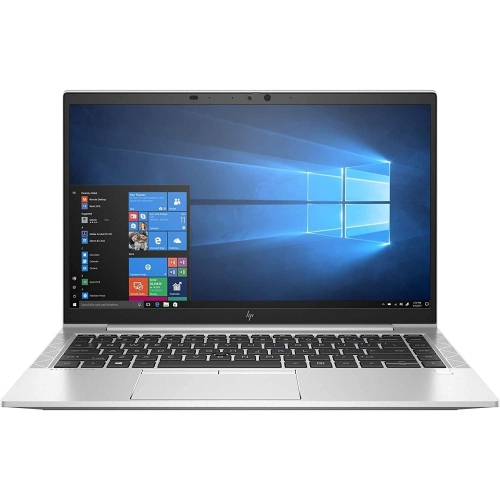
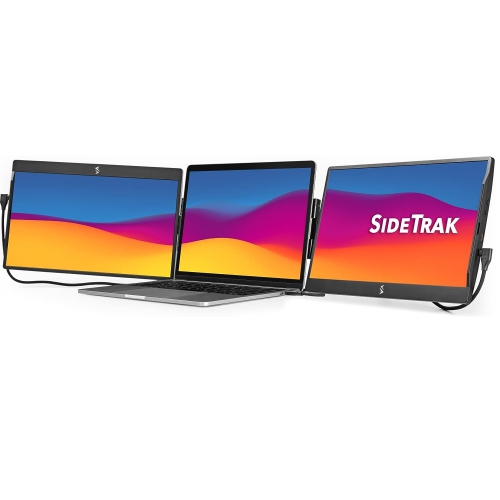
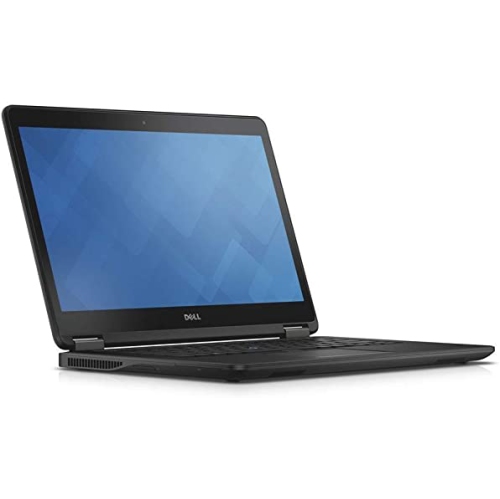
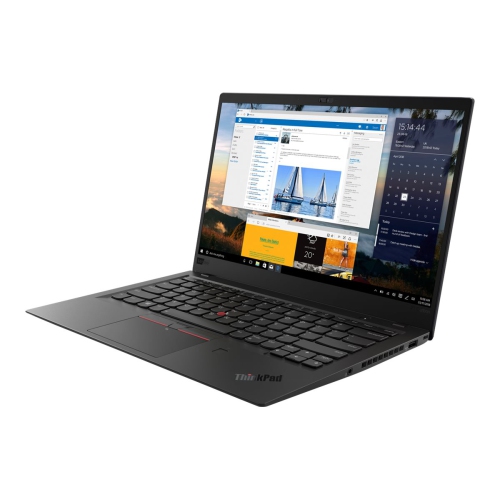
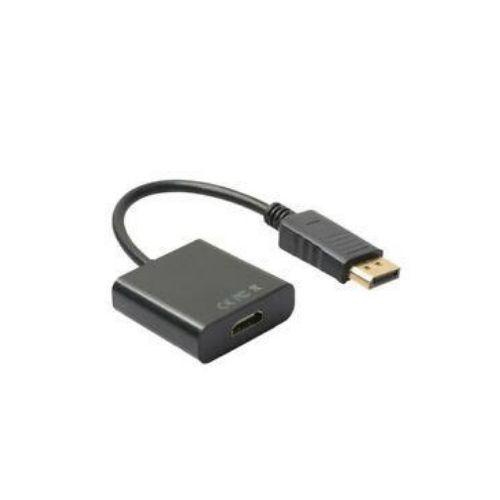
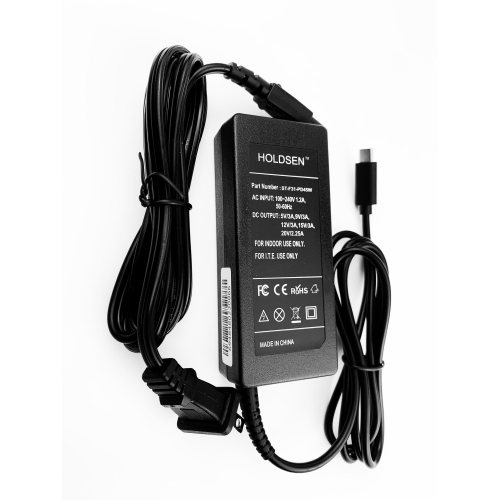
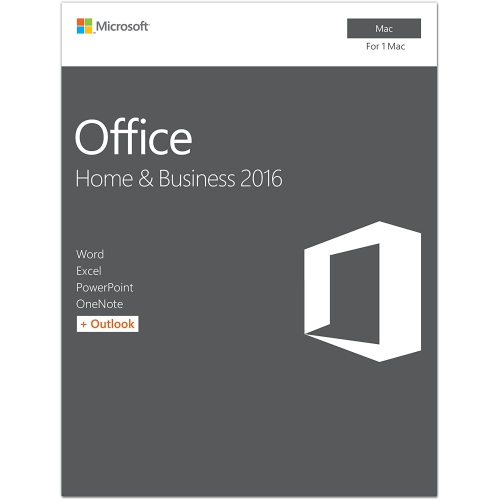
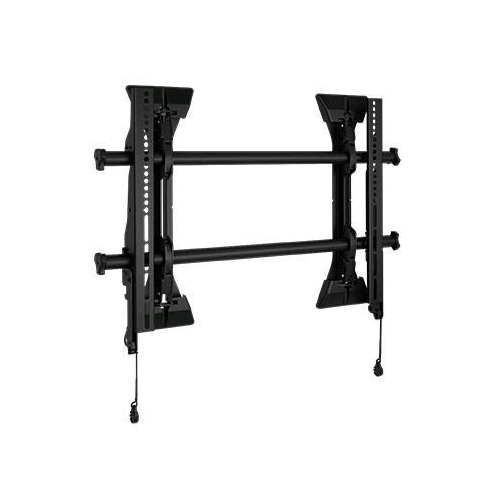
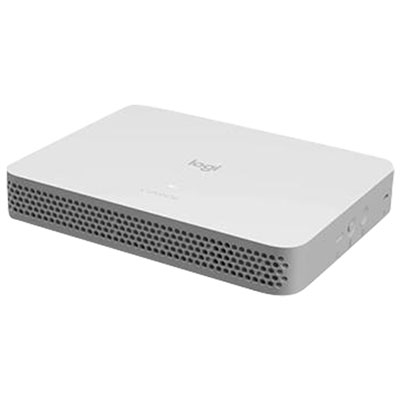
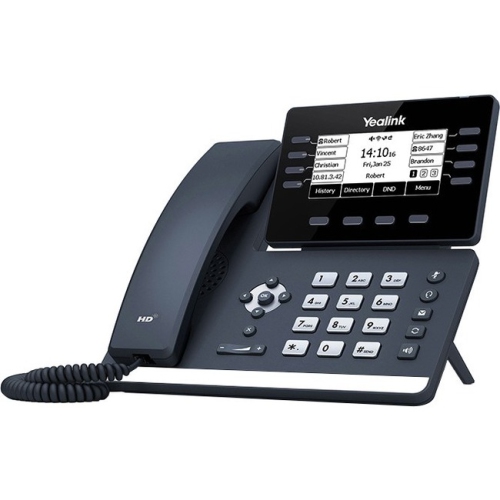
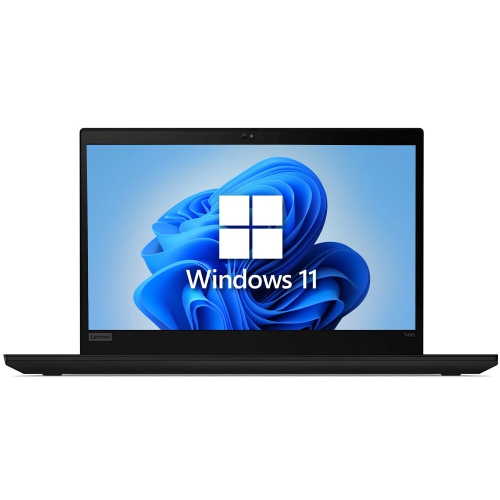
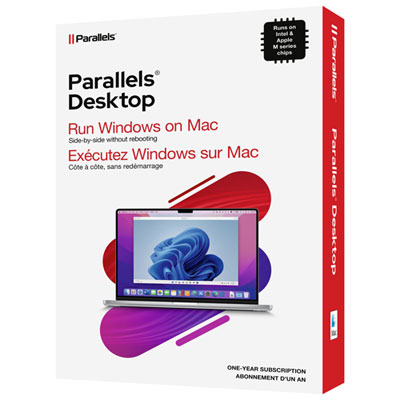
Remote work tools support communication, collaboration, file access, task management, and focused work away from a shared office. They include the computers and accessories used for daily tasks, along with software for video meetings, messaging, project tracking, and document sharing. A useful combination depends on the work itself: someone handling customer calls needs clear audio and reliable connectivity, while a designer working with large files may place more weight on processing power, storage, and screen quality. For many roles, a laptop or desktop forms the centre of the workspace, bringing together calendars, shared documents, business applications, and team conversations. Memory affects how comfortably a computer handles several applications at once, while processor performance matters for demanding spreadsheets, creative projects, and other intensive workloads. Storage capacity determines how much can be kept locally, although employer-approved cloud storage can make shared files accessible across locations. Software compatibility is just as important as hardware specifications, particularly when an organization requires a certain operating system, security application, or sign-in method. Communication software supports quick exchanges and scheduled conversations; project management software organizes responsibilities, deadlines, and progress; and shared document platforms let colleagues contribute without passing multiple attachments back and forth. Time-tracking and focus applications can also support billable work or help reserve uninterrupted blocks for complex tasks. The hardware supporting these activities should fit the actual routine. A portable computer suits someone moving between a home desk and an office, whereas a stationary setup can make sense for work that benefits from a larger display and permanently connected accessories. Battery life, keyboard comfort, port selection, and the weight carried in a bag all become noticeable during repeated use. For employees, freelancers, students completing placements, and small-business owners, the most practical remote work tools are those that work together without adding unnecessary steps to an ordinary workday.
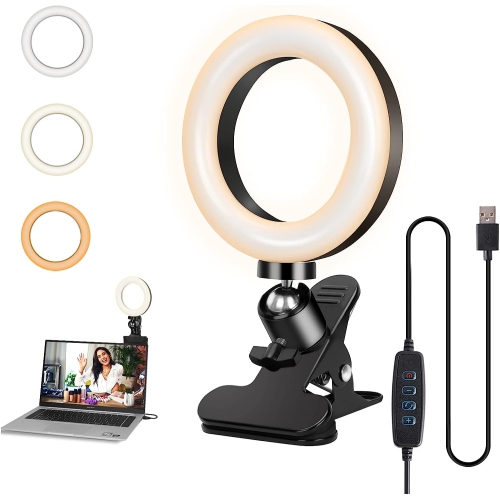
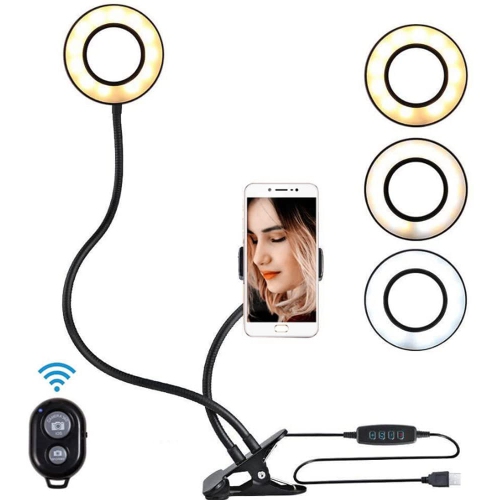
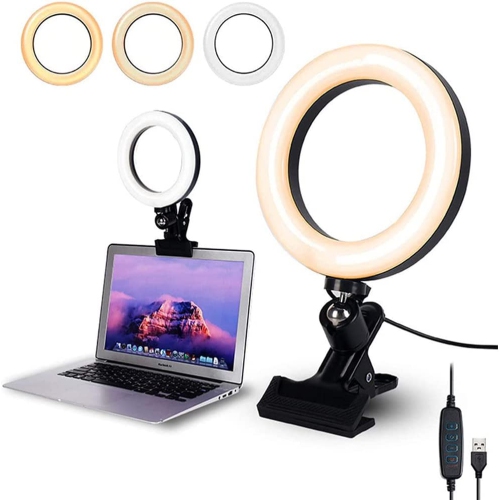
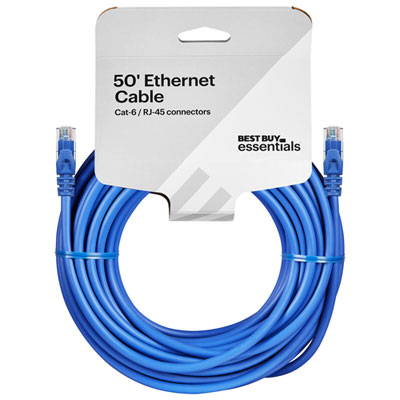
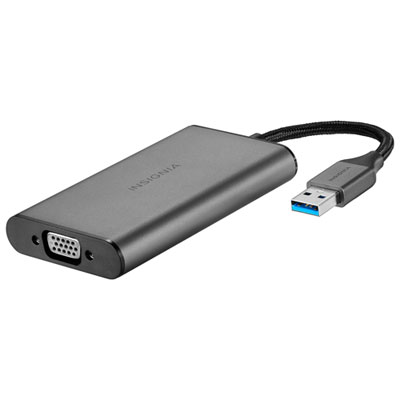
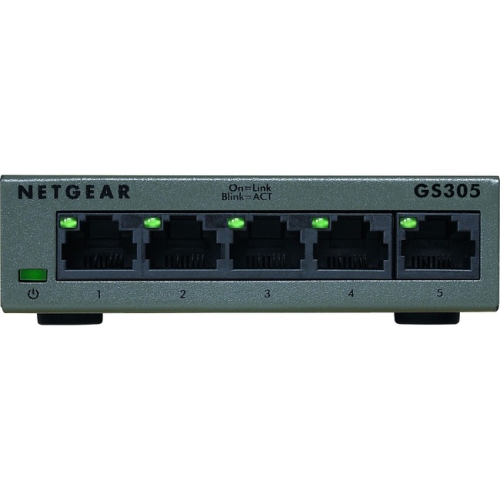
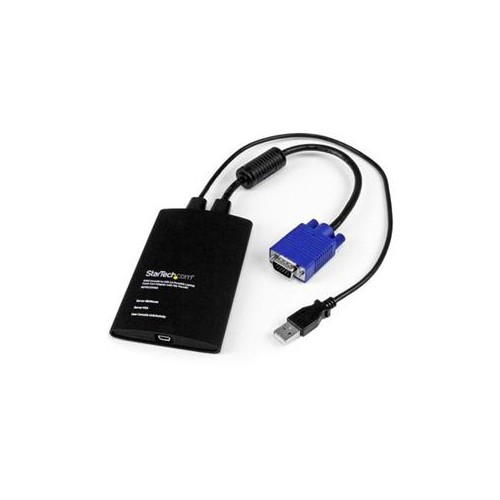
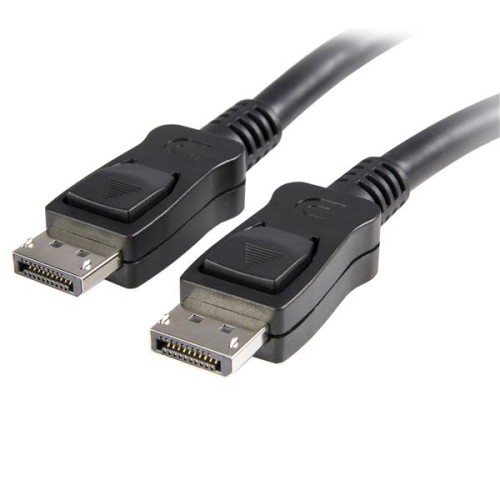
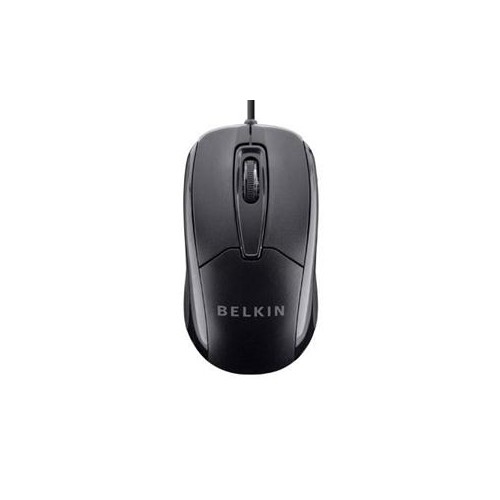
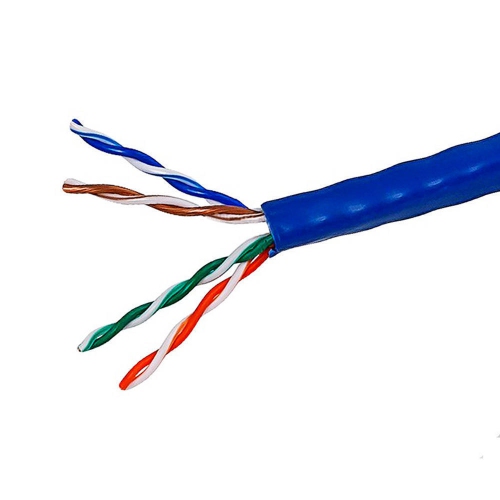
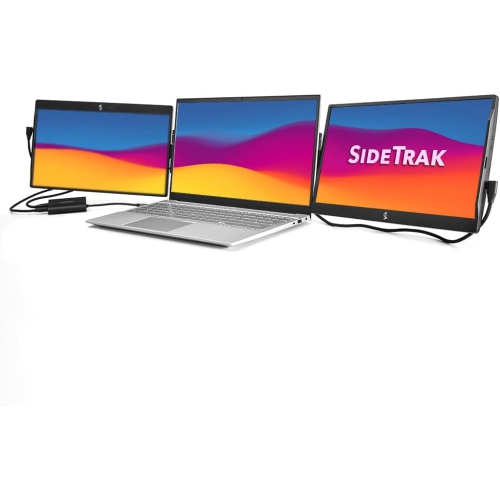
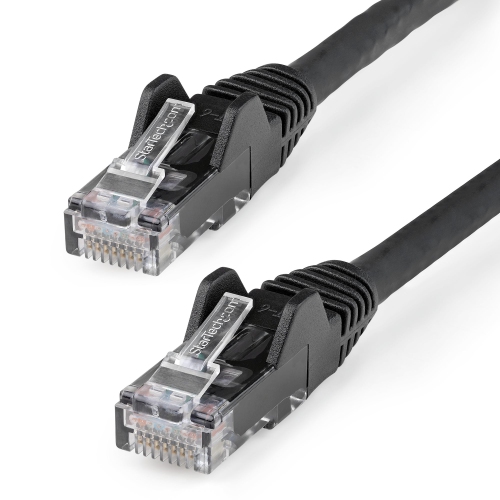
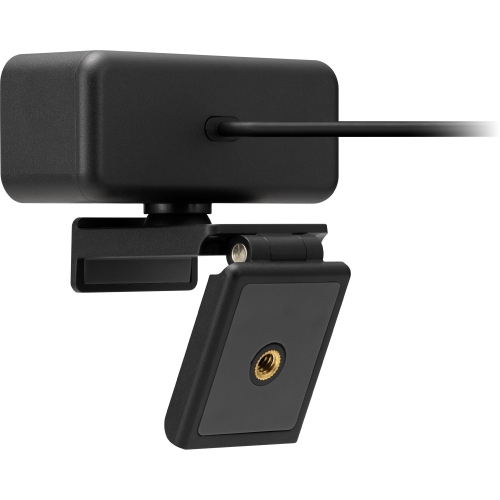
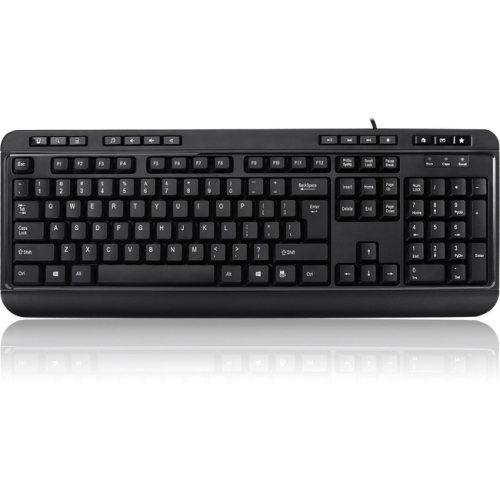
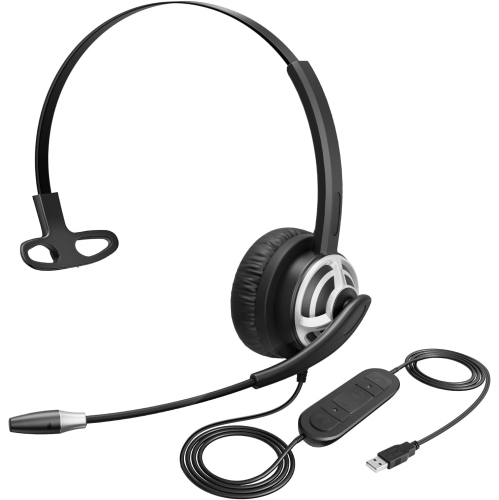
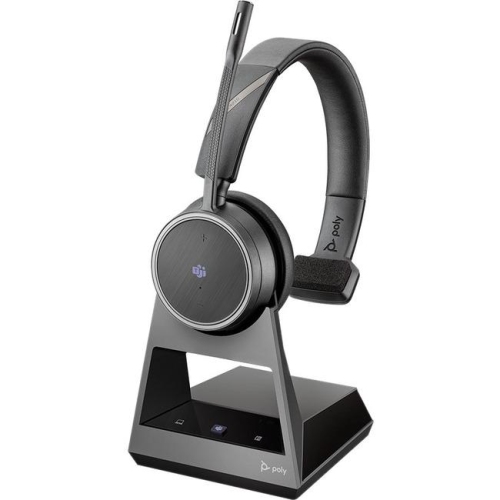
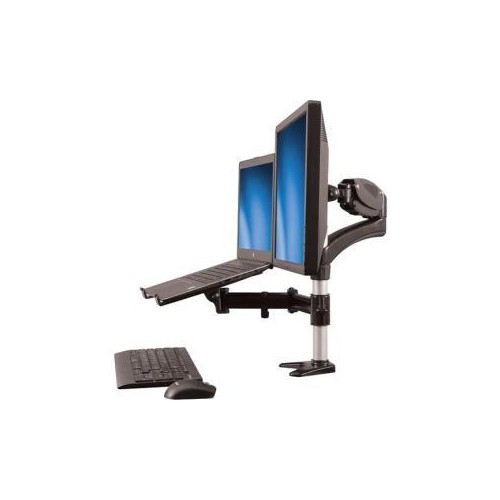
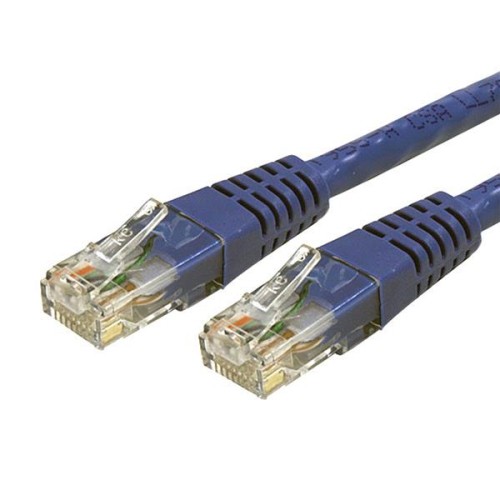
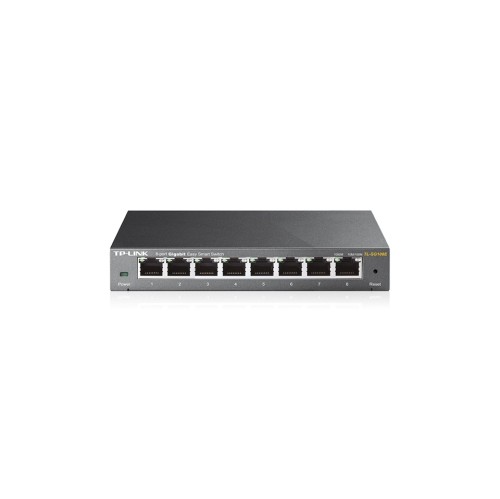
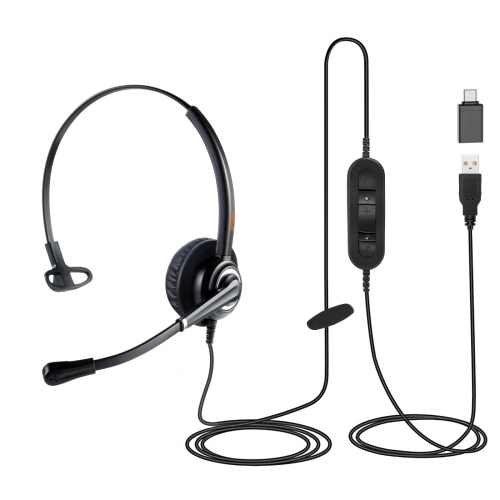
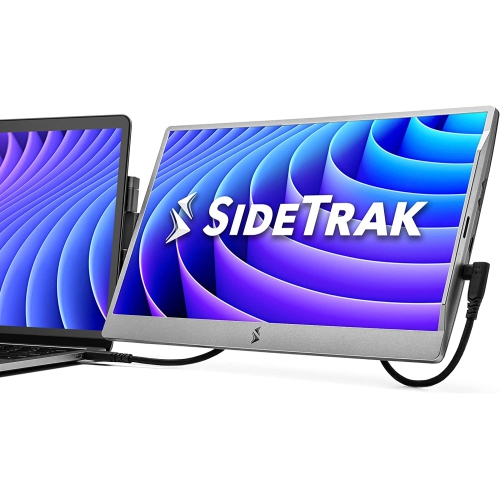
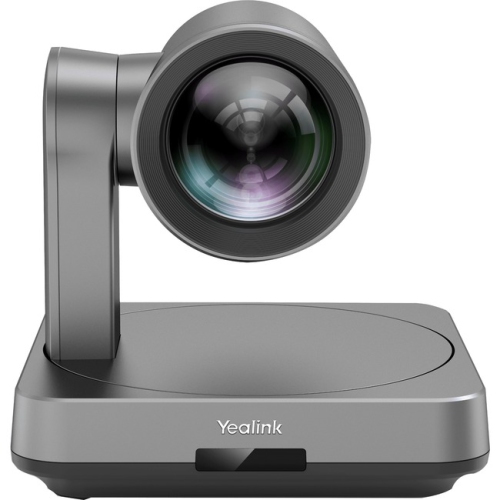
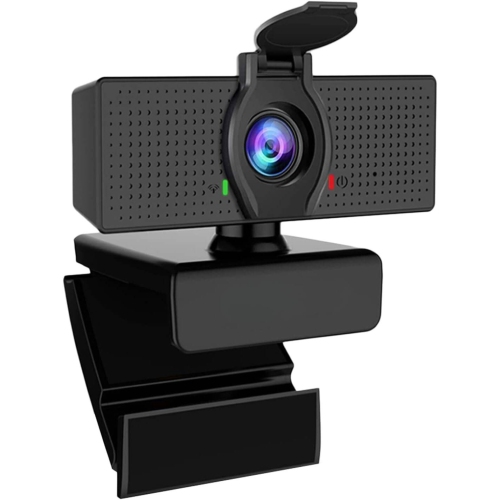
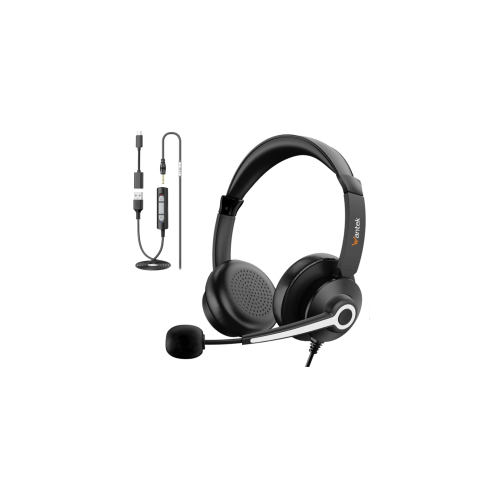
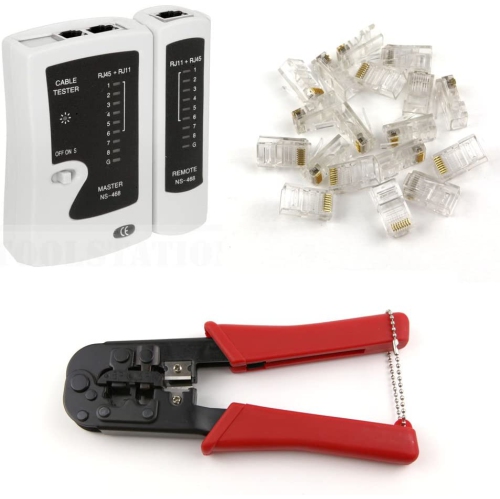
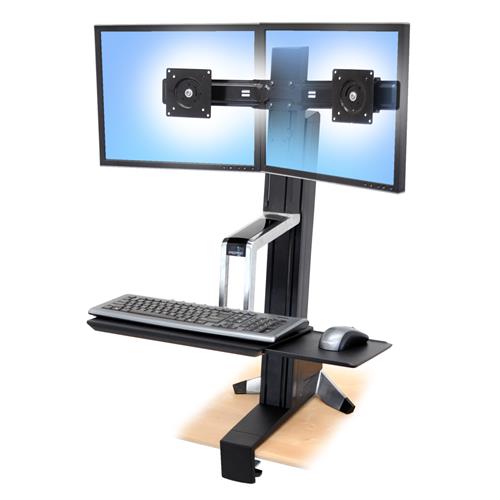
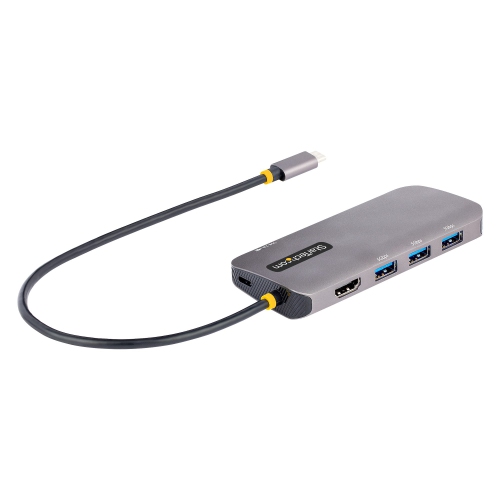
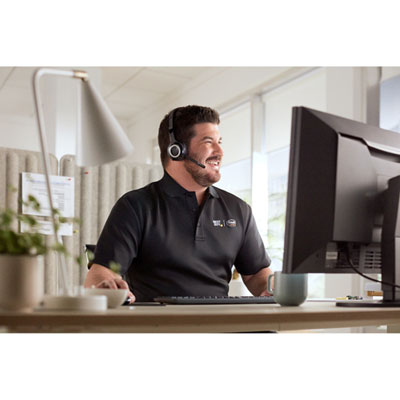
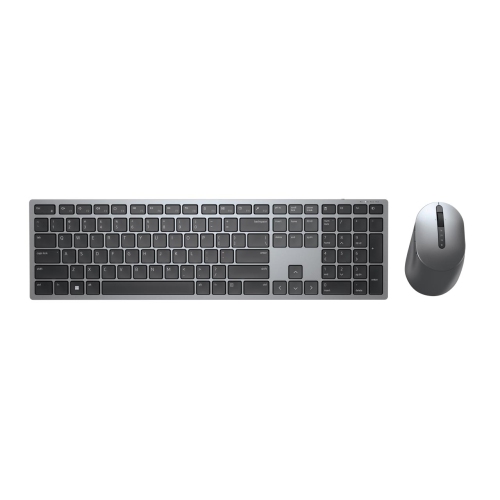
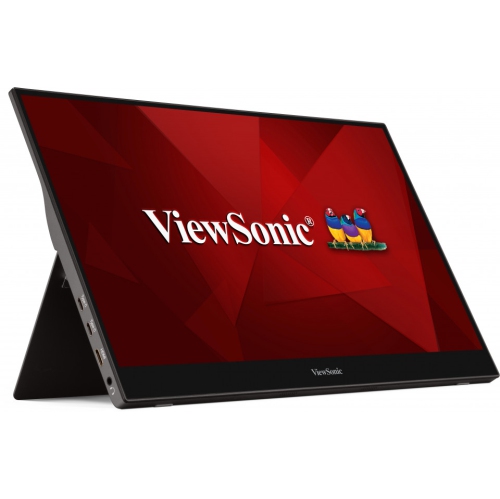
Clear conversations depend on more than a meeting application. A headset with a well-positioned microphone can help keep speech distinct from nearby activity, while comfortable ear cushions and an adjustable headband matter during back-to-back calls. Over-ear designs may suit longer listening sessions, while lighter options can feel less cumbersome for occasional check-ins. Active noise cancellation reduces certain sounds for the listener; microphone noise reduction serves a different purpose by helping limit the background sound transmitted to others. That distinction matters when a call takes place near a busy hallway or another person’s desk. A webcam positioned near eye level can create a more natural view, and a steady light facing the speaker usually produces a clearer image than a bright window directly behind them. For work involving several documents, an external monitor provides room to keep a reference file beside a draft or a video meeting beside meeting notes. Screen size should suit both the desk depth and the viewing distance, with resolution and text scaling considered together so that small type remains comfortable to read. Colour accuracy may matter for visual work, while adjustable height and tilt are useful across many roles. Keyboards and mice also deserve attention because their shape, spacing, and resistance influence how they feel over hours of use. A separate keyboard can allow a raised laptop screen to sit independently from the typing surface. Docking stations and hubs bring displays, storage, and other peripherals together, but connector shape alone does not establish compatibility: supported video output, data speeds, and power delivery vary. Network connections deserve the same practical attention. Wi-Fi coverage should reach the intended workspace reliably, while a wired Ethernet connection can offer consistency where a suitable port or adapter is supported. A household with simultaneous video calls, file transfers, and streaming may need networking equipment suited to several active devices. These details help turn individual accessories into a connected workspace rather than a collection of mismatched parts.
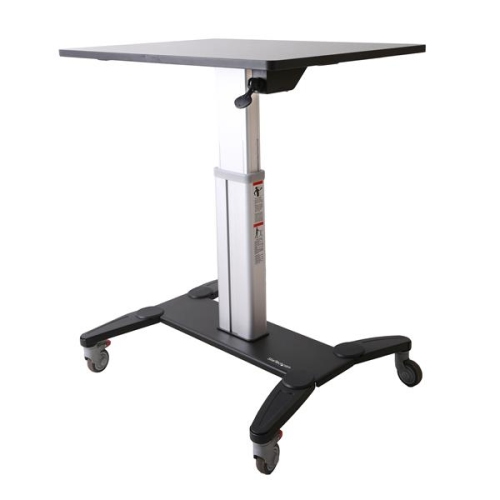
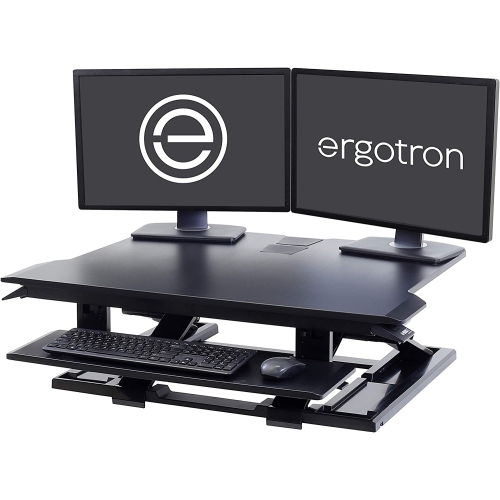
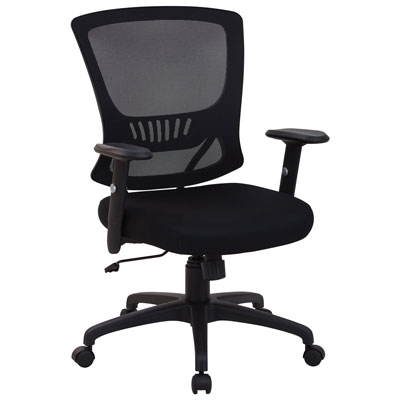
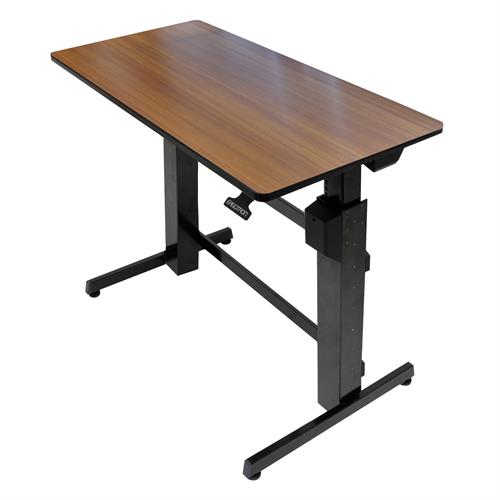
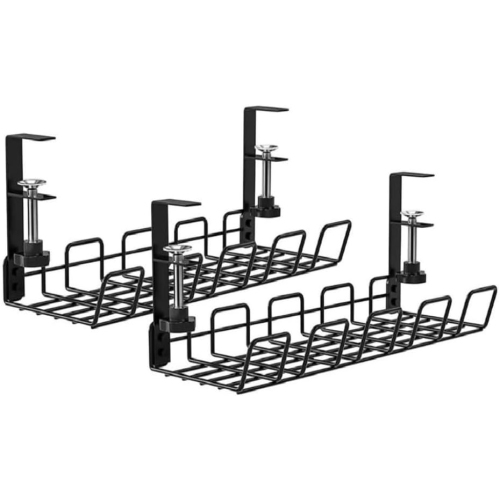
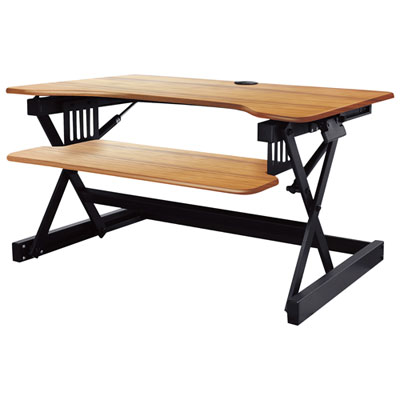
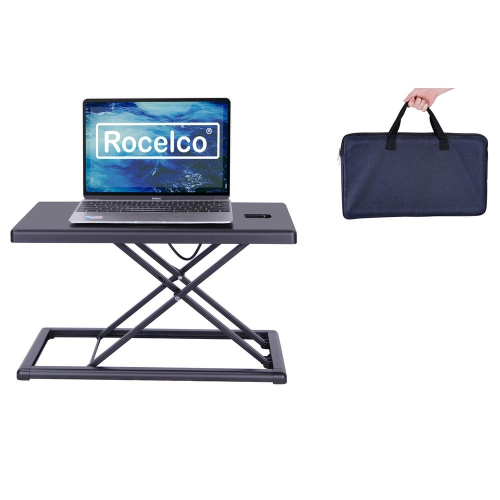
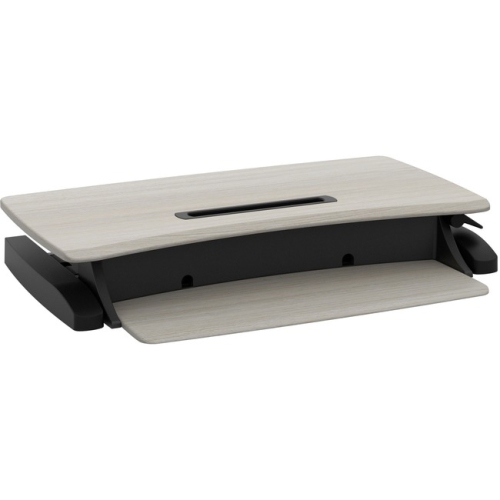
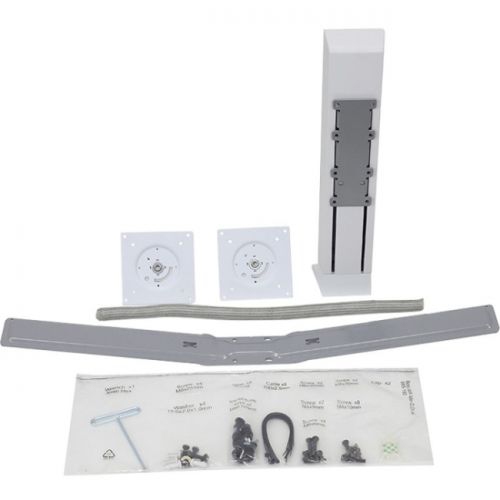
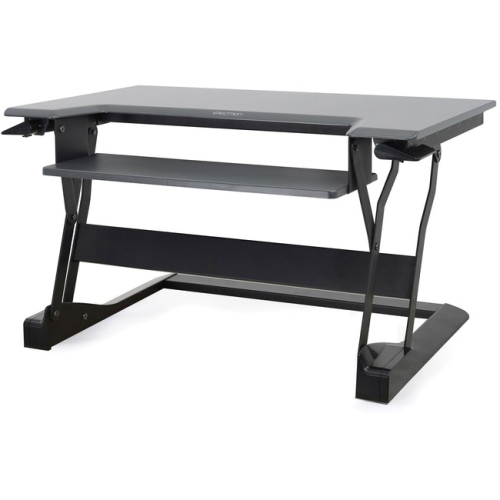
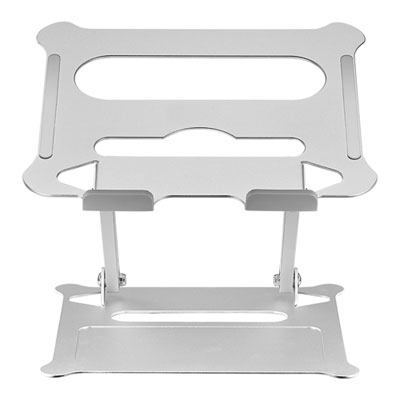
Furniture, organization, and everyday care give remote work tools a place to function comfortably and last through regular use. Desk dimensions need to accommodate the screen, keyboard, and mouse while leaving enough room for notes and natural movement. An adjustable chair can help match seat height and back support to the person using it, although the right fit also depends on desk height, available legroom, and whether feet rest securely on the floor or a footrest. Sit-stand desks offer another way to vary position, provided their height range, lifting capacity, and surface dimensions suit the user and equipment. For a closer look at how furniture and technology fit together, Remote Work Setups brings the broader workspace into focus. Materials influence both appearance and upkeep: metal frames can provide sturdy support, laminate surfaces are generally straightforward to wipe clean, and wood finishes may require more specific care. Mesh chair backs allow airflow, while upholstered seats vary in texture, cushioning, and cleaning requirements. Manufacturer care instructions are especially important around screens, coated surfaces, and electronic components; liquid should not be sprayed directly into openings or onto a display unless expressly permitted. Keeping ventilation openings clear and routing cables away from chair wheels can help prevent avoidable wear. Cable trays, document storage, and compact organizers are particularly useful when a work area shares space with everyday household activities. Someone packing away a workstation each evening may value lightweight accessories and simple connections more than a large permanent arrangement. Protective sleeves and padded bags can reduce scuffs during travel, with interior dimensions checked against the equipment they will carry. File protection also belongs in the daily routine: employer-approved backup methods, screen locks, and secure authentication help protect work beyond the physical desk. External storage can support permitted backup or transfer tasks, but it should follow workplace security requirements rather than replace them. As gifts for someone starting a remote role or refreshing a home office, broadly compatible accessories can be useful when the recipient’s space, preferences, and existing connections are known. Across different work styles, a well-matched selection balances computing needs, clear communication, comfortable fit, and manageable upkeep, making it easier to move from a morning planning session to a focused task and then a call with colleagues.
Clear conversations depend on more than a meeting application. A headset with a well-positioned microphone can help keep speech distinct from nearby activity, while comfortable ear cushions and an adjustable headband matter during back-to-back calls. Over-ear designs may suit longer listening sessions, while lighter options can feel less cumbersome for occasional check-ins. Active noise cancellation reduces certain sounds for the listener; microphone noise reduction serves a different purpose by helping limit the background sound transmitted to others. That distinction matters when a call takes place near a busy hallway or another person’s desk. A webcam positioned near eye level can create a more natural view, and a steady light facing the speaker usually produces a clearer image than a bright window directly behind them. For work involving several documents, an external monitor provides room to keep a reference file beside a draft or a video meeting beside meeting notes. Screen size should suit both the desk depth and the viewing distance, with resolution and text scaling considered together so that small type remains comfortable to read. Colour accuracy may matter for visual work, while adjustable height and tilt are useful across many roles. Keyboards and mice also deserve attention because their shape, spacing, and resistance influence how they feel over hours of use. A separate keyboard can allow a raised laptop screen to sit independently from the typing surface. Docking stations and hubs bring displays, storage, and other peripherals together, but connector shape alone does not establish compatibility: supported video output, data speeds, and power delivery vary. Network connections deserve the same practical attention. Wi-Fi coverage should reach the intended workspace reliably, while a wired Ethernet connection can offer consistency where a suitable port or adapter is supported. A household with simultaneous video calls, file transfers, and streaming may need networking equipment suited to several active devices. These details help turn individual accessories into a connected workspace rather than a collection of mismatched parts.
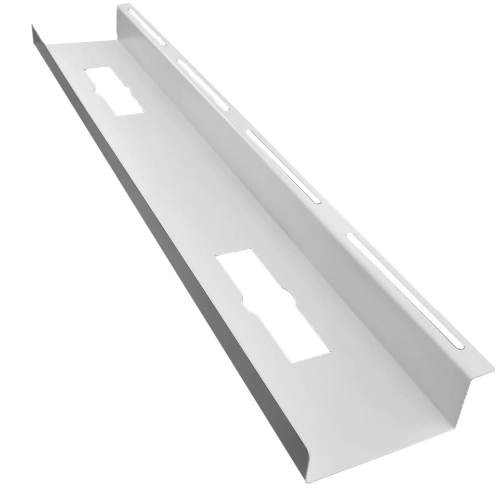
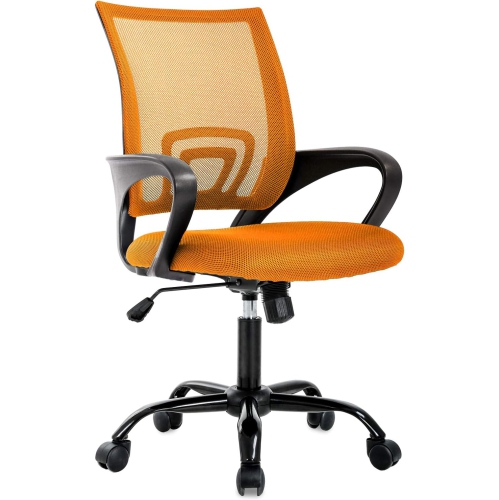
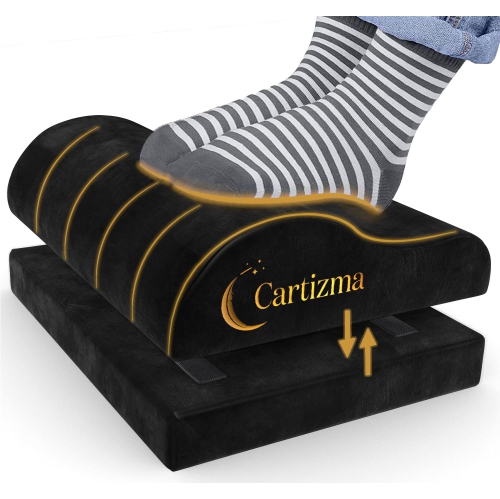
Furniture, organization, and everyday care give remote work tools a place to function comfortably and last through regular use. Desk dimensions need to accommodate the screen, keyboard, and mouse while leaving enough room for notes and natural movement. An adjustable chair can help match seat height and back support to the person using it, although the right fit also depends on desk height, available legroom, and whether feet rest securely on the floor or a footrest. Sit-stand desks offer another way to vary position, provided their height range, lifting capacity, and surface dimensions suit the user and equipment. For a closer look at how furniture and technology fit together, Remote Work Setups brings the broader workspace into focus. Materials influence both appearance and upkeep: metal frames can provide sturdy support, laminate surfaces are generally straightforward to wipe clean, and wood finishes may require more specific care. Mesh chair backs allow airflow, while upholstered seats vary in texture, cushioning, and cleaning requirements. Manufacturer care instructions are especially important around screens, coated surfaces, and electronic components; liquid should not be sprayed directly into openings or onto a display unless expressly permitted. Keeping ventilation openings clear and routing cables away from chair wheels can help prevent avoidable wear. Cable trays, document storage, and compact organizers are particularly useful when a work area shares space with everyday household activities. Someone packing away a workstation each evening may value lightweight accessories and simple connections more than a large permanent arrangement. Protective sleeves and padded bags can reduce scuffs during travel, with interior dimensions checked against the equipment they will carry. File protection also belongs in the daily routine: employer-approved backup methods, screen locks, and secure authentication help protect work beyond the physical desk. External storage can support permitted backup or transfer tasks, but it should follow workplace security requirements rather than replace them. As gifts for someone starting a remote role or refreshing a home office, broadly compatible accessories can be useful when the recipient’s space, preferences, and existing connections are known. Across different work styles, a well-matched selection balances computing needs, clear communication, comfortable fit, and manageable upkeep, making it easier to move from a morning planning session to a focused task and then a call with colleagues.
Top selling and popular products
-
 Your price for this item is $304.99
 -
 Your price for this item is $93.99
 -
 Your price for this item is $248.99
 -
 Your price for this item is $83.99
 -
 Your price for this item is $108.99
 -
 Your price for this item is $94.99
 -
 Your price for this item is $74.97
 -
 Your price for this item is $83.95
Discover more categories related to Remote Work Tools
Top Collections:
Pokemon Centers, Kindle Devices, Best Budget Office Chairs, Apple iPhones 16, Best Laptops for Writers, iPhone 15 Apple, Canon G7X Cameras, Refurbished Apple Laptops, Alarm Clock, Motorola Razr Phones
Some products may be subject to Environmental Handling Fees
(EHF) depending on your province.
Learn more about EHFs.