Resources for Remote Workers
Resources for remote workers are essential for creating a productive and comfortable home office environment. Whether you're setting up a dedicated workspace or looking to upgrade your current setup, the right tools and accessories can help you stay organized, connected, and focused throughout your workday. Explore a wide selection of solutions designed to support your daily tasks, enhance communication, and streamline workflow—making it easier than ever to thrive while working from home.
Sort
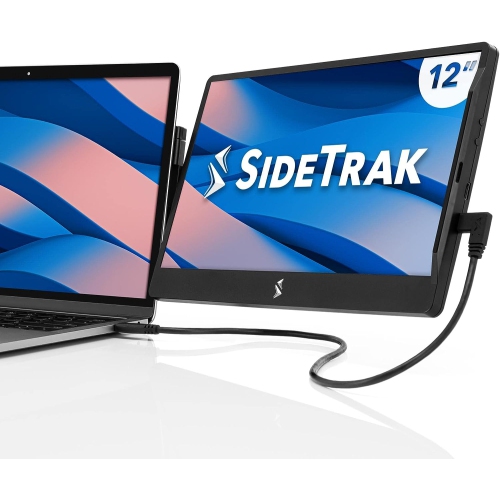

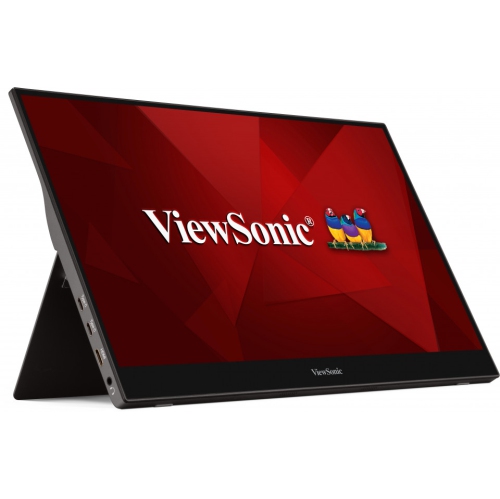

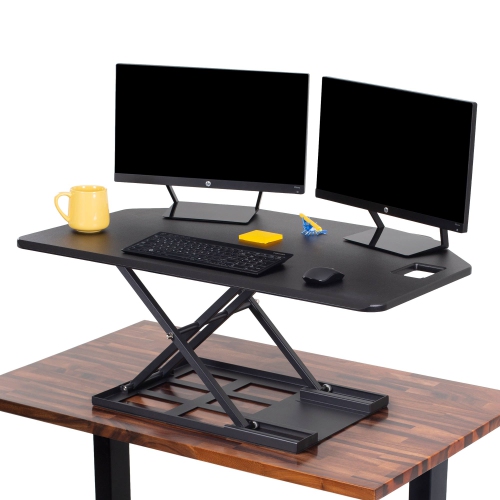

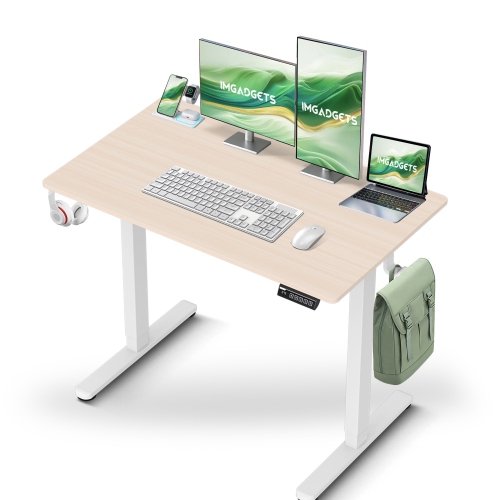
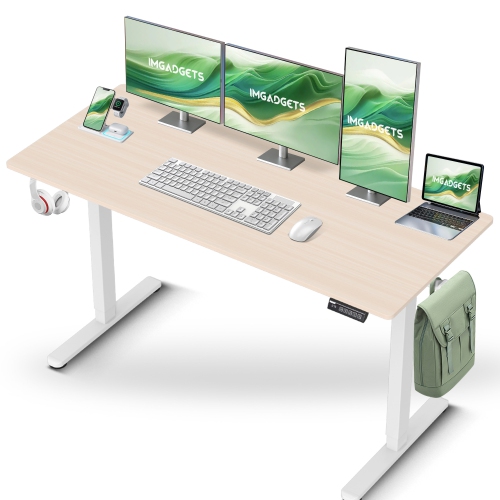
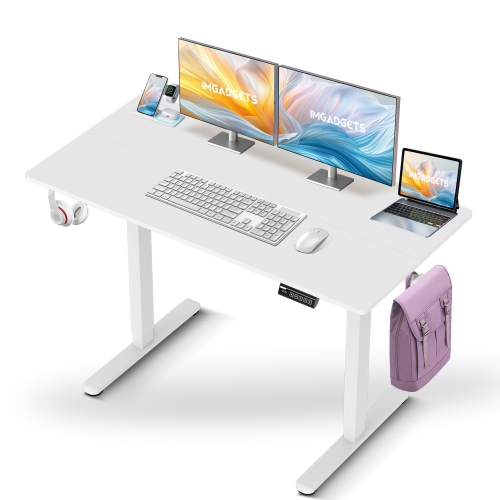
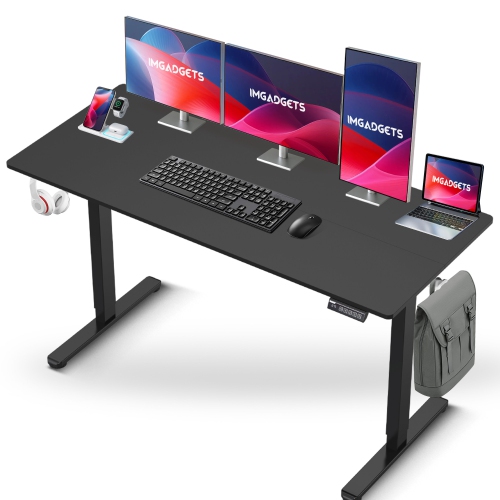


A workstation that fits your tasks and your space
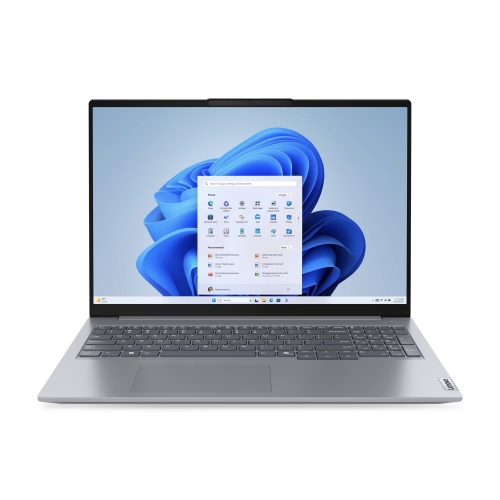
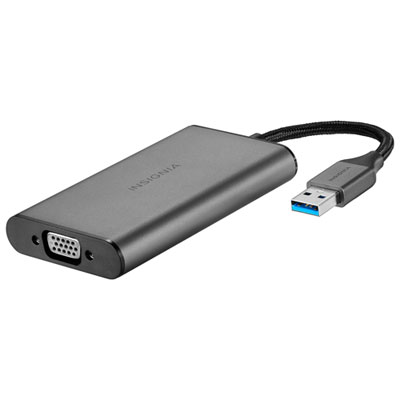
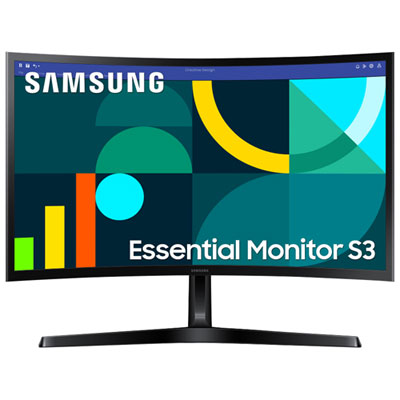
Resources for remote workers include the technology, workspace furniture, and accessories that support team communication, project collaboration, and everyday productivity away from a shared office. These essentials help connect the digital side of a job—video meetings, shared documents, scheduling, and focused work—with a physical setup that feels practical to use each day. For someone working mainly with email, spreadsheets, and browser-based applications, portability and comfortable everyday performance may matter more than advanced graphics capabilities. Design, engineering, video production, and other demanding tasks can call for greater processing power, more memory, and displays suited to detailed visual work. A laptop makes it easier to move between home and an office, while a desktop can suit a dedicated workstation where portability is less important. Screen size, text clarity, and connection options also affect how easily a setup handles routine tasks. Reading a contract beside a reference document, for example, is more comfortable when both remain visible without constant window switching. An external display can provide that extra space, but its usefulness depends on desk depth, viewing distance, and compatibility with the computer. Docks and hubs can bring charging, displays, and peripherals together through fewer connections, although supported video output and power delivery vary. Keyboards and pointing devices deserve similar attention: key spacing, hand position, shortcut access, and the choice between wired and wireless connections all shape the experience over a full workday. A compact keyboard leaves more room for a mouse on a narrow desk, while a number pad can be useful for frequent data entry. For hybrid workers, Remote Work Tools can complement a home workstation with accessories suited to moving between locations. The most useful combination reflects the actual work being done, the applications an employer supports, and the space where that work happens, rather than simply filling a desk with equipment.
Clear communication depends on more than having a camera and microphone built into a computer. Headsets, webcams, speakers, lighting, and networking equipment can each address a different source of friction during remote work. Someone taking calls beside a busy household may value a headset with a microphone designed to reduce background noise, while a person joining occasional meetings from a quiet room may prefer a simpler audio arrangement. Noise cancellation for listening and noise reduction for a microphone serve different purposes, so those features are worth distinguishing. Fit matters just as much as audio specifications when meetings run long: adjustable headbands, ear cushion materials, overall weight, and accessible mute controls influence day-to-day comfort. A camera positioned near eye level supports a more natural conversation, and balanced light across the face can make expressions easier to see without a bright glare on the screen. Privacy shutters and visible microphone controls provide useful physical cues between calls. Behind these everyday interactions, a reliable network supports video meetings, cloud-based files, and the communication platforms that keep distributed teams connected. Wi-Fi coverage can vary with room layout, wall construction, router placement, and the number of connected devices. A wired connection may suit a fixed desk, while broader wireless coverage can help when work takes place in more than one room. Networking hardware cannot make an internet plan faster than its service limits, but an appropriate setup can help reduce local connection problems. Shared calendars, messaging services, task boards, and collaborative documents provide the organizational layer; compatible hardware makes those tools easier to access and use. For work involving confidential information, privacy filters can limit viewing from side angles, and secure storage can help keep paper records out of sight. Employer-approved security settings and access methods remain important, especially when moving between home and shared workspaces. Together, these resources support clearer conversations, easier file access, and fewer interruptions during a working day.
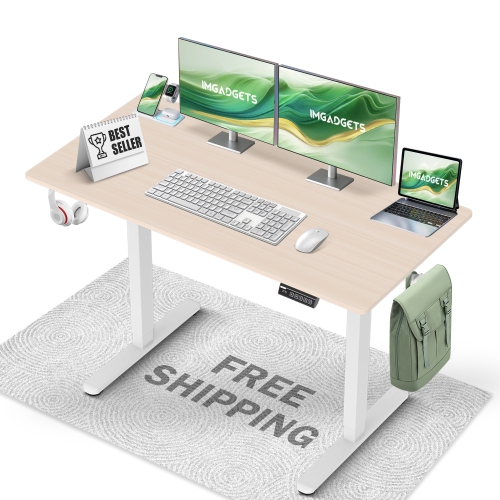
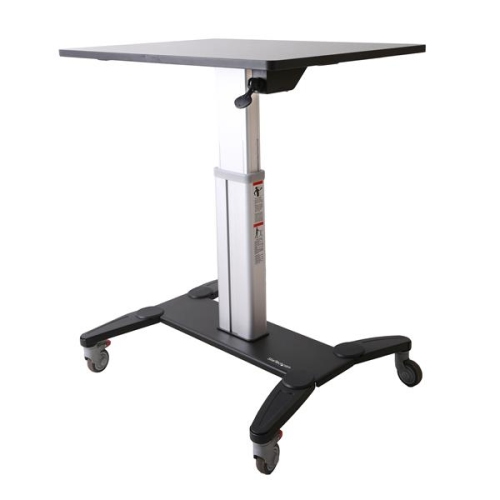
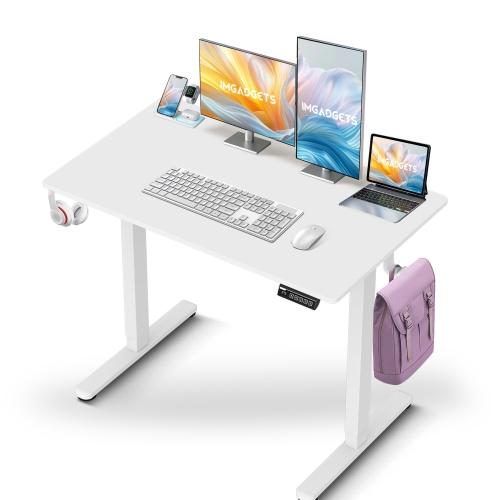
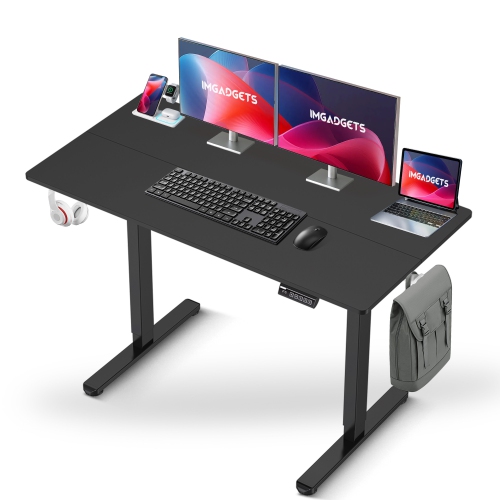
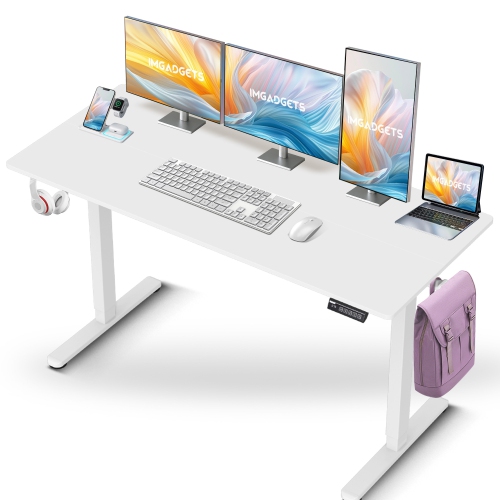
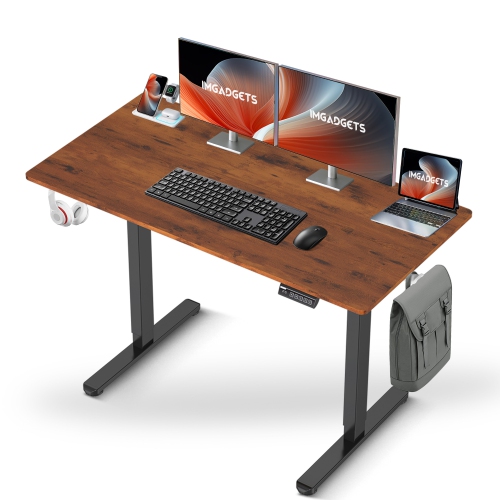
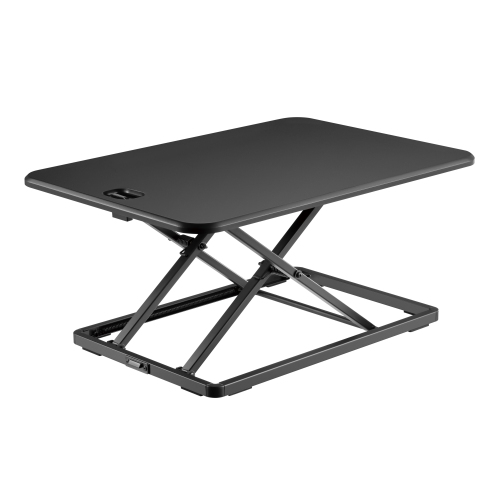
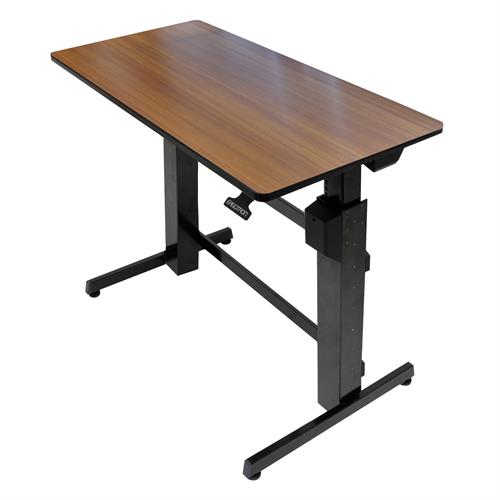
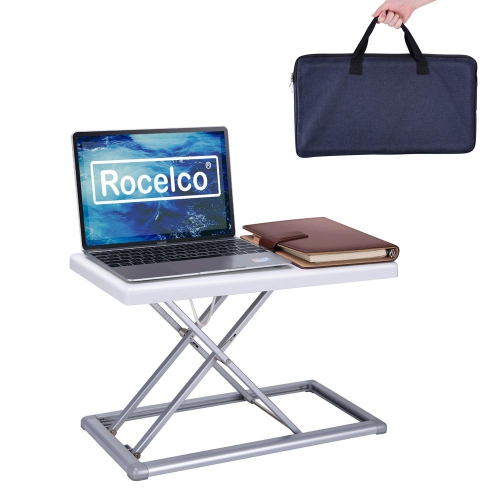
The physical workspace is another important part of remote work, whether it occupies a separate room or one end of a dining area. Desks, chairs, monitor supports, task lighting, and storage help define a place for work without requiring every home to accommodate a full office. Fit starts with the relationship between the person, the furniture, and the equipment. A chair’s seat height, depth, back support, and armrest adjustments affect how well it works with a particular desk; a model that feels comfortable for one person may not suit someone with a different height or build. Adequate legroom and a surface deep enough for the screen, keyboard, and forearms can make a modest workstation more usable. Height-adjustable desks offer flexibility for changing position, while monitor arms can free surface space if the desktop, mounting method, and display weight are compatible. Materials influence both appearance and upkeep. Laminate surfaces are often straightforward to wipe clean, wood finishes may need care that protects them from moisture and scratches, and metal frames can provide sturdy support when properly assembled. Chair upholstery also has practical trade-offs: mesh allows airflow, woven fabric has a softer feel, and coated surfaces may be easier to wipe down, depending on the manufacturer’s care directions. Durability comes from appropriate construction and use as well as material choice, including secure fasteners, suitable weight ratings, and cables that are not repeatedly pinched or pulled. In a shared room, trays, drawers, and cable management can make it easier to put work away at the end of the day. Portable equipment benefits from protective sleeves, padded compartments, and bags that fit both the device and the person carrying it. These categories can also make thoughtful gifts for someone starting a remote role, building a freelance practice, or dividing time between locations, provided device compatibility and personal preferences are known. A well-matched workspace brings the essentials within reach, leaves room for movement, and supports the routines that make working from home feel organized and manageable.
Clear communication depends on more than having a camera and microphone built into a computer. Headsets, webcams, speakers, lighting, and networking equipment can each address a different source of friction during remote work. Someone taking calls beside a busy household may value a headset with a microphone designed to reduce background noise, while a person joining occasional meetings from a quiet room may prefer a simpler audio arrangement. Noise cancellation for listening and noise reduction for a microphone serve different purposes, so those features are worth distinguishing. Fit matters just as much as audio specifications when meetings run long: adjustable headbands, ear cushion materials, overall weight, and accessible mute controls influence day-to-day comfort. A camera positioned near eye level supports a more natural conversation, and balanced light across the face can make expressions easier to see without a bright glare on the screen. Privacy shutters and visible microphone controls provide useful physical cues between calls. Behind these everyday interactions, a reliable network supports video meetings, cloud-based files, and the communication platforms that keep distributed teams connected. Wi-Fi coverage can vary with room layout, wall construction, router placement, and the number of connected devices. A wired connection may suit a fixed desk, while broader wireless coverage can help when work takes place in more than one room. Networking hardware cannot make an internet plan faster than its service limits, but an appropriate setup can help reduce local connection problems. Shared calendars, messaging services, task boards, and collaborative documents provide the organizational layer; compatible hardware makes those tools easier to access and use. For work involving confidential information, privacy filters can limit viewing from side angles, and secure storage can help keep paper records out of sight. Employer-approved security settings and access methods remain important, especially when moving between home and shared workspaces. Together, these resources support clearer conversations, easier file access, and fewer interruptions during a working day.
The physical workspace is another important part of remote work, whether it occupies a separate room or one end of a dining area. Desks, chairs, monitor supports, task lighting, and storage help define a place for work without requiring every home to accommodate a full office. Fit starts with the relationship between the person, the furniture, and the equipment. A chair’s seat height, depth, back support, and armrest adjustments affect how well it works with a particular desk; a model that feels comfortable for one person may not suit someone with a different height or build. Adequate legroom and a surface deep enough for the screen, keyboard, and forearms can make a modest workstation more usable. Height-adjustable desks offer flexibility for changing position, while monitor arms can free surface space if the desktop, mounting method, and display weight are compatible. Materials influence both appearance and upkeep. Laminate surfaces are often straightforward to wipe clean, wood finishes may need care that protects them from moisture and scratches, and metal frames can provide sturdy support when properly assembled. Chair upholstery also has practical trade-offs: mesh allows airflow, woven fabric has a softer feel, and coated surfaces may be easier to wipe down, depending on the manufacturer’s care directions. Durability comes from appropriate construction and use as well as material choice, including secure fasteners, suitable weight ratings, and cables that are not repeatedly pinched or pulled. In a shared room, trays, drawers, and cable management can make it easier to put work away at the end of the day. Portable equipment benefits from protective sleeves, padded compartments, and bags that fit both the device and the person carrying it. These categories can also make thoughtful gifts for someone starting a remote role, building a freelance practice, or dividing time between locations, provided device compatibility and personal preferences are known. A well-matched workspace brings the essentials within reach, leaves room for movement, and supports the routines that make working from home feel organized and manageable.
Top selling and popular products
-
 Your price for this item is $304.99
 -
 Your price for this item is $93.99
 -
 Your price for this item is $248.99
 -
 Your price for this item is $83.99
 -
 Your price for this item is $108.99
 -
 Your price for this item is $94.99
 -
 Your price for this item is $74.97
 -
 Your price for this item is $83.95
Discover more categories related to Resources for Remote Workers


Top Collections:
Pokemon Centers, Kindle Devices, Best Budget Office Chairs, Apple iPhones 16, Best Laptops for Writers, iPhone 15 Apple, Canon G7X Cameras, Refurbished Apple Laptops, Alarm Clock, Motorola Razr Phones
Some products may be subject to Environmental Handling Fees
(EHF) depending on your province.
Learn more about EHFs.