Samsung Galaxy A51
Looking for a sleek and powerful smartphone that combines style with performance? Explore our selection of cutting-edge mobile devices that offer impressive features and functionality to keep you connected on the go. Discover a range of smartphones that boast stunning displays, advanced cameras, and seamless user experiences, perfect for staying productive and entertained wherever you are. Whether you're a tech enthusiast, social media maven, or simply in need of a reliable communication tool, our collection of smartphones has something for everyone.
Sort
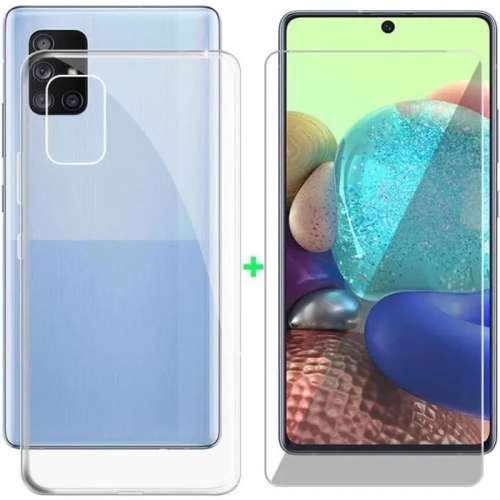
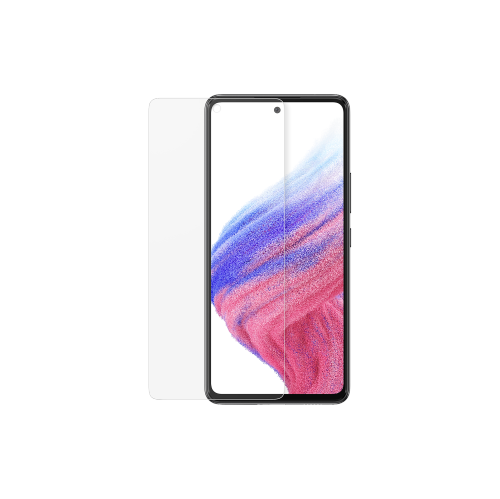
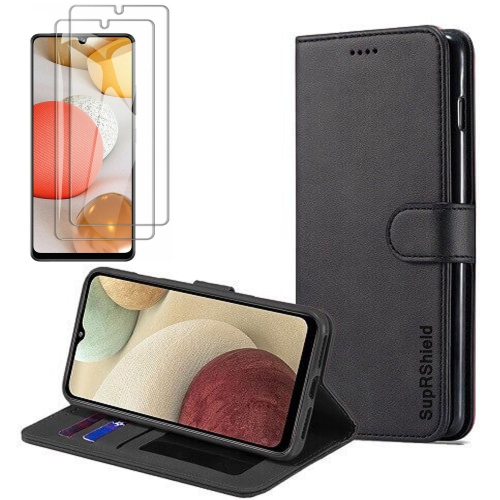
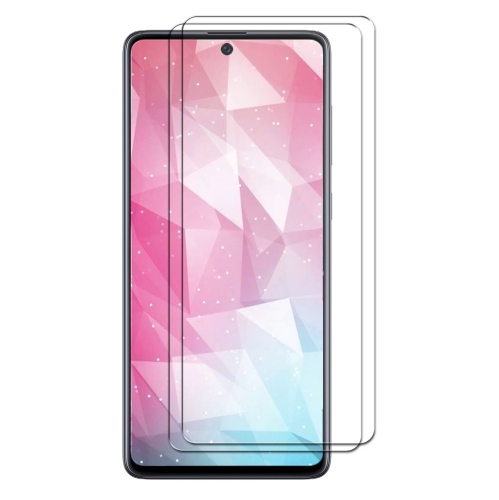
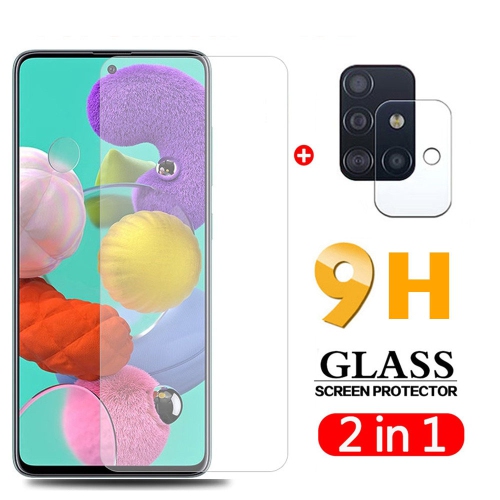
![SUPERSHIELD [2 Pack] Samsung Galaxy A51 Clear Screen Protector Full Cover Tempered Glass Screen Protector Guard](https://multimedia.bbycastatic.ca/multimedia/products/500x500/162/16283/16283104.jpeg)
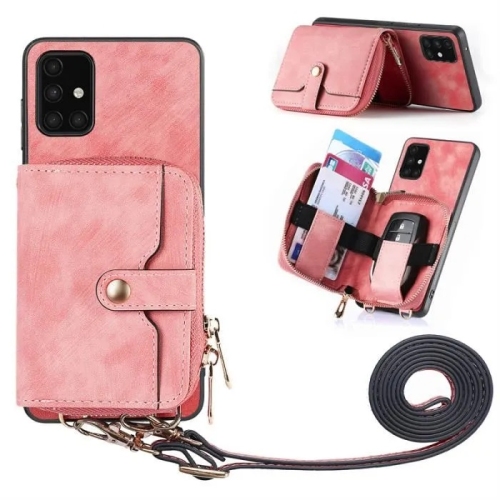
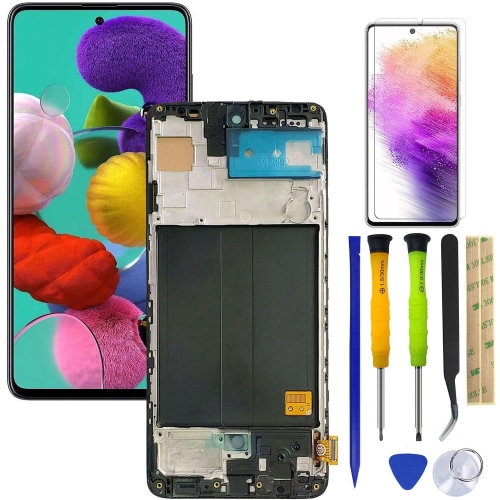
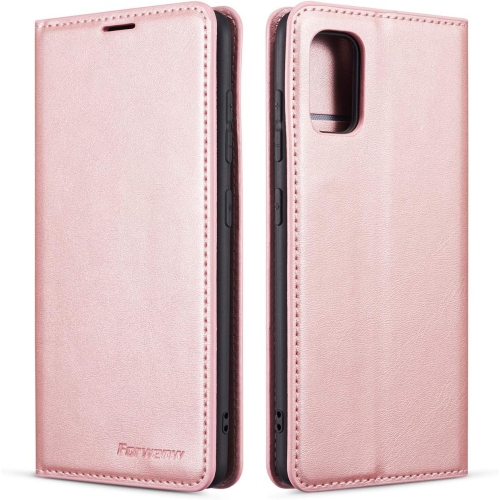
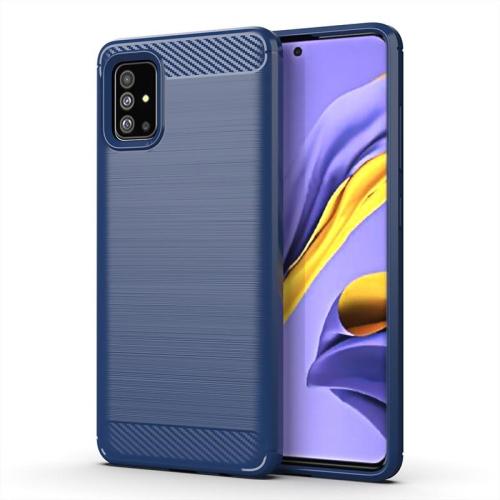
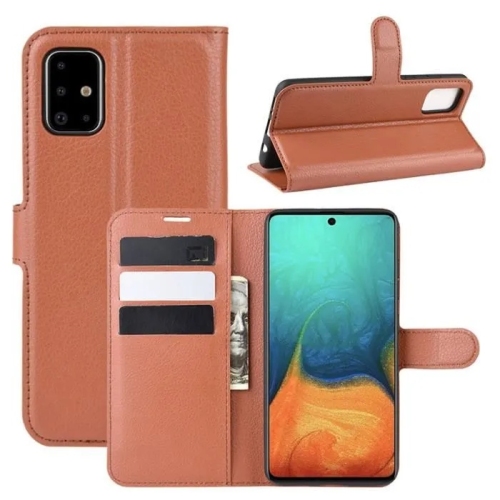
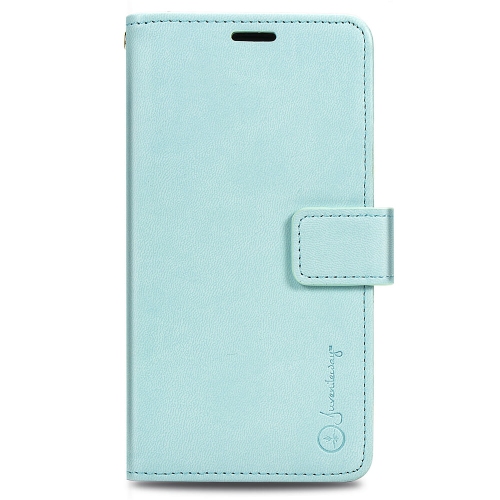
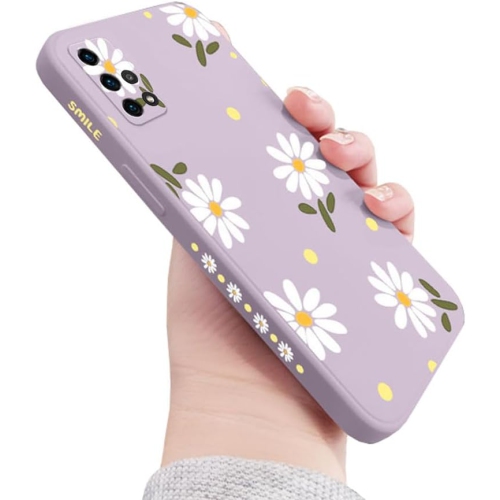
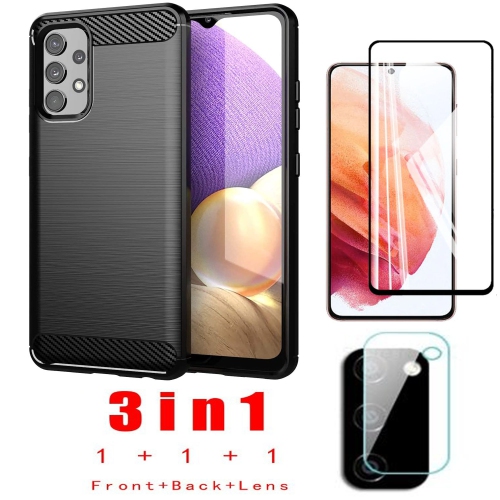
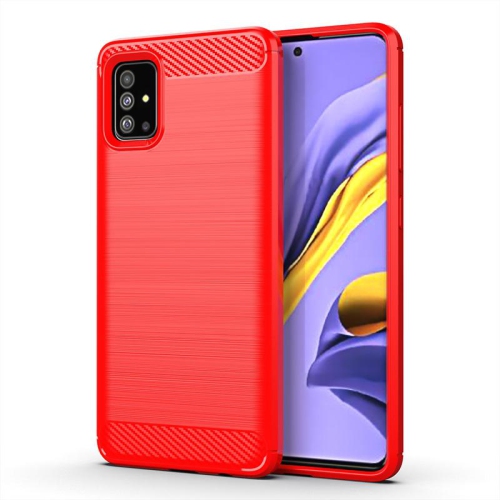
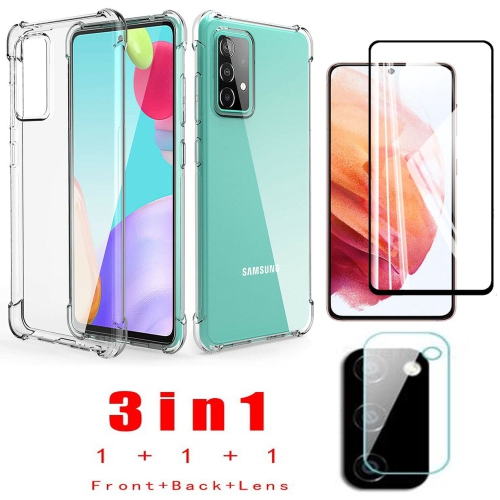
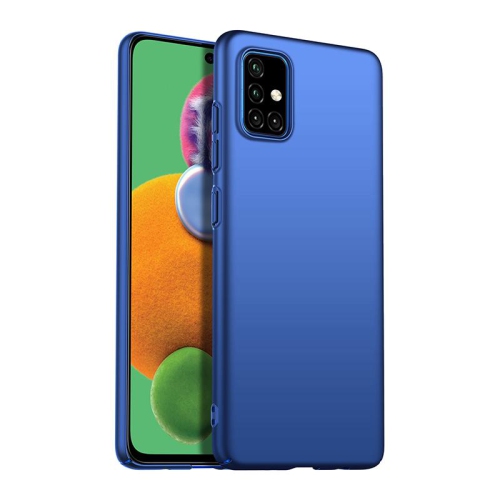
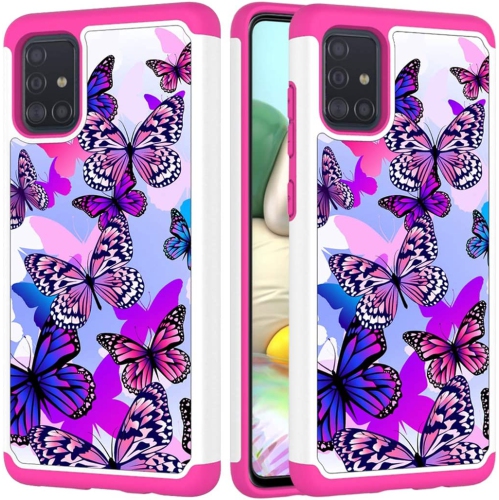

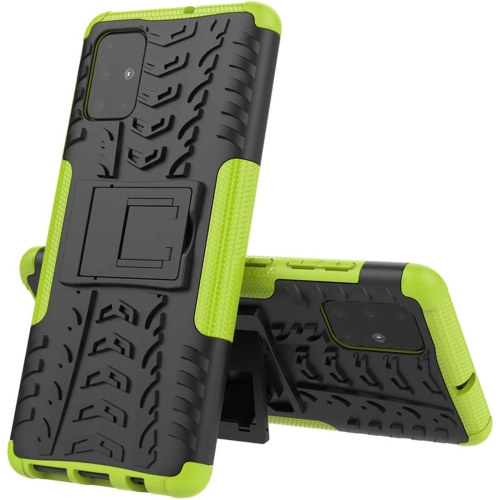
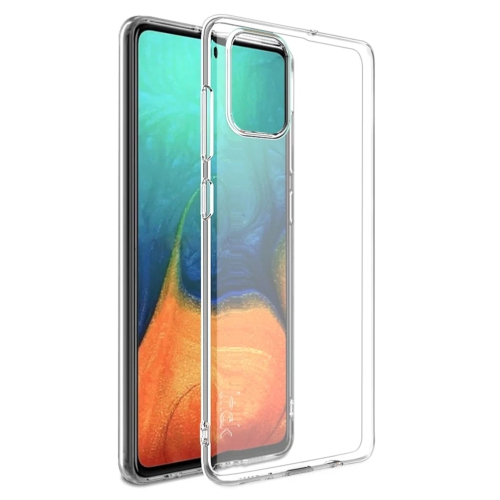
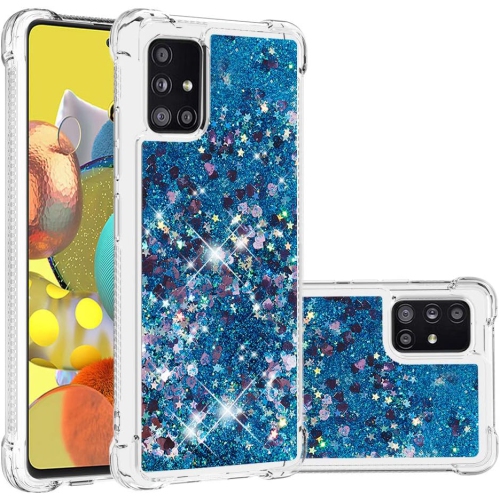
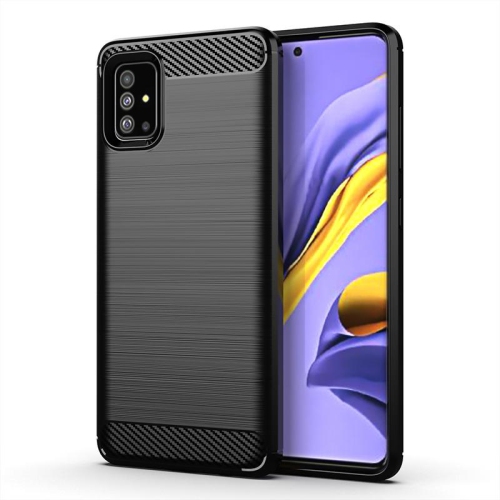
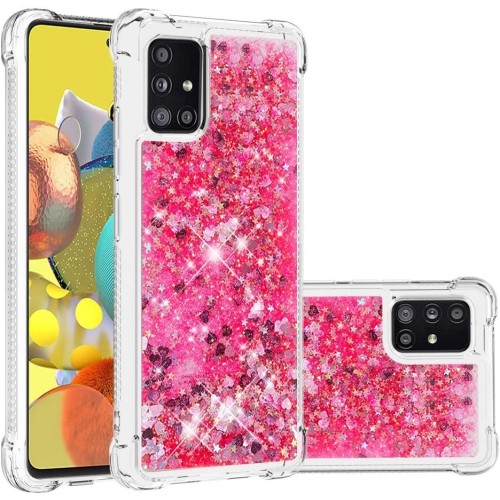
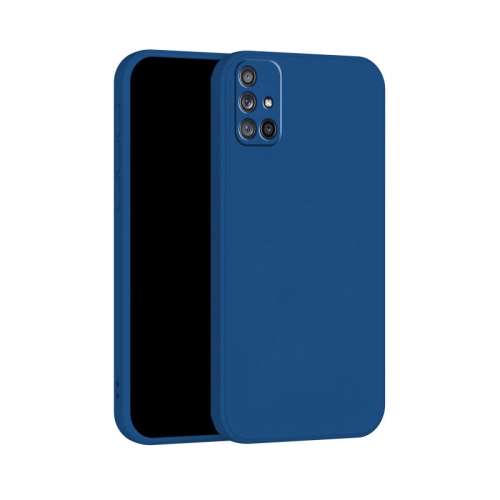
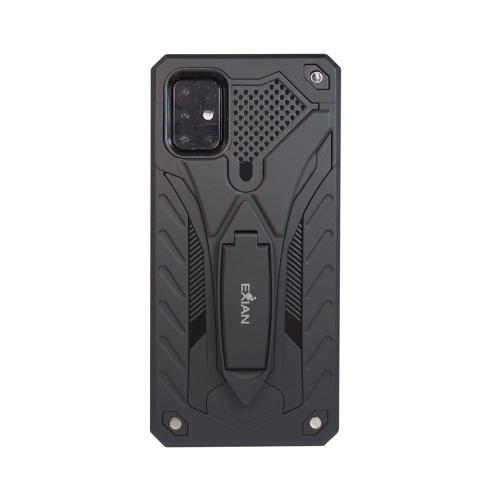
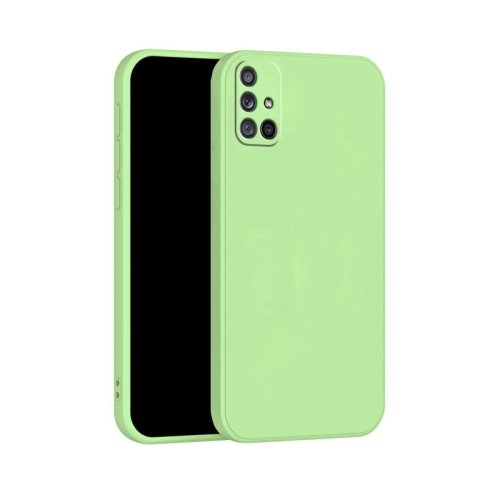
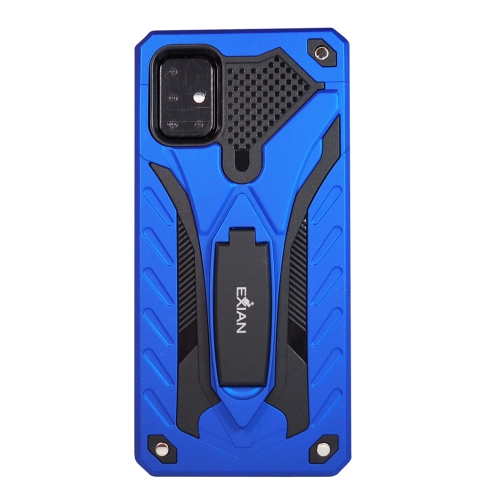
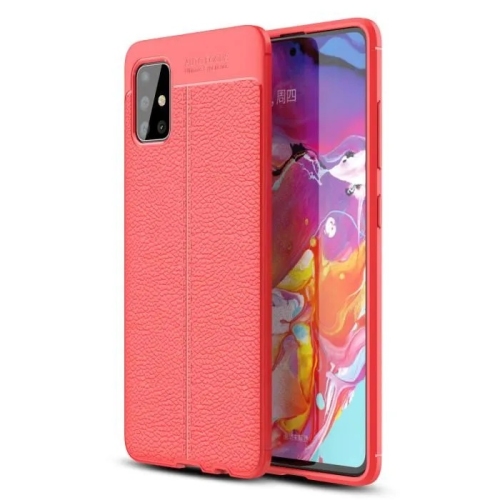
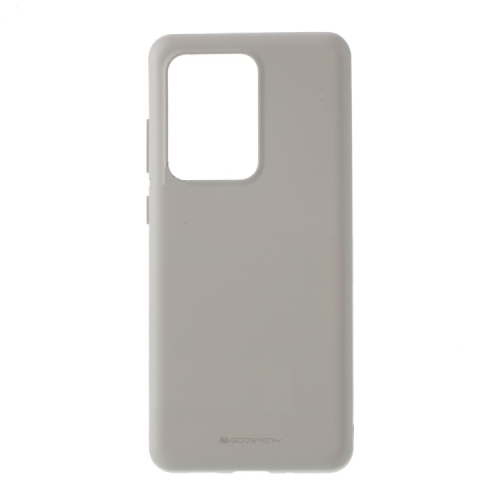
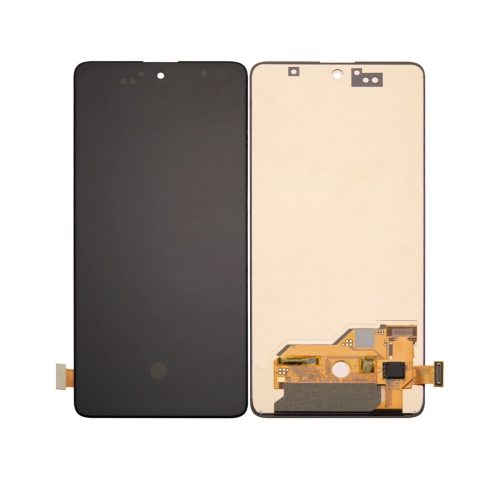
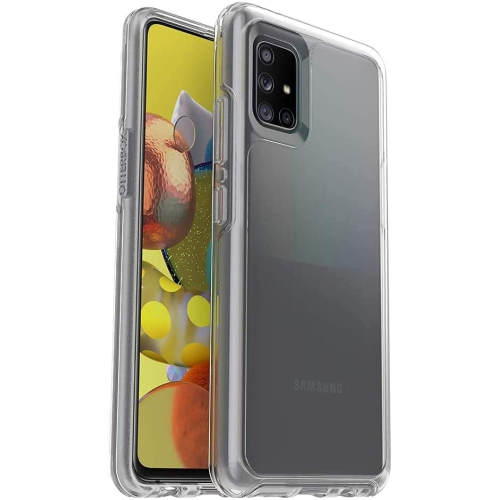
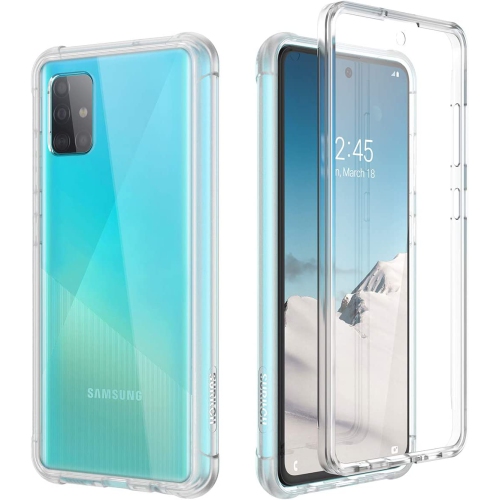
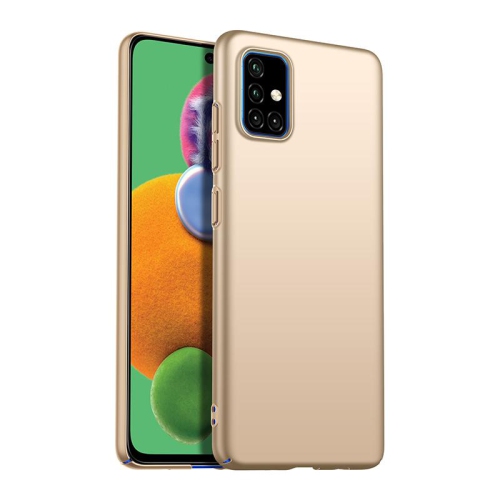
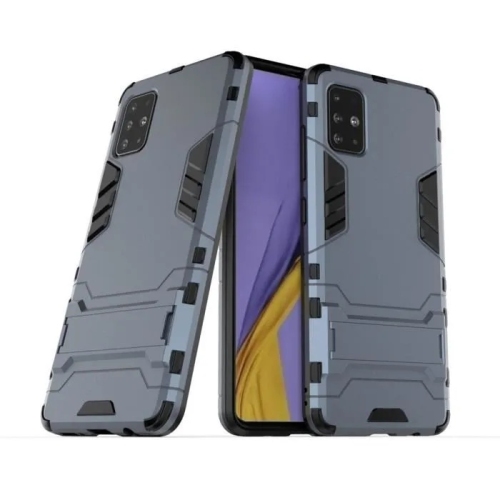
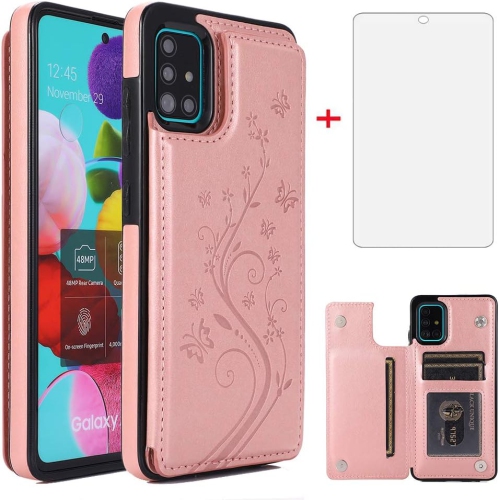
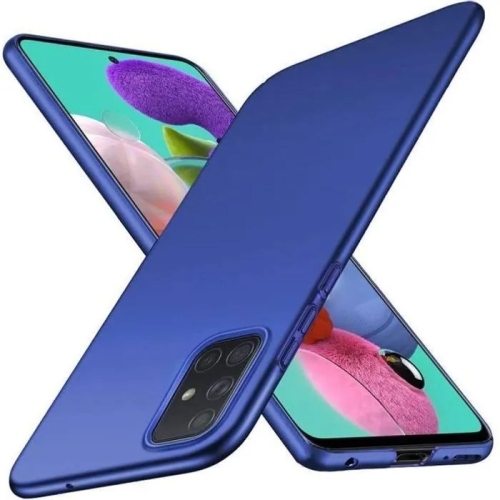
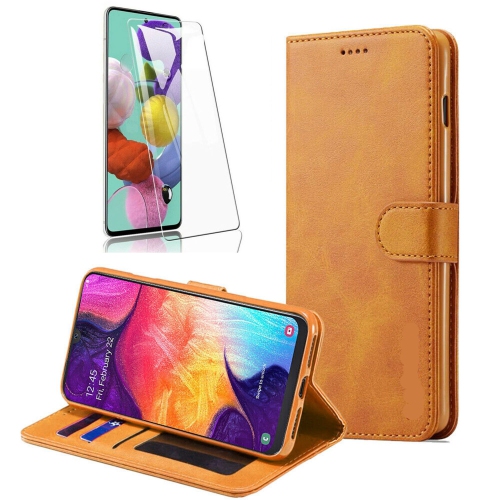
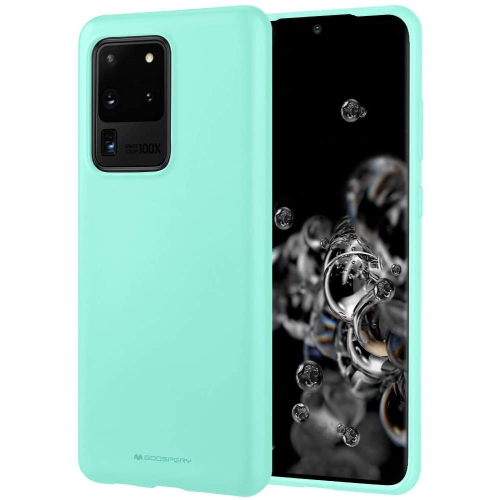
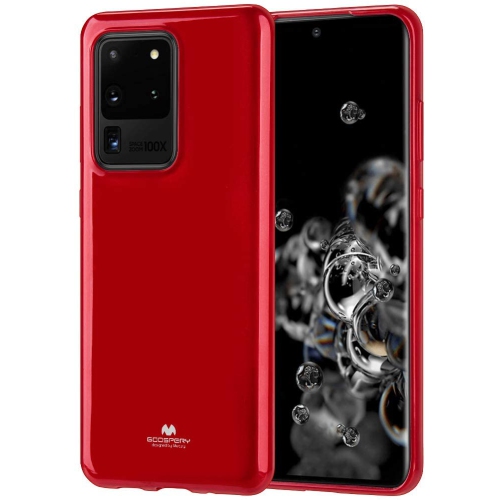
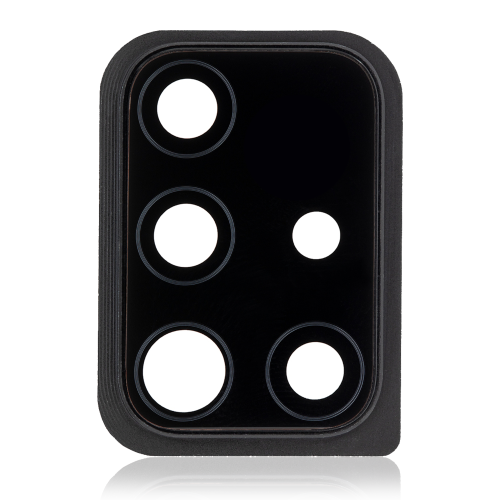
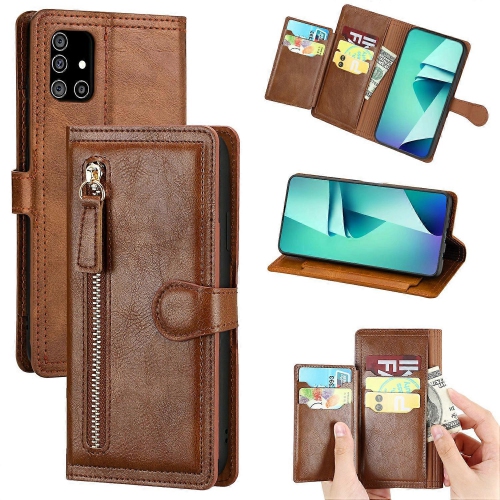
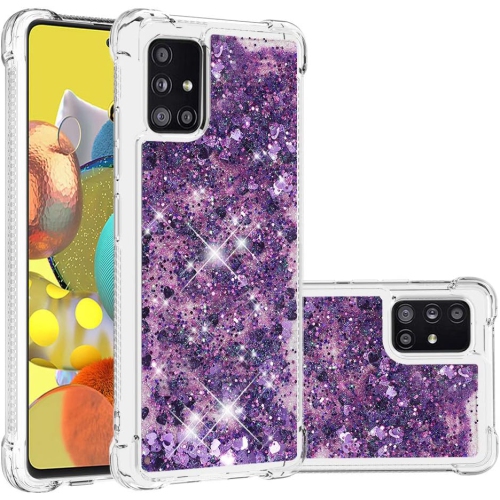
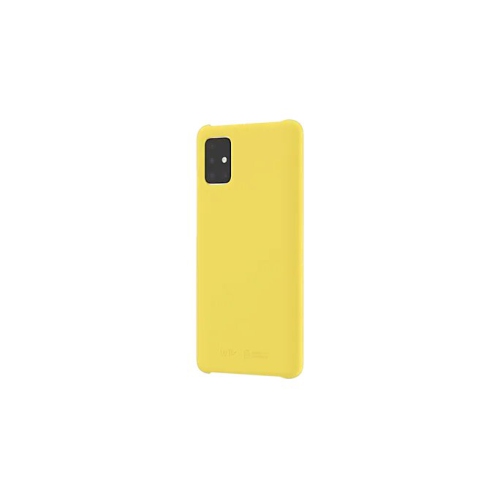
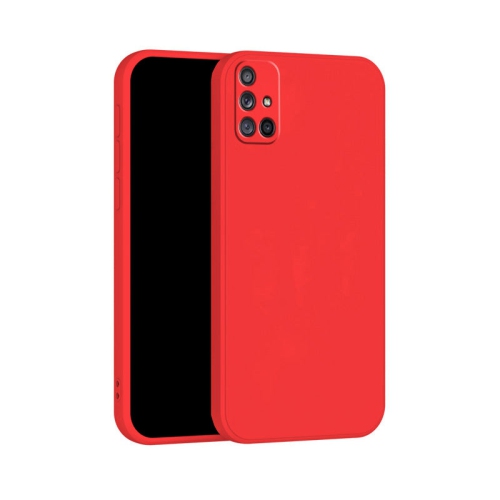
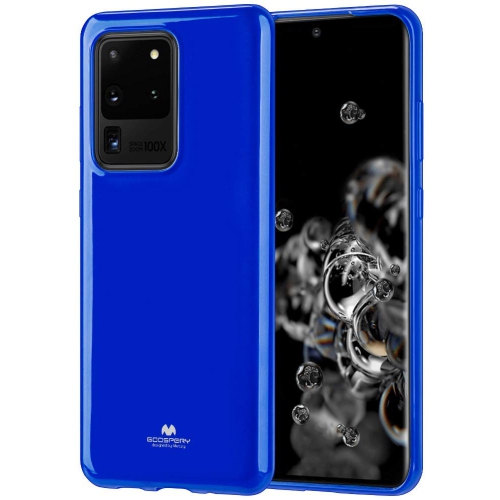
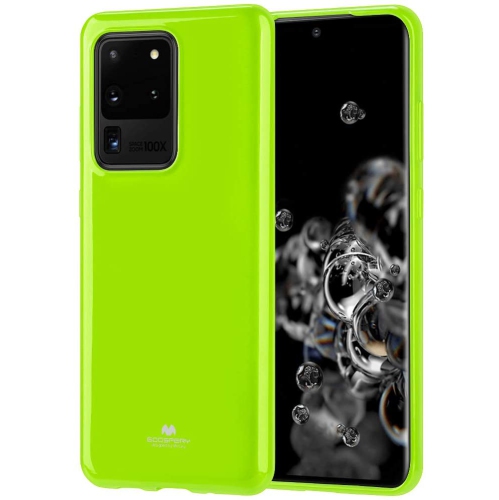

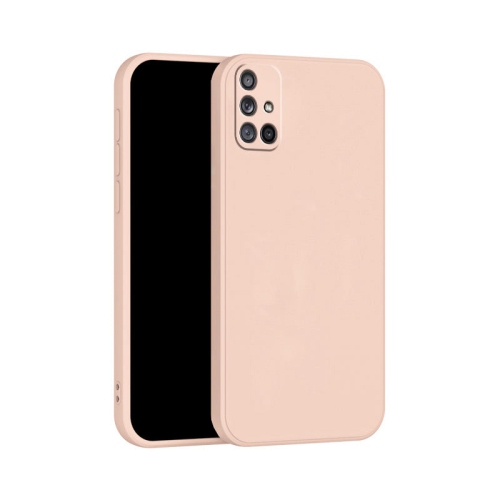
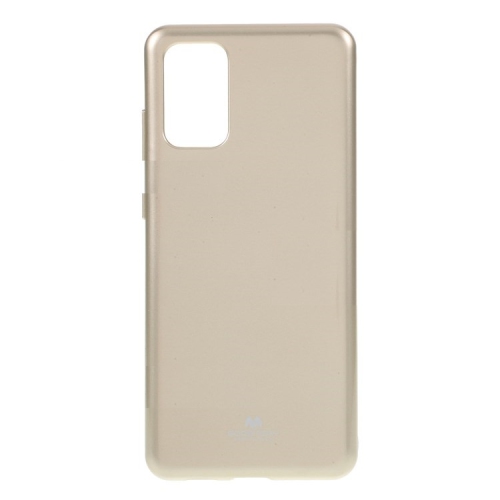
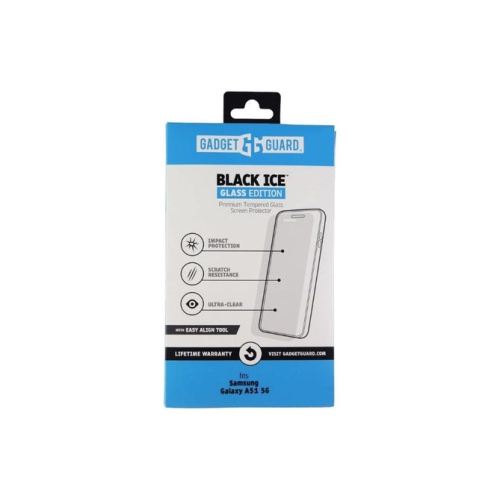
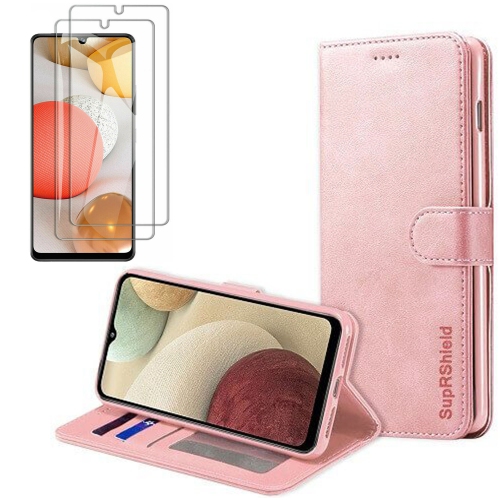
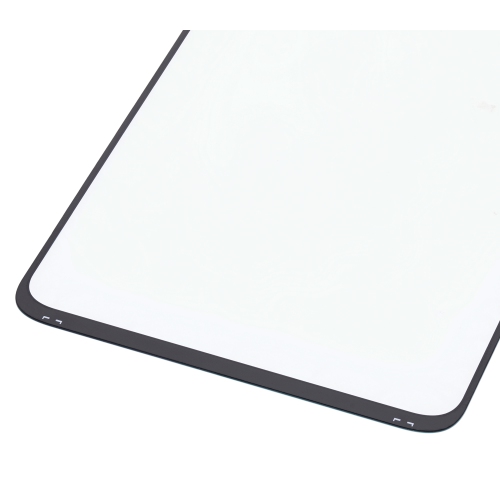
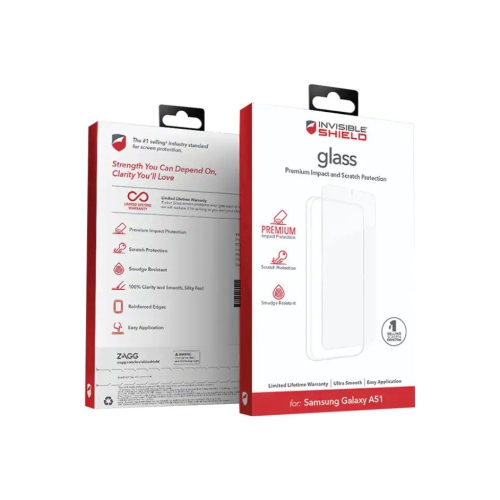
![GENERIC Screen Protector [2 Pack] for Samsung Galaxy A51 / A51 5G / A51 5G Uw [Case Friendly], Tempered Gl Film Cover](https://multimedia.bbycastatic.ca/multimedia/products/500x500/199/19944/19944136.jpeg)
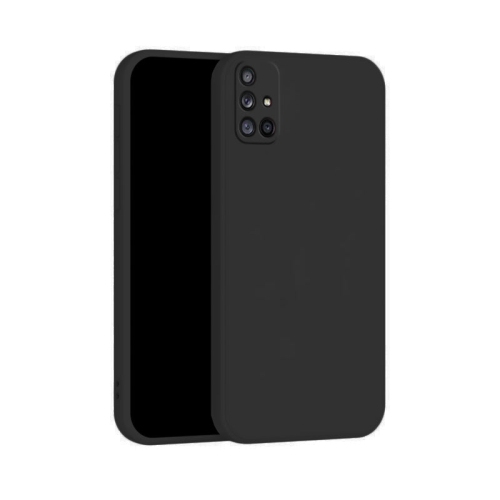
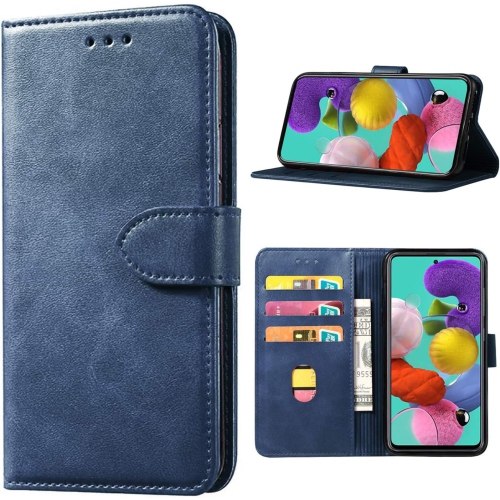
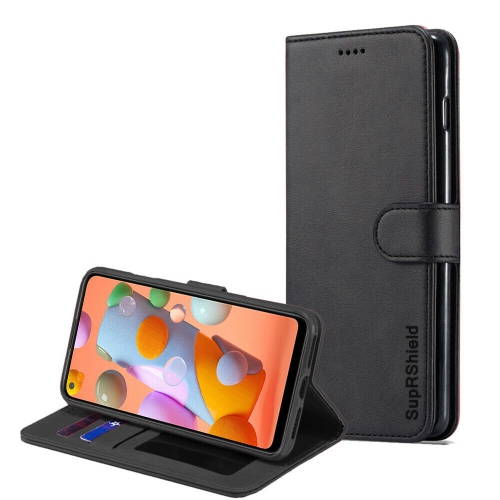
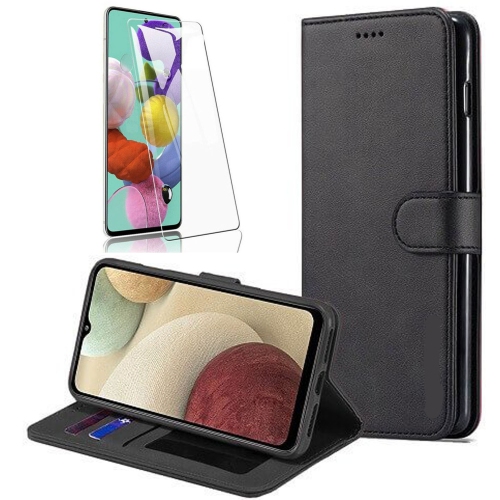
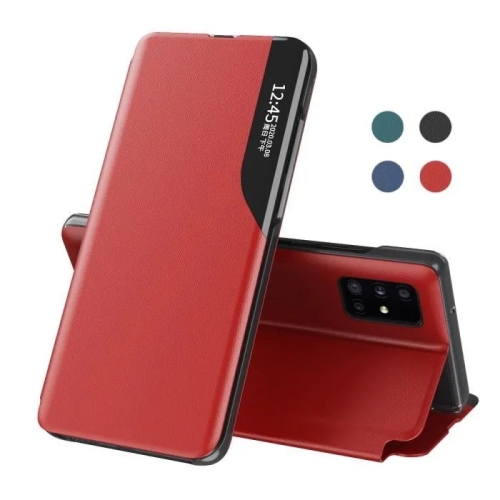
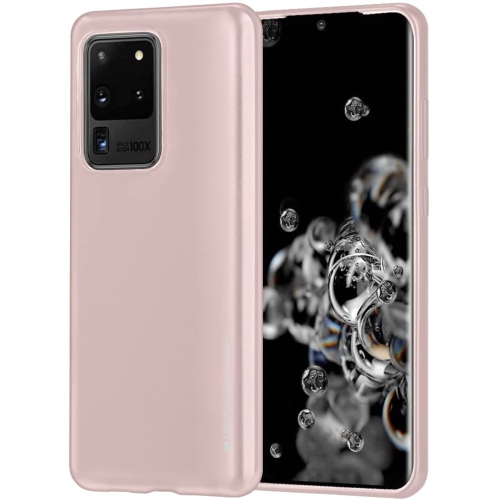
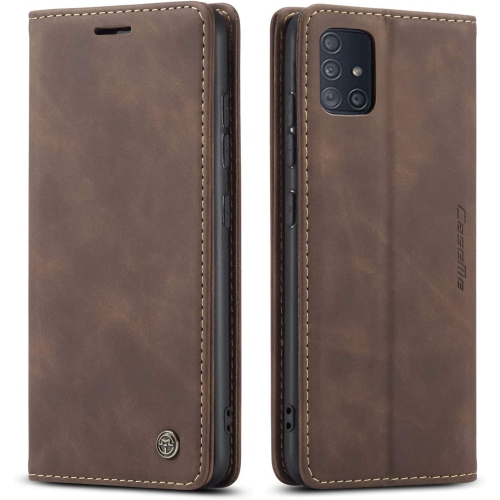
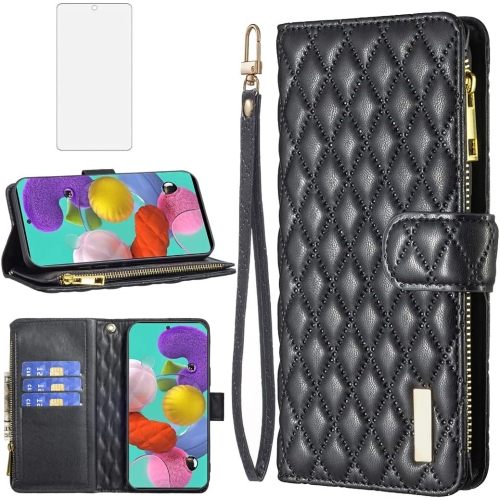
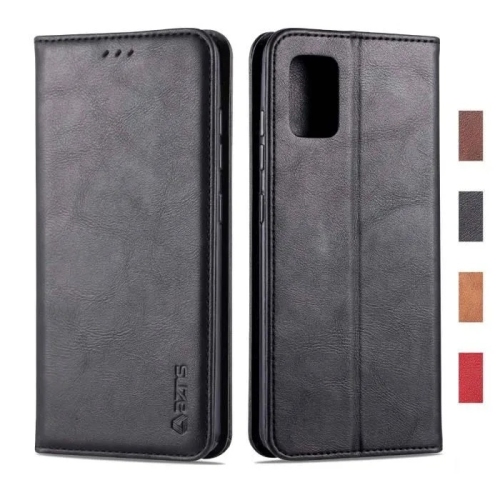
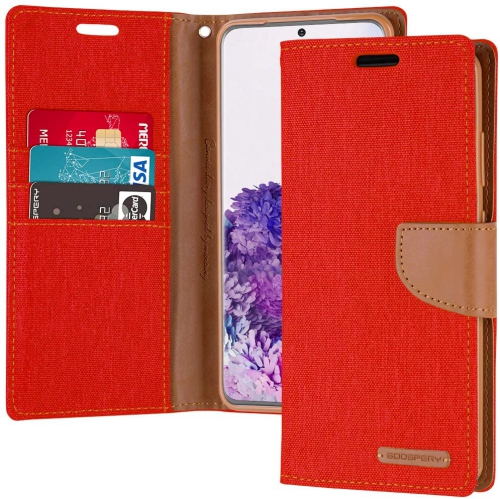
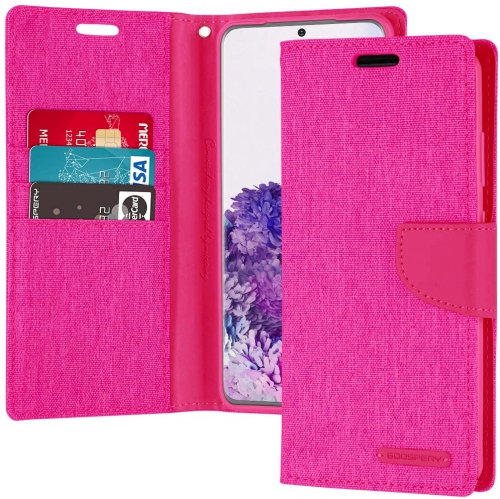
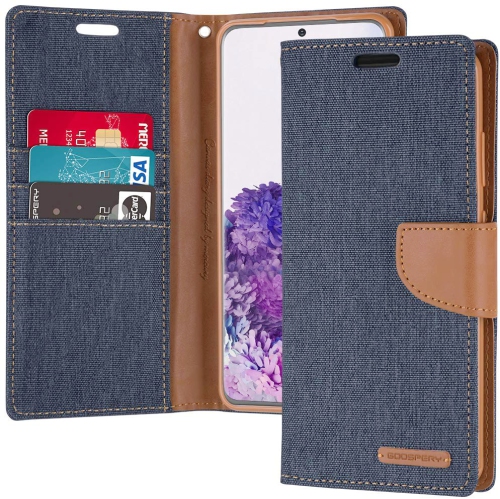
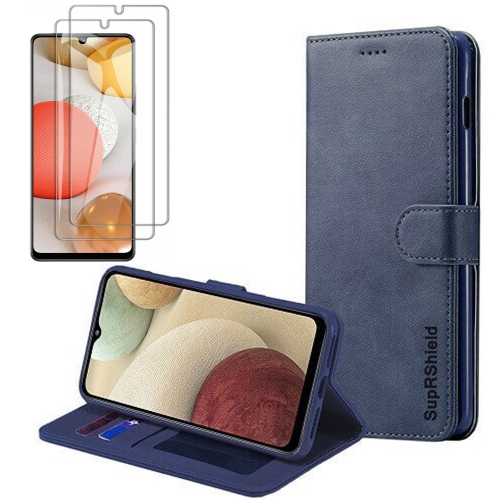
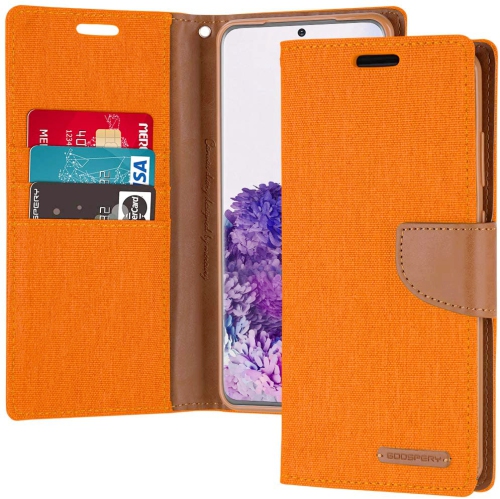
![CSMART [Cs] Samsung Galaxy A51 Case, Magnetic Leather Folio Wallet Flip Case Cover With Card Slot In Red](https://multimedia.bbycastatic.ca/multimedia/products/500x500/146/14691/14691675.jpeg)
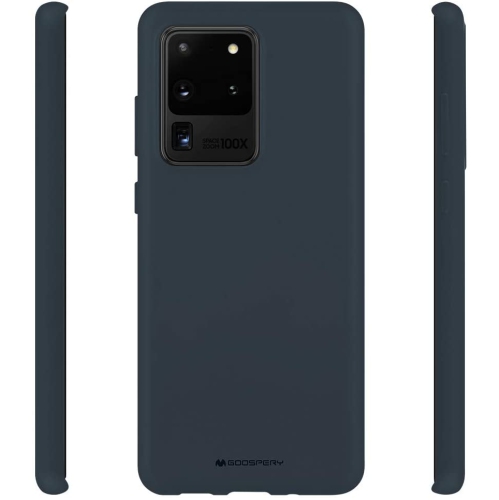
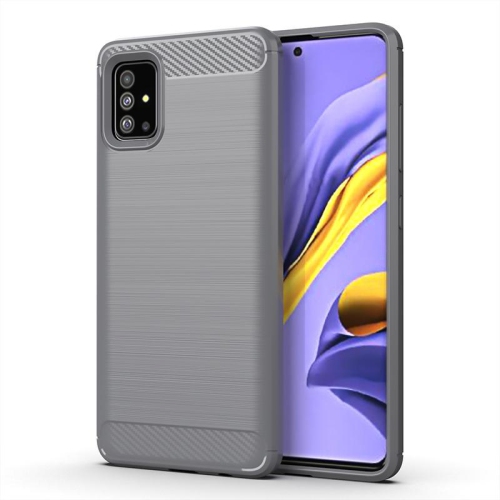
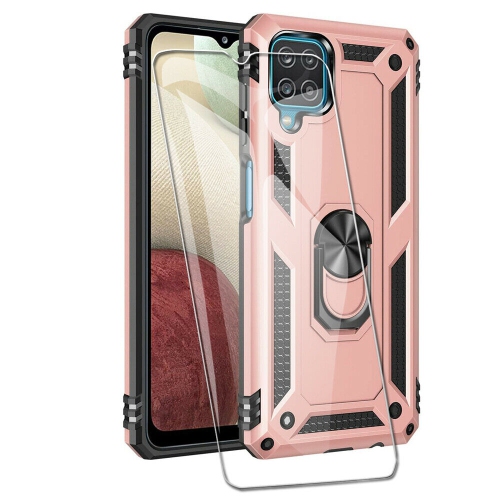
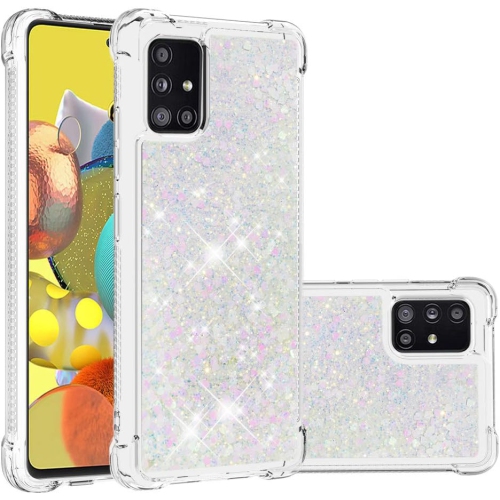
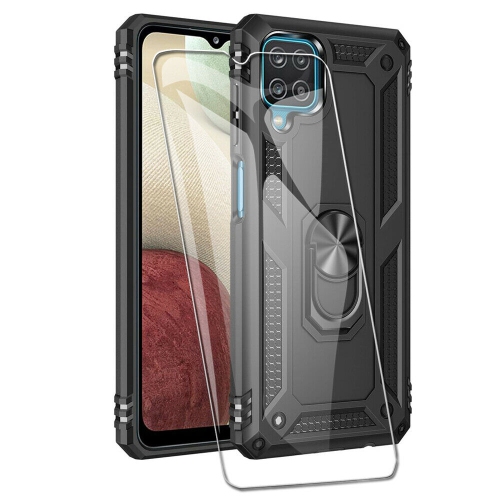
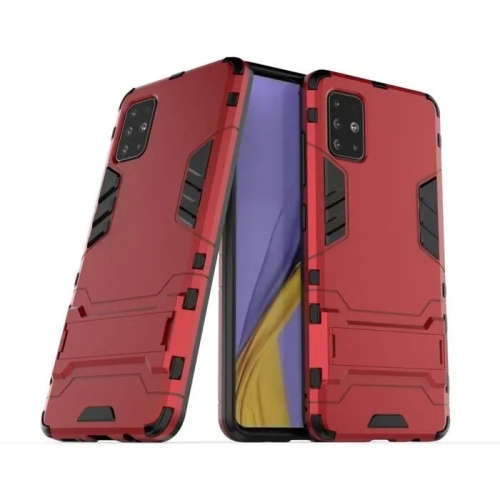
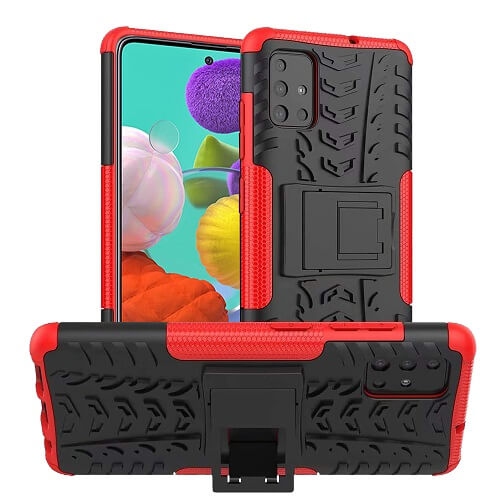
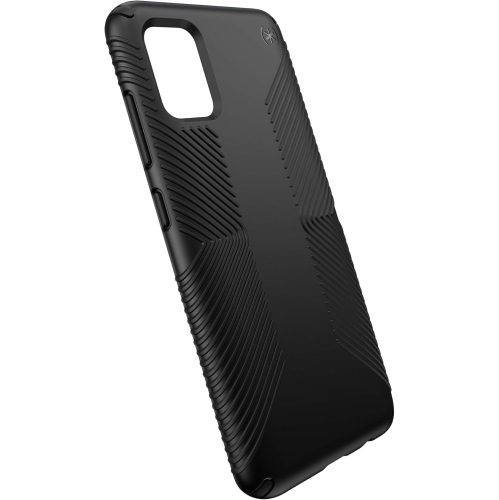
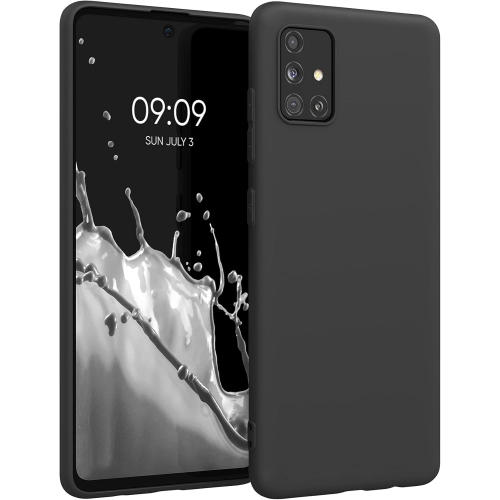
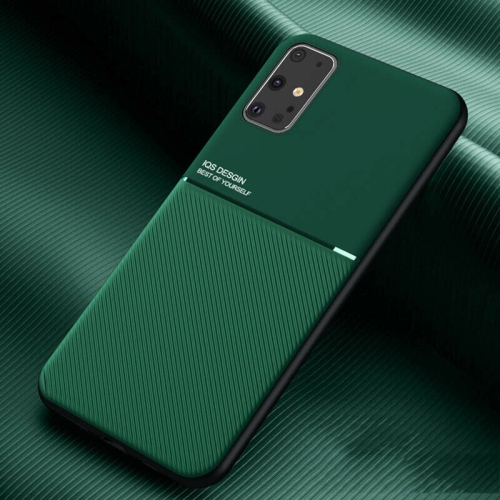
![GENERIC Defender Case for Samsung Galaxy A51 4G, Durable Hard Armor [Shockproof] Heavy Duty Cover (Pink)](https://multimedia.bbycastatic.ca/multimedia/products/500x500/200/20012/20012637.jpeg)
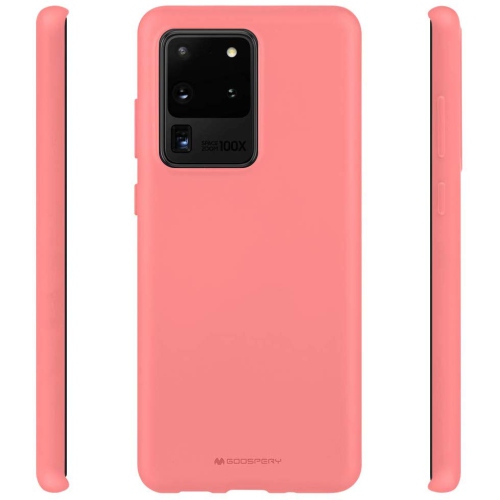
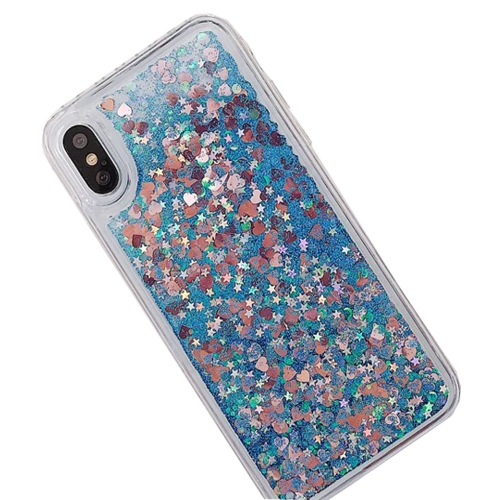
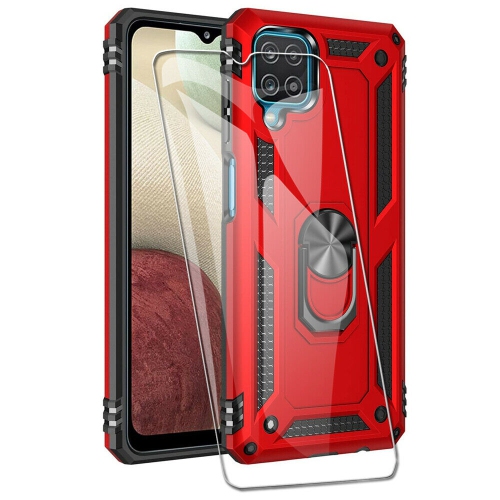
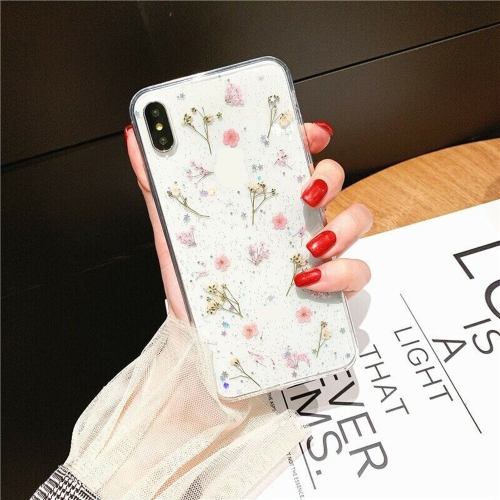
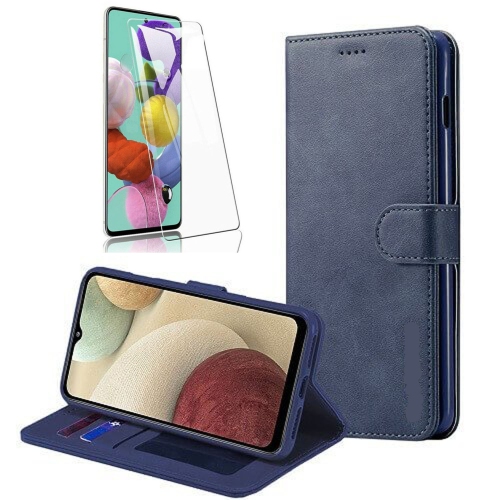
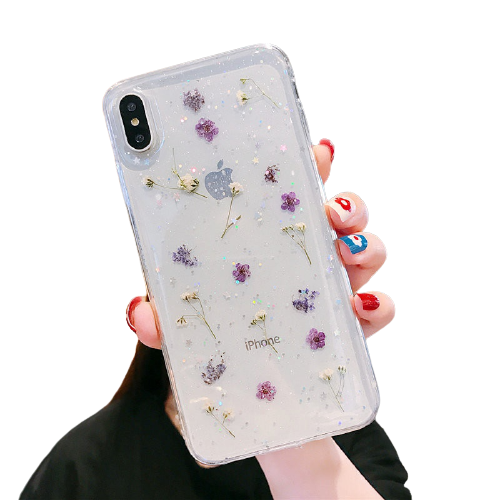
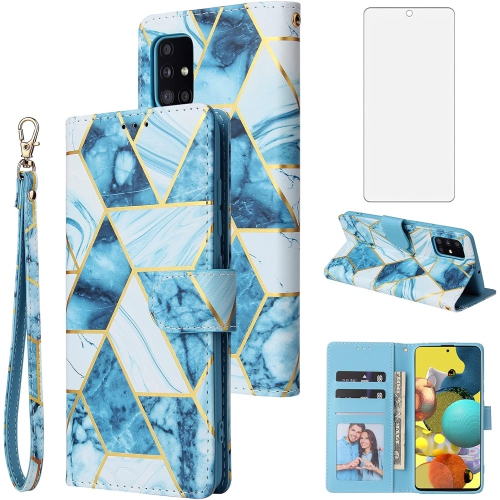
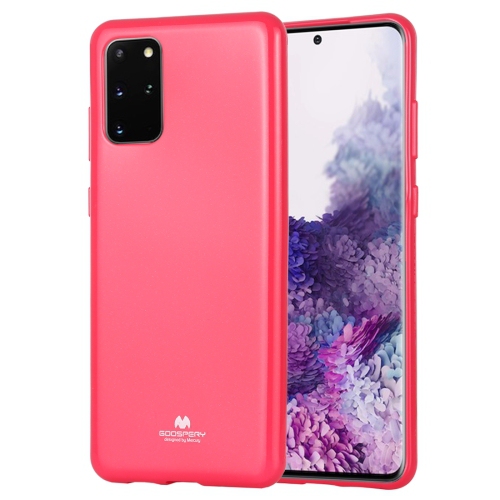
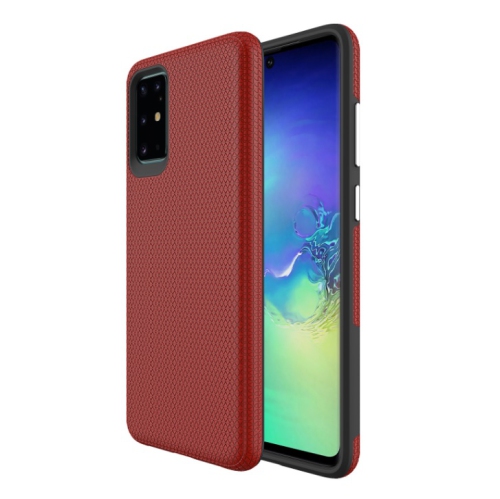
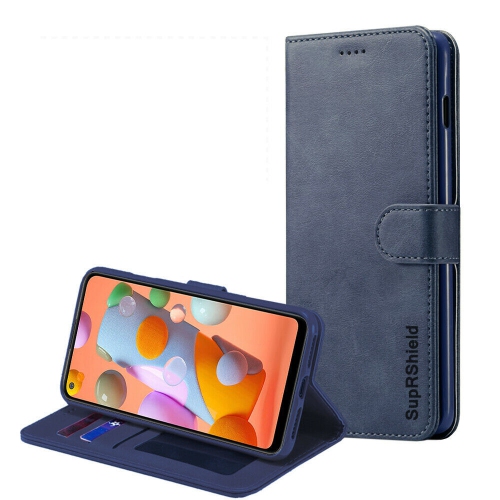
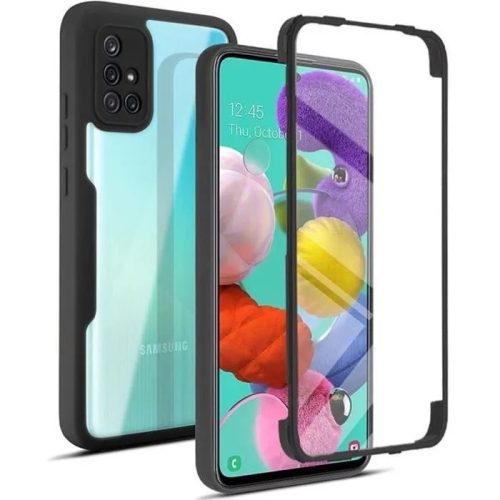

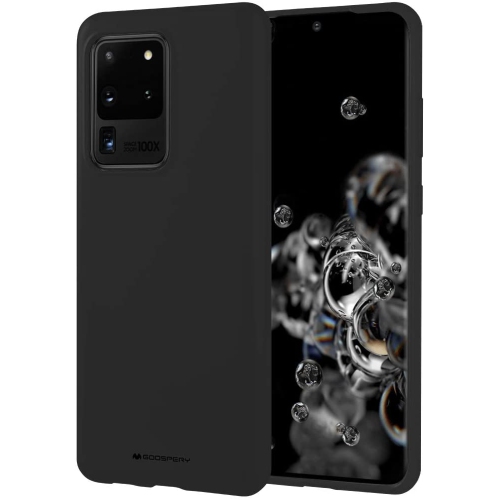
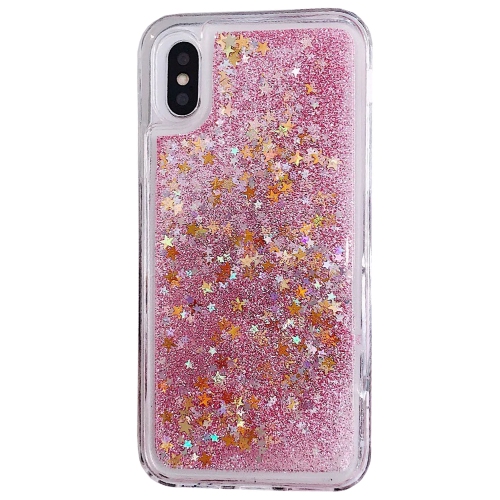
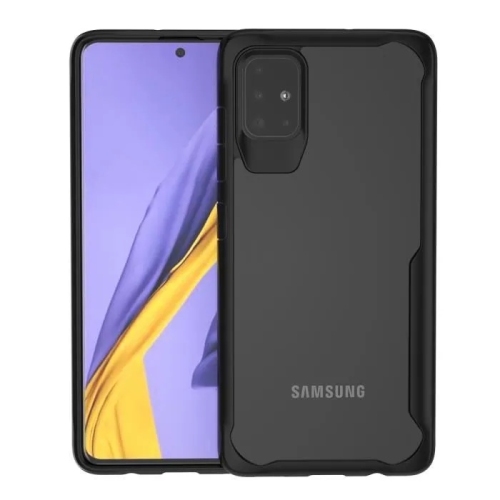
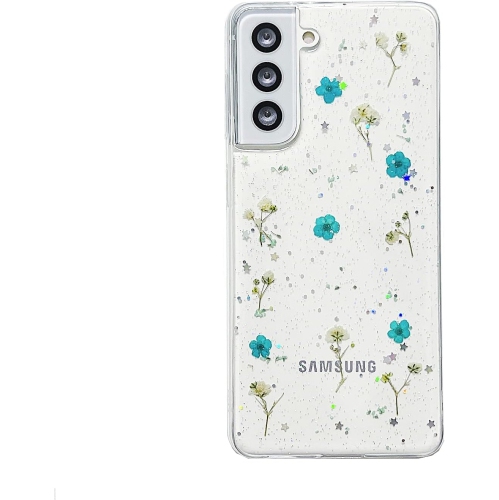
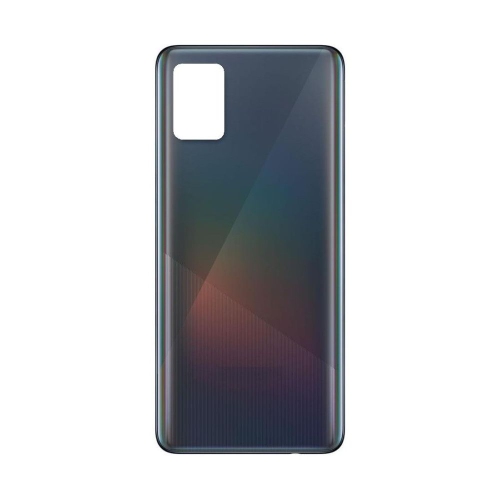
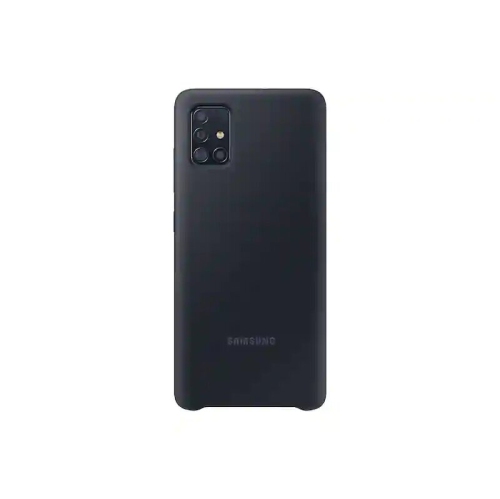
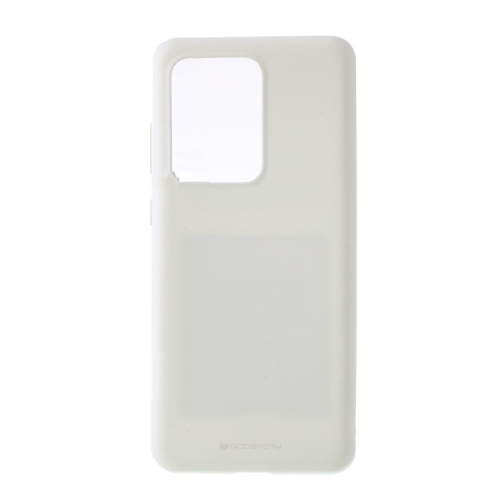
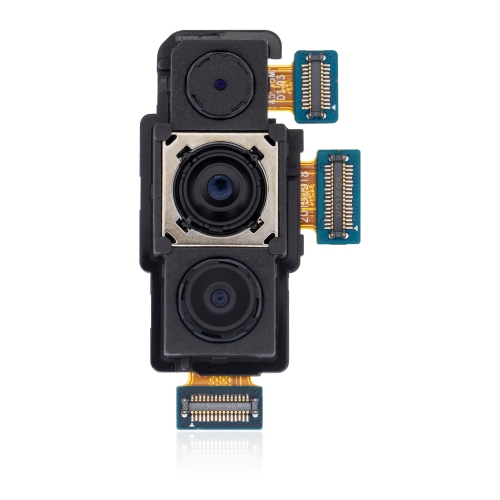
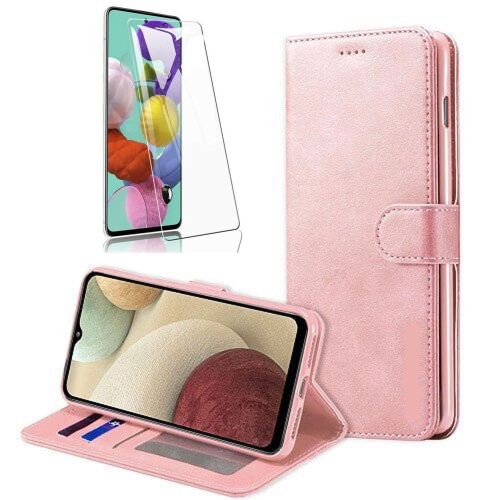
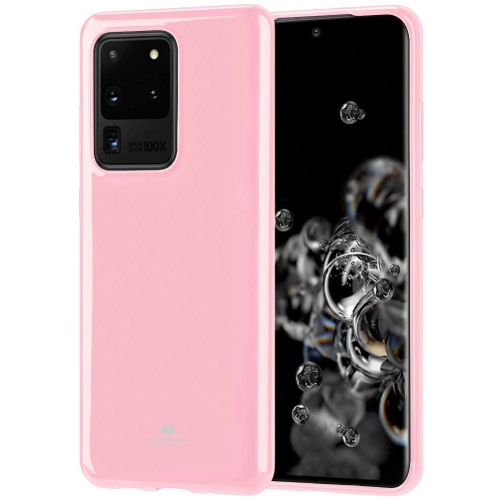
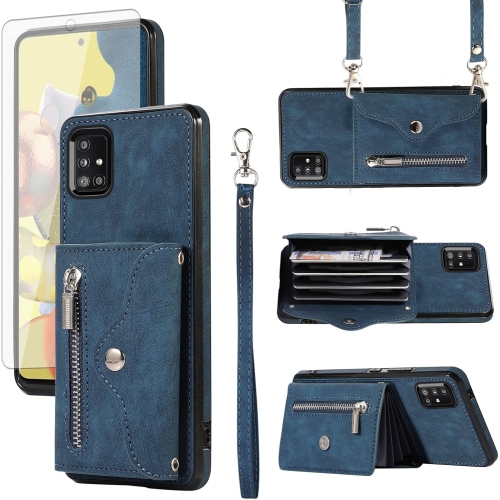
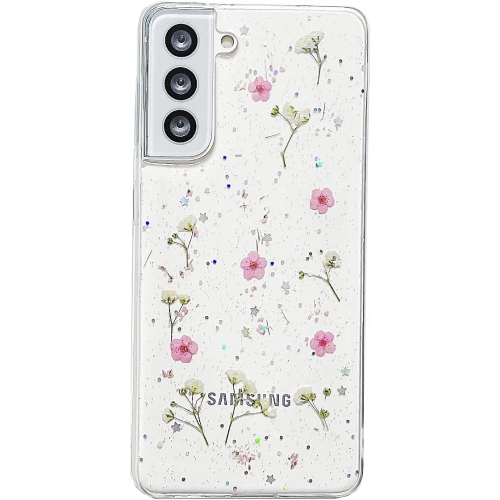
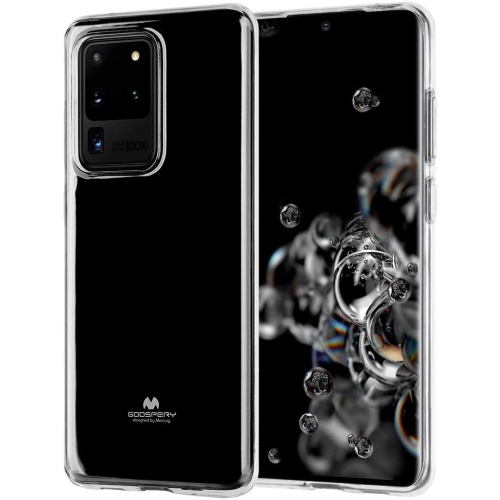
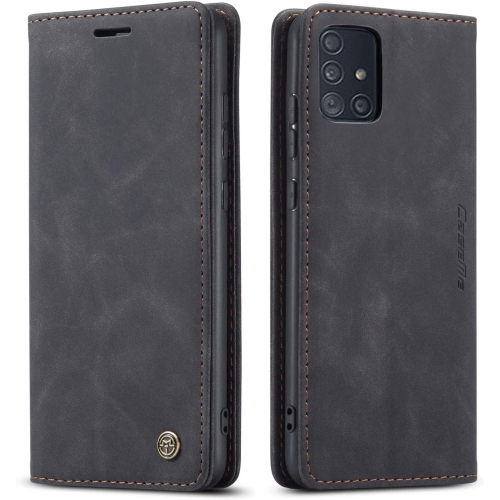
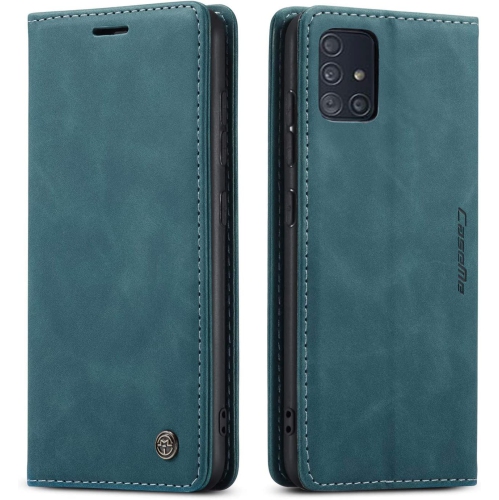
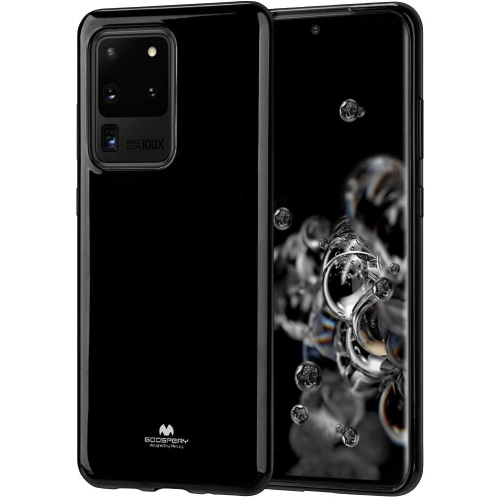
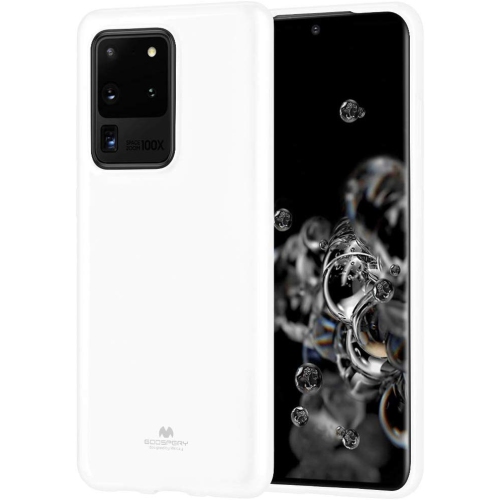
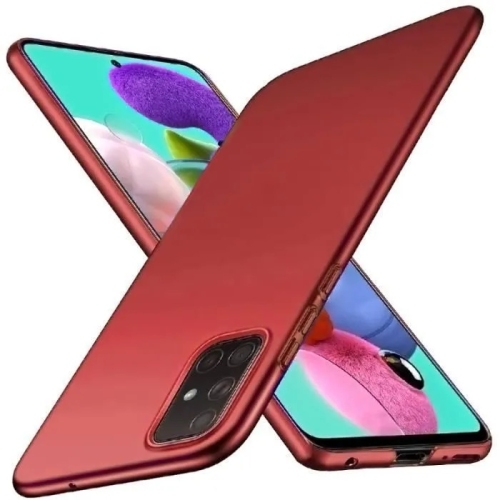
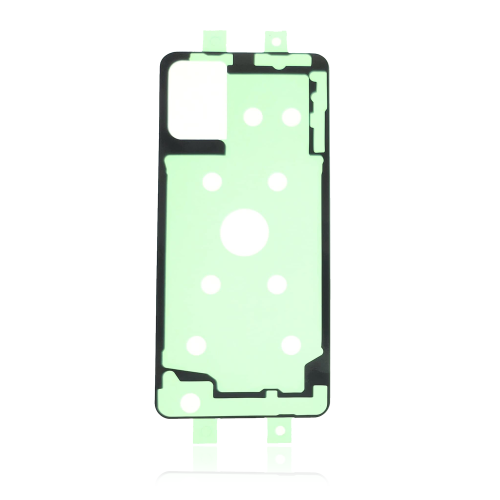
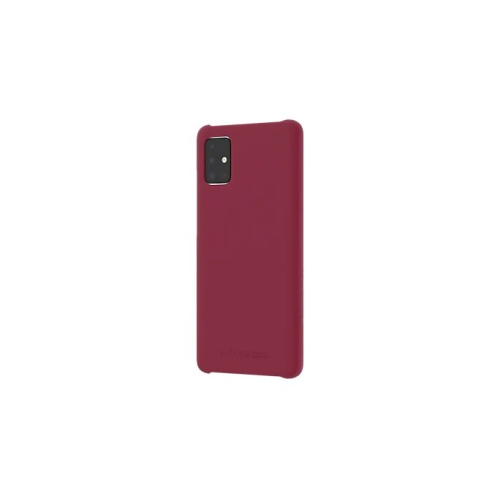
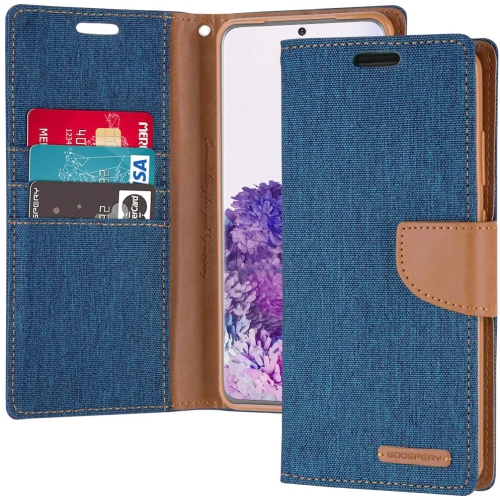
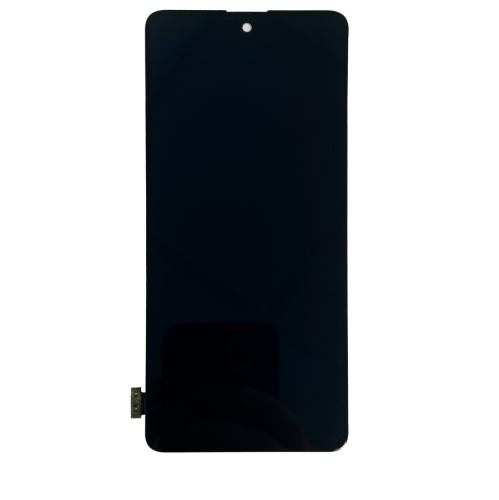
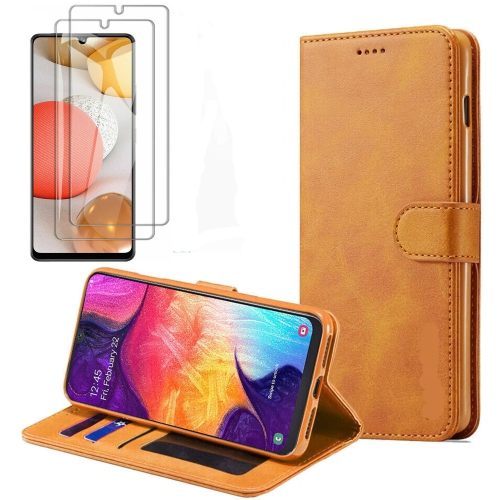
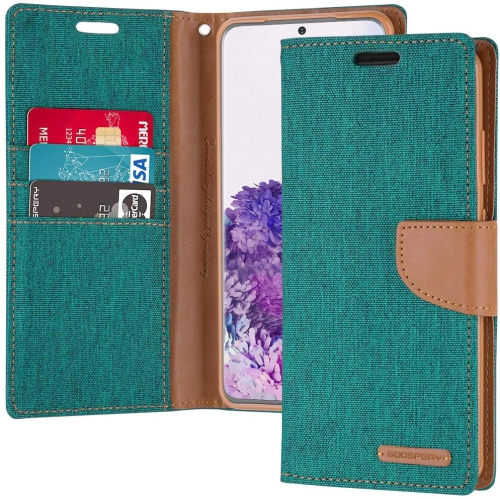
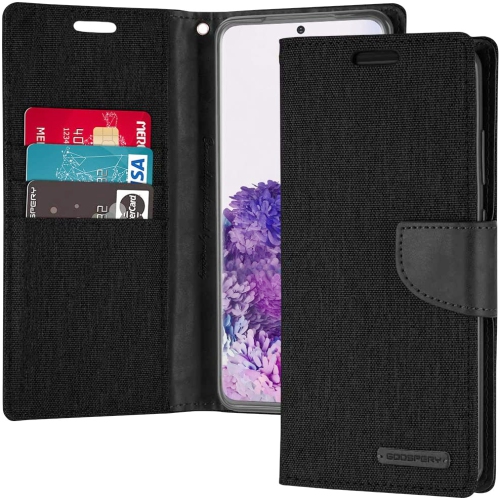
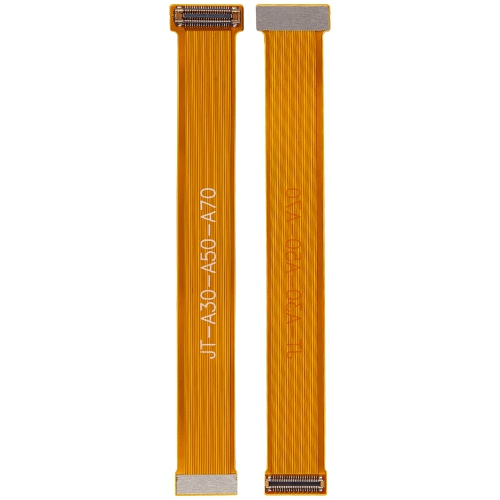
Everyday comfort goes beyond a large AMOLED screen
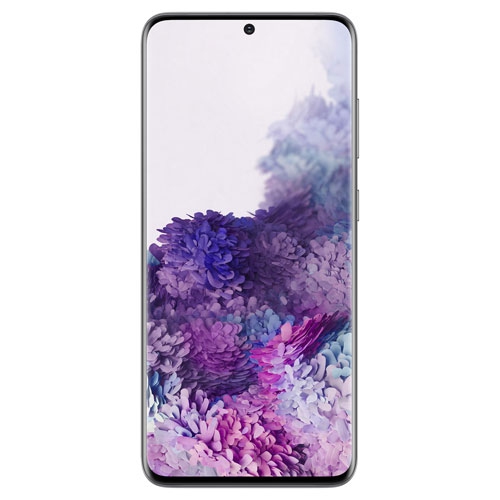
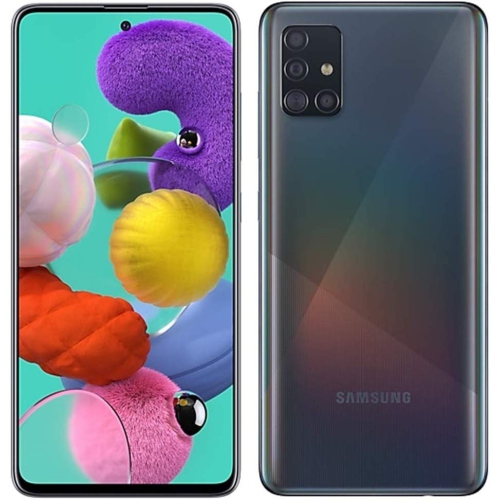
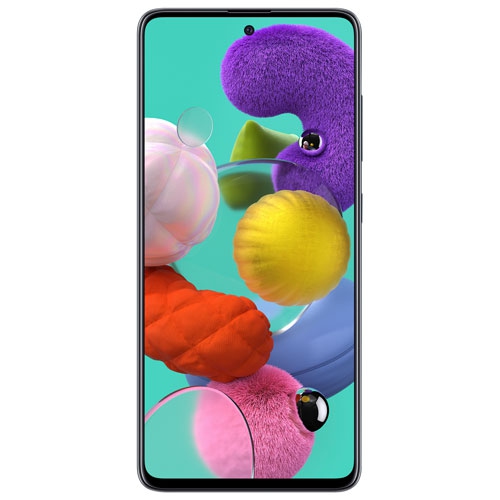
The Samsung Galaxy A51 is a mid-range smartphone introduced in 2019, featuring a 6.5-inch Super AMOLED display and a quad-camera rear system. Its large screen suits everyday activities such as reading messages, following transit directions, watching videos and viewing photos without moving to a larger device. AMOLED display technology produces deep blacks and strong contrast, which can make photographs and video scenes look rich and detailed. Screen size is only part of the experience, though: text settings, brightness adjustments and the way a phone sits in the hand all influence daily comfort. A larger display provides room for an on-screen keyboard and longer conversations, while the overall dimensions matter when carrying the phone in a trouser pocket or using it one-handed. The rear camera arrangement supports different types of photography, from fitting more of a gathering into the frame to capturing small details up close. For casual pictures, useful results depend on lighting, a clean lens and a steady grip as much as the number of cameras. A meal beside a window, a pet resting on the sofa or a handwritten note can each call for a different distance and angle. Video calls and front-facing photos are another part of everyday use, especially for keeping in touch with family or joining an informal group conversation. Storage capacity also shapes how comfortably a phone fits into a routine. Photos, downloaded music, messaging attachments and apps can gradually fill internal storage, so capacity and storage expansion support deserve attention alongside the display and cameras. For someone moving from a smaller or older handset, the appeal may be a more spacious screen and familiar smartphone functions rather than advanced features. Students, occasional photographers and people who mainly use calls, messages, maps and media may value that balance. Ease of reading, comfortable handling and compatibility with essential apps are often more meaningful than a long specification list, particularly when the phone is intended for straightforward daily use.
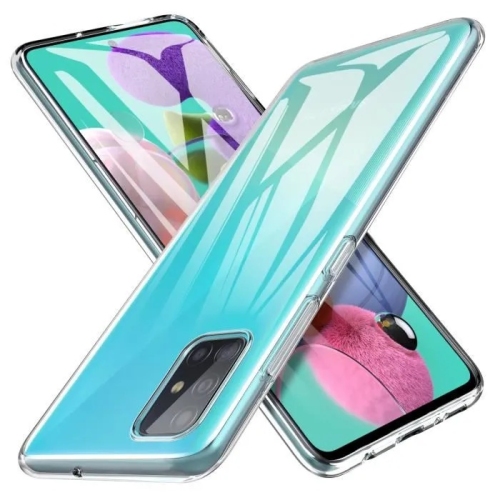
Physical condition is especially important when considering an older smartphone, whether it is pre-owned, refurbished or being passed along to another family member. Glass, plastic and protective finishes respond differently to everyday wear, and a phone that looks tidy from a distance may still have scratches around its charging port or marks on the camera lenses. Display condition affects more than appearance: scratches can catch the light, while uneven colour, persistent image marks or unresponsive areas can interfere with reading and typing. Battery condition is another practical consideration because capacity declines with age and use. A handset that comfortably handles short calls may need more frequent charging during navigation, video playback or a long afternoon away from an outlet. Actual battery life depends on screen brightness, signal strength, app activity and the condition of the battery itself. A protective case can improve grip and cushion minor knocks, but fit needs to match the exact handset version. Similar model names do not guarantee that the camera openings, buttons and charging port will line up. Slim cases slip into pockets more easily, while thicker designs add bulk in exchange for greater coverage around edges and corners. Raised edges can help keep the screen or camera area from resting directly against a flat surface, although no case makes a phone damage-proof. Screen protectors also need the correct dimensions and alignment to avoid covering sensors or interfering with touch response. Daily care can stay simple: a soft, lint-free cloth removes fingerprints, and keeping grit away from pockets and bags helps reduce abrasion. Liquid should not be sprayed directly onto the device, and moisture near a charging connection can cause problems. Charging accessories need compatible connections and appropriate electrical specifications, with intact cables and secure plugs. For a phone used at a desk, beside a bed or during a commute, reliable charging and a comfortable case can make a noticeable difference without changing how the handset works.
Network compatibility and software support help determine whether an older smartphone is a suitable match for its next owner. The exact model number matters, since handsets sold in different regions can differ in cellular band support, SIM arrangements and other details. An unlocked phone still needs to work with the intended Canadian carrier, including the carrier’s requirements for voice calling over LTE. Carrier acceptance and support for essential calling features matter more than a general statement that a phone connects to a mobile network. Wi-Fi and Bluetooth also play familiar roles, connecting the handset to home internet, wireless headphones, speakers and compatible vehicle systems. For people who rely on particular accessories, the relevant connection types and compatibility requirements are worth considering together. Software age deserves equal attention. A phone may continue making calls and taking photos after regular security updates have ended, but that does not make it equally suitable for every task. Banking, workplace access and other sensitive activities depend on security requirements as well as app compatibility. The installed software version, the date of the last security update and the requirements of essential apps provide a more useful picture than age alone. Account status also matters when a device changes hands: previous accounts and activation locks need to be removed before another person can complete setup. Moving contacts, photographs and messages is generally easier when the existing phone has a recent backup and account details are accessible. As a gift or family hand-me-down, a smartphone works best when it matches the recipient’s habits, comfort with touch controls and expectations for battery life. Someone who mainly wants clear text and dependable communication may have different priorities from someone who records lengthy videos or uses demanding games. The related Samsung Galaxy A52 provides another point of comparison within the same phone family. Across generations, differences in screen features, camera capabilities, physical dimensions and software support can matter more than a familiar-looking exterior. Matching those details to everyday needs helps keep the focus on a phone that feels practical to carry, comfortable to use and suited to its intended tasks.
Physical condition is especially important when considering an older smartphone, whether it is pre-owned, refurbished or being passed along to another family member. Glass, plastic and protective finishes respond differently to everyday wear, and a phone that looks tidy from a distance may still have scratches around its charging port or marks on the camera lenses. Display condition affects more than appearance: scratches can catch the light, while uneven colour, persistent image marks or unresponsive areas can interfere with reading and typing. Battery condition is another practical consideration because capacity declines with age and use. A handset that comfortably handles short calls may need more frequent charging during navigation, video playback or a long afternoon away from an outlet. Actual battery life depends on screen brightness, signal strength, app activity and the condition of the battery itself. A protective case can improve grip and cushion minor knocks, but fit needs to match the exact handset version. Similar model names do not guarantee that the camera openings, buttons and charging port will line up. Slim cases slip into pockets more easily, while thicker designs add bulk in exchange for greater coverage around edges and corners. Raised edges can help keep the screen or camera area from resting directly against a flat surface, although no case makes a phone damage-proof. Screen protectors also need the correct dimensions and alignment to avoid covering sensors or interfering with touch response. Daily care can stay simple: a soft, lint-free cloth removes fingerprints, and keeping grit away from pockets and bags helps reduce abrasion. Liquid should not be sprayed directly onto the device, and moisture near a charging connection can cause problems. Charging accessories need compatible connections and appropriate electrical specifications, with intact cables and secure plugs. For a phone used at a desk, beside a bed or during a commute, reliable charging and a comfortable case can make a noticeable difference without changing how the handset works.
Network compatibility and software support help determine whether an older smartphone is a suitable match for its next owner. The exact model number matters, since handsets sold in different regions can differ in cellular band support, SIM arrangements and other details. An unlocked phone still needs to work with the intended Canadian carrier, including the carrier’s requirements for voice calling over LTE. Carrier acceptance and support for essential calling features matter more than a general statement that a phone connects to a mobile network. Wi-Fi and Bluetooth also play familiar roles, connecting the handset to home internet, wireless headphones, speakers and compatible vehicle systems. For people who rely on particular accessories, the relevant connection types and compatibility requirements are worth considering together. Software age deserves equal attention. A phone may continue making calls and taking photos after regular security updates have ended, but that does not make it equally suitable for every task. Banking, workplace access and other sensitive activities depend on security requirements as well as app compatibility. The installed software version, the date of the last security update and the requirements of essential apps provide a more useful picture than age alone. Account status also matters when a device changes hands: previous accounts and activation locks need to be removed before another person can complete setup. Moving contacts, photographs and messages is generally easier when the existing phone has a recent backup and account details are accessible. As a gift or family hand-me-down, a smartphone works best when it matches the recipient’s habits, comfort with touch controls and expectations for battery life. Someone who mainly wants clear text and dependable communication may have different priorities from someone who records lengthy videos or uses demanding games. The related Samsung Galaxy A52 provides another point of comparison within the same phone family. Across generations, differences in screen features, camera capabilities, physical dimensions and software support can matter more than a familiar-looking exterior. Matching those details to everyday needs helps keep the focus on a phone that feels practical to carry, comfortable to use and suited to its intended tasks.
Top selling and popular products
-
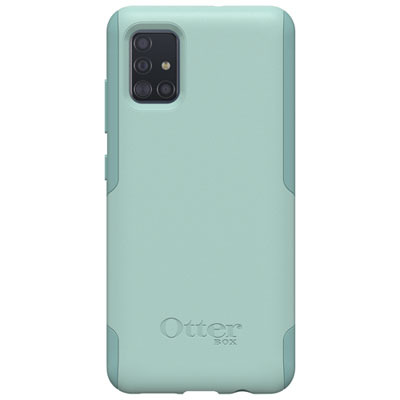 Your price for this item is $19.97
 -
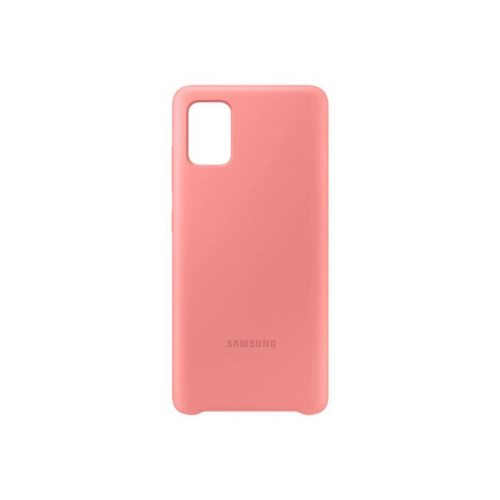 Your price for this item is $62.25
 -
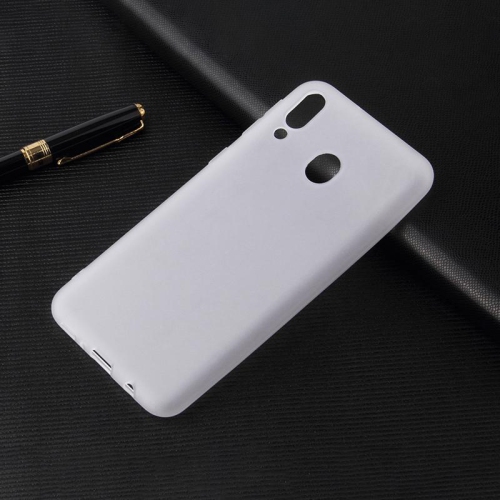 Your price for this item is $9.99
 -
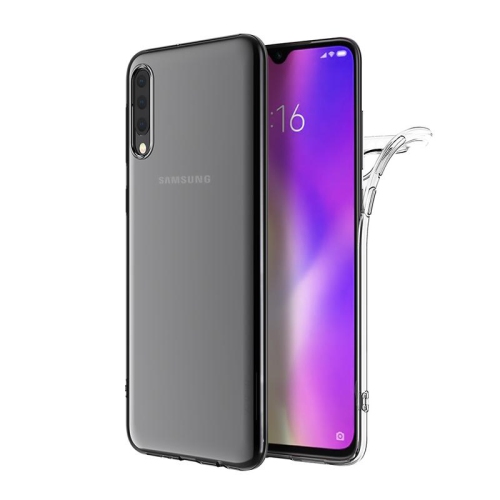 Your price for this item is $9.99
 -
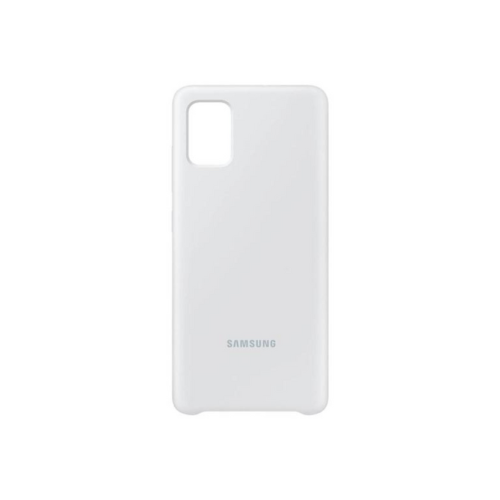 Your price for this item is $48.75
 -
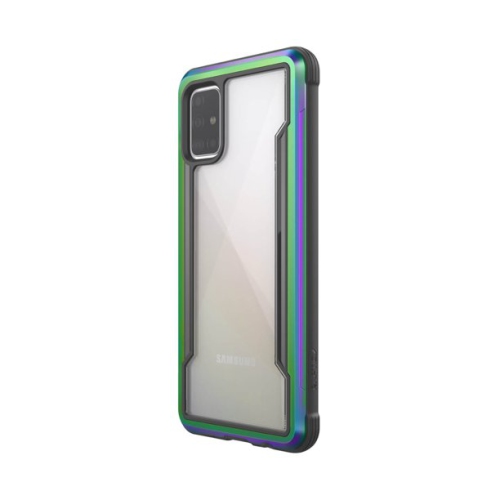 Your price for this item is $13.55
 -
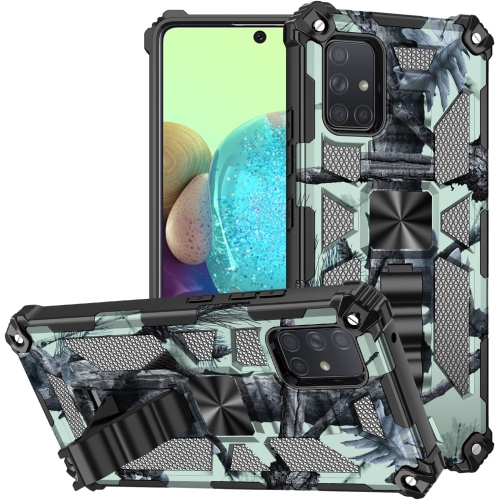 Your price for this item is $6.99
 -
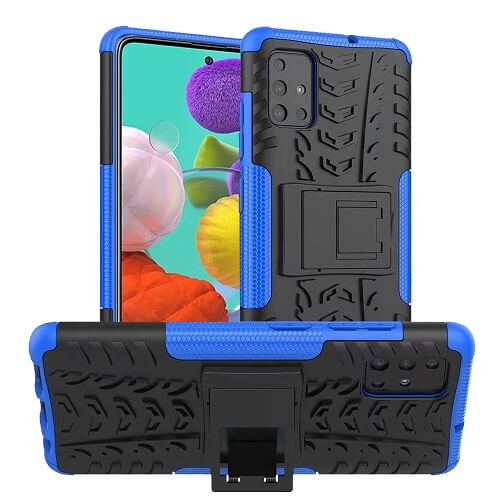 Your price for this item is $3.99
Discover more categories related to Samsung Galaxy A51
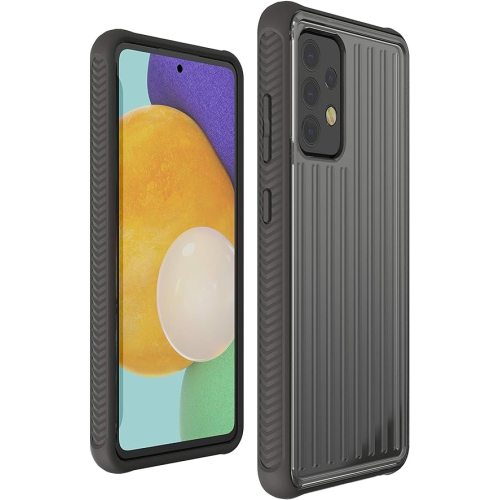
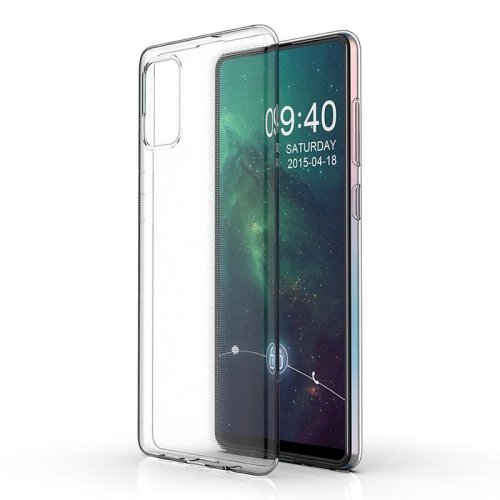
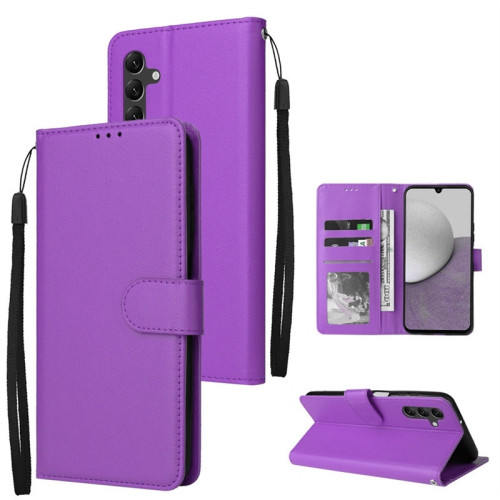
Top Collections:
Pokemon Centers, Kindle Devices, Best Budget Office Chairs, Canon G7X Cameras, Apple iPhones 16, Samsung Galaxy Phones, Refurbished Apple Laptops, Laptops for Students, iPhone 15 Apple, Budget Smartphones
Some products may be subject to Environmental Handling Fees
(EHF) depending on your province.
Learn more about EHFs.